On this page
A creator's CMS has to do more than publish posts, it has to grow an audience and turn readers into paying members. The eight tools below cover blogging, newsletters and paid memberships, with prices from four dollars a month to three hundred dollars a month. Every price was checked on the vendor site on November 27, 2026, and most offer a free plan or trial. WordPress.com is our first pick — the most flexible CMS for creators, with a free plan and a path from a first post to a full membership site.
How we researched this
We started with the CMS tools creators actually publish on, then read each price on the vendor pricing page on November 27, 2026 and noted where the entry plan lacks the CMS or paid memberships. We judged them for a creator who writes, sends newsletters and sells memberships without hiring a developer. We left out quote-only enterprise CMS platforms that a solo creator cannot price without a sales call.
Compare the tools
| Name | Best for | Starting price | Free plan | |
|---|---|---|---|---|
 WordPress.com | Creators who want the most flexible CMS with a free start | $4/month | Free plan | Visit |
| Ghost | Creators who sell paid newsletters and memberships | $15/month | No free plan; 14-day free trial | Visit |
 Framer | Creators who want a designed site with no code | $10/month | Free plan | Visit |
 Webflow | Creators who want full design control with a real CMS | $25/month | Free Starter plan | Visit |
 Squarespace | Creators who want beautiful templates with selling built in | $19/month | No free plan; 14-day free trial | Visit |
 Wix | Creators who want an easy drag-and-drop builder with a free start | $17/month | Free plan | Visit |
 Duda | Creators and small agencies that manage client sites | $19/month | No free plan; 14-day free trial | Visit |
 Contentful | Creators and teams that publish across many channels | $300/month | Free tier | Visit |
The cms software for creators, compared
1. WordPress.com
Best for: Creators who want the most flexible CMS with a free start
Paid tool Starting price: $4/month · Four dollars a month billed yearly for the Personal plan in the first year, renewing at five dollars a month; monthly billing costs nine dollars a month, and a three-year term costs two dollars seventy-five a month. The Personal plan is the cheapest paid tier, with higher plans adding plugins and commerce
Free plan: Free plan
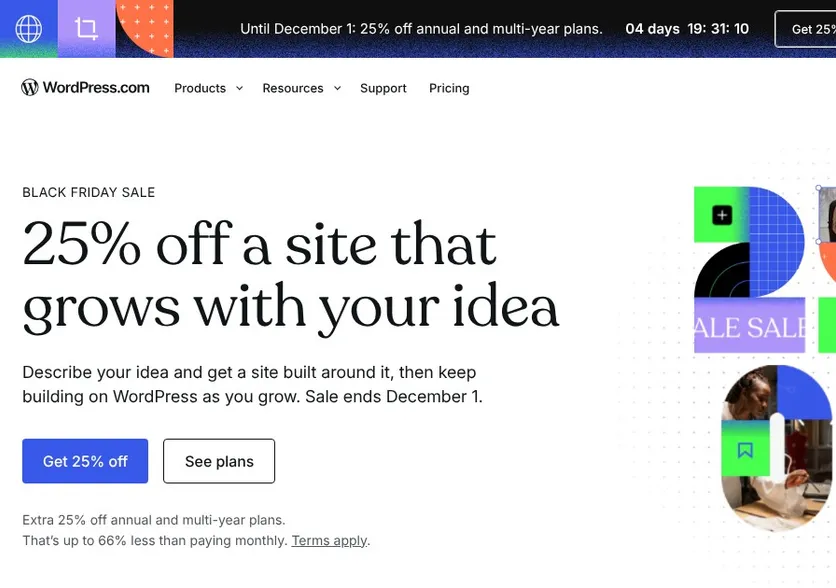
WordPress.com is the hosted version of the world's most popular CMS, pairing a free plan with paid tiers that add themes, plugins and commerce. This WordPress.com Personal plan costs four dollars a month billed yearly in the first year and covers a custom domain with no ads, so a creator gets the biggest theme and plugin ecosystem anywhere, with a path from a free blog to a membership site.
What we like
- Largest theme and plugin ecosystem
- Free plan to start with no card
- Scales from blog to membership site
Watch out for
- Introductory price renews higher at five dollars
- Plugins need the higher Business plan
How to try it
- Open the WordPress.com site and create a free site
- Pick a theme and publish your first post
- Upgrade to Personal for a custom domain and no ads
2. Ghost
Best for: Creators who sell paid newsletters and memberships
Paid tool Starting price: $15/month · Fifteen dollars a month billed yearly for the Ghost Pro Starter plan, or eighteen dollars billed monthly, for up to one thousand members and one staff user, with no paid subscriptions; Publisher costs twenty-nine dollars a month billed yearly and adds paid memberships. Ghost raised prices with Ghost 6.0 in August 2025, from nine dollars to fifteen
Free plan: No free plan; 14-day free trial
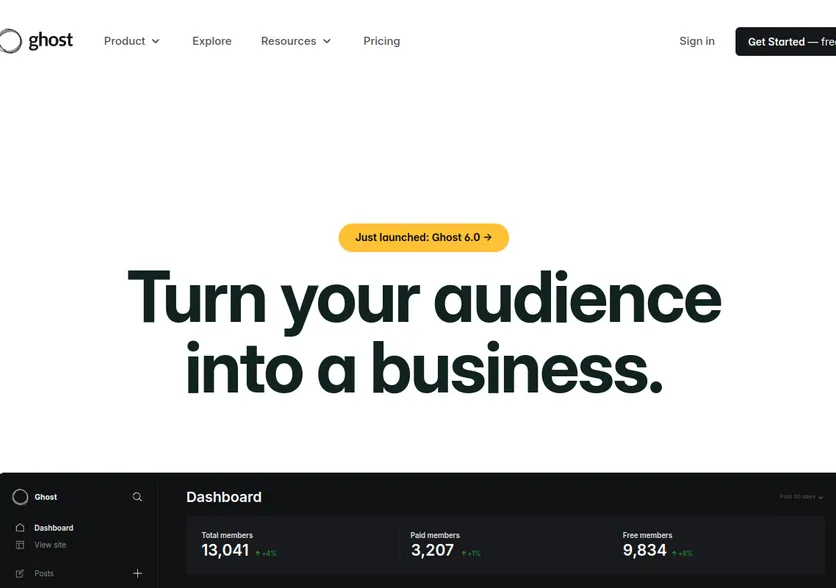
Ghost is the CMS built for independent publishers, pairing a fast blog with newsletters and paid memberships in one product. This Ghost Starter plan costs fifteen dollars a month billed yearly and covers up to one thousand members with unlimited posts. A creator gets a clean editor, email newsletters and member management without plugins or ads.
What we like
- Newsletters and memberships built in
- Fast, clean editor with no bloat
- No fees on member payments
Watch out for
- Starter has no paid subscriptions, Publisher does
- Fewer themes than WordPress
How to try it
- Open the Ghost site and start the 14-day trial
- Import your posts and set up your publication
- Turn on memberships and send your first newsletter
3. Framer
Best for: Creators who want a designed site with no code
Paid tool Starting price: $10/month · Ten dollars a month billed yearly for the Basic plan per site, or fifteen dollars billed monthly; Pro costs thirty dollars a month, and the Scale plan was retired in June 2026
Free plan: Free plan
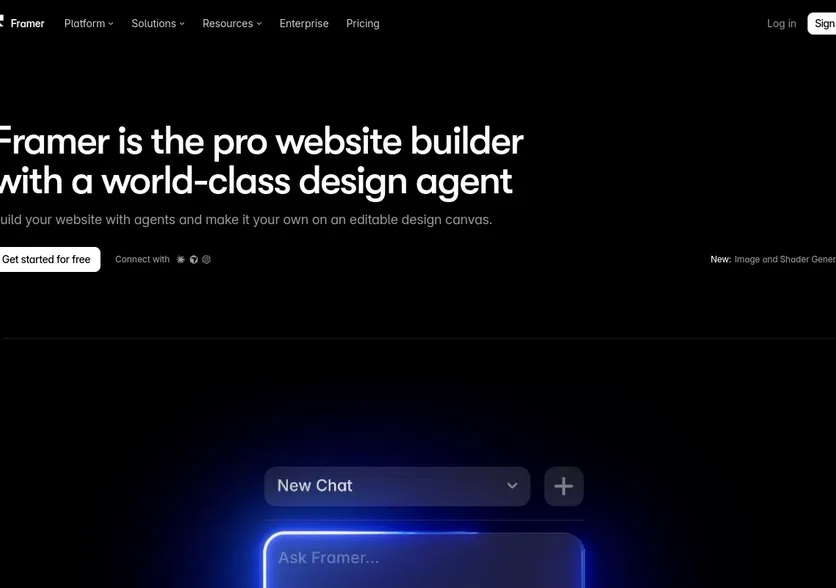
Framer is the website builder that turns a Figma-style canvas into a live site, with a CMS for blogs and content pages. This Framer Basic plan costs ten dollars a month billed yearly per site and covers the CMS with custom domains. A creator gets a polished, animated site that looks designed, with no code and no plugins to maintain.
What we like
- Design-led canvas with no code
- Fast, polished sites out of the box
- Free plan for getting started
Watch out for
- Priced per site, so several sites add up
- Smaller plugin ecosystem than WordPress
How to try it
- Open the Framer site and create a free account
- Pick a template and design your pages on the canvas
- Add CMS collections and publish to your domain
4. Webflow
Best for: Creators who want full design control with a real CMS
Paid tool Starting price: $25/month · Twenty-five dollars a month billed yearly for the Premium site plan, or thirty-nine dollars billed monthly; Basic costs fifteen dollars a month billed yearly but has no CMS. Premium is the first plan with the CMS, and the old CMS and Business plans were replaced in May 2026
Free plan: Free Starter plan
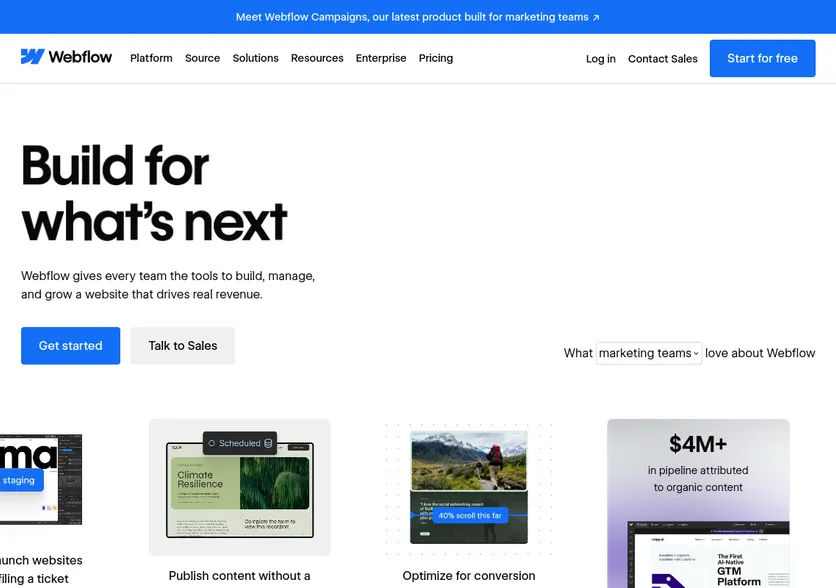
Webflow pairs a visual designer with a real CMS, so a creator can build a custom blog layout without writing code. This Webflow Premium plan costs twenty-five dollars a month billed yearly and covers the CMS with up to two thousand items. A creator gets pixel-level design control and a content model that scales from a blog to a full publication.
What we like
- Full design control with a real CMS
- Clean, fast hosting included
- Strong fit for portfolio-led creators
Watch out for
- Premium is the first plan with a CMS
- Steeper learning curve than Squarespace
How to try it
- Open the Webflow site and create a free account
- Design your blog layout on the canvas
- Add CMS collections and publish your site
5. Squarespace
Best for: Creators who want beautiful templates with selling built in
Paid tool Starting price: $19/month · Nineteen dollars a month billed yearly for the Basic plan, or twenty-five dollars billed monthly; Core costs twenty-nine dollars, Plus costs forty-nine and Advanced costs ninety-nine dollars a month. The plans were renamed in 2026, Personal became Basic and Business became Core
Free plan: No free plan; 14-day free trial
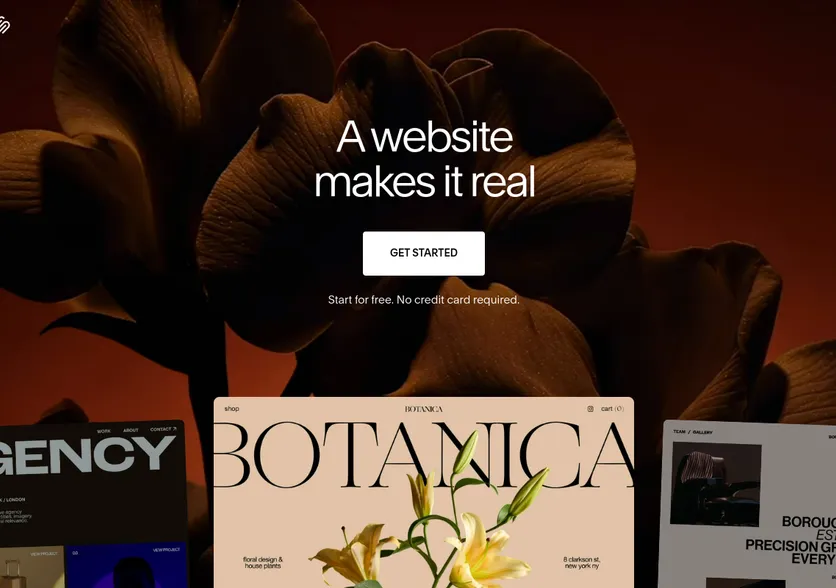
Squarespace is the all-in-one website builder for creators who want beautiful templates, blogging and selling in one subscription. This Squarespace Basic plan costs nineteen dollars a month billed yearly and covers unlimited pages with built-in SEO and a free custom domain. A creator gets a polished site with courses, memberships and a store ready when the audience grows.
What we like
- Best-looking templates in this comparison
- Selling and memberships built in
- Free custom domain for a year
Watch out for
- No free plan, only a trial
- Less flexible than WordPress for plugins
How to try it
- Open the Squarespace site and start the 14-day trial
- Pick a template and publish your first posts
- Add memberships or a store when your audience grows
6. Wix
Best for: Creators who want an easy drag-and-drop builder with a free start
Paid tool Starting price: $17/month · Seventeen dollars a month billed yearly for the Light plan, or twenty-four dollars billed monthly; Core costs twenty-nine dollars, Business costs thirty-nine and Business Elite costs one hundred fifty-nine dollars a month
Free plan: Free plan
Wix is the drag-and-drop website builder with a free plan and hundreds of templates for blogs, portfolios and stores. This Wix Light plan costs seventeen dollars a month billed yearly and covers a custom domain with two gigabytes of storage. A creator gets the easiest builder here, with AI tools that draft pages and posts.
What we like
- Easiest drag-and-drop builder here
- Free plan with hundreds of templates
- AI tools for drafting pages
Watch out for
- Light plan storage is only two gigabytes
- Templates cannot be switched after launch
How to try it
- Open the Wix site and create a free site
- Pick a template and add your blog
- Upgrade to Light for a custom domain and no ads
7. Duda
Best for: Creators and small agencies that manage client sites
Paid tool Starting price: $19/month · Nineteen dollars a month billed yearly for the Basic plan, or twenty-five dollars billed monthly, for one site and three team seats; Team costs twenty-nine dollars, Agency costs fifty-two and White Label costs one hundred forty-nine dollars a month
Free plan: No free plan; 14-day free trial
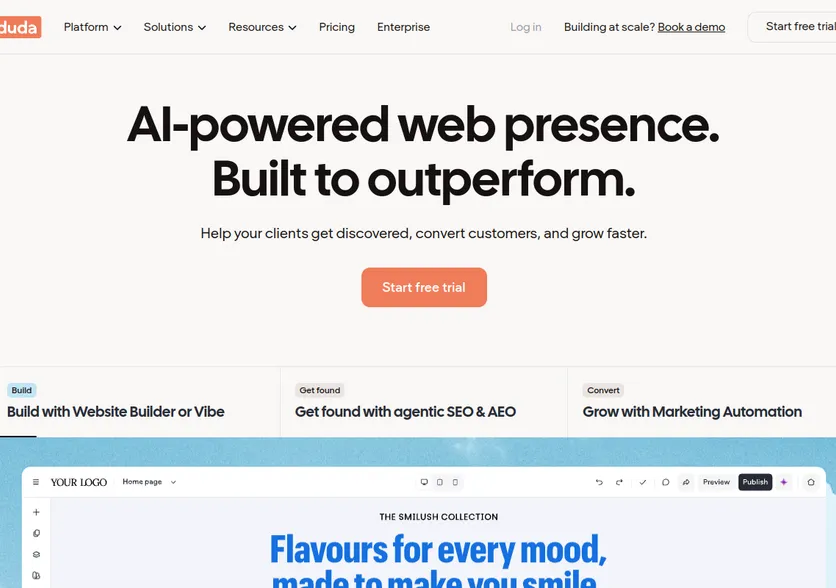
Duda is the website builder built for professionals who manage sites for clients, with team seats and white-label options. This Duda Basic plan costs nineteen dollars a month billed yearly and covers one site with three team seats and unlimited storage. A creator who also builds for clients gets client management and white-label tools that the other builders charge extra for.
What we like
- Built for managing client sites
- White-label options on higher plans
- Unlimited storage and bandwidth
Watch out for
- Aimed at agencies more than solo creators
- Basic covers only one site
How to try it
- Open the Duda site and start the 14-day trial
- Build your site and add your team
- Publish to your domain and manage clients from the dashboard
8. Contentful
Best for: Creators and teams that publish across many channels
Paid tool Starting price: $300/month · Three hundred dollars a month flat for the Lite plan, formerly called Basic; the Free tier costs nothing, and Enterprise is priced by quote. A Lite Space add-on costs eight hundred fifty dollars a month
Free plan: Free tier
Contentful is the headless CMS that stores content once and publishes it to websites, apps and newsletters from one place. This Contentful Lite plan costs three hundred dollars a month flat and covers the content platform with roles and locales. A creator with several channels gets one content hub instead of a separate CMS for each site.
What we like
- One hub for every channel
- Strong content modeling and locales
- Free tier for getting started
Watch out for
- Three hundred dollars a month is steep for solo creators
- Needs a developer to connect a front end
How to try it
- Open the Contentful site and create a free account
- Model your content types for posts and pages
- Connect your site or app and publish from one hub
Prices above were checked on each vendor’s own website on Nov 27, 2026 and can change — the vendor’s page is the final word. Vendor links are editorial: nobody paid to be listed or ranked here. Vendors who want a featured listing can see how it works on our Get listed page.
What a creator CMS costs in 2026
Creator CMS pricing splits into two camps, the cheap hosted builders and the headless platforms that cost ten times more. A nineteen-dollar builder covers a blog, a domain and a store, while a three-hundred-dollar headless plan only makes sense when one team publishes to many channels. Pick the camp that matches your audience, not the one with the longest feature list.
Start on the free plan or trial and publish five real posts. Check that the editor feels fast, that newsletters send cleanly, and that memberships take payment without a plugin. Pick the CMS whose editor you enjoy opening every day, because a tool you dread becomes a blog you abandon.
Before you buy
- Check whether the entry plan includes the CMS, because some builders sell a site plan with no content tools at all.
- Ask how paid memberships are charged, because some platforms take a cut of every subscription on top of the plan.
- Test the editor on a real post, because a clumsy editor slows every article you will ever write.
- Confirm you can export your content, because a CMS that locks posts behind an export fee traps your archive.
- Count the sites in the price, because per-site billing turns a cheap plan into a big bill for a second blog.
Official websites
Official websites of the products reviewed above. Features and prices were checked against these sites when this guide was written, and they can change, so confirm on the vendor site before you buy.
Frequently asked questions
Which CMS is best for creators in 2026?
WordPress.com is the best overall pick at four dollars a month in the first year, with the largest theme and plugin ecosystem and a free plan to start. Ghost is the best choice for paid newsletters and memberships at fifteen dollars a month, with no fees on member payments. Framer is the best budget design pick at ten dollars a month for creators who want a polished site with no code.
How much does a CMS for creators cost?
Prices in this list run from four dollars a month for WordPress.com Personal to three hundred dollars a month for Contentful Lite, with most creator tools landing between ten and twenty-five dollars a month. Free plans cover WordPress.com, Wix, Framer, Webflow and Contentful, so a new creator can start without paying. Paid memberships and stores usually need a higher plan.
Can a creator monetize with a cheap CMS plan?
Yes, on most tools here. Ghost Publisher adds paid memberships at twenty-nine dollars a month, Squarespace Basic includes selling from nineteen dollars a month, and WordPress.com supports memberships on higher plans. Check whether the platform takes a cut of each payment, because a transaction fee can cost more than the plan itself over a year.
What is the difference between WordPress.com and Ghost?
WordPress.com is the flexible all-rounder, with the biggest theme and plugin library and a free plan, but plugins need the higher Business plan. Ghost is the focused publisher, with newsletters and memberships built in and no fees on payments, but fewer themes and no plugin store. Choose WordPress.com for flexibility and Ghost for a clean publishing business.
Is there a free CMS for creators?
Yes, several tools in this list have free plans. WordPress.com, Wix, Framer, Webflow and Contentful all offer free tiers, and Ghost, Squarespace and Duda offer fourteen-day free trials. Free plans limit storage, members or custom domains, so check the caps before you build your whole site on one.
Need everyday developer help too? Try Toolsvine's free developer tools right in your browser.
Browse Developer Tools tools