
On this page
A website in one language reaches only a slice of the internet, and freelancers lose clients every day because their site cannot speak to the visitor. The best multilingual website builder tools translate your pages, switch languages automatically and keep your search rankings in every market. We checked seven options live on their own pricing pages, from a ten-dollar translation service to a full website builder with multilingual support. ConveyThis is our top pick for most freelancers: it costs ten dollars a month, works on any platform, and the free plan covers a real small site.
How we researched this
We read each vendor's own pricing page on 26 November 2026 and kept only tools with a published dollar price. We used list prices throughout and favoured tools that cover different needs, from a freelancer translating one small site to an agency building multilingual sites for clients.
Compare the tools
| Name | Best for | Starting price | Free plan | |
|---|---|---|---|---|
| Weglot | Teams that want the fastest multilingual setup with SEO included | $17/month | Free plan at $0 with 2,000 words and 1 language; 14-day trial | Visit |
| ConveyThis | Freelancers who need the cheapest translation service with a free tier | $10/month | Free plan at $0 with 10,000 words and 1 language, no card | Visit |
| Bablic | Marketing sites with steady traffic that want predictable pricing | $19/month | No free plan; 30-day free trial, no credit card | Visit |
| Webflow Localize | Sites already built in Webflow that need native localization | $9/month | Free Starter site plan; Localize is a paid add-on | Visit |
 Duda | Freelancers and agencies building multilingual sites for clients | $19/month | No free plan; 14-day free trial, no credit card | Visit |
 Squarespace | Design-led businesses that want one vendor for the whole site | $19/month | No free plan; 14-day free trial | Visit |
 Strikingly | Small businesses that want the simplest multilingual one-page site | $49/month | Free plan with unlimited free sites; paid plans add custom domains | Visit |
The 7 best multilingual website builder tools for freelancers
1. Weglot
Best for: Teams that want the fastest multilingual setup with SEO included
Paid tool Starting price: $17/month · Starter is $17 a month (vendor shows 15 euros with a $17 USD estimate; prices are charged in euros and VAT is excluded). Business is $32 and Pro is $87 a month. Free is $0 for 2,000 words and 1 language.
Free plan: Free plan at $0 with 2,000 words and 1 language; 14-day trial
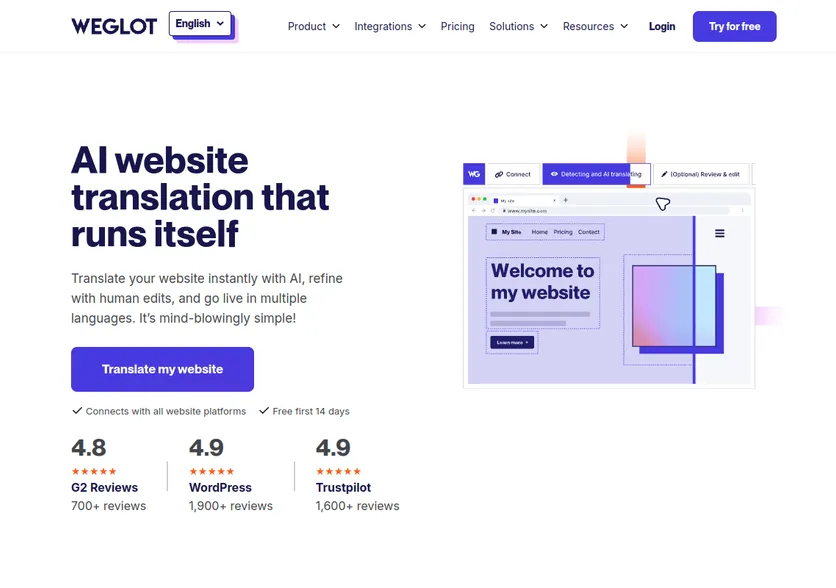
Weglot is the translation service for teams that want a multilingual site without rebuilding it: add a snippet, pick your languages, and every page gets translated with a visual editor for fixes. Starter costs seventeen dollars a month for ten thousand words and one language, and the free plan covers two thousand words for a small test site. It is the pick when you want the fastest path from one language to many, with multilingual SEO included.
What we like
- Fastest setup on this list, minutes to multilingual
- Visual editor for fixing translations in context
- Free plan covers a small site at no cost
Watch out for
- Prices are charged in euros, USD is an estimate
- Word limits are fixed and do not renew monthly
How to try it
- Add the Weglot snippet to your site and pick your languages
- Let the AI translate, then fix key pages in the visual editor
- Turn on multilingual SEO so each language gets indexed
2. ConveyThis
Best for: Freelancers who need the cheapest translation service with a free tier
Paid tool Starting price: $10/month · Starter is $10 a month billed $120 a year, or $12 a month billed monthly, for 60,000 words and 1 language. Business is $20 a month billed yearly. Free is $0 for 10,000 words and 1 language.
Free plan: Free plan at $0 with 10,000 words and 1 language, no card
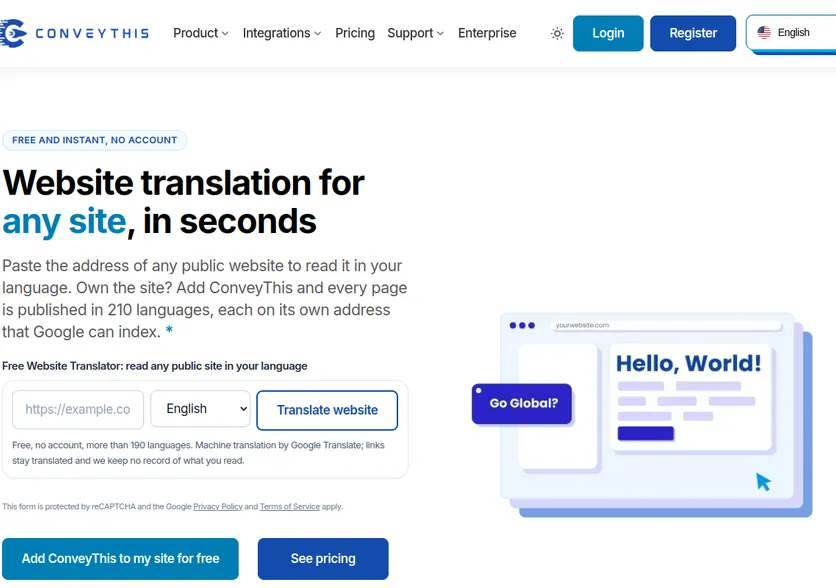
ConveyThis turns any website multilingual in minutes with a JavaScript snippet, automatic translation, a visual editor and language switchers for more than thirty-five platforms. Starter costs ten dollars a month billed yearly for sixty thousand words and one language, and the free plan covers ten thousand words with no card required. It is the pick for freelancers who need the cheapest real translation service with a genuine free tier.
What we like
- Cheapest paid plan on this list at ten dollars
- Genuine free plan with ten thousand words
- Works on more than thirty-five platforms
Watch out for
- Starter covers only one language
- Higher plans jump in price quickly
How to try it
- Install the plugin or add the JavaScript snippet
- Pick your languages and let it translate automatically
- Edit translations in the visual editor and publish
3. Bablic
Best for: Marketing sites with steady traffic that want predictable pricing
Paid tool Starting price: $19/month · Go is $19 a month billed monthly for 1 language and 1 user. Core is $49 and Pro is $199 a month. Pricing is based on monthly translated page visits, not words. Every plan includes a 30-day free trial with no card.
Free plan: No free plan; 30-day free trial, no credit card
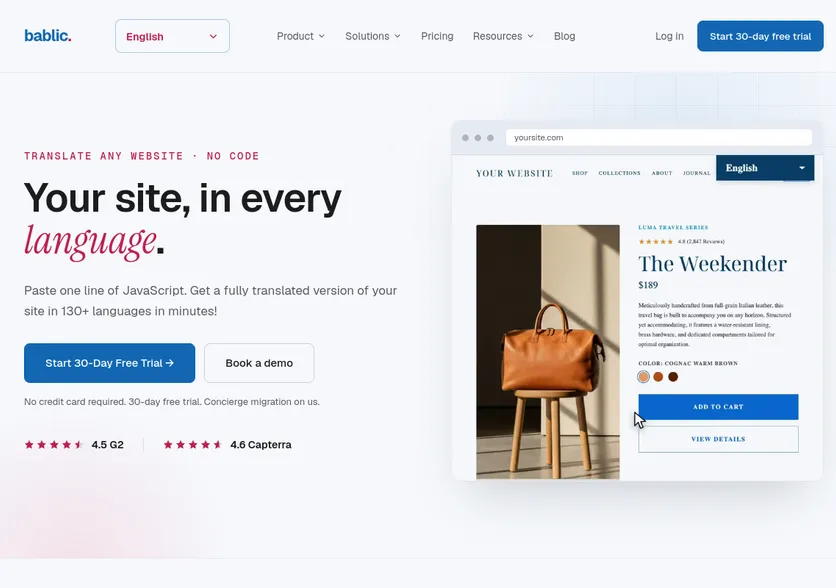
Bablic prices website translation by monthly page visits instead of words, which makes the bill easy to forecast for a marketing site with steady traffic. Go costs nineteen dollars a month billed monthly for one language, and every plan includes a thirty-day free trial with no card required. It is the pick when your traffic is predictable and you want translation memory and hreflang automation without counting words.
What we like
- Pricing by visits is easy to forecast
- Thirty-day trial with no card required
- Concierge migration from other providers is free
Watch out for
- No free plan, trial only
- One language on the entry Go plan
How to try it
- Connect your site and pick your languages
- Let Bablic translate and set up your language switcher
- Review the translation memory and publish
4. Webflow Localize
Best for: Sites already built in Webflow that need native localization
Paid tool Starting price: $9/month · Localize Essential is a $9 a month add-on for 10,000 words a month. Localize Advanced is $29 a month for 50,000 words. The add-on sits on top of a Webflow site plan; the Starter site plan is free.
Free plan: Free Starter site plan; Localize is a paid add-on
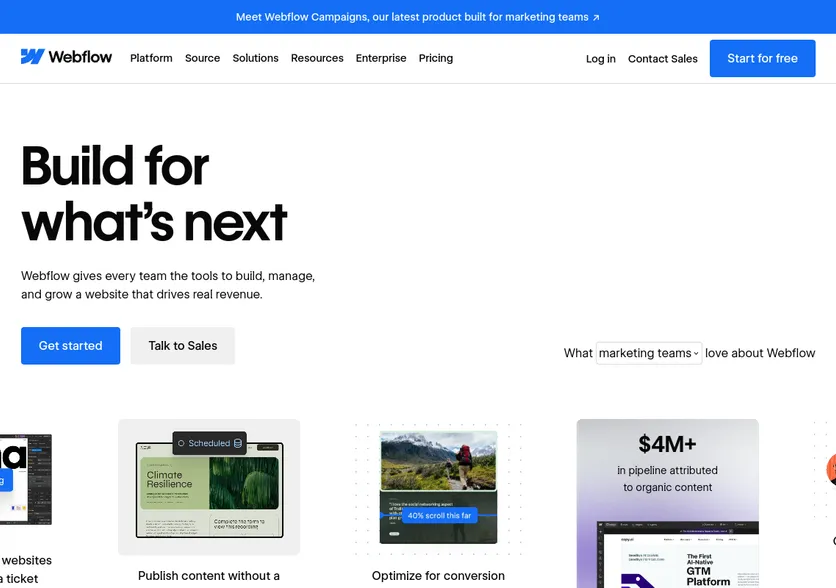
Webflow Localize is the localization add-on for sites already built in Webflow, translating CMS content and static pages with AI and letting you style each locale differently. Essential costs nine dollars a month for ten thousand words a month, and Advanced raises that to fifty thousand words with asset localization and automatic visitor routing. It is the pick when your site already lives in Webflow and you want localization that feels native.
What we like
- Feels native inside Webflow, not bolted on
- Localized SEO and translated URLs included
- Cheapest entry price on this list at nine dollars
Watch out for
- Only works on sites built in Webflow
- Add-on price sits on top of a site plan
How to try it
- Add the Localize add-on to your Webflow site
- Translate CMS items and static pages with AI
- Style each locale and set up visitor routing
5. Duda
Best for: Freelancers and agencies building multilingual sites for clients
Paid tool Starting price: $19/month · Basic is $19 a month billed annually, or $25 a month billed monthly, for 1 site. Team is $29 and Agency is $52 a month billed annually. A 14-day free trial is offered.
Free plan: No free plan; 14-day free trial, no credit card
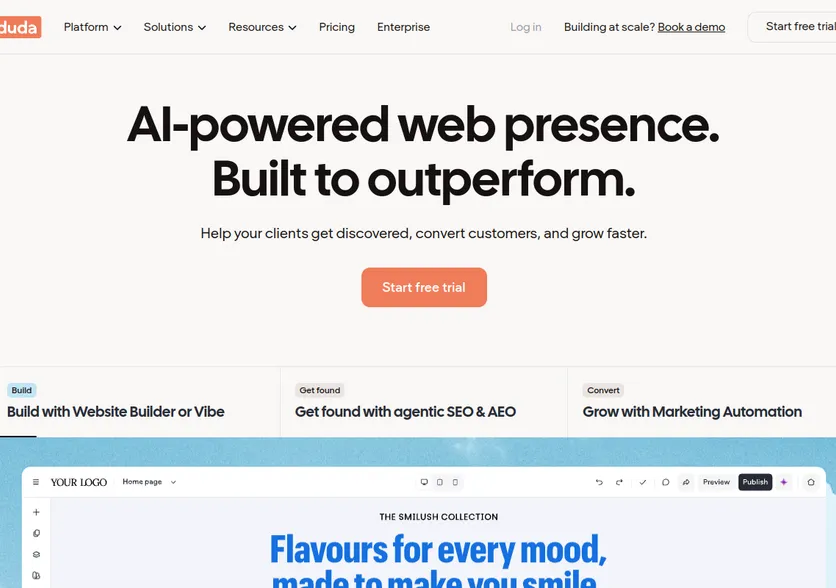
Duda is the website builder for freelancers and agencies who build sites for clients, with multi-language support, client workspaces and white-label options built in. Basic costs nineteen dollars a month billed annually for one site, and the higher tiers add team seats, more sites and priority support. It is the pick when you build multilingual sites for clients and need to manage them all from one dashboard.
What we like
- Built for freelancers serving many clients
- White-label options on higher tiers
- Fourteen-day trial with full features
Watch out for
- Multi-language is not the cheapest way to translate
- Agency features need the higher tiers
How to try it
- Build the site in Duda and enable multi-language support
- Add translated versions of each page
- Manage the client site from your agency dashboard
6. Squarespace
Best for: Design-led businesses that want one vendor for the whole site
Paid tool Starting price: $19/month · Basic is $19 a month billed annually, or $25 a month billed monthly. Core is $29 and Plus is $49 a month billed annually. A 14-day free trial is offered.
Free plan: No free plan; 14-day free trial
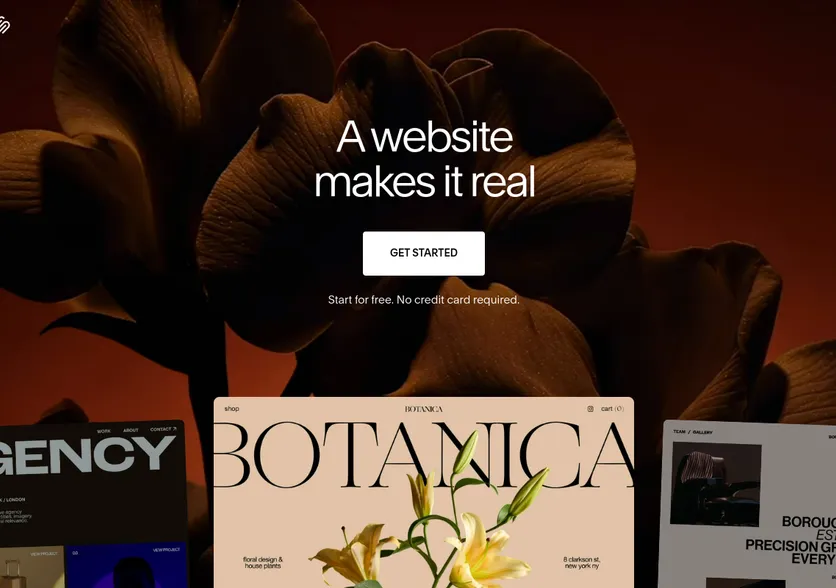
Squarespace is the design-first website builder with built-in multilingual support, beautiful templates and hosting, domains and commerce in one subscription. Basic costs nineteen dollars a month billed annually and includes a free custom domain for the first year. It is the pick when design matters as much as translation and you want one vendor for the whole site.
What we like
- Best design quality on this list
- Hosting, domain and commerce in one subscription
- Fourteen-day free trial to test it
Watch out for
- Translation is manual, not automatic
- No free plan, trial only
How to try it
- Pick a template and build your site
- Enable multilingual support and add your languages
- Publish and let visitors switch languages
7. Strikingly
Best for: Small businesses that want the simplest multilingual one-page site
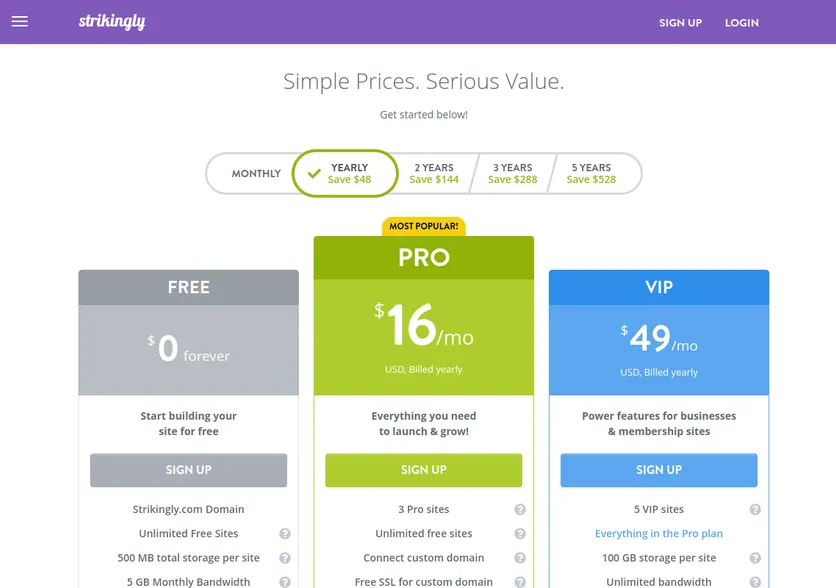
Paid tool Starting price: $49/month · VIP is $49 a month billed yearly and includes multi-language and auto-translation. Limited is $8 and Pro is $16 a month billed yearly. Free sites are available with no custom domain.
Free plan: Free plan with unlimited free sites; paid plans add custom domains
Strikingly is the simplest website builder on this list, made for one-page sites and small businesses that need to get online fast. Multi-language and auto-translation are VIP features, and VIP costs forty-nine dollars a month billed yearly with five sites and zero transaction fees. It is the pick when you want the fastest multilingual site possible and you are happy with a simple one-page design.
What we like
- Simplest builder on this list
- Free plan with unlimited free sites
- Zero transaction fees on VIP
Watch out for
- Multilingual needs the forty-nine-dollar VIP plan
- One-page sites only, no deep site structure
How to try it
- Build your one-page site from a template
- Turn on multi-language and auto-translation on VIP
- Publish and share your translated site
Prices above were checked on each vendor’s own website on Nov 26, 2026 and can change — the vendor’s page is the final word. Vendor links are editorial: nobody paid to be listed or ranked here. Vendors who want a featured listing can see how it works on our Get listed page.
How to pick a multilingual website tool
Decide first whether you need a translation service or a website builder. If your site already exists, a service like ConveyThis or Weglot adds languages without rebuilding anything, while a builder like Duda or Squarespace only makes sense when you are starting a new site. Then count your words and your languages, because most services charge by words or visits, and the cheapest plan often covers only one language.
Test the translation quality on your own pages before you pay. Machine translation handles simple marketing copy well, but product names, legal text and jokes often need a human fix, so check the visual editor works the way you expect. If the tool cannot translate your URLs and metadata, your translated pages will not rank, and the whole point is lost.
Before you buy
- Count your words and languages, since most plans cover only one language
- Check the tool translates URLs and metadata, not just page text
- Confirm multilingual SEO is included, with hreflang tags and indexed pages
- Test the visual editor on your own pages before you pay
- Read the renewal price, since intro offers and first-year deals end quickly
Official websites
Official websites of the products reviewed above. Features and prices were checked against these sites when this guide was written, and they can change, so confirm on the vendor site before you buy.
Frequently asked questions
What is the cheapest way to make a website multilingual?
ConveyThis Starter costs ten dollars a month billed yearly, and its free plan covers ten thousand words and one language at no cost. Webflow Localize Essential costs nine dollars a month as an add-on, but only for sites already built in Webflow. For a freelancer starting from scratch, ConveyThis is the cheapest real option with a free tier.
Is Weglot or ConveyThis better?
Weglot is better when you want the fastest setup and the strongest multilingual SEO, with a visual editor and translation memory from seventeen dollars a month. ConveyThis is better when price matters most, since Starter costs ten dollars a month and the free plan is more generous. Both translate any site in minutes, so try the free plans and compare the translation quality on your own pages.
Do multilingual website builders translate automatically?
Translation services like Weglot, ConveyThis and Bablic translate automatically with AI, then let you edit the results in a visual editor. Website builders like Squarespace and Duda handle the multilingual structure, but you usually write or paste the translations yourself. Webflow Localize sits in between, with AI translation built into the builder.
Will translated pages rank in Google?
Yes, if the tool does multilingual SEO properly. It must create a separate indexable URL for each language, add hreflang tags, and translate titles and descriptions, not just the visible text. Weglot, ConveyThis, Bablic and Webflow Localize all do this. A free widget that translates in the browser without changing the URL will not rank, so avoid that approach.
How many languages do I need?
Start with the languages your customers actually speak, not every language you can think of. One extra language that covers a real audience beats five that nobody visits, because each language needs translated metadata, support and updates. Check your analytics for the countries your visitors come from, then add languages in that order.
Pick one tool, translate your homepage in the free plan or trial, and check the result reads naturally before you translate the whole site.
Browse CSS & Web Design Generators tools


