On this page
A shopper who gets stuck at checkout usually leaves instead of asking for help, and co-browsing lets an agent see the problem and fix it live. The seven tools below let agents scroll, click and guide shoppers through a store, with prices from eighteen dollars an agent a month to thirty-nine dollars a seat a month. Every price was checked on November 27, 2026, and most offer a free trial. UserView is our first pick — the self-serve co-browsing tool with published pricing and the widest helpdesk integrations.
How we researched this
We started with the co-browsing tools ecommerce teams actually use, then read each price on the vendor pricing page on November 27, 2026 and noted where the price is per agent, per seat or per monthly active user. We judged them for an online store that wants agents to guide shoppers through checkout without a download. We dropped Surfly, Unblu and Talkative because they publish no prices, and we left out generic screen-sharing tools that are not built for customer sessions.
Compare the tools
| Name | Best for | Starting price | Free plan | |
|---|---|---|---|---|
| UserView | Support teams that want self-serve co-browsing with published pricing | $30/agent/month | No free plan; 14-day free trial | Visit |
| Cobrowse.io | Teams that need co-browsing across web, mobile and desktop apps | $18/agent/month | Free development account | Visit |
| Blitzz | Support teams that want the lowest listed per-agent price | $19/agent/month | No free plan; free trial | Visit |
| Glance | Large teams that want co-browsing billed by active users | $22/monthly active user | No free plan; free trial | Visit |
| Fullview | Support teams that want co-browsing plus session replays | $39/seat/month | Free plan with 4 cobrowsing calls per seat a month | Visit |
| HelloScreen | Sales teams that share screens and documents on calls | $29/agent/month | No free plan; 2-week free trial | Visit |
| CrankWheel | Solo sellers and small teams that share screens on calls | $29/month | Free plan with 15 meetings a month | Visit |
The co-browsing software for ecommerce, compared
1. UserView
Best for: Support teams that want self-serve co-browsing with published pricing
Paid tool Starting price: $30/agent/month · Thirty dollars per agent a month billed annually for the Core plan, or thirty-six dollars billed monthly; session recordings cost ten dollars per license extra, and an implementation package costs one thousand two hundred dollars once. UserView is the support product of Upscope Limited, sold at userview.com
Free plan: No free plan; 14-day free trial
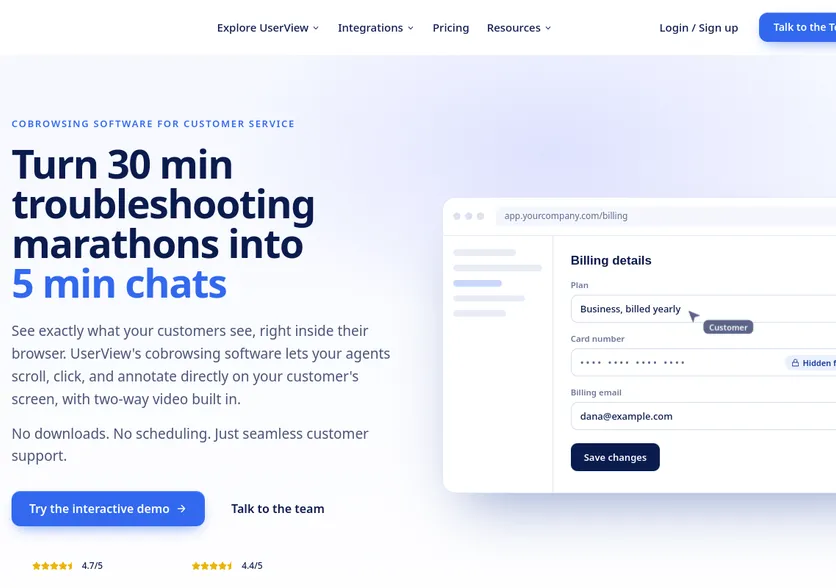
UserView is the co-browsing product of Upscope Limited, built for support teams that guide customers through a website or app in real time. This UserView Core plan costs thirty dollars per agent a month billed annually and covers click, scroll and draw inside the customer's browser tab. A support team gets co-browsing with more than twenty helpdesk integrations and a fourteen-day free trial.
What we like
- Published pricing with no sales call
- More than twenty helpdesk integrations
- No download for the customer
Watch out for
- Session recordings cost ten dollars extra per license
- Enterprise plan is annual billing only
How to try it
- Open the UserView site and start the free trial
- Add the JavaScript snippet to your store pages
- Connect your helpdesk and take your first co-browsing session
2. Cobrowse.io
Best for: Teams that need co-browsing across web, mobile and desktop apps
Paid tool Starting price: $18/agent/month · Eighteen dollars per agent a month billed annually for web co-browsing, or thirty-six dollars with mobile apps; custom plans cover large agent counts, self-hosting and twenty-four-seven incident response. The vendor's pricing page shows no dollar figures, so the rates come from its published plan list
Free plan: Free development account
Cobrowse.io is the developer-friendly co-browsing platform, with SDKs for web, iOS, Android and desktop apps. This Cobrowse.io web plan costs eighteen dollars per agent a month billed annually and covers co-browsing inside the browser with full agent control, so a team with apps as well as a website gets one platform for every screen a customer sees.

What we like
- Widest platform coverage in this comparison
- SDKs for web, mobile and desktop
- Private-by-default data redaction
Watch out for
- Needs developer time to integrate the SDK
- No self-serve trial advertised
How to try it
- Open the Cobrowse.io site and create a free development account
- Add the SDK to your website or app
- Connect your CRM and start co-browsing from the agent workspace
3. Blitzz
Best for: Support teams that want the lowest listed per-agent price
Paid tool Starting price: $19/agent/month · Nineteen dollars per agent a month billed annually for Co-Browse for Browser; Cobrowse Everywhere with the Mobile SDK costs twenty-five dollars per agent a month. The vendor's pricing page is quote-led, and the rates come from its published product page
Free plan: No free plan; free trial
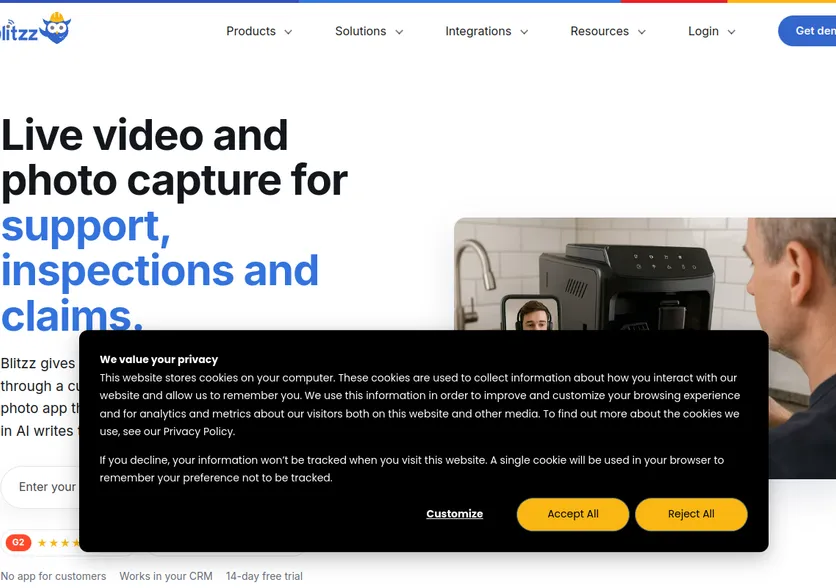
Blitzz is the visual support platform that combines co-browsing, screen share and live video in one session. This Blitzz Co-Browse plan costs nineteen dollars per agent a month billed annually and covers browser co-browsing with field masking and SSO. A support team gets the lowest listed per-agent price here, with a free trial to test it.
What we like
- Lowest listed per-agent price here
- Co-browse, screen share and video in one session
- Field masking for sensitive data
Watch out for
- Mobile SDK costs six dollars more per agent
- Pricing page itself shows no figures
How to try it
- Open the Blitzz site and start the free trial
- Add co-browsing to your website
- Connect Salesforce or Zendesk and take a session
4. Glance
Best for: Large teams that want co-browsing billed by active users
Paid tool Starting price: $22/monthly active user · Twenty-two dollars per monthly active user billed annually for the Standard plan; Professional costs thirty-five dollars per monthly active user, and Enterprise is custom. Glance bills per monthly active user, not per seat, and offers a free trial
Free plan: No free plan; free trial
Glance is the enterprise co-browsing platform that bills by monthly active user, so a large team pays for the customers it actually helps. This Glance Standard plan costs twenty-two dollars per monthly active user billed annually and covers co-browsing with cobrowsing and screen sharing. A large store gets co-browsing that scales with real usage instead of seat count.

What we like
- Billed per active user, not per seat
- Built for large contact centers
- Strong compliance and audit tools
Watch out for
- Per-user billing can cost more than per-seat rivals
- No published self-serve signup
How to try it
- Open the Glance site and book a demo
- Connect your contact center and store
- Start co-browsing sessions from the agent desktop
5. Fullview
Best for: Support teams that want co-browsing plus session replays
Paid tool Starting price: $39/seat/month · Thirty-nine dollars per seat a month for the Pro plan, with unlimited cobrowsing calls and integrations; the free plan covers four cobrowsing calls per seat a month. The vendor's pricing page is now quote-based, and thirty-nine dollars was the last published list price in November 2026
Free plan: Free plan with 4 cobrowsing calls per seat a month
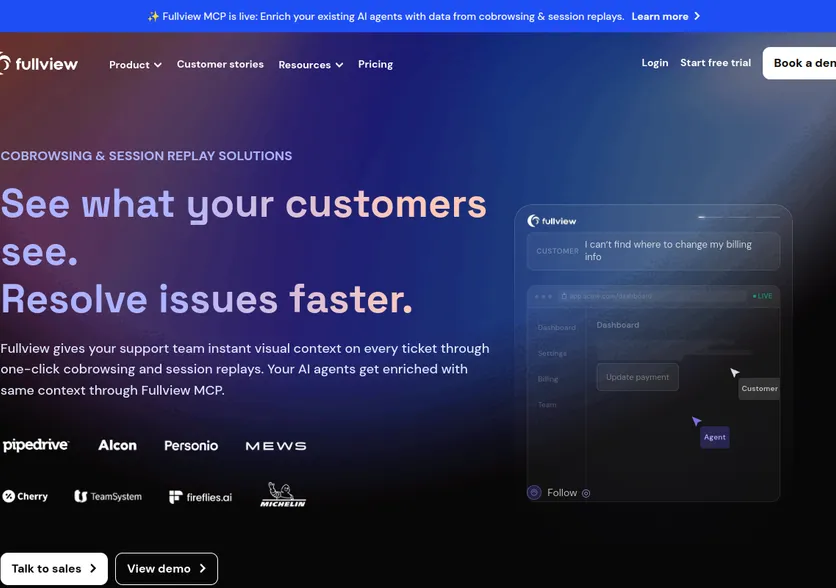
Fullview pairs co-browsing with session replays, so an agent sees the customer's screen live and can also watch what happened before the ticket. This Fullview Pro plan costs thirty-nine dollars per seat a month and covers unlimited cobrowsing calls with helpdesk integrations. A support team gets both live help and replay context in one subscription.
What we like
- Co-browsing plus session replays in one tool
- Starts from the helpdesk ticket in one click
- Console and network data beside the replay
Watch out for
- Highest per-seat price in this comparison
- Pricing page is now quote-based
How to try it
- Open the Fullview site and start the free trial
- Add the script to your web application
- Connect Zendesk or Intercom and start co-browsing from tickets
6. HelloScreen
Best for: Sales teams that share screens and documents on calls
Paid tool Starting price: $29/agent/month · Twenty-nine dollars per agent a month for one to nine agents; the rate falls to twenty-seven dollars from ten agents, twenty-five from twenty-five and twenty-three from fifty, and annual billing saves forty-eight dollars per agent a year. HelloScreen is an Upscope product, and its pricing page is live at helloscreen.com
Free plan: No free plan; 2-week free trial
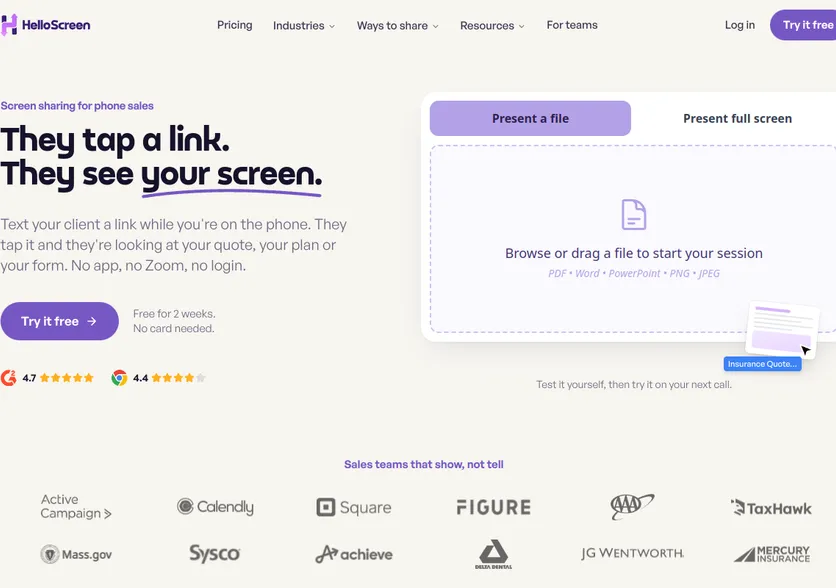
HelloScreen is the Upscope product for sales teams, sharing presentations and documents from a phone or computer without video calling. This HelloScreen plan costs twenty-nine dollars per agent a month and covers unlimited screen shares with a personal branded link. A sales team gets co-browsing for calls and demos, with volume pricing as the team grows.
What we like
- One plan with every feature included
- Volume pricing as the team grows
- White-label links on your own domain
Watch out for
- Built for sales calls more than support tickets
- Enterprise needs one hundred agents
How to try it
- Open the HelloScreen site and start the two-week trial
- Create your branded link and upload your documents
- Share the link on a call and present live
7. CrankWheel
Best for: Solo sellers and small teams that share screens on calls
Paid tool Starting price: $29/month · Twenty-nine dollars a month flat for the Solo plan for one user with unlimited meetings; Team starts at ninety-nine dollars a month for one hundred shared meetings, and a forty-eight percent loyalty discount applies on twelve-month Solo prepay. The free plan covers fifteen meetings a month
Free plan: Free plan with 15 meetings a month
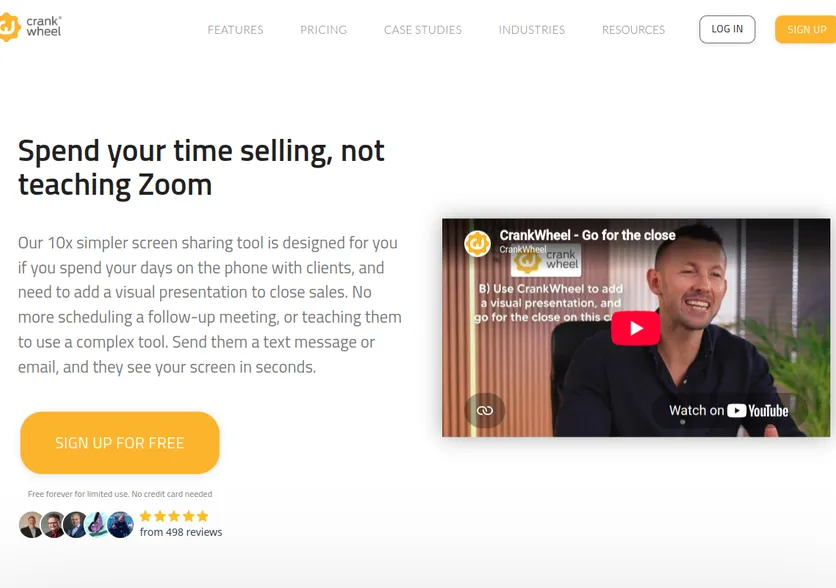
CrankWheel is the screen-sharing tool for sales calls and instant demos, with no download for the viewer. This CrankWheel Solo plan costs twenty-nine dollars a month flat for one user with unlimited meetings and thirty viewers per session. A solo seller gets screen sharing, remote control and recordings for a flat monthly price.
What we like
- Flat monthly price, no per-seat billing
- No download for the viewer
- Instant demos with lead capture
Watch out for
- Solo covers one user only
- Team pricing is per meeting block, not per user
How to try it
- Open the CrankWheel site and start the free trial
- Invite a viewer with a link, no download needed
- Share your screen and record the call
Prices above were checked on each vendor’s own website on Nov 27, 2026 and can change — the vendor’s page is the final word. Vendor links are editorial: nobody paid to be listed or ranked here. Vendors who want a featured listing can see how it works on our Get listed page.
What co-browsing costs an online store in 2026
Co-browsing pricing looks simple until the billing unit changes. Eighteen dollars an agent sounds cheap until the mobile SDK doubles it, and twenty-two dollars a monthly active user sounds dear until you realise only helped customers count. Work out your real session volume first, then match it to the billing unit.
Run a live session on your own checkout before you buy. Check that the agent can scroll and click without a download, that card fields are masked, and that the session starts from your helpdesk in one click. Pick the tool whose session your least technical shopper can join, because a co-browsing tool that confuses customers saves no sales.
Before you buy
- Check the billing unit before you compare, because per-agent, per-seat and per-user prices are three different bills.
- Ask whether the customer needs a download, because a tool that needs an install loses shoppers at checkout.
- Test a session on a real checkout, because a co-browsing tool that cannot reach the payment page is useless.
- Confirm sensitive fields are masked, because an agent should never see a card number or password on screen.
- Count the sessions you will run, because a free plan with four calls a seat ends in the first week.
Official websites
Official websites of the products reviewed above. Features and prices were checked against these sites when this guide was written, and they can change, so confirm on the vendor site before you buy.
Frequently asked questions
Which co-browsing software is best for ecommerce in 2026?
UserView is the best overall pick at thirty dollars per agent a month, with published pricing and more than twenty helpdesk integrations. Cobrowse.io is the best choice for teams with apps as well as a website, at eighteen dollars per agent a month for web co-browsing. Blitzz is the best budget pick at nineteen dollars per agent a month, with co-browsing, screen share and video in one session.
How much does co-browsing software cost?
Prices in this list run from eighteen dollars per agent a month for Cobrowse.io to thirty-nine dollars per seat a month for Fullview, with most tools landing between nineteen and thirty dollars per agent a month. Glance bills per monthly active user instead of per seat, and CrankWheel charges a flat twenty-nine dollars a month for one user. Add mobile SDK fees before you compare totals.
Does the customer need to download anything for co-browsing?
No, on most tools in this list. UserView, Cobrowse.io, Blitzz, Fullview and CrankWheel all run in the browser with no download for the customer, who joins from a link or a helpdesk session. The agent installs a browser extension or a small app, but the shopper just clicks and shares their tab. Check the exact flow on a trial before you buy.
Is co-browsing safe for checkout pages?
Yes, when the tool masks sensitive fields. Cobrowse.io, Blitzz and Fullview all mask card numbers, passwords and personal data by default, so the agent sees the page but not the secrets. Co-browsing only exposes the active browser tab, not the whole desktop, which keeps the rest of the customer's computer private. Confirm masking is on before your first live session.
Can co-browsing help with abandoned carts?
Yes, that is one of its best uses. When a shopper stalls at checkout, an agent can join the session, see the exact error or confusion, and guide them through the form live. CrankWheel's instant demos work the same way for sales calls. A single saved sale often covers a month of the subscription, so track recovered carts after your first month.
Need everyday business help too? Try Toolsvine's free business tools right in your browser.
Browse Business Tools tools