On this page
A remote CAM team needs one shared model, a set of toolpaths and one source of truth for every machine. The seven tools below cover CAD and CAM for remote teams, from cloud CAD with CAM to dedicated toolpath software for CNC mills and routers. Every price was checked on the vendor site on November 27, 2026, and the list runs from twenty-four dollars a month to one thousand five hundred dollars a year per user. Autodesk Fusion is our first pick — the CAD and CAM platform that lets a remote team design, program and share one model.
How we researched this
We started with the CAM and CAD tools remote manufacturing teams actually buy, then read each price on the vendor site or the vendor's own shop on November 27, 2026. Mastercam, GibbsCAM, CAMWorks and Siemens NX are quote-only, so they were left out because no price could be verified. The list runs from a twenty-four dollar monthly plan to a one thousand five hundred dollar yearly licence, because the right tool depends on the machines, the team and the cloud workflow.
Compare the tools
| Name | Best for | Starting price | Free plan | |
|---|---|---|---|---|
 Autodesk Fusion | Remote teams that want CAD, CAM and collaboration in one cloud workspace | $680/year | Free plan (personal, non-commercial) | Visit |
 Onshape | Distributed teams that need every engineer on the same model at once | $1,500/user/year | Free plan (non-commercial) | Visit |
| BobCAD-CAM | Small shops that want full CAM capability without an enterprise price | $1,200/year | Free trial available | Visit |
| SprutCAM X | Teams that machine complex multi-axis parts | $249/month | No free plan; 30-day free trial | Visit |
| Vectric VCarve Pro | Small shops that run routers and want a one-time licence | $699 one-time | No free plan; trial version available | Visit |
| Easel Pro | Hobbyists and small shops that want browser-based CAM | $24/month | Free Basic Easel plan | Visit |
| Carveco Maker | Makers and small shops that carve 3D reliefs on CNC routers | $180/year | No free plan; 30-day free trial | Visit |
The computer-aided manufacturing software for remote teams, compared
1. Autodesk Fusion
Best for: Remote teams that want CAD, CAM and collaboration in one cloud workspace
Paid tool Starting price: $680/year · Six hundred eighty dollars a year per user, or eighty-five dollars a month; a three-year licence costs two thousand forty dollars. A free personal licence covers non-commercial use under one thousand dollars a year in revenue
Free plan: Free plan (personal, non-commercial)
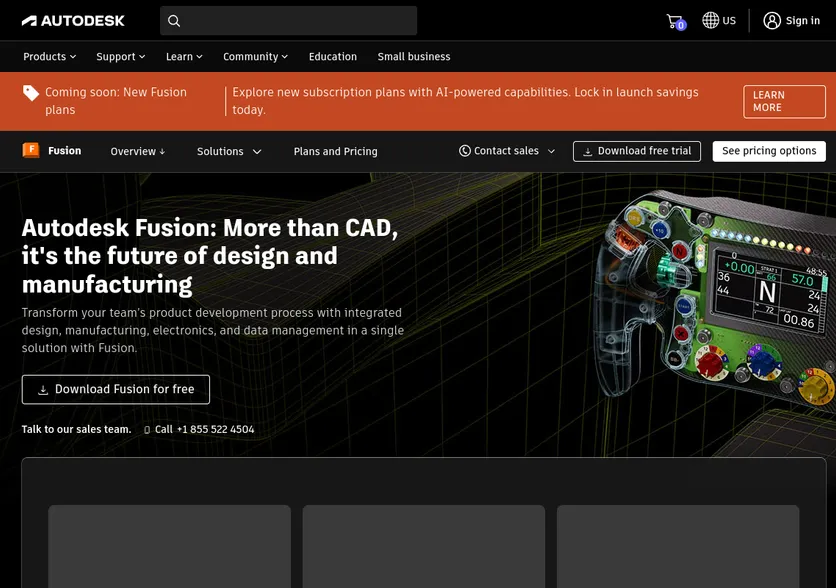
Autodesk Fusion is the cloud CAD and CAM platform remote teams use to design, program and share one model from anywhere. This Autodesk Fusion subscription costs six hundred eighty dollars a year per user, or eighty-five dollars a month, with a free personal licence for non-commercial use. A remote team gets CAD, CAM and collaboration in one cloud workspace, with no files to email back and forth.
What we like
- CAD, CAM and collaboration in one cloud workspace
- Free personal licence for non-commercial use
- Strong toolpath library for mills and lathes
Watch out for
- Free plan is non-commercial only
- Per-user pricing grows with the team
How to try it
- Open the Autodesk Fusion page and start a trial
- Import your model and set up a CAM setup
- Post a toolpath and share the model with the team
2. Onshape
Best for: Distributed teams that need every engineer on the same model at once
Paid tool Starting price: $1,500/user/year · One thousand five hundred dollars per user a year for the Standard plan; Professional costs two thousand five hundred dollars per user a year and Enterprise is quote-only. A free plan covers non-commercial use with public files
Free plan: Free plan (non-commercial)
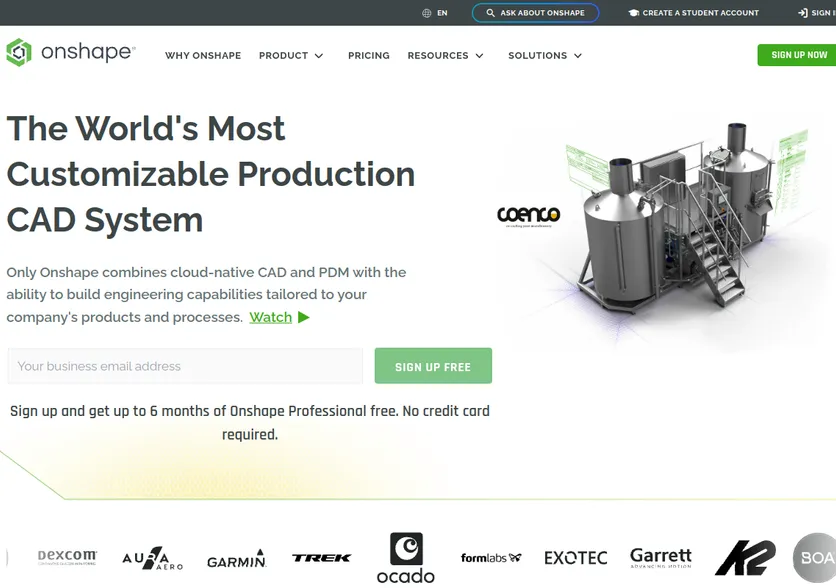
Onshape is the cloud CAD platform remote teams use when every engineer needs the same model at the same time. This Onshape Standard plan costs one thousand five hundred dollars per user a year, with a free plan for non-commercial use. A distributed team gets version control and real-time collaboration built into the CAD system itself.
What we like
- Real-time collaboration built into CAD
- Version control for every model change
- No files to install or email
Watch out for
- Highest per-user price in this list
- Free plan files are public
How to try it
- Open the Onshape pricing page and start a trial
- Create a document and share it with the team
- Edit the model together and track versions
3. BobCAD-CAM
Best for: Small shops that want full CAM capability without an enterprise price
Paid tool Starting price: $1,200/year · One thousand two hundred dollars a year for the Ultimate plan; Essentials costs five hundred dollars a year and Advanced eight hundred dollars a year, all in USD from the official store
Free plan: Free trial available
BobCAD-CAM is the affordable CAM software small shops use to program CNC mills, lathes and routers from one package. This BobCAD-CAM Ultimate plan costs one thousand two hundred dollars a year, with Essentials at five hundred dollars and Advanced at eight hundred dollars a year. A small remote team gets full CAM capability without an enterprise price tag.
What we like
- Full CAM for mills, lathes and routers
- Affordable yearly pricing for small shops
- Three tiers that scale with the shop
Watch out for
- No free plan, only a trial
- Desktop software, so remote work needs a shared file setup
How to try it
- Open the BobCAD store and review the three plans
- Download the trial and import a test part
- Post a toolpath to your machine
4. SprutCAM X
Best for: Teams that machine complex multi-axis parts
Paid tool Starting price: $249/month · Two hundred forty-nine dollars a month from the official shop for the USA and Canada offer; monthly, annual and perpetual routes are available, and a permanent licence follows three years of subscription. One source found no printed rates on the pages it read, so this figure is the least certain price in this list
Free plan: No free plan; 30-day free trial
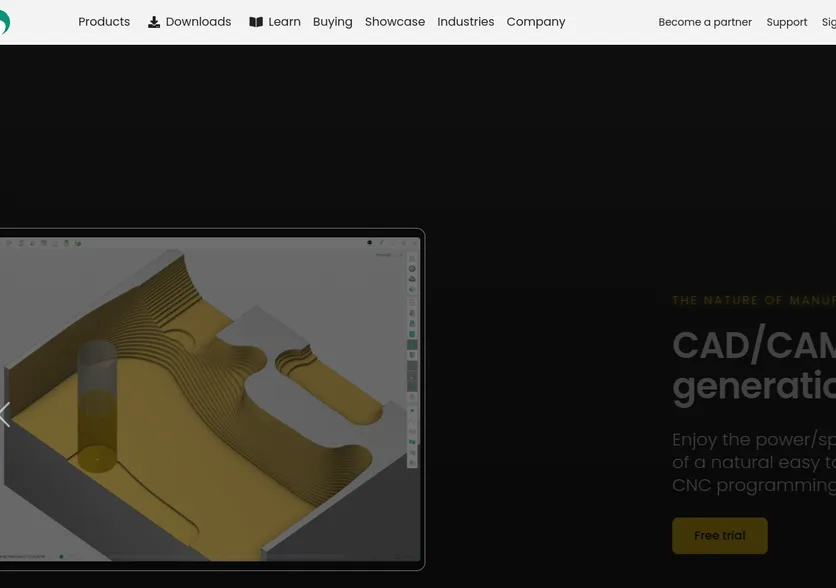
SprutCAM X is the CAM software remote teams use for complex multi-axis machining, with toolpaths for mills, lathes and robots. This SprutCAM X subscription starts at two hundred forty-nine dollars a month from the official shop, with monthly, annual and perpetual routes. A team that machines complex parts gets multi-axis toolpaths at a published monthly price.
What we like
- Multi-axis toolpaths for complex parts
- Monthly, annual and perpetual routes
- Permanent licence after three years of subscription
Watch out for
- No free plan, only a thirty-day trial
- Least certain price in this list, so confirm on the shop before buying
How to try it
- Open the SprutCAM shop and review the subscription options
- Start the 30-day trial and import a test part
- Post a multi-axis toolpath to your machine
5. Vectric VCarve Pro
Best for: Small shops that run routers and want a one-time licence
Paid tool Starting price: $699 one-time · Six hundred ninety-nine dollars one time for the Pro licence; Desktop costs three hundred forty-nine dollars one time. The vendor product page confirms the two tiers
Free plan: No free plan; trial version available
VCarve Pro is the CNC design and toolpath software small shops use for routing, carving and sign making. This VCarve Pro licence costs six hundred ninety-nine dollars one time, with Desktop at three hundred forty-nine dollars one time. A remote team that runs routers gets a one-time licence with no subscription to renew.
What we like
- One-time licence with no subscription
- Built for routing, carving and sign making
- Trial version available before you buy
Watch out for
- No free plan, only a trial version
- Desktop software, so remote work needs a shared file setup
How to try it
- Open the Vectric VCarve page and compare Desktop and Pro
- Download the trial version and design a test sign
- Generate toolpaths and post them to your router
6. Easel Pro
Best for: Hobbyists and small shops that want browser-based CAM
Paid tool Starting price: $24/month · Twenty-four dollars a month for the Pro plan, two hundred sixteen dollars a year or five hundred ninety-nine dollars for three years; Starter costs eight dollars a month
Free plan: Free Basic Easel plan
Easel Pro is the cloud CAD and CAM platform for hobbyists and small shops that run CNC routers, with design and toolpaths in the browser. This Easel Pro plan costs twenty-four dollars a month, two hundred sixteen dollars a year, with a free Basic plan. A small remote team gets browser-based CAM that works from any computer, with no install to manage.
What we like
- Browser-based CAM with no install
- Free Basic plan to start
- Lowest monthly price in this list
Watch out for
- Built for routers, not for multi-axis mills
- Advanced features need the Pro plan
How to try it
- Open the Easel site and start with the free Basic plan
- Design a part in the browser and set your toolpaths
- Send the job to your router from any computer
7. Carveco Maker
Best for: Makers and small shops that carve 3D reliefs on CNC routers
Paid tool Starting price: $180/year · One hundred eighty dollars a year for the Maker plan, or seventeen dollars fifty cents a month; Maker Plus costs five hundred forty dollars a year and Pro two thousand seven hundred dollars a year
Free plan: No free plan; 30-day free trial
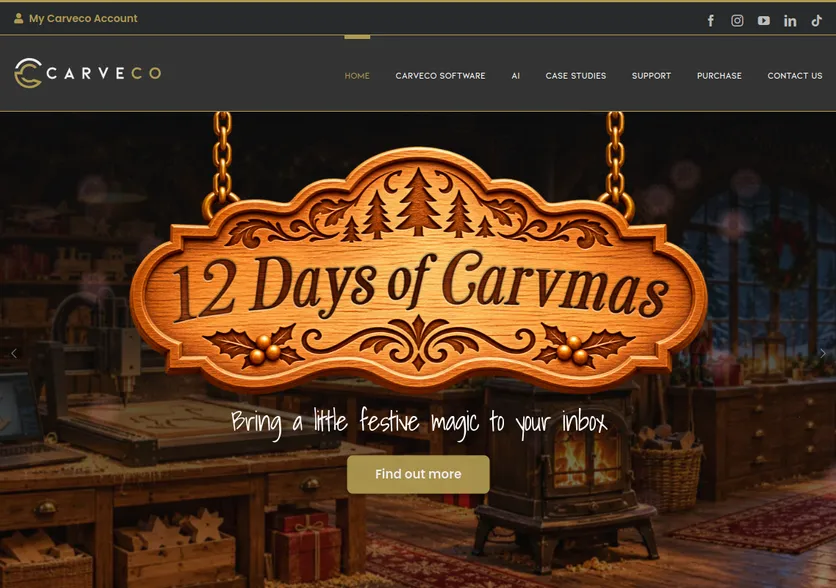
Carveco Maker is the 3D relief carving software for CNC routers, built for makers and small shops that carve signs and art. This Carveco Maker subscription costs one hundred eighty dollars a year, or seventeen dollars fifty cents a month, with a thirty-day free trial. A remote team that carves reliefs gets a low-cost yearly plan with no per-user billing.
What we like
- Built for 3D relief carving on routers
- Low-cost yearly plan with no per-user billing
- Thirty-day trial with no card required
Watch out for
- No free plan, only a thirty-day trial
- Built for relief carving, not for general machining
How to try it
- Open the Carveco Maker page and start the 30-day trial
- Import a relief model and set your toolpaths
- Post the job to your router and check the carve
Prices above were checked on each vendor’s own website on Nov 27, 2026 and can change — the vendor’s page is the final word. Vendor links are editorial: nobody paid to be listed or ranked here. Vendors who want a featured listing can see how it works on our Get listed page.
What CAM software costs a remote team in 2026
A remote team pays for CAM software in subscriptions, per-user licences and the one-time licences that sit beside them. A low monthly figure can hide a per-user fee, a machine limit or a support plan charged separately, so read the whole bill before you commit. Small teams should price the first users, while larger teams should price the whole shop, because per-user billing multiplies fast.
Start with a trial on two tools and run a real part through each one. Check that toolpaths post to your machines, that the cloud model stays in sync across the team, and that support answers when a post fails. Pick the tool whose toolpaths your machinists trust, because a toolpath nobody runs is the costliest part of the job.
Before you buy
- Match the tool to your machines, because toolpaths that do not post to your CNC are useless.
- Check that the cloud model syncs, because a remote team needs one shared model, not emailed files.
- Confirm the per-user and machine caps, because a growing shop hits them faster than you expect.
- Ask whether support is included, because a failed post needs an answer the same day.
- Test the trial with a real part, because a toolpath your machinists do not trust will not get used.
Official websites
Official websites of the products reviewed above. Features and prices were checked against these sites when this guide was written, and they can change, so confirm on the vendor site before you buy.
Frequently asked questions
Which computer-aided manufacturing software is best for remote teams in 2026?
Autodesk Fusion is the best overall pick at six hundred eighty dollars a year per user, with CAD, CAM and collaboration in one cloud workspace. Onshape is the best pick for real-time collaboration at one thousand five hundred dollars per user a year. Easel Pro is the best pick for small shops at twenty-four dollars a month, with browser-based CAM.
How much does CAM software cost for a remote team?
Prices in this list run from twenty-four dollars a month for Easel Pro to one thousand five hundred dollars per user a year for Onshape, with most tools between one hundred eighty and one thousand two hundred dollars a year. One-time licences like VCarve Pro cost six hundred ninety-nine dollars once. Price the whole team, because per-user fees multiply.
What is the difference between CAD and CAM?
CAD designs the part, while CAM programs the toolpaths that cut it on a CNC machine. A remote team needs both in one workflow, because a design change should update the toolpaths without re-keying. Autodesk Fusion and Onshape cover CAD and CAM together, while Vectric and Carveco focus on toolpaths for routers.
Can a remote team run CNC machines from the cloud?
A remote team designs and programs in the cloud, then posts toolpaths to the machines on the shop floor. The cloud model stays in sync across the team, so every engineer works on the same part. The machines themselves still run locally, because a CNC mill needs a physical operator and material on site.
Which CAM tool is cheapest for a small shop?
Easel Pro is the cheapest subscription in this list at twenty-four dollars a month, with a free Basic plan for the basics. Carveco Maker costs one hundred eighty dollars a year and VCarve Pro six hundred ninety-nine dollars once, with no subscription to renew. A free trial is the best way to see whether the toolpaths fit your machines before you commit.
Need a quick science or engineering calculation too? Try Toolsvine's free science tools right in your browser.
Browse Science & Engineering tools