
On this page
Engineers choose CAD by the drawings and parts it must produce, not by the feature list, because the wrong tool costs more in rework than in licenses. The eight tools below run from two hundred ninety-nine dollars a year to two thousand eight hundred twenty dollars a year, and every price was checked on the vendor site on November 27, 2026. Parametric modeling, DWG compatibility and collaboration decide the pick, and the cheapest seat is rarely the cheapest team. AutoCAD is our first pick, the drafting standard every firm already uses, with DWG exchange everywhere and seven specialist toolsets.
How we researched this
We started with the CAD tools engineering firms actually buy for mechanical design, drafting and product development, then read each price on the vendor pricing page on November 27, 2026 and noted the free plans and trial terms. We judged them for an engineering team that must produce accurate drawings, exchange files with clients and suppliers, and collaborate without losing version control. We dropped CATIA, Creo and Siemens NX because all three price by quote only, and Solid Edge because its commercial pricing is bundled by reseller rather than listed.
Compare the tools
| Name | Best for | Starting price | Free plan | |
|---|---|---|---|---|
 AutoCAD | Engineering firms that need the industry drafting standard | $2,095/year | No free plan; 30-day free trial | Visit |
 Autodesk Fusion | Small engineering teams that want CAD, CAM and simulation together | $680/year | Free personal-use plan for hobbyists; 30-day free trial | Visit |
 SOLIDWORKS | Engineering-led product companies that send parts to manufacturers | $2,820/year | No free plan; free trial available through resellers | Visit |
 Onshape | Distributed engineering teams that want browser CAD | $1,500/year | Free plan for non-commercial use with public documents | Visit |
 Rhino 3D | Engineers who model complex surfaces and custom forms | $995 one-time | No free plan; 90-day free evaluation | Visit |
 Autodesk Inventor | Mechanical engineers who design parts for manufacturing | $2,585/year | No free plan; 30-day free trial | Visit |
 BricsCAD Pro | Engineering firms with AutoCAD experience that want DWG value | $780/year | No free plan; 30-day free trial | Visit |
 Shapr3D | Engineers who sketch concepts on the move | $299/year | Free Basic plan for 2 projects; free trial of Pro | Visit |
The cad software for engineers, compared
1. AutoCAD
Best for: Engineering firms that need the industry drafting standard
Paid tool Starting price: $2,095/year · Lists at two thousand ninety-five dollars a year on annual billing, or two hundred sixty dollars a month; AutoCAD LT lists at five hundred forty dollars a year
Free plan: No free plan; 30-day free trial
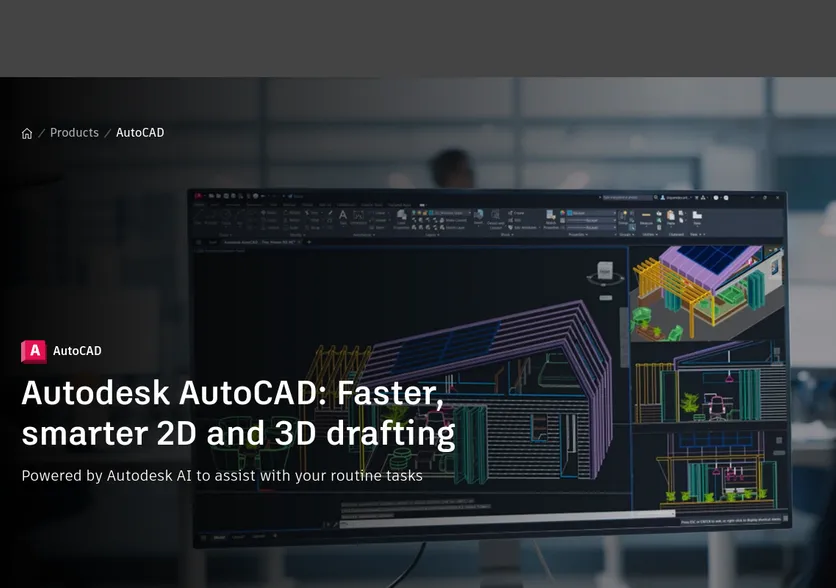
For engineering teams, AutoCAD is the drafting standard the whole industry already runs on, with precise 2D drawings, DWG files that open everywhere and seven specialist toolsets in one subscription. This AutoCAD subscription lists at two thousand ninety-five dollars a year on annual billing, or two hundred sixty dollars a month, with web and mobile versions included. An engineering firm that exchanges drawings with clients and contractors gets the format everyone expects, plus markup tools and Autodesk AI features that speed up documentation.
What we like
- Industry-standard DWG format that opens everywhere
- Seven specialist toolsets in one subscription
- Web and mobile versions included for site work
Watch out for
- Subscription only, with no perpetual license
- Three-dimensional modeling is weaker than Fusion or Inventor
How to try it
- Open the AutoCAD page and start the thirty-day trial
- Open a DWG drawing and test the mechanical toolset
- Check the web and mobile apps from the job site
2. Autodesk Fusion
Best for: Small engineering teams that want CAD, CAM and simulation together
Paid tool Starting price: $680/year · Lists at six hundred eighty dollars a year on annual billing, or eighty-five dollars a month; a free personal-use plan covers hobbyists
Free plan: Free personal-use plan for hobbyists; 30-day free trial
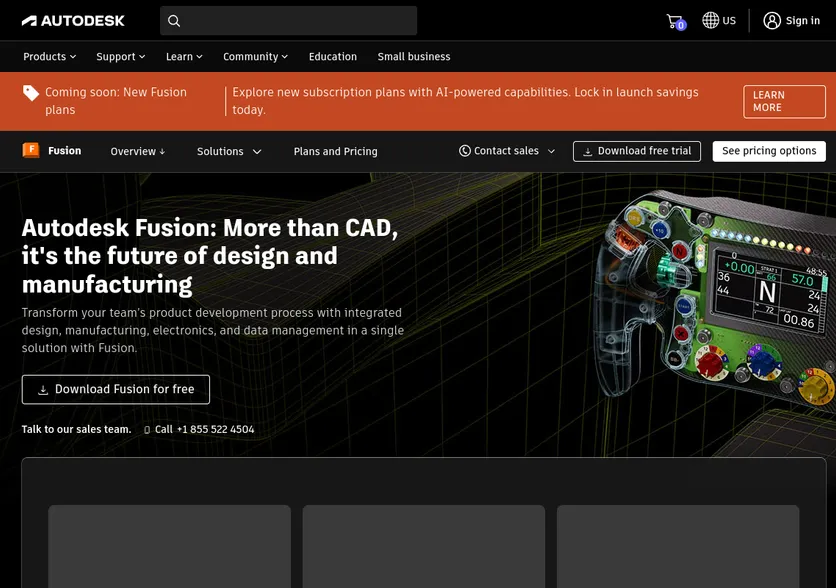
For small engineering teams, Autodesk Fusion packs parametric CAD, CAM, simulation and PCB design into one cloud subscription at a fraction of the traditional CAD price. This Autodesk Fusion subscription lists at six hundred eighty dollars a year, or eighty-five dollars a month, with a free personal-use plan for hobbyists and startups. A product team that models, machines and tests in one login gets cloud collaboration and version history without a file server, though heavy simulation waits for paid extensions.
What we like
- CAD, CAM, simulation and PCB in one subscription
- Best value in this list for product design
- Cloud collaboration with version history built in
Watch out for
- Advanced simulation needs paid extensions
- Cloud workflow needs a steady internet connection
How to try it
- Open the Fusion page and start the free personal-use plan
- Model a part and generate a toolpath in the same file
- Share the model with a teammate and test live collaboration
3. SOLIDWORKS
Best for: Engineering-led product companies that send parts to manufacturers
Paid tool Starting price: $2,820/year · Standard lists at two thousand eight hundred twenty dollars a year through resellers, with Professional at three thousand four hundred fifty-six dollars and Premium at four thousand seven hundred sixteen dollars; commercial seats are sold by quote
Free plan: No free plan; free trial available through resellers
For engineering-led product companies, SOLIDWORKS is the mechanical design standard most manufacturers expect, with parametric parts, large assemblies and drawings in one Windows application. This SOLIDWORKS Standard edition lists at two thousand eight hundred twenty dollars a year through resellers, with Professional and Premium tiers above it for simulation and data management. An engineering firm that works with job shops gets the native format suppliers read first, though commercial seats are sold by quote and the list price varies by reseller.
What we like
- Native format most job shops and suppliers expect
- Strongest large-assembly parametric modeling here
- Shortest learning curve of the professional tools
Watch out for
- Sold by quote through resellers, with no single list price
- Windows only, with no Mac version
How to try it
- Ask a reseller for a Standard quote for your seat count
- Model a part and generate its drawing in the same file
- Send a native file to a supplier and confirm it opens cleanly
4. Onshape
Best for: Distributed engineering teams that want browser CAD
Paid tool Starting price: $1,500/year · Standard lists at one thousand five hundred dollars per user a year, with no monthly billing; Professional lists at two thousand five hundred dollars a year
Free plan: Free plan for non-commercial use with public documents
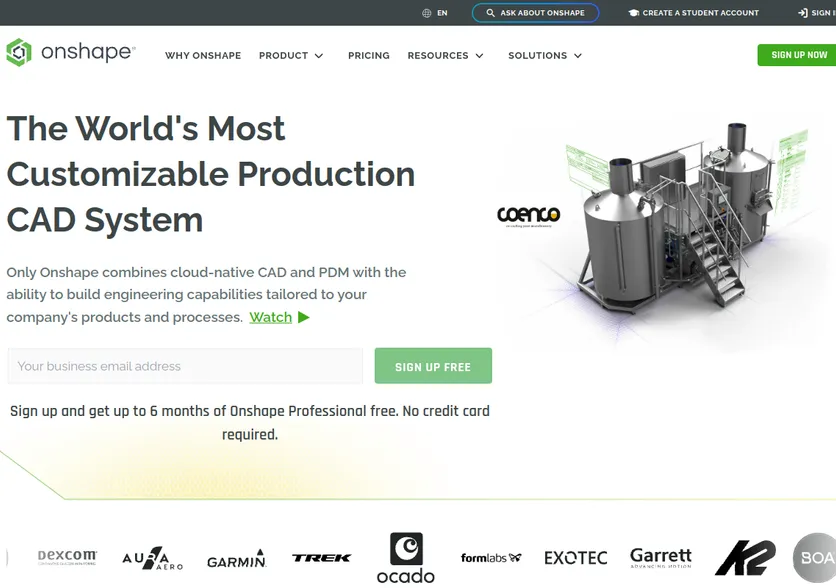
For distributed engineering teams, Onshape is the only professional CAD here that runs entirely in a browser, with real-time collaboration and built-in version control instead of a file server. This Onshape Standard plan lists at one thousand five hundred dollars per user a year, with private documents, parametric modeling and product support included. An engineering team spread across offices gets branching and merging like software developers, though simulation and CAM wait for the Professional tier at two thousand five hundred dollars a year.
What we like
- Only professional CAD here that runs fully in a browser
- Version control with branching and merging built in
- No install, no file server and no updates to manage
Watch out for
- No monthly billing, so one seat costs one thousand five hundred dollars up front
- Simulation and CAM wait for the Professional tier
How to try it
- Open the Onshape site and create a free account
- Model a part in the browser and branch the design
- Invite a teammate to edit the same document live
5. Rhino 3D
Best for: Engineers who model complex surfaces and custom forms
Paid tool Starting price: $995 one-time · A perpetual commercial license lists at nine hundred ninety-five dollars once, with a ninety-day evaluation and no subscription
Free plan: No free plan; 90-day free evaluation
For engineers who model complex surfaces, Rhino 3D is the NURBS specialist, shaping freeform geometry, enclosures and custom forms that parametric tools handle poorly. This Rhino 3D license costs nine hundred ninety-five dollars once, with no subscription, and includes Grasshopper for parametric variations and a ninety-day evaluation. An engineering team that designs curved housings, footwear or ergonomic products gets exact surfaces for a one-time payment, though history-based edits are weaker than in parametric CAD.

What we like
- One-time license with no subscription to renew
- Best freeform surfacing of any tool here
- Grasshopper adds parametric design without extra cost
Watch out for
- History-based edits are weaker than parametric CAD
- Native rendering is plain without a plug-in
How to try it
- Open the Rhino site and start the ninety-day evaluation
- Model a curved housing with NURBS surfaces
- Build a parametric variation with Grasshopper sliders
6. Autodesk Inventor
Best for: Mechanical engineers who design parts for manufacturing
Paid tool Starting price: $2,585/year · Lists at two thousand five hundred eighty-five dollars a year on annual billing, with a thirty-day free trial
Free plan: No free plan; 30-day free trial
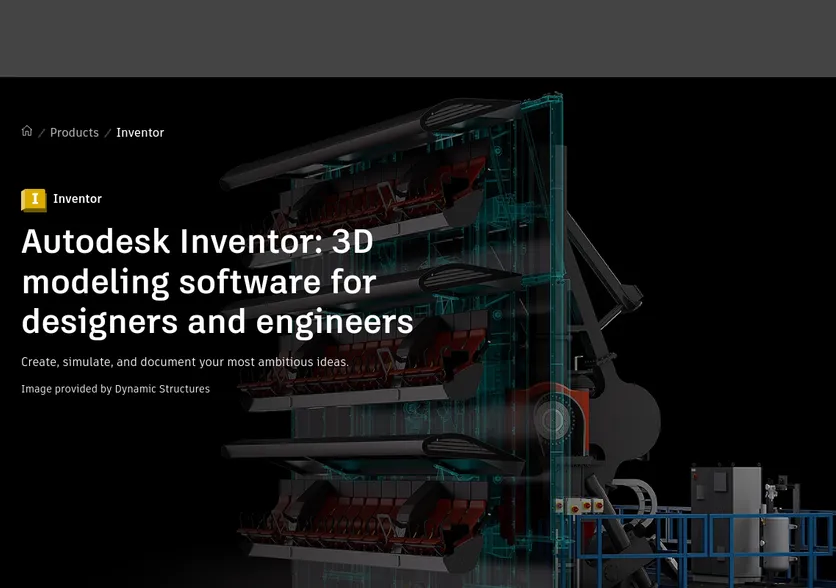
For mechanical engineers, Autodesk Inventor is the professional 3D design tool for parts, assemblies and drawings, with parametric modeling, sheet metal and simulation built for manufacturing. This Autodesk Inventor subscription lists at two thousand five hundred eighty-five dollars a year on annual billing, with a thirty-day free trial and no monthly plan. An engineering team that sends parts into a supply chain gets model-based definition, automated drawings and direct links to CAM, though the price sits above Fusion.
What we like
- Purpose-built for mechanical parts and manufacturing
- Model-based definition and automated drawings
- Direct links to CAM for machined parts
Watch out for
- Dearest Autodesk tool here after AutoCAD
- Windows only, with no Mac version
How to try it
- Open the Inventor page and start the thirty-day trial
- Model a sheet metal part and unfold it flat
- Generate a drawing and send it to a supplier
7. BricsCAD Pro
Best for: Engineering firms with AutoCAD experience that want DWG value
Paid tool Starting price: $780/year · Pro lists at seven hundred eighty dollars a year on the vendor US store, with a thirty-day free trial
Free plan: No free plan; 30-day free trial
For engineering firms with AutoCAD experience, BricsCAD Pro is the DWG-compatible alternative that opens, edits and saves native DWG files without conversion. This BricsCAD Pro Pro plan lists at seven hundred eighty dollars a year on the vendor US store, with a thirty-day free trial and Mechanical, BIM and Ultimate editions above it. A drafting team that lives in DWG gets 2D and 3D in one file at less than half the AutoCAD price, with familiar commands and a short learning curve.

What we like
- Native DWG compatibility at less than half the AutoCAD price
- Familiar AutoCAD-style commands and interface
- 2D drafting and 3D modeling in one subscription
Watch out for
- Smaller community than Autodesk tools
- No monthly billing, so one seat costs seven hundred eighty dollars up front
How to try it
- Open the Bricsys pricing page and start the thirty-day trial
- Open an existing DWG file and edit it directly
- Test 3D modeling on a part your team already knows
8. Shapr3D
Best for: Engineers who sketch concepts on the move
Paid tool Starting price: $299/year · Pro lists at two hundred ninety-nine dollars a year; the free Basic tier covers two projects
Free plan: Free Basic plan for 2 projects; free trial of Pro
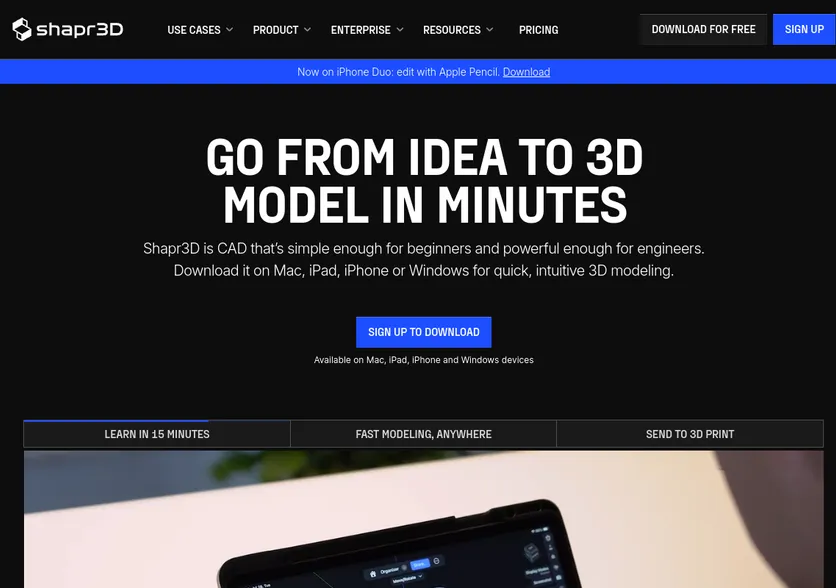
For engineers who sketch concepts on the move, Shapr3D turns an iPad or tablet into a real parametric CAD station, with pencil sketching and precise dimensions in one app. This Shapr3D Pro plan lists at two hundred ninety-nine dollars a year, with a free Basic tier for two projects and desktop apps for Mac and Windows. An engineer who concepts at a client site gets professional geometry from the first stroke, though large assemblies and drawings still belong on the desktop tools.
What we like
- Real parametric CAD on iPad with pencil input
- Fastest concept modeling in this list
- Runs on iPad, Mac and Windows
Watch out for
- Basic tier allows only two projects
- Large assemblies belong on desktop CAD, not a tablet
How to try it
- Open the Shapr3D site and start the free Basic tier
- Sketch a concept with the pencil and dimension it precisely
- Export the model and open it in your desktop CAD
Prices above were checked on each vendor’s own website on Nov 27, 2026 and can change — the vendor’s page is the final word. Vendor links are editorial: nobody paid to be listed or ranked here. Vendors who want a featured listing can see how it works on our Get listed page.
What CAD for engineers costs in 2026
Engineering CAD is priced per seat, and the spread is wide, from two hundred ninety-nine dollars a year for Shapr3D to two thousand eight hundred twenty dollars for SOLIDWORKS Standard. The headline rate is only half the bill, because some tools charge extra for simulation, CAM and data management, while others include them. Fusion covers CAM and basic simulation in its six hundred eighty dollar subscription, while Onshape holds simulation and CAM for the Professional tier at two thousand five hundred dollars a year. Add the extensions your team actually needs before you compare totals.
Count seats honestly and test the file exchange before you buy. A team of three on Fusion pays two thousand forty dollars a year, while the same team on SOLIDWORKS Standard pays eight thousand four hundred sixty dollars, and Rhino costs two thousand nine hundred eighty-five dollars once with nothing in year two. Send a native file to your biggest supplier and confirm it opens cleanly, because a tool your supply chain cannot read costs more than its license. Pick the CAD your clients and suppliers already use, then negotiate the seat count.
Before you buy
- Add simulation and CAM extensions to the price, because several tools hold them for higher tiers.
- Count every seat your team needs, because per-seat pricing multiplies fast across a department.
- Test file exchange with your biggest supplier, because a format they cannot read wastes the license.
- Check the operating system, because SOLIDWORKS, Inventor and BricsCAD run on Windows only.
- Compare three-year totals, because a one-time Rhino license beats a subscription from year two.
Official websites
Official websites of the products reviewed above. Features and prices were checked against these sites when this guide was written, and they can change, so confirm on the vendor site before you buy.
Frequently asked questions
Which CAD software is best for engineers in 2026?
AutoCAD is the best overall pick at two thousand ninety-five dollars a year, as the drafting standard every firm already uses with DWG exchange everywhere. Autodesk Fusion is the best value pick at six hundred eighty dollars a year, with CAD, CAM and simulation in one subscription. Onshape is the best pick for distributed teams at one thousand five hundred dollars a year, with browser CAD and version control.
How much does CAD software for engineers cost?
Published prices in this list run from two hundred ninety-nine dollars a year for Shapr3D Pro to two thousand eight hundred twenty dollars a year for SOLIDWORKS Standard, with Fusion at six hundred eighty dollars, Onshape at one thousand five hundred dollars and AutoCAD at two thousand ninety-five dollars. Rhino 3D costs nine hundred ninety-five dollars once, with no renewal, which beats every subscription here by the second year.
Is Fusion or SOLIDWORKS better for mechanical engineering?
Fusion wins on value and breadth, with CAD, CAM, simulation and PCB design for six hundred eighty dollars a year in one cloud subscription. SOLIDWORKS wins when manufacturers expect SOLIDWORKS files, with the strongest large-assembly modeling and the native format most job shops read first. Choose Fusion for a small product team and SOLIDWORKS when your supply chain already runs on it.
Do engineers still need DWG files in 2026?
Yes, DWG remains the exchange format for 2D drawings across architecture, construction and manufacturing, and every client, contractor and supplier expects it. AutoCAD and BricsCAD Pro both read and write DWG natively, and Fusion and Onshape import and export DWG for drawings. A tool that cannot produce clean DWG files will cost your team time on every project.
Is there a free CAD tool for engineers?
Yes, FreeCAD is a free open-source parametric CAD tool that covers parts, assemblies and drawings at no cost, and Fusion and Onshape both offer free plans for hobbyists and non-commercial work. The free plans carry limits, such as public documents on Onshape and a revenue cap on Fusion, so they suit learning and personal projects rather than commercial engineering work.
Need everyday engineering help too? Try Toolsvine's free science and engineering tools right in your browser.
Browse Science & Engineering tools


