On this page
Remote translation teams face a problem office teams never meet: translators in different countries, on different connections, working on the same content at the same time. Files passed by email go stale, terminology drifts, and nobody knows who is working on what. The fix is a shared cloud platform with one memory, one termbase and clear assignments. We compared eight paid tools on price, collaboration and cloud access, checking every price on the vendor site on November 27, 2026. Our top pick for remote teams is Phrase.
How we researched this
We started with the translation tools remote teams actually buy, then read each price on the vendor pricing page on November 27, 2026 and noted the trial each plan carries. We judged them for a team that never shares an office, so cloud access, in-editor comments and shared memories mattered more than desktop power. We dropped quote-only suites that publish no price, because a remote team needs a starting figure before a sales call.
Compare the tools
| Name | Best for | Starting price | Free plan | |
|---|---|---|---|---|
 Phrase | Distributed teams that need a cloud translation platform with strong integrations | $27/month | No free plan; 14-day free trial | Visit |
 Smartcat | Remote teams that mix AI translation with human review | $100/month | No free plan; free trial available | Visit |
 Crowdin | Remote software teams that localise products continuously | $75/month | Free plan for small projects; 14-day free trial on paid plans | Visit |
| memoQ | Remote translators who need a professional desktop workbench with shared memories | $436/year | No free plan; 45-day free trial | Visit |
| Lokalise | Remote product teams managing app strings across many languages | $149/month | No free plan; 14-day free trial | Visit |
| Transifex | Remote teams translating software, help centres and marketing sites | $135/month | No free plan; 15-day free trial | Visit |
 Trados Studio | Remote professional translators working on complex formatted files | $408/year | No free plan; 30-day free trial | Visit |
| Wordfast Pro | Remote translators who prefer a one-time licence over a subscription | $480 one-time | No free plan; free trial available | Visit |
The computer assisted translation software for remote teams, compared
1. Phrase
Best for: Distributed teams that need a cloud translation platform with strong integrations
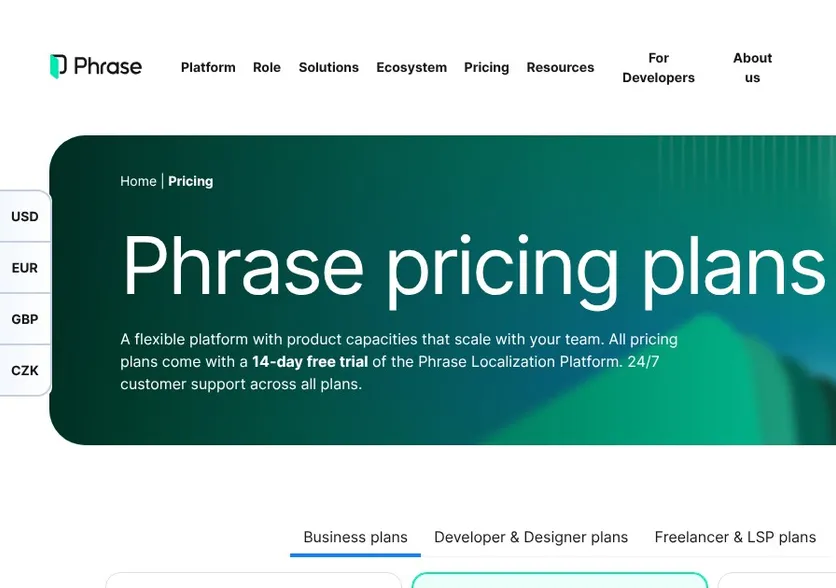
Paid tool Starting price: $27/month · Twenty-seven dollars a month for the Freelancer plan, billed annually; the Professional plan costs five hundred twenty-five dollars a month and Business plans are custom priced.
Free plan: No free plan; 14-day free trial
Remote teams need a translation tool that lives in the browser, and Phrase fits that brief with no installs and no shared drives. Phrase lets translators, reviewers and managers work on the same project from different time zones, with integrations that pull new strings in automatically. Comments, workflow steps and quality gates keep everyone aligned without a single status meeting.
What we like
- Fully cloud based, so remote translators need nothing but a browser.
- Integrations automate the flow of strings between product and team.
- Comments and workflow steps replace status meetings across time zones.
Watch out for
- The entry plan suits individuals, so teams need the higher tiers for shared controls.
- Per-word and automation costs can grow as content volume rises.
How to try it
- Create a Phrase project and connect the content source or repository it should watch.
- Invite your remote translators and reviewers, assign languages and set the workflow steps.
- Review completed translations in the dashboard and let the integration sync them back to your product.
2. Smartcat
Best for: Remote teams that mix AI translation with human review
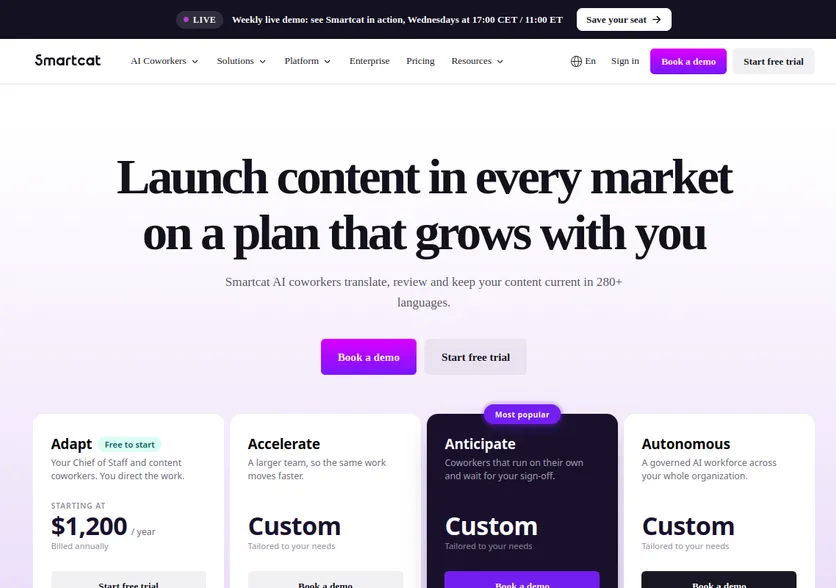
Paid tool Starting price: $100/month · One hundred dollars a month for the Adapt plan, billed annually; the Accelerate, Anticipate and Autonomous tiers are custom priced.
Free plan: No free plan; free trial available
Smartcat was built for teams that never share an office: translators, reviewers and managers all work in one shared workspace online. Smartcat runs content through AI first, then hands it to human reviewers, and every memory and glossary stays shared so a translator in one country matches the wording of a colleague in another. Its marketplace also helps remote teams find reviewers for languages they do not cover in-house.
What we like
- One shared workspace keeps remote translators on the same memories and glossaries.
- AI-first workflow cuts turnaround on high-volume content.
- Built-in marketplace finds reviewers for languages the team lacks.
Watch out for
- AI output still needs human review for legal, medical and brand-sensitive text.
- Higher tiers are custom priced, so budgeting needs a sales conversation.
How to try it
- Upload source files or connect a content system, then choose the languages and the AI engine.
- Let Smartcat translate first, then assign human reviewers to polish the result.
- Track cost and turnaround in the analytics dashboard and export the approved translations.
3. Crowdin
Best for: Remote software teams that localise products continuously
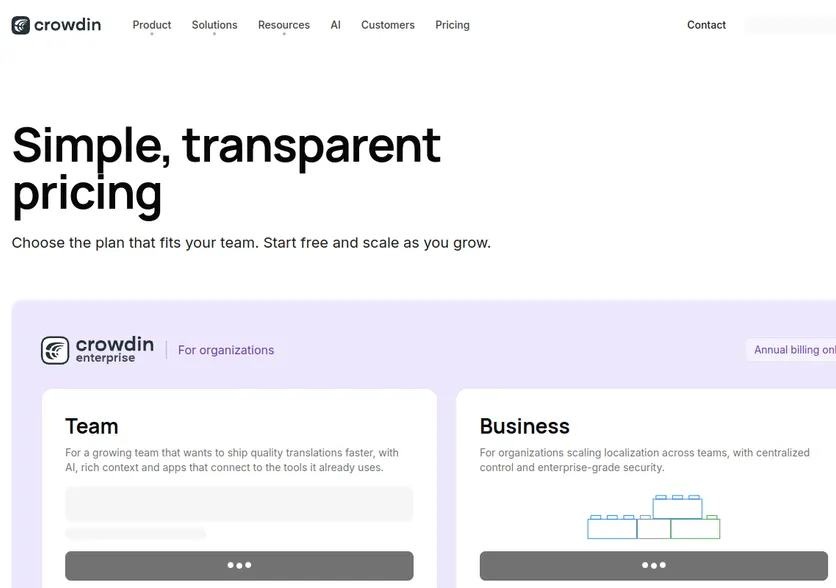
Paid tool Starting price: $75/month · Seventy-five dollars a month for the Pro plan, billed annually; the monthly rate is higher when billed month to month.
Free plan: Free plan for small projects; 14-day free trial on paid plans
For a team spread across continents, Crowdin removes the handoffs that usually slow translation down: it watches the code repository and sends new strings to translators automatically. Crowdin gives each translator an in-context editor that shows where every string appears, so nobody has to guess. Reviewers, managers and developers all see the same dashboard, which keeps a remote release on schedule.
What we like
- Automatic string sync removes manual handoffs between developers and translators.
- In-context editing shows translators where each string appears in the product.
- One shared dashboard keeps remote managers and reviewers aligned.
Watch out for
- The Pro plan caps some features, so larger teams may need the Business tier.
- Setting up repository integrations takes care the first time.
How to try it
- Connect Crowdin to your code repository and choose the file formats it should watch.
- Set up translation memories, glossaries and machine translation, then invite your translators.
- Review translations in context and let Crowdin push the finished files back to the repository.
4. memoQ
Best for: Remote translators who need a professional desktop workbench with shared memories
Paid tool Starting price: $436/year · Four hundred thirty-six dollars a year for the Translator Pro licence; memoQ TMS server plans start at three thousand twenty-five dollars a year.
Free plan: No free plan; 45-day free trial
When translators work from different time zones, memoQ keeps everyone on the same memory and termbase through its server edition, while each linguist works in the familiar desktop editor. memoQ lets managers assign jobs and track progress from anywhere, and its quality checks catch errors before files come back. For remote teams that translate complex documents, that shared memory is what keeps wording consistent.
What we like
- Shared server memories keep remote translators consistent with each other.
- Strong quality checks catch numbers, tags and terminology errors before delivery.
- Managers can assign and track work from anywhere.
Watch out for
- The server edition needs IT involvement to set up and maintain.
- The interface carries many options, so new users need training time.
How to try it
- Install memoQ on each translator workstation and connect it to the memoQ server.
- Import the source files, attach the translation memory and termbase, then assign the project to your linguists.
- Run quality checks, approve the reviewed translation and export the finished files in their original format.
5. Lokalise
Best for: Remote product teams managing app strings across many languages
Paid tool Starting price: $149/month · One hundred forty-nine dollars a month for the Start plan, billed annually; the Explorer plan costs one hundred sixty-nine dollars a month when billed monthly.
Free plan: No free plan; 14-day free trial
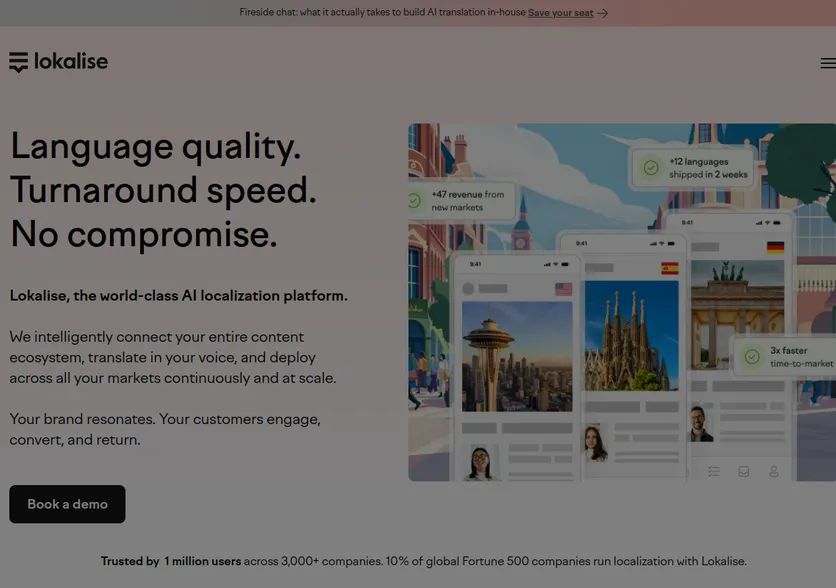
Lokalise gives a remote product team one place to manage the strings inside its software, with screenshots attached to each key so translators never guess at context. Lokalise automates the routing of new strings to the right people and flags missing or inconsistent translations before release. Because everything lives in the cloud, a translator in one country and a developer in another always see the same project.
What we like
- Screenshots attached to keys stop remote translators guessing at context.
- Automation rules route new strings to the right people without manual work.
- Cloud access means the whole team sees the same project everywhere.
Watch out for
- Pricing climbs quickly as the number of keys and seats grows.
- It is built for software strings, not long-form documents.
How to try it
- Import your string files or connect a repository, then attach screenshots to the keys.
- Assign languages to translators and let quality checks flag missing or inconsistent strings.
- Export the finished files or sync them back to your product through the integration.
6. Transifex
Best for: Remote teams translating software, help centres and marketing sites
Paid tool Starting price: $135/month · One hundred thirty-five dollars a month for the Starter plan, billed annually; the Growth plan costs two hundred dollars a month billed annually.
Free plan: No free plan; 15-day free trial
Transifex suits remote teams because the whole localisation lifecycle happens online, from pulling strings out of code to publishing finished translations. Transifex combines translation memory, glossaries and machine translation with a review workflow that assigns work per language, so a team across five time zones never steps on each other. Over-the-air updates even let the team change text in a shipped app without a new release.
What we like
- The full workflow happens online, so no one needs to be in the same office.
- Over-the-air updates change app text without a new release.
- Per-language review assignments suit teams across many time zones.
Watch out for
- The interface has a learning curve for teams new to localisation platforms.
- Some advanced features are reserved for the higher-priced Growth plan.
How to try it
- Connect Transifex to your repository or content system and upload the source strings.
- Set up memories, glossaries and machine translation, then assign reviewers per language.
- Publish translations live or sync them back into your product and track progress in the dashboard.
7. Trados Studio
Best for: Remote professional translators working on complex formatted files
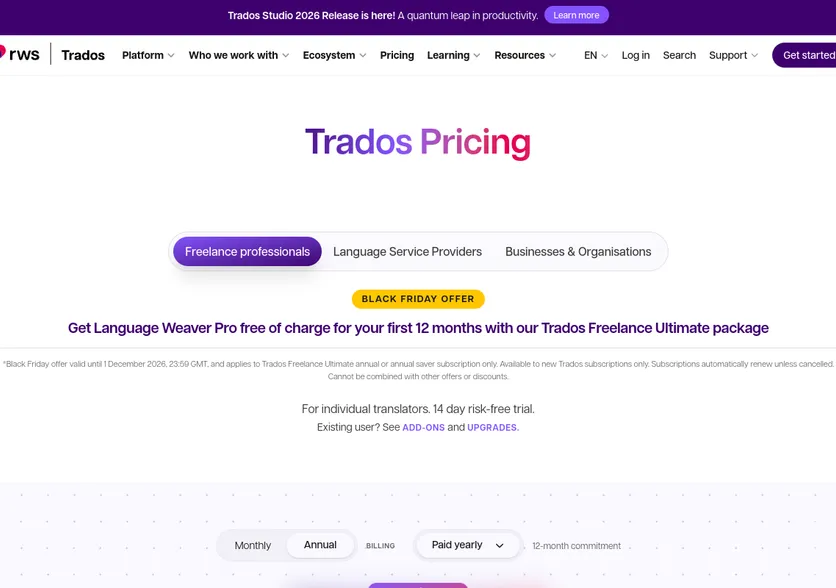
Paid tool Starting price: $408/year · Four hundred eight dollars a year for the Trados Studio Freelance licence, which works out to thirty-four dollars a month.
Free plan: No free plan; 30-day free trial
Trados Studio is the desktop workbench many professional translators already know, and it works well for remote teams because its translation memories and termbases travel with the project. Trados Studio handles an unusually wide range of file formats, from office documents to software packages, and its quality checks catch errors before files return. Remote teams can pair it with a server project when they need central control over shared memories.
What we like
- Excellent support for complex, heavily formatted file types.
- Mature translation memory and terminology tools built over many years.
- Memories and termbases travel with the project, wherever the team sits.
Watch out for
- The desktop interface feels dense and takes time to learn.
- It is a single-user licence, so team features need server editions.
How to try it
- Install Trados Studio and open the source file or connect to a server project.
- Translate segment by segment, accepting memory matches and checking terminology as you go.
- Run quality checks, confirm the segments and export the file in its original format.
8. Wordfast Pro
Best for: Remote translators who prefer a one-time licence over a subscription
Paid tool Starting price: $480 one-time · Four hundred eighty dollars as a one-time payment for a three-year Wordfast Pro licence; a reduced rate of two hundred forty dollars applies in developing economies.
Free plan: No free plan; free trial available
Wordfast Pro keeps things simple for a remote translator: one payment buys a three-year licence, and the desktop tool covers memory, terminology and quality checks without a monthly bill. Wordfast Pro handles the common file formats and lets translators share memories with colleagues by email or cloud drive. For a small remote team that wants predictable costs, that one-off model is easy to budget.
What we like
- One-time payment removes the monthly subscription from the budget.
- Straightforward interface that new translators pick up quickly.
- Reduced licence rate available in developing economies.
Watch out for
- Fewer integrations with code and content systems than cloud platforms.
- The licence covers three years, so renewal is a future budget line.
How to try it
- Download Wordfast Pro, buy the licence and activate it on the translator workstation.
- Open the source file, attach the translation memory and glossary, then translate segment by segment.
- Run the quality checks and export the finished file in its original format.
Prices above were checked on each vendor’s own website on Nov 27, 2026 and can change — the vendor’s page is the final word. Vendor links are editorial: nobody paid to be listed or ranked here. Vendors who want a featured listing can see how it works on our Get listed page.
What remote translation teams pay in 2026
Remote teams pay per seat, so the monthly bill tracks headcount directly: a freelancer plan starts near twenty-seven dollars a month, while team plans run from seventy-five to one hundred fifty dollars a month per user. Desktop licences look cheaper at a few hundred dollars a year, but they need a server or shared drive before the team can actually collaborate. Count the seats first, then the machine translation volume on top.
Run a trial with two tools on a real project and include translators from different time zones. Watch how comments, assignments and review steps work when nobody is online at the same time. Pick the tool that keeps working while the team sleeps, because a remote workflow that stalls overnight costs more than any subscription.
Before you buy
- Pick a cloud tool first, because remote translators cannot share files locked on one office computer.
- Check that comments and questions work inside the editor, because email threads slow remote review to a crawl.
- Confirm the tool shows who is working on what, because remote managers cannot walk over and ask.
- Test the tool on a slow connection, because translators in different regions do not all have fast broadband.
- Ask where the data is stored, because remote teams often cross borders and privacy rules with it.
Official websites
Official websites of the products reviewed above. Features and prices were checked against these sites when this guide was written, and they can change, so confirm on the vendor site before you buy.
Frequently asked questions
What should a remote translation team look for first?
Remote translation teams need a cloud platform with shared memories, in-editor comments and per-language assignments. The tool should show who is working on what and let reviewers leave notes inside the editor, not in email. Cloud access matters most, because translators cannot share files locked on one office computer.
Can a remote team keep terminology consistent across time zones?
Yes, provided the tool keeps one shared translation memory and termbase for the whole team. A translator in one country then reuses the same approved wording as a colleague in another. Shared memories are the main reason remote teams pick a platform over individual desktop tools.
How much does translation software cost for a remote team?
Most cloud tools charge per user per month, starting around twenty-seven dollars a month for a freelancer plan and rising to one hundred fifty dollars or more for team plans. Desktop licences cost a few hundred dollars a year per translator. Budget for seats first, then add machine translation costs on top.
Do these tools support machine translation for remote teams?
Yes, all eight tools support machine translation, either built in or through an integration. The machine engine drafts first and a human reviewer polishes it, which cuts turnaround. Keep machine translation away from confidential text unless the vendor guarantees the data stays private.
Why does a shared translation memory matter for remote teams?
A translation memory stores every translated sentence so it can be reused, which keeps wording consistent and cuts costs on repeated text. A termbase stores approved terms such as product names. For a remote team, a shared memory is the single most valuable asset, because it stops translators in different countries choosing different words.
Need everyday text help too? Try Toolsvine's free text tools right in your browser.
Browse Text Tools tools