On this page
Translators juggle glossaries, translation memories, client files and deadlines at once, so the right software is the difference between a smooth week and a scramble. The seven tools below run from eight dollars and seventy-four cents per user a month to three thousand twenty-five dollars a year, and every price was checked on the vendor site on November 27, 2026. Most combine translation memory with machine translation and quality checks, so compare language pairs, file formats and team workflow rather than the headline price alone. memoQ is our first pick — the professional translation management system agencies trust most.
How we researched this
We started with the translation tools professional translators and agencies actually buy, then read each price on the vendor pricing page on November 27, 2026 and noted the free trial each plan carries. We judged them for translators who need translation memory, terminology control and machine translation in one workflow, and we kept only tools with a published dollar price. We dropped MateCat because it is free with no paid tier to compare, and we dropped Lokalise because its published prices conflict across sources, so we could not verify one list price.
Compare the tools
| Name | Best for | Starting price | Free plan | |
|---|---|---|---|---|
| memoQ | Translation agencies and freelance teams that manage large multilingual projects with shared memories and term bases | $3,025/year | No free plan; free trial available | Visit |
 Phrase | Freelance translators who need translation memory and machine translation in one affordable subscription | $27/month | No free plan; 14-day free trial | Visit |
 Crowdin | Software teams that localize apps and websites with translators and developers working together | $50/month | Free plan available; 14-day free trial of Pro | Visit |
 Trados Studio | Professional translators who want the industry-standard desktop tool with deep translation memory control | $40/month | No free plan; 14-day free trial | Visit |
 Smartcat | Teams that want translation, editing and a marketplace of vetted translators in one platform | $1,200/year | No free plan; 15-day free trial | Visit |
 Weglot | Website owners who want a translated site live in a day without touching code | $17/month | Free plan for 2,000 words and 1 language; 14-day free trial | Visit |
 DeepL Pro | Translators and small teams who want the most natural machine translation for European languages | $8.74/user/month | Free plan available; 30-day free trial | Visit |
The translation software for translators, compared
1. memoQ
Best for: Translation agencies and freelance teams that manage large multilingual projects with shared memories and term bases
Paid tool Starting price: $3,025/year · TMS Starter plan, three thousand twenty-five dollars a year for one project manager license and five linguist subscriptions
Free plan: No free plan; free trial available
memoQ is the translation management system many agencies build their whole workflow around, pairing a desktop editor with server-based project management, translation memory and term bases. This memoQ TMS Starter plan costs three thousand twenty-five dollars a year and covers one project manager license with five linguist subscriptions. A team can split a large project across translators, reviewers and vendors while keeping one shared memory and one glossary, and the built-in quality checks catch number and terminology mistakes before delivery.
What we like
- Translation memory and term bases shared across the whole team
- Strong quality checks for numbers, tags and terminology
- Handles dozens of file formats without conversion tools
Watch out for
- The yearly price is the highest in this comparison by a wide margin
- New users face a steep learning curve before the first project ships
How to try it
- Open the memoQ pricing page and start the free trial
- Import a translation memory and a term base from your last project
- Create a project, assign translators and run the quality check before delivery
2. Phrase
Best for: Freelance translators who need translation memory and machine translation in one affordable subscription
Paid tool Starting price: $27/month · Freelancer plan, twenty-seven dollars a month; fourteen-day free trial
Free plan: No free plan; 14-day free trial
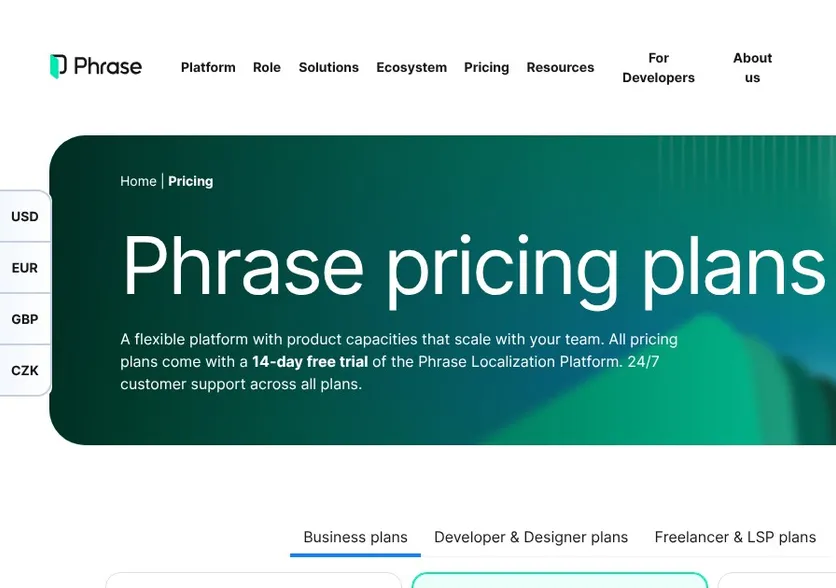
Phrase is the freelance-friendly option in this list, combining a translation management platform with machine translation, glossaries and quality checks in a single workspace. This Phrase Freelancer plan costs twenty-seven dollars a month and includes translation memory, terminology management and integrations with common file formats. A solo translator can take on agency work, keep client memories separate and deliver consistent terminology without paying agency prices.
What we like
- Lowest entry price for a full translation management platform
- Translation memory and machine translation in one workspace
- Clean interface that freelancers learn in an afternoon
Watch out for
- Team features and advanced automation sit on pricier plans
- The Freelancer plan caps the number of projects you can run
How to try it
- Open the Phrase pricing page and start the fourteen-day trial
- Upload a glossary and a translation memory from a past project
- Translate a test document and check the quality report before you buy
3. Crowdin
Best for: Software teams that localize apps and websites with translators and developers working together
Paid tool Starting price: $50/month · Pro plan, fifty dollars a month billed annually, or fifty-nine dollars a month billed monthly
Free plan: Free plan available; 14-day free trial of Pro
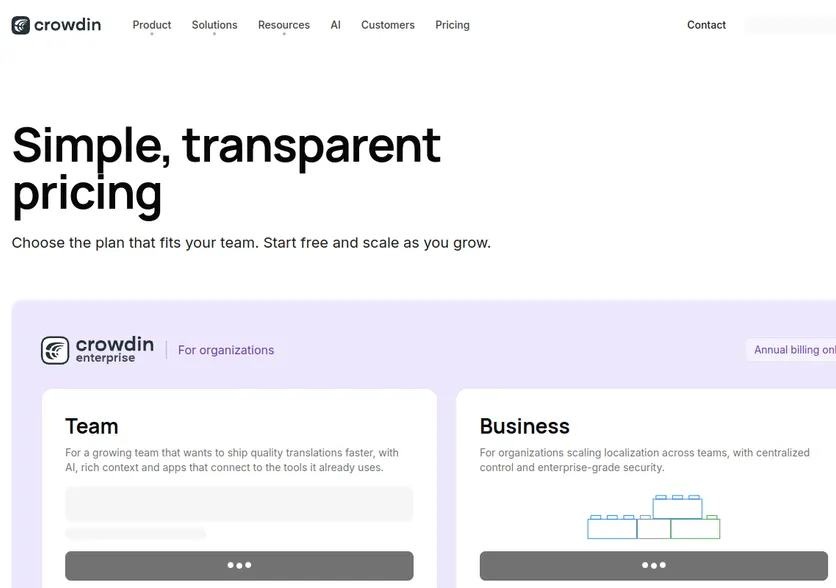
Crowdin is built for software localization, connecting translators, developers and reviewers in one place with integrations for code repositories and content platforms. This Crowdin Pro plan costs fifty dollars a month billed annually and adds unlimited projects, machine translation engines and advanced workflow automation. A product team can push new strings from code, get them translated and pull them back without manual file handling, while a free plan covers small open projects.
What we like
- Deep integrations with code repositories and content platforms
- Free plan for small projects and open source work
- Unlimited projects on the Pro plan
Watch out for
- The free plan limits machine translation usage
- Advanced workflow automation needs the Team plan or higher
How to try it
- Open the Crowdin pricing page and claim the free plan
- Connect your code repository and import your first project
- Invite a translator and run a machine translation pre-translation
4. Trados Studio
Best for: Professional translators who want the industry-standard desktop tool with deep translation memory control
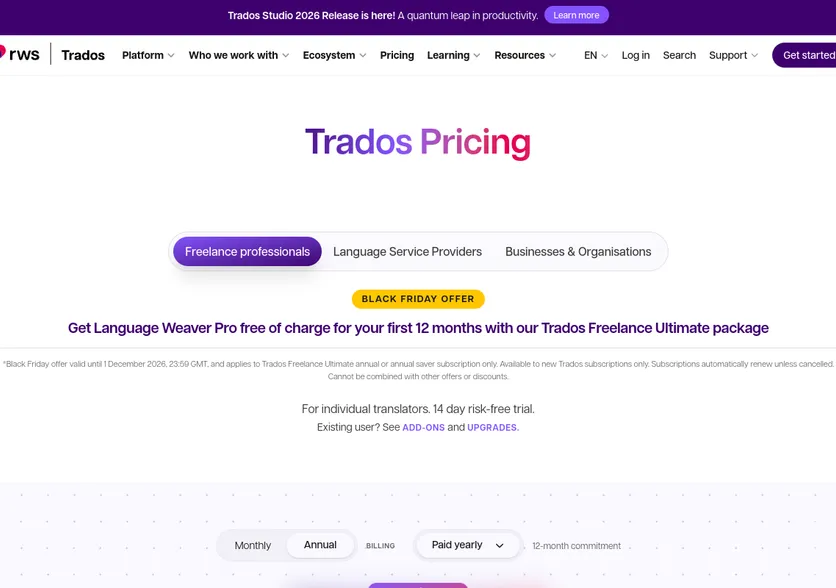
Paid tool Starting price: $40/month · Freelance plan on the Annual Saver, forty dollars a month billed annually as four hundred eighty dollars a year
Free plan: No free plan; 14-day free trial
Trados Studio remains the desktop translation tool most agencies expect their translators to know, with mature translation memory, terminology and quality assurance built in. This Trados Studio Freelance plan costs forty dollars a month on the Annual Saver and includes the full desktop editor with cloud project access. A professional translator can reuse past translations, keep client terminology consistent and open almost any file format a client sends.
What we like
- The industry-standard desktop editor agencies expect
- Deep translation memory and terminology control
- Opens almost any file format a client sends
Watch out for
- Desktop software, so collaboration needs the cloud add-on
- The monthly rate rises if you pay month to month
How to try it
- Open the Trados pricing page and start the fourteen-day trial
- Import your translation memory and term base
- Translate a sample file and run the quality assurance check
5. Smartcat
Best for: Teams that want translation, editing and a marketplace of vetted translators in one platform
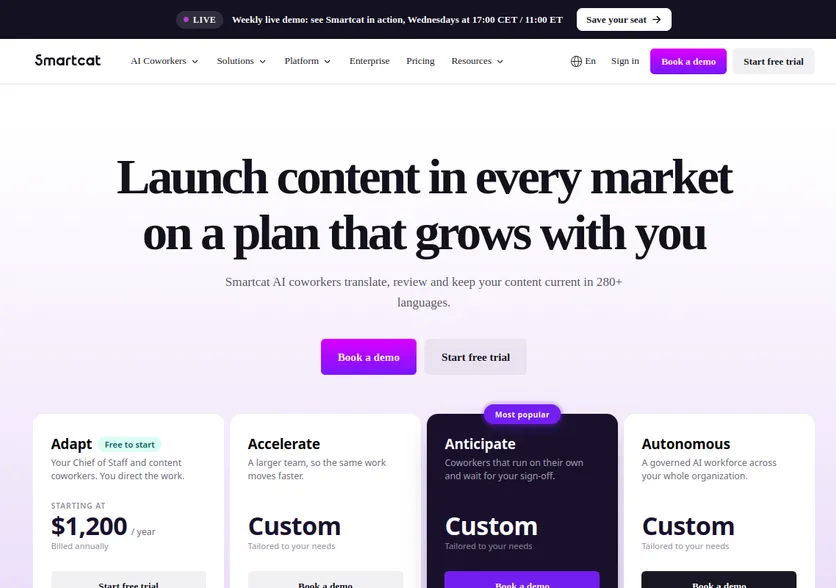
Paid tool Starting price: $1,200/year · Basic plan from one thousand two hundred dollars a year; fifteen-day free trial
Free plan: No free plan; 15-day free trial
Smartcat combines a translation workspace with an AI translation engine and a marketplace of vetted linguists, so a team can translate, edit and review without leaving the platform. This Smartcat Basic plan starts at one thousand two hundred dollars a year and includes AI translation, translation memory and collaboration tools for the whole team. A company localizing product content can draft with AI, send the result to a human linguist and publish from the same dashboard.
What we like
- AI translation and human linguists in one platform
- Built-in marketplace for finding vetted translators
- Translation memory shared across every project
Watch out for
- The yearly price is high for a solo translator
- Linguist marketplace rates are separate from the subscription
How to try it
- Open the Smartcat pricing page and start the fifteen-day trial
- Upload a document and run the AI translation
- Send the draft to a marketplace linguist for editing
6. Weglot
Best for: Website owners who want a translated site live in a day without touching code
Paid tool Starting price: $17/month · Starter plan, seventeen dollars a month billed annually; the dollar figure is an estimate of the fifteen euro list price
Free plan: Free plan for 2,000 words and 1 language; 14-day free trial
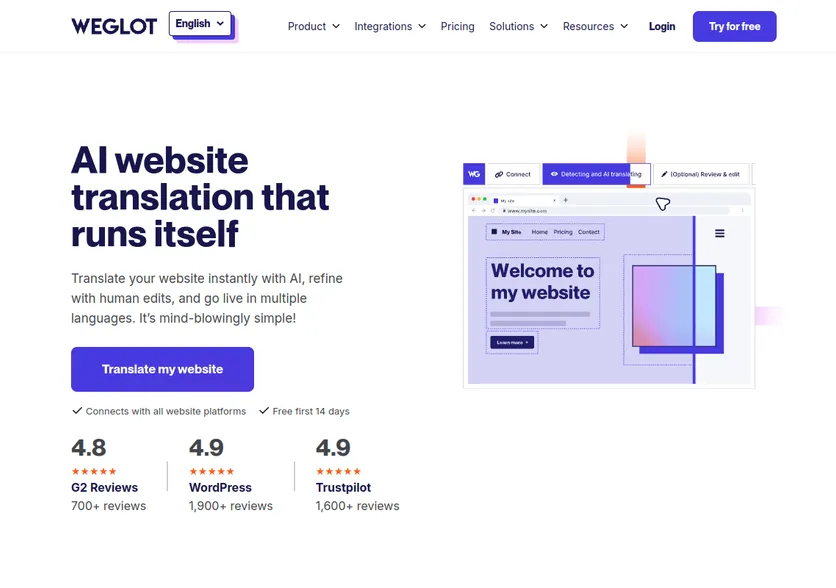
Weglot turns a website multilingual by detecting its content, translating it automatically and publishing each language under its own address, with no code changes needed. This Weglot Starter plan costs seventeen dollars a month billed annually and covers two thousand words in one language with human editing tools. A small business can launch a second language in an afternoon, edit the machine translation by hand and keep search engines indexing every version.
What we like
- A translated site can go live in a single afternoon
- Free plan covers a small site in one extra language
- Automatic language detection with human editing built in
Watch out for
- The dollar price is an estimate of the euro list price
- Larger sites move to pricier plans as word counts grow
How to try it
- Open the Weglot pricing page and start the fourteen-day trial
- Add Weglot to your website and pick your first language
- Review the automatic translation and edit key pages by hand
7. DeepL Pro
Best for: Translators and small teams who want the most natural machine translation for European languages
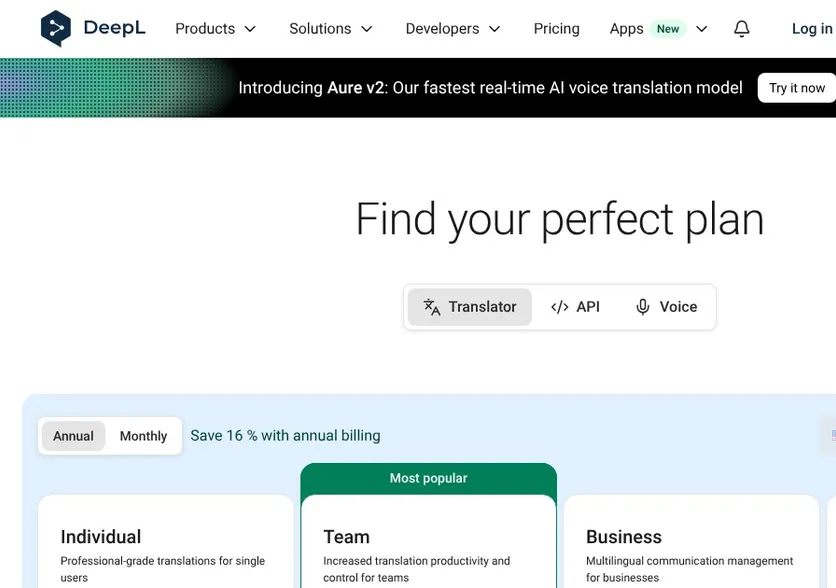
Paid tool Starting price: $8.74/user/month · Individual plan, eight dollars and seventy-four cents per user a month billed annually, or ten dollars and forty-nine cents billed monthly
Free plan: Free plan available; 30-day free trial
DeepL Pro brings the machine translation engine many translators trust most into a full workflow with document translation, glossaries and a translation API. This DeepL Pro Individual plan costs eight dollars and seventy-four cents per user a month billed annually and translates whole documents while keeping their formatting intact. A translator can draft with DeepL, polish the result in a favourite editor and keep client glossaries consistent across every project.
What we like
- Natural-sounding machine translation for European languages
- Whole documents translate with formatting kept intact
- Glossaries keep client terminology consistent
Watch out for
- Language coverage is narrower than some rivals
- The Individual plan is for one user only
How to try it
- Open the DeepL Pro page and start the thirty-day trial
- Upload a document and translate it with your glossary
- Compare the result against your usual engine before you buy
Prices above were checked on each vendor’s own website on Nov 27, 2026 and can change — the vendor’s page is the final word. Vendor links are editorial: nobody paid to be listed or ranked here. Vendors who want a featured listing can see how it works on our Get listed page.
What translation software costs in 2026
Translation software prices split into two camps: per-user monthly subscriptions from about nine dollars to fifty dollars a month, and yearly platform licenses that run into the thousands. A freelancer translating a few thousand words a week can work on the cheapest plans here, while an agency sharing memories across a team needs the platform licenses and should count every seat before comparing totals. Word counts matter too, because website translation tools charge by the words you translate, not by the user.
Start with the free trial on two tools and translate one real project on each. Compare how the translation memory suggests past work, how the glossary handles client terms and how clean the exported file looks. Pick the tool whose memory saves you the most time, because that saving is what pays for the subscription.
Before you buy
- Count every translator and reviewer who needs a seat, because memoQ charges per license and DeepL Pro charges per user.
- Check whether the plan includes translation memory, because the cheapest plans here can cap projects or words.
- Confirm the tool opens your file formats, because a tool that needs conversion adds a step to every job.
- Test machine translation quality in your language pair, because engines vary widely outside European languages.
- Compare yearly and monthly billing, because annual billing cuts the monthly rate on most tools here.
Official websites
Official websites of the products reviewed above. Features and prices were checked against these sites when this guide was written, and they can change, so confirm on the vendor site before you buy.
Frequently asked questions
Which translation software is best for translators in 2026?
memoQ is the best overall pick for agencies and professional teams, with shared translation memory, term bases and quality checks in one platform. Phrase is the best value for freelancers at twenty-seven dollars a month, while Weglot is the easiest way to translate a whole website. DeepL Pro is the cheapest entry point for machine translation at eight dollars and seventy-four cents per user a month.
How much does translation software cost?
Per-user plans in this list run from eight dollars and seventy-four cents to fifty dollars a month, while platform licenses run from one thousand two hundred dollars to three thousand twenty-five dollars a year. Website translation starts at seventeen dollars a month for two thousand words. A freelancer can work for under thirty dollars a month, while an agency should budget for several licenses.
Is there a free translation software?
Crowdin and DeepL Pro both offer free plans, and Weglot has a free plan for a small site in one language. MateCat is free to use with no paid tier, though it was not included here because it has no published price to compare. Most paid tools here also offer free trials of fourteen to thirty days.
What is translation memory and why does it matter?
Translation memory stores every sentence you translate and suggests it again when the same text appears, so repeat work gets faster and cheaper over time. It also keeps terminology consistent across a whole project and across translators. Every tool in this list includes translation memory, though the cheapest plans may cap how much you can store.
Do I need a translation management system or just machine translation?
Machine translation alone suits a translator who works on single documents and polishes the output by hand. A translation management system suits teams that share memories, glossaries and reviewers across projects. If you work alone, start with DeepL Pro or Phrase, and move to memoQ or Smartcat when a team shares your work.
Need everyday text help too? Try Toolsvine's free text tools right in your browser.
Browse Text Tools tools