On this page
An enterprise text editor has to open huge files without freezing, run on every machine in the fleet, and cost a predictable amount per seat, year after year. The eight tools below cover that job for large teams, from a sixteen dollar Notepad replacement to a full multi-language IDE editor. Sublime Text leads because it is fast on every platform for ninety-nine dollars one time, and the rest are ranked on how well they fit an enterprise desk.
How we researched this
We checked every price on the vendor pricing page on November 29, 2026, and only included tools with a published US dollar list price. The free editors that cost nothing, including Visual Studio Code and Notepad Plus Plus, are not paid tools, so they are not in this list. Prices change, so confirm the current figure on the vendor site before you buy.
Compare the tools
| Name | Best for | Starting price | Free plan | |
|---|---|---|---|---|
 Sublime Text | Enterprises standardising one editor across every developer | $99 one-time | Free evaluation | Visit |
 UltraEdit | Enterprise teams editing very large files and logs | $99.95/year | No free plan; 30-day free trial | Visit |
 BBEdit | Mac-only enterprises that want the classic editor | $49.99 one-time | Free evaluation; free mode after trial | Visit |
 Nova | Mac enterprises that want a modern editor with project tools | $99 one-time | No free plan; 30-day free trial | Visit |
 EmEditor | Windows enterprises editing huge CSV files and logs | $39.99 one-time | No free plan; free trial | Visit |
 SlickEdit | Enterprises writing code in many languages | $125 one-time | No free plan; free trial | Visit |
 EditPlus | Windows enterprises editing files straight on a server | $35 one-time | No free plan; free trial | Visit |
 TextPad | Enterprises that want a dependable Notepad replacement | $16.50 one-time | No free plan; free trial | Visit |
The text editor software for enterprise, compared
1. Sublime Text
Best for: Enterprises standardising one editor across every developer
Paid tool Starting price: $99 one-time · Ninety-nine dollars one time for a personal licence with three years of updates; business licences are sixty-five dollars per seat a year for one to ten seats
Free plan: Free evaluation
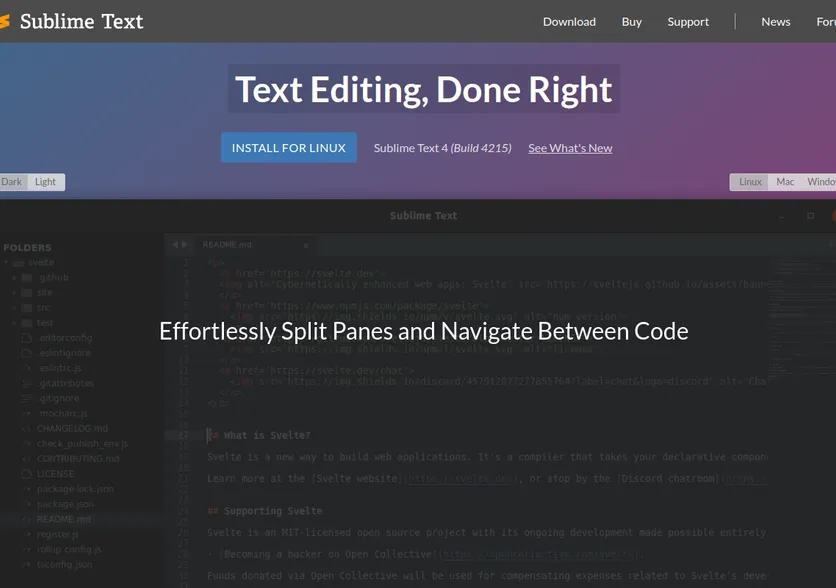
An enterprise that standardises on one editor for every developer will start here, because this Sublime Text licence costs ninety-nine dollars one time for a personal licence with three years of updates. It opens huge files instantly, runs on Windows, Mac and Linux, and the business licences are sixty-five dollars per seat a year for small teams. It is the fastest editor in this list and the easiest to deploy across a mixed fleet.
What we like
- Opens huge files instantly
- Runs on Windows, Mac and Linux
- Business licences at sixty-five dollars per seat a year
Watch out for
- No free plan, only an unlimited evaluation
- No built-in collaboration or cloud sync
How to try it
- Download the editor and start the evaluation
- Set the licence key for each seat
- Install the packages the team needs
2. UltraEdit
Best for: Enterprise teams editing very large files and logs
Paid tool Starting price: $99.95/year · Ninety-nine dollars and ninety-five cents a year for Core; Enterprise is one hundred and nineteen dollars and ninety-five cents a year; a perpetual Core licence is one hundred and seventy-nine dollars and ninety-five cents
Free plan: No free plan; 30-day free trial
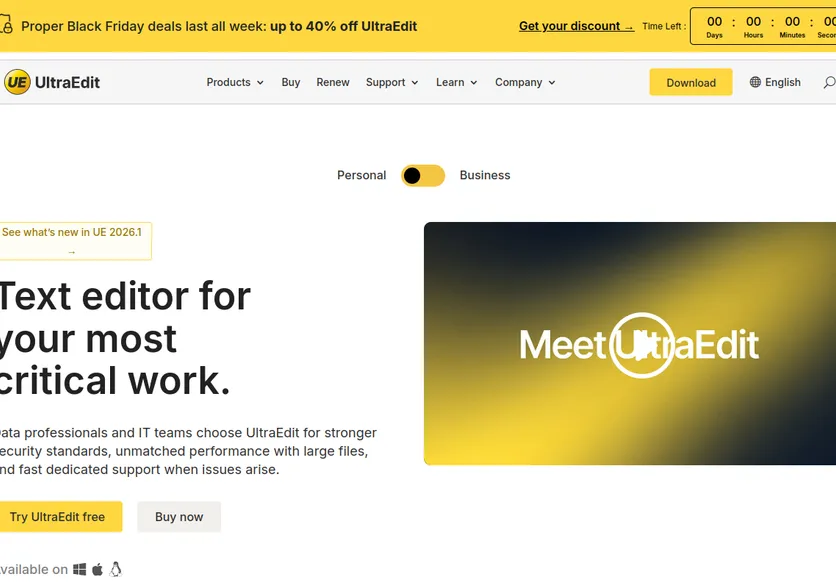
Large files are where most editors give up, and this UltraEdit plan costs ninety-nine dollars and ninety-five cents a year for Core. It edits multi-gigabyte logs and data files without loading them whole into memory, and the Enterprise tier adds secure FTP, large-file handling and admin controls. It is the best pick here for a team that edits files other editors refuse to open.
What we like
- Edits multi-gigabyte files without slowing down
- Secure FTP and large-file handling on Enterprise
- Runs on Windows, Mac and Linux
Watch out for
- No free plan, only a 30-day trial
- The interface looks dated next to newer editors
How to try it
- Download the trial and open a large file
- Set the licence and the team settings
- Connect FTP and the tools the team needs
3. BBEdit
Best for: Mac-only enterprises that want the classic editor
Paid tool Starting price: $49.99 one-time · Forty-nine dollars and ninety-nine cents one time for an individual licence; the Mac App Store lists an annual subscription at forty-nine dollars and ninety-nine cents and a monthly one at four dollars and ninety-nine cents; one comparison lists fifty-nine dollars and ninety-nine cents
Free plan: Free evaluation; free mode after trial
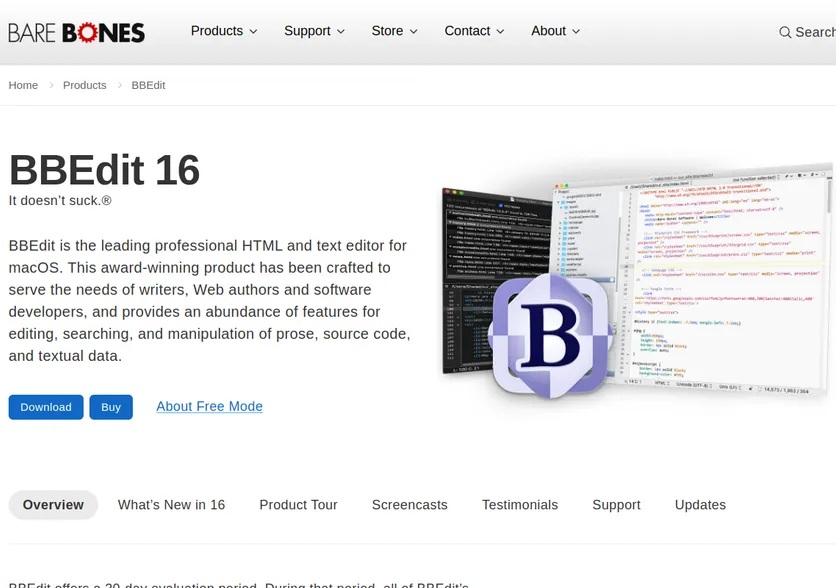
A Mac-only enterprise that wants the classic professional editor will buy this BBEdit licence, which costs forty-nine dollars and ninety-nine cents one time for an individual licence. It has edited text on the Mac for decades, with grep search, multi-file editing and scripting that administrators trust, and the free mode keeps working after the evaluation ends. It is the safest choice here for a shop that runs on Apple hardware.
What we like
- Decades of Mac text editing heritage
- Grep search and multi-file editing
- Free mode keeps working after the trial
Watch out for
- Mac only, so mixed fleets need a second editor
- One comparison lists a higher price
How to try it
- Download the editor from Bare Bones
- Start the evaluation and set the licence
- Turn on the text filters the team needs
4. Nova
Best for: Mac enterprises that want a modern editor with project tools
Paid tool Starting price: $99 one-time · Ninety-nine dollars one time plus tax, with one year of updates; renewal is forty-nine dollars a year and is optional
Free plan: No free plan; 30-day free trial
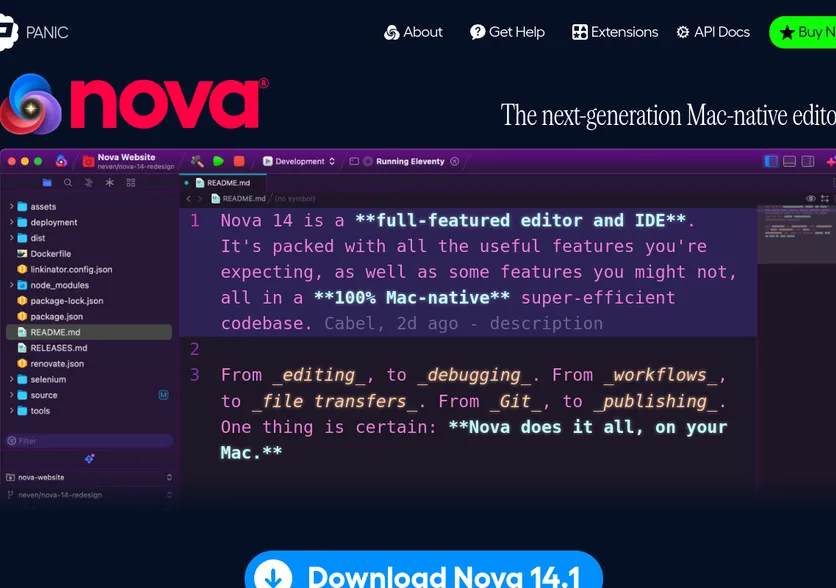
A Mac enterprise that wants a modern editor with real project tools will look here, where this Nova licence costs ninety-nine dollars one time plus tax, with one year of updates. It pairs a fast editor with built-in tasks, debugging and publishing, and the extension library adds the languages the team actually uses. It is the most modern Mac editor in this list for a team that wants more than plain text.
What we like
- Fast editor with built-in tasks and debugging
- Extension library for the team languages
- Clean interface that new hires learn fast
Watch out for
- Mac only, so mixed fleets need a second editor
- Updates after the first year cost forty-nine dollars a year
How to try it
- Download Nova and start the 30-day trial
- Buy the licence and set up the projects
- Install the extensions the team needs
5. EmEditor
Best for: Windows enterprises editing huge CSV files and logs
Paid tool Starting price: $39.99 one-time · Thirty-nine dollars and ninety-nine cents for a Professional licence; yearly maintenance is sold separately, so confirm the renewal figure at checkout
Free plan: No free plan; free trial
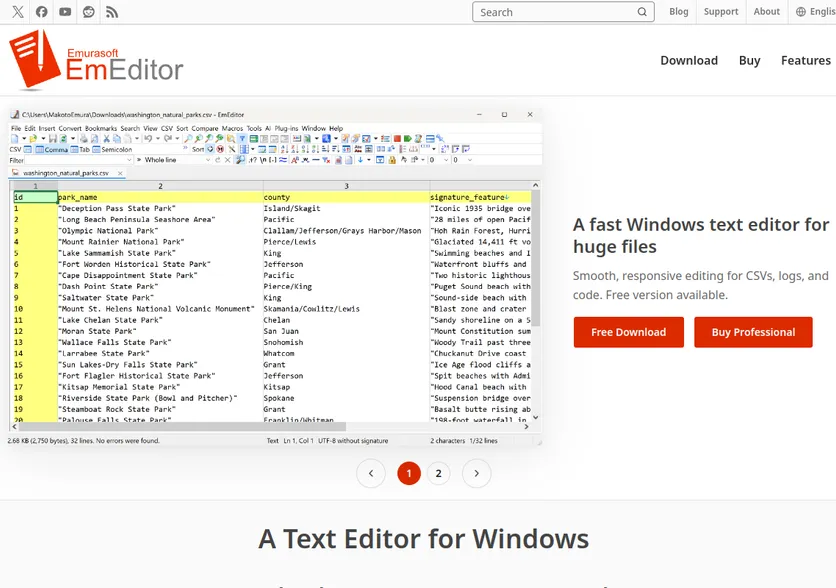
For an enterprise that edits huge CSV files and logs every day, this EmEditor licence costs thirty-nine dollars and ninety-nine cents for a Professional licence. It handles very large files and long lines without freezing, and the CSV tools sort, filter and split data that would choke a normal editor. It is the cheapest serious editor here for a Windows team that lives in data files.
What we like
- Handles very large files and long lines
- CSV tools sort, filter and split data
- Lowest-priced serious editor in this list
Watch out for
- Windows only, so mixed fleets need a second editor
- Yearly maintenance is sold separately
How to try it
- Download the trial and open a large file
- Buy the Professional licence
- Set the CSV tools and macros the team needs
6. SlickEdit
Best for: Enterprises writing code in many languages
Paid tool Starting price: $125 one-time · One hundred and twenty-five dollars one time for Standard; Pro is two hundred and ninety-nine dollars one time; directories list a ninety-nine dollar and ninety-five cent starting figure, which looks stale
Free plan: No free plan; free trial
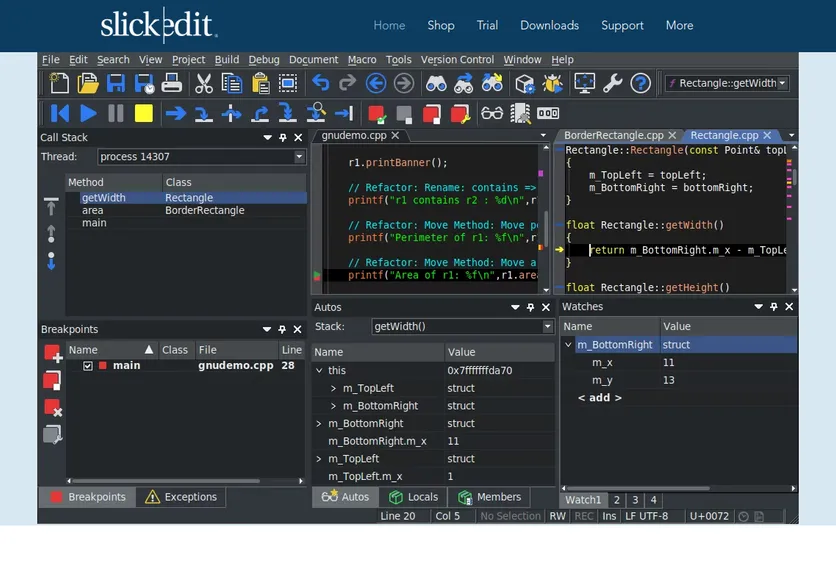
An enterprise that wants an editor with a real IDE behind it will find it here, since this SlickEdit licence costs one hundred and twenty-five dollars one time for Standard. It supports more than sixty languages with symbol analysis, integrated debugging and version control, and the Pro tier adds project management and builds. It is the deepest editor here for a team that writes code in many languages.
What we like
- Supports more than sixty languages
- Integrated debugging and symbol analysis
- Pro adds project management and builds
Watch out for
- No free plan, only a free trial
- The interface has a learning curve
How to try it
- Download the trial and pick the edition
- Buy the licence for each developer
- Set up projects, debugging and version control
7. EditPlus
Best for: Windows enterprises editing files straight on a server
Paid tool Starting price: $35 one-time · Thirty-five dollars one time for a single-user licence; volume discounts apply for larger orders
Free plan: No free plan; free trial
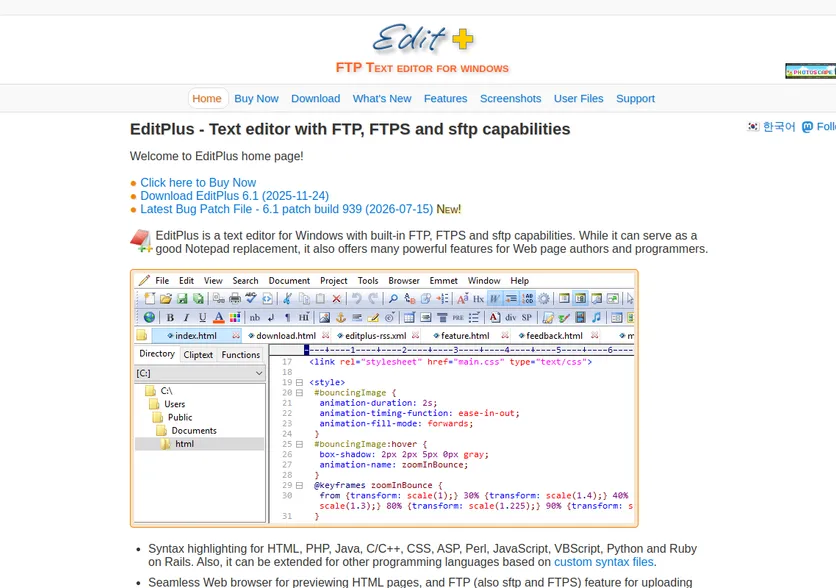
A Windows enterprise that wants a light, fast editor with built-in FTP will pay little here, because this EditPlus licence costs thirty-five dollars one time for a single user. It edits text and code, uploads straight to the server over FTP, FTPS or SFTP, and starts in a blink on any Windows machine. It is the cheapest editor in this list for a team that edits files on a server.
What we like
- Built-in FTP, FTPS and SFTP uploads
- Starts fast on any Windows machine
- Cheapest editor in this list
Watch out for
- Windows only, so mixed fleets need a second editor
- No free plan, only a free trial
How to try it
- Download the trial on each Windows machine
- Buy the single-user licence
- Set up the FTP connections for the servers
8. TextPad
Best for: Enterprises that want a dependable Notepad replacement
Paid tool Starting price: $16.50 one-time · Sixteen dollars and fifty cents one time for a single licence; site licences are priced by seat count
Free plan: No free plan; free trial
Sometimes the job is simply editing text well, and this TextPad licence costs sixteen dollars and fifty cents one time for a single licence. It replaces Notepad with clip libraries, macros and spell checking, and it edits files as large as virtual memory allows. It is the lowest-priced editor here for an enterprise that wants a dependable Notepad replacement on every Windows desk.
What we like
- Clip libraries, macros and spell checking
- Edits files as large as memory allows
- Lowest-priced editor in this list
Watch out for
- Windows only, so mixed fleets need a second editor
- No free plan, only a free trial
How to try it
- Download the trial on a Windows machine
- Buy the single licence or a site licence
- Set up clip libraries and macros
Prices above were checked on each vendor’s own website on Nov 29, 2026 and can change — the vendor’s page is the final word. Vendor links are editorial: nobody paid to be listed or ranked here. Vendors who want a featured listing can see how it works on our Get listed page.
How to roll out one editor across an enterprise fleet
Pick the editor that runs on every operating system the fleet uses, then buy the business licences in one order so the price per seat is fixed. Test it on the largest file the team actually edits, because a demo on a small file hides the freezing that kills adoption. Give the team two weeks on the new editor with the old one still installed, then remove the old one, since a fallback that never goes away never gets replaced. Keep a short list of the extensions and settings the team needs, so a new hire sets up in an afternoon rather than a week.
Before you buy
- Confirm the editor runs on Windows, Mac and Linux if the fleet is mixed
- Check whether the licence is one time or yearly, and what renewal costs
- Ask if the editor opens the largest file the team actually edits without freezing
- Make sure volume licensing is priced per seat, not per machine
- Test the editor on a real project before buying, including a huge log file
Official websites
Official websites of the products reviewed above. Features and prices were checked against these sites when this guide was written, and they can change, so confirm on the vendor site before you buy.
Frequently asked questions
What is text editor software for enterprise?
It is a paid text and code editor bought per seat for a whole team, with the speed, large-file handling and platform support a business needs. The best tools run on Windows, Mac and Linux, open huge files without freezing, and offer business licensing with volume discounts and support.
How much does Sublime Text cost for an enterprise?
Sublime Text costs ninety-nine dollars one time for a personal licence with three years of updates. Business licences are sixty-five dollars per seat a year for one to ten seats, with lower rates for larger orders. There is no free plan, only a free evaluation, so budget the per-seat figure for the whole team.
Can I use a text editor for free in an enterprise?
Free editors such as Visual Studio Code and Notepad Plus Plus cost nothing, but they are not in this paid comparison. Among the paid tools here, BBEdit offers a free mode that keeps working after the evaluation ends, and Sublime Text offers an unlimited evaluation. A business that needs support and volume licensing should budget for a paid licence.
Which text editor handles the largest files?
UltraEdit is the best pick for very large files, since it edits multi-gigabyte logs and data files without loading them whole into memory. EmEditor also handles huge files and long lines well, and TextPad edits files as large as virtual memory allows. Sublime Text opens large files fast, but the dedicated large-file editors win on the biggest logs.
Which tool is best for a mixed Windows and Mac enterprise?
Sublime Text is the best pick for a mixed fleet, since it runs on Windows, Mac and Linux with the same licence. UltraEdit also covers all three platforms. BBEdit and Nova are Mac only, while EmEditor, EditPlus and TextPad are Windows only, so a mixed enterprise should pick one of the cross-platform tools.
Compare the eight tools above, then test the top pick on the largest file the team actually edits, and buy the business licences in one order so the price per seat is fixed.
Browse Text Tools tools