On this page
A startup editor has to be cheap enough to buy before the first customer pays, fast enough to open on any laptop, and simple enough that a new hire uses it on day one. The eight tools below cover that job for new companies, from a fourteen dollar Markdown editor to a notes app that costs three dollars a month. Sublime Text leads because it is fast on every platform for ninety-nine dollars one time, and the rest are ranked on how well they fit a startup budget.
How we researched this
We checked every price on the vendor pricing page on November 29, 2026, and only included tools with a published US dollar list price. The free editors that cost nothing, including Visual Studio Code and Notepad Plus Plus, are not paid tools, so they are not in this list. Prices change, so confirm the current figure on the vendor site before you buy.
Compare the tools
| Name | Best for | Starting price | Free plan | |
|---|---|---|---|---|
 Sublime Text | Startups that need an editor on day one, on any laptop | $99 one-time | Free evaluation | Visit |
 Nova | Mac startups that want editing, debugging and publishing in one app | $99 one-time | No free plan; 30-day free trial | Visit |
 BBEdit | Mac startups that want a proven editor for fifty dollars | $49.99 one-time | Free evaluation; free mode after trial | Visit |
 Typora | Startups writing docs, blogs and pitch decks in Markdown | $14.99 one-time | No free plan; 15-day free trial | Visit |
 Ulysses | Startups publishing content to win customers | $5.99/month | No free plan; 14-day free trial | Visit |
 Scrivener | Startups writing long technical guides or books | $59.99 one-time | No free plan; 30-day free trial | Visit |
 EditPlus | Windows startups editing files straight on the server | $35 one-time | No free plan; free trial | Visit |
 Bear | Startups that live in notes, specs and plans | $2.99/month | Free plan | Visit |
The text editor software for startups, compared
1. Sublime Text
Best for: Startups that need an editor on day one, on any laptop
Paid tool Starting price: $99 one-time · Ninety-nine dollars one time for a personal licence with three years of updates; business licences are sixty-five dollars per seat a year for one to ten seats
Free plan: Free evaluation
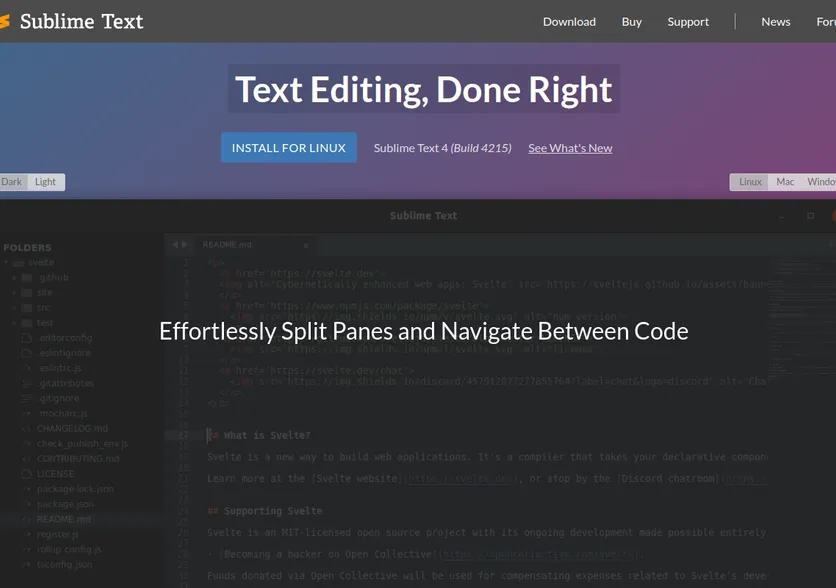
A startup that needs an editor on day one, on any laptop, will reach for this Sublime Text licence, which costs ninety-nine dollars one time for a personal licence with three years of updates. It starts instantly, runs on Windows, Mac and Linux, and the evaluation never expires, so a broke startup can use it for free while the first customers arrive. It is the fastest editor here and the easiest to standardise on.
What we like
- Starts instantly on any laptop
- Runs on Windows, Mac and Linux
- Evaluation never expires
Watch out for
- No free plan, only an unlimited evaluation
- No built-in collaboration or cloud sync
How to try it
- Download the editor and start the evaluation
- Buy the licence when the budget allows
- Install the packages the team needs
2. Nova
Best for: Mac startups that want editing, debugging and publishing in one app
Paid tool Starting price: $99 one-time · Ninety-nine dollars one time plus tax, with one year of updates; renewal is forty-nine dollars a year and is optional
Free plan: No free plan; 30-day free trial
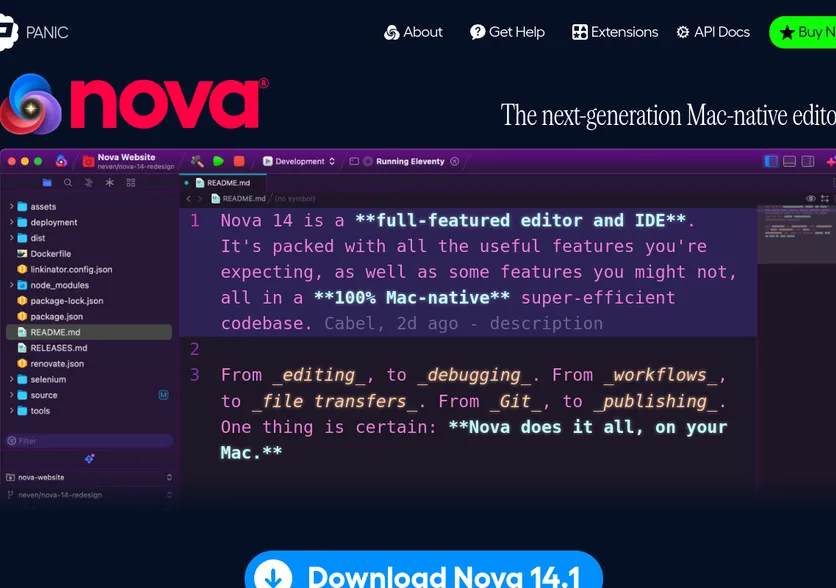
A Mac startup that wants one app for editing, debugging and publishing will like this Nova licence, which costs ninety-nine dollars one time plus tax, with one year of updates. It pairs a fast editor with built-in tasks and publishing, so a tiny team ships without wiring together five tools. It is the most complete Mac editor here for a startup that builds on Apple hardware.
What we like
- Fast editor with built-in tasks and debugging
- Publishing built in, no extra tools needed
- Clean interface that new hires learn fast
Watch out for
- Mac only, so Windows hires need a second editor
- Updates after the first year cost forty-nine dollars a year
How to try it
- Download Nova and start the 30-day trial
- Buy the licence and set up the projects
- Install the extensions the team needs
3. BBEdit
Best for: Mac startups that want a proven editor for fifty dollars
Paid tool Starting price: $49.99 one-time · Forty-nine dollars and ninety-nine cents one time for an individual licence; the Mac App Store lists an annual subscription at forty-nine dollars and ninety-nine cents and a monthly one at four dollars and ninety-nine cents; one comparison lists fifty-nine dollars and ninety-nine cents
Free plan: Free evaluation; free mode after trial
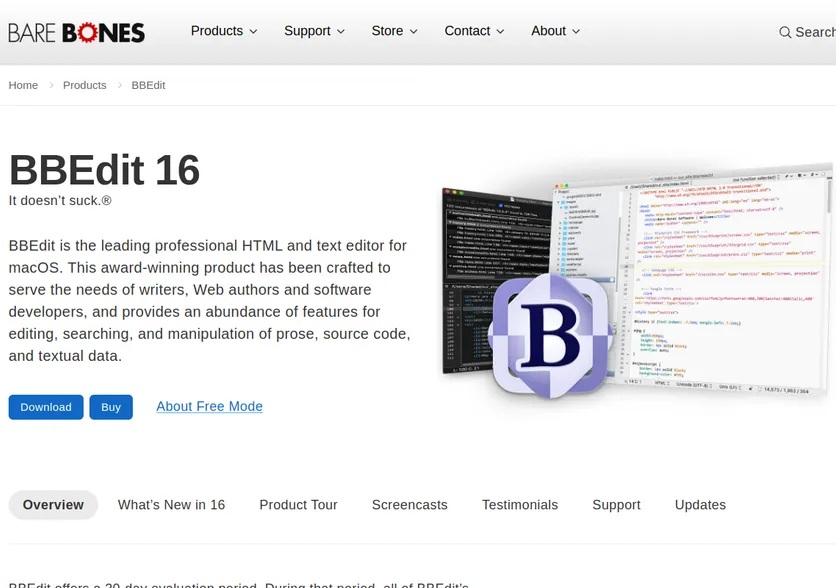
A startup on Macs that wants a proven editor for fifty dollars will find it here, because this BBEdit licence costs forty-nine dollars and ninety-nine cents one time for an individual licence. It edits text and code with grep search and multi-file editing, and the free mode keeps working after the evaluation, so the team can start without spending anything. It is the cheapest serious Mac editor here for a new company.
What we like
- Grep search and multi-file editing
- Free mode keeps working after the trial
- One-time price with no subscription
Watch out for
- Mac only, so Windows hires need a second editor
- One comparison lists a higher price
How to try it
- Download the editor from Bare Bones
- Start the evaluation and set the licence
- Turn on the text filters the team needs
4. Typora
Best for: Startups writing docs, blogs and pitch decks in Markdown
Paid tool Starting price: $14.99 one-time · Fourteen dollars and ninety-nine cents one time for up to three devices; a fifteen-day trial is included
Free plan: No free plan; 15-day free trial
A startup that writes its docs, blog and pitch deck in Markdown will save money here, since this Typora licence costs fourteen dollars and ninety-nine cents one time for up to three devices. It shows the formatted page as you type, with no preview pane and no markup clutter, and it exports cleanly to PDF, HTML and Word. It is the cheapest editor here for a startup that writes a lot.
What we like
- Shows the formatted page as you type
- Exports cleanly to PDF, HTML and Word
- Cheapest editor in this list
Watch out for
- No free plan, only a 15-day trial
- No collaboration or team features
How to try it
- Download Typora and start the trial
- Buy the licence for up to three devices
- Write the first document and export it
5. Ulysses
Best for: Startups publishing content to win customers
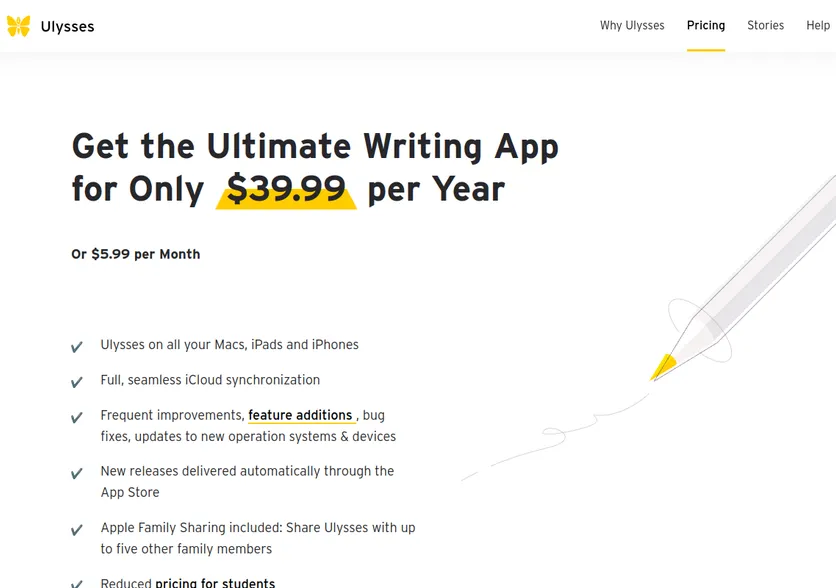
Paid tool Starting price: $5.99/month · Five dollars and ninety-nine cents a month, or thirty-nine dollars and ninety-nine cents a year; one listing shows forty-nine dollars and ninety-nine cents a year, which conflicts with the vendor page
Free plan: No free plan; 14-day free trial
A startup that publishes content to grow will want a writing app that manages every draft, and this Ulysses plan costs five dollars and ninety-nine cents a month. It organises articles, newsletters and posts in one library, exports to PDF, Word and ebook formats, and syncs across Mac and iPhone. It is the best pick here for a startup that publishes to get customers.
What we like
- One library for every draft
- Exports to PDF, Word and ebook formats
- Syncs across Mac and iPhone
Watch out for
- No free plan, only a 14-day trial
- Subscription only, no one-time price
How to try it
- Download Ulysses and start the trial
- Set up the library and import drafts
- Write and export the first article
6. Scrivener
Best for: Startups writing long technical guides or books
Paid tool Starting price: $59.99 one-time · Fifty-nine dollars and ninety-nine cents one time per platform for Mac or Windows; iOS and iPad is twenty-three dollars and ninety-nine cents and a Mac plus Windows bundle is ninety-five dollars and ninety-eight cents; students pay fifty dollars and ninety-nine cents
Free plan: No free plan; 30-day free trial
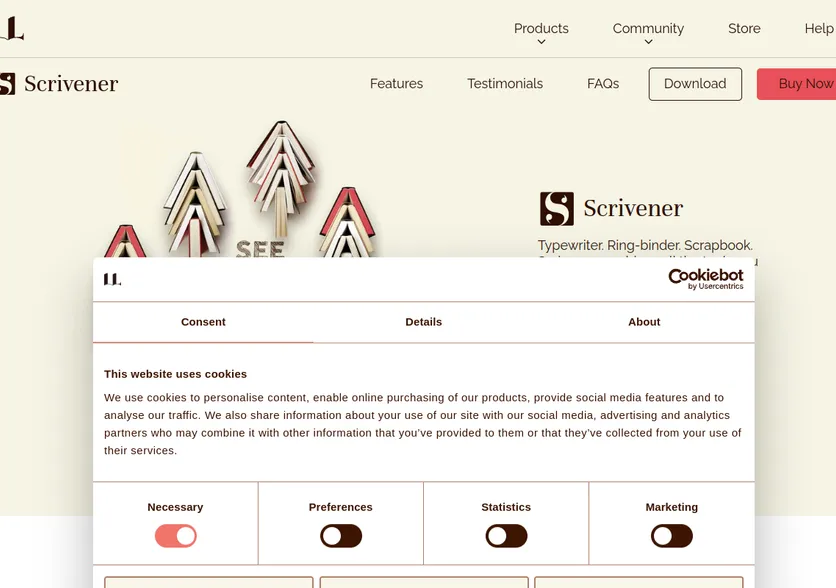
A startup writing a long technical guide or a book needs an editor built for long documents, and this Scrivener licence costs fifty-nine dollars and ninety-nine cents one time per platform. The binder splits the document into sections, the corkboard reorders them, and Compile turns the whole thing into a finished file. It is the best pick here for a startup writing something long.
What we like
- Binder and corkboard organise long documents
- Compile turns sections into a finished file
- 30-day trial counted by days of use
Watch out for
- No free plan, only a 30-day trial
- Licence is per platform, so Mac plus Windows costs twice
How to try it
- Download the trial and start a project
- Build the binder with sections
- Compile the document and export it
7. EditPlus
Best for: Windows startups editing files straight on the server
Paid tool Starting price: $35 one-time · Thirty-five dollars one time for a single-user licence; volume discounts apply for larger orders
Free plan: No free plan; free trial
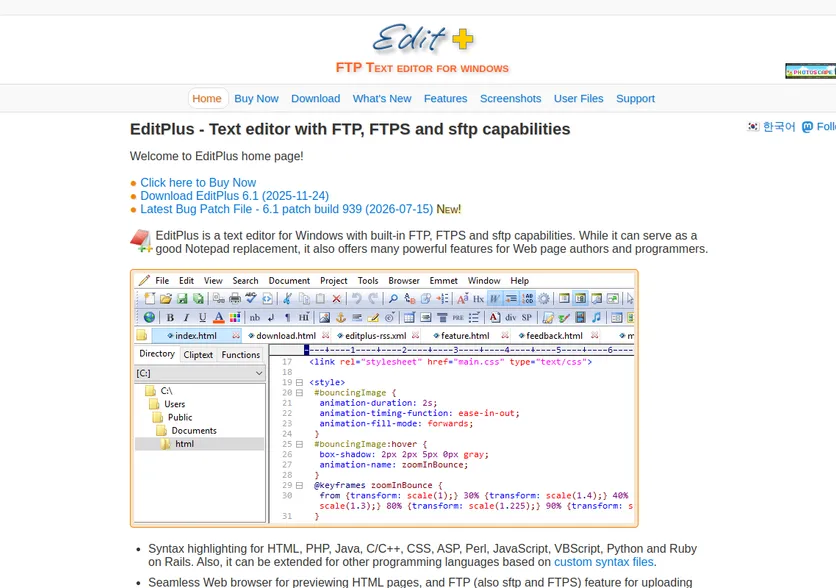
A Windows startup that edits files straight on the server will save money here, because this EditPlus licence costs thirty-five dollars one time for a single user. It edits text and code, uploads straight to the server over FTP, FTPS or SFTP, and starts in a blink on any Windows machine. It is the cheapest editor here for a team that deploys by editing files on the server.
What we like
- Built-in FTP, FTPS and SFTP uploads
- Starts fast on any Windows machine
- Cheapest editor here for server work
Watch out for
- Windows only, so Mac hires need a second editor
- No free plan, only a free trial
How to try it
- Download the trial on each Windows machine
- Buy the single-user licence
- Set up the FTP connections for the servers
8. Bear
Best for: Startups that live in notes, specs and plans
Paid tool Starting price: $2.99/month · Two dollars and ninety-nine cents a month for Bear Pro, or twenty-nine dollars and ninety-nine cents a year; the free plan covers the core editor
Free plan: Free plan
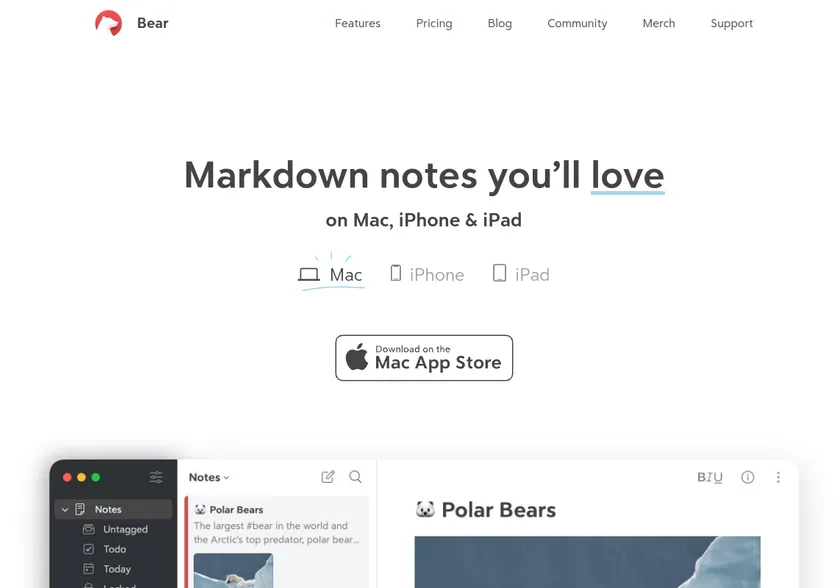
A startup that takes notes, writes specs and plans in Markdown will find a calm home here, since this Bear plan costs two dollars and ninety-nine cents a month for Bear Pro. It organises notes with tags, syncs across Apple devices, and exports cleanly to PDF, HTML and Word. It is the cheapest subscription here for a startup that lives in notes.
What we like
- Tags organise every note and spec
- Syncs across Apple devices
- Cheapest subscription in this list
Watch out for
- Apple only, so Windows hires need a second app
- Pro is needed for sync and export
How to try it
- Download Bear and start the free plan
- Turn on Pro for sync and export
- Tag the notes and specs the team shares
Prices above were checked on each vendor’s own website on Nov 29, 2026 and can change — the vendor’s page is the final word. Vendor links are editorial: nobody paid to be listed or ranked here. Vendors who want a featured listing can see how it works on our Get listed page.
How to pick an editor when the budget is nearly zero
Start with the free evaluation or the free plan, and only pay when the team agrees the tool is the one. Buy one-time licences before subscriptions, because a startup that pays monthly for eight tools runs out of money faster than one that buys once. Pick the editor that runs on the laptops the team already owns, and let the one person with the unusual need keep a second tool rather than forcing the whole team onto the expensive choice. Write down the one editor the team chose and the licence each person holds, so the next hire starts on the same setup.
Before you buy
- Confirm the editor runs on the laptops the team already owns
- Check whether the licence is one time or monthly, and what a year really costs
- Ask if the free evaluation or free plan covers real work, not just a demo
- Make sure the editor opens the files the startup actually edits
- Test the editor on a real project before buying, including a late-night deploy
Official websites
Official websites of the products reviewed above. Features and prices were checked against these sites when this guide was written, and they can change, so confirm on the vendor site before you buy.
Frequently asked questions
What is text editor software for startups?
It is a paid text and code editor bought cheaply for a new company, with the speed and features a small team needs without the price of an enterprise suite. The best tools cost once or a few dollars a month, run on any laptop, and let a startup standardise before the team grows.
How much does Sublime Text cost for a startup?
Sublime Text costs ninety-nine dollars one time for a personal licence with three years of updates. Business licences are sixty-five dollars per seat a year for one to ten seats, with lower rates for larger orders. The evaluation never expires, so a startup can use it for free while the first customers arrive, then buy licences.
What is the cheapest text editor for a startup?
Typora is the cheapest tool here, at fourteen dollars and ninety-nine cents one time for up to three devices. Bear Pro costs two dollars and ninety-nine cents a month, or twenty-nine dollars and ninety-nine cents a year. Both are cheap enough for a startup to buy on day one, so the choice depends on whether the team writes Markdown documents or notes.
Which text editor is best for a startup on Macs?
Nova is the best pick for a Mac startup that builds software, since it pairs editing with debugging and publishing for ninety-nine dollars one time. BBEdit is the cheaper Mac choice at forty-nine dollars and ninety-nine cents one time, with a free mode after the trial. Sublime Text suits a startup with mixed laptops, since it runs on Windows, Mac and Linux.
Which tool is best for a startup that writes content?
Typora is the best pick for a startup writing docs, blogs and pitch decks in Markdown, at fourteen dollars and ninety-nine cents one time. Ulysses manages a whole library of articles for five dollars and ninety-nine cents a month, and Bear organises notes and specs for two dollars and ninety-nine cents a month. Scrivener fits a startup writing a long guide or book.
Compare the eight tools above, then start with the free evaluation or free plan, and buy the one-time licences first so the startup owns its tools before the team grows.
Browse Text Tools tools