On this page
Flatwork bids live or die on the takeoff. Measure a slab wrong and the concrete order is short, the crew waits, and the profit disappears. The right software traces a plan in minutes, prices the concrete, rebar and labour, and turns it into a proposal the client can sign the same day. We compared eight paid tools on price, takeoff speed and flatwork fit, checking every price on the vendor site on November 27, 2026. Our top pick for flatwork contractors is STACK.
How we researched this
We started with the estimating tools flatwork contractors actually buy, then read each price on the vendor pricing page on November 27, 2026 and noted the trial each plan carries. We judged them for slab, driveway and warehouse-floor work, so takeoff speed and concrete pricing mattered most. We dropped Buildertrend because it no longer publishes prices, and we left out quote-only suites that a small contractor cannot price without a sales call.
Compare the tools
| Name | Best for | Starting price | Free plan | |
|---|---|---|---|---|
 STACK | Flatwork contractors who take off quantities from plans fast | $299/user/month | Free plan available | Visit |
 PlanSwift | Estimators who measure takeoffs from digital plans | $2,000/year | No free plan; 14-day free trial | Visit |
 Bluebeam Revu | Contractors who mark up plans and measure quantities in PDF | $260/year | No free plan; 30-day free trial | Visit |
 Clear Estimates | Remodeling and flatwork contractors who need fast, accurate bids | $59/month | No free plan; free trial available | Visit |
 Buildxact | Small builders who estimate, schedule and invoice in one place | $169/month | Free Go plan available | Visit |
 JobTread | Contractors who want estimating plus full job management | $199/month | No free plan; free trial available | Visit |
 Contractor Foreman | Small contractors who want estimating and project management at a low price | $49/month | No free plan; 30-day free trial | Visit |
| Kreo | Flatwork contractors who want AI-assisted takeoffs from 2D plans | $100/user/month | No free plan; free trial available | Visit |
The concrete estimating software for flatwork contractors, compared
1. STACK
Best for: Flatwork contractors who take off quantities from plans fast
Paid tool Starting price: $299/user/month · Two hundred ninety-nine dollars per user a month for the Premium plan, billed annually; the monthly rate is three hundred forty-nine dollars per user a month.
Free plan: Free plan available
STACK is the takeoff tool flatwork contractors reach for when a bid is due tomorrow: upload the plans, trace the slab and let the software measure the area, perimeter and volume. STACK charges two hundred ninety-nine dollars per user a month on the Premium plan, and its cloud library keeps every takeoff, price and proposal in one place. For crews that price driveways, patios and warehouse floors every week, that speed is the difference between winning and missing a bid.

What we like
- Fast cloud takeoff that measures slabs from plans in minutes.
- Shared price library keeps every estimator on the same numbers.
- Proposals build straight from the takeoff with no retyping.
Watch out for
- Per-user pricing adds up once several estimators need seats.
- It is a takeoff and estimating tool, not a full project manager.
How to try it
- Upload the project plans to STACK and calibrate the scale from a known dimension.
- Trace the slab, footings and edges to measure area, perimeter and volume.
- Apply your price database, build the proposal and send it to the client.
2. PlanSwift
Best for: Estimators who measure takeoffs from digital plans
Paid tool Starting price: $2,000/year · Two thousand dollars per seat a year for the Essential plan; the Core plan costs three thousand dollars per seat a year.
Free plan: No free plan; 14-day free trial
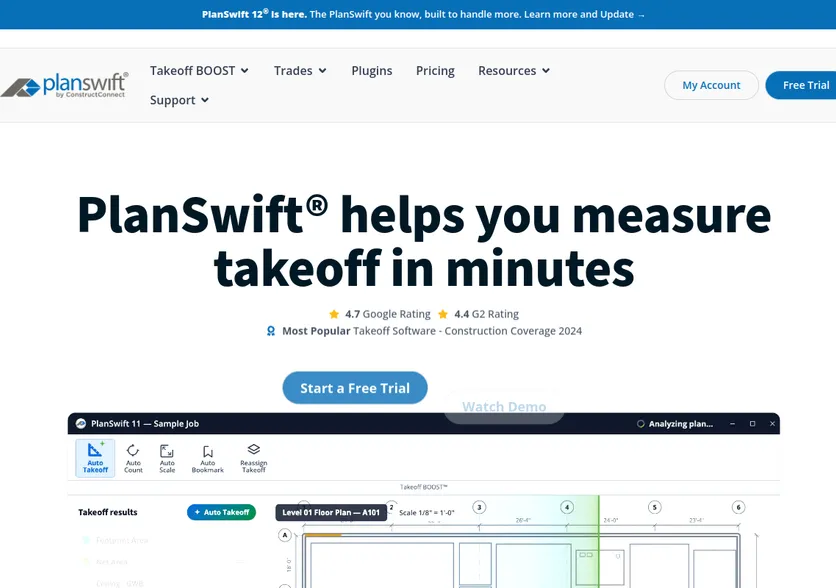
PlanSwift is the desktop standard for digital takeoffs, letting estimators point, click and drag over a plan to measure areas, lengths and counts. PlanSwift costs two thousand dollars per seat a year on the Essential plan, and its assemblies turn a measured slab into a full material and labour list. For flatwork contractors who price from plans every day, that point-and-click speed beats a tape measure and a spreadsheet.
What we like
- Point-and-click takeoff is fast once the assemblies are set up.
- Assemblies turn measurements into priced material and labour lists.
- Works offline on the desktop with no internet needed.
Watch out for
- Per-seat pricing is a big annual commitment for a small crew.
- The desktop interface takes training to use well.
How to try it
- Import the digital plans into PlanSwift and set the scale.
- Point, click and drag to measure slabs, footings and edges.
- Apply assemblies to price materials and labour, then export the estimate.
3. Bluebeam Revu
Best for: Contractors who mark up plans and measure quantities in PDF
Paid tool Starting price: $260/year · Two hundred sixty dollars per user a year for the Basics plan; the Core plan costs three hundred thirty dollars and Complete costs four hundred forty dollars a year.
Free plan: No free plan; 30-day free trial
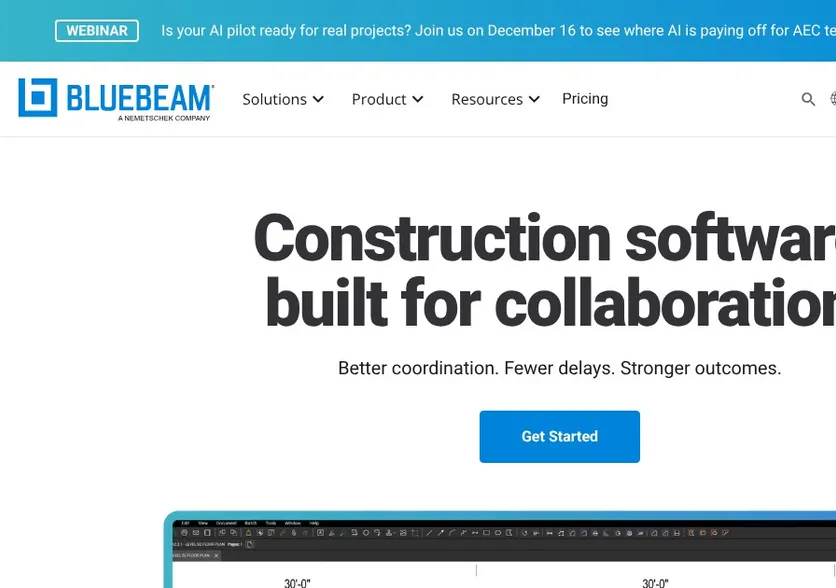
Bluebeam Revu starts as a PDF markup tool and grows into a takeoff system, which suits flatwork contractors who already live in PDF plans. Bluebeam Revu costs two hundred sixty dollars per user a year on the Basics plan, and its measurement tools calculate area, volume and counts straight from the drawing. Markup, measurement and collaboration sit in one file, so the estimate and the plan never drift apart.
What we like
- Measurement and markup live in the same PDF file.
- Two hundred sixty dollars a year is the cheapest entry on this list.
- Strong collaboration tools for sharing plans with the team.
Watch out for
- It is a markup tool first, so estimating features are lighter than dedicated tools.
- Takeoff depth grows only on the higher-priced plans.
How to try it
- Open the PDF plans in Bluebeam Revu and calibrate the scale.
- Use the measurement tools to trace slabs and count footings and edges.
- Save the markups and measurements, then share the file with the team for review.
4. Clear Estimates
Best for: Remodeling and flatwork contractors who need fast, accurate bids
Paid tool Starting price: $59/month · Fifty-nine dollars a month for the Standard plan, billed annually; the monthly rate is seventy-nine dollars a month and the Pro plan costs ninety-nine dollars a month billed annually.
Free plan: No free plan; free trial available
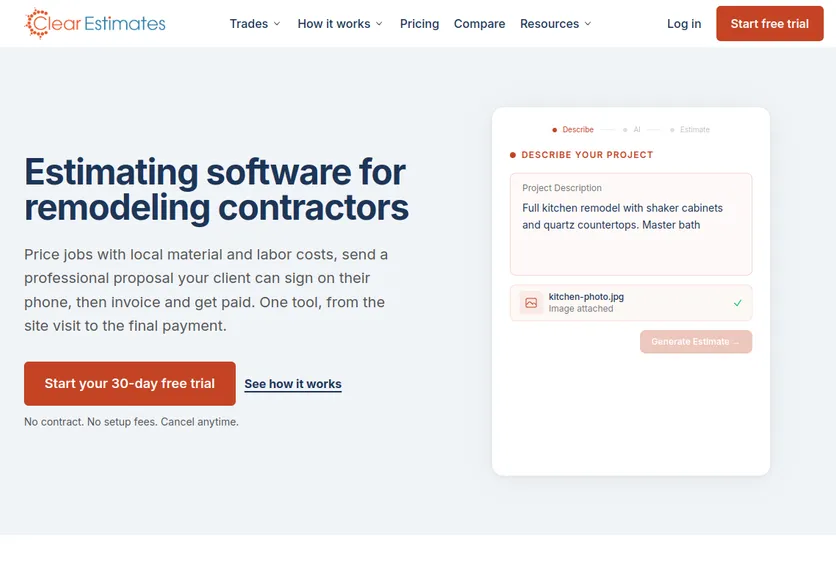
Clear Estimates is built for contractors who want a bid out the door today, with templates that turn a few measurements into a professional proposal. Clear Estimates costs fifty-nine dollars a month on the Standard plan, and its price database covers materials and labour for common flatwork and remodeling jobs. For a small crew that bids often and hates paperwork, that template-driven speed is worth more than a deeper tool they never finish learning.
What we like
- Templates turn measurements into a professional bid fast.
- Built-in price database covers common materials and labour.
- Fifty-nine dollars a month is easy for a small crew to justify.
Watch out for
- Templates suit common jobs best; unusual flatwork needs manual pricing.
- It is an estimating tool, not a full job management system.
How to try it
- Pick a template for the job type and enter the measurements.
- Adjust materials and labour from the built-in price database.
- Generate the proposal and send it to the client the same day.
5. Buildxact
Best for: Small builders who estimate, schedule and invoice in one place
Paid tool Starting price: $169/month · One hundred sixty-nine dollars a month for the Foundation plan, billed annually; the monthly rate is one hundred ninety-nine dollars a month and the Pro plan costs three hundred thirty-nine dollars a month billed annually.
Free plan: Free Go plan available
Buildxact combines estimating with scheduling and invoicing, so a flatwork contractor can price a slab, book the crew and bill the client without switching apps. Buildxact costs one hundred sixty-nine dollars a month on the Foundation plan when billed annually, and its supplier price lists keep material costs current. For a small builder who does a bit of everything, that all-in-one flow saves more time than a takeoff-only tool.

What we like
- Estimating, scheduling and invoicing live in one job file.
- Supplier price lists keep material costs up to date.
- Free Go plan lets a small crew try it before paying.
Watch out for
- Estimating depth is lighter than dedicated takeoff tools.
- Higher plans are needed for larger teams and more jobs.
How to try it
- Create the job in Buildxact and enter the measurements or import the plans.
- Price materials from the supplier lists and add labour and margins.
- Send the quote, schedule the crew and invoice from the same job file.
6. JobTread
Best for: Contractors who want estimating plus full job management
Paid tool Starting price: $199/month · One hundred ninety-nine dollars a month; the annual rate is one hundred fifty-nine dollars a month, and each added internal user costs twenty dollars a month.
Free plan: No free plan; free trial available
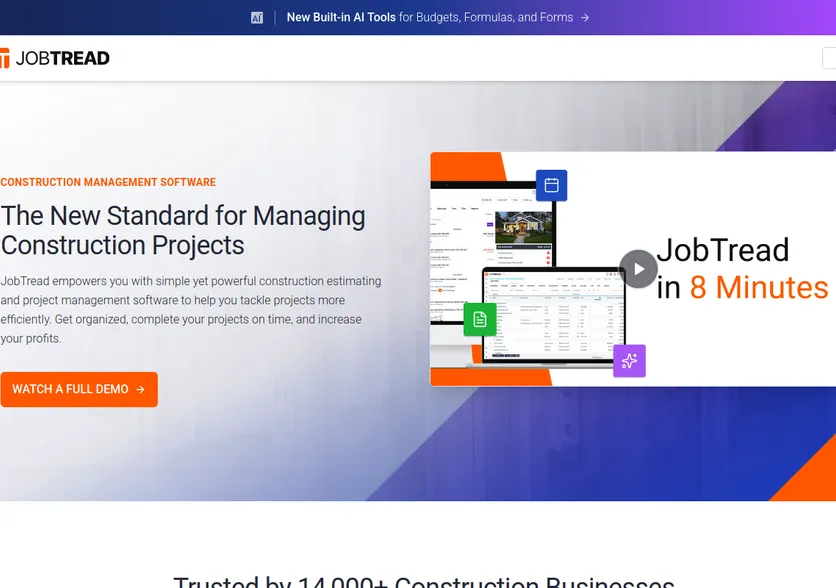
JobTread starts with the estimate and follows the job all the way to final payment, which suits flatwork contractors who manage several slabs at once. JobTread costs one hundred ninety-nine dollars a month, and its budgets, change orders, schedules and invoices all link back to the original estimate. When a client changes the slab size mid-job, the budget, schedule and invoice update together instead of drifting apart.
What we like
- The estimate flows into budget, schedule and invoices without retyping.
- Change orders update the budget automatically.
- Clean dashboard shows every job's profit at a glance.
Watch out for
- One hundred ninety-nine dollars a month is a commitment for a one-person crew.
- Takeoff tools are lighter than dedicated takeoff software.
How to try it
- Build the estimate in JobTread with materials, labour and margins.
- Convert the approved estimate into a budget and schedule the crew.
- Track costs, change orders and invoices against the budget until the job closes.
7. Contractor Foreman
Best for: Small contractors who want estimating and project management at a low price
Paid tool Starting price: $49/month · Forty-nine dollars a month for the Basic plan, billed annually, for one user; the Standard plan costs one hundred five dollars a month and Unlimited costs three hundred thirty-two dollars a month.
Free plan: No free plan; 30-day free trial
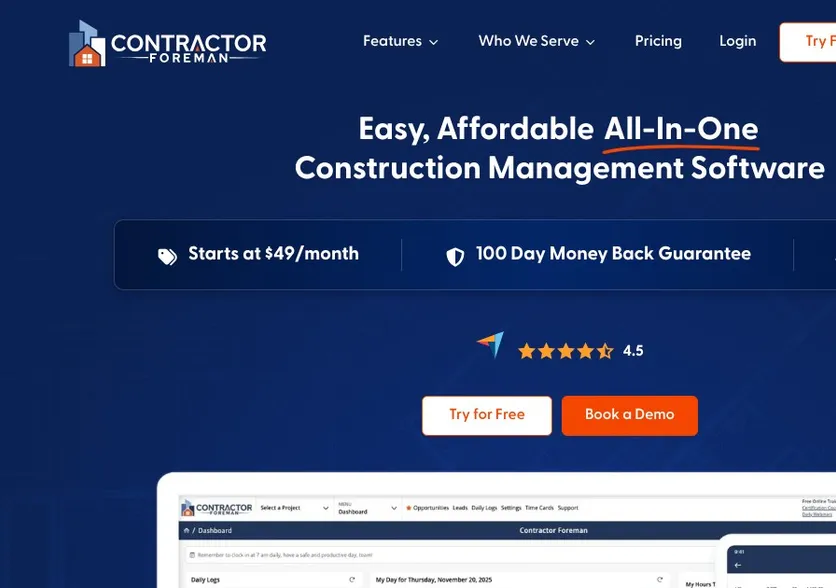
Contractor Foreman is the budget all-rounder on this list: estimating, scheduling, invoicing and more for forty-nine dollars a month on the Basic plan. Contractor Foreman suits a small flatwork crew that needs one system for the whole job, from the first bid to the final invoice. Its low price makes it easy to try, and the feature list covers far more than estimating alone.
What we like
- Forty-nine dollars a month is the cheapest full system on this list.
- Covers estimating, scheduling, invoicing and more in one place.
- Simple setup that a small crew learns in a day.
Watch out for
- The Basic plan covers one user only, so teams pay more.
- Estimating depth is lighter than dedicated takeoff tools.
How to try it
- Create the job and build the estimate with materials and labour.
- Schedule the crew and track daily progress from the same job file.
- Invoice the client and record payment when the slab is finished.
8. Kreo
Best for: Flatwork contractors who want AI-assisted takeoffs from 2D plans
Paid tool Starting price: $100/user/month · One hundred dollars per user a month for the Essential plan, billed annually; the Pro plan costs one hundred seventy-five dollars and Business costs two hundred fifty dollars per user a month.
Free plan: No free plan; free trial available
Kreo brings AI to the takeoff: upload a 2D plan and its recognition engine measures slabs, counts items and flags what it finds for review. Kreo costs one hundred dollars per user a month on the Essential plan, and its 3D and BIM tools suit contractors who also price from models. For flatwork crews that receive piles of plans and need quantities fast, the AI head start cuts hours off every bid.
What we like
- AI recognition measures plans faster than manual tracing.
- Handles 2D plans, 3D models and BIM in one tool.
- Quantities export cleanly into estimates and bids.
Watch out for
- AI quantities always need a human review before the bid goes out.
- Per-user pricing adds up once several estimators need seats.
How to try it
- Upload the 2D plans to Kreo and let the AI recognise and measure the elements.
- Review the quantities the AI found and correct anything it missed.
- Apply your prices, build the estimate and export it to your bid format.
Prices above were checked on each vendor’s own website on Nov 27, 2026 and can change — the vendor’s page is the final word. Vendor links are editorial: nobody paid to be listed or ranked here. Vendors who want a featured listing can see how it works on our Get listed page.
What flatwork estimating costs in 2026
Flatwork estimating runs from forty-nine dollars a month for Contractor Foreman to two hundred ninety-nine dollars per user a month for STACK, with desktop seats such as PlanSwift at two thousand dollars a year. The cheapest tool is rarely the cheapest total: per-user pricing multiplies once the office grows, and a tool that cannot read your plans wastes the hours it was meant to save. Count the estimators first, then the price per seat.
Trial two tools on the same real slab plan and compare the quantities they produce. Check that the concrete volume, rebar and labour match your own figures, and time how long the bid takes from plan to proposal. Pick the tool whose numbers you trust, because a fast takeoff you cannot trust is worse than a slow one you can.
Before you buy
- Check that the tool reads your plan files, because a takeoff tool that cannot open your PDFs is useless on day one.
- Confirm the price covers every estimator, because per-user billing multiplies fast once the office grows.
- Test a takeoff on a real slab plan, because a demo with a clean drawing hides the problems a messy plan reveals.
- Ask how the tool prices concrete, rebar and labour, because a takeoff without a cost database is only half a bid.
- Check that estimates export to your accounting or job system, because retyping numbers by hand wastes the time the tool saves.
Official websites
Official websites of the products reviewed above. Features and prices were checked against these sites when this guide was written, and they can change, so confirm on the vendor site before you buy.
Frequently asked questions
What does concrete estimating software do?
Flatwork estimating software measures concrete slabs, footings and edges from digital plans, then prices the materials, labour and equipment for the job. It replaces tape measures and spreadsheets with point-and-click takeoffs and a price database. The result is a faster, more consistent bid that wins more work.
How much does concrete estimating software cost?
Most flatwork tools cost between forty-nine and two hundred ninety-nine dollars a month, or two thousand dollars a year for a desktop seat. The cheapest full system is Contractor Foreman at forty-nine dollars a month, while STACK and PlanSwift suit larger teams. Always count the seats, because per-user pricing multiplies fast.
What is the difference between a takeoff and an estimate?
A takeoff measures quantities from the plans: square feet of slab, linear feet of footing, cubic yards of concrete. An estimate prices those quantities with materials, labour, equipment and margin. Good software does both, turning a traced slab into a priced bid without retyping numbers.
Do these tools handle flatwork specifically?
Yes, all eight tools handle flatwork, though their strengths differ. STACK and PlanSwift shine on pure takeoffs from plans, while Buildxact, JobTread and Contractor Foreman carry the job through to invoicing. Pick the tool whose strength matches the work you do most.
Can these tools read my plan files?
Most tools here import PDF, DWG and image plans, and several read BIM models as well. Bluebeam Revu works directly in PDF, while STACK and Kreo accept a wide range of plan files. Check that your plan format opens before buying, because a tool that cannot read your files is useless.
Need everyday business help too? Try Toolsvine's free business tools right in your browser.
Browse Business Tools tools