On this page
A general contractor pays for time tracking twice, once in the subscription and once in the hours that never make it onto the timesheet. The nine tools below clock crews in from the field with GPS, photos and job codes, from two dollars fifty a user a month to sixty-three dollars a month plus per-user fees. Every price was checked on the vendor site on November 27, 2026. ClockShark is our first pick — the construction time tracker built for field crews with GPS, scheduling and payroll-ready timesheets.
How we researched this
We started with the time tracking tools general contractors actually buy, then read each price on the vendor pricing page on November 27, 2026 and noted the trial each plan carries. We judged them for a GC whose crews clock in from the field and whose payroll depends on clean timesheets. We dropped Hubstaff because its prices would not render on the vendor page, and we left out 7shifts because its prices were not published either.
Compare the tools
| Name | Best for | Starting price | Free plan | |
|---|---|---|---|---|
 ClockShark | GCs that want GPS time tracking with scheduling and payroll-ready timesheets | $63/month + $11.50/user | No free plan; 14-day free trial on Pro | Visit |
 QuickBooks Time | GCs already on QuickBooks who want hours flowing straight to payroll | $20/month + $10/user | No free plan; free trial offered | Visit |
 Raken | GCs that want time tracking beside the daily log and production records | $23/user/month | No free plan; no free trial advertised | Visit |
 Fieldwire | GCs that want time tracking tied to plans, punch lists and tasks | $39/user/month | Free Basic plan for up to 5 users and 3 projects | Visit |
| BusyBusy | GCs that want time tracking beside daily logs at the lowest per-user price | $9.99/user/month | Free plan with unlimited users; 14-day free trial on paid plans | Visit |
 Timeero | GCs with crews moving between sites that want GPS, mileage and time together | $7.50/user/month | No free plan; 14-day free trial | Visit |
 Buddy Punch | GCs that want a simple GPS clock with scheduling and PTO | $6.99/user/month | No free plan; free trial offered | Visit |
 Connecteam | GCs that want time tracking beside scheduling, chat and HR in one crew app | $29/month | Free Small Business plan for up to 10 users; 14-day free trial | Visit |
 When I Work | GCs scheduling hourly crews that want the rota, clock and chat together | $2.50/user/month | No free plan; 14-day free trial, no card | Visit |
The construction time tracking software for general contractors, compared
1. ClockShark
Best for: GCs that want GPS time tracking with scheduling and payroll-ready timesheets
Paid tool Starting price: $63/month + $11.50/user · Sixty-three dollars a month plus eleven dollars fifty per active user for the Pro plan; Standard costs forty-two dollars a month plus nine dollars fifty per active user, with three-year contract terms
Free plan: No free plan; 14-day free trial on Pro
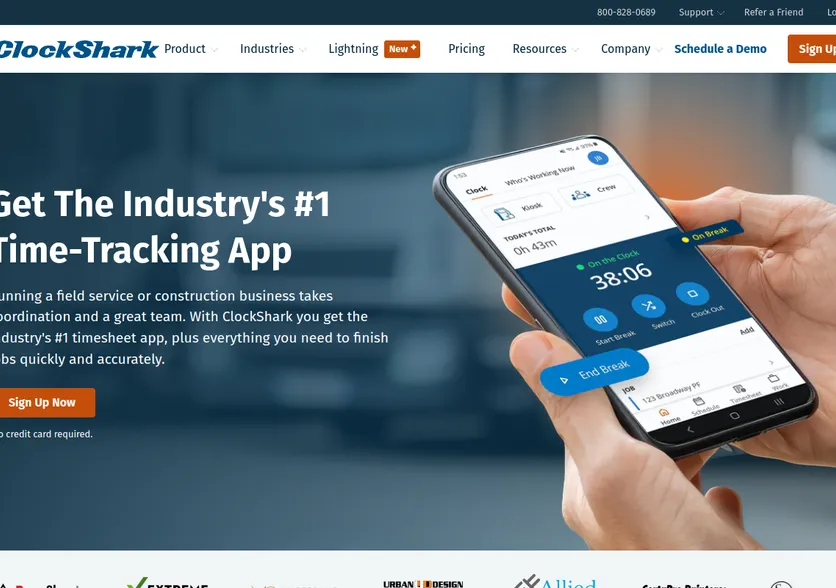
ClockShark is the time tracking app built for construction and field service, pairing GPS clock-ins with scheduling, job costing and payroll-ready timesheets. This ClockShark Pro plan costs sixty-three dollars a month plus eleven dollars fifty per active user. A general contractor whose crews clock in from the field gets the hours, the location and the job cost in one login.
What we like
- Built for construction and field service crews
- GPS clock-ins with photos and job codes
- Scheduling and job costing beside the timesheet
Watch out for
- Per-user fees can rise each year by inflation plus up to five percent
- Three-year contract terms apply on all plans
How to try it
- Open the ClockShark site and start the fourteen-day trial
- Add your crew, jobs and GPS fences
- Run a pay week and export the timesheets to payroll
2. QuickBooks Time
Best for: GCs already on QuickBooks who want hours flowing straight to payroll
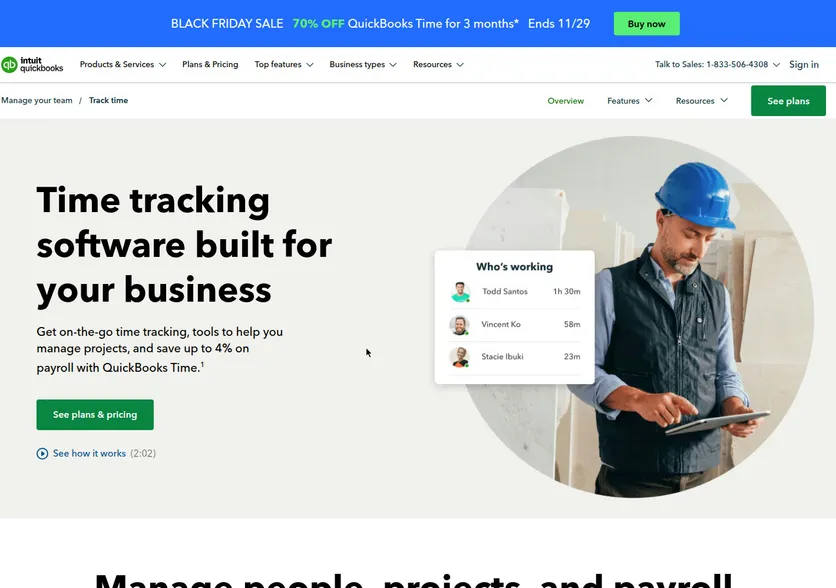
Paid tool Starting price: $20/month + $10/user · Twenty dollars a month plus ten dollars per user a month for the Premium plan; Elite costs forty dollars a month plus twelve dollars per user a month, and a seventy-percent-off promo currently shows for the first three months
Free plan: No free plan; free trial offered
QuickBooks Time is the time tracking app from Intuit, pairing GPS clock-ins with scheduling, job costing and a direct feed into QuickBooks Online. This QuickBooks Time Premium plan costs twenty dollars a month plus ten dollars per user a month. A general contractor already on QuickBooks gets the hours into payroll without retyping.
What we like
- Direct feed into QuickBooks Online payroll
- GPS clock-ins with job costing
- Scheduling and time-off tracking beside the hours
Watch out for
- Requires QuickBooks Online, so it fits QuickBooks shops only
- The six-dollar figure on the pricing page is a promo, not the list price
How to try it
- Open the QuickBooks Time site and start the free trial
- Connect your QuickBooks Online account
- Add your crew and run a pay week from the field
3. Raken
Best for: GCs that want time tracking beside the daily log and production records
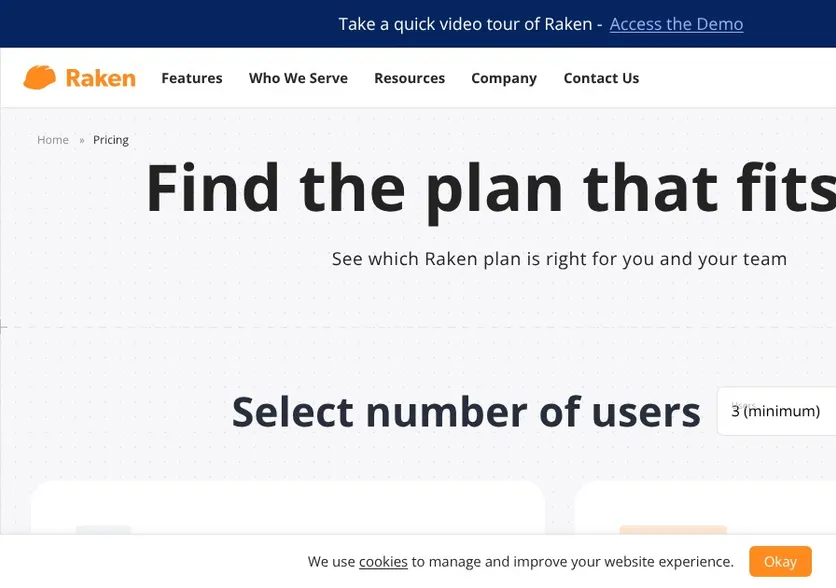
Paid tool Starting price: $23/user/month · Twenty-three dollars per user a month billed annually for the Basic plan, with a three-user minimum of sixty-nine dollars a month; Performance costs fifty-nine dollars per user a month
Free plan: No free plan; no free trial advertised
Raken pairs the daily log with crew hours, weather and production tracking, giving a GC the hours and the day's record in one mobile login. This Raken Basic plan costs twenty-three dollars per user a month billed annually, with a three-user minimum. A general contractor who logs from the field gets the hours and the day's record done together.
What we like
- Fastest photo log in this list for field crews
- Crew hours and production tracking beside the log
- Simple per-user pricing with a three-user minimum
Watch out for
- No free plan or trial advertised, so the demo is the only preview
- Performance costs fifty-nine dollars per user a month for the fuller feature set
How to try it
- Open the Raken site and pick the Basic plan
- Add your crew and set up your daily log fields
- Log photos, crew hours and weather from the field for a week
4. Fieldwire
Best for: GCs that want time tracking tied to plans, punch lists and tasks
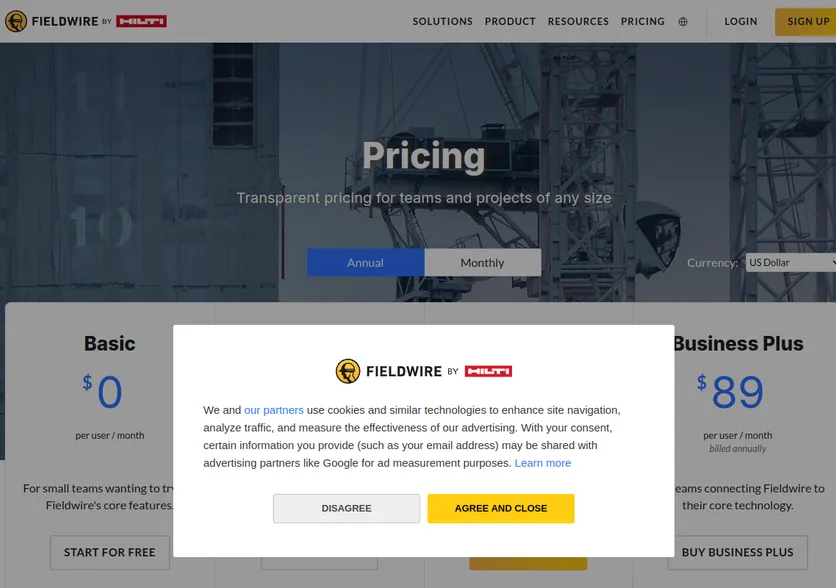
Paid tool Starting price: $39/user/month · Thirty-nine dollars per user a month billed annually for the Pro plan; Basic is free for up to five users and three projects, Business costs sixty-four dollars per user a month and Business Plus costs eighty-nine dollars per user a month
Free plan: Free Basic plan for up to 5 users and 3 projects
Fieldwire is the field management platform that ties daily logs to plans, punch lists and tasks, so the hours sit beside the drawings the crew actually works from. This Fieldwire Pro plan costs thirty-nine dollars per user a month billed annually. A general contractor who runs the job from the plans gets the time, the log and the drawings in one app.
What we like
- Daily logs tied to plans and punch lists
- Free Basic plan for small teams
- Strong mobile app for field crews
Watch out for
- Business costs sixty-four dollars per user a month for the fuller feature set
- The pricing page shows a cookie dialog over the plan cards
How to try it
- Open the Fieldwire site and start with the free Basic plan
- Upload your plans and set up daily log templates
- Track the day from the field and link entries to plan sheets
5. BusyBusy
Best for: GCs that want time tracking beside daily logs at the lowest per-user price
Paid tool Starting price: $9.99/user/month · Nine dollars and ninety-nine cents per user a month billed annually for the Pro plan, plus a forty-dollar admin license with the first user included; Premium costs fourteen dollars and ninety-nine cents per user a month
Free plan: Free plan with unlimited users; 14-day free trial on paid plans
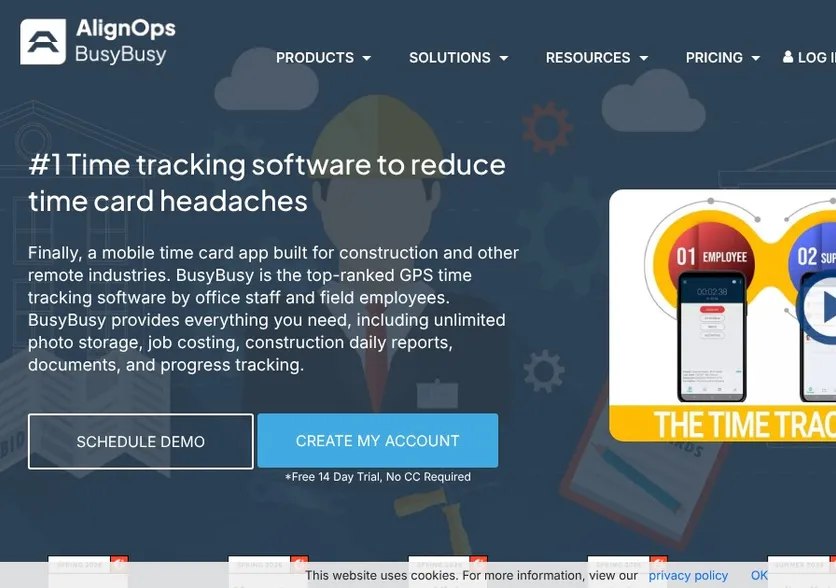
BusyBusy is the field app that pairs daily logs with time tracking, GPS and equipment tracking, so the GC sees hours and progress in one place. This BusyBusy Pro plan costs nine dollars and ninety-nine cents per user a month billed annually. A crew that already clocks in on phones gets the daily log added without a second app.
What we like
- Cheapest per-user price in this comparison
- Time tracking and GPS beside the daily log
- Free plan covers unlimited users
Watch out for
- A forty-dollar admin license applies on top of the per-user price
- Premium costs fourteen dollars ninety-nine per user a month for the fuller feature set
How to try it
- Open the BusyBusy site and start with the free plan
- Add your crew and set up daily log and time tracking
- Log hours, photos and progress from the field for a week
6. Timeero
Best for: GCs with crews moving between sites that want GPS, mileage and time together
Paid tool Starting price: $7.50/user/month · Seven dollars fifty per user a month billed annually for the Pro plan, or nine dollars per user a month billed monthly; Basic costs five dollars per user a month billed annually and Premium costs ten dollars per user a month billed annually
Free plan: No free plan; 14-day free trial
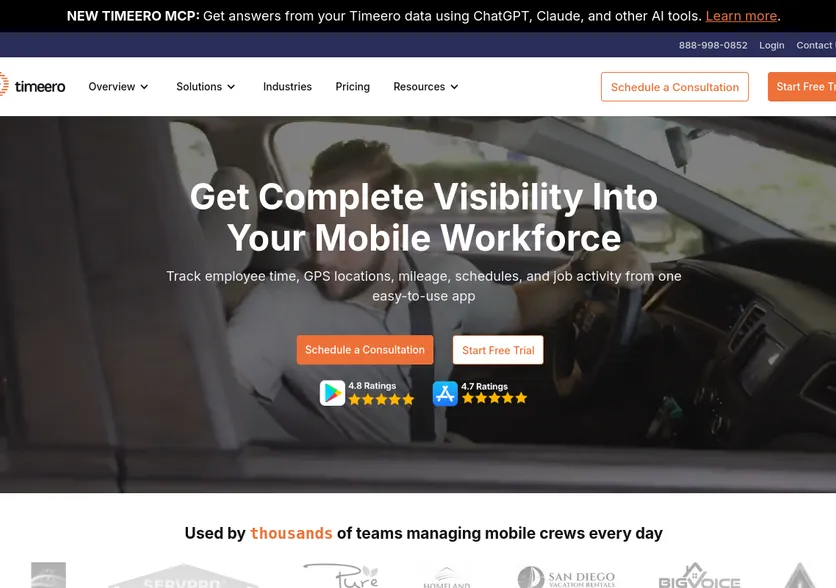
Timeero is the GPS time tracking app for mobile workforces, pairing clock-ins with mileage, locations and schedules in one mobile login. This Timeero Pro plan costs seven dollars fifty per user a month billed annually. A general contractor whose crews move between sites gets the hours, the mileage and the location in one app.
What we like
- GPS tracking with mileage beside the hours
- No base fee, so the price is purely per user
- Fourteen-day trial with no card
Watch out for
- Basic caps at ten users, so larger crews pay for Pro or Premium
- Monthly billing costs nine dollars per user a month, not seven fifty
How to try it
- Open the Timeero site and start the fourteen-day trial
- Add your crew, jobs and GPS fences
- Run a pay week and check the mileage and hours
7. Buddy Punch
Best for: GCs that want a simple GPS clock with scheduling and PTO
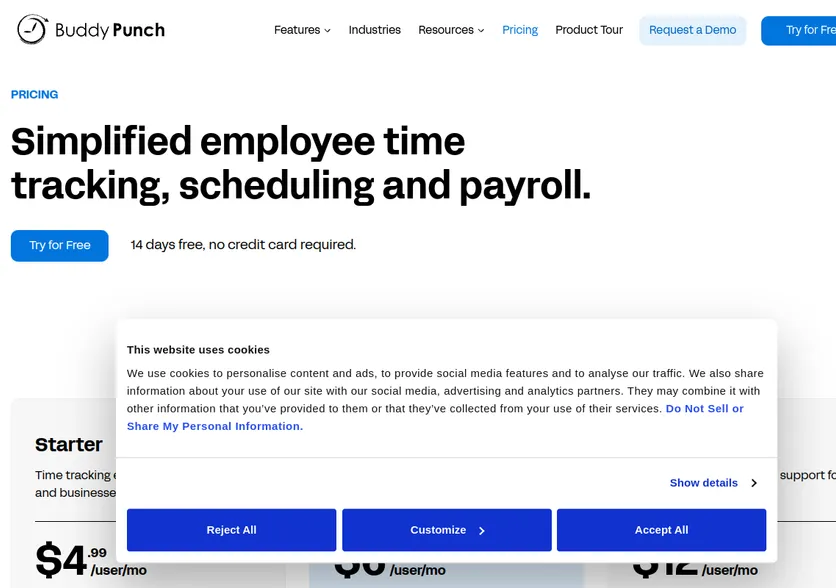
Paid tool Starting price: $6.99/user/month · Six dollars and ninety-nine cents per user a month for the Pro plan; Starter costs four dollars ninety-nine per user a month and Advanced costs twelve dollars ninety-nine per user a month
Free plan: No free plan; free trial offered
Buddy Punch is the employee time clock that pairs GPS clock-ins with scheduling, PTO and payroll exports, built for crews that clock in from phones. This Buddy Punch Pro plan costs six dollars and ninety-nine cents per user a month. A general contractor that wants a simple clock with scheduling gets the hours and the rota in one login.
What we like
- Simple clock that crews learn in minutes
- GPS and photo proof at clock-in
- Scheduling and PTO beside the timesheet
Watch out for
- Real-time GPS costs two dollars per user a month extra
- Scheduling costs one dollar per user a month extra
How to try it
- Open the Buddy Punch site and start the free trial
- Add your crew and set up job codes
- Run a pay week and export the hours to payroll
8. Connecteam
Best for: GCs that want time tracking beside scheduling, chat and HR in one crew app
Paid tool Starting price: $29/month · Twenty-nine dollars a month for the first thirty users billed annually for the Operations Hub Basic plan, or thirty-five dollars a month billed monthly; Advanced costs forty-nine dollars a month and Expert costs ninety-nine dollars a month
Free plan: Free Small Business plan for up to 10 users; 14-day free trial
Connecteam is the all-in-one app for deskless teams, pairing time tracking with scheduling, communication and HR in one mobile login. This Connecteam Operations Hub Basic plan costs twenty-nine dollars a month for the first thirty users billed annually. A general contractor that wants the crew app to do everything gets time, scheduling and chat in one place.

What we like
- Time, scheduling, chat and HR in one app
- Free plan for up to ten users
- Fourteen-day trial with no card
Watch out for
- Basic covers the first thirty users, so larger crews pay more
- Yearly billing saves eighteen percent over monthly
How to try it
- Open the Connecteam site and open a free account
- Add your crew and set up time tracking and scheduling
- Run a pay week and check the hours and the chat
9. When I Work
Best for: GCs scheduling hourly crews that want the rota, clock and chat together
Paid tool Starting price: $2.50/user/month · Two dollars fifty per user a month for the Essentials plan; Pro costs five dollars per user a month and Premium costs eight dollars per user a month
Free plan: No free plan; 14-day free trial, no card
When I Work is the workforce app that pairs scheduling with time tracking and team messaging, built for hourly teams that work on the floor or in the field. This When I Work Essentials plan costs two dollars fifty per user a month. A general contractor that schedules hourly crews gets the rota, the clock and the chat in one mobile app.

What we like
- Cheapest per-user price in this comparison
- Scheduling, time and messaging in every plan
- Fourteen-day trial with no card
Watch out for
- Pro costs five dollars per user a month for the fuller feature set
- Premium costs eight dollars per user a month for the fullest feature set
How to try it
- Open the When I Work site and start the free trial
- Build your first schedule and invite the crew
- Clock the crew in and check the hours at the end of the week
Prices above were checked on each vendor’s own website on Nov 27, 2026 and can change — the vendor’s page is the final word. Vendor links are editorial: nobody paid to be listed or ranked here. Vendors who want a featured listing can see how it works on our Get listed page.
What GC time tracking costs in 2026
A general contractor pays for time tracking in the subscription and in the hours the timesheet captures or misses. A two-dollar-fifty plan looks cheap until the crew clocks in from home, so weigh the GPS and photo proof against the sticker price. The dearest tool here costs sixty-three dollars a month plus eleven dollars fifty per user, but it includes scheduling and payroll-ready reports that cheaper tools sell separately.
Start with a trial on two tools and run a real pay week through each one. Check that GPS and photos attach to every clock-in, that the timesheet flows to payroll without retyping, and that job costing shows the hours per job. Pick the tool the crew actually opens at the gate, because a clock the crew skips is worse than a paper timesheet.
Before you buy
- Check that the clock-in captures GPS and a photo, because a timesheet without proof invites disputes.
- Confirm the timesheet feeds payroll, because retyping hours into QuickBooks wastes the time the app saves.
- Match the base fee plus per-user price to the crew size, because a low per-user rate hides a base fee.
- Test the app on a real site, because a clock that fails in a dead zone gets skipped by the crew.
- Ask what overtime and job costing cost, because those features often sit on a higher plan.
Official websites
Official websites of the products reviewed above. Features and prices were checked against these sites when this guide was written, and they can change, so confirm on the vendor site before you buy.
Frequently asked questions
Which construction time tracking software is best for general contractors in 2026?
ClockShark is the best overall pick at sixty-three dollars a month plus eleven dollars fifty per active user, with GPS, scheduling and payroll-ready timesheets. When I Work is the best budget pick at two dollars fifty per user a month for crews that also need scheduling. BusyBusy is the best choice for GCs that want time tracking beside the daily log.
How much does construction time tracking software cost for general contractors?
Prices in this list run from two dollars fifty per user a month for When I Work to sixty-three dollars a month plus eleven dollars fifty per user for ClockShark, with most tools landing between seven and thirty-nine dollars a month. Base fees plus per-user rates change the real cost, so add the base fee to the crew count before you compare totals.
Do general contractors need GPS time tracking?
Yes, GPS is the feature that stops buddy punching and proves the crew was on site, because a timesheet without location is a claim, not a record. ClockShark, Timeero, Buddy Punch and BusyBusy all capture GPS at clock-in. Check that the GPS fence matches your sites before you commit.
Can time tracking software feed payroll?
Yes, payroll links are core to the tools here, and they send approved hours to QuickBooks and other payroll systems without retyping. QuickBooks Time feeds QuickBooks Online directly, while ClockShark and Connecteam export to most payroll tools. Check that the export matches your payroll before you commit.
Is there a free time tracking tool for general contractors?
BusyBusy offers a free plan with unlimited users, and Fieldwire offers a free Basic plan for up to five users. Connecteam offers a free Small Business plan for up to ten users. The other tools here charge from the first month, though most offer fourteen-day free trials.
Need everyday productivity help too? Try Toolsvine's free productivity tools right in your browser.
Browse Productivity Tools tools