On this page
A contact center that takes payments needs more than a phone system, because every refund, renewal and card payment runs through the same queue as the support calls. The eight tools below cover the full range, from flat-rate processors that charge nothing a month to interchange-plus gateways that save money at scale. Every price was checked on the vendor site on November 27, 2026, and the list runs from zero dollars a month to ninety-nine dollars a month. Stripe is our first pick — the processor that pairs the simplest setup with the most complete payment toolkit.
How we researched this
We started with the payment processors and gateways that enterprise contact centers actually use to take cards, then read each rate on the vendor pricing page on November 27, 2026 and noted the monthly fees, per-transaction costs and contract terms each plan carries. We judged them for a contact center that takes payments beside support calls and needs refunds, renewals and secure card handling in one flow. We dropped quote-only processors that no buyer can price without a sales call, and we left out consumer wallets that cannot settle into a business account.
Compare the tools
| Name | Best for | Starting price | Free plan | |
|---|---|---|---|---|
| Stripe | Enterprise contact centers that want the widest payment methods with no monthly fee | 2.9% + $0.30 per transaction | No free plan; $0 monthly fee, pay as you go | Visit |
 Square | Contact centers that also take payments in person and want free point-of-sale software | 2.6% + $0.15 per in-person transaction | Free plan; $0 per location per month | Visit |
| PayPal | Contact centers whose customers already trust PayPal and pay by wallet or card | 2.99% + $0.49 per online transaction | No free plan; $0 monthly fee | Visit |
| Braintree | Contact centers that want a full gateway with cards, PayPal, Venmo and ACH in one contract | 2.89% + $0.29 per transaction | No free plan; $0 monthly fee | Visit |
| Authorize.net | Contact centers with their own merchant account that want a trusted gateway | $25/month | No free plan; no free trial | Visit |
| Helcim | Contact centers that want interchange-plus savings without a monthly fee | Interchange + 0.5% + $0.25 per online transaction | No free plan; $0 monthly fee | Visit |
| Stax | High-volume contact centers that want interchange at cost with a flat monthly fee | $99/month | No free plan; demo available | Visit |
 Clover | Contact centers with a shop counter that want a full point-of-sale system beside payments | 2.6% + $0.10 per in-person transaction | No free plan; Starter software is $0 per month | Visit |
The contact center payments software for enterprise, compared
1. Stripe
Best for: Enterprise contact centers that want the widest payment methods with no monthly fee
Paid tool Starting price: 2.9% + $0.30 per transaction · Two point nine percent plus thirty cents per successful domestic online card transaction; in-person transactions cost two point seven percent plus five cents; no monthly fee, no setup fee
Free plan: No free plan; $0 monthly fee, pay as you go
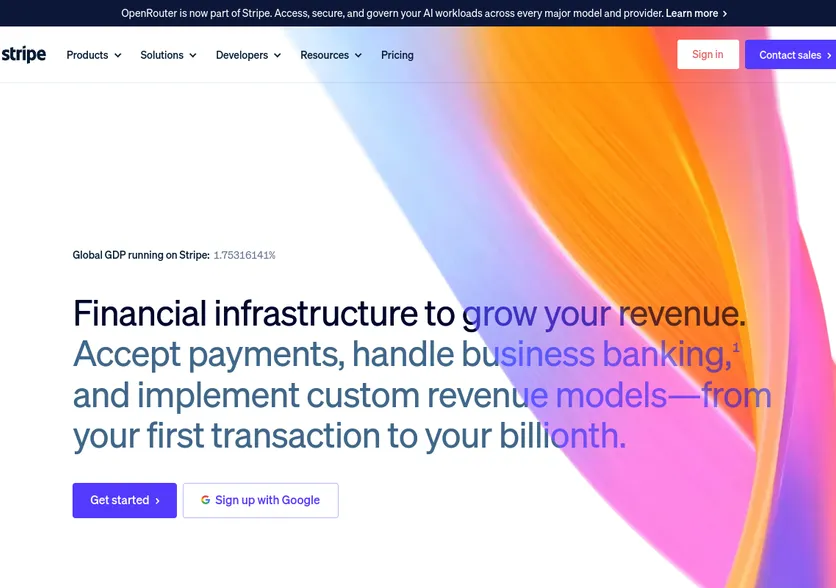
Stripe is the payment processor most online businesses start with, handling cards, wallets and bank payments through one integration with no monthly fee. This Stripe online rate costs two point nine percent plus thirty cents per successful domestic card transaction, with in-person payments at two point seven percent plus five cents. A contact center that takes payments by link, invoice or phone gets every method in one dashboard without a separate gateway.
What we like
- No monthly fee on any plan
- Widest range of payment methods here
- Clear dashboard that agents learn fast
Watch out for
- Online rate is higher than in-person on most plans
- Payout timing varies by country and risk checks
How to try it
- Open the Stripe site and create a business account
- Connect your contact center platform or add a payment link to your queue
- Take a test payment and check the refund flow before going live
2. Square
Best for: Contact centers that also take payments in person and want free point-of-sale software
Paid tool Starting price: 2.6% + $0.15 per in-person transaction · Two point six percent plus fifteen cents per in-person transaction on the Free plan; online transactions cost three point three percent plus thirty cents; Plus costs forty-nine dollars a month per location and Premium one hundred forty-nine dollars
Free plan: Free plan; $0 per location per month
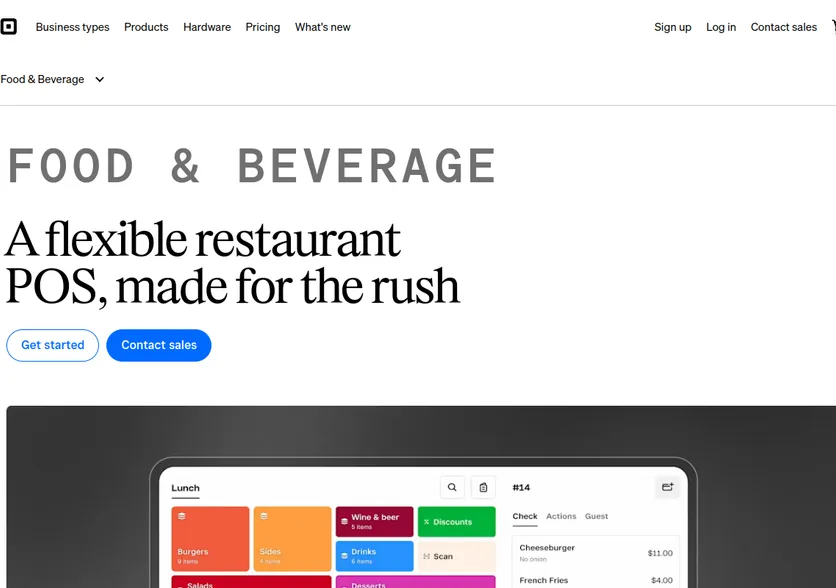
Square is the point-of-sale system that pairs free software with flat-rate processing, so a team can take cards in person, online and over the phone from one account. This Square Free plan costs nothing a month per location and charges two point six percent plus fifteen cents per in-person transaction. A contact center with a shop counter or a field team gets payments and a till in the same login.
What we like
- Free point-of-sale software on every account
- No monthly fee or contract on the Free plan
- Hardware from a simple reader to a full register
Watch out for
- Online rate is higher than in person at three point three percent
- Plus and Premium add up per location for multi-site teams
How to try it
- Open the Square site and create a free account
- Order a card reader and set up your items and tax rates
- Take a test payment in person and one online before launch
3. PayPal
Best for: Contact centers whose customers already trust PayPal and pay by wallet or card
Paid tool Starting price: 2.99% + $0.49 per online transaction · Two point nine nine percent plus forty-nine cents for PayPal Checkout online card payments; Expanded Checkout costs two point eight nine percent plus twenty-nine cents; in-person payments cost two point two nine percent plus nine cents; no monthly fee
Free plan: No free plan; $0 monthly fee
PayPal is the payment brand most customers already know, and its checkout and point-of-sale tools let a contact center take cards, PayPal and Venmo without a monthly fee. This PayPal Checkout rate costs two point nine nine percent plus forty-nine cents per online card transaction, with in-person payments at two point two nine percent plus nine cents. A team that serves customers who prefer to pay with a wallet gets the familiar button beside the card form.

What we like
- Customers already trust the PayPal name
- No monthly fee for checkout or point of sale
- Venmo and PayPal wallet payments included
Watch out for
- Online card rate is the highest in this list
- Account holds can delay payouts for new sellers
How to try it
- Open a PayPal Business account, which takes about ten minutes
- Add Checkout to your site or set up the point-of-sale app
- Pair a card reader and take a test in-person payment
4. Braintree
Best for: Contact centers that want a full gateway with cards, PayPal, Venmo and ACH in one contract
Paid tool Starting price: 2.89% + $0.29 per transaction · Two point eight nine percent plus twenty-nine cents per standard card transaction; Venmo costs three point four nine percent plus forty-nine cents; ACH costs zero point seven five percent, capped at five dollars; no monthly fee
Free plan: No free plan; $0 monthly fee
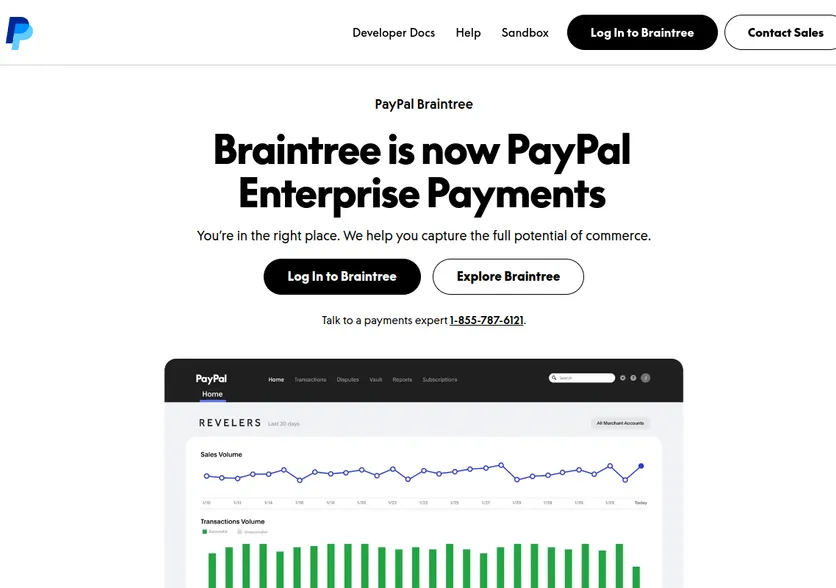
Braintree is PayPal's full payment gateway, built for businesses that need cards, wallets, Venmo and bank payments behind one integration. This Braintree standard rate costs two point eight nine percent plus twenty-nine cents per card transaction, with ACH at zero point seven five percent capped at five dollars. A contact center that takes large bank payments beside cards gets a cheaper ACH route most flat-rate processors do not offer.
What we like
- Cards, PayPal, Venmo and ACH in one gateway
- No monthly fee or setup fee
- ACH capped at five dollars suits large payments
Watch out for
- Standard rate is higher than the old published rate
- Custom pricing needs a sales conversation
How to try it
- Open the Braintree site and create a merchant account
- Connect your contact center platform through the Braintree API
- Test a card payment and an ACH payment before going live
5. Authorize.net
Best for: Contact centers with their own merchant account that want a trusted gateway
Paid tool Starting price: $25/month · Twenty-five dollars a month on every plan; All-in-One costs two point nine percent plus thirty cents per transaction; Gateway Only costs twenty-five dollars a month plus ten cents per transaction and a ten-cent daily batch fee; no setup fee, no contract
Free plan: No free plan; no free trial
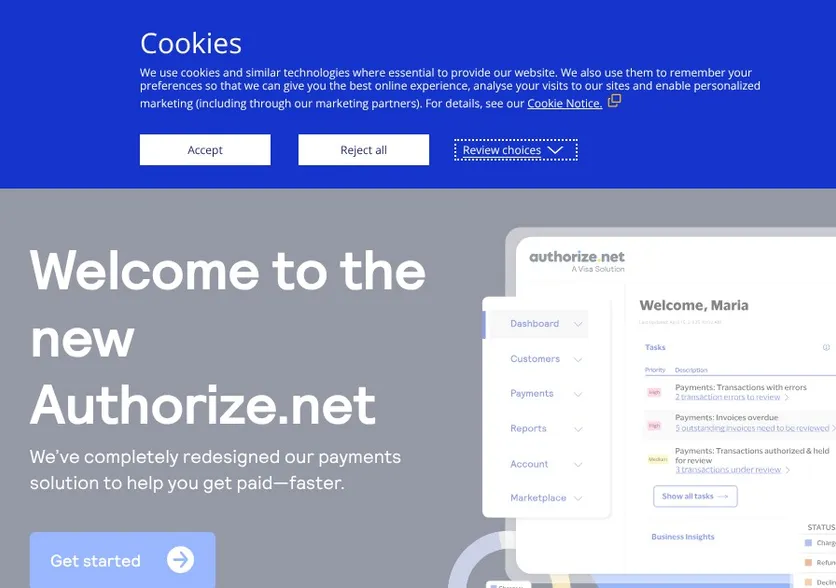
The long-running Visa gateway sits between a contact center and its merchant account, handling online checkout without taking the payment itself. This Authorize.net All-in-One plan costs twenty-five dollars a month plus two point nine percent and thirty cents per transaction. A team that already has a merchant account keeps its bank relationship and adds a gateway agents already know.
What we like
- Trusted gateway used by hundreds of thousands of merchants
- Gateway-only plan works with any merchant account
- No contract and no setup fee
Watch out for
- Monthly fee applies even in quiet months
- No in-person processing, so it is online only
How to try it
- Open the Authorize.net site and choose All-in-One or Gateway Only
- Link your merchant account or let Authorize.net set one up
- Add the checkout form to your site and test a payment
6. Helcim
Best for: Contact centers that want interchange-plus savings without a monthly fee
Paid tool Starting price: Interchange + 0.5% + $0.25 per online transaction · Interchange plus zero point five percent and twenty-five cents per online transaction, or plus zero point four percent and eight cents in person, for volumes under fifty thousand dollars a month; rates step down at higher volumes; ACH costs zero point five percent plus twenty-five cents, capped at six dollars; no monthly fee
Free plan: No free plan; $0 monthly fee
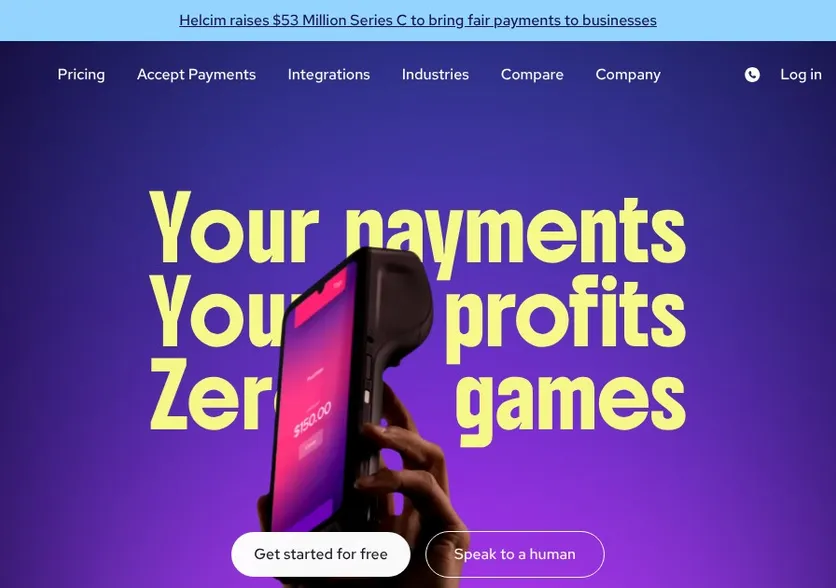
Helcim is the interchange-plus processor that passes wholesale card costs through with a small markup, so growing teams pay less per transaction than on flat-rate plans. This Helcim online rate costs interchange plus zero point five percent and twenty-five cents per transaction, with in-person payments cheaper at interchange plus zero point four percent and eight cents. A contact center that processes thousands of dollars a month keeps more of each payment without paying a monthly fee.
What we like
- Interchange-plus rates with no monthly fee
- Rates step down as volume grows
- No setup, PCI or cancellation fees
Watch out for
- Rate varies by card type, so bills are less predictable
- Volume tiers need tracking to get the best rate
How to try it
- Open the Helcim site and create a merchant account
- Connect your payment forms or point-of-sale hardware
- Check the first statement against the quoted interchange rate
7. Stax
Best for: High-volume contact centers that want interchange at cost with a flat monthly fee
Paid tool Starting price: $99/month · Ninety-nine dollars a month for up to one hundred fifty thousand dollars of annual processing; the next tier costs one hundred thirty-nine dollars a month; interchange is charged at cost plus eight cents in person or fifteen cents online; ACH costs one percent, capped at ten dollars
Free plan: No free plan; demo available
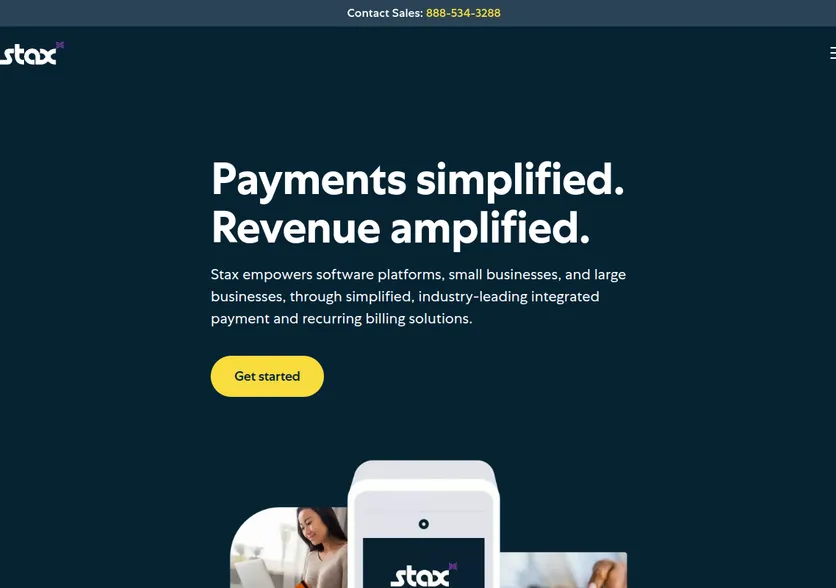
Stax is the subscription processor for teams that take enough card payments for interchange-plus pricing to beat flat rates, charging interchange at cost plus a few cents. This Stax plan costs ninety-nine dollars a month for up to one hundred fifty thousand dollars of annual processing, with eight cents per in-person transaction. A contact center with steady high volume trades a monthly fee for the lowest per-transaction cost in this list.
What we like
- Lowest per-transaction cost at high volume
- Interchange at cost with no markup
- One subscription covers online and in-person payments
Watch out for
- Monthly fee makes it dear at low volumes
- Higher tiers climb as annual volume grows
How to try it
- Open the Stax site and book a demo with your monthly volume
- Compare your current effective rate against the Stax quote
- Migrate your payment forms and check the first statement
8. Clover
Best for: Contact centers with a shop counter that want a full point-of-sale system beside payments
Paid tool Starting price: 2.6% + $0.10 per in-person transaction · Two point six percent plus ten cents per in-person transaction on the Starter and Retail Basic plans; Essentials costs twenty-nine dollars ninety-five cents a month and Retail Growth eighty-four dollars ninety-five cents; higher tiers charge two point three percent plus ten cents; hardware is sold separately
Free plan: No free plan; Starter software is $0 per month
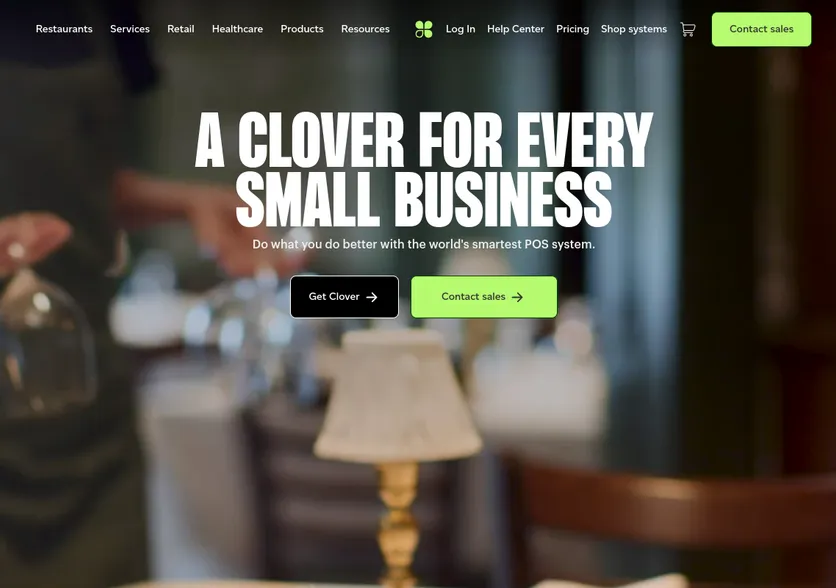
Clover is the point-of-sale platform that pairs its own terminals with payment processing, so a team that sells in person gets hardware, software and payments from one vendor. This Clover Starter software costs nothing a month and charges two point six percent plus ten cents per in-person transaction. A contact center with a counter or a pop-up stall gets a register and a payment flow in the same box.
What we like
- Own hardware range from a reader to a full station
- Starter software costs nothing a month
- App market adds inventory, loyalty and reporting
Watch out for
- Hardware is bought separately and adds up fast
- Reseller prices differ from the prices on Clover's own site
How to try it
- Open the Clover site and choose a plan for your business type
- Order the terminal that fits your counter or mobile setup
- Set up items and tax, then take a test in-person payment
Prices above were checked on each vendor’s own website on Nov 27, 2026 and can change — the vendor’s page is the final word. Vendor links are editorial: nobody paid to be listed or ranked here. Vendors who want a featured listing can see how it works on our Get listed page.
What enterprise contact center payments cost in 2026
Payment pricing for a contact center has two parts, the monthly fee and the per-transaction rate, and the cheapest headline rarely wins once both are counted. A processor with no monthly fee charges more per transaction, so it suits low volumes, while an interchange-plus gateway with a ninety-nine-dollar monthly fee saves money once card sales climb. Card-present rates matter too: in-person transactions cost less than online ones on most plans, so a team that takes payments over the phone pays the higher online rate.
Run a real transaction through two processors before you commit. Check that refunds post cleanly, that the dashboard shows each payment beside the call record, and that the monthly statement matches the quoted rate. Pick the processor whose total monthly cost is lowest at your actual volume, because a tenth of a percent beats a headline discount once the volume is real.
Before you buy
- Match the rate model to your volume, because interchange-plus beats flat rate once monthly card sales pass a few thousand dollars.
- Check whether the monthly fee applies to every plan, because a twenty-five-dollar gateway fee changes the maths on small ticket sizes.
- Confirm refunds and chargebacks are handled in the same dashboard, because a separate flow slows agents down on live calls.
- Ask about hardware and terminal costs, because a cheap rate can hide a two-hundred-dollar reader or a multi-year terminal lease.
- Test the checkout and refund flow before signing, because a clumsy payment step costs more in lost sales than any rate difference.
Official websites
Official websites of the products reviewed above. Features and prices were checked against these sites when this guide was written, and they can change, so confirm on the vendor site before you buy.
Frequently asked questions
Which payment software is best for enterprise contact centers in 2026?
Stripe is the best overall pick, with no monthly fee, a two point nine percent plus thirty-cent online rate and the widest set of payment methods in this list. Square is the best choice for teams that also take payments in person, at two point six percent plus fifteen cents with free point-of-sale software. Stax is the best pick for high volumes, because interchange-plus pricing beats flat rates once card sales climb past a few thousand dollars a month.
How much does contact center payment processing cost?
Rates in this list run from two point six percent plus fifteen cents per in-person transaction on Square to two point nine nine percent plus forty-nine cents online on PayPal, with most processors landing between two point six and two point nine percent. Monthly fees run from zero dollars on Stripe, Square and PayPal to ninety-nine dollars on Stax and twenty-five dollars on Authorize.net. Price the full month at your volume, because the rate matters more than the monthly fee.
Do contact centers need a separate payment gateway?
Yes, if agents take card payments during calls, because a gateway built for phone and online payments keeps card details out of the call recording and the agent's screen. Processors such as Stripe and Square handle the whole flow, from the payment link to the refund, without a separate gateway. A gateway such as Authorize.net suits teams that already have a merchant account and want to keep their existing bank relationship while adding online checkout.
What is the difference between flat-rate and interchange-plus pricing?
Flat-rate pricing charges the same percentage on every transaction, so the bill is easy to predict but expensive at high volumes. Interchange-plus passes the card network's wholesale cost through at face value and adds a small markup, so the rate varies by card type but the total falls as volume grows. Small teams should start flat-rate, while teams processing thousands of dollars a month save real money on interchange-plus plans such as Helcim and Stax.
Is there a free way to take payments in a contact center?
Yes, Stripe, Square and PayPal all charge no monthly fee, so a contact center pays only when a payment succeeds. Square also gives away its point-of-sale software free, and PayPal charges nothing a month for its checkout and point-of-sale tools. Free starts are not free transactions, though: every processor takes a percentage of each payment, so compare the per-transaction rate before you choose.
Need everyday business help too? Try Toolsvine's free business tools right in your browser.
Browse Business Tools tools