
On this page
A supermarket till must scan fast, weigh fresh produce, track thousands of products and keep the queue moving at peak hour. The seven systems below run from about fifteen dollars a month to eighty-nine dollars a month, and every price was checked on the vendor site on November 26, 2026. Most charge per location or per terminal, so count your checkout lanes before you compare prices. Square for Retail is our first pick — the simplest start for a small supermarket.
How we researched this
We started with the point of sale systems supermarkets actually buy, then read each price on the vendor pricing page on November 26, 2026 and noted the free trial or free plan each one carries. We judged them for a supermarket that scans groceries, tracks perishables and takes card payments all day, and we kept only tools with a published price. We dropped quote-only vendors, including the big enterprise grocery systems, and tools whose price we could not verify on the vendor site.
Compare the tools
| Name | Best for | Starting price | Free plan | |
|---|---|---|---|---|
 Square for Retail | Small supermarkets that want to start free and pay only when they need more | $49/month | Free plan available; 30-day free trial of Plus | Visit |
 Shopify POS Pro | Supermarkets that already sell groceries online with Shopify | $89/month | No free plan; free trial available | Visit |
 Lightspeed Retail | Supermarkets that need deep inventory and multi-store tools | $89/month | No free plan; 14-day free trial | Visit |
 Clover | Small supermarkets that want the cheapest software-only plan | $14.95/month | No free plan | Visit |
 Epos Now | Small supermarkets that want a low monthly software cost with their own hardware | $39/month | No free plan | Visit |
 Heartland Retail | US supermarkets that want a POS tied to Heartland payment processing | $89/month | No free plan | Visit |
 KORONA POS | Small supermarkets that pay per terminal and want no long contract | $59/month | No free plan | Visit |
The POS software for supermarket, compared
1. Square for Retail
Best for: Small supermarkets that want to start free and pay only when they need more
Paid tool Starting price: $49/month · Plus plan, forty-nine dollars a month per location; Free plan costs nothing; Premium is one hundred forty-nine a month per location
Free plan: Free plan available; 30-day free trial of Plus
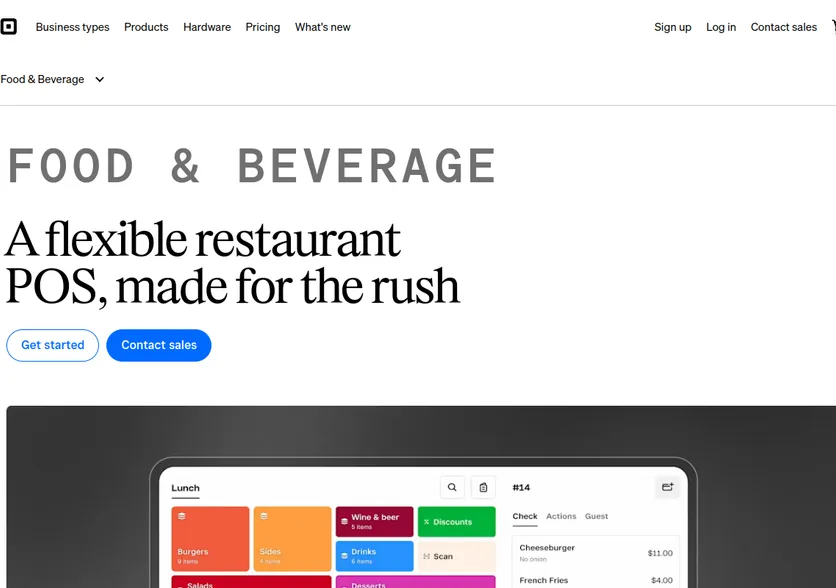
Square for Retail is the easiest point of sale for a small supermarket to start, with a free plan, simple hardware and fast setup. This Square for Retail Plus plan costs forty-nine dollars a month per location and adds advanced inventory, reporting and lower payment rates. A neighborhood supermarket can open the doors on the free plan and upgrade only when sales justify it.
What we like
- Free plan lets you start with no bill
- Fastest setup in this list
- Hardware is simple and affordable
Watch out for
- Plus fee applies to every location
- Payment rates add up on big baskets
How to try it
- Open the Square Retail pricing page and compare Free and Plus
- Set up a test location with your grocery products
- Run a test sale with barcodes and check the receipt
2. Shopify POS Pro
Best for: Supermarkets that already sell groceries online with Shopify
Paid tool Starting price: $89/month · POS Pro add-on, eighty-nine dollars a month per location; a base Shopify plan is required
Free plan: No free plan; free trial available
Shopify POS Pro ties the checkout lanes to the online store, so inventory, customers and orders stay in sync across every channel. This Shopify POS Pro add-on costs eighty-nine dollars a month per location on top of a Shopify plan. A supermarket that offers pickup and delivery gets one stock count, one customer list and one report for both worlds.

What we like
- One inventory for online and in-store
- Strong reporting across all channels
- Huge app store for extra features
Watch out for
- Needs a paid Shopify plan underneath
- Pro fee applies to every location
How to try it
- Open the Shopify POS cost guide and check the Pro price
- Connect a test location to your online store
- Sell one item in store and watch the online stock drop
3. Lightspeed Retail
Best for: Supermarkets that need deep inventory and multi-store tools
Paid tool Starting price: $89/month · Retail plan starting at eighty-nine dollars a month; an older page still shows sixty-nine dollars
Free plan: No free plan; 14-day free trial
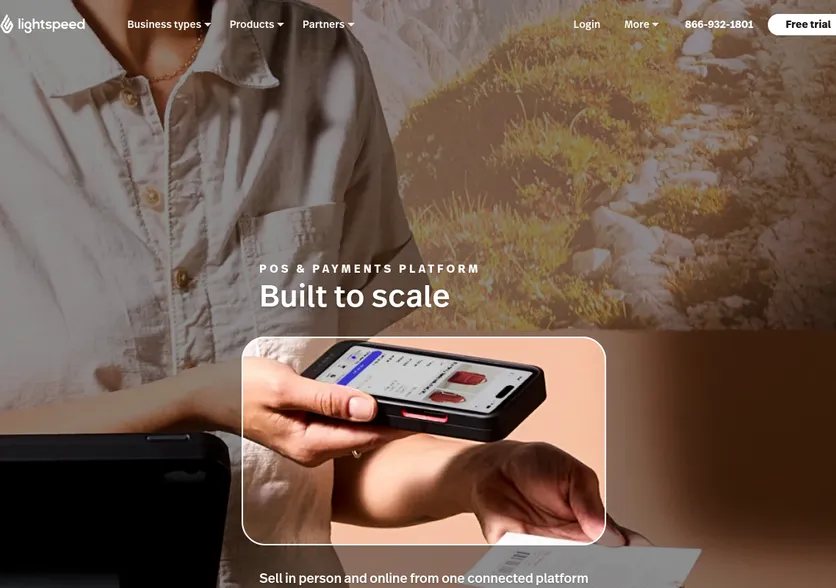
Lightspeed Retail is built for stores that outgrow simple tills, with strong inventory, purchasing, reporting and multi-store management. This Lightspeed Retail plan starts at eighty-nine dollars a month and includes point of sale, inventory, payments and online selling. A supermarket with several branches and thousands of products will value the control more than the price.
What we like
- Deepest inventory tools in this list
- Multi-store management built in
- Strong reporting for buying decisions
Watch out for
- Higher learning curve than Square
- Older pages show a lower price
How to try it
- Start the fourteen-day Lightspeed trial
- Import your product catalog and set stock levels
- Test a purchase order and a multi-store transfer
4. Clover
Best for: Small supermarkets that want the cheapest software-only plan
Paid tool Starting price: $14.95/month · Software-only plan from fourteen ninety-five a month; bundled hardware and software plans start higher
Free plan: No free plan
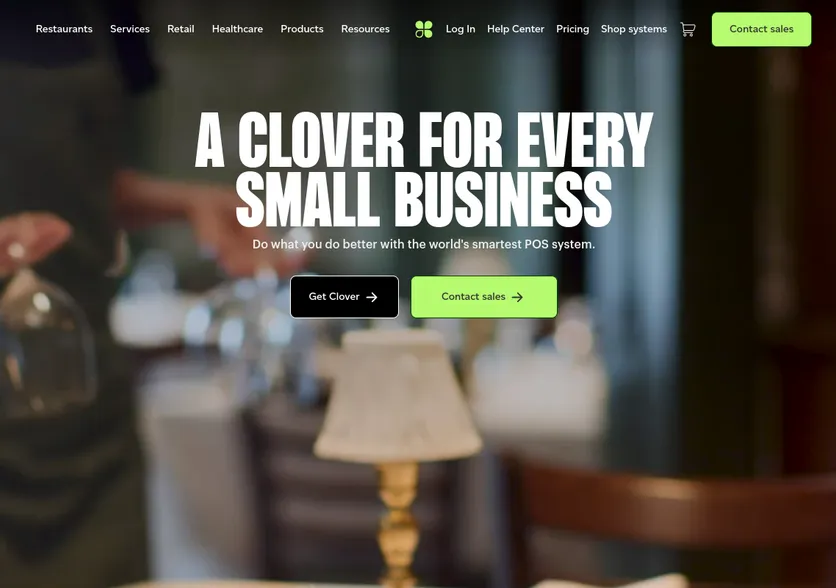
For a small supermarket watching every dollar, Clover offers a flexible point of sale with a low software-only plan for stores that already own hardware. This Clover plan starts at fourteen ninety-five a month for software only, while bundled hardware and software plans cost more over three years. A small supermarket on a tight budget can start cheap and add hardware later.
What we like
- Lowest monthly software price here
- Wide choice of hardware options
- Strong app marketplace for extras
Watch out for
- No free plan or trial listed
- Hardware bundles lock you into a term
How to try it
- Open the Clover upgrade page and compare the plans
- Check whether your current hardware works with Clover
- Price the software-only plan against a hardware bundle
5. Epos Now
Best for: Small supermarkets that want a low monthly software cost with their own hardware
Paid tool Starting price: $39/month · Software from thirty-nine dollars a month; a complete hardware system starts at four hundred ninety-nine dollars one-time
Free plan: No free plan
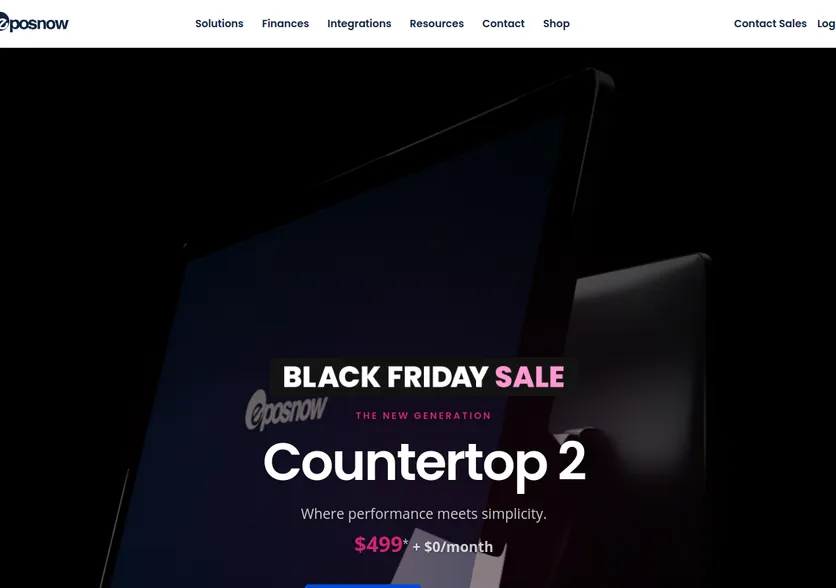
A small supermarket that prefers to own its tills outright will like Epos Now, a cloud point of sale with a low software price and a one-time hardware option. This Epos Now software starts at thirty-nine dollars a month, and a complete system costs four hundred ninety-nine dollars one-time. A small supermarket that wants predictable costs without a long contract will like the simple pricing.
What we like
- Low monthly software cost
- One-time hardware option available
- Simple pricing with no long contract
Watch out for
- Smaller app ecosystem than rivals
- Support quality varies by region
How to try it
- Open the Epos Now comparison page and check the software price
- List the hardware you already own
- Compare the monthly software cost with the one-time system price
6. Heartland Retail
Best for: US supermarkets that want a POS tied to Heartland payment processing
Paid tool Starting price: $89/month · Plans starting at eighty-nine dollars a month; a conditional zero-dollar start offer requires a long contract and high volume
Free plan: No free plan
Heartland Retail comes from a payments company, pairing the supermarket till with Heartland processing and support under one vendor. This Heartland Retail plan starts at eighty-nine dollars a month, with a conditional zero-dollar start offer that needs a long contract and high volume. A US supermarket that already processes with Heartland gets one vendor for sales and payments.
What we like
- One vendor for POS and payments
- Strong US-based support
- Built for high-volume shops
Watch out for
- Zero-dollar offer has strict conditions
- Less known outside the US
How to try it
- Open the Heartland Retail page and request the plan details
- Check the contract terms behind the zero-dollar start offer
- Compare the monthly cost with your current processing fees
7. KORONA POS
Best for: Small supermarkets that pay per terminal and want no long contract
Paid tool Starting price: $59/month · Core plan, fifty-nine dollars a month per terminal; Retail plan costs more per terminal
Free plan: No free plan
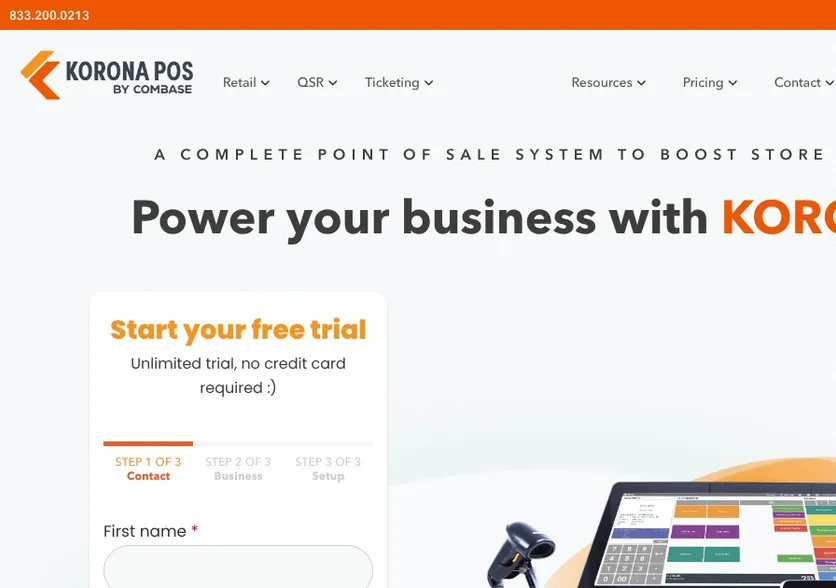
Supermarkets that pay by the checkout lane will like KORONA POS, a cloud point of sale that charges per terminal with strong inventory and no long-term contract. This KORONA POS Core plan costs fifty-nine dollars a month per terminal, and the Retail plan costs more per terminal. A small supermarket with a few checkout lanes can start lean and add terminals as the store grows.
What we like
- Per-terminal pricing with no long contract
- Strong inventory for small shops
- Cloud access from anywhere
Watch out for
- Smaller brand with fewer integrations
- Per-terminal cost adds up fast
How to try it
- Open the KORONA pricing page and count your terminals
- Test the inventory tools with your own products
- Check the Retail plan price before you commit
Prices above were checked on each vendor’s own website on Nov 26, 2026 and can change — the vendor’s page is the final word. Vendor links are editorial: nobody paid to be listed or ranked here. Vendors who want a featured listing can see how it works on our Get listed page.
What POS software for a supermarket costs in 2026
Most small supermarkets pay for one location, so the headline price is close to the whole budget, and this list runs from about fifteen dollars a month to eighty-nine dollars a month. The cheapest plan is not always the cheapest deal, because a low monthly fee can hide higher payment rates on every basket, while hardware costs hundreds more up front. The headline plan each vendor shows on its own pricing page is the number in the table above, checked on November 26, 2026.
Start with the free trial on two systems and run a real rush hour through each, from scanning to receipt. Compare how fast checkout feels, whether stock counts stay accurate, and whether reports answer your buying questions. Pick the system your cashiers find easiest at peak hour, because a slow till costs more than its monthly fee.
Before you buy
- Count the checkout lanes first, because Square, Shopify and Lightspeed all charge per location or terminal.
- Check barcode and scale support, because a supermarket till must scan fast and weigh fresh produce.
- Test the system at peak hour, because a slow checkout creates queues that cost sales.
- Confirm inventory handles perishables, because expiry dates and shrink need tracking.
- Compare the free trial length, because Square gives thirty days while Lightspeed gives fourteen.
Official websites
Official websites of the products reviewed above. Features and prices were checked against these sites when this guide was written, and they can change, so confirm on the vendor site before you buy.
Frequently asked questions
Which POS software is best for a supermarket in 2026?
Square for Retail, at forty-nine dollars a month per location on Plus, is the safest default because the free plan lets you start with no bill and the setup is the fastest here. Shopify POS Pro wins for supermarkets that already sell groceries online, at eighty-nine dollars a month per location. Lightspeed Retail suits chains that need deep inventory, while Clover is the cheapest software-only start at fourteen ninety-five a month.
How much does POS software for a supermarket cost?
Most tools in this list cost between fifteen and ninety dollars a month, with Square and Clover at the low end and Shopify POS Pro and Lightspeed at the high end. Hardware is the hidden cost, because checkout lanes need barcode scanners, receipt printers and cash drawers. Expect to pay more once you add lanes, locations or advanced reporting.
Is there a free POS system for supermarkets?
Yes, Square for Retail offers a free plan with the essentials, which is enough to ring up sales and track basic inventory. The other six tools charge from the start, though Square and Lightspeed offer free trials of thirty and fourteen days. A free plan suits a new store, while a busy supermarket needs a paid plan for inventory and reporting.
Shopify POS vs Square vs Lightspeed for a supermarket — which should I pick?
It depends on where you sell. Shopify POS Pro wins if you already sell groceries online, because one inventory covers the store and the website. Lightspeed wins for multi-branch supermarkets with deep inventory needs, while Square wins for a single store that wants the simplest setup. Check your sales channels before you pick a system.
What should I look for in POS software for a supermarket?
Look for fast barcode scanning, inventory tracking, payment processing and reporting in one system, plus hardware that fits your checkout lanes. Check the per-location and per-terminal cost if you plan to grow, and test the system with your own products before you buy. The best till is the one your cashiers can use at peak hour, not the one with the longest feature list.
Need everyday business help too? Try Toolsvine's free business tools right in your browser.
Browse Business Tools tools


