On this page
Every container image a team ships needs a home that is fast, secure and cheap to store, because a slow registry delays every deploy. The seven tools below cover the full range, from free registries for small teams to enterprise platforms with scanning, signing and compliance built in. Every price was checked on the vendor site on November 27, 2026, and the list runs from ten cents a gigabyte a month to one hundred fifty dollars a month. Docker is our first pick — the registry that pairs the widest tooling with the simplest team pricing.
How we researched this
We started with the container registries that enterprise teams actually use to store and ship images, then read each price on the vendor pricing page on November 27, 2026 and noted the storage rate, the included allowance and the security features each plan carries. We judged them for an enterprise that ships images every day and needs scanning, access control and audit logs without a second tool. We dropped quote-only registries that no buyer can price without a sales call, and we left out self-hosted-only tools with no managed plan to compare.
Compare the tools
| Name | Best for | Starting price | Free plan | |
|---|---|---|---|---|
 Docker | Enterprises that want the widest registry tooling with simple team pricing | $24/user/month | Free Personal plan | Visit |
 JFrog Artifactory | Enterprises that need deep security scanning and compliance in the registry | $150/month | No free plan; free trial available | Visit |
 GitHub Packages | Teams already on GitHub that want packages beside their code | $0.25/GB/month | Free plan; 500 MB storage included | Visit |
 GitLab | Teams that want the registry inside a full DevSecOps platform | $29/user/month | Free plan | Visit |
| Amazon ECR | Teams already on AWS that want the registry beside their clusters | $0.10/GB/month | Free tier; 500 MB per month for 12 months for new accounts | Visit |
| Google Artifact Registry | Teams already on Google Cloud that want the registry beside GKE | $0.10/GiB/month | Free tier; first 0.5 GiB free | Visit |
| Azure Container Registry | Teams already on Azure that want the registry beside AKS | $0.167/day | Free Azure account with $200 credit for new users | Visit |
The container registry software for enterprise, compared
1. Docker
Best for: Enterprises that want the widest registry tooling with simple team pricing
Paid tool Starting price: $24/user/month · Twenty-four dollars per user a month billed annually for Business; Pro costs nine dollars and Team fifteen dollars; Personal is free
Free plan: Free Personal plan
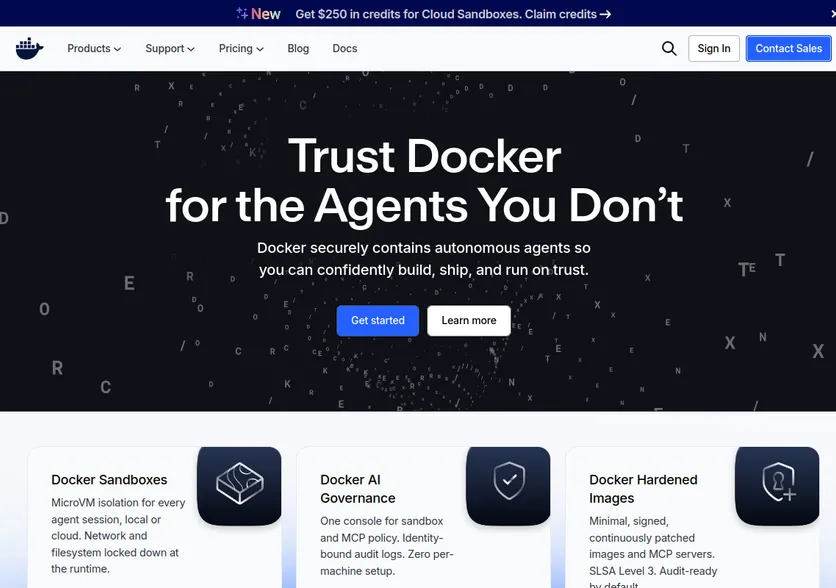
Docker is the container platform most teams start with, pairing Docker Hub with build, scan and team management tools that cover the whole image workflow. This Docker Business plan costs twenty-four dollars per user a month billed annually and covers private repositories and team controls. An enterprise that ships images every day gets the registry its developers already know, with the tooling to match.
What we like
- Widest tooling of any registry here
- Simple per-user pricing for teams
- Developers already know the workflow
Watch out for
- Business is needed for the best team controls
- Storage limits still apply on paid plans
How to try it
- Open the Docker site and create a Docker ID
- Create a private repository and push your first image
- Invite your team and set up access controls
2. JFrog Artifactory
Best for: Enterprises that need deep security scanning and compliance in the registry
Paid tool Starting price: $150/month · One hundred fifty dollars a month list for SaaS Pro, with a limited-time offer of fifty dollars a month through June 4, 2027; Enterprise X starts at nine hundred fifty dollars a month; base consumption is twenty-five gigabytes with overages at one dollar twenty-five cents per gigabyte; self-managed Pro X starts at twenty-seven thousand dollars a year
Free plan: No free plan; free trial available
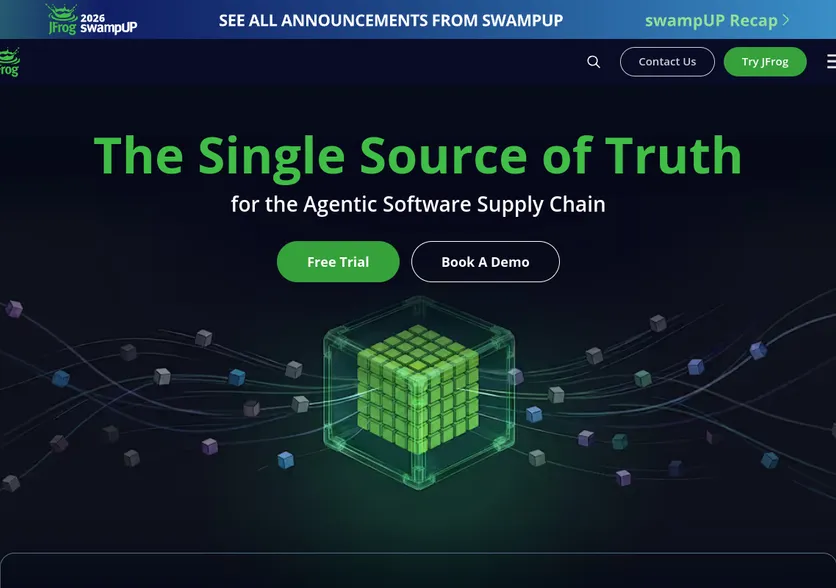
JFrog Artifactory is the enterprise registry built for teams that need more than storage, with security scanning, signing and compliance controls across every package type. This JFrog Artifactory SaaS Pro plan costs one hundred fifty dollars a month list and covers artifact storage with scanning. An enterprise with strict compliance rules gets the deepest controls in this list, if it can live with the price.
What we like
- Deepest security scanning and compliance here
- Covers every package type, not just containers
- Strong enterprise support and SLAs
Watch out for
- List price is three times the current limited offer
- Overage fees add up fast past twenty-five gigabytes
How to try it
- Open the JFrog site and start a trial
- Create a repository and push your first images
- Turn on Xray scanning and check the first report
3. GitHub Packages
Best for: Teams already on GitHub that want packages beside their code
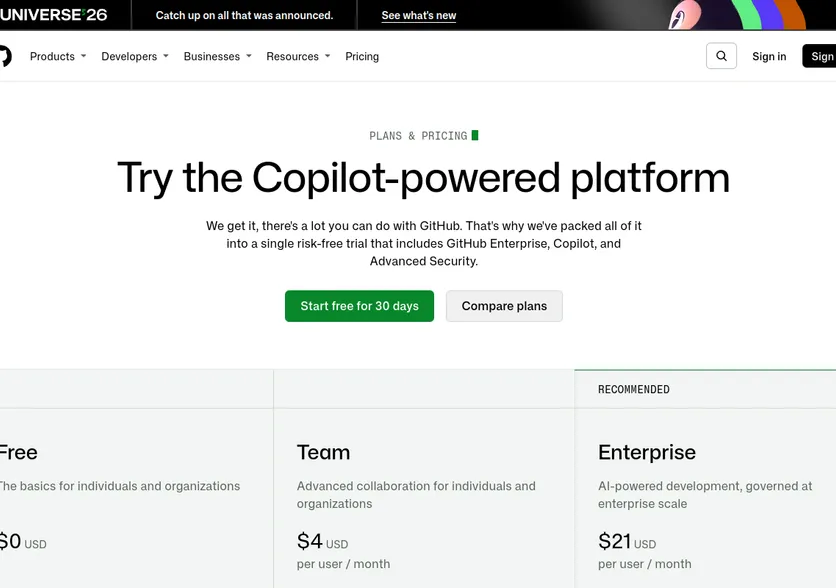
Paid tool Starting price: $0.25/GB/month · Twenty-five cents per gigabyte a month for private package storage beyond the included allowance; Team costs four dollars per user a month and Enterprise twenty-one dollars; public packages are free; allowances run from five hundred megabytes on Free to fifty gigabytes on Enterprise
Free plan: Free plan; 500 MB storage included
GitHub Packages is the registry that lives beside the code, so teams that already host on GitHub can store images and packages without a second vendor. This GitHub Packages private storage costs twenty-five cents per gigabyte a month beyond the included allowance, with public packages free. A team that builds and ships from GitHub gets the registry in the same login as the repository.
What we like
- Registry beside the code, no second vendor
- Public packages are free
- Actions workflows publish images in one step
Watch out for
- Storage allowances are small on the cheaper tiers
- Transfer beyond the allowance costs fifty cents a gigabyte
How to try it
- Open GitHub and turn on Packages for your organization
- Publish an image from an Actions workflow
- Check the storage usage against your plan allowance
4. GitLab
Best for: Teams that want the registry inside a full DevSecOps platform
Paid tool Starting price: $29/user/month · Twenty-nine dollars per user a month billed annually for Premium; Ultimate is ninety-nine dollars or custom-quoted; the Free tier costs nothing
Free plan: Free plan
GitLab is the DevSecOps platform that bundles the container registry with source control, CI and security scanning in one login. This GitLab Premium plan costs twenty-nine dollars per user a month billed annually and covers the registry with scanning. A team that wants the whole pipeline in one place gets the registry beside the code, the tests and the deploys.

What we like
- Registry inside a full DevSecOps platform
- Scanning and compliance built into Premium
- One login for code, CI and deploys
Watch out for
- Ultimate pricing is custom-quoted for some teams
- Registry features need the paid tiers
How to try it
- Open GitLab and create a project with the registry enabled
- Push an image from your CI pipeline
- Turn on container scanning and review the findings
5. Amazon ECR
Best for: Teams already on AWS that want the registry beside their clusters
Paid tool Starting price: $0.10/GB/month · Ten cents per gigabyte a month for private image storage; new accounts get five hundred megabytes a month free for twelve months; public storage up to fifty gigabytes a month is always free; pulls within the region to ECS, EKS, Lambda and Fargate cost nothing; Inspector scanning costs nine cents for the first scan and one cent per rescan
Free plan: Free tier; 500 MB per month for 12 months for new accounts
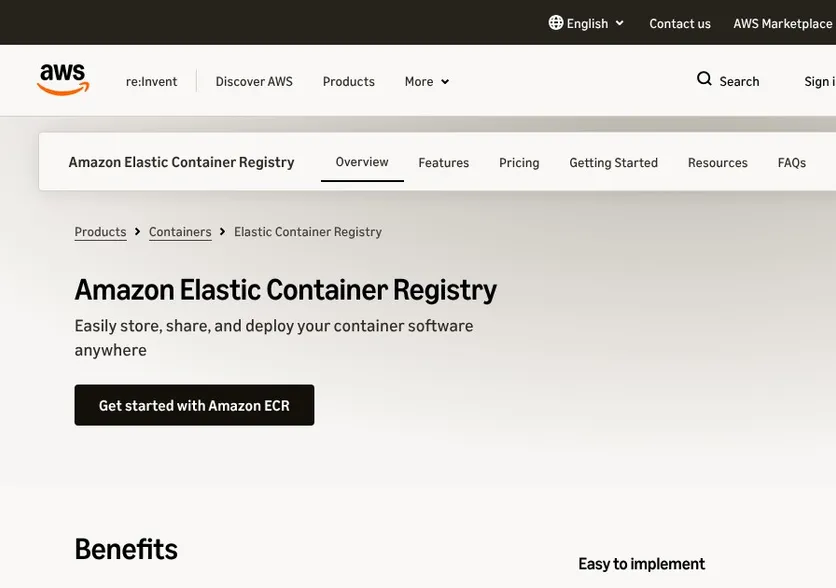
Amazon ECR is the AWS registry that stores images beside the clusters that run them, with no extra fee for pulls inside the region. This Amazon ECR private storage costs ten cents per gigabyte a month, with five hundred megabytes free for new accounts for twelve months. A team already running on AWS gets the registry in the same account as its clusters, with no new vendor to manage.
What we like
- Cheapest storage rate in this comparison
- Free pulls to ECS, EKS, Lambda and Fargate
- Fifty gigabytes of public storage always free
Watch out for
- Pulls to the internet cost nine cents a gigabyte
- Scanning costs extra per image
How to try it
- Open the AWS console and create an ECR repository
- Push your first image with the AWS CLI
- Set a lifecycle policy to clean up old images
6. Google Artifact Registry
Best for: Teams already on Google Cloud that want the registry beside GKE
Paid tool Starting price: $0.10/GiB/month · Ten cents per gibibyte a month, with the first half gibibyte free; pulls within the same location cost nothing; the older Google Container Registry stopped taking new images in March 2025
Free plan: Free tier; first 0.5 GiB free
Google Artifact Registry is the Google Cloud registry that stores container images and other artifacts beside the clusters that run them. This Google Artifact Registry storage costs ten cents per gibibyte a month, with the first half gibibyte free. A team already running on Google Cloud gets the registry in the same project as its clusters, with same-location pulls free.
What we like
- Same low storage rate as AWS ECR
- Same-location pulls cost nothing
- Stores artifacts beyond containers too
Watch out for
- Old Container Registry images need migrating
- Scanning and signing need extra setup
How to try it
- Open Google Cloud and create an Artifact Registry repository
- Push your first image with the gcloud CLI
- Connect the repository to your GKE cluster
7. Azure Container Registry
Best for: Teams already on Azure that want the registry beside AKS
Paid tool Starting price: $0.167/day · Sixteen point seven cents a day, about five dollars a month, for Basic with ten gigabytes included; Standard costs sixty-six point seven cents a day with one hundred gigabytes and Premium one dollar sixty-seven cents a day with five hundred gigabytes; extra storage costs ten cents per gigabyte a month
Free plan: Free Azure account with $200 credit for new users
Azure Container Registry is the Microsoft registry that stores images beside the clusters that run them, with geo-replication on the Premium tier. This Azure Container Registry Basic tier costs sixteen point seven cents a day, about five dollars a month, with ten gigabytes included. A team already running on Azure gets the registry in the same subscription as its clusters, with Premium adding replication across regions.
What we like
- Cheapest flat monthly price for small teams
- Premium adds geo-replication across regions
- Tight integration with Azure DevOps and AKS
Watch out for
- Basic tier has no geo-replication
- Storage beyond the included allowance costs extra
How to try it
- Open the Azure portal and create a container registry
- Push your first image with the Azure CLI
- Connect the registry to your AKS cluster
Prices above were checked on each vendor’s own website on Nov 27, 2026 and can change — the vendor’s page is the final word. Vendor links are editorial: nobody paid to be listed or ranked here. Vendors who want a featured listing can see how it works on our Get listed page.
What enterprise container registries cost in 2026
Registry pricing has two parts, the storage rate and the transfer cost, and the cheapest headline rarely wins once both are counted. A ten-cent-per-gigabyte registry looks cheap until cross-region pulls add up, while a flat monthly plan suits teams that push and pull the same images all day. Free tiers cover small teams, but the storage caps usually force a paid plan once the image count grows.
Trial two registries with your real images before you commit. Check that pushes and pulls are fast from your regions, that scanning flags a bad image before it ships, and that access controls keep each team in its own namespace. Pick the registry whose deploys never wait on storage, because a slow registry costs more in lost time than any subscription.
Before you buy
- Check the storage rate and the included allowance, because a low per-gigabyte price still costs more once the allowance runs out.
- Confirm vulnerability scanning is included, because a registry without scanning leaves bad images in production.
- Ask about data transfer costs, because pulls across regions can cost more than storage on the big clouds.
- Test the access controls before signing, because team permissions and audit logs matter more at enterprise scale.
- Count the registries you already pay for, because a cloud registry bundled with your cloud account can cost nothing extra.
Official websites
Official websites of the products reviewed above. Features and prices were checked against these sites when this guide was written, and they can change, so confirm on the vendor site before you buy.
Frequently asked questions
Which container registry is best for enterprises in 2026?
Docker is the best overall pick, with Business at twenty-four dollars a user a month and the widest tooling in this list. JFrog is the best choice for enterprises that need deep security scanning and compliance, at one hundred fifty dollars a month for SaaS Pro. GitHub is the best pick for teams already on GitHub, with private storage at twenty-five cents a gigabyte a month beyond the allowance.
How much does a container registry cost?
Prices in this list run from ten cents a gigabyte a month for AWS ECR and Google Artifact Registry to one hundred fifty dollars a month for JFrog SaaS Pro, with most team plans landing between nine and twenty-nine dollars a user a month. Cloud registries bill by storage and transfer, so the bill follows how much you store and pull, while seat-based plans cost the same every month. Add scanning and transfer fees to the subscription.
Do enterprises need vulnerability scanning in the registry?
Yes, if images ship to production every day, because a scan catches a known vulnerability before the image reaches a customer. JFrog and GitLab both include scanning on their paid plans, and the cloud registries sell it as an add-on or a separate service. A registry without scanning leaves the team finding bad images after they deploy, which costs far more than the scan ever would.
Is there a free container registry for enterprises?
Yes, Docker Personal is free and GitHub gives away five hundred megabytes of private storage, so a small team can store images without paying. GitLab Free costs nothing and AWS gives new accounts five hundred megabytes a month free for twelve months. Free tiers limit storage, users or scanning, so check the caps before you rely on them, and expect to move to a paid plan once the image count grows.
Need everyday developer help too? Try Toolsvine's free developer tools right in your browser.
Browse Developer Tools tools