
On this page
Open source runs your product, and one bad dependency can sink it. Snyk leads this list because it scans code, containers, and infrastructure from a single seat, but the right SCA tool depends on whether you need license compliance, reachable-vulnerability triage, or a hard block on malicious packages. We checked eight paid scanners on their own pricing pages and compared free plans, scan depth, and the real cost per developer.
How we researched this
We read each vendor pricing page on November 26, 2026 and kept only tools with a published starting price for their SCA tier. We then weighed scan coverage, false-positive handling, and how the tool fits into a normal pull-request workflow.
Compare the tools
| Name | Best for | Starting price | Free plan | |
|---|---|---|---|---|
 Snyk | Small teams that want SCA plus SAST in one seat | $25/contributing developer/month | Free plan with limited tests | Visit |
 GitHub Advanced Security | Teams already hosting code on GitHub | $21/user/month | Free for public repositories | Visit |
 GitLab Ultimate | Teams that want security inside one DevSecOps platform | $99/user/month | Free tier with basic DevOps tools | Visit |
 FOSSA | Teams that need license compliance plus vulnerability scans | $20/project/month | Free plan for small open source projects | Visit |
 JFrog | Enterprises securing artifacts and binaries at scale | $950/month | Free trial, no free plan | Visit |
 Socket | Teams that want to block malicious packages before install | $25/dev seat/month | Free plan for public repositories | Visit |
 Semgrep | Teams that want reachable-vulnerability triage | $30/month/contributor | Free Community Edition | Visit |
| Debricked | Teams that want simple SCA with SBOM exports | $25/contributing developer/month | Free plan with 100 scans a month | Visit |
The 8 best software composition analysis tools
1. Snyk
Best for: Small teams that want SCA plus SAST in one seat
Paid tool Starting price: $25/contributing developer/month · Team plan, 5 to 10 developers, billed annually
Free plan: Free plan with limited tests
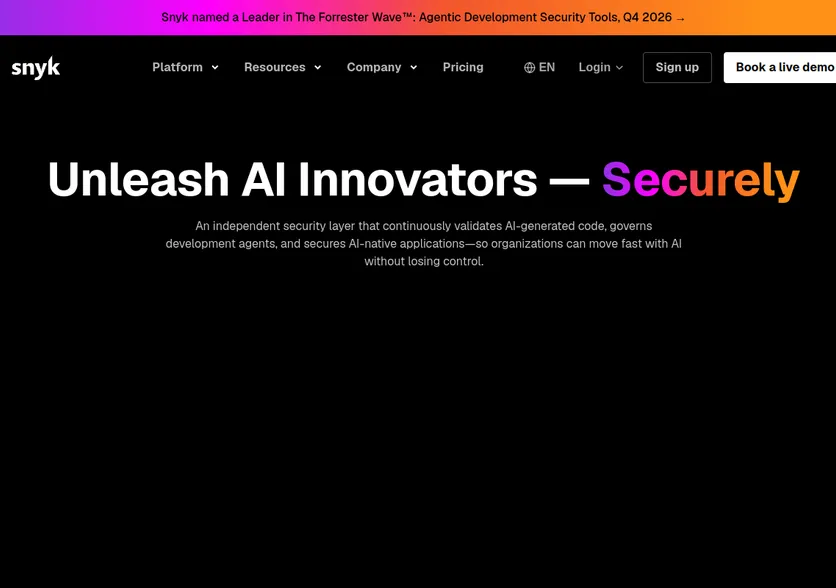
Snyk is the best-known SCA scanner, and it earns that spot by covering open source, code, containers, and infrastructure in one place. This Snyk Team plan adds higher test limits, Jira integration, and license compliance for small teams that have outgrown the free tier. The ten-developer cap on Team pushes growing teams toward credit-based Enterprise pricing, so plan your headcount before you commit.
What we like
- Covers code, open source, containers, and IaC
- Clear fix advice with upgrade paths
- Strong IDE and CI integrations
Watch out for
- Team plan caps at 10 developers
- Enterprise pricing is credit-based and opaque
How to try it
- Connect your repos and run a first scan on the main branch
- Fix the critical vulnerabilities Snyk ranks highest
- Turn on the Jira integration to track fixes as tickets
2. GitHub Advanced Security
Best for: Teams already hosting code on GitHub
Paid tool Starting price: $21/user/month · Enterprise plan includes Advanced Security; Team starts at $4 a user
Free plan: Free for public repositories
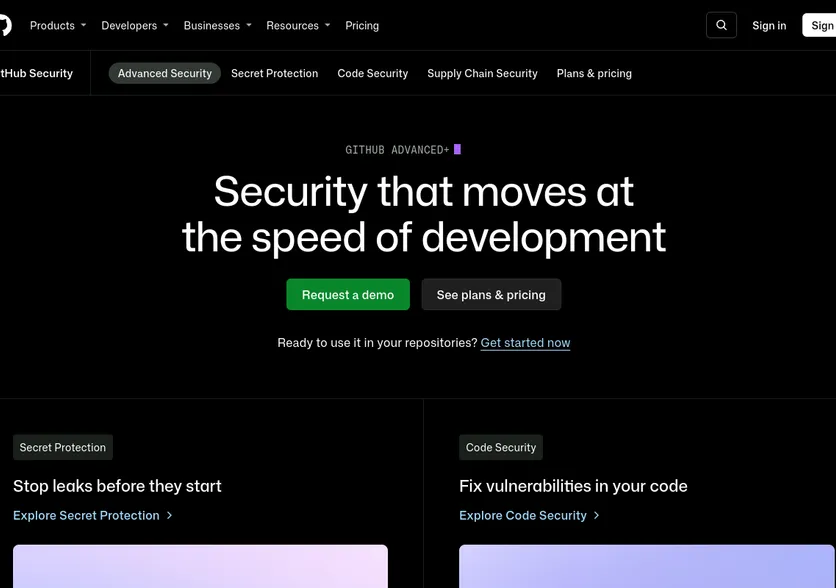
GitHub Advanced Security puts scanning where your code already lives, so findings show up in pull requests instead of a separate dashboard. This GitHub Advanced Security Enterprise plan covers code scanning, secret scanning, and Dependabot alerts for teams that host on GitHub. It is the natural pick if your repos already live here, though teams on other hosts will find little to use.
What we like
- Findings appear inside pull requests
- Dependabot alerts are fast and clear
- No new tool to learn for GitHub teams
Watch out for
- Only useful if you host on GitHub
- Full suite needs the Enterprise tier
How to try it
- Turn on code scanning and secret scanning in repo settings
- Review Dependabot alerts on your busiest repository
- Add code scanning checks to your pull-request rules
3. GitLab Ultimate
Best for: Teams that want security inside one DevSecOps platform
Paid tool Starting price: $99/user/month · Ultimate tier billed annually; Premium is $29 a user
Free plan: Free tier with basic DevOps tools
GitLab Ultimate folds SCA into a full DevSecOps platform, so one seat covers repos, pipelines, and security scans. This GitLab Ultimate plan adds SAST, dependency scanning, container scanning, and compliance dashboards on top of the Premium tier. The price is high per user, but it replaces several separate tools when a team commits to the GitLab workflow.

What we like
- One platform for code, CI, and security
- Strong compliance and audit dashboards
- Includes SAST and secret detection
Watch out for
- Highest per-user price on this list
- Only pays off if you adopt all of GitLab
How to try it
- Enable dependency and container scanning in your pipeline
- Review the security dashboard after your next merge
- Turn on compliance policies for protected branches
4. FOSSA
Best for: Teams that need license compliance plus vulnerability scans
Paid tool Starting price: $20/project/month · Business plan billed annually
Free plan: Free plan for small open source projects
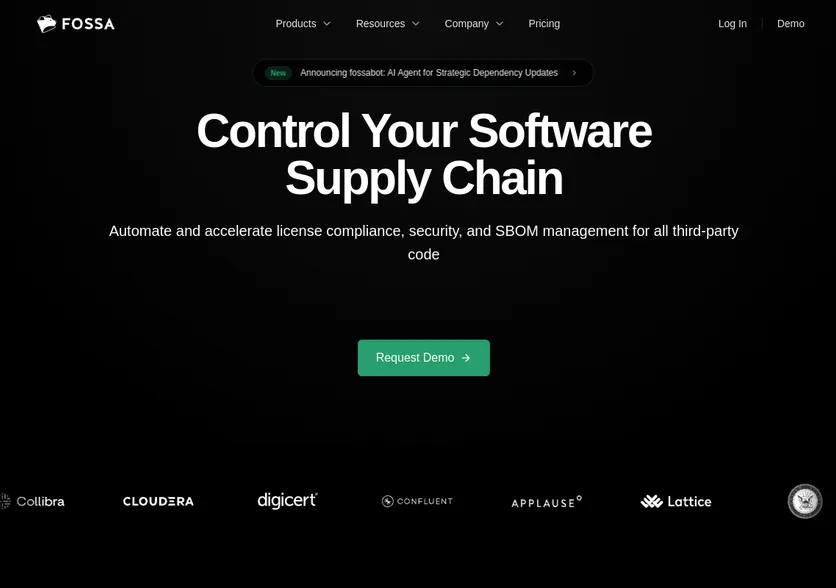
FOSSA is the license-compliance specialist of this list, built for teams that ship software and need to prove every dependency is legal. This FOSSA Business plan adds policy enforcement, SBOM generation, and vulnerability scanning priced per project rather than per seat. It is the cheapest way to get audit-ready license reports, though its code scanning is lighter than dedicated SCA rivals.
What we like
- Best license compliance reporting here
- Priced per project, not per seat
- Clear SBOM exports for audits
Watch out for
- Code scanning is lighter than rivals
- Policy tools take time to configure
How to try it
- Scan your largest project and review the license report
- Set a policy that blocks copyleft licenses
- Export an SBOM for your next customer audit
5. JFrog
Best for: Enterprises securing artifacts and binaries at scale
Paid tool Starting price: $950/month · Enterprise X plan, the tier that includes code and binary SCA
Free plan: Free trial, no free plan
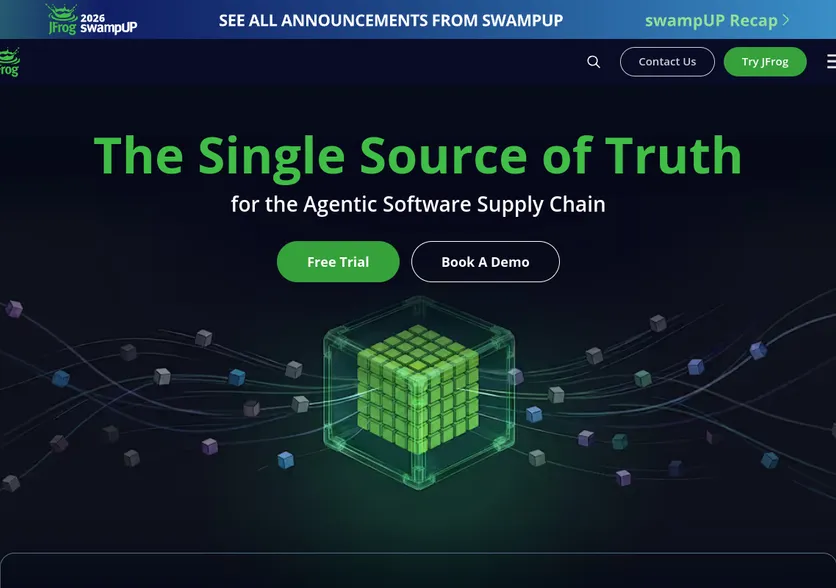
JFrog is the enterprise artifact platform, and its security scanning watches the binaries and packages you actually ship. This JFrog Enterprise X plan adds code and binary SCA, advanced security, and curation rules for teams managing large artifact stores. The price starts high and the setup is heavy, but no other tool here tracks a binary from build to deployment as thoroughly.
What we like
- Deepest binary and artifact scanning here
- Curation rules block bad packages early
- Scales to huge enterprise workloads
Watch out for
- Very high starting price
- Heavy setup that needs a dedicated owner
How to try it
- Connect your artifact repositories to the platform
- Turn on binary scanning for release builds
- Set curation rules that block unapproved packages
6. Socket
Best for: Teams that want to block malicious packages before install
Paid tool Starting price: $25/dev seat/month · Team plan; yearly billing saves 20 percent
Free plan: Free plan for public repositories
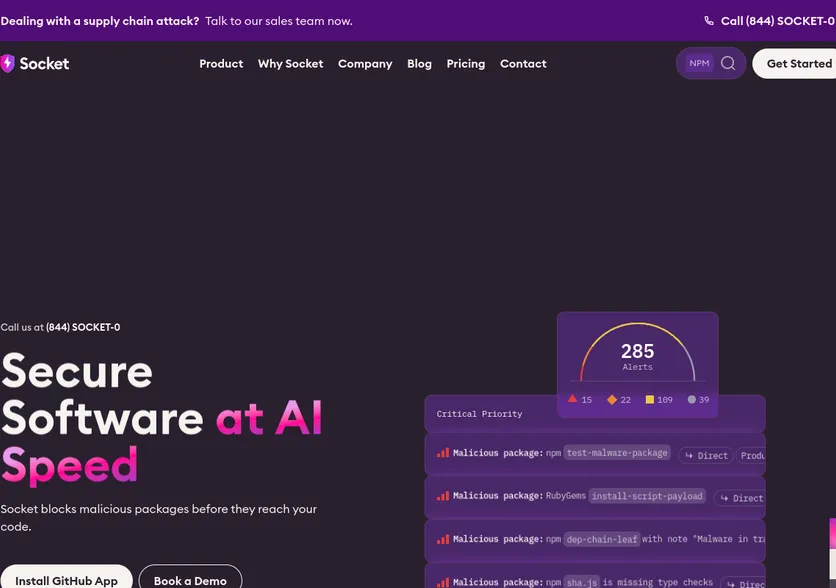
Socket takes a different angle: it watches packages before you install them and blocks the malicious ones. This Socket Team plan adds supply-chain firewall rules, dependency auditing, and alerts for typosquats and protestware. It is the fastest win on this list for teams that install a lot of open source, though it works best alongside a deeper scanner.
What we like
- Blocks malicious packages before install
- Catches typosquats other scanners miss
- Fast setup with clear alerts
Watch out for
- Not a full replacement for deep SCA
- Best as a layer beside another scanner
How to try it
- Install the Socket CLI and scan your lockfile
- Turn on the firewall to block suspicious installs
- Review the weekly audit of new dependencies
7. Semgrep
Best for: Teams that want reachable-vulnerability triage
Paid tool Starting price: $30/month/contributor · Supply Chain plan on the Teams tier
Free plan: Free Community Edition
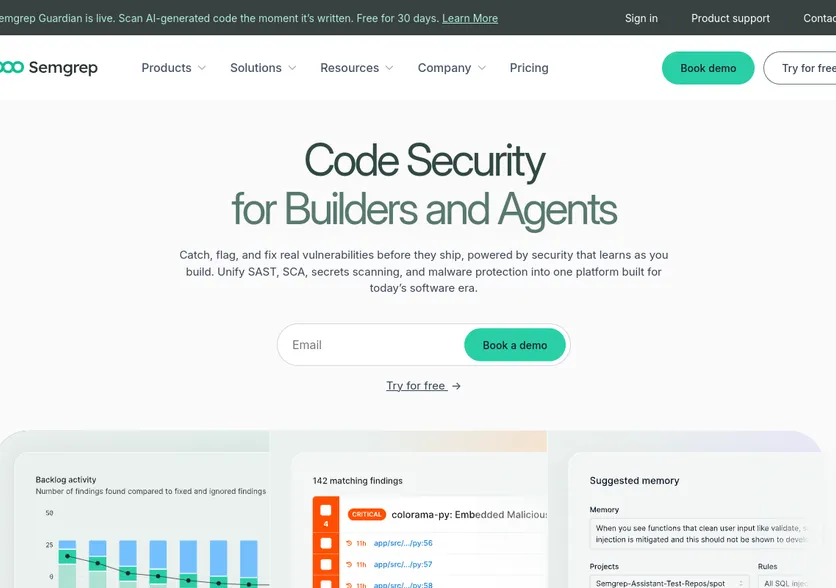
Semgrep Supply Chain stands out by telling you which vulnerabilities are actually reachable in your code. This Semgrep Supply Chain plan adds reachability analysis, license checks, and secrets scanning on a per-contributor price. It cuts alert noise sharply, though teams that want a managed platform may miss the hand-holding of bigger vendors.
What we like
- Reachability analysis cuts alert noise
- Fast scans that fit in CI
- Clear pricing per contributor
Watch out for
- Less hand-holding than big vendors
- Policy features need setup work
How to try it
- Run Semgrep on your main repo to see reachable findings
- Triage the reachable list first and ignore the rest
- Add the scan to CI so new findings block merges
8. Debricked
Best for: Teams that want simple SCA with SBOM exports
Paid tool Starting price: $25/contributing developer/month · Premium plan, $275 billed annually
Free plan: Free plan with 100 scans a month
Debricked keeps SCA simple: scan your dependencies, see the risks, and export an SBOM when an auditor asks. This Debricked Premium plan adds unlimited scans, vulnerability reports, and API access for a flat per-developer price. It is the easiest scanner here to explain to a non-technical manager, though large enterprises will outgrow its policy tools.
What we like
- Simplest SCA workflow on this list
- Clean SBOM exports for audits
- Flat per-developer pricing
Watch out for
- Policy tools are basic for enterprises
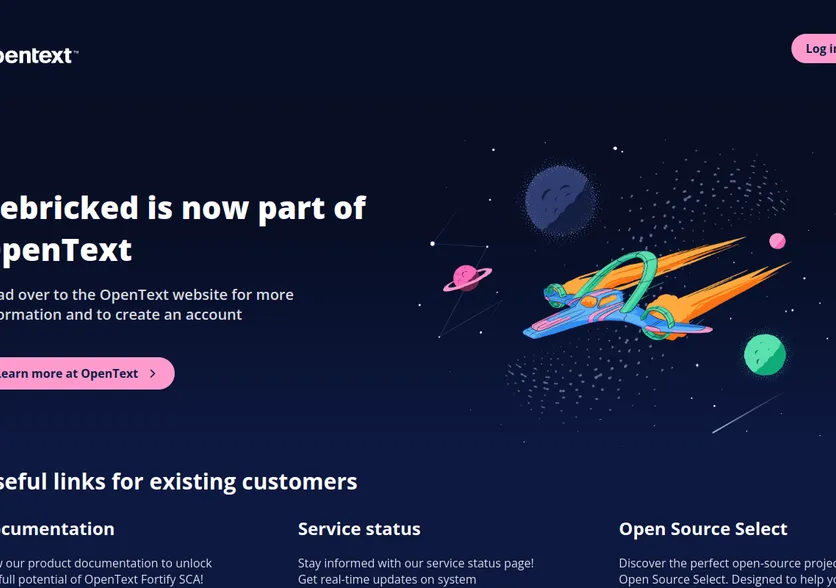
- Now branded as OpenText Fortify SCA
How to try it
- Connect a repo and run your first dependency scan
- Review the vulnerability and license reports
- Export an SBOM in CycloneDX format for your audit
Prices above were checked on each vendor’s own website on Nov 26, 2026 and can change — the vendor’s page is the final word. Vendor links are editorial: nobody paid to be listed or ranked here. Vendors who want a featured listing can see how it works on our Get listed page.
How to choose an SCA tool for your team
How to choose an SCA tool for your team
Start with coverage, not price. A scanner that misses your main language is useless no matter how cheap it is, so run your biggest repo through the free tier first and count what it finds. Then look at alert quality: a tool that flags every theoretical issue will train your team to ignore it, while reachability analysis keeps the list short and real.
Finally, check where findings land. The best SCA tools fail a bad pull request or open a ticket automatically, because alerts that only live in a dashboard get ignored. If your customers demand SBOMs, confirm the export format before you pay.
Before you buy
- Does the scanner cover your languages and registries, or will half your stack stay unscanned?
- Can it tell reachable vulnerabilities from theoretical ones, or will your team drown in alerts?
- Does the price scale per developer, per project, or per scan, and which fits your team size?
- Will findings block a bad pull request automatically, or just send another email?
- Can it export an SBOM in the format your customers and auditors ask for?
Official websites
Official websites of the products reviewed above. Features and prices were checked against these sites when this guide was written, and they can change, so confirm on the vendor site before you buy.
Frequently asked questions
What is software composition analysis?
Software composition analysis scans the open source libraries in your code and flags known vulnerabilities and license risks. It builds an inventory of every dependency, checks each one against vulnerability databases, and tells you which versions to upgrade. Most teams run it in CI so a bad dependency fails the build before it reaches production.
Do I need SCA if I already use Snyk or Dependabot?
Dependabot alerts you after a vulnerability is published, while a full SCA tool adds license checks, policy enforcement, and SBOM exports. Snyk covers both roles in one product, which is why it leads this list. If you only need alerts, Dependabot may be enough, but regulated teams usually need the deeper reporting of a dedicated scanner.
How much should a small team pay for SCA?
Small teams can start near twenty dollars a month with FOSSA or Socket, and Snyk Team costs twenty-five dollars per developer with a five-developer minimum. GitLab Ultimate and JFrog Enterprise X cost far more, but they replace several tools at once. Add up the tools you would cancel before you judge a high per-seat price.
What is an SBOM and why do customers ask for one?
An SBOM is a list of every component inside your software, like an ingredients label for code. Customers and regulators ask for it to check that you know what you ship and can patch it fast when a vulnerability appears. FOSSA, Debricked, and Semgrep all export SBOMs, though the format and detail vary by plan.
Can SCA tools block malicious packages before install?
Yes, Socket is built for exactly that job, with a firewall that blocks typosquats and compromised packages at install time. JFrog adds curation rules that stop unapproved packages from entering your artifact store. Most other scanners only report after the fact, so pair a reporting scanner with a blocking tool if supply-chain attacks worry you.
Start with the free tier that covers your stack, run one scan on your biggest repo, then pay for the scanner that found the most real risk.
Browse Security & Privacy tools


