On this page
A startup rarely loses data to a stranger breaking in; it loses it to a trusted account doing something unusual at an odd hour. The eight tools below watch how people normally work, then flag the deviations, with prices checked on the vendor sites on November 29, 2026. Teramind leads because it pairs behavior analytics with session recording and data loss prevention from fourteen dollars a user a month, and the rest are ranked on how much security depth a small team gets for the price.
How we researched this
We checked every price on the vendor pricing page on November 29, 2026, and only included tools with a published US dollar list price. The big enterprise UEBA platforms, including Exabeam, Gurucul, Securonix, Forcepoint and Varonis, publish no prices, so they are not in this list. Prices change, so confirm the current figure on the vendor site before you buy.
Compare the tools
| Name | Best for | Starting price | Free plan | |
|---|---|---|---|---|
 Teramind | Startups that need UEBA risk scoring plus DLP | $14/user/month | No free plan; 7-day free trial | Visit |
 ActivTrak | Startups that want behavior analytics without surveillance | $10/user/month | Free plan (3 users) | Visit |
 Veriato | Startups that need forensic user monitoring | $15/user/month | No free plan; 7-day free trial | Visit |
 Insightful | Startups that want analytics plus optional screenshots | $8/seat/month | 7-day free trial | Visit |
 CurrentWare | IT-led startups that want modular Windows controls | $12/user/month | 14-day free trial | Visit |
 WorkTime | Startups that want non-invasive behavior analytics | $6.99/user/month | Free plan (3 employees) | Visit |
 ManageEngine ADAudit Plus | Windows startups auditing Active Directory behavior | $595/year | Free edition | Visit |
 ManageEngine EventLog Analyzer | Startups correlating logs across servers and firewalls | $795/year | Free edition | Visit |
The user and entity behavior analytics software for startups, compared
1. Teramind
Best for: Startups that need UEBA risk scoring plus DLP
Paid tool Starting price: $14/user/month · Fourteen dollars per user a month on Starter billed annually ($21 billed monthly); UAM is $28 billed annually and DLP is $32 billed annually; five-seat minimum
Free plan: No free plan; 7-day free trial
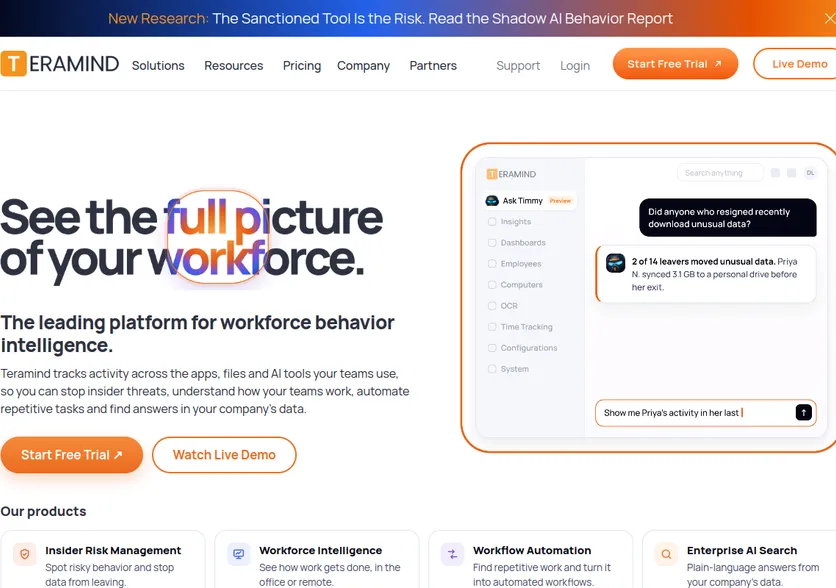
A startup that needs to know when a user starts behaving unlike themselves gets that answer here, since this Teramind plan costs fourteen dollars per user a month billed annually, and it pairs user activity monitoring with behavior analytics that score risk in real time. Smart rules can block an upload, end a session or coach the user the moment a risky action happens. It is the deepest security option in this list for a team that can justify the price.
What we like
- Real-time risk scores with rules that block risky actions
- Session recording with playback for investigations
- Covers email, files, chat, web and cloud storage
Watch out for
- Keystroke logging only unlocks at the UAM tier and above
- Five-seat minimum, so a two-person startup pays for five
How to try it
- Install the agent on team machines and set the baseline period
- Turn on behavior rules for uploads, logons and file access
- Review the risk dashboard weekly and tune the noisy rules
2. ActivTrak
Best for: Startups that want behavior analytics without surveillance
Paid tool Starting price: $10/user/month · Ten dollars per user a month on Essentials billed annually; Essentials Plus is $15 and Professional is $19; annual contracts only, no monthly billing
Free plan: Free plan (3 users)
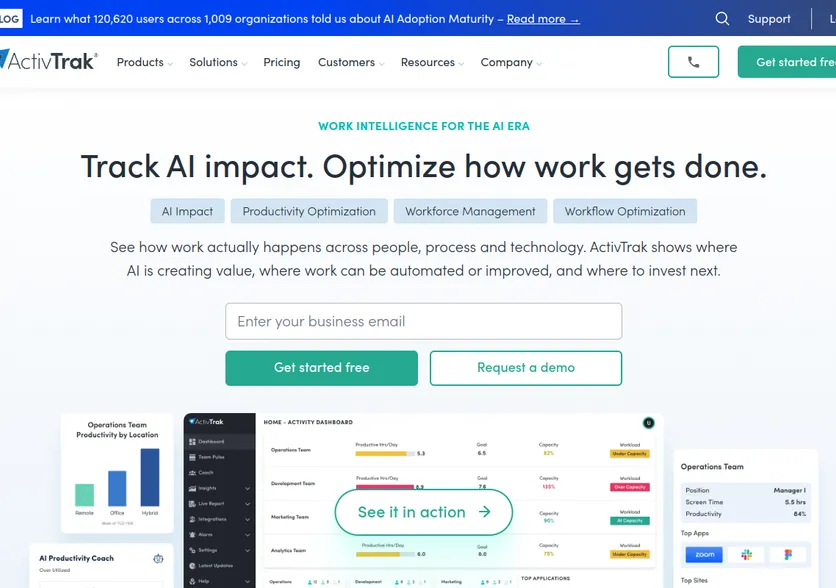
For a startup that wants to understand how work flows before buying security depth, this ActivTrak plan costs ten dollars per user a month billed annually, and it turns app and website use into productivity dashboards without recording screens by default. Managers see focus time, meeting load and burnout risk, while employees keep their privacy. It is the gentlest entry point here for a team that wants analytics first and enforcement later.
What we like
- Productivity dashboards with no screenshots by default
- Free plan covers three users with no card required
- Burnout and workload signals for small teams
Watch out for
- Screenshots need a separate Screen Details add-on
- Annual contracts only, so there is no month-to-month option
How to try it
- Create the workspace and invite the team
- Let the baseline build for two weeks before judging anyone
- Review focus time and meeting load in the weekly report
3. Veriato
Best for: Startups that need forensic user monitoring
Paid tool Starting price: $15/user/month · Fifteen dollars per user a month on UAM billed annually ($25 billed monthly); IRM adds AI risk scoring and is quoted; five-user minimum
Free plan: No free plan; 7-day free trial
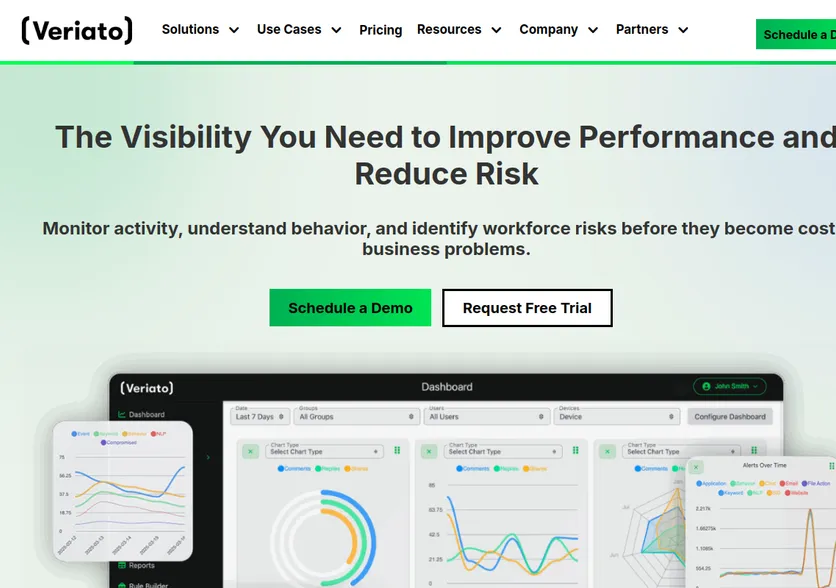
A startup with strict insider-risk rules gets long-running user monitoring here, because this Veriato plan costs fifteen dollars per user a month billed annually, and it records keystrokes, screenshots and productivity signals for investigation. The IRM tier adds AI-driven behavioral baselining and predictive risk scores, though that tier is quoted. It suits a team that needs evidence, not just alerts, when something goes wrong.
What we like
- Keystroke logging and screenshots from the entry tier
- Productivity scoring alongside security alerts
- In business since the late nineties with deep reporting
Watch out for
- AI risk scoring sits on the quoted IRM tier, not the entry plan
- Five-user minimum with no free plan to test on one machine
How to try it
- Install the agent and define the monitoring policy
- Set alerts for keystrokes, file moves and web uploads
- Review flagged sessions and export the evidence trail
4. Insightful
Best for: Startups that want analytics plus optional screenshots
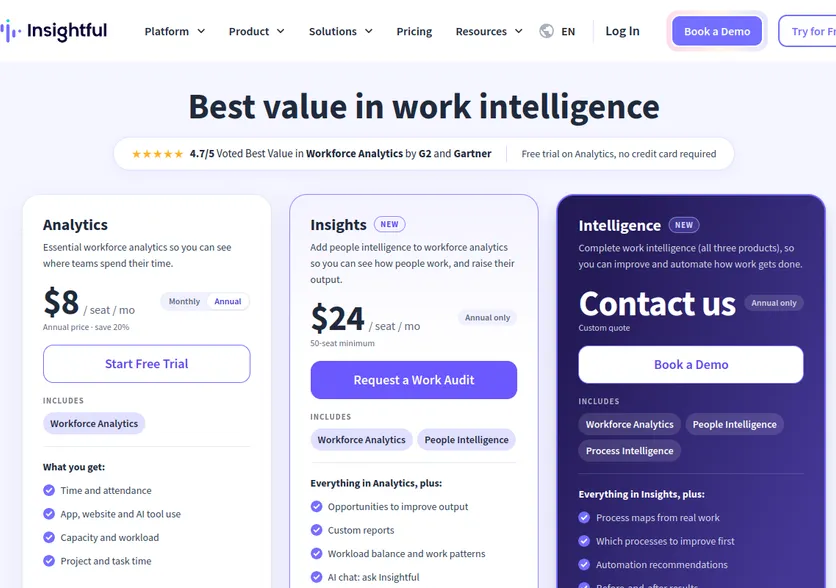
Paid tool Starting price: $8/seat/month · Eight dollars per seat a month on Workforce Analytics billed annually ($10 billed monthly); Workflow Optimization is $12 and the Combo is $16; formerly Workpuls
Free plan: 7-day free trial
A startup that wants behavior analytics with screenshots but without keystroke logging will like this Insightful plan, which costs eight dollars per seat a month billed annually, and it tracks apps, websites and attendance with optional screen capture. Screenshots are blurred by default and can be switched off per app, which keeps the tool acceptable to a privacy-conscious team. It is the cheapest analytics-led option here with real behavior data.
What we like
- Screenshots with app and site context on the entry plan
- Blurred by default, with per-app switch-off
- Time tracking and project mapping included
Watch out for
- Screen recording and frequent screenshots are paid add-ons
- On-premise deployment needs two hundred and fifty licences
How to try it
- Invite the team and set the screenshot policy
- Map apps and websites to projects for the first month
- Review productivity trends and attendance in the dashboard
5. CurrentWare
Best for: IT-led startups that want modular Windows controls
Paid tool Starting price: $12/user/month · Twelve dollars per user a month for BrowseReporter billed annually; single modules run $6 to $12 and the full suite is $20; minimum contract $1,440 a year in blocks of five licences
Free plan: 14-day free trial
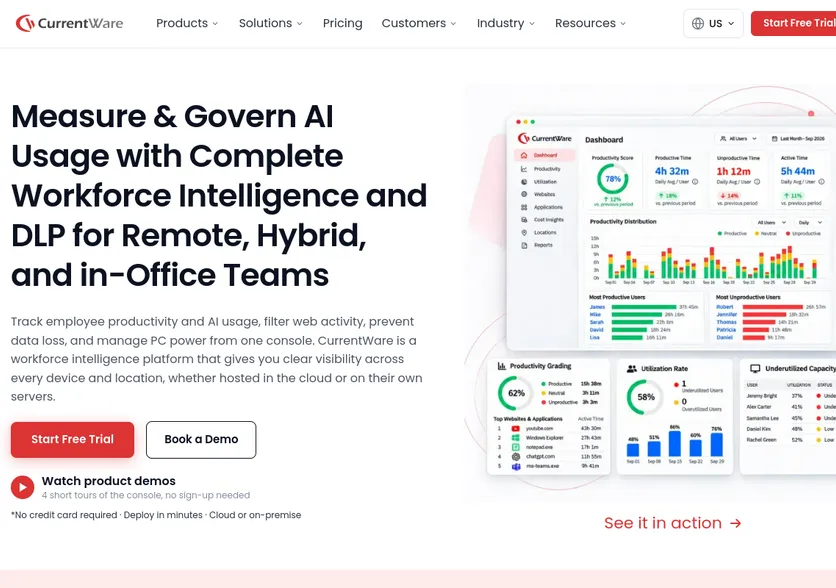
An IT-led startup that wants to buy only the monitoring modules it needs can do so here, since this CurrentWare plan costs twelve dollars per user a month billed annually, and its BrowseReporter module tracks websites, apps and idle time on Windows. BrowseControl filters URLs, AccessPatrol controls USB devices, and the full suite bundles all four modules. It is the most modular option here for a team that already knows which control it needs.
What we like
- Buy only the modules the team needs
- On-premise deployment that cloud-only tools skip
- USB and web filtering in the same suite
Watch out for
- Windows only, so Mac and Linux machines go unmonitored
- Minimum contract of $1,440 a year is steep for a tiny team
How to try it
- Install the console and deploy the agent to Windows machines
- Turn on BrowseReporter and set the productivity categories
- Add BrowseControl or AccessPatrol only where the risk justifies it
6. WorkTime
Best for: Startups that want non-invasive behavior analytics
Paid tool Starting price: $6.99/user/month · Six dollars and ninety-nine cents per user a month; the vendor lists the starting figure without a billing split, so confirm the annual rate at checkout; 14-day free trial of all features
Free plan: Free plan (3 employees)
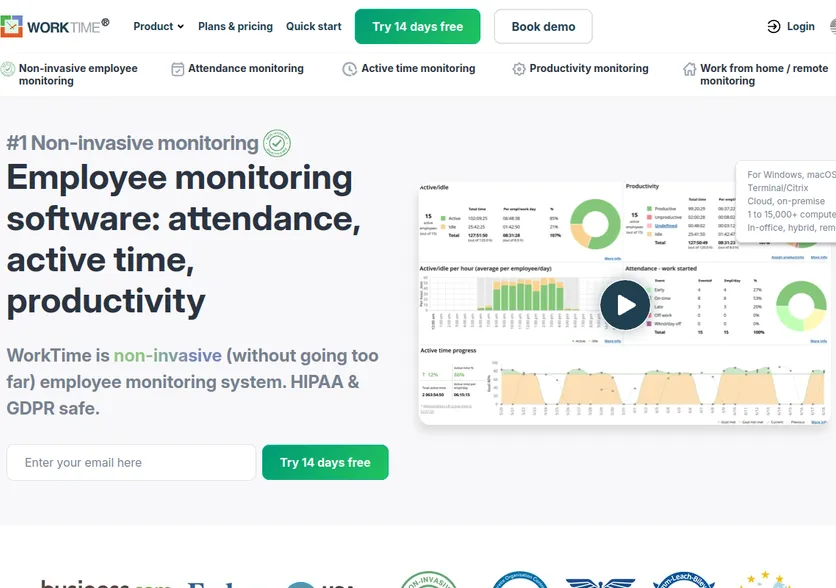
A startup that wants behavior analytics without screenshots or keystroke logging gets the most privacy-friendly option here, because this WorkTime plan costs six dollars and ninety-nine cents per user a month, and it analyses work patterns from app use alone. There is nothing to record or play back, so the team can measure focus and distraction without a surveillance debate. It is the cheapest tool in this list and the easiest to defend to employees.
What we like
- Fully non-invasive, with no screenshots or keystrokes
- Free plan covers three employees
- Focus, distraction and meeting reports out of the box
Watch out for
- No evidence trail if a real incident needs investigating
- The vendor page does not split the price by billing term
How to try it
- Sign up and invite up to three employees free
- Let the tool build a baseline for two weeks
- Share the focus and distraction report with the team
7. ManageEngine ADAudit Plus
Best for: Windows startups auditing Active Directory behavior
Paid tool Starting price: $595/year · Five hundred and ninety-five dollars a year for Standard covering two domain controllers, rising to $4,395 for twenty; Professional starts at $945 a year; file server add-ons are priced separately
Free plan: Free edition
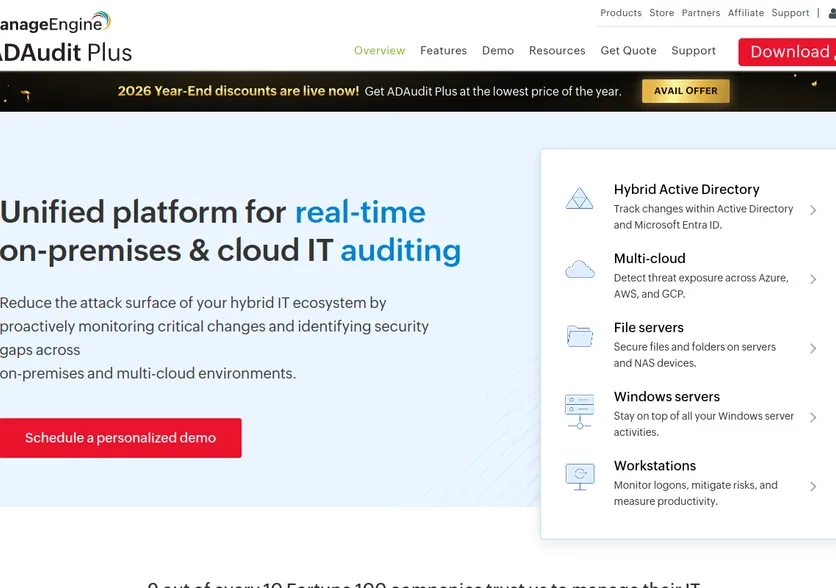
A startup running Active Directory gets published per-server pricing here, since this ManageEngine ADAudit Plus plan costs five hundred and ninety-five dollars a year, and it audits logons, group changes and file access with reports that map to compliance frameworks. It watches who changed what, when, and from where, which is the raw material behavior analytics is built from. It is the budget pick here for a Windows shop that already runs Active Directory.
What we like
- Published prices for every tier, no quote needed
- Reports map to HIPAA, PCI and SOX frameworks
- File server and Azure AD auditing as add-ons
Watch out for
- Windows and Active Directory only, no cloud-native coverage
- Counts above twenty domain controllers need a custom quote
How to try it
- Install ADAudit Plus and point it at the domain controllers
- Turn on logon, group and file auditing
- Schedule the compliance reports for the weekly review
8. ManageEngine EventLog Analyzer
Best for: Startups correlating logs across servers and firewalls
Paid tool Starting price: $795/year · Seven hundred and ninety-five dollars a year for ten log sources; larger estates are priced by source count; the vendor lists yearly terms only
Free plan: Free edition
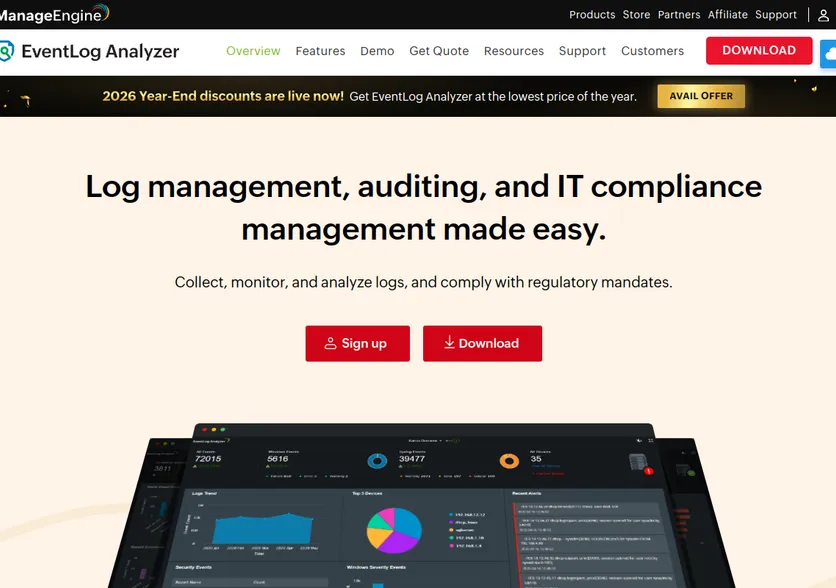
When the startup needs to watch logs beyond Active Directory, this ManageEngine EventLog Analyzer plan costs seven hundred and ninety-five dollars a year, and it collects and correlates logs from servers, firewalls and applications to flag odd behaviour. Correlation rules connect a strange logon to a firewall event, which is where behavior analytics earns its keep. It is the widest log net in this list for the lowest entry price.
What we like
- Collects logs from servers, firewalls and apps in one place
- Correlation rules link events into a single incident
- Free edition for a small log footprint
Watch out for
- Setup is fiddly for a team with no log experience
- Yearly terms only, with no monthly billing option
How to try it
- Point the collector at the servers and firewalls
- Turn on the correlation rules for logons and privilege changes
- Review the incident queue each morning and tune the noise
Prices above were checked on each vendor’s own website on Nov 29, 2026 and can change — the vendor’s page is the final word. Vendor links are editorial: nobody paid to be listed or ranked here. Vendors who want a featured listing can see how it works on our Get listed page.
How a startup should roll out behavior analytics without a revolt
Tell the team before you install anything, because behavior analytics discovered after the fact destroys trust faster than any insider threat. Write the policy down: what is collected, what is never collected, who can see it, and how long it is kept. Start with analytics only, then add screenshots or keystroke logging later if a real incident justifies it. Review the alerts as a team once a week, and retire any rule that fires on normal work, because a noisy tool trains everyone to ignore it. Rotate who reviews the alerts each week, because one person watching the same feed goes blind to it within a month.
Before you buy
- Confirm exactly what the tool records, including keystrokes, screenshots and email content
- Check whether the data stays in the US or leaves for a foreign data center
- Ask if the tool builds a baseline per user or only flags fixed rules
- Make sure the minimum seat count fits the startup, not a fifty-person team
- Test the tool on two or three volunteers before rolling it out to everyone
Official websites
Official websites of the products reviewed above. Features and prices were checked against these sites when this guide was written, and they can change, so confirm on the vendor site before you buy.
Frequently asked questions
What is user and entity behavior analytics software?
It is software that learns how each person normally works, then flags actions that break the pattern, such as a logon at three in the morning or a sudden download of customer lists. Unlike fixed rules, it builds a baseline per user and scores risk in real time. Startups use it to catch insider mistakes and compromised accounts early.
How much does Teramind cost for a startup?
Teramind costs fourteen dollars per user a month on Starter billed annually, or twenty-one dollars billed monthly. The UAM tier costs twenty-eight dollars billed annually and adds keystroke logging and email monitoring, while DLP costs thirty-two dollars and adds content-aware data loss prevention. Every plan has a five-seat minimum.
Can a startup use behavior analytics for free?
Yes, with ActivTrak, which offers a free plan for three users, and WorkTime, which offers a free plan for three employees. Both cover basic behavior analytics without payment, so a tiny team can learn the method before spending. Larger teams will outgrow either free tier quickly and should compare the paid plans above.
Is employee monitoring legal for a startup?
Usually yes, but the rules vary by state, and some states require notice or consent before monitoring. Tell the team in writing what is collected and why, keep the data in the US where possible, and never record personal accounts or health information. Check local employment law before turning on keystroke logging or screen recording.
Which tool is best for a startup on a tight budget?
WorkTime is the cheapest here, at six dollars and ninety-nine cents per user a month, with a free plan for three employees and no screenshots or keystrokes to explain. ActivTrak is the better pick if the team wants dashboards and a free tier, at ten dollars a user a month. Teramind suits teams that need real security depth.
Compare the eight tools above, then start with a free trial or the free ActivTrak plan on the tool that matches how much monitoring the team will accept.
Browse Security & Privacy tools