On this page
Remote teams cannot walk past a camera to check it, so the software behind the cameras has to work from anywhere. The eight tools below cover that job for teams of every size, from a cloud licence that starts at a few dollars per camera a month to an enterprise platform with AI search. Verkada leads because it pairs a two hundred and forty-nine dollar annual camera licence with remote viewing, AI search and no server to maintain, and the rest are ranked on what they cost per camera and how easily a remote team can run them.
How we researched this
We checked every price on the vendor pricing page or store on November 29, 2026, and only included tools with a published US dollar list price. The big enterprise platforms that sell only by quote, including Eagle Eye Networks, Arcules, Avigilon, Genetec and Milestone XProtect, publish no prices, so they are not in this list. Prices change, so confirm the current figure on the vendor site before you buy.
Compare the tools
| Name | Best for | Starting price | Free plan | |
|---|---|---|---|---|
 Verkada | Remote teams that want cloud cameras with no server | $249/camera/year | No free plan | Visit |
 Rhombus | Growing teams that want cloud cameras at a lower licence price | $149/camera/year | No free plan | Visit |
 Videoloft | Small businesses that already own cameras and need cloud storage | $4.99/camera/month | Free trial available | Visit |
 Camcloud | Small teams that want simple cloud recording with a free tier | $6/camera/month | Free plan (4-hour recording) | Visit |
 Angelcam | Small teams that need live viewing across a few cameras | $4/month | Free plan | Visit |
 Lorex | Single sites that want cameras with no monthly licence | $379.99 one-time | No free plan; hardware purchase | Visit |
 Reolink | Small offices that want one camera with no subscription | $84.99 one-time | No free plan; hardware purchase | Visit |
 UniFi Protect | Teams already running UniFi networking at their sites | $129 one-time (camera) | No free plan; hardware purchase | Visit |
How to pick video surveillance software a remote team can actually run
1. Verkada
Best for: Remote teams that want cloud cameras with no server
Paid tool Starting price: $249/camera/year · Two hundred and forty-nine dollars per camera a year on the one-year licence; three-year licences are six hundred and fifty-nine dollars, five-year licences one thousand and ninety-nine dollars, and ten-year licences two thousand one hundred and ninety-nine dollars; cameras are sold separately from six hundred and ninety-nine dollars
Free plan: No free plan
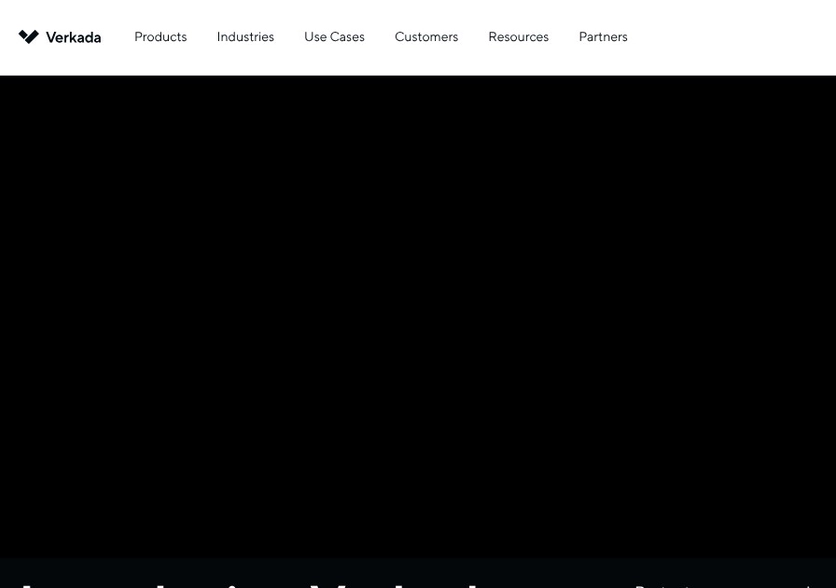
A distributed team that wants cameras it never has to visit will find its answer here, since this Verkada licence costs two hundred and forty-nine dollars per camera a year and covers cloud storage, remote viewing and AI search in one price. The cameras plug into any network and update themselves, so there is no recorder or server to patch in an empty office. It is the most complete cloud option in this list for a team that manages several sites from one dashboard.
What we like
- Cloud storage and remote viewing included in the licence
- AI search finds people, vehicles and motion across cameras
- Cameras update themselves with no recorder to maintain
Watch out for
- The licence is per camera, so large camera counts add up fast
- Cameras are sold separately and cost more than budget brands
How to try it
- Buy the cameras and choose the one-year or multi-year licence
- Plug each camera into the network and claim it in the dashboard
- Set motion alerts and share live views with the remote team
2. Rhombus
Best for: Growing teams that want cloud cameras at a lower licence price
Paid tool Starting price: $149/camera/year · One hundred and forty-nine dollars per camera a year on the Professional licence; the Enterprise licence is one hundred and ninety-nine dollars a year per camera in most published reads, though one listing quotes six hundred and forty-nine dollars on the R600 camera, so confirm the tier at checkout; cameras start at three hundred and ninety-nine dollars
Free plan: No free plan
A team that likes the Verkada model but wants a lower per-camera price should look here, because this Rhombus licence costs one hundred and forty-nine dollars per camera a year for cloud recording and remote access. The cameras cover offices, warehouses and doors, and the same dashboard handles access control and environmental sensors. It is the cheaper cloud-native pick for a team that is still adding cameras.
What we like
- Lower per-camera licence than the market leader
- One dashboard covers cameras, access control and sensors
- Cloud recording with remote viewing from any browser
Watch out for
- Enterprise licence pricing varies between published listings
- Cameras are sold separately and add to the first-year cost
How to try it
- Choose the Professional licence for standard cloud recording
- Install the cameras and add them to the Rhombus dashboard
- Turn on alerts for motion, people and environmental sensors
3. Videoloft
Best for: Small businesses that already own cameras and need cloud storage
Paid tool Starting price: $4.99/camera/month · Four dollars and ninety-nine cents per camera a month for two-day motion-event recording at two megapixels; twenty-four hour recording is five dollars and ninety-nine cents, and thirty-day continuous recording is listed at eight dollars and ninety-nine cents in one guide and eleven dollars and ninety-nine cents in another, so confirm the tier before buying
Free plan: Free trial available
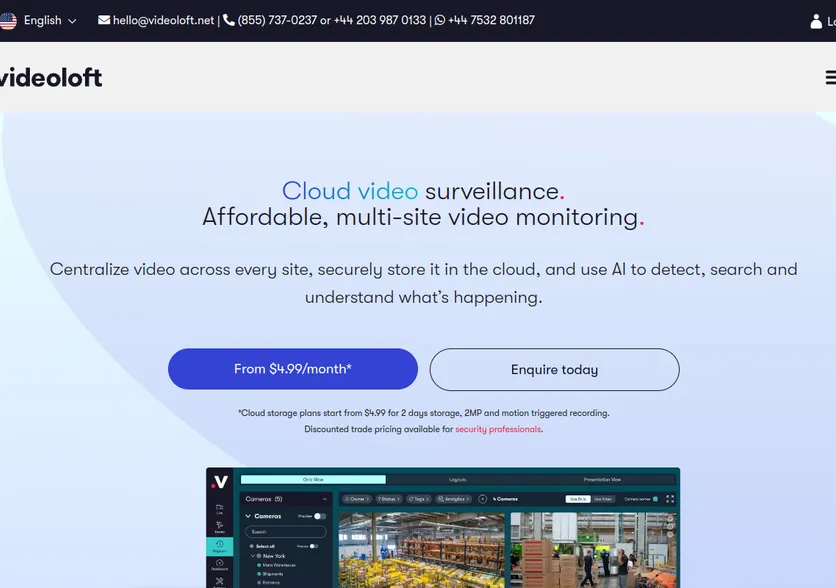
A small business that already owns cameras and only needs cloud storage will save money here, as this Videoloft plan costs four dollars and ninety-nine cents per camera a month for motion-event recording. It works with most existing IP cameras, so there is no new hardware to buy, and clips are viewable from any phone or browser. It is the cheapest way to put an existing camera system online for a remote team.
What we like
- Works with most existing IP cameras, so no new hardware
- Cheapest per-camera cloud price in this list
- Clips and live views work from any phone or browser
Watch out for
- The cheapest tier records motion events only, not continuously
- Thirty-day continuous pricing differs between published guides
How to try it
- Connect your existing IP cameras to a Videoloft account
- Pick the recording tier that matches how long clips must be kept
- Share the live view link with the remote team
4. Camcloud
Best for: Small teams that want simple cloud recording with a free tier
Paid tool Starting price: $6/camera/month · Six dollars per camera a month for seven-day recording; fourteen-day recording is ten dollars and thirty-day recording is fifteen dollars; a free tier keeps four hours of recording
Free plan: Free plan (4-hour recording)
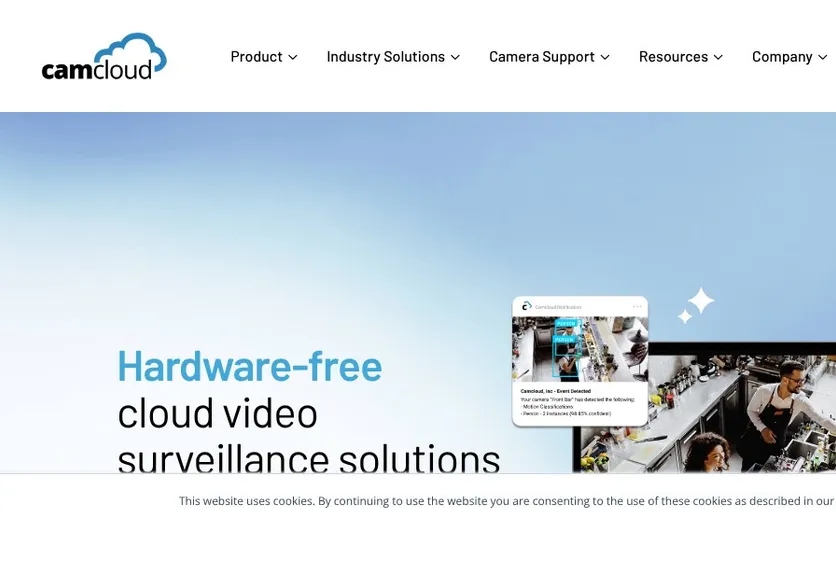
A team that wants simple per-camera cloud recording with a free tier to test should start here, since this Camcloud plan costs six dollars per camera a month for seven days of recording. It connects to a wide range of cameras and recorders, and the mobile app gives the whole team live and recorded views. It is the straightforward pick for a small team that wants cloud backup without replacing cameras.
What we like
- Free tier keeps four hours of recording for testing
- Straight per-camera pricing with no licence server
- Mobile app gives live and recorded views to the whole team
Watch out for
- Longer retention costs more per camera each month
- Fewer AI search features than the dearer cloud platforms
How to try it
- Create an account and connect your cameras or recorder
- Choose seven, fourteen or thirty days of recording
- Install the mobile app and share access with the team
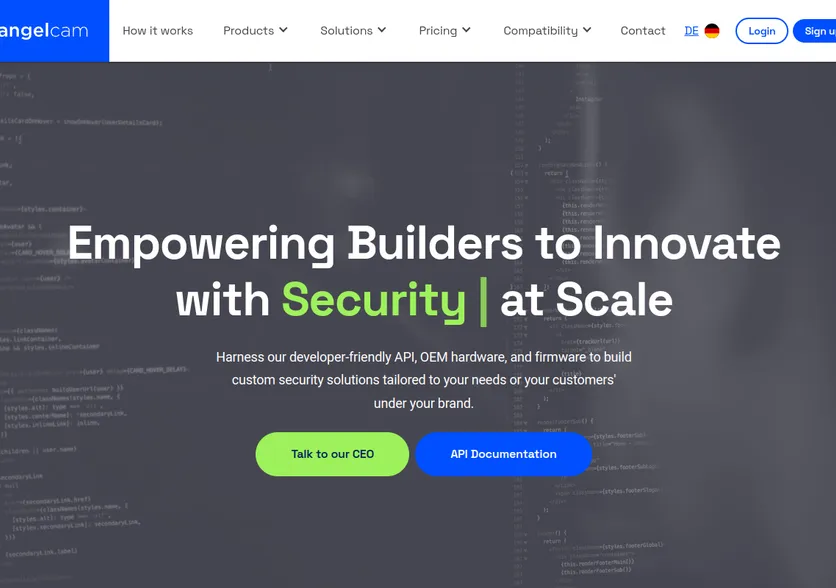
5. Angelcam
Best for: Small teams that need live viewing across a few cameras
Paid tool Starting price: $4/month · Four dollars a month on Essentials for ten cameras, two locations and three users; Professional is thirty-nine dollars and Business is ninety-nine dollars; Flex starts at two hundred and forty-nine dollars; cloud recording is an add-on from six dollars and ninety-nine cents per camera a month for three days
Free plan: Free plan
A team with a handful of cameras at one or two sites gets the cheapest entry point here, because this Angelcam plan costs four dollars a month and covers ten cameras across two locations. It connects cameras from many brands into one cloud dashboard, and recording is an optional add-on rather than a forced bundle. It is the best fit for a small remote team that mainly needs to look in live, not store weeks of footage.
What we like
- Cheapest entry price in this list at four dollars a month
- Works with cameras from many different brands
- Cloud recording is an optional add-on, not a forced bundle
Watch out for
- Recording costs extra per camera on top of the base plan
- The cheapest plan caps at ten cameras and three users
How to try it
- Add your cameras to an Angelcam account
- Pick the Essentials plan for live viewing across two sites
- Add cloud recording only for the cameras that need it
6. Lorex
Best for: Single sites that want cameras with no monthly licence
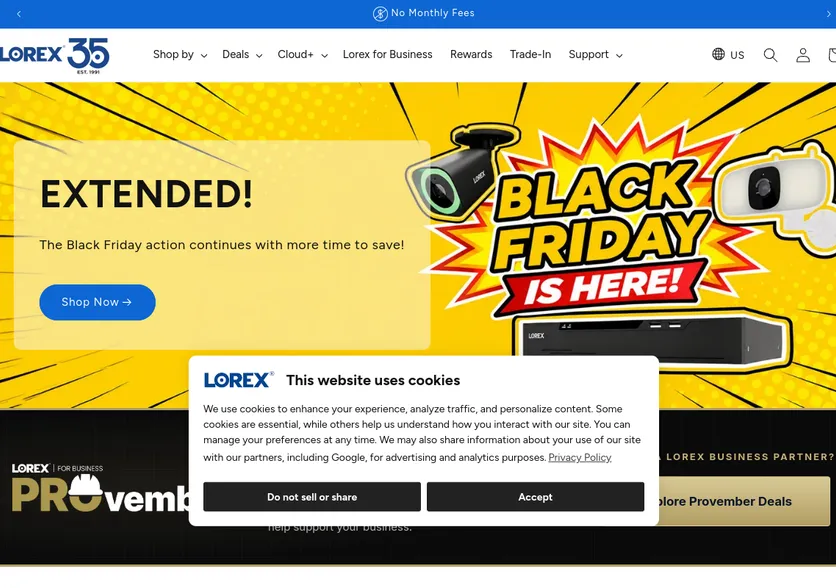
Paid tool Starting price: $379.99 one-time · Three hundred and seventy-nine dollars and ninety-nine cents one time for a four-camera 4K Fusion kit; larger kits such as the N4K2-84WD are listed at five hundred and ninety-nine dollars and ninety-nine cents; there is no monthly subscription for local recording
Free plan: No free plan; hardware purchase
A team that would rather own its cameras outright than pay a licence every year should buy here, since this Lorex kit costs three hundred and seventy-nine dollars and ninety-nine cents one time for four 4K cameras and a recorder. Recording stays on the local recorder, so there is no monthly bill and no footage leaving the building. It suits a single site where someone on the ground can manage the recorder while the remote team views in.
What we like
- One-time price with no monthly subscription for local recording
- 4K cameras and recorder included in the kit price
- Footage stays on site, which suits strict privacy rules
Watch out for
- Remote viewing needs the recorder online and reachable
- No cloud backup unless you add a subscription yourself
How to try it
- Choose a kit with enough cameras for the whole site
- Install the cameras and recorder, then connect them to the network
- Set up the mobile app so the remote team can view live
7. Reolink
Best for: Small offices that want one camera with no subscription
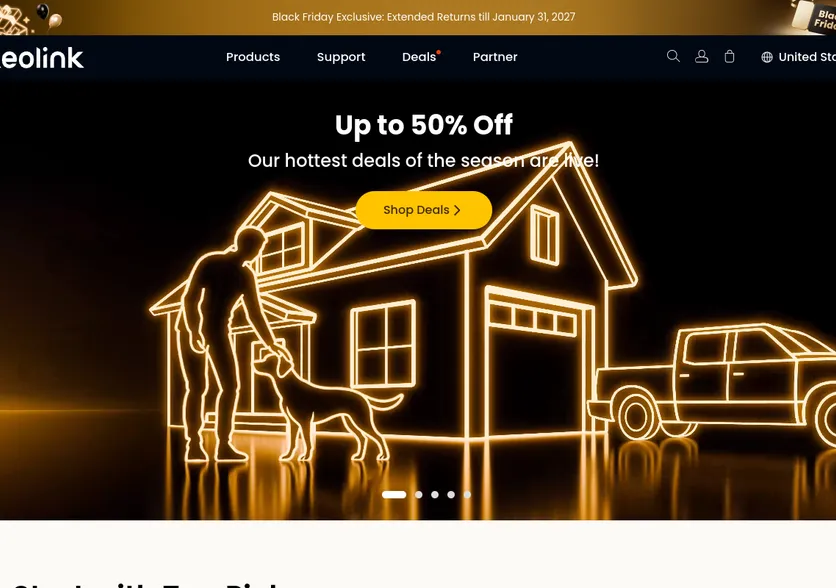
Paid tool Starting price: $84.99 one-time · Eighty-four dollars and ninety-nine cents one time for the RLC-810A camera, listed at ninety-nine dollars and ninety-nine cents before discount on the vendor store in October 2026; four-camera 4K PoE kits run around seven hundred dollars
Free plan: No free plan; hardware purchase
A buyer who wants one good camera at a time instead of a whole system will like this option, because this Reolink camera costs eighty-four dollars and ninety-nine cents one time with no licence or subscription. It records to a card or a local recorder, and the app gives live views and alerts to the remote team. It is the cheapest hardware-first pick for a small office that only needs a camera or two.
What we like
- Buy one camera at a time with no licence or subscription
- Local recording to a card or recorder keeps costs down
- App alerts and live views work for the remote team
Watch out for
- Each camera is bought separately, so large sites cost more
- No cloud recording or AI search without extra hardware
How to try it
- Pick the PoE camera that matches the spot to cover
- Mount it, plug it into the network and add it to the app
- Set motion alerts so the remote team hears about activity
8. UniFi Protect
Best for: Teams already running UniFi networking at their sites
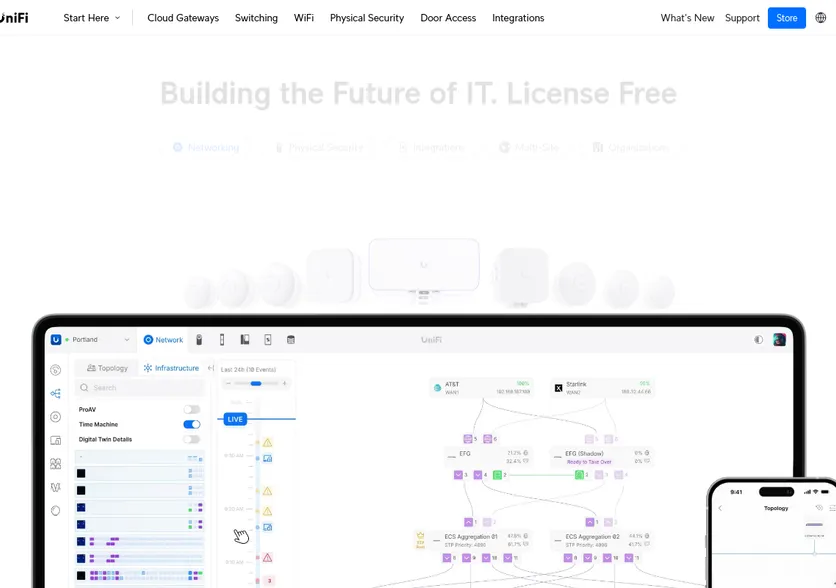
Paid tool Starting price: $129 one-time (camera) · One hundred and twenty-nine dollars one time for the G5 Flex camera on the US store; the G5 Bullet is one hundred and ninety-nine dollars; the Protect software itself is free with no licence fee, and recording runs on a UniFi console or network video recorder
Free plan: No free plan; hardware purchase
A team that already runs UniFi networking gets surveillance almost free here, because this UniFi Protect software costs nothing and the G5 Flex camera costs one hundred and twenty-nine dollars one time. Footage records to the team's own console, so there is no per-camera licence and no cloud bill. It is the best pick for a remote team that already trusts Ubiquiti hardware and wants cameras on the same network.
What we like
- The Protect software is free with no per-camera licence
- Recording stays on the team's own console or recorder
- Cameras, networking and access run in one UniFi dashboard
Watch out for
- Needs a UniFi console or recorder, which is a separate purchase
- No cloud storage option for teams with no hardware on site
How to try it
- Buy a UniFi console or recorder for the site
- Add G5 cameras and adopt them into Protect
- Share live views and alerts with the remote team
Prices above were checked on each vendor’s own website on Nov 29, 2026 and can change — the vendor’s page is the final word. Vendor links are editorial: nobody paid to be listed or ranked here. Vendors who want a featured listing can see how it works on our Get listed page.
How to pick video surveillance software a remote team can actually run
Start with who watches and who installs, because a cloud camera that anyone can view from a browser suits a remote team far better than a recorder that only works on the office network. Count the cameras first and multiply by the licence price, since per-camera billing is where the cheap-looking plans turn expensive. Decide how long footage must be kept before choosing a tier, because seven days of motion events and thirty days of continuous recording are very different bills. Test the mobile app on a real phone, and check that alerts reach the right people without a VPN or a server the team cannot reach.
Before you buy
- Count every camera first, then multiply by the per-camera licence to find the real yearly cost
- Check whether the plan records continuously or only when motion is detected before you pay
- Confirm remote viewing works from a normal browser with no VPN or office server needed
- Decide how many days of footage you must keep, because retention is what drives the price up
- Test the mobile app and motion alerts on a real phone before rolling cameras out to every site
Official websites
Official websites of the products reviewed above. Features and prices were checked against these sites when this guide was written, and they can change, so confirm on the vendor site before you buy.
Frequently asked questions
What is the cheapest video surveillance software for remote teams?
Angelcam Essentials costs four dollars a month and covers ten cameras across two locations, which is the cheapest entry point in this list. Videoloft is the cheapest per-camera cloud recording at four dollars and ninety-nine cents per camera a month for motion events. Reolink is cheaper still for hardware, since one camera costs eighty-four dollars and ninety-nine cents once with no licence at all.
Does Verkada charge per camera?
Yes, Verkada charges per camera per year, with the one-year licence at two hundred and forty-nine dollars per camera. Three-year licences cost six hundred and fifty-nine dollars, five-year licences one thousand and ninety-nine dollars, and ten-year licences two thousand one hundred and ninety-nine dollars. Cameras are sold separately from six hundred and ninety-nine dollars, so budget for hardware and licences together.
Can I use my existing cameras with cloud surveillance software?
Yes, with Videoloft, Camcloud and Angelcam, which all connect to most existing IP cameras, so you pay for cloud recording or viewing instead of new hardware. Verkada and Rhombus need their own cameras, and Lorex, Reolink and UniFi Protect are hardware systems that record locally. Check the vendor compatibility list before buying, because not every camera model is supported.
Do I need a monthly subscription for security cameras?
Not always. Lorex, Reolink and UniFi Protect record locally with no monthly fee, so you pay once for the hardware. Verkada, Rhombus, Videoloft, Camcloud and Angelcam are cloud services with a monthly or yearly charge per camera or per account. Cloud plans buy remote viewing, off-site storage and AI search, while local systems keep the footage and the cost on site.
Which video surveillance software is best for several offices?
Verkada is the best pick for several offices, because its cloud dashboard covers every site with no server to maintain and AI search across all cameras. Rhombus is the cheaper cloud alternative at one hundred and forty-nine dollars per camera a year, and it adds access control and sensors in the same dashboard. Angelcam suits two or three small sites where live viewing matters more than long recording.
Compare the eight tools above, then count your cameras, multiply by the licence price, and start with the free trial or the cheapest tier on the tool that matches how your remote team actually watches.
Browse Security & Privacy tools