On this page
A construction site needs eyes on it around the clock, and the tools below cover that job in two ways: fixed cameras that watch the site live, and capture tools that record it in three dimensions for the project record. TrueLook leads because it publishes a clear per-camera price from one hundred and twenty-nine dollars a month, while the rest range from a sixty-nine-dollar time-lapse platform to survey-grade drone mapping.
How we researched this
We checked every price on the vendor pricing page on November 28, 2026, and only included tools with a published US dollar list price. The big camera vendors that sell by quote, including EarthCam, Sensera Systems, Verkada, Rhombus, OpenSpace and Evercam, publish no prices, so they are not in this list. Prices change, so confirm the current figure on the vendor site before you buy.
Compare the tools
| Name | Best for | Starting price | Free plan | |
|---|---|---|---|---|
| TrueLook | Contractors who want a published per-camera price | $129/camera/month | No free plan; 30-day money-back guarantee | Visit |
| CamDo CloudX | Small crews turning a GoPro into a jobsite camera | $69/month | 1 month free of CloudX Plus with compatible cameras | Visit |
| OxBlue | Firms that want human monitoring of the site overnight | $95/month | No free plan; demo on request | Visit |
| Matterport | Teams documenting interiors and as-built conditions | $90/month | No free plan; 14-day free trial | Visit |
| Agisoft Metashape | Surveyors who want a one-time photogrammetry licence | $179 one-time | No free plan; 30-day trial | Visit |
| Pix4D | Surveyors who need defensible measurements from drone photos | $3,990/year | No free plan; 15-day free trial | Visit |
| Polycam | Foremen who scan rooms and defects with a phone | $150/year | Free plan with limited captures | Visit |
The construction site surveillance software, compared
1. TrueLook
Best for: Contractors who want a published per-camera price
Paid tool Starting price: $129/camera/month · One hundred and twenty-nine dollars a camera a month month to month on Essentials (as low as ninety-nine dollars with prepayment); Advanced is three hundred and fifty-nine dollars a camera a month (prepay from two hundred and ninety-nine dollars); Premium is five hundred and ninety-nine dollars (prepay from four hundred and sixty-nine dollars); camera hardware is bought or leased separately
Free plan: No free plan; 30-day money-back guarantee
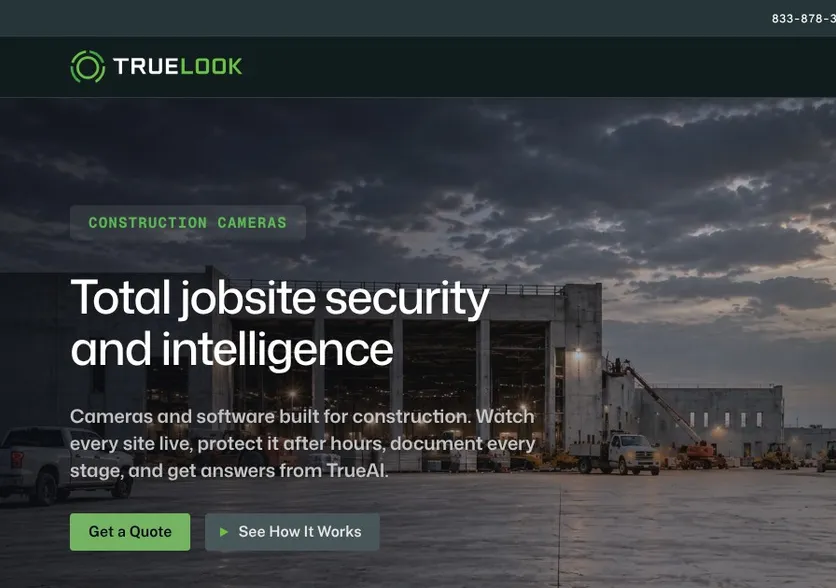
A contractor who wants a published per-camera price with no sales call starts here, because this TrueLook plan costs one hundred and twenty-nine dollars a camera a month for live viewing, security recording and time-lapse captures. Its higher tiers add unlimited data and time-lapses, artificial intelligence that answers questions about the site, and storage that runs from one year to the lifetime of the project. The camera hardware is bought or leased separately, so the monthly plan is only part of the first bill.
What we like
- Published per-camera pricing with no sales call needed
- Time-lapse, live viewing and security recording in one plan
- AI briefings and evidence tools on the higher tiers
Watch out for
- Camera hardware is bought or leased separately, so the headline is not the whole cost
- The entry plan caps data at ten gigabytes a month and storage at one year
How to try it
- Mount a TrueLook camera with a clear view of the work area
- Pick a plan per camera and set the capture interval
- Share the live view and time-lapse links with the client
2. CamDo CloudX
Best for: Small crews turning a GoPro into a jobsite camera
Paid tool Starting price: $69/month · Sixty-nine dollars a month for one month of CloudX Pro (fifteen gigabytes of storage, one hundred uploads a day); Plus is ninety-nine dollars a month (one hundred gigabytes, two hundred uploads a day); Max is one hundred and fifty-nine dollars a month (two hundred and fifty gigabytes, eight hundred uploads a day); a twelve-month Pro plan is seven hundred and fifty-nine dollars
Free plan: 1 month free of CloudX Plus with compatible cameras
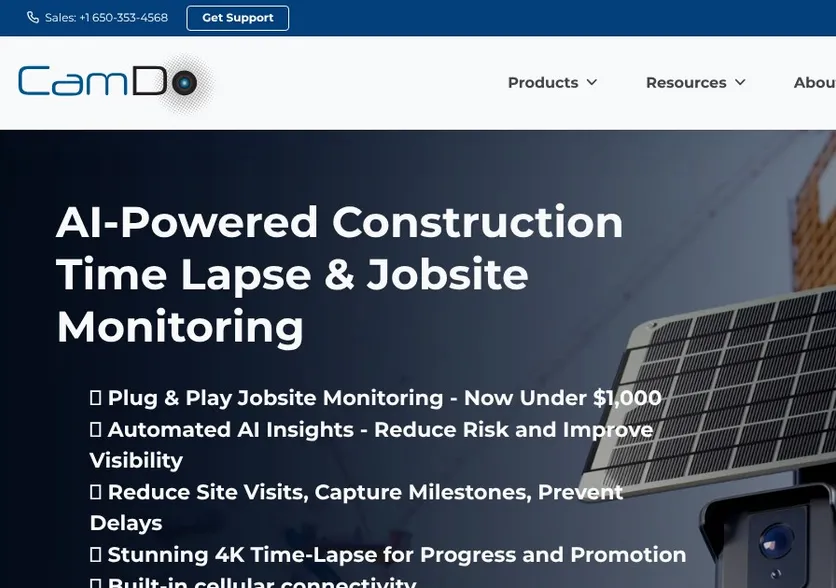
A small crew that already owns a GoPro can turn it into a jobsite camera here, since this CamDo CloudX plan costs sixty-nine dollars a month and builds time-lapses automatically from the images the camera uploads. The dashboard shows camera status and live views from a browser anywhere, and the Plus and Max tiers add white labelling and a jobsite intelligence beta. It is the cheapest published route onto a managed time-lapse platform in this list.
What we like
- Automatic time-lapse creation from uploaded images
- Works with GoPro cameras the crew may already own
- Remote schedule updates without visiting the site
Watch out for
- The subscription is mandatory or the camera stops uploading
- Cellular data is capped at one gigabyte a month on Pro
How to try it
- Fit a CamDo controller to a compatible GoPro camera
- Choose a CloudX plan and set the capture schedule
- Check the live view and download the time-lapse when the job ends
3. OxBlue
Best for: Firms that want human monitoring of the site overnight
Paid tool Starting price: $95/month · Ninety-five dollars a month is the starting price for optional professional security monitoring with verified alerts and dispatch, published on the vendor site; the camera itself is quoted per project, with lease or purchase options, and monthly service charges vary from about two hundred dollars to two thousand dollars or more depending on cameras and streaming
Free plan: No free plan; demo on request
A firm that wants a person watching the site overnight starts here, because this OxBlue monitoring tier costs ninety-five dollars a month for certified agents who verify threats and dispatch emergency services. The cameras themselves are purpose-built for jobsites with cellular connections, unlimited lifetime image storage and time-lapse, and the artificial intelligence features need cameras of eight megapixels or more. Get the camera price in writing, since it is quoted per project and is not in the headline.
What we like
- Certified monitoring agents verify threats before dispatch
- Unlimited lifetime image storage on the camera plans
- AI activity and safety tracking on higher-resolution cameras
Watch out for
- Camera pricing is quoted per project, so the headline is not the whole bill
- AI analytics need eight-megapixel cameras or better
How to try it
- Ask OxBlue for a written quote covering cameras and service
- Choose a camera system for exterior, security or interior work
- Add professional monitoring and set who gets the alerts
4. Matterport
Best for: Teams documenting interiors and as-built conditions
Paid tool Starting price: $90/month · Ninety dollars a month billed annually on Professional for ten active spaces (one hundred and eight dollars billed monthly); the October 2026 repricing left Professional as the only self-serve plan, and tours go dark if the subscription stops
Free plan: No free plan; 14-day free trial
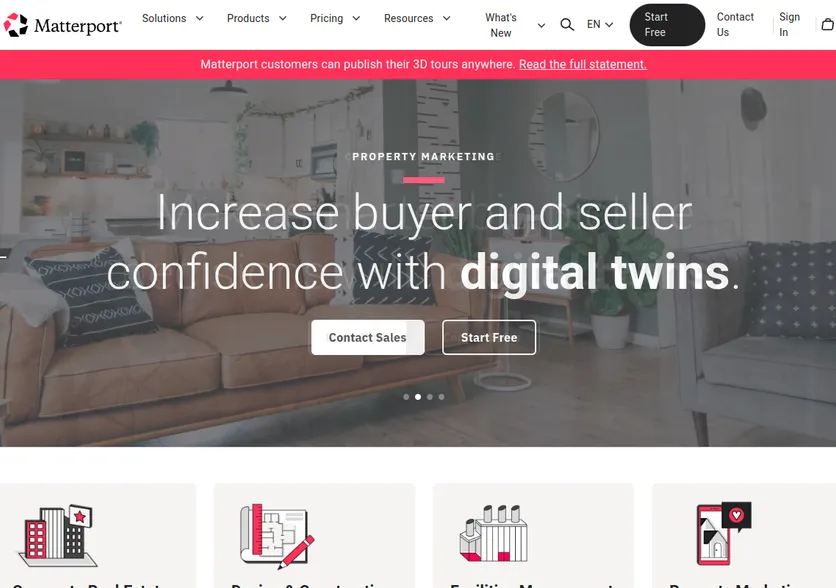
A team that needs to look inside a finished or half-finished building without driving to it finds it here, since this Matterport plan costs ninety dollars a month billed annually for ten active spaces. A depth scan becomes a walkable three-dimensional model with a dollhouse view, measurements and schematic floor plans, which suits interiors that a drone cannot fly. It records the as-built state of a space rather than watching it live, so it complements a camera rather than replacing one.
What we like
- Walkable 3D models with measurements and floor plans
- One plan covers ten active spaces for the whole team
- Captures interiors drones and fixed cameras cannot reach
Watch out for
- It documents a space at scan time, so it is not live surveillance
- Tours stop working if the subscription lapses
How to try it
- Scan each room with a compatible depth camera or phone
- Publish the model and share the walkthrough link
- Measure distances and export floor plans from the scan
5. Agisoft Metashape
Best for: Surveyors who want a one-time photogrammetry licence
Paid tool Starting price: $179 one-time · One hundred and seventy-nine dollars one time for a node-locked Standard licence; Professional is three thousand four hundred and ninety-nine dollars one time and adds the mapping tools a surveyor needs, including georeferencing with ground control points
Free plan: No free plan; 30-day trial
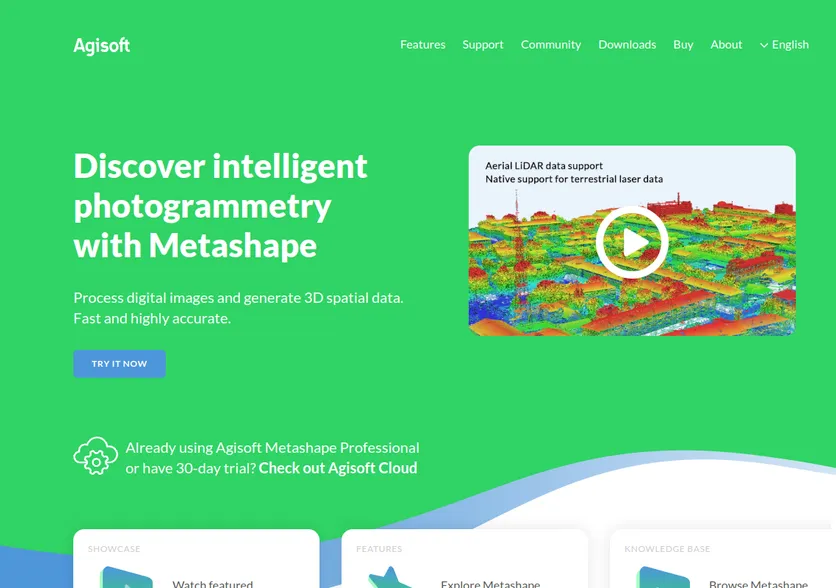
A surveyor who wants to own the software outright rather than rent it finds it here, because this Agisoft Metashape licence costs one hundred and seventy-nine dollars one time and turns overlapping photos into textured three-dimensional meshes on the firm's own computer. It processes drone and ground photos into models, orthomosaics and point clouds with no per-map charge, and the Professional tier adds georeferenced survey output. The Standard licence cannot georeference with ground control points, so survey work needs the dearer tier.
What we like
- One-time licence with no subscription or per-map fee
- Runs on the firm's own workstation, so data stays in-house
- Produces meshes, orthomosaics and point clouds from photos
Watch out for
- Standard cannot georeference with ground control points
- Desktop only, so processing speed depends on the firm's hardware
How to try it
- Fly or photograph the site with overlapping coverage
- Import the images and build the dense point cloud
- Export the orthomosaic or mesh for the project record
6. Pix4D
Best for: Surveyors who need defensible measurements from drone photos
Paid tool Starting price: $3,990/year · Three thousand nine hundred and ninety dollars a year for PIX4Dmatic Standard (about three hundred and thirty-three dollars a month); PIX4Dcloud Starter is one thousand two hundred and ninety dollars a year; perpetual PIX4Dmapper licences were repriced sharply in January 2026
Free plan: No free plan; 15-day free trial
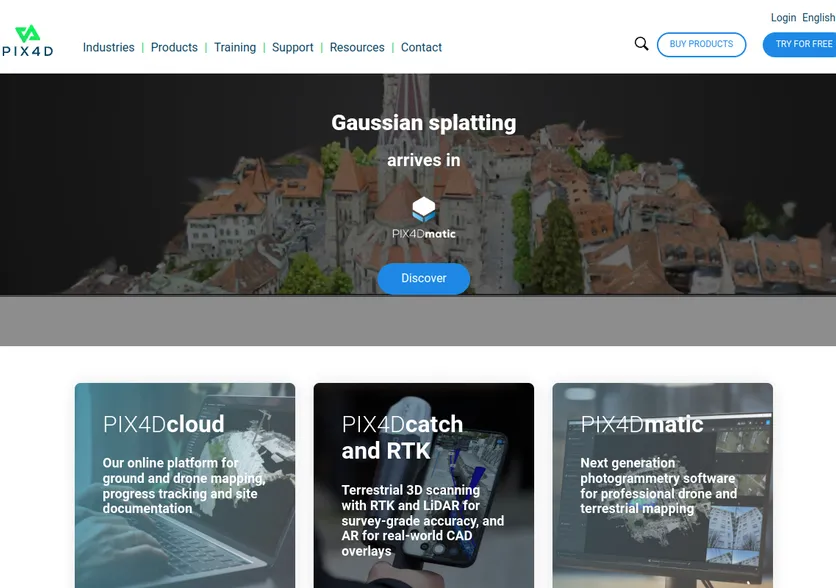
A surveyor who needs measurements a client can defend in a dispute starts here, since this Pix4D plan costs three thousand nine hundred and ninety dollars a year for survey-grade models and point clouds from drone imagery. It turns drone photos into georeferenced maps, volumes and orthomosaics with accuracy a phone scan cannot match, and the cloud tier adds browser sharing for the team. It is the dearest tool in this list, and it earns that price only on work where the measurements matter.
What we like
- Survey-grade georeferenced models and point clouds
- Volume and area measurements from drone imagery
- Cloud sharing so the whole team sees the same map
Watch out for
- The entry price is far above the camera tools in this list
- No free plan, and the trial lasts only fifteen days
How to try it
- Plan the drone flight over the site area
- Upload the photos and process the map in the cloud
- Measure volumes and share the orthomosaic with the team
7. Polycam
Best for: Foremen who scan rooms and defects with a phone
Paid tool Starting price: $150/year · One hundred and fifty dollars a year for Basic; the free plan covers limited captures, and higher tiers add team features and exports
Free plan: Free plan with limited captures
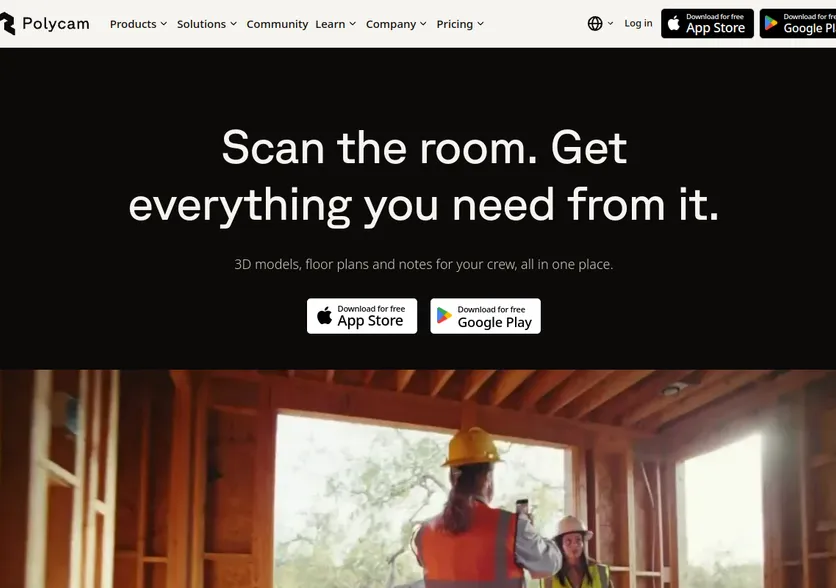
A foreman who needs a quick scan of a room or a defect with nothing but a phone starts here, since this Polycam plan costs one hundred and fifty dollars a year for unlimited captures and exports. It builds three-dimensional scans from phone photos or lidar, which suits punch lists, progress checks and as-built records that do not need survey accuracy. The free plan covers a few captures, so a crew can test it on a real room before paying.
What we like
- Scans a room or defect from a phone in minutes
- Cheapest paid plan in this list by a wide margin
- Free plan lets a crew test it on a real job first
Watch out for
- Phone scans are not survey-grade measurements
- Large sites take many separate captures to cover
How to try it
- Open Polycam and walk the room slowly with the phone
- Review the scan and mark the defect or measurement
- Export the model and attach it to the punch list
Prices above were checked on each vendor’s own website on Nov 28, 2026 and can change — the vendor’s page is the final word. Vendor links are editorial: nobody paid to be listed or ranked here. Vendors who want a featured listing can see how it works on our Get listed page.
How to watch a construction site without drowning in footage
Start with the camera positions, not the software, because a camera that cannot see the gate, the laydown area and the work face is useless whatever it costs. Decide who watches the feed: a self-monitored alert goes to a phone, while professional monitoring puts a person on the night shift. Keep the footage and the time-lapse separate, since the daily record is for disputes and the time-lapse is for the client, and store both where the project team can reach them after the job ends.
Before you buy
- Confirm whether the headline price includes the camera or only the monthly service, since most vendors charge for both
- Check how long footage and time-lapse files are kept, because a one-year limit can lose the record before a dispute ends
- Ask if the cameras work on cellular data where the site has no power or internet yet
- Make sure the live view and the time-lapse can be shared with clients without giving them full admin access
- Test the alerts on a real week of site activity before committing, including rain, night work and false alarms
Official websites
Official websites of the products reviewed above. Features and prices were checked against these sites when this guide was written, and they can change, so confirm on the vendor site before you buy.
Frequently asked questions
What is construction site surveillance software?
It is software and camera hardware that watches a construction site, records what happens there, and turns the footage into a record the team can use. Fixed cameras give live views and security recordings, time-lapse platforms document progress for clients, and drone or 3D capture tools record the site in measurable detail. The best choice depends on whether the priority is security, progress documentation, or survey measurements.
How much does TrueLook cost per camera?
TrueLook Essentials costs one hundred and twenty-nine dollars a camera a month month to month, or as low as ninety-nine dollars a month with prepayment. Advanced costs three hundred and fifty-nine dollars a camera a month, or from two hundred and ninety-nine dollars prepaid, and Premium costs five hundred and ninety-nine dollars, or from four hundred and sixty-nine dollars prepaid. Camera hardware is bought or leased separately, so the plan price is not the whole bill.
Can I monitor a construction site for free?
Not with a published free plan in this list, since every camera vendor here charges for the service. Polycam offers a free plan with limited captures for phone scans, and CamDo includes one month of CloudX Plus free with compatible cameras. TrueLook offers a thirty-day money-back guarantee rather than a free tier, so the cheapest way to test the category is a phone scan or a short CamDo trial.
Do I need professional monitoring for a construction site?
It depends on the site risk. Self-monitored motion alerts, which TrueLook includes and OxBlue includes at no extra charge, are enough for a fenced site with little theft history. Professional monitoring, which OxBlue sells from ninety-five dollars a month, puts certified agents on the feed overnight and dispatches emergency services when a threat is verified. Sites with expensive equipment or a history of break-ins justify the extra cost.
Which tool is best for documenting construction progress?
TrueLook is the best all-round choice, since it combines live viewing, security recording and automatic time-lapse on a published per-camera price. CamDo CloudX is the budget pick for a small crew with a GoPro, at sixty-nine dollars a month. For survey-grade progress records, Pix4D produces georeferenced maps and volume measurements, though its three thousand nine hundred and ninety dollar annual price suits survey work, not casual progress photos.
Compare the seven tools above, then start with the free Polycam plan or the CamDo trial on the tool that matches how the site is powered and who needs to see the footage before paying for a full year.
Browse Business Tools tools