
On this page
A contract is only useful once it is signed, and freelancers lose work when signing takes days of chasing by email. The seven tools below run from eight dollars a month to about fifty dollars a month, and every price was checked on the vendor site on November 26, 2026. Most offer a free plan or trial, so you can send a real contract before paying. DocuSign is our first pick — the signature clients trust most.
How we researched this
We started with the e-signature tools freelancers actually use, then read each price on the vendor pricing page on November 26, 2026 and noted the free plan or trial each one carries. We judged them for a solo freelancer who sends contracts and needs them signed fast, and we kept only tools with a published price in US dollars. We dropped quote-only enterprise signing suites and free-only tools with no paid plan.
Compare the tools
| Name | Best for | Starting price | Free plan | |
|---|---|---|---|---|
 DocuSign | Freelancers who want the most trusted signature brand | $25/user/month | No free plan; free trial available | Visit |
 Dropbox Sign | Freelancers who already store files in Dropbox | $25/month | No free plan; free trial available | Visit |
 signNow | Freelancers who want the cheapest serious e-signature tool | $8/month | No free plan; free trial available | Visit |
 PandaDoc | Freelancers who send proposals and contracts as one document | $49/month | Free plan for sending and signing documents | Visit |
 SignEasy | Freelancers who sign mostly on a phone | $10/month | Free plan with 3 documents a month | Visit |
 Adobe Acrobat Sign | Freelancers who already edit PDFs in Acrobat | $14.99/month | No free plan; free trial available | Visit |
 Zoho Sign | Zoho users who want cheap signing with a free plan | $10/user/month | Free plan with 5 envelopes a month | Visit |
The contract e-signature software for freelancers, compared
1. DocuSign
Best for: Freelancers who want the most trusted signature brand
Paid tool Starting price: $25/user/month · Standard plan, $25 a user a month billed annually upfront ($300 a year); $30 a month on an annual commitment billed monthly; $45 month to month. Personal $10 a month billed annually upfront ($11 billed monthly); Business Pro $40 a month billed annually upfront ($45 billed monthly); Enterprise is quoted. Standard includes 100 envelopes per user a year.
Free plan: No free plan; free trial available
DocuSign is the e-signature name every client recognizes, so contracts come back signed faster than with a tool nobody has heard of. This DocuSign Standard plan costs twenty-five dollars a month per user billed annually upfront and covers the sending, templates and reminders a freelancer needs. A freelancer whose clients hesitate over unfamiliar tools will find the familiar brand worth the price.

What we like
- Most recognized signature brand
- Clients sign without learning anything new
- Strong templates and reminders
Watch out for
- Standard is twenty-five dollars a month billed annually upfront
- Envelope limits apply on lower plans
How to try it
- Open the DocuSign pricing page and start the trial
- Upload a contract and add signature fields
- Send it to a client and track the signing status
2. Dropbox Sign
Best for: Freelancers who already store files in Dropbox
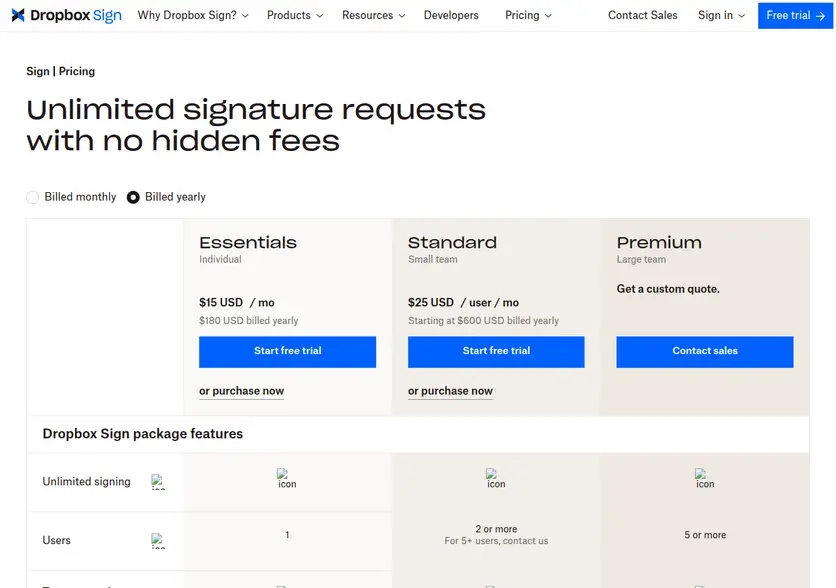
Paid tool Starting price: $25/month · Standard plan, $25 a month or $300 a year; Essentials is $15 a month
Free plan: No free plan; free trial available
Dropbox Sign turns a file in your Dropbox into a signed contract without a separate upload step, which keeps the workflow short. This Dropbox Sign Standard plan costs twenty-five dollars a month and adds templates, team features and more sending volume. A freelancer already living in Dropbox will find signing feels like part of the same app.
What we like
- Feels native inside Dropbox
- Simple sending with no learning curve
- Good templates for repeat contracts
Watch out for
- Standard is twenty-five dollars a month
- Fewer workflow features than PandaDoc
How to try it
- Open the Dropbox Sign pricing page and start the trial
- Pick a contract from your Dropbox
- Add signature fields and send it to your client
3. signNow
Best for: Freelancers who want the cheapest serious e-signature tool
Paid tool Starting price: $8/month · Business plan, $8 a month billed annually or $20 billed monthly; Business Premium is $15 a month billed annually
Free plan: No free plan; free trial available
signNow is the budget e-signature tool that still covers templates, signing and team features without a premium price. This signNow Business plan costs eight dollars a month on annual billing, which undercuts every rival here by a wide margin. A freelancer sending a handful of contracts a month will find signNow the easiest way to look professional for less.
What we like
- Cheapest paid plan in this list
- Covers templates and signing well
- Simple interface with no clutter
Watch out for
- Monthly billing jumps to twenty dollars
- Fewer integrations than DocuSign
How to try it
- Open the signNow pricing page and start the trial
- Upload a contract template and add signature fields
- Send it to a client and check the audit trail
4. PandaDoc
Best for: Freelancers who send proposals and contracts as one document
Paid tool Starting price: $49/month · Business plan, $49 a month per user billed annually or about $65 billed monthly; Starter is $19 a month per user billed annually
Free plan: Free plan for sending and signing documents
PandaDoc merges proposals and contracts into one document that a client reads, approves and signs without switching tools. This PandaDoc Business plan costs forty-nine dollars a month per user on annual billing and adds the workflows and CRM links a growing freelancer needs. A freelancer who pitches and signs in the same conversation will close faster with PandaDoc.

What we like
- Proposals and contracts in one document
- Tracks when clients open and sign
- Strong templates for repeat work
Watch out for
- Business is forty-nine dollars a month
- Overkill if you only need signatures
How to try it
- Open the PandaDoc pricing page and start the trial
- Build a proposal with a contract attached
- Send it and watch the client open, sign and pay
5. SignEasy
Best for: Freelancers who sign mostly on a phone
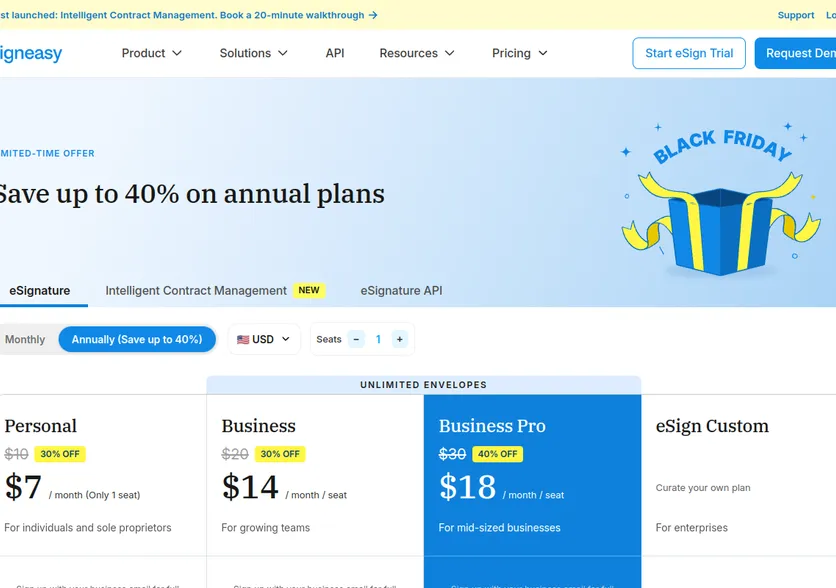
Paid tool Starting price: $10/month · Personal plan, $10 a month list price; the site currently shows $7 with a limited-time 30 percent discount, which is not the list price
Free plan: Free plan with 3 documents a month
SignEasy is the mobile-first signature tool, built for freelancers who send and sign contracts from a phone between jobs. This SignEasy Personal plan lists at ten dollars a month and covers the sending and signing a solo freelancer needs. A freelancer who works from a phone will find SignEasy the fastest way to get a signature.
What we like
- Best mobile signing experience here
- Simple and fast for solo use
- Low ten-dollar list price
Watch out for
- Personal plan limits team features
- Fewer templates than DocuSign or PandaDoc
How to try it
- Open the SignEasy pricing page and start the trial
- Upload a contract from your phone
- Send it and get the signed copy back in the app
6. Adobe Acrobat Sign
Best for: Freelancers who already edit PDFs in Acrobat
Paid tool Starting price: $14.99/month · Acrobat Standard individual plan, annual plan billed monthly; Standard for teams costs more per user a month with a 150-transaction yearly cap
Free plan: No free plan; free trial available
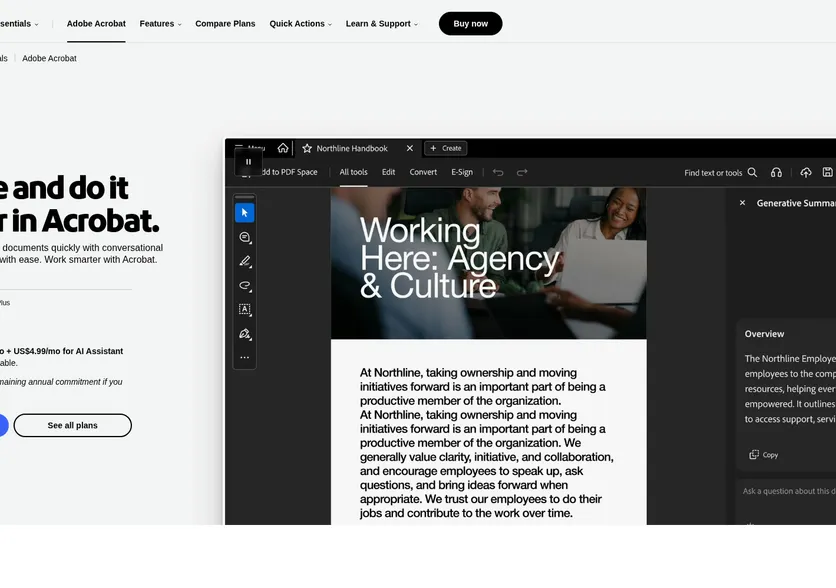
Adobe Acrobat Sign lives inside Acrobat, so a freelancer can edit a PDF and send it for signature without leaving the app. This Adobe Acrobat Sign individual Standard plan costs fourteen dollars and ninety-nine cents a month on an annual plan billed monthly. A freelancer who already pays for Acrobat will find signing is already included in the tool they open daily.
What we like
- Signing inside the PDF editor you already use
- Strong PDF tools alongside signatures
- Familiar Adobe workflow
Watch out for
- Standard caps at a hundred and fifty transactions a year
- Signing is bundled, not standalone
How to try it
- Open the Adobe Acrobat pricing page and start the trial
- Open a PDF and add signature fields
- Send it for signature and track the status
7. Zoho Sign
Best for: Zoho users who want cheap signing with a free plan
Paid tool Starting price: $10/user/month · Standard plan, $10 per user a month billed annually or $12 billed monthly; Professional is $16 and Enterprise is $22 a month
Free plan: Free plan with 5 envelopes a month
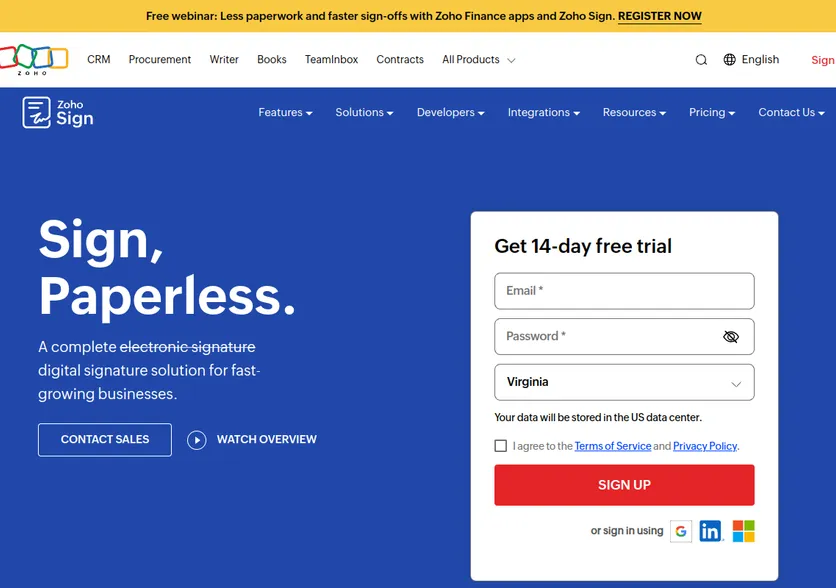
Zoho Sign is the affordable signature tool for teams already in the Zoho world, with a free plan that covers occasional signing. This Zoho Sign Standard plan costs ten dollars per user a month on annual billing and adds twenty-five envelopes a month with templates and integrations. A freelancer using Zoho CRM or Zoho Books will find signing fits the stack without a new vendor.
What we like
- Free plan covers five envelopes a month
- Cheap Standard plan with templates
- Fits the Zoho stack neatly
Watch out for
- Standard caps at twenty-five envelopes a month
- Extra actions use paid credits
How to try it
- Open the Zoho Sign pricing page and claim the free plan
- Upload a contract and add signature fields
- Send it and check the audit trail
Prices above were checked on each vendor’s own website on Nov 26, 2026 and can change — the vendor’s page is the final word. Vendor links are editorial: nobody paid to be listed or ranked here. Vendors who want a featured listing can see how it works on our Get listed page.
What contract e-signature software costs in 2026
E-signature pricing splits into per-user plans and envelope limits, and this list shows both. Most tools here charge per user, from eight dollars a month for signNow to forty-nine for PandaDoc Business, while the real limit is often the envelope count, with Zoho Sign Standard capping at twenty-five a month. The headline plan each vendor shows on its own pricing page is the number in the table above, checked on November 26, 2026.
Start with the free plan or trial on two tools and send one real contract through each, from upload to signed copy. Compare how fast the client signs, whether the audit trail looks complete, and whether templates save time on the next contract. Pick the tool your clients sign without asking questions, because a signature tool only works when the other side uses it.
Before you buy
- Check the envelope limit first, because a cheap plan with a small cap costs more after overage fees.
- Confirm the audit trail, because a signature without proof is worthless in a dispute.
- Test signing on a phone, because most clients sign on mobile.
- Compare annual and monthly billing, because most tools here cut the price on annual plans.
- Ask whether templates are included, because repeat contracts should not need rebuilding.
Official websites
Official websites of the products reviewed above. Features and prices were checked against these sites when this guide was written, and they can change, so confirm on the vendor site before you buy.
Frequently asked questions
Which e-signature software is best for freelancers in 2026?
DocuSign, at twenty-five dollars a month for Standard, is the safest default because clients recognize the brand and sign without hesitation. signNow is the best value at eight dollars a month on annual billing for freelancers who need solid signing for less. Zoho Sign is the best cheap start at ten dollars a month with a free plan for occasional use.
How much does e-signature software cost?
Most tools here cost between eight and thirty dollars a month, with PandaDoc Business the outlier at forty-nine dollars because it bundles proposals. Adobe Acrobat Sign costs about fifteen dollars a month inside Acrobat, and SignEasy lists at ten dollars. A freelancer sending a few contracts a month can stay under fifteen dollars easily.
Is there a free e-signature tool for freelancers?
Yes, PandaDoc, SignEasy and Zoho Sign all offer free plans that cover a few documents a month, which is enough for occasional signing. DocuSign, Dropbox Sign, signNow and Adobe Acrobat Sign offer free trials instead of permanent free plans. Start free, and pay only when your volume outgrows the free limit.
Are electronic signatures legally binding?
Yes, in the US and most other countries, electronic signatures carry the same legal weight as ink signatures when the tool records an audit trail. Every tool here keeps a certificate with timestamps and signer details. Keep the audit trail with the signed copy, because that is what proves the signature if a dispute arises.
What is an envelope limit?
An envelope is one signing request, usually one document sent to one or more signers, and most plans cap how many you can send each month. Zoho Sign Standard allows twenty-five envelopes per user a month, while DocuSign Personal allows five. Count your monthly contracts before you buy, because exceeding the cap means upgrading or paying overage fees.
Need everyday business help too? Try Toolsvine's free business tools for freelancers right in your browser.
Browse Business Tools tools


