On this page
Visitors do not fill in forms any more. They ask a question in chat, and if nobody answers in a minute, they leave. Conversational marketing tools answer instantly, qualify the lead and hand it to a human when it matters. The seven tools below cover live chat, chatbots and AI agents, with prices from nine dollars per seat a month to thirty-six dollars a month. Every price was checked on the vendor site on November 27, 2026. Intercom is our first pick — chat, helpdesk and AI agents in one platform.
How we researched this
We started with the chat and chatbot tools startups actually buy, then read each price on the vendor pricing page on November 27, 2026 and noted the trial each plan carries. We judged them for a startup that needs visitors talking, leads captured and routine questions answered without hiring a support team. We dropped Drift and Qualified because neither publishes a price, so a startup cannot budget for them without a sales call.
Compare the tools
| Name | Best for | Starting price | Free plan | |
|---|---|---|---|---|
 Intercom | Startups that want chat, helpdesk and AI agents in one platform | $29/seat/month | No free plan; 14-day free trial | Visit |
 HubSpot Marketing Hub | Startups already on HubSpot that want chat beside the CRM | $9/seat/month | Free plan with live chat and basic CRM tools | Visit |
 Landbot | Startups that want no-code chatbots with a visual builder | $36/month | Free plan with 100 chats a month and 1 seat | Visit |
 Tidio | Startups that want live chat and AI answers at a low price | $24.17/month | Free plan with 50 conversations | Visit |
 Crisp | Startups that want flat pricing with unlimited chats | $25/month | Free plan for 2 seats | Visit |
 Chatfuel | Startups that sell through Facebook Messenger and Instagram | $18/month | No free plan; free trial on request | Visit |
 ManyChat | Startups that capture leads from social DMs | $15/month | Free plan for up to 1,000 contacts | Visit |
The conversational marketing software for startups, compared
1. Intercom
Best for: Startups that want chat, helpdesk and AI agents in one platform
Paid tool Starting price: $29/seat/month · Twenty-nine dollars per seat a month billed annually for the Essential plan, or $39 billed monthly; Advanced costs $85 and Expert costs $132 per seat a month. One source lists $19 a month for Essential, so confirm at checkout.
Free plan: No free plan; 14-day free trial
Intercom is the conversational platform startups pick when chat has to turn visitors into customers and then support them after the sale. This Intercom Essential plan costs twenty-nine dollars per seat a month billed annually and covers shared inboxes, live chat and basic automation. A startup gets one place for sales chat, onboarding and support, with an AI agent that answers routine questions.

What we like
- Chat, helpdesk and AI agents in one platform
- Strong automation and customer data in one place
- AI agent resolves routine questions automatically
Watch out for
- AI agent resolutions are billed separately per resolution
- Per-seat pricing adds up fast as the team grows
How to try it
- Open the Intercom site and start the 14-day free trial
- Install the chat widget on your website
- Set up your first automated replies and AI agent answers
2. HubSpot Marketing Hub
Best for: Startups already on HubSpot that want chat beside the CRM
Paid tool Starting price: $9/seat/month · Nine dollars per seat a month billed annually for the Starter plan, or $15 billed monthly; Professional costs $890 a month and Enterprise $3,600 a month. A first-year promotional price of $7 a seat a month has been seen on the vendor site.
Free plan: Free plan with live chat and basic CRM tools
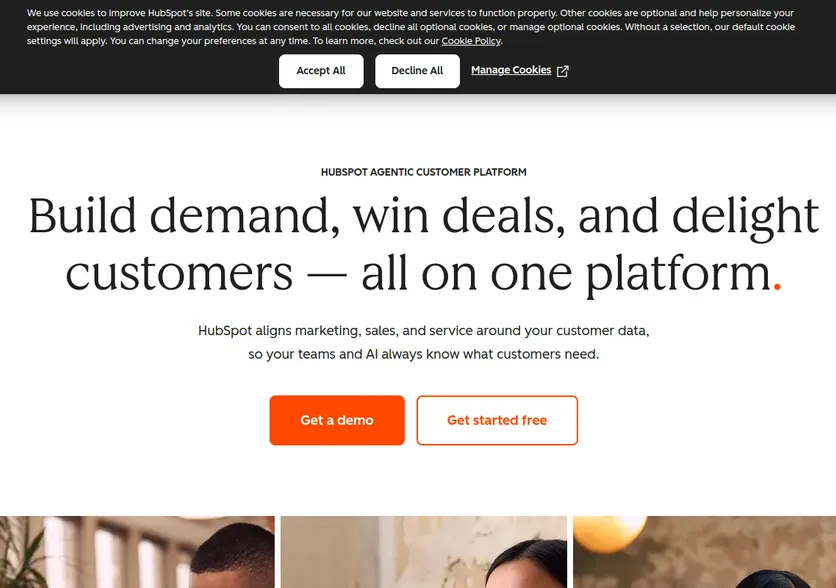
HubSpot Marketing Hub puts chat beside the CRM, so every conversation lands on a contact record your sales team already uses. This HubSpot Marketing Hub Starter plan costs nine dollars per seat a month billed annually and covers live chat, forms and email marketing for one thousand contacts. A startup on HubSpot CRM gets marketing, chat and sales data in one place without a new integration.
What we like
- Chat lands straight on the CRM contact record
- Free plan covers live chat and basic tools
- Scales from startup to enterprise in one platform
Watch out for
- Professional jumps to $890 a month, a steep step up
- Marketing contacts above the included count cost extra
How to try it
- Open the HubSpot site and start with the free plan
- Add the live chat widget to your website
- Connect chat conversations to your CRM contact records
3. Landbot
Best for: Startups that want no-code chatbots with a visual builder
Paid tool Starting price: $36/month · Thirty-six dollars a month billed annually for the Starter plan, or $45 billed monthly; Professional costs $88 a month billed annually and WhatsApp costs $100 a month extra.
Free plan: Free plan with 100 chats a month and 1 seat
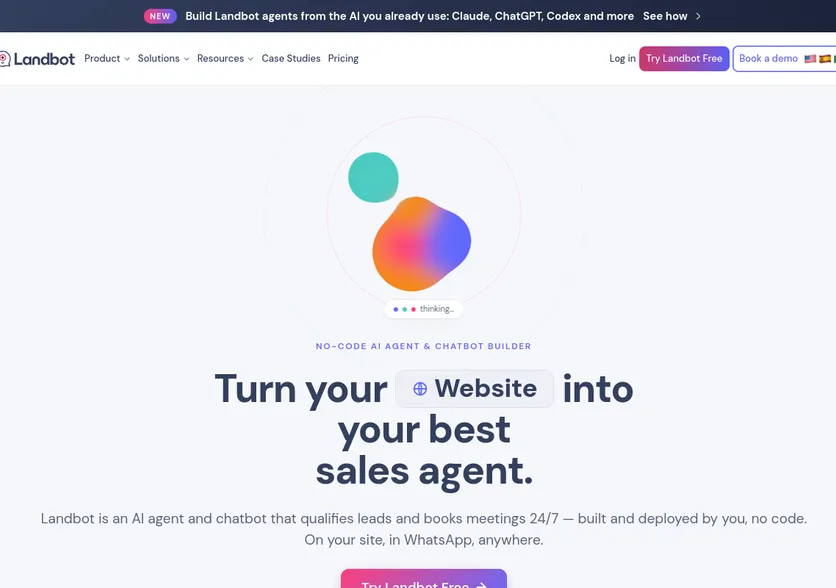
Landbot is the no-code chatbot builder for startups that want to design conversations visually instead of writing rules. This Landbot Starter plan costs thirty-six dollars a month billed annually and covers five hundred chats plus one hundred AI chats a month. A startup gets a drag-and-drop builder, lead capture and WhatsApp on higher plans without touching code.
What we like
- Visual builder anyone on the team can use
- AI chats included on the Starter plan
- WhatsApp channel available as an add-on
Watch out for
- WhatsApp costs $100 a month extra
- Chat limits can force an upgrade mid-month
How to try it
- Open the Landbot site and start with the free plan
- Build your first chatbot flow in the visual builder
- Publish the widget and watch the first conversations
4. Tidio
Best for: Startups that want live chat and AI answers at a low price
Paid tool Starting price: $24.17/month · Twenty-four dollars seventeen cents a month billed annually for the Starter plan, or $29 billed monthly; Growth starts at $59 a month and the Lyro AI add-on starts at $39 a month.
Free plan: Free plan with 50 conversations
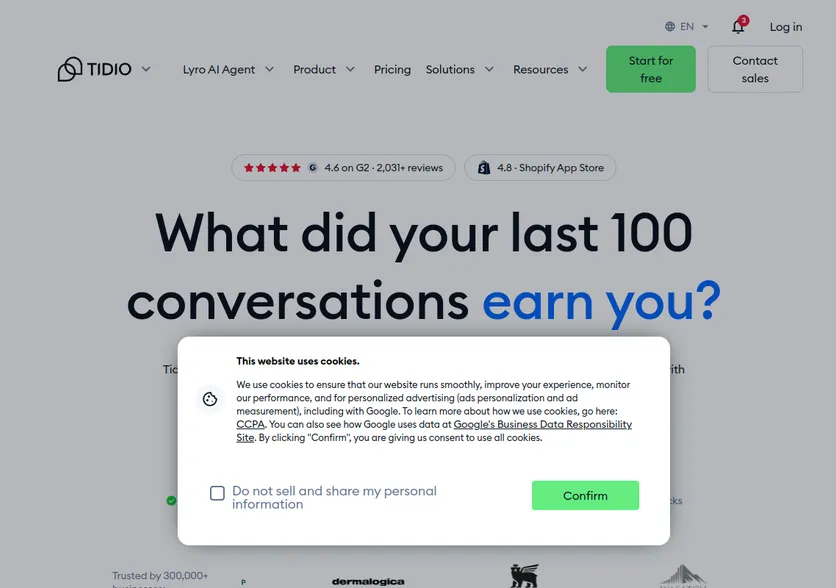
Tidio pairs live chat with an AI agent that answers routine questions, so a small startup can reply instantly around the clock. This Tidio Starter plan costs about twenty-four dollars a month billed annually and covers one hundred billable conversations a month. A startup gets live chat, email and an AI agent in one inbox without hiring a support team.
What we like
- Live chat and AI answers in one inbox
- Lowest headline price with an AI agent
- Free plan covers fifty conversations
Watch out for
- Billable conversations are capped on every plan
- AI agent conversations are billed separately
How to try it
- Open the Tidio site and start with the free plan
- Install the chat widget on your website
- Turn on the Lyro AI agent for routine questions
5. Crisp
Best for: Startups that want flat pricing with unlimited chats
Paid tool Starting price: $25/month · Twenty-five dollars a month for the Pro plan per workspace; some sources list $19 a month billed annually. Unlimited costs $95 a month, or $71 billed annually.
Free plan: Free plan for 2 seats
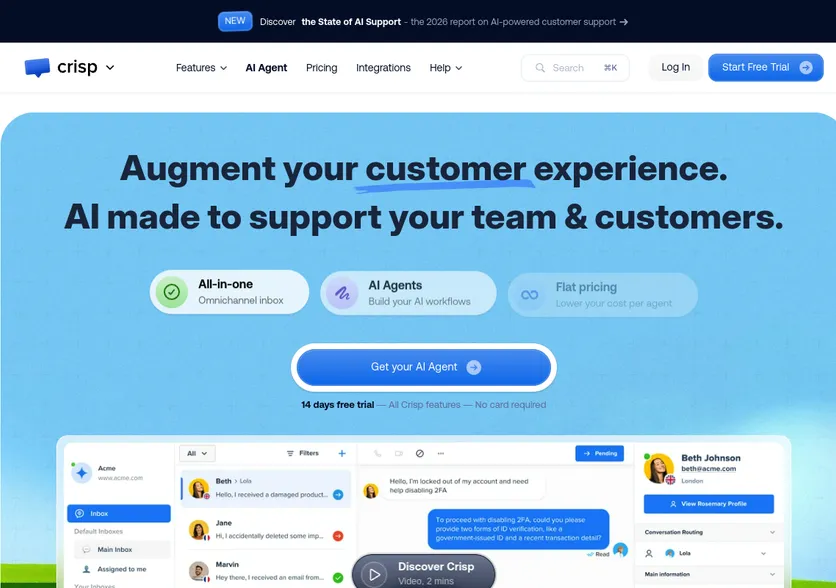
Crisp is the flat-priced chat tool for startups that hate per-conversation billing, with unlimited chats on every paid plan. This Crisp Pro plan costs twenty-five dollars a month per workspace and covers unlimited chats, two seats and a shared inbox. A startup gets live chat, a knowledge base and a CRM without counting conversations.
What we like
- Flat price with unlimited chats
- Free plan covers two seats
- Shared inbox, knowledge base and CRM included
Watch out for
- AI features are thinner than the bigger rivals
- Some sources list a lower annual price, so confirm at checkout
How to try it
- Open the Crisp site and start with the free plan
- Install the chat widget on your website
- Invite your team and set up the shared inbox
6. Chatfuel
Best for: Startups that sell through Facebook Messenger and Instagram
Paid tool Starting price: $18/month · Eighteen dollars a month billed annually for the Business plan, or $20 billed monthly, including $20 a month of AI wallet credit; Agency S costs $90 a month billed annually.
Free plan: No free plan; free trial on request
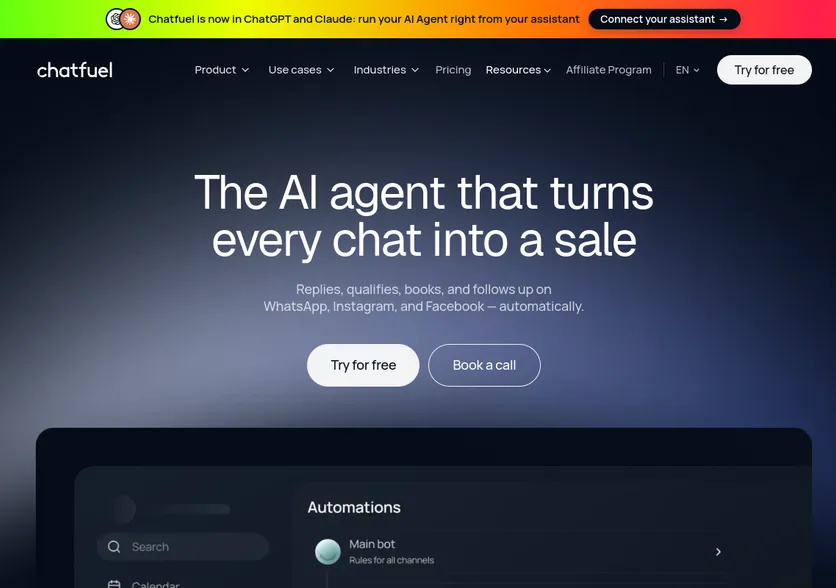
Chatfuel is the chatbot builder for startups that sell where their customers already chat, on Messenger, Instagram and WhatsApp. This Chatfuel Business plan costs eighteen dollars a month billed annually and covers one bot with unlimited contacts and AI wallet credit. A startup gets comment automation, broadcasts and AI replies without writing code.
What we like
- Best Messenger and Instagram automation here
- Unlimited contacts on the Business plan
- AI wallet credit included in the price
Watch out for
- No permanent free plan, only a trial
- Web chat is weaker than the social channels
How to try it
- Open the Chatfuel site and start a trial
- Connect your Facebook page or Instagram account
- Build your first bot flow and publish it
7. ManyChat
Best for: Startups that capture leads from social DMs
Paid tool Starting price: $15/month · Fifteen dollars a month for the Pro plan with 500 contacts, rising with contact count; the free plan covers up to 1,000 contacts and the AI add-on costs $29 a month.
Free plan: Free plan for up to 1,000 contacts
ManyChat is the social DM tool for startups that turn Instagram and Messenger conversations into leads and sales. This ManyChat Pro plan costs fifteen dollars a month with five hundred contacts and covers automation, broadcasts and integrations. A startup gets comment replies, DM flows and lead capture on the channels where buyers already spend time.
What we like
- Best social DM automation in this list
- Free plan covers up to 1,000 contacts
- Comment replies turn posts into leads
Watch out for
- Price rises with contact count, so growth costs more
- Web chat is an add-on, not the core product
How to try it
- Open the ManyChat site and start with the free plan
- Connect your Instagram or Facebook page
- Build your first DM automation and publish it
Prices above were checked on each vendor’s own website on Nov 27, 2026 and can change — the vendor’s page is the final word. Vendor links are editorial: nobody paid to be listed or ranked here. Vendors who want a featured listing can see how it works on our Get listed page.
What conversational marketing costs in 2026
Chat software bills in two ways at once: per seat and per contact or conversation. A startup with a small team but a big audience pays more on contact pricing, while a startup with a big team pays more on seat pricing, so count both before you compare. AI agents are the other trap: the headline price often excludes the bot, and the bot is the feature that saves the most time.
Start with a trial on two tools and run your real questions through each bot. Check that it answers your top five questions correctly, that a human can take over mid-chat, and that the conversation lands on a contact record. Pick the tool whose bot your visitors trust, because a chatbot that answers wrong is worse than no chat at all.
Before you buy
- Check the price per seat and per contact, because chat tools bill on both and the total grows fast.
- Confirm the AI agent is included or extra, because some vendors charge separately for the bot that answers.
- Ask which channels are covered, because a tool that only does web chat misses Instagram and WhatsApp buyers.
- Test the bot on your real questions, because a demo flow hides the answers it gets wrong.
- Add the cost of the AI add-on, because the headline price often excludes the automation that saves time.
Official websites
Official websites of the products reviewed above. Features and prices were checked against these sites when this guide was written, and they can change, so confirm on the vendor site before you buy.
Frequently asked questions
Which conversational marketing software is best for startups in 2026?
Intercom is the best overall pick at twenty-nine dollars per seat a month, with chat, helpdesk and AI agents in one platform. Tidio is the best value pick at about twenty-four dollars a month, with live chat and an AI agent in one inbox. ManyChat is the best pick for social DMs at fifteen dollars a month, with automation for Instagram and Messenger.
How much does conversational marketing software cost?
Prices in this list run from nine dollars per seat a month for HubSpot Marketing Hub to thirty-six dollars a month for Landbot, with most chat tools landing between fifteen and twenty-nine dollars a month. Per-seat plans cost more as the team grows, while per-contact plans cost more as the audience grows. Add AI agent fees to the subscription before you compare totals.
What is conversational marketing software?
Conversational marketing means talking to visitors in real time instead of waiting for a form fill: live chat, chatbots and AI agents that answer questions, qualify leads and book meetings. A startup that replies in seconds converts more visitors than one that replies by email the next day. The tools in this list cover the chat, the bot and the handoff to a human.
Can a startup use ManyChat instead of Intercom?
Yes, if your buyers live on Instagram and Messenger, because ManyChat automates DMs, comment replies and lead capture on those channels for fifteen dollars a month. The trade-off is weaker web chat and no helpdesk depth. Startups that sell mainly from their website get more from Intercom, Tidio or Crisp.
Is there a free conversational marketing tool for startups?
Yes, HubSpot has a free plan with live chat and basic CRM tools, ManyChat has a free plan for up to one thousand contacts, and Crisp has a free plan for two seats. Free plans limit contacts, conversations or seats, so check the caps before you rely on them for live traffic.
Need everyday marketing help too? Try Toolsvine's free marketing tools right in your browser.
Browse Marketing & Ads Calculators tools