
On this page
When the CRM and the ERP disagree, the business pays for it twice: sales promises what the warehouse cannot ship, and finance invoices what sales never sold. The best CRM integration software keeps both systems in sync automatically, so a new deal, a changed address or a paid invoice lands everywhere at once. The seven tools below run from a $5 base charge to $265 a month, and every one offers a free plan or a free trial. Zapier is our first pick — the biggest app library and the easiest builder for a team that wants the sync running.
How we researched this
We started with the integration tools teams actually use to connect a CRM with an ERP, then read each price on the vendor pricing page on November 26, 2026 and noted the sync direction and free trial each plan carries. We judged them for a business that runs sales in a CRM and orders, stock and invoicing in an ERP and needs both to agree. We kept the list to tools with a published price and dropped any tool whose price we could not verify.
Compare the tools
| Name | Best for | Starting price | Free plan | |
|---|---|---|---|---|
 Zapier | Teams that want the biggest app library and no-code Zaps between CRM and ERP | $19.99/month | Free plan; 14-day free trial | Visit |
| SyncApps | Teams that want one flat price with every integration and unlimited records | $150/month | Free start, no credit card required | Visit |
 Coupler.io | Teams that move CRM and ERP data into spreadsheets and dashboards daily | $24/month | Free plan; 7-day free trial | Visit |
 Skyvia | Teams that need no-code data pipelines between CRM, ERP and warehouses | $79/month | Free plan | Visit |
 Stitch | Data teams that replicate CRM and ERP data into a warehouse by the row | $100/month | 14-day free trial | Visit |
| Hevo Data | Teams that want ETL pipelines from 150-plus sources into their warehouse | $265/month | 14-day free trial | Visit |
| Fivetran | Teams that want usage-based pricing with 700-plus managed connectors | $5/month | Free plan; 14-day free trial | Visit |
The CRM integration tools, compared
1. Zapier
Best for: Teams that want the biggest app library and no-code Zaps between CRM and ERP
Paid tool Starting price: $19.99/month · Professional plan, starting from $19.99 a month; Team is about $69 a month and Enterprise is quoted; Free plan includes 100 tasks a month
Free plan: Free plan; 14-day free trial
Zapier is the no-code automation tool most teams reach for first, and its library of more than 9,000 apps makes it the easiest way to connect a CRM with an ERP. This Zapier Professional plan adds multi-step Zaps, webhooks and premium apps, so a new deal in the CRM can create an order, an invoice and a stock update without anyone retyping data. It is the safest pick when the team wants proven connectors and a visual builder instead of custom code.

What we like
- Largest app library anywhere at 9,000-plus apps
- Visual builder a non-developer can run
- Free plan covers 100 tasks a month
Watch out for
- Professional is for one user only
- Task limits can bite on high-volume syncs
How to try it
- Open the Zapier pricing page and start the 14-day Professional trial
- Pick the CRM trigger and the ERP action for the first Zap
- Run a test record through and confirm both systems update
2. SyncApps
Best for: Teams that want one flat price with every integration and unlimited records
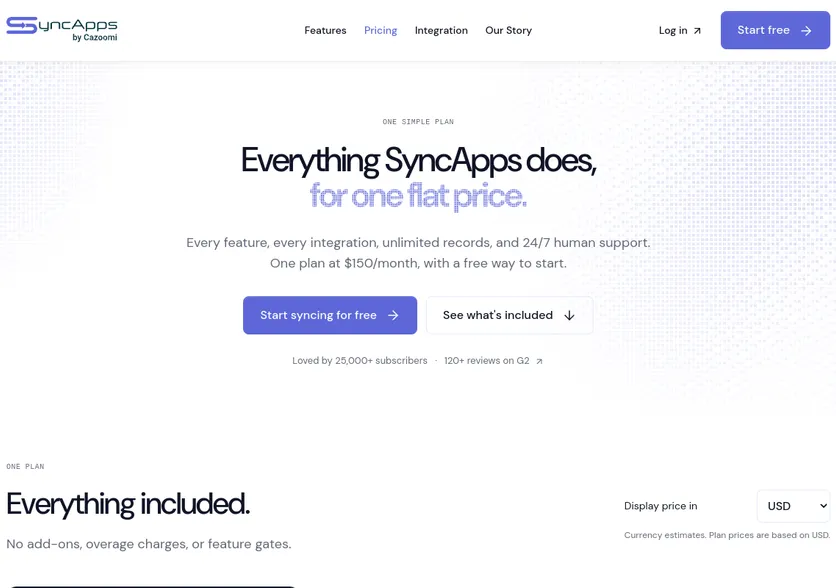
Paid tool Starting price: $150/month · One Plan, flat $150 a month with every feature and unlimited records; annual billing works out to $120 a month; nonprofits pay about $112.50 a month
Free plan: Free start, no credit card required
SyncApps takes the opposite approach to most integration tools: one flat price, every feature, no tiers to climb. This SyncApps One Plan covers real-time, two-way sync between CRMs like Salesforce and NetSuite and marketing apps like Mailchimp and HubSpot, with unlimited records and unlimited team members. It is the best fit when a team wants a predictable bill and every integration included from day one.
What we like
- One flat $150 a month, no tiers or add-ons
- Unlimited records and unlimited team members
- 24/7 human support included
Watch out for
- Flat price is steep for a one-person team
- Focused on CRM and marketing apps, not warehouses
How to try it
- Open the SyncApps pricing page and start free with no credit card
- Connect the CRM and the marketing app to sync
- Map the fields and watch records flow both ways
3. Coupler.io
Best for: Teams that move CRM and ERP data into spreadsheets and dashboards daily
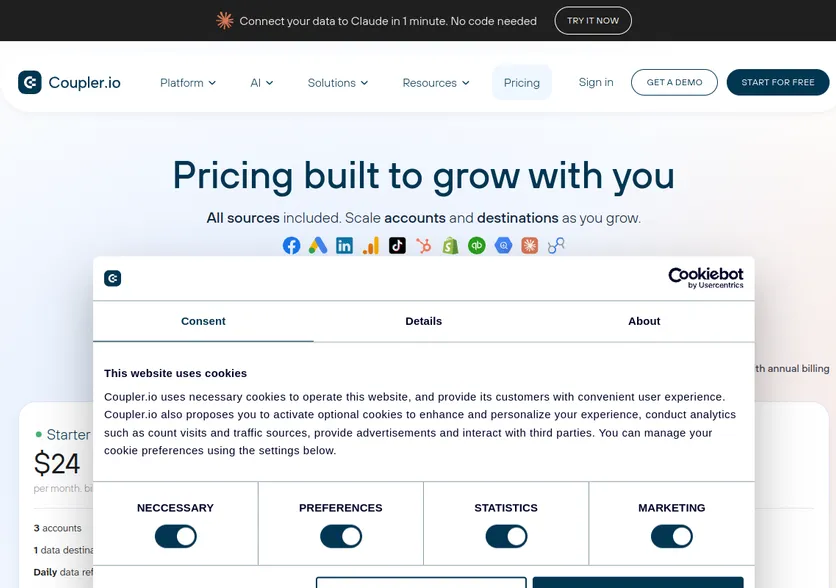
Paid tool Starting price: $24/month · Starter plan, per month billed annually ($32 a month billed monthly); Active is about $99 a month and Pro about $199 a month on annual billing; Free plan included
Free plan: Free plan; 7-day free trial
Coupler moves data from CRMs and ERPs into spreadsheets, dashboards and warehouses on a schedule, so reports always show fresh numbers. This Coupler Starter plan covers 400-plus data sources, three accounts and daily refreshes, with AI analysis on top of the imported data. It is the right pick when the goal is reporting and analysis rather than live two-way sync.
What we like
- 400-plus sources on every plan
- Free plan for a single account
- Daily refresh on Starter
Watch out for
- Starter covers only one user and one destination
- Hourly refresh needs the Pro plan
How to try it
- Open the Coupler.io pricing page and start the 7-day trial
- Connect the CRM as a source and a spreadsheet as the destination
- Schedule a daily refresh and build the first report
4. Skyvia
Best for: Teams that need no-code data pipelines between CRM, ERP and warehouses
Paid tool Starting price: $79/month · Basic plan, per month on annual billing ($99 a month billed monthly); Standard is about $159 a month and Professional about $399 a month; Free plan included
Free plan: Free plan
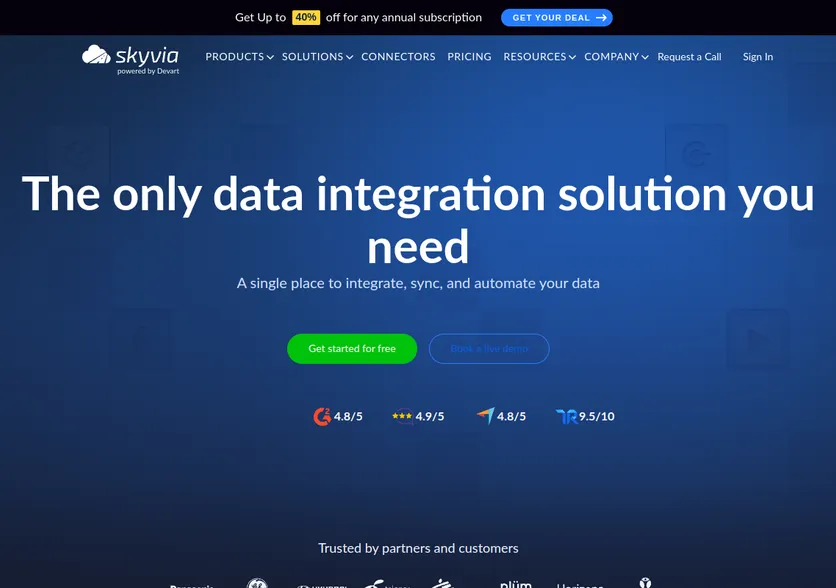
Skyvia is a no-code data platform that covers integration, backup and automation in one place, with connectors for the CRMs and ERPs a business already runs. This Skyvia Basic plan adds scheduled integrations, advanced mapping and more records per month than the free tier. It is a strong pick for a team that wants ELT pipelines without hiring a data engineer.
What we like
- Free plan for small volumes
- Unlimited users on every plan
- Backup and automation included
Watch out for
- Basic allows only 5 scheduled integrations
- Hourly scheduling needs the Standard plan
How to try it
- Open the Skyvia pricing page and sign up for the free plan
- Build the first integration between the CRM and the ERP
- Set a daily schedule and check the first synced records
5. Stitch
Best for: Data teams that replicate CRM and ERP data into a warehouse by the row
Paid tool Starting price: $100/month · Standard plan, starting at $100 a month for 5 million rows; Advanced is about $1,500 a month and Premium about $3,000 a month, both billed annually
Free plan: 14-day free trial
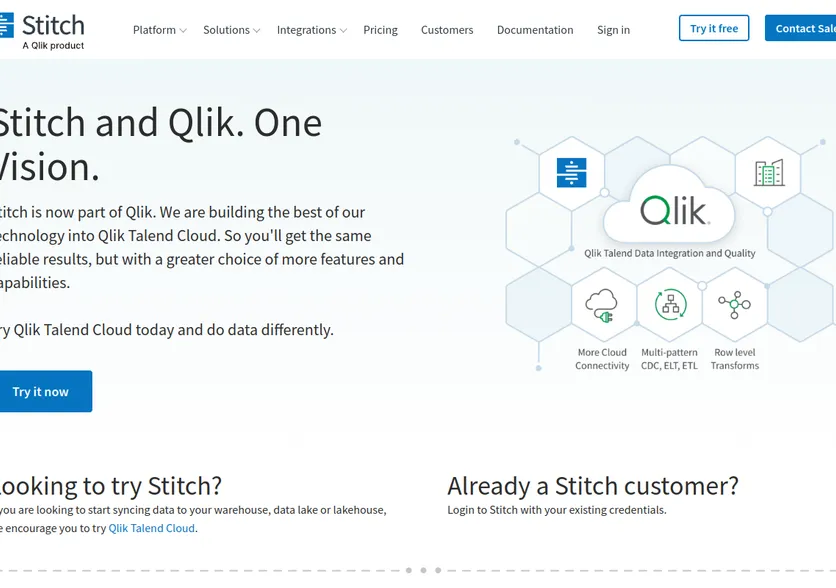
Stitch replicates data from CRMs and ERPs into a warehouse, so analysts can query everything in one place instead of exporting files by hand. This Stitch Standard plan starts at $100 a month for 5 million rows, with one destination, 10 standard sources and 5 users included. It is the right pick when the team already has a warehouse and just needs reliable replication.
What we like
- 14-day trial with unlimited rows
- Simple row-based pricing
- SOC 2 and ISO 27001 compliance
Watch out for
- Row limits can grow the bill fast
- Only one destination on Standard
How to try it
- Open the Stitch pricing page and start the 14-day free trial
- Connect the CRM source and the warehouse destination
- Run the first replication and query the synced tables
6. Hevo Data
Best for: Teams that want ETL pipelines from 150-plus sources into their warehouse
Paid tool Starting price: $265/month · Starter plan, starting at $265 a month on usage-based pricing; Professional starts at about $750 a month; Business Critical is fixed pricing by quote
Free plan: 14-day free trial
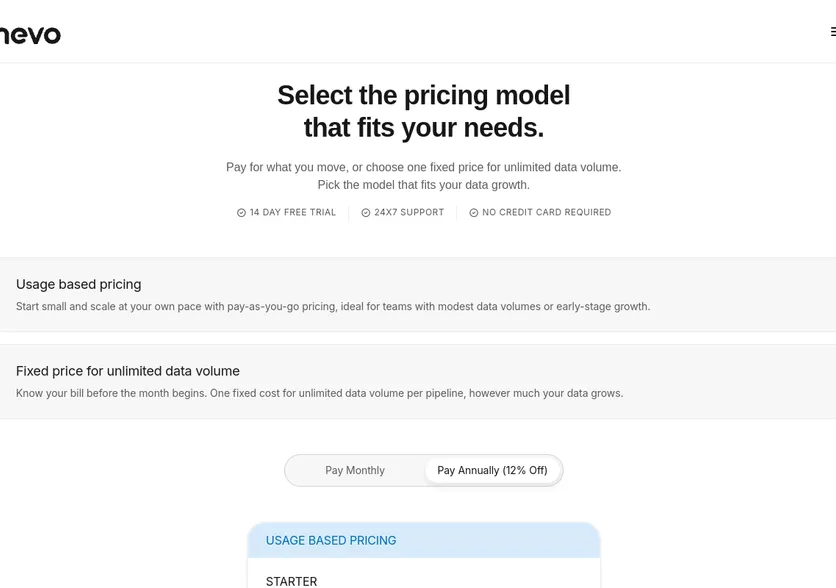
Hevo automates ETL pipelines from more than 150 sources, including the CRMs and ERPs a growing business runs on. This Hevo Starter plan starts at $265 a month with 1-hour scheduling, up to 10 users and dbt integration for transformations. It is the best fit when a team wants hands-off pipelines that keep the warehouse fresh without constant babysitting.
What we like
- 150-plus sources with no-code setup
- dbt integration for transformations
- 24/7 support on every plan
Watch out for
- Usage-based billing can surprise on spikes
- Fixed unlimited volume needs a quote
How to try it
- Open the Hevo pricing page and start the 14-day free trial
- Connect a CRM source and pick the warehouse destination
- Set the schedule and confirm the first pipeline run
7. Fivetran
Best for: Teams that want usage-based pricing with 700-plus managed connectors
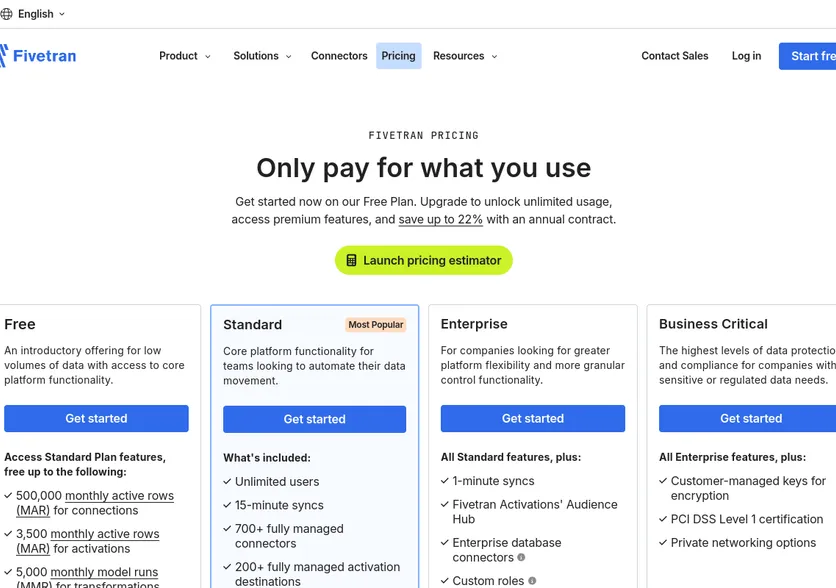
Paid tool Starting price: $5/month · Standard connections carry a $5 base charge a month for usage between 1 and 1 million monthly active rows; higher volumes follow a declining spend rate; annual contracts save up to 22%
Free plan: Free plan; 14-day free trial
Fivetran is the usage-based option for teams that want managed connectors and only pay for the data they actually move. This Fivetran Standard plan covers 700-plus connectors, 15-minute syncs and unlimited users, with a $5 base charge per standard connection at low volumes. It is the right pick when data volumes vary month to month and the team refuses to pay for idle capacity.
What we like
- 700-plus fully managed connectors
- Free plan for low volumes
- 15-minute syncs on Standard
Watch out for
- Usage-based pricing needs careful watching
- Enterprise features need the higher tiers
How to try it
- Open the Fivetran pricing page and start the free plan
- Connect the CRM and set up the first connection
- Check the monthly active rows and confirm the cost
Prices above were checked on each vendor’s own website on Nov 26, 2026 and can change — the vendor’s page is the final word. Vendor links are editorial: nobody paid to be listed or ranked here. Vendors who want a featured listing can see how it works on our Get listed page.
What CRM integration software costs in 2026
Prices on this list run from about $5 to $265 a month, and the pricing models are so different that the headline number barely tells the story. Zapier and Coupler.io charge a flat monthly rate, SyncApps charges one flat price for everything, and Stitch, Hevo and Fivetran charge by rows or events moved. A team syncing a few hundred records a month pays almost nothing on Fivetran or Zapier, while a team moving millions of rows needs to model the usage bill first. The prices below use the headline plan each vendor shows on its own pricing page, checked on November 26, 2026.
Before you buy
- Map the exact sync direction first: some tools here move data one way into reports, while SyncApps and Zapier can push updates back into the CRM.
- Count your records, not your users: Stitch, Hevo and Fivetran bill by rows or events, so a busy month costs far more than a quiet one.
- Check the connector list for your exact ERP: NetSuite, Dynamics 365 and SAP connectors are not universal, and a missing one means custom work.
- Test with real records before paying: every tool here offers a free plan or a free trial, and a test sync exposes mapping problems early.
- Ask who can build and fix flows: Zapier and Coupler.io suit non-developers, while Stitch and Fivetran expect a data-savvy owner.
Official websites
Official websites of the products reviewed above. Features and prices were checked against these sites when this guide was written, and they can change, so confirm on the vendor site before you buy.
Frequently asked questions
Which CRM integration software is best for ERP systems in 2026?
Zapier Professional, from about $19.99 a month, is the safest default because it connects more than 9,000 apps with a visual builder anyone can run. SyncApps wins when the team wants one flat $150 price with every integration and unlimited records. Skyvia is better when the goal is no-code pipelines into a warehouse rather than live two-way sync between apps.
What is the cheapest CRM integration software for ERP systems?
Fivetran is the cheapest way to start, with a free plan for low volumes and a $5 base charge per standard connection. Zapier Professional starts at about $19.99 a month with a free plan covering 100 tasks, and Coupler.io Starter costs about $24 a month on annual billing. Watch the usage meter, because row-based pricing grows with volume.
Should I pick a flat price or usage-based pricing for CRM integration?
Pick a flat price when volume is steady and the team wants a predictable bill: Zapier, Coupler.io and SyncApps all charge one monthly rate. Pick usage-based pricing from Stitch, Hevo or Fivetran when volumes swing month to month, since quiet months cost almost nothing. Model a busy month first, because row-based bills can jump past a flat plan fast.
Can I try CRM integration software before paying?
Yes, every tool here offers a free plan or a free trial. Zapier, Coupler.io, Skyvia and Fivetran all have free plans, while Stitch and Hevo offer 14-day trials with no credit card required. SyncApps lets you start free the same way. Run a real sync with live records during the trial, not a demo file, to expose mapping problems early.
Do I need a developer to connect my CRM to my ERP?
Not with Zapier, Coupler.io or SyncApps, which are built for non-developers with visual builders and ready-made templates. Skyvia and Hevo are also no-code for standard pipelines. Stitch and Fivetran are simple to start but expect someone data-savvy to own the warehouse side, the row budgets and the sync schedule.
Need the everyday business jobs too? Try free invoice, budget and time tools on Toolsvine right in your browser.
Browse Business Tools tools


