On this page
A construction CRM has to survive the job site, not just the office. The eight tools below track bids, change orders, crews and client messages in one place, so a lead never dies in a spreadsheet and a signed contract never waits for someone to drive back to the office. Prices run from nine dollars a user a month to one hundred ninety-nine dollars a month, and every figure was checked on the vendor site on November 27, 2026. Contractor Foreman is our first pick — the construction-first platform that pairs estimating and scheduling with the client record.
How we researched this
We started with the CRMs construction firms actually buy, then read each price on the vendor pricing page on November 27, 2026 and checked which plans cover estimating, scheduling and field access. We judged them for a builder who tracks bids, crews and change orders every day and needs the client record to follow the job from first call to final invoice. We dropped JobNimbus because it publishes no prices, Buildertrend because its pricing is quote-only, and Knowify because its published prices conflict across recent checks.
Compare the tools
| Name | Best for | Starting price | Free plan | |
|---|---|---|---|---|
 Contractor Foreman | Builders who want estimating, scheduling and the client record in one construction-first system | $49/month | No free plan; free trial available | Visit |
 HubSpot | Construction firms that mainly need a strong sales pipeline with a free starting tier | $20/seat/month | Free plan available | Visit |
 JobTread | Builders who price by the job and need costing beside the schedule | $199/month | No free plan; free trial available | Visit |
 Salesforce | Large construction groups that need deep reporting and a CRM that scales across divisions | $25/user/month | No free plan; 30-day free trial | Visit |
 Pipedrive | Small builders who want a visual pipeline that the whole team actually updates | $14/seat/month | No free plan; 14-day free trial | Visit |
 Zoho CRM | Budget-conscious builders who want a full CRM with email and workflow tools included | $14/user/month | Free plan available | Visit |
 Freshsales | Small construction firms that want AI lead scoring at the lowest paid price here | $9/user/month | Free plan available | Visit |
| monday CRM | Construction teams that plan work on visual boards and want the CRM beside the schedule | $12/seat/month | No free plan; 14-day free trial | Visit |
The CRM software for construction, compared
1. Contractor Foreman
Best for: Builders who want estimating, scheduling and the client record in one construction-first system
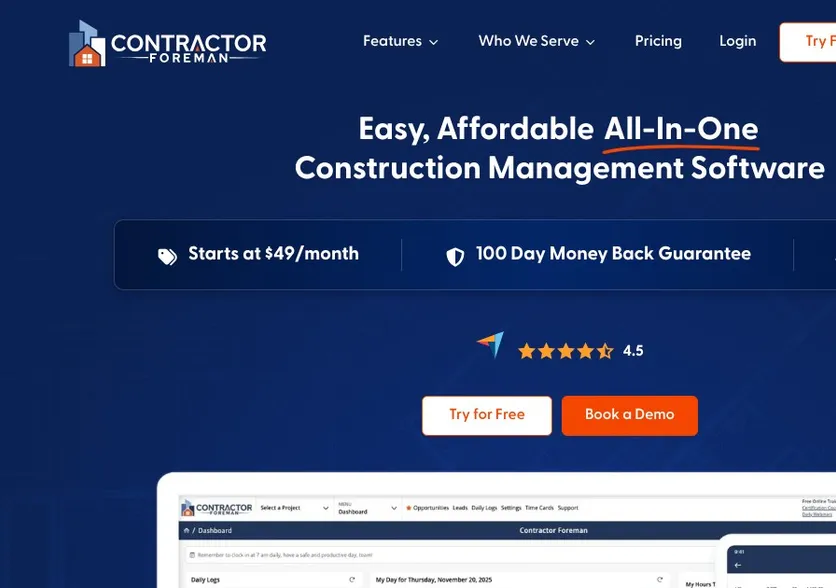
Paid tool Starting price: $49/month · Forty-nine dollars a month billed annually for the Basic plan with one user; Standard costs one hundred five dollars a month, Plus one hundred sixty-six dollars and Pro two hundred twenty-one dollars a month
Free plan: No free plan; free trial available
Contractor Foreman is the construction-first platform that pairs estimating and scheduling with the client record, so a bid, a crew and an invoice all live on the same job. This Contractor Foreman Basic plan costs forty-nine dollars a month billed annually for one user and covers the core job workflow. A builder who prices, schedules and bills from one login stops retyping job details between tools.
What we like
- Estimating, scheduling and billing on one job record
- Built for construction, not adapted from generic sales
- Lowest entry price of the construction-first tools here
Watch out for
- Basic covers one user, so a crew of foremen pays for extra seats
- Smaller ecosystem of third-party integrations than the big CRMs
How to try it
- Open the Contractor Foreman site and start the free trial
- Set up your services, price lists and crew calendars
- Build an estimate, send it to a client and turn it into a scheduled job
2. HubSpot
Best for: Construction firms that mainly need a strong sales pipeline with a free starting tier
Paid tool Starting price: $20/seat/month · Twenty dollars a seat a month for the Sales Hub Starter plan; HubSpot also lists a lower new-customer rate, so confirm the current list price before you buy
Free plan: Free plan available
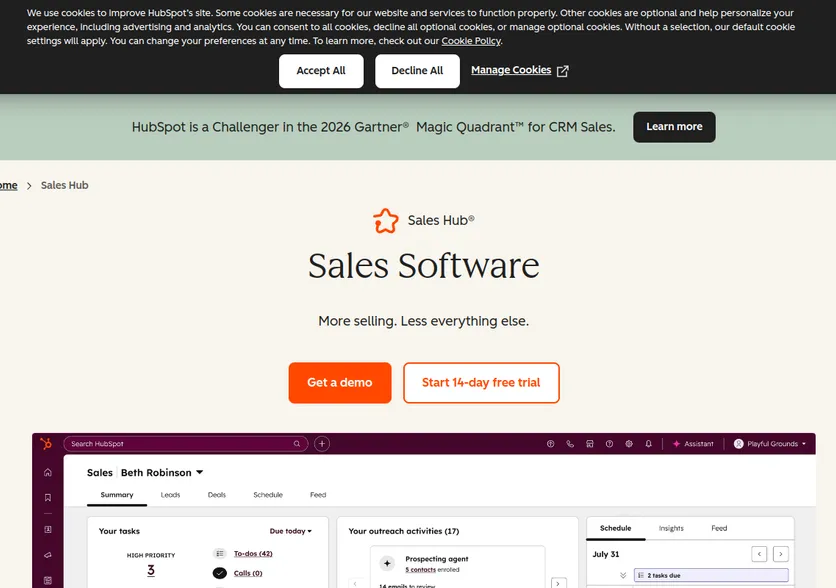
HubSpot Sales Hub is the general CRM most construction firms reach for when the job is mainly sales, with a free plan and a pipeline that tracks every bid from first call to signed contract. This HubSpot Sales Hub Starter plan costs twenty dollars a seat a month and adds meeting booking and simple automation to the free CRM. A firm that chases leads across phone, email and site visits gets one shared record for the whole team.
What we like
- Free CRM plan covers contacts, deals and the pipeline
- Huge integration library for estimating and accounting tools
- Clean interface that office staff learn in a day
Watch out for
- No estimating or scheduling, so job costing lives in another tool
- Costs climb fast once you add seats and higher tiers
How to try it
- Open the HubSpot Sales Hub page and create the free CRM account
- Import your contacts and set up a deal pipeline for bids
- Connect your inbox and log calls against each deal
3. JobTread
Best for: Builders who price by the job and need costing beside the schedule
Paid tool Starting price: $199/month · One hundred ninety-nine dollars a month for the base plan with one internal user, or one hundred fifty-nine dollars a month billed annually; each extra user costs twenty dollars a month for users two to ten
Free plan: No free plan; free trial available
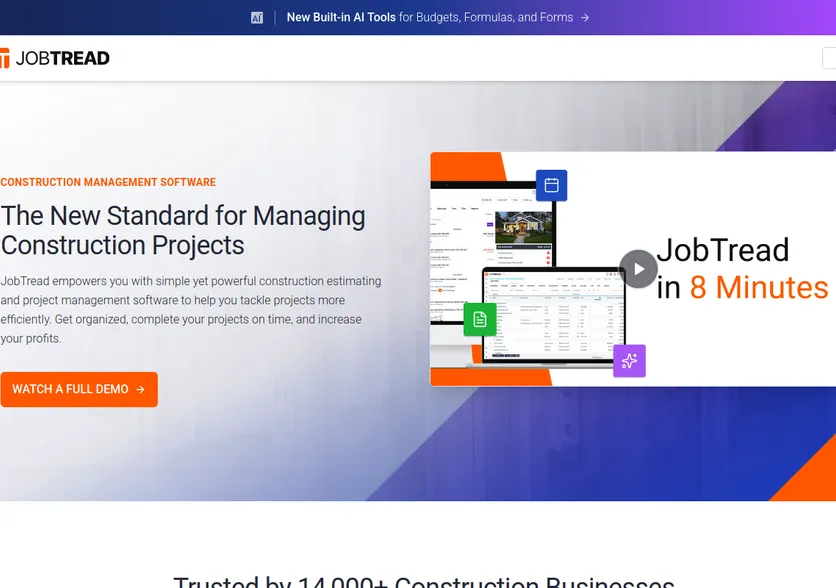
JobTread is the job-costing platform that keeps budgets, change orders and schedules on the same record, so a builder always knows whether a job is making money. This JobTread base plan costs one hundred ninety-nine dollars a month and includes one internal user with the full estimating and project workflow. A firm that wins work on tight margins gets cost tracking from the first estimate to the final invoice.
What we like
- Job costing and budgets built into the CRM record
- Change orders flow straight into the job budget
- Clear view of profit on every job in progress
Watch out for
- Highest starting price in this list, so small firms should trial first
- Per-user add-ons add up once the whole office logs in
How to try it
- Open the JobTread site and start the free trial
- Set up your cost codes, price lists and job templates
- Build a budget for a live job and track costs against it
4. Salesforce
Best for: Large construction groups that need deep reporting and a CRM that scales across divisions
Paid tool Starting price: $25/user/month · Twenty-five dollars a user a month for the Starter Suite billed annually; Pro Suite costs one hundred dollars a user a month and Core costs one hundred ninety-five dollars a user a month
Free plan: No free plan; 30-day free trial
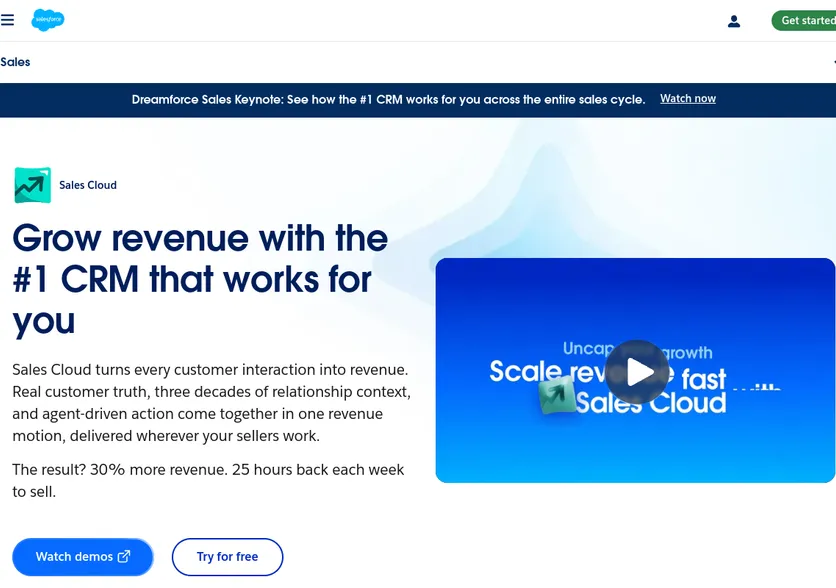
Salesforce Sales Cloud is the enterprise CRM for construction groups that run several divisions and need reporting no smaller tool can match. This Salesforce Starter Suite costs twenty-five dollars a user a month billed annually and covers leads, deals and the pipeline. A group that tracks bids across regions gets one system with the reporting depth to compare them fairly.
What we like
- Deepest reporting and forecasting in this list
- Scales from one office to many divisions
- Largest integration marketplace of any CRM here
Watch out for
- No construction features, so estimating needs a separate tool
- Setup takes longer than the smaller CRMs in this list
How to try it
- Open the Salesforce Sales Cloud pricing page and start the trial
- Set up your bid pipeline and lead sources
- Build a report that compares win rates across divisions
5. Pipedrive
Best for: Small builders who want a visual pipeline that the whole team actually updates
Paid tool Starting price: $14/seat/month · Fourteen dollars a seat a month billed annually for the Lite plan; Growth costs thirty-nine dollars, Premium fifty-nine dollars and Ultimate seventy-nine dollars a seat a month
Free plan: No free plan; 14-day free trial
Pipedrive is the visual pipeline CRM that keeps every bid moving through clear stages, so a builder sees at a glance which jobs need chasing this week. This Pipedrive Lite plan costs fourteen dollars a seat a month billed annually and covers the pipeline, activities and basic reporting. A small firm that lives or dies by follow-up gets a diary that nudges the next call before a bid goes cold.

What we like
- Clearest visual pipeline of the general CRMs here
- Follow-up reminders keep bids from going cold
- Simple enough that site staff update it without training
Watch out for
- No estimating, scheduling or job costing built in
- Automation and reporting sit on the higher plans
How to try it
- Open the Pipedrive site and start the 14-day trial
- Build a pipeline with stages for quote, site visit and signed job
- Add your open bids and set a follow-up activity on each one
6. Zoho CRM
Best for: Budget-conscious builders who want a full CRM with email and workflow tools included
Paid tool Starting price: $14/user/month · Fourteen dollars a user a month billed annually for the Standard plan, or twenty dollars a user a month billed monthly
Free plan: Free plan available
Zoho CRM is the low-cost all-rounder that bundles email, workflows and pipeline tracking at a price smaller builders can justify. This Zoho CRM Standard plan costs fourteen dollars a user a month billed annually and adds workflow rules and sales forecasting to the free edition. A firm that wants one system for leads, quotes and follow-up gets it without the enterprise price tag.

What we like
- Free edition covers the basics for a solo builder
- Workflow rules and forecasting on the Standard plan
- Wide range of add-ons for estimating and accounting
Watch out for
- No construction-specific tools, so job tracking needs add-ons
- Interface feels busier than the simpler pipeline CRMs
How to try it
- Open the Zoho CRM site and create the free account
- Import your leads and set up a pipeline for bids
- Turn on a workflow that reminds you to follow up each quote
7. Freshsales
Best for: Small construction firms that want AI lead scoring at the lowest paid price here
Paid tool Starting price: $9/user/month · Nine dollars a user a month billed annually for the Growth plan; Pro costs thirty-nine dollars and Enterprise fifty-nine dollars a user a month, with a fourteen-day trial
Free plan: Free plan available
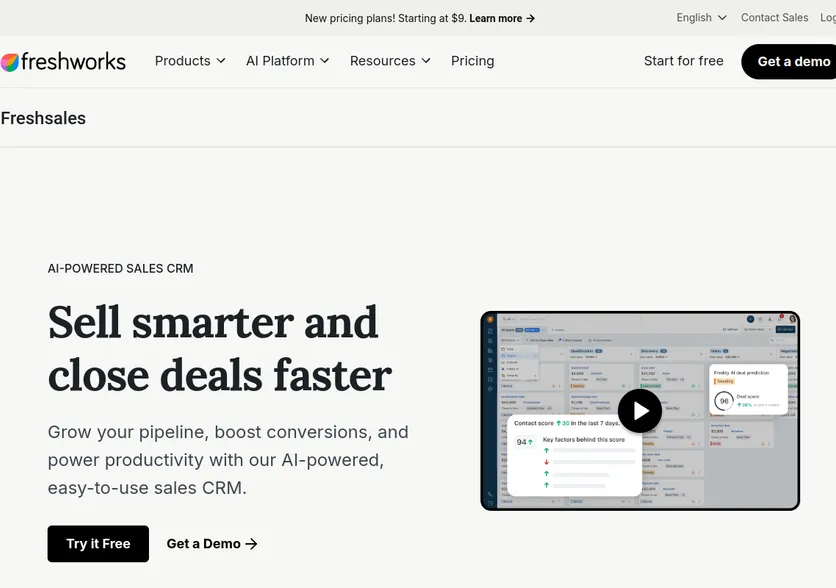
Freshsales is the cheapest paid CRM in this comparison, pairing a visual pipeline with AI lead scoring and built-in phone and email. This Freshsales Growth plan costs nine dollars a user a month billed annually and covers the pipeline, campaigns and basic automation. A small firm that answers its own phones gets calling, email and the deal record in one login.
What we like
- Lowest paid price in this list at nine dollars a user
- Built-in phone and email beside the pipeline
- AI lead scoring flags the bids worth chasing first
Watch out for
- No estimating or scheduling, so job work lives elsewhere
- Smaller integration library than HubSpot or Salesforce
How to try it
- Open the Freshsales site and create the free account
- Import your contacts and build a pipeline for open bids
- Turn on lead scoring and connect your phone line
8. monday CRM
Best for: Construction teams that plan work on visual boards and want the CRM beside the schedule
Paid tool Starting price: $12/seat/month · Twelve dollars a seat a month billed annually for the Basic plan, or eighteen dollars a seat a month billed monthly, with a three-seat minimum
Free plan: No free plan; 14-day free trial
monday CRM is the board-based CRM that turns the pipeline into a visual board, so a builder sees every bid, crew and deadline in one colourful view. This monday CRM Basic plan costs twelve dollars a seat a month billed annually and covers contacts, deals and the pipeline boards. A team that already plans jobs on boards gets the client record in the same view as the work.
What we like
- Visual boards suit teams that plan work by the week
- Automations move deals along without manual updates
- Dashboards show the pipeline beside the schedule
Watch out for
- Three-seat minimum, so a solo builder pays for three seats
- No construction features, so estimates need a separate tool
How to try it
- Open the monday CRM page and start the 14-day trial
- Build a board with stages for lead, quote and signed job
- Add your open bids and set a status column for each stage
Prices above were checked on each vendor’s own website on Nov 27, 2026 and can change — the vendor’s page is the final word. Vendor links are editorial: nobody paid to be listed or ranked here. Vendors who want a featured listing can see how it works on our Get listed page.
What a construction CRM costs in 2026
Construction CRMs split into two price bands. General sales CRMs run from nine to twenty-five dollars a user a month and cover the pipeline well, but they need add-ons or workarounds for estimates and schedules. Construction-first tools start near fifty dollars a month and climb past two hundred, and they earn the premium by keeping the bid, the schedule and the invoice on one record.
Start with a trial on two tools and run one live job through each, from first estimate to final invoice. Check that the mobile app holds up on site, that a change order reaches the client without a phone call, and that the office can see where every crew is without ringing the foreman. Pick the tool whose daily workflow your team actually follows, because a CRM nobody opens on site is just an expensive address book.
Before you buy
- Check that estimates, change orders and invoices share one client record, because retyping job details across tools creates billing mistakes.
- Confirm the mobile app works offline on site, because crews lose signal in basements and new builds.
- Ask whether the price covers every user, because per-seat billing multiplies fast once foremen and office staff all log in.
- Test the scheduling view with a real crew week, because a diary that cannot move a job in one drag slows the dispatcher.
- Check how estimates turn into invoices, because a CRM that cannot bill the job leaves the office copying figures by hand.
Official websites
Official websites of the products reviewed above. Features and prices were checked against these sites when this guide was written, and they can change, so confirm on the vendor site before you buy.
Frequently asked questions
Which CRM is best for construction companies in 2026?
Contractor Foreman is the best overall pick at forty-nine dollars a month, because it was built for builders and pairs estimating, scheduling and client records in one login. JobTread is the best choice for firms that price by the job and need costing beside the schedule. HubSpot is the best budget pick, with a free plan and a twenty-dollar Starter plan for firms that mainly need a sales pipeline.
How much does construction CRM software cost?
Prices in this list run from nine dollars a user a month for Freshsales to one hundred ninety-nine dollars a month for JobTread, with most general CRMs landing between twelve and twenty-five dollars a user a month. Construction-first tools cost more because they add estimating, scheduling and change orders beside the pipeline. Add extra seats and the mobile app to the subscription before you compare totals.
Do construction firms need a construction-specific CRM?
A general CRM works when the job is mostly sales, because the pipeline, calls and quotes are the same in any trade. A construction-specific tool pays off once estimates, change orders and crew schedules drive the day, since those live beside the client record instead of in a separate system. Firms that bill by the job usually outgrow a general CRM within a year.
Can a small builder start on a free CRM?
Yes, HubSpot and Zoho CRM both offer free plans, and Freshsales has a free tier for small teams, so a solo builder can start without paying. Free plans limit users, contacts or automation, so check the caps before you rely on them. Most builders move to a paid plan once the crew grows and estimates need tracking beside the pipeline.
What should a construction CRM track besides contacts?
It should track bids, estimates, change orders, schedules and invoices against the same client record, so the office sees the whole job without opening five tools. Photo logs, daily reports and crew assignments matter on site, and a mobile app that works offline keeps the record current. A CRM that only stores contacts leaves the real job tracking to spreadsheets.
Need more everyday business help? Try Toolsvine's free business tools right in your browser.
Browse Business Tools tools