
On this page
Freelancers do not need an enterprise sales machine. They need one place where every lead, invoice follow-up, and past client lives, without a monthly bill that eats the profit. Pipedrive tops this list because its visual pipeline matches how solo sellers actually work, but the cheapest fit depends on where your clients live. We checked nine paid CRMs on their own pricing pages and compared free plans, automation, and the real monthly cost for one person.
How we researched this
We read each vendor pricing page on November 26, 2026 and kept only tools with a published starting price and a plan a solo operator can actually buy. We then weighed the free plan, email and automation tools, and how fast a freelancer can set up a pipeline without hiring help.
Compare the tools
| Name | Best for | Starting price | Free plan | |
|---|---|---|---|---|
 HubSpot Sales Hub | Freelancers who want a free CRM core with room to grow | $20/seat/month | Free CRM with unlimited contacts | Visit |
 Zoho CRM | Budget freelancers who want deep features cheap | $14/user/month | Free for up to 3 users | Visit |
 Pipedrive | Visual sellers who live in their pipeline | $14/seat/month | 14-day free trial, no free plan | Visit |
 Freshsales | Freelancers who want AI lead scoring on a budget | $9/user/month | Free for up to 3 users | Visit |
 Capsule CRM | Solo operators who want a simple shared contact list | $18/user/month | Free for up to 2 users | Visit |
 Streak | Freelancers who run their whole business from Gmail | $49/user/month | Free plan with basic pipeline tools | Visit |
 Monday CRM | Visual planners who want boards instead of forms | $12/seat/month | 14-day free trial, no free plan | Visit |
 Less Annoying CRM | Freelancers who want the simplest CRM on the market | $15/user/month | 30-day free trial, no free plan | Visit |
 Nutshell | Freelancers who want built-in email and reporting | $13/user/month | 14-day free trial, no free plan | Visit |
The 9 best CRM tools for freelancers
1. HubSpot Sales Hub
Best for: Freelancers who want a free CRM core with room to grow
Paid tool Starting price: $20/seat/month · Sales Hub Starter list price; new-customer offers drop it for the first year
Free plan: Free CRM with unlimited contacts
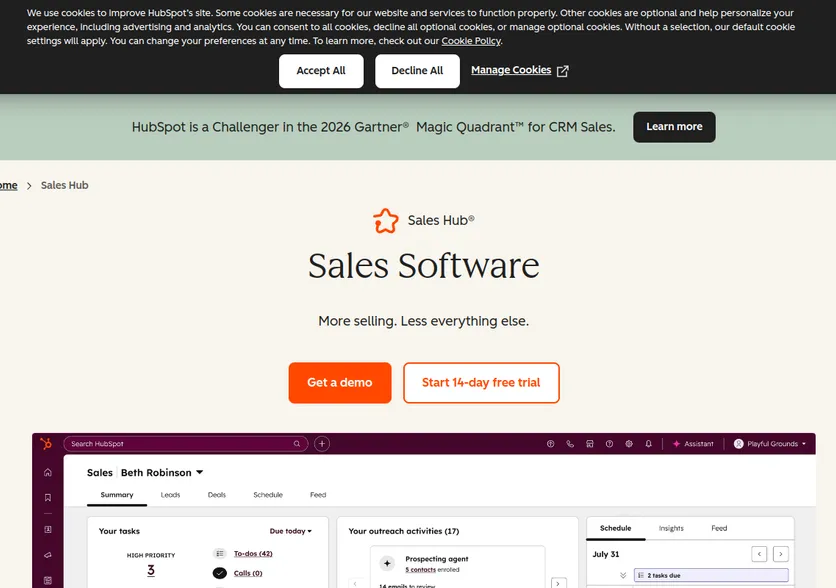
HubSpot Sales Hub is the safe starting point for a freelancer who wants a real CRM without paying on day one. This HubSpot Sales Hub plan adds email tracking, meeting booking, and deal pipelines on top of a free contact database that never expires. The trade-off is price creep, since the tools you will want most sit on higher tiers.
What we like
- Generous free CRM with no time limit
- Clean interface that needs no training
- Huge integration library for invoicing tools
Watch out for
- Paid tiers climb fast as you add seats
- Key automation sits above the Starter plan
How to try it
- Sign up for the free CRM and import your contacts from a spreadsheet
- Build one deal pipeline with stages that match your sales process
- Connect your inbox so emails and meetings log themselves
2. Zoho CRM
Best for: Budget freelancers who want deep features cheap
Paid tool Starting price: $14/user/month · Standard plan billed annually; $20 a user on monthly billing
Free plan: Free for up to 3 users
Zoho CRM packs the most features per dollar of any tool on this list, which is why it suits freelancers watching every expense. This Zoho CRM Standard plan covers workflows, email campaigns, and sales forecasting for less than a lunch out each month. The interface feels dense at first, but the depth pays off once your client list grows past a few dozen names.

What we like
- Very low price for the feature set
- Built-in email marketing and social tools
- Scales from solo use to small teams
Watch out for
- Interface takes a week to feel natural
- Some features hide behind confusing menus
How to try it
- Start the free plan and add your active clients as contacts
- Turn on the Standard trial to test workflows and email templates
- Set up one workflow that nudges you when a deal goes quiet
3. Pipedrive
Best for: Visual sellers who live in their pipeline
Paid tool Starting price: $14/seat/month · Lite plan billed annually
Free plan: 14-day free trial, no free plan
Pipedrive is built around one idea: a deal should move across a board until it closes, and everything else should stay out of the way. This Pipedrive Lite plan gives you that board plus email sync, activity reminders, and a mobile app that keeps the pipeline in your pocket. It is the fastest CRM to learn here, though it leans on add-ons for marketing depth.

What we like
- The clearest pipeline view in this price range
- Sets up in an afternoon with no consultant
- Strong mobile app for on-the-go selling
Watch out for
- Marketing tools cost extra as add-ons
- Reporting is thin on the Lite plan
How to try it
- Create a pipeline with the stages your clients actually pass through
- Import contacts and drag each open deal to its current stage
- Turn on email sync and set a next activity for every deal
4. Freshsales
Best for: Freelancers who want AI lead scoring on a budget
Paid tool Starting price: $9/user/month · Growth plan billed annually
Free plan: Free for up to 3 users
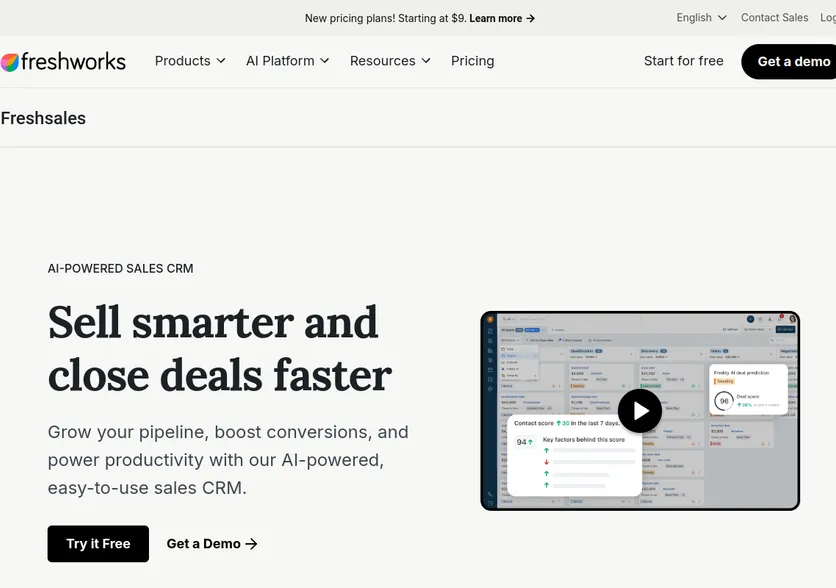
Freshsales is the cheapest paid CRM here that still feels like a modern sales tool rather than a contact list. This Freshsales Growth plan adds AI lead scoring, built-in phone, and email sequences that save hours of follow-up each week. It is a strong pick if you chase a lot of inbound leads, though the interface can feel busy on small screens.
What we like
- Lowest paid price with real AI features
- Built-in phone and email in one place
- Free plan covers three users
Watch out for
- Mobile app lags behind the desktop version
- Advanced reports need a higher tier
How to try it
- Import your leads and let the AI score rank them by intent
- Set up one email sequence for new inquiries
- Log calls in the built-in phone tool instead of a separate app
5. Capsule CRM
Best for: Solo operators who want a simple shared contact list
Paid tool Starting price: $18/user/month · Starter plan billed annually
Free plan: Free for up to 2 users
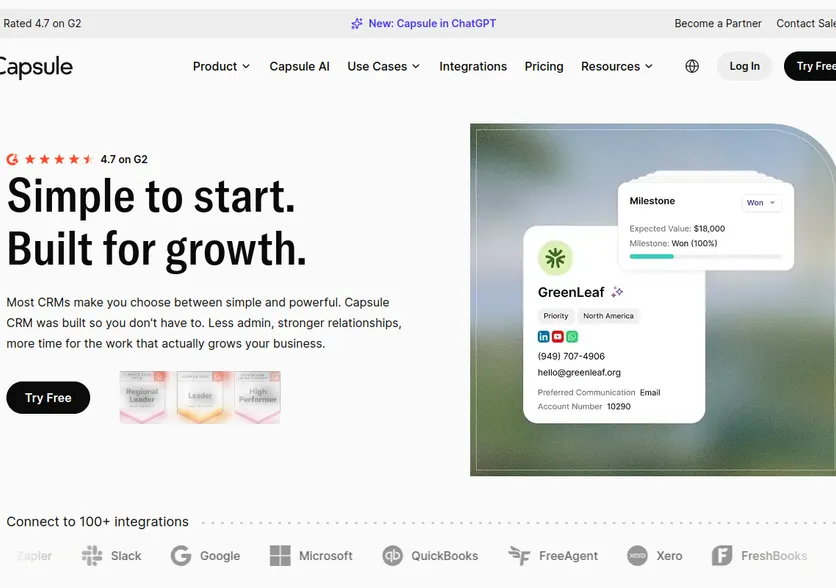
Capsule CRM is the quiet tool on this list, built for people who want contacts, tasks, and history in one calm place. This Capsule CRM Starter plan keeps every email, note, and file attached to the right person without a maze of settings. It will not impress anyone hunting for automation, but it is the easiest CRM here to keep tidy for years.
What we like
- Beautifully simple and hard to mess up
- Great contact history timeline
- Fair price with no surprise add-ons
Watch out for
- Automation is basic at best
- No built-in phone or email marketing
How to try it
- Add your clients and link their past emails to each record
- Create a task list for this week follow-ups
- Use tags to separate prospects, clients, and past clients
6. Streak
Best for: Freelancers who run their whole business from Gmail
Paid tool Starting price: $49/user/month · Pro plan billed annually; $59 a user on monthly billing
Free plan: Free plan with basic pipeline tools
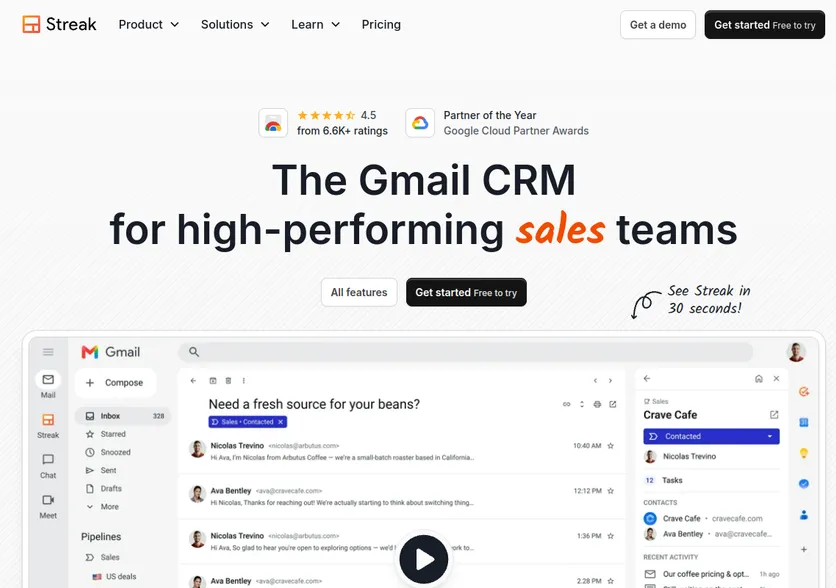
Streak turns Gmail itself into your CRM, so you never open a second app to track a deal or a client. This Streak Pro plan adds unlimited pipelines, mail merge, and email tracking right inside your inbox. It is the priciest tool here, but for Gmail-first freelancers it removes the friction that kills every other CRM.
What we like
- Lives inside Gmail, so adoption is instant
- Mail merge and tracking built in
- Flexible pipelines for any workflow
Watch out for
- Expensive for a single user
- Useless if you do not use Gmail
How to try it
- Install Streak and turn one inbox folder into a pipeline
- Add your active deals as rows and set a follow-up date for each
- Send a mail merge to past clients from inside Gmail
7. Monday CRM
Best for: Visual planners who want boards instead of forms
Paid tool Starting price: $12/seat/month · Basic plan billed annually; 3-seat minimum means a $36 monthly floor
Free plan: 14-day free trial, no free plan
Monday CRM treats your sales process like a board you can see, sort, and color-code until it makes sense. This Monday CRM Basic plan gives you unlimited boards, contact records, and a mobile app that mirrors the desktop view. The three-seat minimum stings for a solo freelancer, but teams of three will find the price hard to beat.

What we like
- Beautiful boards that are fun to use
- Huge template library for sales
- Strong mobile app and automations on higher tiers
Watch out for
- Three-seat minimum hurts solo buyers
- Basic plan has no automations
How to try it
- Pick the sales template and rename the columns to your stages
- Add your deals and set a value and close date for each
- Invite a collaborator or assistant to share the board
8. Less Annoying CRM
Best for: Freelancers who want the simplest CRM on the market
Paid tool Starting price: $15/user/month · Single flat price with no tiers or add-ons
Free plan: 30-day free trial, no free plan
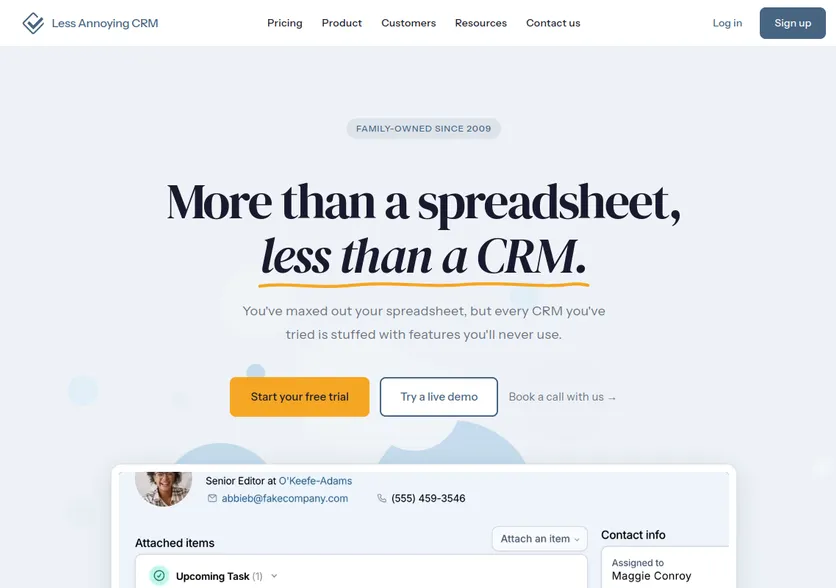
Less Annoying CRM does exactly what its name promises: it stays out of your way and reminds you to call people back. This Less Annoying CRM plan includes every feature for one flat price, with a calendar-first layout that suits daily follow-up work. It is the least powerful tool here, yet for many freelancers that restraint is the whole point.
What we like
- One price, every feature included
- Calendar-first design keeps follow-ups visible
- Free US-based support by phone
Watch out for
- No marketing automation at all
- Dated design compared with rivals
How to try it
- Add your contacts and set a next-contact date for each one
- Check the daily agenda each morning and work the list
- Log notes after every call so nothing slips
9. Nutshell
Best for: Freelancers who want built-in email and reporting
Paid tool Starting price: $13/user/month · Foundation plan billed annually; $19 a user on monthly billing
Free plan: 14-day free trial, no free plan
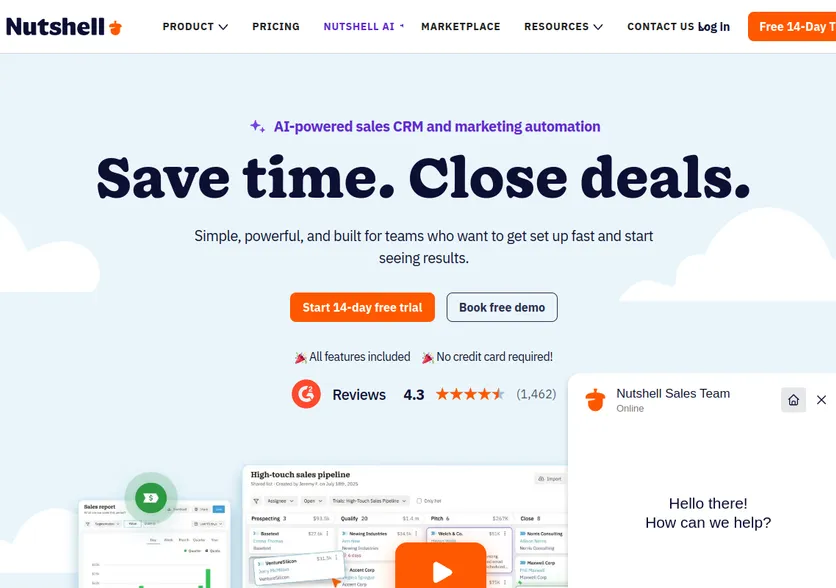
Nutshell is the all-rounder of this list, with email, reporting, and a clean pipeline for less than most rivals charge. This Nutshell Foundation plan covers unlimited contacts, email sync, and sales reports that show where deals stall. It lacks the brand fame of bigger CRMs, but the value per dollar is hard to argue with.
What we like
- Email and reporting included at the base price
- Clean design with a short learning curve
- Good value against bigger-name rivals
Watch out for
- Smaller integration library than HubSpot
- AI features are limited
How to try it
- Import contacts and connect your email in one setup flow
- Build a pipeline and add your open deals
- Check the weekly report to see which stage loses the most deals
Prices above were checked on each vendor’s own website on Nov 26, 2026 and can change — the vendor’s page is the final word. Vendor links are editorial: nobody paid to be listed or ranked here. Vendors who want a featured listing can see how it works on our Get listed page.
How to pick a CRM when you work solo
How to pick a CRM when you work solo
Start with your follow-up habit, not the feature list. If you chase five leads a week, a simple board and a reminder system will beat a heavy platform you never open. Count the real monthly cost too, since seat minimums and add-ons can double the headline price. Try the free plan for two full weeks with real client data before you pay anything.
Next, check the exit. Export your contacts and deals before you commit, and make sure the export includes notes and history. A CRM should make leaving easy, because the tool that locks you in is the one that stops serving you.
Before you buy
- Does the free plan cover your real contact count, or will you hit the cap in month one?
- Is there a seat minimum that makes a solo subscription cost more than the headline price?
- Can you export contacts, notes, and deal history without paying for a higher tier?
- Does email sync work with the inbox you actually use every day?
- Will you open it daily, or is the interface so heavy that you will avoid it?
Official websites
Official websites of the products reviewed above. Features and prices were checked against these sites when this guide was written, and they can change, so confirm on the vendor site before you buy.
Frequently asked questions
What is the best CRM for a freelancer just starting out?
Start with a free plan from HubSpot or Freshsales and move to a paid tier only when you outgrow the limits. A freelancer with fewer than thirty active clients rarely needs automation or advanced reporting, so the free tools cover the first months. Pay for Pipedrive or Freshsales once follow-ups start slipping through the cracks, since that is the moment a pipeline earns its price.
How much should a freelancer pay for a CRM each month?
Most solo operators do fine between nine and twenty dollars a month, which covers Freshsales, Nutshell, Zoho, or Pipedrive. Watch for seat minimums, since Monday CRM charges for three seats even if you work alone, which lifts the real floor to thirty-six dollars. Streak is the exception at forty-nine dollars, and it only makes sense if you live inside Gmail all day.
Do I need a CRM if I only have a few clients?
Yes, because a CRM is really a follow-up system, and even ten clients generate enough loose ends to lose money. A simple tool like Less Annoying CRM or Capsule keeps every promise, invoice, and check-in in one place. The cost of one forgotten follow-up usually exceeds a whole year of the cheapest plan on this list.
Can I switch CRMs later without losing my data?
Yes, every tool on this list lets you export contacts and deals as a spreadsheet, though notes and email history sometimes export less cleanly. Before you commit, run a test export from the trial account and check that the file opens with names, emails, and deal values intact. Keep a monthly export as a backup habit, since it also protects you if a vendor changes its pricing.
Is HubSpot really free for freelancers?
HubSpot CRM is free with unlimited contacts, and the free tier includes deal pipelines, email tracking, and meeting booking. The catch is that useful extras like automation, sequences, and advanced reports sit on paid Sales Hub tiers that start at twenty dollars a seat. Many freelancers stay free for a year, then pay only when the free tools start slowing them down.
Pick the free plan that fits your client count, run it for two weeks, then pay for the pipeline that saves you the most follow-ups.
Browse Business Tools tools


