
On this page
Sales teams live or die by the pipeline, and a CRM that every rep updates daily turns guesswork into a forecast you can trust. The nine tools below run from nine dollars a user a month to about thirty-five dollars a user a month, and every price was checked on the vendor site on November 26, 2026. Most include pipelines, email tracking and calling, so compare the workflow and the price rather than the feature list alone. HubSpot is our first pick — the sales CRM a team can start for free and keep forever.
How we researched this
We started with the CRM tools sales teams actually buy, then read each price on the vendor pricing page on November 26, 2026 and noted the free plan or trial each plan carries. We judged them for a sales team that needs pipelines, email tracking and calling in one login, and we kept only tools with a published price. Quote-only enterprise suites were left out, because a sales team cannot compare a price that is not published.
Compare the tools
| Name | Best for | Starting price | Free plan | |
|---|---|---|---|---|
 HubSpot | Sales teams that want a free CRM with pipelines, email tracking and calling | $20/seat/month | Free CRM for up to 2 users | Visit |
 Freshsales | Sales teams that want a modern pipeline at a low price with AI lead scoring | $9/user/month | No free plan; 21-day free trial | Visit |
 Monday Sales CRM | Sales teams that think in boards and want every deal as a draggable card | $12/seat/month | No free plan; 14-day free trial | Visit |
 Pipedrive | Sales teams that live in the pipeline and want the deal flow at a glance | $14/user/month | No free plan; 14-day free trial | Visit |
 Zoho CRM | Sales teams that want full pipeline depth at a low price with AI assistance | $14/user/month | Free plan for up to 3 users | Visit |
 Copper | Sales teams that live in Gmail and want the CRM inside the inbox | $23/user/month | No free plan; free trial available | Visit |
 Salesforce Sales Cloud | Sales teams that plan to scale and want the deepest pipeline and forecasting | $25/user/month | Free Suite for up to 2 users | Visit |
 Insightly | Sales teams that also manage projects and want the handoff in one system | $29/user/month | No free plan; 14-day free trial | Visit |
 Close | Sales teams that sell by phone and email and want calling built into every deal | $35/user/month | No free plan; 14-day free trial | Visit |
The CRM software for sales teams, compared
1. HubSpot
Best for: Sales teams that want a free CRM with pipelines, email tracking and calling
Paid tool Starting price: $20/seat/month · Sales Hub Starter $20 a seat a month; Professional $90 and Enterprise $150 a seat a month billed annually; a first-year promotion is not the list price
Free plan: Free CRM for up to 2 users
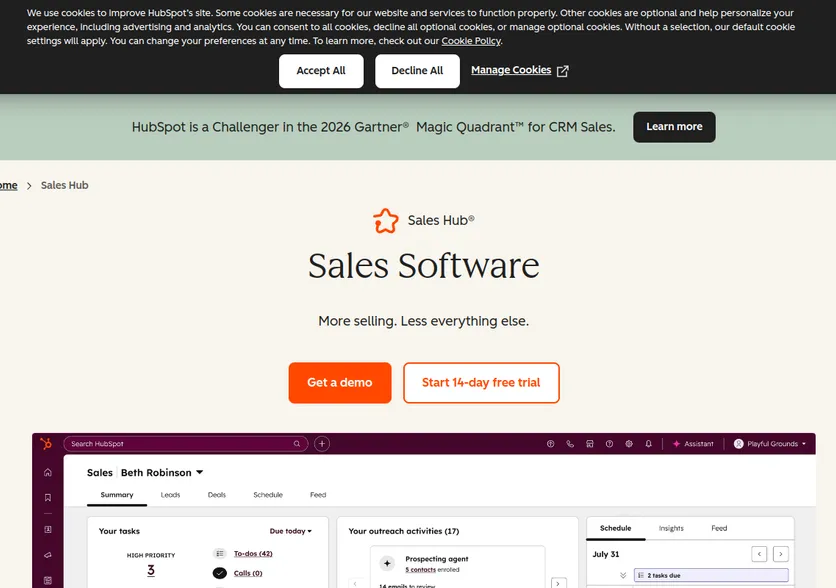
HubSpot is the sales CRM a team can start for free and keep forever, with pipelines, email tracking and calling built into the free plan. This HubSpot Sales Hub Starter plan costs twenty dollars a seat a month and adds meeting scheduling and simple automation, so a small team can run its whole sales process without a spreadsheet.
What we like
- Free CRM for up to two users
- Pipelines, email tracking and calling built in
- Same platform scales from free to enterprise
Watch out for
- Starter is twenty dollars a seat a month
- Onboarding fees apply on the higher plans
How to try it
- Open the HubSpot pricing page and claim the free CRM
- Build a pipeline with stages that match your sales process
- Connect your email and check that every conversation is tracked
2. Freshsales
Best for: Sales teams that want a modern pipeline at a low price with AI lead scoring
Paid tool Starting price: $9/user/month · Growth plan $9 a user a month billed annually; Pro $39 and Enterprise $59 a user a month
Free plan: No free plan; 21-day free trial
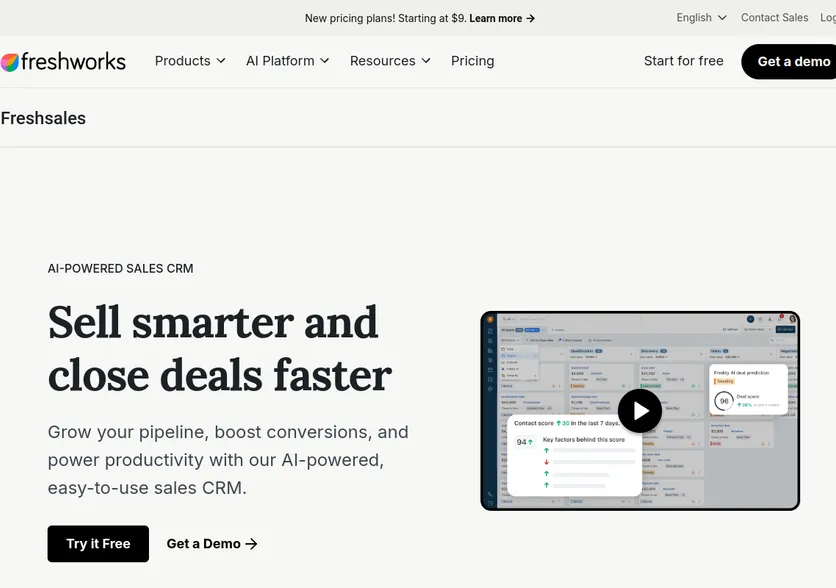
Freshsales is the sales CRM for teams that want a modern pipeline at a low price, with AI lead scoring on the Pro plan. This Freshsales Growth plan costs nine dollars a user a month billed annually and covers pipelines, email and calling, so a small team gets a real sales CRM for less than a lunch.
What we like
- Growth is nine dollars a user a month
- AI lead scoring on the Pro plan
- Pipelines, email and calling built in
Watch out for
- No free plan, so the trial is the only test
- Smaller integration ecosystem than Salesforce
How to try it
- Open the Freshsales pricing page and start the free trial
- Build a pipeline and add your first deals
- Turn on AI lead scoring and check it against your pipeline
3. Monday Sales CRM
Best for: Sales teams that think in boards and want every deal as a draggable card
Paid tool Starting price: $12/seat/month · Basic plan $12 a seat a month billed annually; Standard $17 and Pro $28 a seat a month; 3-seat minimum
Free plan: No free plan; 14-day free trial
Monday Sales CRM is the visual CRM for sales teams that think in boards, because every deal is a card you can drag. This Monday Sales CRM Basic plan costs twelve dollars a seat a month billed annually and covers pipelines, contacts and email tracking, so a team that hates spreadsheets can run sales from a board.

What we like
- Visual boards make the pipeline obvious
- Email tracking built into every deal
- Easy to shape around your sales process
Watch out for
- Three-seat minimum on every plan
- No free plan, only a fourteen-day trial
How to try it
- Open the Monday pricing page and start the free trial
- Build a board with stages that match your sales process
- Drag a deal across the board and check the record updates
4. Pipedrive
Best for: Sales teams that live in the pipeline and want the deal flow at a glance
Paid tool Starting price: $14/user/month · Essential plan $14 a user a month billed annually; Advanced, Professional, Power and Enterprise plans run higher
Free plan: No free plan; 14-day free trial
Pipedrive is the sales CRM for teams that live in the pipeline, with a board that shows every deal and its next step at a glance. This Pipedrive Essential plan costs fourteen dollars a user a month billed annually and covers pipelines, email tracking and activity reminders, so no deal goes quiet.

What we like
- Pipeline board shows every deal at a glance
- Activity reminders keep deals moving
- Simplest CRM to learn in this list
Watch out for
- Essential is fourteen dollars a user a month
- Reporting depth trails Salesforce
How to try it
- Open the Pipedrive pricing page and start the free trial
- Build a pipeline board and add your first deals
- Set an activity reminder and check it fires on time
5. Zoho CRM
Best for: Sales teams that want full pipeline depth at a low price with AI assistance
Paid tool Starting price: $14/user/month · Standard plan $14 a user a month billed annually; Professional $23, Enterprise $40 and Ultimate $52 a user a month
Free plan: Free plan for up to 3 users
Zoho CRM is the sales CRM for teams that want full pipeline depth at a low price, with AI assistance from the Professional plan up. This Zoho CRM Standard plan costs fourteen dollars a user a month billed annually and covers pipelines, email and forecasting, so a small team gets enterprise depth without the enterprise bill.

What we like
- Full pipeline depth at fourteen dollars a user a month
- AI assistance on the Professional plan
- Free plan for up to three users
Watch out for
- Interface feels busier than simpler CRMs
- Some features need the higher plans
How to try it
- Open the Zoho CRM pricing page and start the free trial
- Build a pipeline and add your first deals
- Turn on the AI assistant and check its suggestions
6. Copper
Best for: Sales teams that live in Gmail and want the CRM inside the inbox
Paid tool Starting price: $23/user/month · Basic plan $23 a user a month billed annually; Professional $59 and Business $99 a user a month; monthly rates are higher
Free plan: No free plan; free trial available
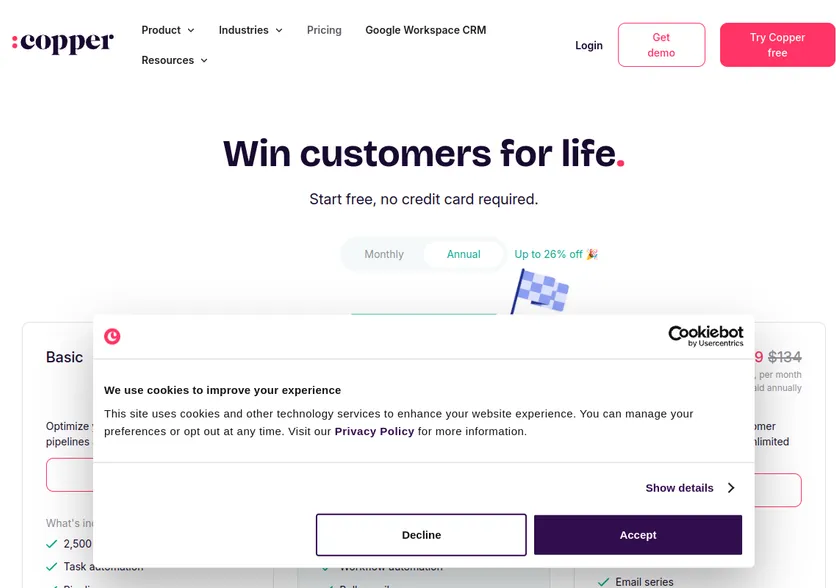
Copper is the sales CRM for teams that live in Gmail, because it turns the inbox into the pipeline without a separate window. This Copper Basic plan costs twenty-three dollars a user a month billed annually and covers pipelines, email tracking and contact management, so a deal updates itself from the inbox.
What we like
- Built into Gmail and Google Workspace
- Inbox becomes the pipeline
- Simple setup for small teams
Watch out for
- Basic is twenty-three dollars a user a month
- Best value only for Google shops
How to try it
- Open the Copper pricing page and start the free trial
- Connect your Gmail and import your contacts
- Send an email and check the deal record updates
7. Salesforce Sales Cloud
Best for: Sales teams that plan to scale and want the deepest pipeline and forecasting
Paid tool Starting price: $25/user/month · Starter Suite $25 a user a month; Pro Suite $100, Core $195, Advanced $395 and Max $550 a user a month, billed annually except Starter
Free plan: Free Suite for up to 2 users
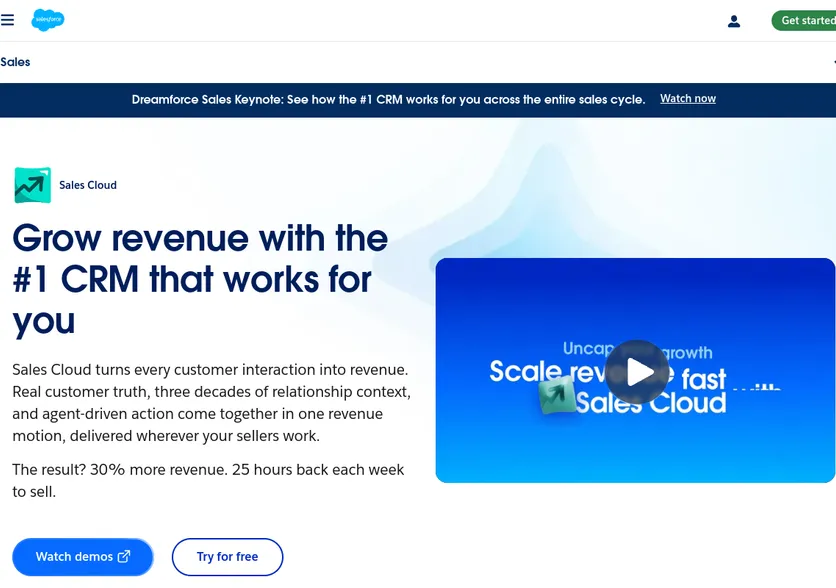
Salesforce Sales Cloud is the sales CRM for teams that plan to scale, with the deepest pipeline and forecasting of any tool here. This Salesforce Sales Cloud Starter Suite costs twenty-five dollars a user a month and gives a small team the core pipeline, while the higher suites add the forecasting and AI that large teams run on.
What we like
- Deepest pipeline and forecasting here
- Scales from small team to global sales org
- Largest integration ecosystem of any CRM
Watch out for
- Higher suites climb to hundreds of dollars a user
- Setup and training take longer than simpler CRMs
How to try it
- Open the Salesforce pricing page and start the free trial
- Build a pipeline with stages that match your sales process
- Add a forecast report and check it against real deals
8. Insightly
Best for: Sales teams that also manage projects and want the handoff in one system
Paid tool Starting price: $29/user/month · Plus plan $29 a user a month billed annually; Professional $49 and Enterprise $99 a user a month
Free plan: No free plan; 14-day free trial
Insightly is the sales CRM for teams that also manage projects, because every won deal can hand off to delivery in the same system. This Insightly Plus plan costs twenty-nine dollars a user a month billed annually and covers pipelines, project management and email tracking, so the sale and the delivery never split.
What we like
- Projects and CRM in one system
- Won deals hand off to delivery
- Simple setup for small teams
Watch out for
- Plus is twenty-nine dollars a user a month
- No free plan, only a fourteen-day trial
How to try it
- Open the Insightly pricing page and start the free trial
- Build a pipeline and add your first deals
- Create a project from a won deal and check the handoff
9. Close
Best for: Sales teams that sell by phone and email and want calling built into every deal
Paid tool Starting price: $35/user/month · Essentials plan $35 a user a month billed annually; Solo $9, Growth $99 and Scale $139 a user a month; monthly rates are higher
Free plan: No free plan; 14-day free trial
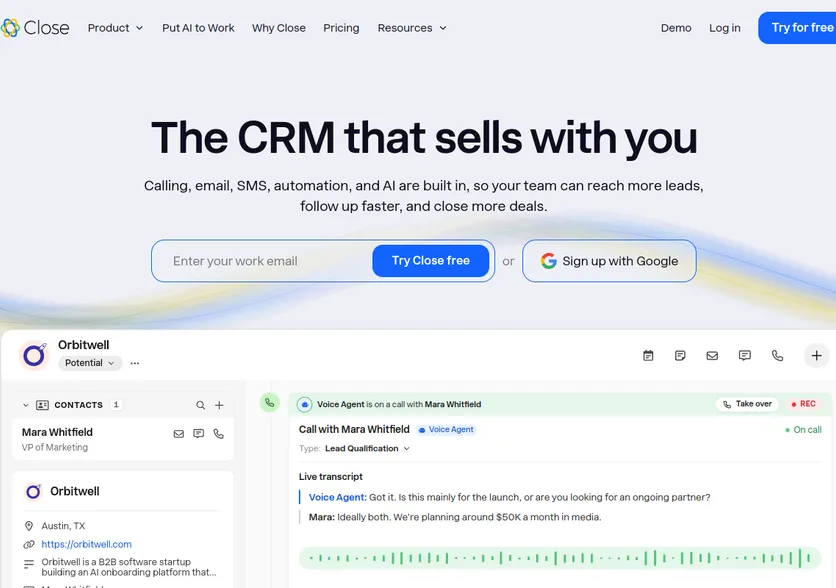
Close is the sales CRM for teams that sell by phone and email, with calling and outreach built into every deal. This Close Essentials plan costs thirty-five dollars a user a month billed annually and covers pipelines, calling and email, so a rep never leaves the CRM to make a call.
What we like
- Calling built into every deal
- Outreach tools keep the pipeline full
- Fast setup for outbound teams
Watch out for
- Essentials is thirty-five dollars a user a month
- Solo plan covers only one user
How to try it
- Open the Close pricing page and start the free trial
- Import your leads and build a pipeline
- Make your first call from a deal and check it logs
Prices above were checked on each vendor’s own website on Nov 26, 2026 and can change — the vendor’s page is the final word. Vendor links are editorial: nobody paid to be listed or ranked here. Vendors who want a featured listing can see how it works on our Get listed page.
What CRM software costs for sales teams in 2026
Sales team CRM pricing is tight, and the whole list runs from nine dollars a user a month at Freshsales to thirty-five dollars at Close. The headline plan each vendor shows on its own pricing page is the number in the table above, checked on November 26, 2026, and most tools bill annually with a monthly option that costs more.
Start with a count of your reps and the channels they sell on, then trial two tools with a real deal, from first call to closed sale. Check whether the price follows seats or users, because Monday and HubSpot charge per seat while the rest charge per user, and confirm the calling and email tools are included rather than bolted on. Pick the tool your reps update every day, because a CRM nobody opens is just a spreadsheet with a price tag.
Before you buy
- Count the reps first, because per-user pricing multiplies the bill across a whole sales team.
- Check the seat rules, because Monday and HubSpot charge per seat while the rest charge per user.
- Confirm the calling tools, because Close and HubSpot build calling into the CRM itself.
- Test a real deal, because a demo never shows whether reps actually update the pipeline.
- Compare annual and monthly billing, because Close charges thirty-five dollars a month billed annually or forty-nine dollars a month billed monthly.
Official websites
Official websites of the products reviewed above. Features and prices were checked against these sites when this guide was written, and they can change, so confirm on the vendor site before you buy.
Frequently asked questions
Which CRM software is best for sales teams in 2026?
HubSpot is the best free start because it covers pipelines, email tracking and calling for two users without a card. Salesforce is the best for scale with the deepest pipeline and forecasting, while Pipedrive is the best pipeline board for teams that live in the deal flow. Pick the tool that matches how your team sells, because the best CRM follows your process.
How much does CRM software cost for sales teams?
Sales team CRMs here run from nine dollars to thirty-five dollars a user a month billed annually, with free plans at HubSpot, Zoho CRM and Salesforce for up to two or three users. Monday charges per seat with a three-seat minimum, so a small team pays for three seats. Expect the bill to follow your rep count, because every tool here charges per user or per seat.
Is there a free CRM for sales teams?
Yes, HubSpot offers a free CRM for up to two users with pipelines, email tracking and calling, while Zoho CRM covers up to three users and Salesforce offers a free suite for two users. The other tools offer free trials of fourteen to twenty-one days instead of a permanent free plan. A free plan is enough to run a real deal before you commit.
What should sales teams look for in a CRM?
Look for a pipeline board that shows every deal and its next step, email tracking and calling built into the CRM, and reminders that keep deals moving. Check whether the price follows seats or users, and test the CRM with a real deal before you buy. The best sales CRM is the one your reps update every day.
Need everyday business help too? Try Toolsvine's free business tools for sales teams right in your browser.
Browse Business Tools tools


