On this page
Contractors win work on local reputation, and a single unhappy client can cost more than a month of new jobs. The seven tools below cover review requests, messaging and job scheduling, with prices from forty-nine dollars a month to two hundred ninety-nine dollars a month. Every price was checked on the vendor site on November 27, 2026, and each tool lists a free plan or a free trial. Jobber is our first pick — the field service platform that covers quoting, scheduling and payments for forty-nine dollars a month.
How we researched this
We started with the feedback and field service tools contractors actually buy, then read each price on the vendor pricing page on November 27, 2026 and noted the free plan or trial each one carries. We judged them for a contractor who runs jobs every day and needs reviews, bookings and costs that fit a small crew. We dropped GetFeedback because SurveyMonkey removed its prices and sign-up pages and the product sunsets at the end of 2026, and we left out quote-only enterprise suites that a contractor cannot price without a sales call.
Compare the tools
| Name | Best for | Starting price | Free plan | |
|---|---|---|---|---|
 Podium | Contractors who want messaging and reviews alongside quotes | $249/month | No free plan; demo available | Visit |
| NiceJob | Contractors who want automated Google review requests after every project | $95/month | No free plan; 14-day free trial | Visit |
| GatherUp | Contractors who want feedback and reviews from every client | $99/month | No free plan; 14-day free trial | Visit |
| Grade.us | Contractors who want more Google reviews with a simple widget | $99/month | No free plan | Visit |
 Jobber | Contractors who want quoting, scheduling and payments in one system | $29/month | Free trial, no credit card required | Visit |
 Housecall Pro | Contractors who run the whole job from a phone | $59/month | 14-day free trial | Visit |
| Broadly | Contractors who miss calls and need more reviews | $299/month | Free plan available | Visit |
The customer feedback software for contractors, compared
1. Podium
Best for: Contractors who want messaging and reviews alongside quotes
Paid tool Starting price: $249/month · Essentials plan at two hundred forty-nine dollars a month, with Standard at four hundred forty-nine dollars a month; the vendor shows no public price list, so confirm the rate in a quote
Free plan: No free plan; demo available
Podium is the messaging platform contractors use to turn every finished job into a Google review and every missed call into a texted quote request. This Podium Essentials plan costs two hundred forty-nine dollars a month, with Standard at four hundred forty-nine dollars a month. A contractor who wins work on local reputation gets review requests, messaging and payments in one tool.

What we like
- Review requests that go out after every job
- Messaging that catches missed calls by text
- Payments built in beside reviews
Watch out for
- The vendor shows no public price list, so confirm the rate in a quote
- Essentials costs two hundred forty-nine dollars a month
How to try it
- Open the Podium site and book a demo
- Connect your customer list and Google Business Profile
- Send review requests after every finished job
2. NiceJob
Best for: Contractors who want automated Google review requests after every project
Paid tool Starting price: $95/month · Starter plan at ninety-five dollars a month; Pro one hundred thirty-five dollars a month; prices rose from seventy-five and one hundred twenty-five dollars in September 2026; 14-day free trial, no contract
Free plan: No free plan; 14-day free trial
NiceJob is the review tool contractors use to ask happy clients for Google reviews automatically after every completed project. This NiceJob Starter plan costs ninety-five dollars a month and covers automated review requests and reputation tracking. A contractor who grows by referral gets a steady stream of fresh reviews without chasing clients by phone.
What we like
- Automatic review requests after every project
- Tracks your reputation across review sites
- No contract, cancel any time
Watch out for
- Starter costs ninety-five dollars a month, up from seventy-five dollars
- Pro costs one hundred thirty-five dollars a month for more features
How to try it
- Open the NiceJob site and start the 14-day free trial
- Connect your client list and review sites
- Turn on automatic requests after every finished project
3. GatherUp
Best for: Contractors who want feedback and reviews from every client
Paid tool Starting price: $99/month · Ninety-nine dollars a month for a single location billed annually, or one hundred twenty-four dollars a month billed monthly; multi-location plans cost sixty dollars per location a month
Free plan: No free plan; 14-day free trial
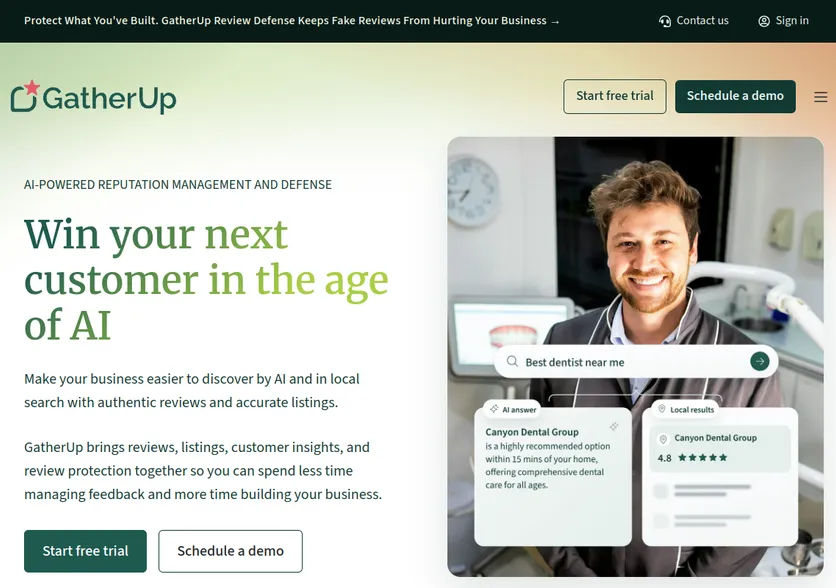
GatherUp is the review platform contractors use to collect client feedback and publish it to Google, Facebook and their own website. This GatherUp plan costs ninety-nine dollars a month for a single location billed annually. A contractor who wants feedback from every client gets review requests, surveys and reputation tracking in one dashboard.
What we like
- Feedback requests across email and text
- Reviews published to Google and Facebook
- Reputation tracking for every location
Watch out for
- Single location costs ninety-nine dollars a month billed annually
- Monthly billing costs one hundred twenty-four dollars a month
How to try it
- Open the GatherUp site and start the 14-day free trial
- Add your business and connect your review sites
- Send feedback requests after every completed project
4. Grade.us
Best for: Contractors who want more Google reviews with a simple widget
Paid tool Starting price: $99/month · Small Business plan at ninety-nine dollars a month for one location billed annually, or one hundred twenty-four dollars a month billed monthly; multi-location plans cost sixty dollars per location a month; agency plans from four hundred dollars a month
Free plan: No free plan
This review tool helps contractors ask for Google reviews and show them on the company website. The Grade.us Small Business plan costs ninety-nine dollars a month for one location billed annually. A contractor who wants more five-star reviews gets automated requests and a review widget without a big monthly bill.
What we like
- Automated Google review requests
- Review widget for the company website
- Simple pricing for a single location
Watch out for
- Small Business costs ninety-nine dollars a month billed annually
- New trials now route to GatherUp, its sister product
How to try it
- Open the Grade.us site and start with the Small Business plan
- Connect your Google Business Profile
- Add the review widget to your company website
5. Jobber
Best for: Contractors who want quoting, scheduling and payments in one system
Paid tool Starting price: $29/month · Core plan, twenty-nine dollars a month for one user billed annually; thirty-nine dollars a month on a one-year monthly commitment and forty-nine dollars with no commitment; the page shows a twenty-one dollar a month promo for twelve months, then twenty-nine dollars
Free plan: Free trial, no credit card required
Jobber is the field service platform contractors use to quote, schedule, invoice and get paid from one system. This Jobber Core plan costs twenty-nine dollars a month billed annually for one user. A contractor who juggles jobs on paper gets quoting, scheduling and payments in one tool, with client reminders and online booking included.

What we like
- Quoting, scheduling and invoicing in one system
- Online booking clients can use themselves
- Free trial with no credit card required
Watch out for
- Core covers one user, so teams pay for more seats
- The page shows a twenty-one dollar promo for twelve months, then the list price applies
How to try it
- Open the Jobber site and start the free trial
- Add your services, prices and crews
- Send quotes, schedule jobs and invoice from one screen
6. Housecall Pro
Best for: Contractors who run the whole job from a phone
Paid tool Starting price: $59/month · Basic plan, fifty-nine dollars a month billed annually, or seventy-nine dollars billed monthly; the page shows a thirty-nine dollar fifty a month promo for three months
Free plan: 14-day free trial
Housecall Pro is the home service platform contractors use to run the whole job from a phone, from booking to payment. This Housecall Pro Basic plan costs fifty-nine dollars a month billed annually. A contractor whose crews work on site gets scheduling, dispatch, estimates and invoicing in one mobile app.

What we like
- Built for teams that work from a phone
- Scheduling, dispatch and invoicing in one app
- 14-day free trial to test it
Watch out for
- Basic costs fifty-nine dollars a month billed annually, seventy-nine month to month
- The page shows a thirty-nine dollar fifty promo for three months
How to try it
- Open the Housecall Pro site and start the 14-day free trial
- Add your services and crews
- Book jobs, dispatch teams and invoice from the app
7. Broadly
Best for: Contractors who miss calls and need more reviews
Paid tool Starting price: $299/month · AI Front Desk plan at two hundred ninety-nine dollars a month on a 12-month agreement, plus a two hundred fifty dollar setup fee; AI Voice one hundred ninety-nine dollars a month; 24/7 AI Workforce six hundred ninety-nine dollars a month
Free plan: Free plan available
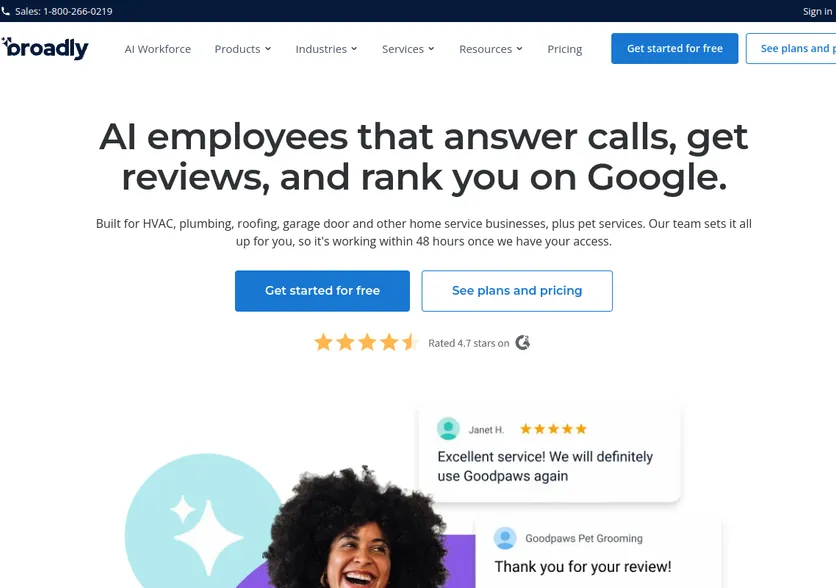
Broadly is the AI front desk contractors use to answer every call, book jobs and ask for reviews while the crews are on site. This Broadly AI Front Desk plan costs two hundred ninety-nine dollars a month on a twelve-month agreement, plus a two hundred fifty dollar setup fee. A contractor who misses calls while crews are out gets an AI receptionist that books jobs around the clock.
What we like
- AI answers every call, day and night
- Review requests and replies handled for you
- Set up for you and live within days
Watch out for
- AI Front Desk needs a twelve-month agreement
- Setup costs two hundred fifty dollars on top of the plan
How to try it
- Open the Broadly site and book a demo
- Connect your phone and Google Business Profile
- Let the AI answer calls, book jobs and request reviews
Prices above were checked on each vendor’s own website on Nov 27, 2026 and can change — the vendor’s page is the final word. Vendor links are editorial: nobody paid to be listed or ranked here. Vendors who want a featured listing can see how it works on our Get listed page.
What customer feedback software costs contractors in 2026
A contractor pays for feedback software in two ways, the subscription and the reviews it fails to collect. A forty-nine dollar scheduling tool looks cheap until missed calls cost jobs, while a two hundred ninety-nine dollar AI front desk only makes sense when the phone rings all day. Match the tool to your job volume and review needs, and add setup fees and per-user costs before you compare totals.
Start with a trial on two tools and run a real week of jobs through each one. Check that review requests go out after every job, that quotes get approved fast, and that the dashboard shows your Google rating clearly. Pick the tool whose review requests clients actually answer, because the best feedback platform is the one that keeps the schedule full.
Before you buy
- Match the tool to your trade, because a review-only tool cannot schedule crews.
- Check the per-user price, because costs multiply fast across a growing crew.
- Confirm review requests go out automatically, because manual requests never happen on busy days.
- Test the quoting flow on a phone, because clients approve quotes from mobile first.
- Ask about setup fees and contracts, because some plans need a year-long agreement.
Official websites
Official websites of the products reviewed above. Features and prices were checked against these sites when this guide was written, and they can change, so confirm on the vendor site before you buy.
Frequently asked questions
Which customer feedback software is best for contractors in 2026?
Jobber is the best overall pick at forty-nine dollars a month, with quoting, scheduling and payments in one system. Podium is the best choice for reviews and messaging at two hundred forty-nine dollars a month. Housecall Pro is the best pick for field teams at seventy-nine dollars a month with scheduling and dispatch in one mobile app.
How much does customer feedback software cost for contractors?
Prices in this list run from forty-nine dollars a month for Jobber to two hundred ninety-nine dollars a month for Broadly, with most contractor tools landing between seventy-nine and two hundred forty-nine dollars a month. Housecall Pro costs seventy-nine dollars a month and NiceJob ninety-five dollars a month. Add setup fees and per-user costs to the subscription before you compare totals.
How do contractors get more Google reviews?
Ask every happy client right after the job, while the experience is fresh, and make the request easy with a text link. Podium, NiceJob, GatherUp and Grade.us all send automatic requests after each project. Contractors that ask every client see reviews grow steadily, while contractors that ask sometimes see almost none.
Can one tool schedule jobs and collect reviews?
Jobber and Housecall Pro both manage quoting, scheduling and invoicing beside customer messaging, while Podium adds reviews and payments without full scheduling. Pick the combination that matches your trade, because a review-only tool leaves jobs in another system and adds extra admin work.
Is there a free feedback tool for contractors?
Broadly offers a free plan at zero dollars, and most tools here offer a free trial, including Jobber with no credit card required and Housecall Pro for fourteen days. Free plans and trials limit users, features or time, so check the caps before you rely on them. Most contractors move to a paid plan once jobs and reviews run every day.
Running the business side too? Try Toolsvine's free business tools right in your browser.
Browse Business Tools tools