
On this page
A small business loses sales when customer details live in inboxes, spreadsheets and sticky notes, and a CRM fixes that by putting every contact, deal and conversation in one place. The eight tools below run from nine dollars a user a month to about twenty-nine dollars a user a month, and every price was checked on the vendor site on November 26, 2026. Four of them offer a real free plan, so you can start tracking customers before you spend anything. HubSpot Sales Hub is our first pick — the strongest all-round CRM for a small business.
How we researched this
We started with the customer management tools small businesses actually buy, then read each price on the vendor pricing page on November 26, 2026 and noted the free plan or trial each one carries. We judged them for a team of under ten seats that needs contacts, deals and email in one place, and we kept only tools with a published price. We left out quote-only enterprise CRMs, because a small business cannot budget against a sales call.
Compare the tools
| Name | Best for | Starting price | Free plan | |
|---|---|---|---|---|
 HubSpot Sales Hub | Small businesses that want a CRM that starts free and grows into sales, marketing and service | $20/seat/month | Free plan for 2 users | Visit |
 Zoho CRM | Small businesses that want the most features per dollar with a generous free tier | $14/user/month | Free plan for 3 users | Visit |
 Pipedrive | Small sales teams that want a visual pipeline they can learn in an afternoon | $14/seat/month | No free plan; 14-day free trial | Visit |
 Freshsales | Small businesses that want AI lead scoring and built-in phone and chat from the start | $9/user/month | No free plan; 21-day free trial | Visit |
 Salesforce Starter | Small businesses that want the biggest CRM brand and room to grow into enterprise features | $25/user/month | No free plan; 30-day free trial | Visit |
 Capsule | Small businesses that want a simple CRM with a free plan for two users | $18/user/month | Free plan for 2 users and 250 contacts | Visit |
 Insightly | Small businesses that want CRM plus project tracking in one subscription | $29/user/month | No free plan; 14-day free trial | Visit |
 Copper | Small businesses that already live in Google Workspace and want the CRM inside Gmail | $23/seat/month | No free plan; 14-day free trial | Visit |
The customer management software for small business, compared
1. HubSpot Sales Hub
Best for: Small businesses that want a CRM that starts free and grows into sales, marketing and service
Paid tool Starting price: $20/seat/month · Starter plan, $20 a seat a month list price; the vendor also shows a lower new-customer offer that does not apply at renewal; Professional $90 a seat a month
Free plan: Free plan for 2 users
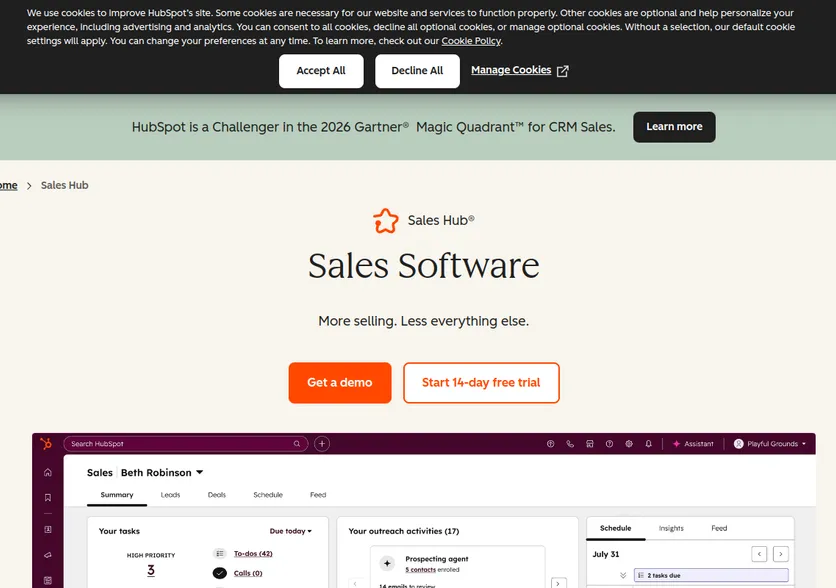
HubSpot Sales Hub gives a small business a CRM that starts free and grows into pipeline management, email tracking and meeting scheduling without a second app. This HubSpot Sales Hub Starter plan lists at twenty dollars a seat a month, and the free tier covers two users with contacts, deals and email tools included. A shop owner or agency founder can track every deal from first call to signed contract in one view, with the marketing and service tools waiting in the same account when the team grows.
What we like
- Free tier covers two users with real CRM tools
- Pipeline, email and meetings in one login
- Marketing and service tools grow with the business
Watch out for
- List price is twenty dollars a seat, not the lower new-customer offer
- Costs climb fast once you add seats and higher tiers
How to try it
- Open the HubSpot Sales Hub pricing page and claim the free plan
- Add your contacts and build a pipeline with your real deal stages
- Send a tracked email to a prospect and watch the open alert arrive
2. Zoho CRM
Best for: Small businesses that want the most features per dollar with a generous free tier
Paid tool Starting price: $14/user/month · Standard plan, $14 a user a month billed annually or $20 billed monthly; Professional $23 and Enterprise $40 a month
Free plan: Free plan for 3 users
Zoho CRM packs sales automation, workflows and analytics into a plan that costs less than most rivals, and the free tier covers three users. This Zoho CRM Standard plan costs fourteen dollars a user a month on annual billing, with Professional and Enterprise tiers waiting when the team needs more automation. A small business that lives inside Zoho apps gets the deepest value, because the CRM shares contacts and data with the rest of the suite without extra connectors.

What we like
- Free tier covers three users, more than most rivals
- Strong automation and reporting for the price
- Deep links to the wider Zoho app suite
Watch out for
- Interface packs in a lot and takes time to learn
- Best value only if you use other Zoho apps
How to try it
- Open the Zoho CRM pricing page and start with the free plan
- Import your contacts from a spreadsheet and set up one pipeline
- Build a workflow that assigns new leads to the right person
3. Pipedrive
Best for: Small sales teams that want a visual pipeline they can learn in an afternoon
Paid tool Starting price: $14/seat/month · Lite plan, $14 a seat a month billed annually; Growth $39, Premium $59 and Ultimate $79 a month
Free plan: No free plan; 14-day free trial
Pipedrive keeps the focus on the deal pipeline, with a drag-and-drop board that shows exactly where every sale stands and what to do next. This Pipedrive Lite plan costs fourteen dollars a seat a month on annual billing and covers the core pipeline, activities and integrations a small team needs. A founder who hates bloated software will like how little setup it takes, because the pipeline is ready to use the day you sign up.

What we like
- Clearest visual pipeline in this comparison
- Very quick setup with almost no training
- Affordable entry price for a sales-first team
Watch out for
- No free plan, so the trial is the only test
- Marketing tools cost extra on higher plans
How to try it
- Open the Pipedrive pricing page and start the 14-day trial
- Create your pipeline stages and add five live deals
- Set a follow-up activity on each deal and work the board daily
4. Freshsales
Best for: Small businesses that want AI lead scoring and built-in phone and chat from the start
Paid tool Starting price: $9/user/month · Growth plan, $9 a user a month billed annually or $11 billed monthly; Pro $39 and Enterprise $59 a month
Free plan: No free plan; 21-day free trial
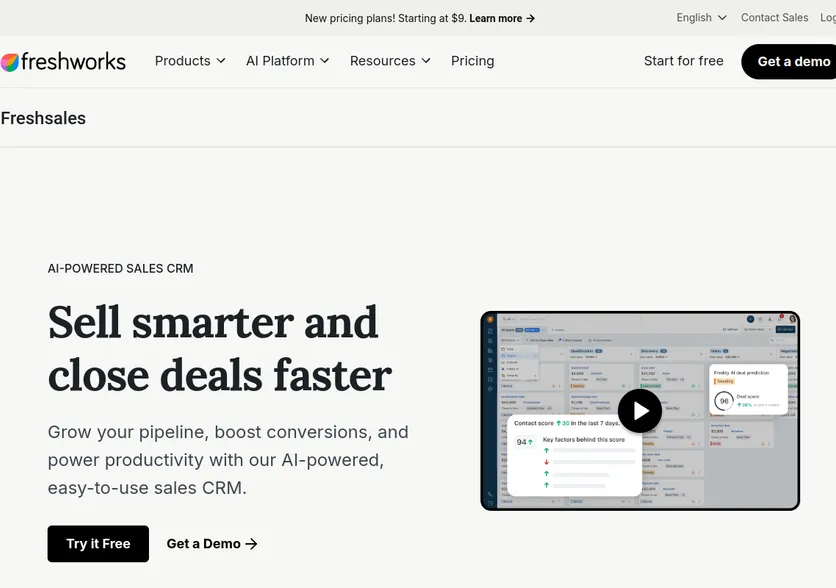
Freshsales brings AI scoring, built-in phone and chat into a CRM that costs less than ten dollars a user a month on its entry plan. This Freshsales Growth plan costs nine dollars a user a month on annual billing, and the AI highlights which leads are most likely to close. A small team that calls and chats with prospects all day will like having the phone inside the CRM, because every conversation lands on the contact record without extra tools.
What we like
- Cheapest entry price in this comparison
- AI lead scoring on the entry plan
- Phone and chat built in, no add-ons needed
Watch out for
- No free plan, so the trial is the only test
- Higher plans climb fast for a small team
How to try it
- Open the Freshsales pricing page and start the 21-day trial
- Import your leads and let the AI score them
- Make a call from inside the CRM and log the outcome
5. Salesforce Starter
Best for: Small businesses that want the biggest CRM brand and room to grow into enterprise features
Paid tool Starting price: $25/user/month · Starter Suite, $25 a user a month; Pro Suite $100 and Core $195 a month; 30-day trial
Free plan: No free plan; 30-day free trial
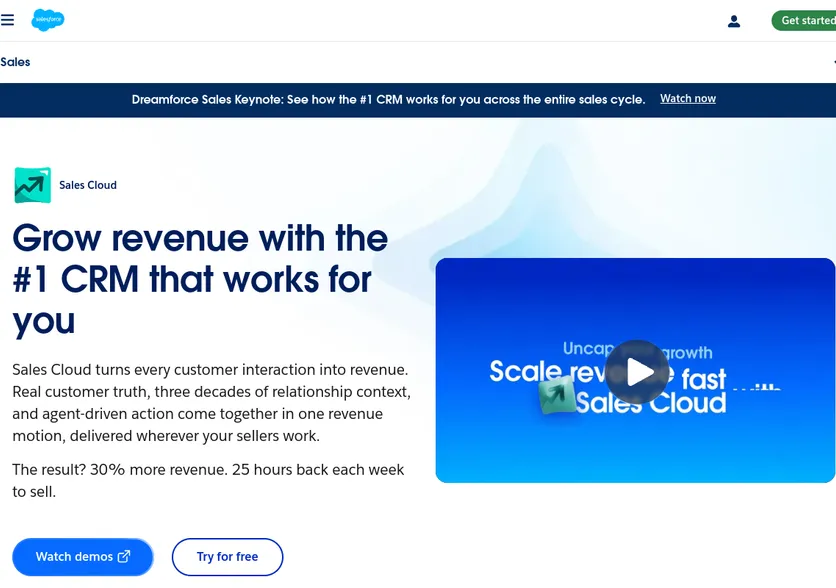
Salesforce Starter Suite gives a small business the core of the biggest CRM on the market, with leads, contacts, accounts and email in one place. This Salesforce Starter Suite costs twenty-five dollars a user a month, and the upgrade path runs all the way to enterprise sales tools when the business outgrows the basics. A team that plans to hire fast will value the depth, because the platform already has the apps, reports and integrations a growing company needs.
What we like
- Deepest feature set and app marketplace here
- Clear upgrade path as the team grows
- Strong reporting from the first paid plan
Watch out for
- Priciest entry plan in this comparison
- Setup takes longer than simpler CRMs
How to try it
- Open the Salesforce Sales Cloud pricing page and start the trial
- Add your leads and set up the standard pipeline
- Build one report that shows this month's open deals
6. Capsule
Best for: Small businesses that want a simple CRM with a free plan for two users
Paid tool Starting price: $18/user/month · Starter plan, $18 a user a month billed annually or $22 billed monthly; Growth $36, Advanced $54 and Ultimate $72 a month
Free plan: Free plan for 2 users and 250 contacts
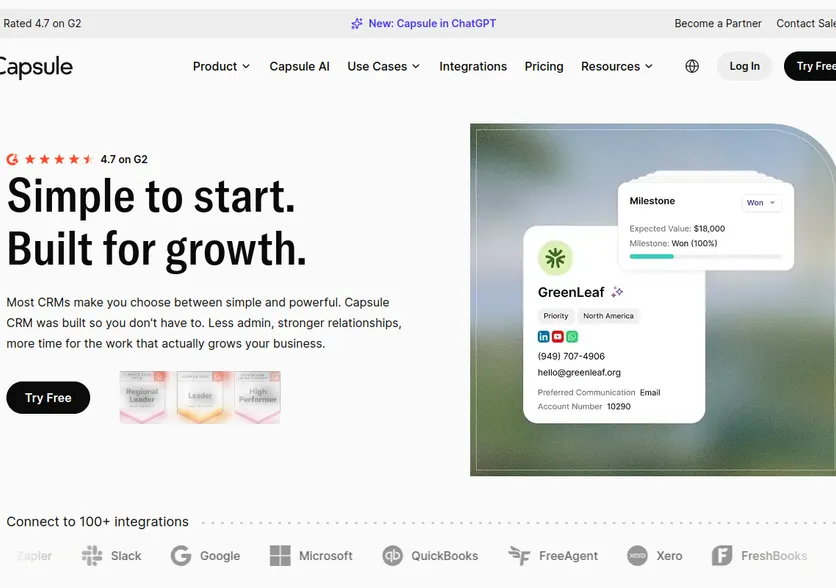
Capsule keeps customer management simple, with contacts, deals and tasks in a clean interface that a new user can learn without training. This Capsule Starter plan costs eighteen dollars a user a month on annual billing, and the free plan covers two users and two hundred and fifty contacts. A freelancer or tiny team that only needs to track who they talked to and what happens next will find it refreshingly light, because the interface stays out of the way of the sale.
What we like
- Simplest interface in this comparison
- Free plan covers two users and 250 contacts
- Fast to set up with no training needed
Watch out for
- Fewer automations than bigger CRMs
- Free plan caps at 250 contacts
How to try it
- Open the Capsule pricing page and claim the free plan
- Add your contacts and link them to their companies
- Create a sales pipeline and move your first deal through it
7. Insightly
Best for: Small businesses that want CRM plus project tracking in one subscription
Paid tool Starting price: $29/user/month · Plus plan, $29 a user a month billed annually; Professional $49 and Enterprise $99 a month; 14-day trial
Free plan: No free plan; 14-day free trial
Insightly pairs a full CRM with project management, so a deal that closes can turn into a tracked project without switching apps. This Insightly Plus plan costs twenty-nine dollars a user a month on annual billing and covers contacts, pipelines, email and project tools. A service business that delivers work after the sale will like the handover, because the project starts with the same customer record the sale used.
What we like
- CRM and project management in one login
- Clean handover from sale to delivery
- Strong email and workflow tools
Watch out for
- No free plan, so the trial is the only test
- Higher price than simpler rivals
How to try it
- Open the Insightly pricing page and start the 14-day trial
- Build a pipeline and close a test deal
- Convert the deal into a project with tasks and milestones
8. Copper
Best for: Small businesses that already live in Google Workspace and want the CRM inside Gmail
Paid tool Starting price: $23/seat/month · Basic plan, $23 a seat a month billed annually or $29 billed monthly; Professional $59 and Business $99 a month; the cheaper Starter plan no longer appears on the vendor pricing page
Free plan: No free plan; 14-day free trial
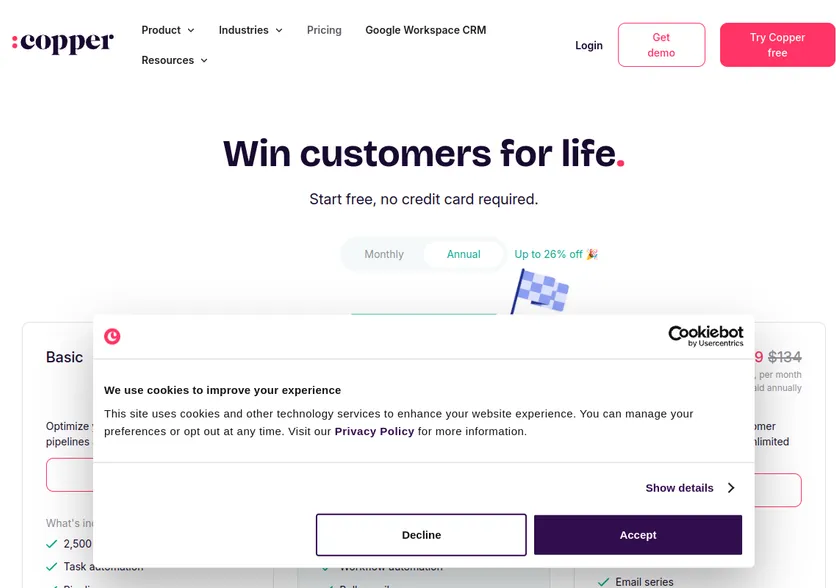
Copper runs inside Gmail and Google Workspace, so contacts, emails and deals sit next to the inbox instead of in a separate app. This Copper Basic plan costs twenty-three dollars a seat a month on annual billing, and it pulls contact details straight from email threads. A team that spends the day in Gmail will save hours, because the CRM fills itself from messages instead of asking for manual data entry.
What we like
- Lives inside Gmail, so no app switching
- Auto-fills contacts from email threads
- Natural fit for Google Workspace teams
Watch out for
- Only makes sense for Google Workspace teams
- No free plan, so the trial is the only test
How to try it
- Open the Copper pricing page and start the 14-day trial
- Connect your Google Workspace account
- Open an email thread and watch Copper build the contact record
Prices above were checked on each vendor’s own website on Nov 26, 2026 and can change — the vendor’s page is the final word. Vendor links are editorial: nobody paid to be listed or ranked here. Vendors who want a featured listing can see how it works on our Get listed page.
What customer management software costs in 2026
Most small businesses pay per user, so the headline monthly price is only part of the bill, and this list runs from nine dollars a user a month to about twenty-nine dollars a user a month. The cheapest plan is not always the cheapest deal, because a nine-dollar tool that charges every seat can cost more than a twenty-dollar tool with a free tier once the team grows. The headline plan each vendor shows on its own pricing page is the number in the table above, checked on November 26, 2026.
Start with the free plan or trial on two tools and run five real deals through each one, from first contact to closed sale. Compare how the pipeline looks, how fast you can log a call, and whether email lives inside the CRM. Pick the tool your team opens every day, because a CRM nobody updates is money wasted.
Before you buy
- Count the seats first, because per-user pricing turns a twenty-dollar plan into a two-hundred-dollar bill once a team of ten signs up.
- Check the free tier limits, because HubSpot covers two users free while Zoho covers three and Capsule covers two.
- Confirm the plan includes email and pipeline tools, because the cheapest tier of some CRMs hides them behind an upgrade.
- Compare annual and monthly billing, because most tools here cut the price by about a fifth on annual plans.
- Test the mobile app before you buy, because a small business owner checks deals from a phone more than from a desk.
Official websites
Official websites of the products reviewed above. Features and prices were checked against these sites when this guide was written, and they can change, so confirm on the vendor site before you buy.
Frequently asked questions
Which customer management software is best for a small business in 2026?
HubSpot Sales Hub is the safest default, because it starts free for two users, covers pipeline, email and meetings in one login, and grows into marketing and service tools when the team expands. Zoho CRM is the best value at fourteen dollars a user a month with a three-user free tier. Pipedrive is the simplest choice for a team that only wants a clear sales pipeline.
How much does customer management software cost for a small business?
Most tools here cost between nine and twenty-nine dollars a user a month on annual billing, so a five-person team pays roughly forty-five to one hundred and forty-five dollars a month before add-ons. Per-user pricing is the cost driver, so count every seat that needs edit access. Flat-fee tools are rare in this category, which makes seat counting the first budgeting step.
Is there free customer management software for a small business?
Yes, four tools here offer a real free plan: HubSpot covers two users, Zoho covers three users, Capsule covers two users and two hundred and fifty contacts, and the others offer trials of fourteen to thirty days. A free plan is enough to track a handful of customers and test the pipeline. Move to a paid plan when you need more users, automation or reporting.
How do I choose between HubSpot, Zoho and Pipedrive?
Start with the free tier or trial on two tools and run five real deals through each one, from first contact to closed sale. Compare how fast you can log a call, how clear the pipeline looks, and whether email lives inside the CRM. Pick the tool your team actually opens every day, because a CRM nobody updates is worse than a spreadsheet.
Can I switch CRMs later without losing my customer data?
Most CRMs here import contacts from a spreadsheet in minutes, and several offer guided imports from a previous tool. Export your contacts and deals first, then map the fields during import and check a sample before you commit. Plan an afternoon for the move, and keep the old system open for a week as a backup.
Need everyday business help too? Try Toolsvine's free business tools right in your browser.
Browse Business Tools tools


