On this page
An IT service desk lives or dies on how fast tickets move from inbox to resolution, and the wrong tool turns every outage into a phone queue. The eight tools below cover both dedicated ITSM platforms and general help desks that IT teams adapt, with prices checked on each vendor site on November 27, 2026. They range from thirteen dollars per technician a month to fifty-nine dollars per agent a month. Freshservice is our first pick — the ITSM platform that pairs asset tracking with automation at the lowest entry price here.
How we researched this
We started with the ITSM platforms IT providers actually buy, then added general help desks that handle ticket queues well, and read each price on the vendor pricing page on November 27, 2026. We judged them for a provider that runs several client queues at once and needs asset tracking, automation and SLA timers. We dropped Kayako because its published prices conflict across sources, and we left out quote-only enterprise suites that a small provider cannot price without a sales call.
Compare the tools
| Name | Best for | Starting price | Free plan | |
|---|---|---|---|---|
 Freshservice | IT providers that want asset tracking, automation and SLA timers in one desk | $19/agent/month | No free plan; 21-day free trial | Visit |
 Jira Service Management | IT teams already running Atlassian tools that want tickets beside development work | $21.50/agent/month | Free plan for up to 3 agents | Visit |
 SysAid | Mid-size IT teams that want AI automation and asset management together | $59/agent/month | No free plan; 30-day free trial | Visit |
| ManageEngine ServiceDesk Plus | Budget-conscious IT teams that want a full ITSM suite at the lowest price here | $13/technician/month | Free Standard edition for up to 5 technicians | Visit |
 Zendesk | IT providers that want a polished agent workspace across email, chat and voice | $19/agent/month | No free plan; 14-day free trial | Visit |
 Freshdesk | Small IT providers that want a free start and simple ticket automation | $19/agent/month | Free plan available | Visit |
 HappyFox | IT teams that want smart ticket routing and a clean agent workspace | $29/agent/month | No free plan; 14-day free trial | Visit |
 Zoho Desk | IT providers already using Zoho tools that want support beside CRM | $14/agent/month | Free plan for up to 3 agents | Visit |
The customer support software for IT service providers, compared
1. Freshservice
Best for: IT providers that want asset tracking, automation and SLA timers in one desk
Paid tool Starting price: $19/agent/month · Nineteen dollars per agent a month billed annually for the Starter plan, or twenty-nine dollars per agent a month billed monthly; Growth costs forty-nine dollars and Pro costs ninety-nine dollars per agent a month billed annually
Free plan: No free plan; 21-day free trial
Freshservice is the ITSM platform built for teams that run support for several clients at once, pairing ticket queues with asset tracking and automation in one login. This Freshservice Starter plan costs nineteen dollars per agent a month billed annually and adds automation rules and SLA timers to the queue. A provider that tracks devices beside tickets gets one system instead of a help desk plus a spreadsheet.

What we like
- Asset tracking built into the ticket queue
- Automation rules that route and escalate tickets
- Lowest ITSM entry price in this comparison
Watch out for
- No free plan, so the trial is the only way to test it
- Advanced reporting needs the higher Growth plan
How to try it
- Open the Freshservice site and start the 21-day trial
- Import your assets and set up a queue for each client
- Turn on SLA timers and test an automation rule on a real ticket
2. Jira Service Management
Best for: IT teams already running Atlassian tools that want tickets beside development work
Paid tool Starting price: $21.50/agent/month · Twenty-one dollars and fifty cents per agent a month is the Standard rate at the seventy-five-agent tier; the rate is tiered by team size, and annual billing saves up to seventeen percent
Free plan: Free plan for up to 3 agents
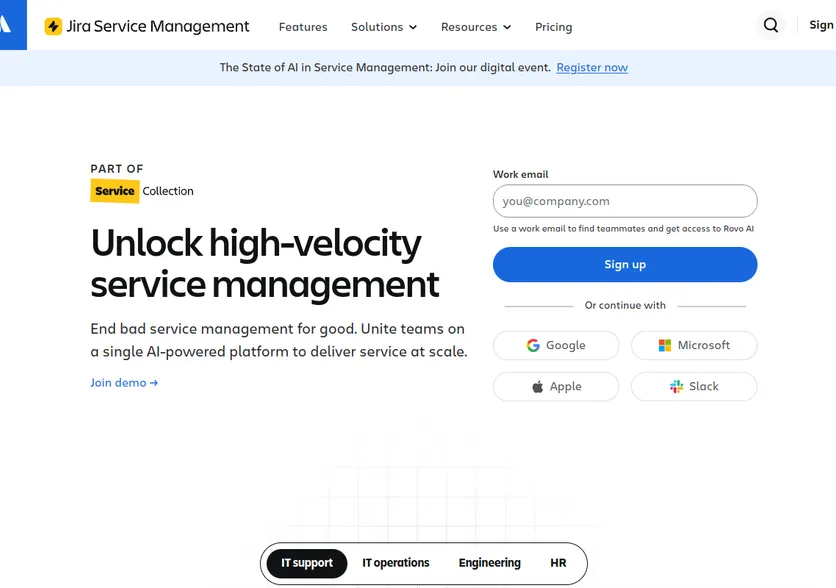
Jira Service Management is the service desk for teams that already live in Atlassian tools, linking support tickets straight to the development backlog. This Jira Service Management Standard plan costs twenty-one dollars and fifty cents per agent a month at the seventy-five-agent tier and adds asset tracking and SLA timers. A team that fixes bugs beside answering clients gets one queue for both kinds of work.
What we like
- Tickets link directly to Jira development work
- Free plan covers up to three agents
- Asset tracking and change management included
Watch out for
- Per-agent rate is tiered by team size, so check your band
- Setup takes longer than a simple shared inbox
How to try it
- Open the Jira Service Management site and start the free plan
- Connect your Jira projects and set up request types
- Turn on SLA timers and invite the support team
3. SysAid
Best for: Mid-size IT teams that want AI automation and asset management together
Paid tool Starting price: $59/agent/month · Fifty-nine dollars per agent a month billed annually, from the vendor's seventy-agent example price of four thousand one hundred thirty dollars a month; Enterprise plans are quoted from twenty agents
Free plan: No free plan; 30-day free trial
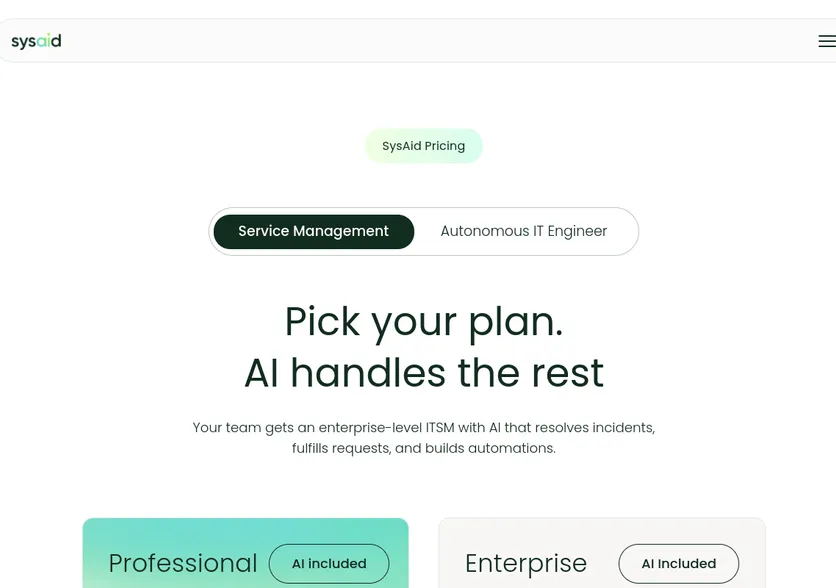
SysAid is the ITSM platform for mid-size IT teams that want AI automation beside asset management, with ticket routing that learns from past resolutions. This SysAid plan costs fifty-nine dollars per agent a month billed annually on the vendor's seventy-agent example. A team drowning in repeat tickets gets automation that drafts replies and routes work without manual triage.
What we like
- AI automation that drafts replies and routes tickets
- Asset management built into the same console
- Strong self-service portal for end users
Watch out for
- Highest per-agent price in this comparison
- Published price comes from a seventy-agent example, so confirm your quote
How to try it
- Open the SysAid site and book a product demo
- Import your assets and connect the ticket channels
- Turn on the AI automation and review its first suggestions
4. ManageEngine ServiceDesk Plus
Best for: Budget-conscious IT teams that want a full ITSM suite at the lowest price here
Paid tool Starting price: $13/technician/month · Thirteen dollars per technician a month for the Standard plan; Professional costs twenty-seven dollars and Enterprise costs sixty-seven dollars per technician a month
Free plan: Free Standard edition for up to 5 technicians
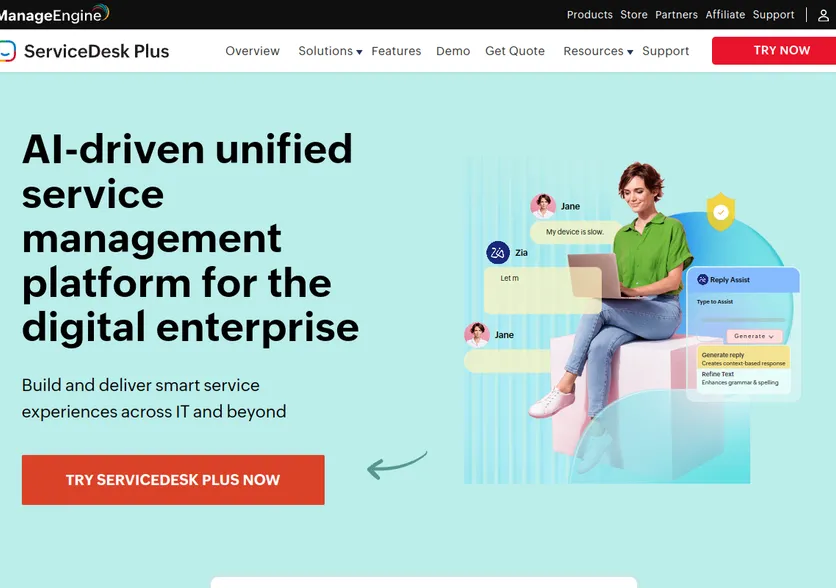
ManageEngine ServiceDesk Plus is the budget ITSM suite for teams that want incident, asset and change management without paying per-agent enterprise rates. This ManageEngine ServiceDesk Plus Standard plan costs thirteen dollars per technician a month and covers incident tracking and asset records. A small IT team gets a complete service desk for less than a lunch per technician each month.
What we like
- Cheapest paid plan in this comparison
- Full ITSM suite with asset and change management
- Free Standard edition for up to five technicians
Watch out for
- Interface feels older than the newer cloud desks
- Advanced automation sits on the higher plans
How to try it
- Open the ManageEngine site and start the 30-day trial
- Import your assets and set up incident categories
- Turn on the self-service portal for end users
5. Zendesk
Best for: IT providers that want a polished agent workspace across email, chat and voice
Paid tool Starting price: $19/agent/month · Nineteen dollars per agent a month billed annually for the Support Team plan, or twenty-five dollars per agent a month billed monthly; Suite Team costs fifty-five dollars and Suite Professional costs one hundred fifteen dollars per agent a month billed annually
Free plan: No free plan; 14-day free trial
Zendesk is the help desk most IT providers reach for when tickets arrive by email, chat and voice and need one queue to hold them all. This Zendesk Support Team plan costs nineteen dollars per agent a month billed annually and adds a shared inbox with ticket views. A provider that answers clients on several channels gets one workspace instead of four open tabs.

What we like
- One queue for email, chat, voice and social tickets
- Macros and views that scale across many clients
- Huge integration library for monitoring tools
Watch out for
- ITSM features like asset tracking need the Suite plans
- Per-agent billing adds up fast on a large team
How to try it
- Open the Zendesk site and start the 14-day trial
- Connect email and chat channels to the shared inbox
- Build ticket views for each client and turn on macros
6. Freshdesk
Best for: Small IT providers that want a free start and simple ticket automation
Paid tool Starting price: $19/agent/month · Nineteen dollars per agent a month billed annually for the Growth plan, or twenty-three dollars per agent a month billed monthly; Pro costs fifty-five dollars and Enterprise costs eighty-nine dollars per agent a month billed annually
Free plan: Free plan available
Freshdesk is the friendly help desk for small IT providers that want a free plan to start and simple automation once the queue grows. This Freshdesk Growth plan costs nineteen dollars per agent a month billed annually and adds automations and collision detection. A new provider gets a working desk on day one and upgrades only when the ticket volume demands it.

What we like
- Free plan lets a new provider start at no cost
- Simple setup that a small team finishes in a day
- Collision detection stops two agents answering one ticket
Watch out for
- SLA timers and advanced reporting need higher plans
- ITSM depth is thinner than dedicated ITSM platforms
How to try it
- Open the Freshdesk site and create the free plan
- Connect the support email and set up ticket fields
- Turn on automations and invite the first agents
7. HappyFox
Best for: IT teams that want smart ticket routing and a clean agent workspace
Paid tool Starting price: $29/agent/month · Twenty-nine dollars per agent a month billed annually for the Mighty plan, or thirty-nine dollars per agent a month billed monthly
Free plan: No free plan; 14-day free trial
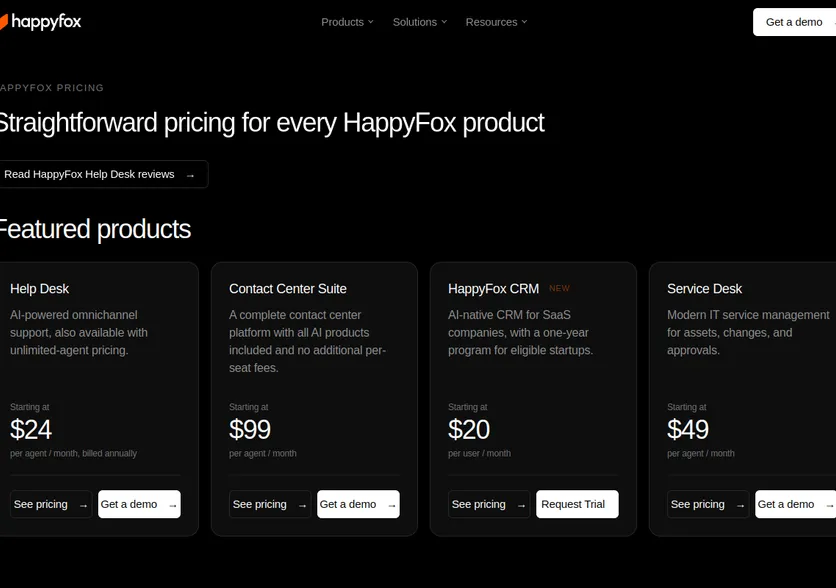
HappyFox is the help desk for IT teams that want smart routing and a clean workspace without the clutter of a full ITSM suite. This HappyFox Mighty plan costs twenty-nine dollars per agent a month billed annually and adds automation and a knowledge base. A team that triages tickets all day gets rules that send each ticket to the right engineer automatically.
What we like
- Smart rules that route tickets without manual triage
- Clean agent workspace that new staff learn fast
- Knowledge base included on the entry plan
Watch out for
- No free plan, so the trial is the only way to test it
- Asset management is lighter than dedicated ITSM tools
How to try it
- Open the HappyFox site and start the 14-day trial
- Set up routing rules for each client queue
- Publish the knowledge base and turn on ticket automations
8. Zoho Desk
Best for: IT providers already using Zoho tools that want support beside CRM
Paid tool Starting price: $14/agent/month · Fourteen dollars per agent a month billed annually for the Standard plan, or twenty dollars per agent a month billed monthly; Express costs seven dollars, Professional costs twenty-three dollars and Enterprise costs forty dollars per agent a month billed annually
Free plan: Free plan for up to 3 agents
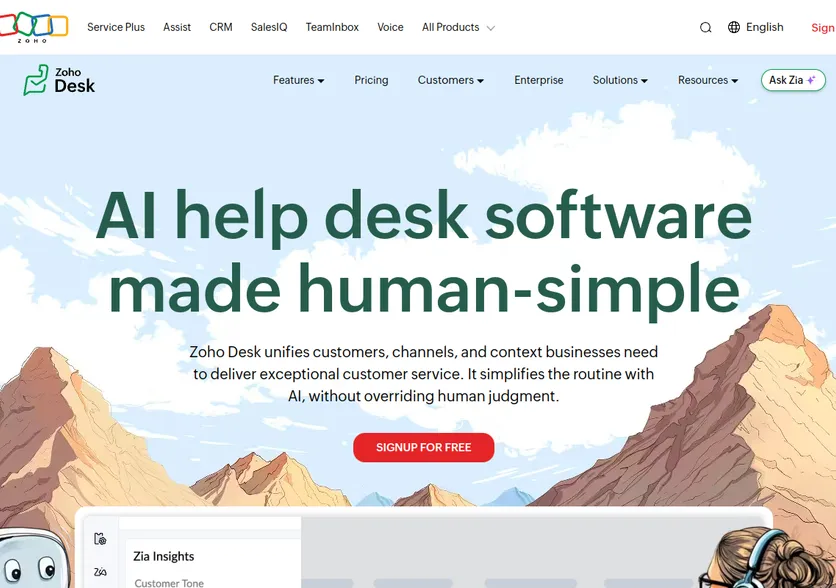
Zoho Desk is the help desk for IT providers already running Zoho tools, keeping support tickets beside the CRM records for each client. This Zoho Desk Standard plan costs fourteen dollars per agent a month billed annually and adds ticket automations and a knowledge base. A provider that already pays for Zoho gets support that shares client data with sales instead of living apart.
What we like
- Free plan covers up to three agents
- Shares client data with Zoho CRM
- Lowest per-agent price among the general help desks here
Watch out for
- AI assistant and advanced analytics need higher plans
- Setup takes longer if the team does not use Zoho already
How to try it
- Open the Zoho Desk site and create the free plan
- Connect the support email and import client records
- Turn on automations and link tickets to the CRM
Prices above were checked on each vendor’s own website on Nov 27, 2026 and can change — the vendor’s page is the final word. Vendor links are editorial: nobody paid to be listed or ranked here. Vendors who want a featured listing can see how it works on our Get listed page.
What IT support software costs in 2026
An IT provider pays for support software in two ways, the subscription and the minutes engineers lose to tickets that could have been automated. A thirteen-dollar plan looks cheap until the team outgrows its automation limits and starts copying ticket details between tools, so weigh routing rules and asset tracking against the sticker price. Dedicated ITSM platforms cost more per agent because they carry asset records, change management and SLA timers beside the ticket queue, while general help desks stay cheap by doing one job well.
Start with a trial on two tools and run real client tickets through each one. Check that tickets route to the right engineer, that SLA timers start on time, and that the client portal answers the common questions without a phone call. Pick the tool whose queue your engineers actually clear, because a polished dashboard that the team avoids is worse than a plain one they use every day.
Before you buy
- Match the tool to your ticket volume, because per-agent billing multiplies fast when the desk grows.
- Check that asset tracking is included, because a service desk without device records forces manual lookups.
- Confirm SLA timers and escalation rules work per client, because every managed client signs a different agreement.
- Test the self-service portal with a real client, because a portal nobody uses leaves the phone queue full.
- Ask what automation costs on each plan, because ticket routing and approvals are often gated behind higher tiers.
Official websites
Official websites of the products reviewed above. Features and prices were checked against these sites when this guide was written, and they can change, so confirm on the vendor site before you buy.
Frequently asked questions
Which customer support software is best for IT service providers in 2026?
Freshservice is the best overall pick at nineteen dollars per agent a month, with asset tracking, automation and SLA timers built for IT teams. Jira Service Management is the best choice for teams already running Atlassian tools, because tickets link straight to development work. Zendesk is the best all-round help desk at the same nineteen-dollar entry price for providers that want a polished agent workspace.
How much does IT service provider support software cost?
Prices in this list run from thirteen dollars per technician a month for ManageEngine ServiceDesk Plus to fifty-nine dollars per agent a month for SysAid, with most tools landing between fourteen and twenty-nine dollars per agent a month. Full ITSM platforms cost more because they add asset tracking and change management, while general help desks stay cheap. Multiply the per-agent rate by the whole team before you compare totals.
Do IT providers need ITSM features or is a help desk enough?
A small provider that answers straightforward client questions can run on a general help desk, because the queue, macros and reporting cover the daily work. A provider that manages devices, changes and client SLAs needs ITSM features, because asset records and change approvals keep audits clean. The deciding test is whether the team tracks hardware and software, since that work has no home in a plain help desk.
Is there a free support tool for IT service providers?
Freshdesk and Zoho Desk both offer free plans, and Jira Service Management is free for up to three agents, so a small provider can start without paying. Free plans limit agents, tickets or automation, so check the caps before you rely on them. Most providers move to a paid plan once the queue grows and SLA timers matter.
What should an IT provider check before switching help desks?
Check that ticket history, client records and automations export cleanly, because a tool that locks data behind an export fee costs more later. Confirm the new tool connects to the remote monitoring and billing tools the team already uses. Run both systems side by side for two weeks so no client ticket falls between them.
Need everyday business help too? Try Toolsvine's free business tools right in your browser.
Browse Business Tools tools