On this page
Full physical counts shut the warehouse down, and they still go stale the day after, while cycle counting keeps stock accurate by counting a slice of the warehouse every day. The right software turns a phone or a scanner into a counting station, flags the variances that matter, and keeps the pickers moving. We compared seven tools on published price, barcode coverage and how well they fit a warehouse that counts every day. Zoho Inventory is our first pick — the cheapest paid plan here, with barcode scanning and cycle counts included on Standard.
How we researched this
We started with the inventory tools a warehouse manager can buy with a published price, then read each price on the vendor site on November 27, 2026 and noted the free plan or trial each one carries. We judged them for a warehouse that counts stock daily, scans barcodes from a phone or handheld, and runs one or two locations. We dropped quote-only warehouse systems because a manager needs a published price it can compare before a sales call.
Compare the tools
| Name | Best for | Starting price | Free plan | |
|---|---|---|---|---|
 Zoho Inventory | Warehouse managers that want the cheapest paid counting plan | $29/month | Free plan with limited orders | Visit |
 Cin7 Core | Warehouse managers selling across many channels | $349/month | No free plan; book a demo to start | Visit |
 inFlow Inventory | Warehouse managers that want flat-rate pricing | $99/month | No free plan; 14-day free trial | Visit |
 Katana | Makers and small manufacturers that count raw materials too | $299/month | Free plan for up to 30 SKUs | Visit |
 SKULabs | Warehouse teams that want barcode-first counting | $299/month | No free plan; demo available | Visit |
| Finale Inventory | Warehouse managers that want one source of truth for inventory and costs | $499/month | No free plan; free trial available | Visit |
 Ordoro | Warehouse managers that also ship and kit orders | $499/month | Free shipping plan; 15-day free trial | Visit |
The cycle counting software for warehouse managers, compared
1. Zoho Inventory
Best for: Warehouse managers that want the cheapest paid counting plan
Paid tool Starting price: $29/month · Twenty-nine dollars a month billed annually for the Standard plan; Professional costs seventy-nine dollars and Premium costs one hundred and twenty-nine dollars a month; a free plan covers limited orders
Free plan: Free plan with limited orders
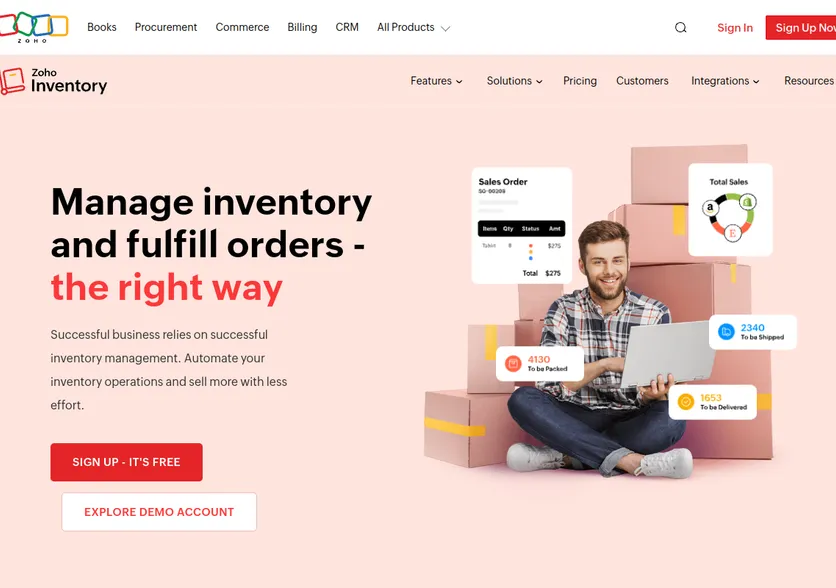
This Zoho Inventory Standard plan costs twenty-nine dollars a month billed annually, the cheapest paid plan in this comparison. Barcode scanning and cycle counts are included on Standard, and the mobile app lets the team count from the aisle instead of the office. The tool integrates with Zoho Books and Shopify, so a warehouse that already sells online can keep stock, orders and accounting in sync.
What we like
- Cheapest paid plan in this comparison
- Barcode scanning and cycle counts included on Standard
- Integrates with Zoho Books and Shopify
Watch out for
- Order limits push busy warehouses to higher tiers
- Advanced warehouse features need Premium
How to try it
- Open the Zoho Inventory pricing page and start with the free plan
- Import your items and print barcode labels
- Run your first cycle count from the mobile app
2. Cin7 Core
Best for: Warehouse managers selling across many channels
Paid tool Starting price: $349/month · Three hundred and forty-nine dollars a month for Cin7 Core; higher tiers add advanced warehousing and reporting and are quoted
Free plan: No free plan; book a demo to start
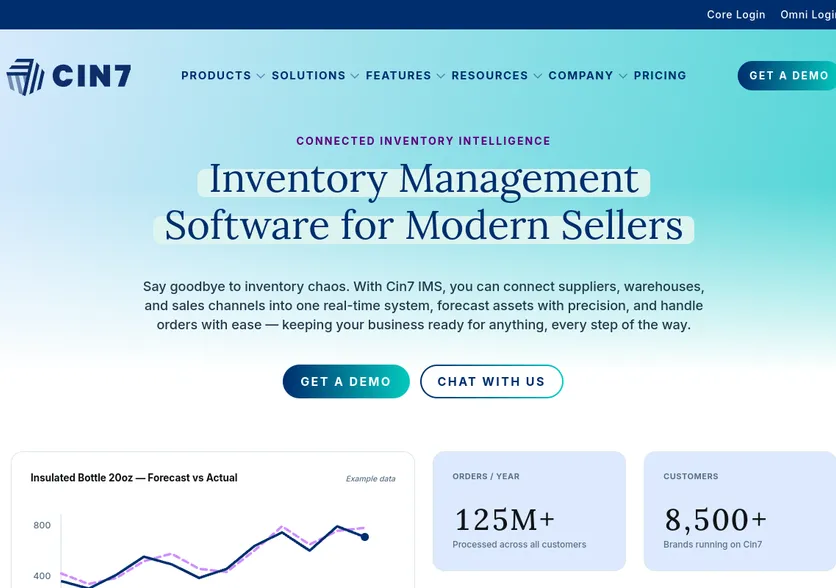
This Cin7 Core plan brings multichannel inventory together with purchasing and reporting in one system, so a warehouse that sells on several channels sees one stock figure everywhere. Barcode scanning and cycle counting are built into the warehouse app, and the integrations with ecommerce and accounting tools keep the numbers in sync. The entry price is steep for a single small warehouse, which is why this is the pick for a team with several sales channels.
What we like
- Multichannel inventory with purchasing and reporting in one system
- Barcode scanning and cycle counting built into the warehouse app
- Strong integrations with ecommerce and accounting tools
Watch out for
- No free plan, so the demo is the only test
- Entry price is steep for a single small warehouse
How to try it
- Open the Cin7 pricing page and book a demo
- Import your product list and set up one warehouse location
- Run a test cycle count on one aisle before a full rollout
3. inFlow Inventory
Best for: Warehouse managers that want flat-rate pricing
Paid tool Starting price: $99/month · Ninety-nine dollars a month billed annually for Lite, covering two team members and one location; Core costs two hundred and ninety-nine dollars, Pro costs four hundred and ninety-nine dollars and Max costs six hundred and ninety-nine dollars a month; a five hundred dollar onboarding package is required on most plans
Free plan: No free plan; 14-day free trial
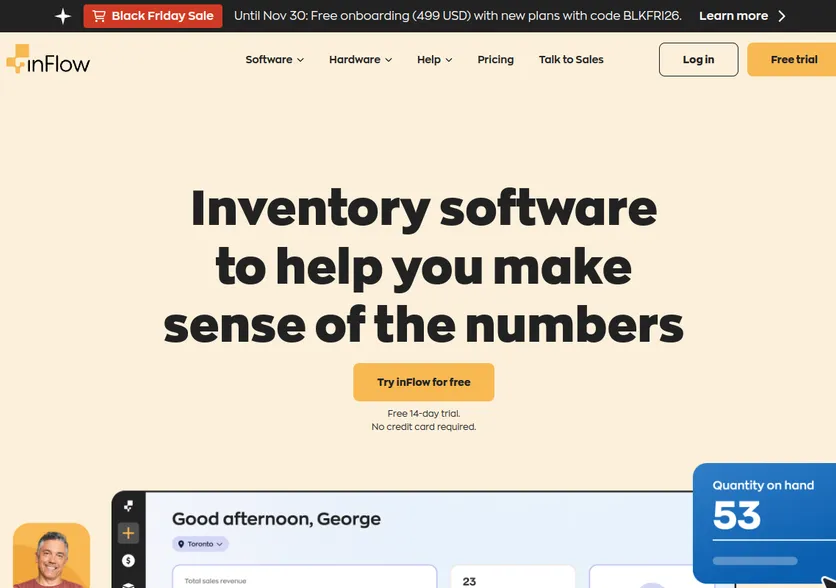
This inFlow Inventory Lite plan costs ninety-nine dollars a month billed annually, with flat-rate pricing that does not grow with headcount. Barcode scanning and picking are built into every plan, and the tool works on Windows, web and mobile from one account. A five hundred dollar onboarding package is required on most plans, so add that to the first-year cost before you compare the monthly price.
What we like
- Flat-rate pricing that does not grow with headcount
- Barcode scanning and picking built into every plan
- Works on Windows, web and mobile from one account
Watch out for
- Onboarding package adds five hundred dollars to most plans
- Serial number tracking is a paid add-on
How to try it
- Open the inFlow pricing page and start the fourteen-day trial
- Import your stock and print barcode labels
- Run a cycle count on one product group before you count the whole warehouse
4. Katana
Best for: Makers and small manufacturers that count raw materials too
Paid tool Starting price: $299/month · Two hundred and ninety-nine dollars a month for the Core plan with unlimited users and SKUs and one inventory location; Manufacturing Management costs one hundred and ninety-nine dollars, Traceability costs two hundred and forty-nine dollars and Warehouse Management costs one hundred and forty-nine dollars a month as add-ons; a free plan covers up to thirty SKUs
Free plan: Free plan for up to 30 SKUs
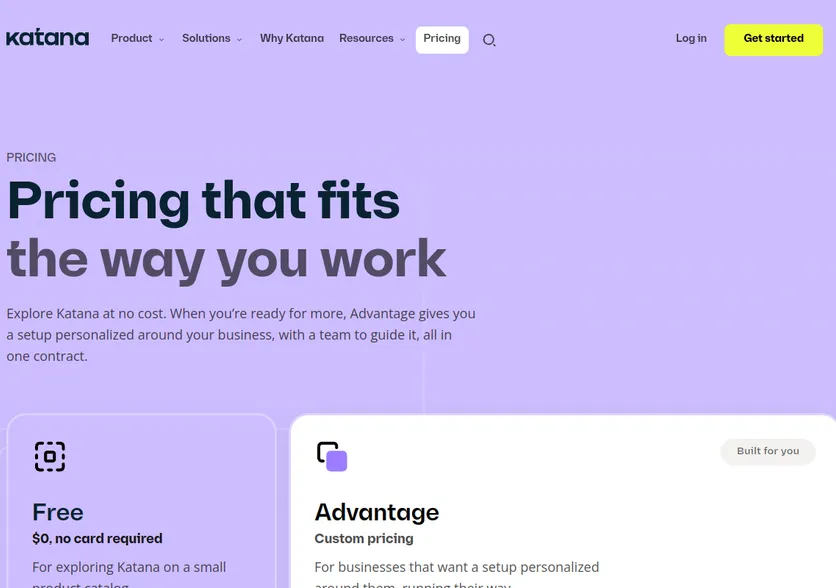
This Katana Core plan pairs visual production planning with live stock levels, so a maker sees materials and finished goods in one screen. Barcode scanning is included on the Core plan, and a free plan covers up to thirty SKUs for a very small operation. Warehouse management is a paid add-on rather than part of Core, so a team that needs bin picking should price that add-on before buying.
What we like
- Visual production planning alongside live stock levels
- Barcode scanning included on the Core plan
- Free plan covers a very small maker
Watch out for
- Warehouse management is a paid add-on, not in Core
- Sales orders are billed by usage on top of Core
How to try it
- Open the Katana pricing page and start with the free plan
- Import your materials and finished goods
- Turn on the Warehouse Management add-on and test bin picking
5. SKULabs
Best for: Warehouse teams that want barcode-first counting
Paid tool Starting price: $299/month · Two hundred and ninety-nine dollars a month for SKULabs; higher tiers add more users and warehouses and are quoted
Free plan: No free plan; demo available
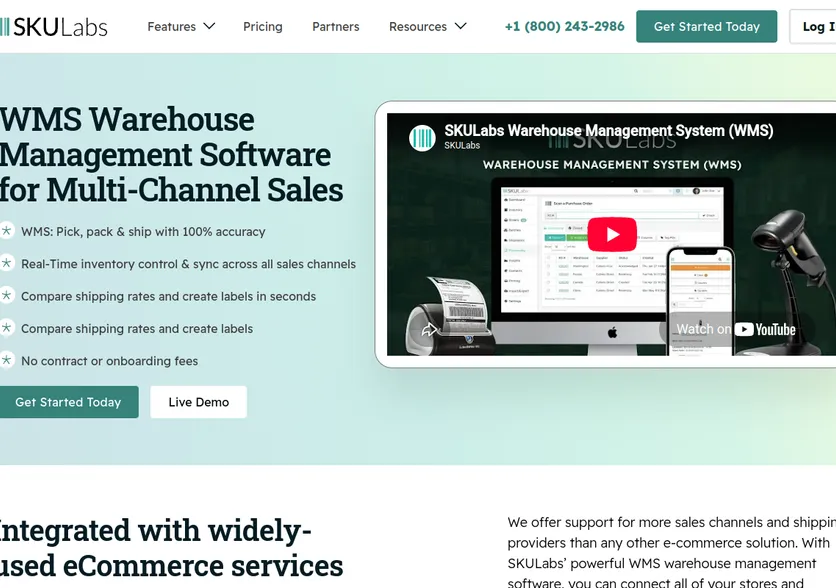
This SKULabs platform is built for warehouse teams with barcode-first counting, so the count starts with a scan rather than a typed SKU. Pick, pack and ship happen from the same screen, and the integrations with Shopify, Amazon and QuickBooks keep orders and stock in sync. The price is flat, so a small team pays the same as a large one, which is why the demo matters before committing.
What we like
- Built for warehouse teams with barcode-first counting
- Pick, pack and ship from the same screen
- Integrates with Shopify, Amazon and QuickBooks
Watch out for
- No free plan, so the demo is the only test
- Pricing is flat, so small teams pay the same as large ones
How to try it
- Open the SKULabs pricing page and book a demo
- Connect your sales channels and import your stock
- Run a barcode cycle count on one zone before a full rollout
6. Finale Inventory
Best for: Warehouse managers that want one source of truth for inventory and costs
Paid tool Starting price: $499/month · Four hundred and ninety-nine dollars a month for the Essentials plan covering one to two warehouses; Growth costs seven hundred and ninety-nine dollars a month and Enterprise is custom-quoted; the product is now sold as Descartes Finale
Free plan: No free plan; free trial available
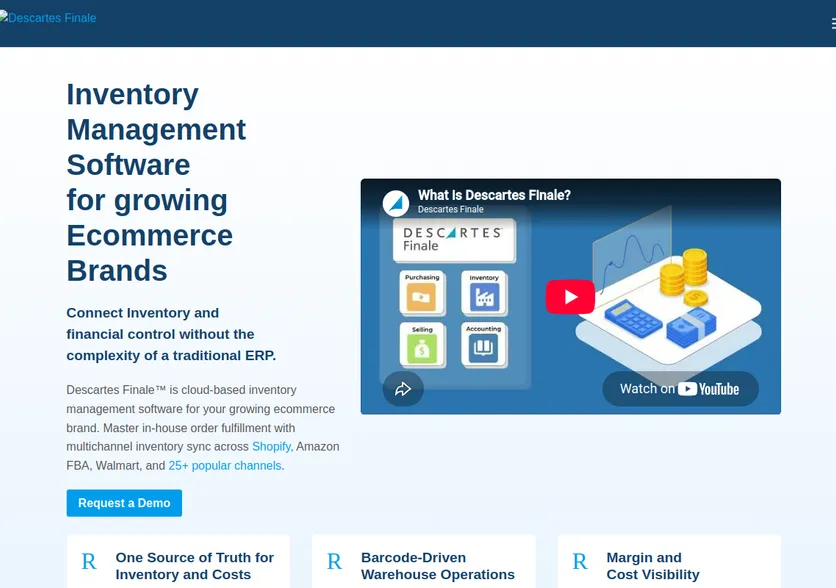
This Finale Inventory platform gives a warehouse one source of truth for inventory and costs, with margin and cost visibility built into every screen. Barcode-driven warehouse operations run on the Growth plan, and the product is now sold as Descartes Finale after the acquisition. The entry price is the highest in this comparison, which is why this is the pick for a warehouse that needs the cost reporting the cheaper tools lack.
What we like
- One source of truth for inventory and costs
- Barcode-driven warehouse operations on Growth
- Margin and cost visibility built into every screen
Watch out for
- Entry price is the highest in this comparison
- Mobile barcode module needs the Growth plan
How to try it
- Open the Finale Inventory pricing page and start the free trial
- Connect your sales channels and import your stock
- Run a cycle count on one warehouse before you add the second
7. Ordoro
Best for: Warehouse managers that also ship and kit orders
Paid tool Starting price: $499/month · Pro plan at $499 a month bundles inventory, kitting and shipping; Express at $59 a month is shipping only and does not include inventory
Free plan: Free shipping plan; 15-day free trial
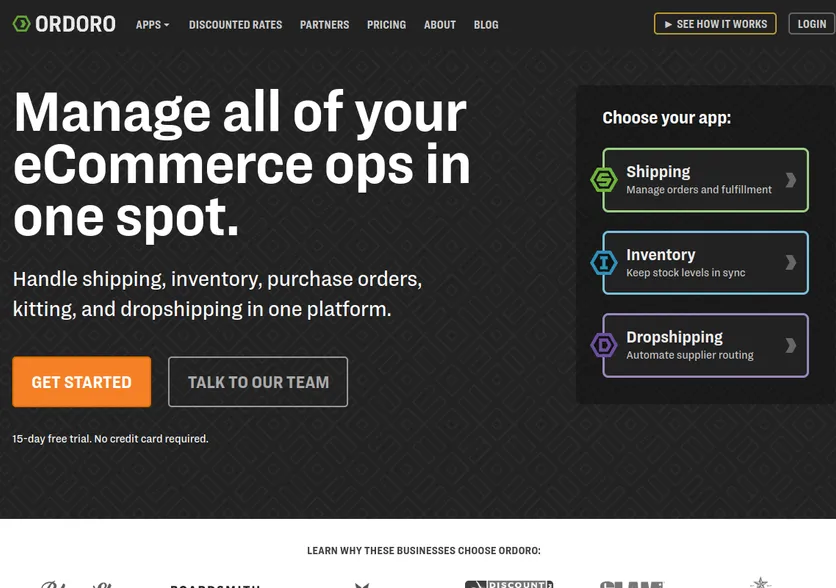
This Ordoro inventory application combines inventory, kitting and shipping labels in one workflow, so a warehouse that packs orders does not need a separate shipping tool. Barcode scanning runs on every paid plan, and dropshipping automation is available as a module for teams that never hold stock. The Express plan at fifty-nine dollars a month is shipping only with no inventory, so a counting team must buy Pro from four hundred and ninety-nine dollars a month.
What we like
- Inventory, kitting and shipping labels in one workflow
- Barcode scanning on every paid plan
- Dropshipping automation available as a module
Watch out for
- The cheapest plan has no inventory management at all
- Inventory pricing is separate from shipping pricing
How to try it
- Open the Ordoro pricing page and start the fifteen-day trial
- Connect your sales channels and import your products
- Run a cycle count on your fastest-moving SKUs first
Prices above were checked on each vendor’s own website on Nov 27, 2026 and can change — the vendor’s page is the final word. Vendor links are editorial: nobody paid to be listed or ranked here. Vendors who want a featured listing can see how it works on our Get listed page.
How a warehouse manager should run cycle counts
Count the fast movers every week and the slow movers every month, because the items that sell most are the ones whose counts drift fastest. Scan every item with a barcode rather than typing the SKU, since a mistyped digit creates a variance that takes longer to fix than the count took. Set a tolerance for each product group, so the team investigates only the variances that cost money and lets the small ones pass.
Watch the limits on the cheaper plans, because order caps and location caps arrive just as the warehouse grows. When a tool charges for onboarding or add-ons, add those to the first-year cost before you compare the monthly price. Run the first cycle count on one aisle during the trial, then roll the routine out to the whole warehouse once the team trusts the numbers.
Before you buy
- Count fast movers weekly and slow movers monthly, not everything at once
- Scan every item with a barcode instead of typing the SKU by hand
- Set a variance tolerance per product group and investigate only real gaps
- Add onboarding and add-on costs to the first-year price before comparing
- Run the first cycle count on one aisle during the free trial
Official websites
Official websites of the products reviewed above. Features and prices were checked against these sites when this guide was written, and they can change, so confirm on the vendor site before you buy.
Frequently asked questions
What is the cheapest cycle counting software?
Zoho Inventory Standard costs twenty-nine dollars a month billed annually and includes barcode scanning and cycle counts, which is the cheapest paid plan in this comparison. Katana has a free plan for up to thirty SKUs, and inFlow Inventory Lite costs ninety-nine dollars a month billed annually. A small warehouse can start with the Zoho free plan and upgrade to Standard when the order limits start to bite.
How often should a warehouse cycle count?
Count the fast-moving items every week, the medium movers every month, and the slow movers every quarter, so the whole warehouse is verified several times a year without a shutdown. The ABC method ranks items by value and sales volume, then sets the count frequency for each class. A daily count of one aisle keeps the routine small enough to fit around picking and packing.
Do we need barcode scanners or can staff use phones?
Phones work well for most warehouses, because every tool in this comparison offers a mobile app that scans barcodes with the camera. Dedicated handheld scanners are faster and tougher for high-volume aisles, and they survive drops that would break a phone. Start with the phones your team already owns and add handheld scanners only when the count speed becomes the bottleneck. Make sure the plan you buy includes the mobile app, because some vendors charge extra for it.
What is the difference between cycle counting and a full physical count?
A full physical count shuts the warehouse down and counts everything at once, while cycle counting counts a slice of the warehouse every day so the operation never stops. Cycle counting finds errors sooner, because a variance shows up the week it happens instead of at the year-end count. Most warehouses run cycle counts daily and a full count once a year to reconcile the books.
How do we handle variances when the count does not match the system?
Investigate the variance before you adjust the system, because the count is not always right and the system is not always wrong. Check for picking errors, misplaced stock and unrecorded damage first, then recount the location with a second person. Set a tolerance per product group, so the team investigates only the variances that cost money. Record the reason for every adjustment, because the pattern of reasons shows where the process breaks.
Compare the seven tools above, then start with a free plan or trial on one aisle before you count the whole warehouse.
Browse Business Tools tools