
On this page
Client data lives in five apps, the report lives in a sheet, and the freelancer in the middle exports it all by hand. Fivetran is the pick that ends that job: managed connectors move the data on a schedule, and the bill follows actual usage. This guide compares nine data integration tools for freelancers, from $5 to $100 a month, with live 2026 prices, free plans and trials, so a solo worker can pick by volume and budget instead of by sales pitch.
How we researched this
We checked the pricing page of every vendor on this list on November 26, 2026, and kept only tools that publish a real dollar price. Each tool had to move data between apps, sheets or warehouses without custom code, and fit a freelancer budget. We compared entry prices, free plans, trial length and how the bill scales as data volume grows.
Compare the tools
| Name | Best for | Starting price | Free plan | |
|---|---|---|---|---|
 Fivetran | Freelancers who want managed connectors that just work | $5/month | Free plan | Visit |
 Airbyte | Freelancers who want open-source connectors with a low cloud price | $20/month | Free plan | Visit |
 Skyvia | Freelancers who want a no-code start with a free plan | $79/month | Free plan | Visit |
 Stitch | Freelancers who want a simple, reliable ETL pipeline | $100/month | 14-day free trial, no free plan | Visit |
 Zapier | Freelancers who automate tasks between apps they already use | $29.99/mo | Free plan | Visit |
 Make | Freelancers who want powerful automation at the lowest price | $10.59/mo | Free plan | Visit |
 Windsor.ai | Freelancers who pull marketing data into sheets and dashboards | $23/mo | 14-day free trial, no free plan | Visit |
 Supermetrics | Freelancers who report on marketing data for clients | $59/mo | 14-day free trial, no free plan | Visit |
 Coupler.io | Freelancers who automate spreadsheets with data from many apps | $32/mo | Free plan | Visit |
The data integration tools for freelancers, compared
1. Fivetran
Best for: Freelancers who want managed connectors that just work
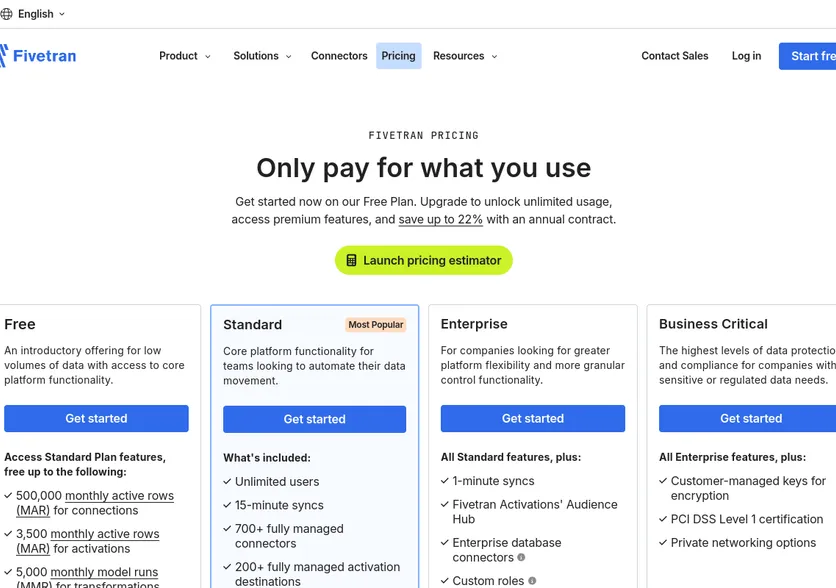
Paid tool Starting price: $5/month · Standard connections carry a $5 base charge a month for usage between 1 and 1 million monthly active rows; higher volumes follow a declining spend rate; annual contracts save up to 22%
Free plan: Free plan
Fivetran moves data from apps into a warehouse on a schedule, with managed connectors that need no pipeline code. This Fivetran Standard plan starts at $5 a connection a month, so a freelancer can sync one source cheaply and add more as clients grow. Annual contracts save up to 22 percent, which keeps the entry point the lowest on this list for light volumes.
What we like
- Managed connectors need no pipeline code
- Pay only for the rows actually moved
- Free plan covers a first connection
Watch out for
- Costs rise with monthly active rows
- Transformations are billed separately
How to try it
- Open the Fivetran pricing page and start the free plan
- Connect a source app and pick a warehouse
- Choose the tables to sync and set the schedule
2. Airbyte
Best for: Freelancers who want open-source connectors with a low cloud price
Paid tool Starting price: $20/month · Cloud Standard is $20 a month; open-source Core is free to self-host; higher cloud tiers add team features
Free plan: Free plan
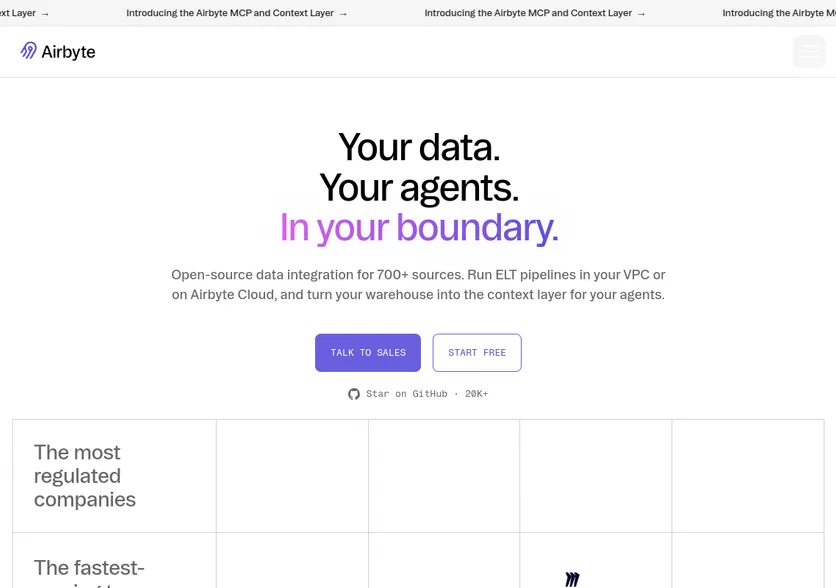
Airbyte is an open-source data integration platform with hundreds of connectors, available as a hosted cloud or self-hosted. This Airbyte Cloud Standard plan costs $20 a month and covers the core connectors for a freelancer with a few clients. The open-source Core edition is free to self-host, while the higher cloud tiers add team features and support.
What we like
- Open-source Core is free to self-host
- Hundreds of connectors are available
- Cloud Standard is cheap to start
Watch out for
- Self-hosting needs your own server
- Some connectors need a higher tier
How to try it
- Open the Airbyte pricing page and start the free plan
- Pick a source connector and a destination
- Run a first sync and check the rows
3. Skyvia
Best for: Freelancers who want a no-code start with a free plan
Paid tool Starting price: $79/month · Basic is $79 a month; a free plan covers a first pipeline; higher tiers add transformations and team features
Free plan: Free plan
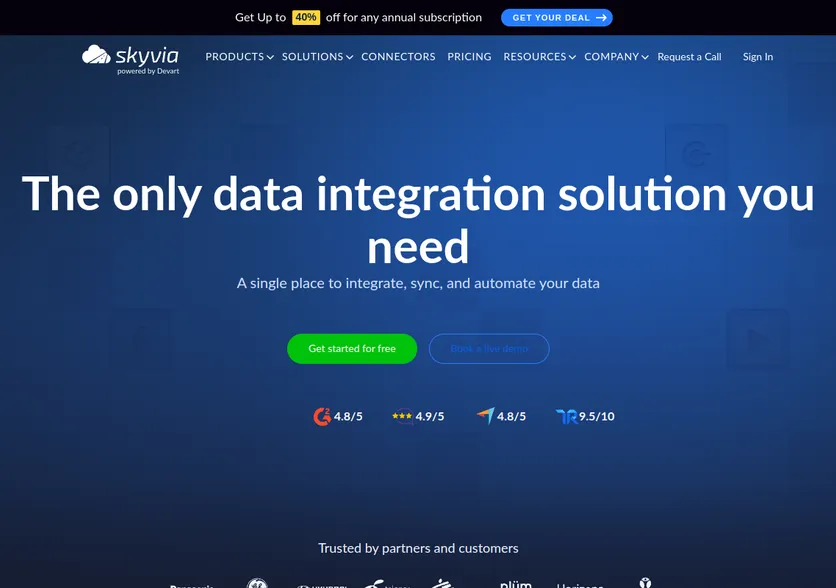
Skyvia is a no-code data integration platform that moves data between cloud apps and warehouses without writing a line of code. This Skyvia Basic plan costs $79 a month and adds more connections, scheduling and support for freelancers with regular syncs. A free plan covers a first pipeline, while the higher tiers add advanced transformations and team features.
What we like
- No code needed for a first pipeline
- Free plan covers a first sync
- Scheduling is built in
Watch out for
- Entry price is higher than the usage-based rivals
- Advanced transformations need a higher tier
How to try it
- Open the Skyvia pricing page and start the free plan
- Create a package linking a source and a destination
- Schedule the package to run daily
4. Stitch
Best for: Freelancers who want a simple, reliable ETL pipeline
Paid tool Starting price: $100/month · Stitch is $100 a month; a 14-day free trial is available; higher tiers add rows, sources and support
Free plan: 14-day free trial, no free plan
Stitch is a simple ETL service that replicates data from apps into a warehouse on a schedule, with no pipeline code to maintain. This Stitch plan costs $100 a month and covers the core replication features for a freelancer with steady client work. A 14-day trial covers the first sync, while the higher tiers add more rows, sources and support for busier schedules.
What we like
- Replication just works once it is set up
- No pipeline code to maintain
- Scheduling is simple and reliable
Watch out for
- No free plan beyond the trial
- Steeper entry than the usage-based tools
How to try it
- Open the Stitch pricing page and start the free trial
- Connect a source app and a warehouse
- Run a first replication and verify the rows
5. Zapier
Best for: Freelancers who automate tasks between apps they already use
Paid tool Starting price: $29.99/mo · Starter is $29.99 a month billed monthly, or $19.99 billed annually, with 750 tasks a month; Professional is $49 a month
Free plan: Free plan
Zapier connects thousands of apps with automations that move data, trigger actions and keep tools in sync without code. This Zapier Starter plan costs about $30 a month and covers 750 tasks a month for a freelancer automating client work. Annual billing drops the rate, and the Professional tier adds more tasks, faster updates and premium apps for busier workflows.

What we like
- Thousands of apps connect in minutes
- Free plan covers a first automation
- Task history shows exactly what ran
Watch out for
- Task limits cap busy automations
- Premium apps need a higher tier
How to try it
- Open the Zapier pricing page and start the free plan
- Pick two apps and build a first automation
- Turn it on and watch the tasks run
6. Make
Best for: Freelancers who want powerful automation at the lowest price
Paid tool Starting price: $10.59/mo · Core is $10.59 a month billed monthly, or $9 billed annually, with 10,000 credits a month; Pro is $18.82 a month
Free plan: Free plan
Make is a visual automation platform that builds complex workflows between apps, with branching, filters and error handling built in. This Make Core plan costs about $11 a month and covers 10,000 credits a month for a freelancer with several active workflows. Annual billing drops the rate further, and the Pro tier adds more credits and faster execution for busier schedules.

What we like
- Visual builder handles complex logic
- Cheapest paid plan on this list
- 10,000 credits cover a lot of work
Watch out for
- Learning curve is steeper than Zapier
- Credit counting takes a while to learn
How to try it
- Open the Make pricing page and start the free plan
- Drag two apps into a first scenario
- Run it once and check the output bundle
7. Windsor.ai
Best for: Freelancers who pull marketing data into sheets and dashboards
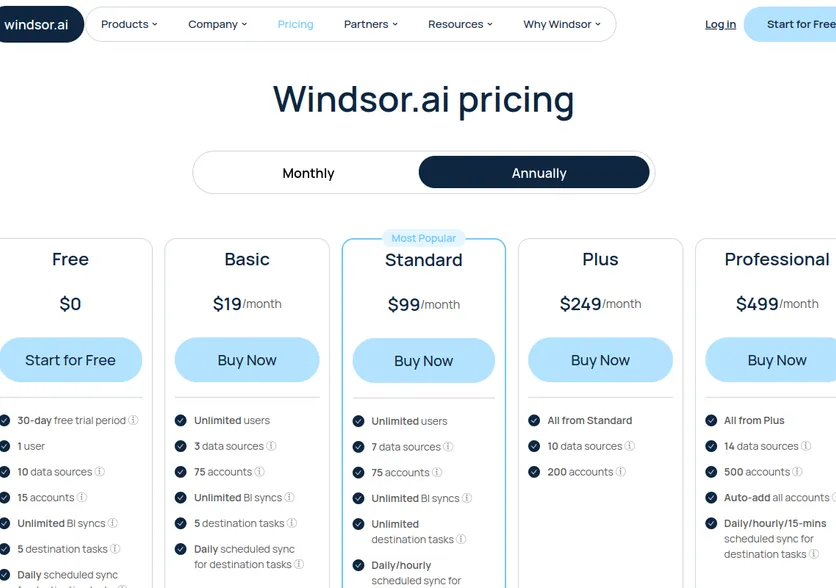
Paid tool Starting price: $23/mo · Basic is $23 a month billed monthly, or $19 billed annually, with 3 data sources and 75 accounts; Standard is $118 a month
Free plan: 14-day free trial, no free plan
Windsor connects marketing and sales data sources into spreadsheets, dashboards and warehouses with no code. This Windsor Basic plan costs $23 a month and covers three data sources with 75 accounts for a freelancer reporting for clients. Annual billing drops the rate, and the Standard tier adds more sources and accounts for busier reporting work.
What we like
- Marketing sources connect in minutes
- Sheets and dashboards are first-class
- Per-source pricing is easy to predict
Watch out for
- Source limits cap the Basic plan fast
- No free plan beyond the trial
How to try it
- Open the Windsor.ai pricing page and start the free trial
- Connect a data source such as ad spend
- Send the data to a sheet and build a report
8. Supermetrics
Best for: Freelancers who report on marketing data for clients
Paid tool Starting price: $59/mo · Starter is $59 a month billed monthly, or $44 billed annually, with 1 core destination and 3 data sources; prices rose in November 2026
Free plan: 14-day free trial, no free plan
Supermetrics pulls marketing data from ad platforms and analytics tools into sheets, dashboards and warehouses automatically. This Supermetrics Starter plan costs $59 a month and covers one core destination with three data sources for a freelancer with a few clients. Annual billing drops the rate, and the higher tiers add more destinations, sources and users for growing practices.

What we like
- Marketing connectors are deep and reliable
- Scheduled refreshes run without babysitting
- Templates speed up client reporting
Watch out for
- Entry price rose in November 2026
- One destination caps the Starter plan
How to try it
- Open the Supermetrics pricing page and start the free trial
- Connect an ad platform as a data source
- Schedule a daily refresh into a sheet
9. Coupler.io
Best for: Freelancers who automate spreadsheets with data from many apps
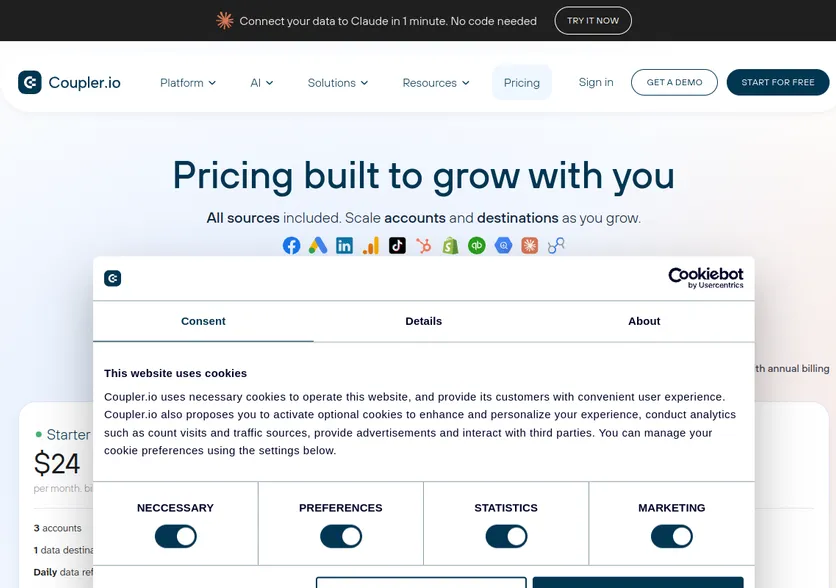
Paid tool Starting price: $32/mo · Starter is $32 a month billed monthly, or $24 billed annually, with 3 accounts and 1 destination; Active is $132 a month
Free plan: Free plan
Coupler automates data flows from apps into spreadsheets, dashboards and warehouses on a schedule, with no code. This Coupler Starter plan costs $32 a month and covers three accounts with one destination and daily refresh for a freelancer with regular reporting. Annual billing drops the rate, and the Active tier adds more accounts, destinations and faster refresh for busier work.
What we like
- Spreadsheets are a first-class destination
- Daily refresh runs automatically
- Free plan covers a first flow
Watch out for
- One destination caps the Starter plan
- Hourly refresh needs a higher tier
How to try it
- Open the Coupler.io pricing page and start the free plan
- Pick a source app and a spreadsheet destination
- Set a daily refresh and check the first import
Prices above were checked on each vendor’s own website on Nov 26, 2026 and can change — the vendor’s page is the final word. Vendor links are editorial: nobody paid to be listed or ranked here. Vendors who want a featured listing can see how it works on our Get listed page.
How to read the price before you commit
Prices on this list run from $5 to $100 a month, and the billing unit is the whole story: usage-based tools are cheap at low volume and expensive at high volume, while flat-rate tools flip that math. A $5 connection looks tiny until the warehouse holds millions of active rows, and a $100 plan looks steep until five sources each move data every day. Before paying, run the free plan on a real data source for a full week and watch how many rows or tasks actually move. Check whether transformations, scheduling and extra sources are included or billed separately.
Before you buy
- Count the rows or tasks you actually move each month, because usage pricing punishes a busy freelancer.
- Check whether the sources and destinations you need are on the plan, not just on the website.
- Run the free plan on a real data source for a full week to see the true volume.
- Ask whether transformations and scheduling are included or cost extra on top of the base price.
- Confirm the plan exports your connections and settings, because rebuilding pipelines is slow work.
Official websites
Official websites of the products reviewed above. Features and prices were checked against these sites when this guide was written, and they can change, so confirm on the vendor site before you buy.
Frequently asked questions
What is the cheapest data integration software for freelancers?
Fivetran is the cheapest entry point, at $5 a connection a month, with a free plan for a first connection. Make is the cheapest automation tool, at about $11 a month for 10,000 credits. Airbyte Cloud Standard at $20 a month is the cheapest full ETL option after Fivetran.
What is the difference between data integration and automation?
Data integration moves data between systems on a schedule, such as syncing a CRM into a warehouse. Automation tools like Zapier and Make move data too, but they trigger actions one event at a time. Pick an ETL tool for regular bulk syncs, and an automation tool for event-driven workflows.
Do freelancers need a data integration tool?
Yes, if you move client data regularly. A manual export breaks the moment a client changes a field, and the freelancer ends up rebuilding the report by hand. A $5 or $11 a month plan pays for itself the first time a scheduled sync saves an afternoon.
Which tools have a free plan?
Fivetran, Airbyte and Skyvia all offer free plans that cover a first pipeline. Zapier, Make and Coupler.io also have free plans for a first automation. Start on a free plan, measure the real volume for a week, then pick the paid tier that fits the numbers.
How should I choose between these tools?
Count the rows or tasks you move in a typical month, then compare the plans at that volume. Usage-based tools are cheap at low volume and expensive at high volume, while flat-rate tools flip that math. Run the free plan for a week and let the real numbers decide.
Running the business on spreadsheets? Try the free business tools on Toolsvine right in your browser.
Browse Business Tools tools


