On this page
Hotels run on data that lives in different systems: bookings in the property management system, rates on the channel manager, and guest feedback in review tools. Moving that data by hand eats hours every shift and leaves rates and reports out of date. The eight tools below connect bookings, guest and finance data automatically, with prices checked on the vendor site on November 27, 2026. Zapier is our first pick — the automation platform that links hotel apps together without writing code.
How we researched this
We started with the integration tools hotels actually buy, then read each price on the vendor pricing page on November 27, 2026 and noted the free plan each one carries. We judged them for a hotel that moves booking, guest and finance data between its property system and the rest of the stack without hiring a data engineer. We dropped Talend, Informatica, SnapLogic, Boomi, Workato, Jitterbit, Celigo, MuleSoft and Tray because none of them publishes a list price, so a buyer cannot compare them without a sales call.
Compare the tools
| Name | Best for | Starting price | Free plan | |
|---|---|---|---|---|
 Zapier | Hotels that need quick links between booking, messaging and finance apps | $19.99/month | Free plan with 100 tasks a month | Visit |
 Make | Hotels that want richer booking workflows with branches and filters | $9/month | Free plan with 1,000 credits a month | Visit |
 n8n | Hotels with technical staff that want full control over automation and data | €20/month | Free self-hosted Community edition | Visit |
 Coupler.io | Hotels that report occupancy and revenue in spreadsheets and dashboards | $24/month | Free plan with 1 account and 100 rows per run | Visit |
 Airbyte | Hotel groups that want warehouse reporting on an open connector library | $20/month | Free Core self-hosted edition | Visit |
 Skyvia | Hotels that want cloud integration with nothing installed on site | $79/month | Free plan with 10,000 records a month | Visit |
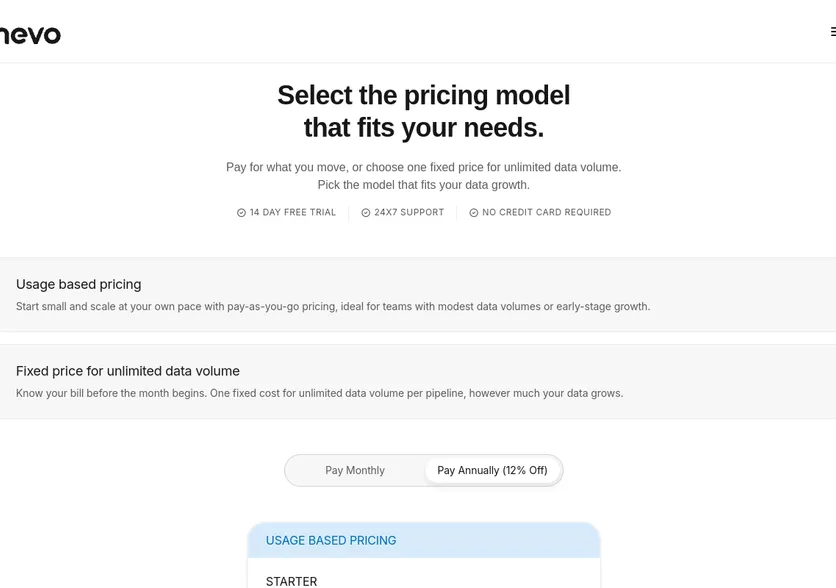
 Hevo Data | Hotel groups that want ready-made pipelines running within days | $265/month | Free plan with 1 million events a month | Visit |
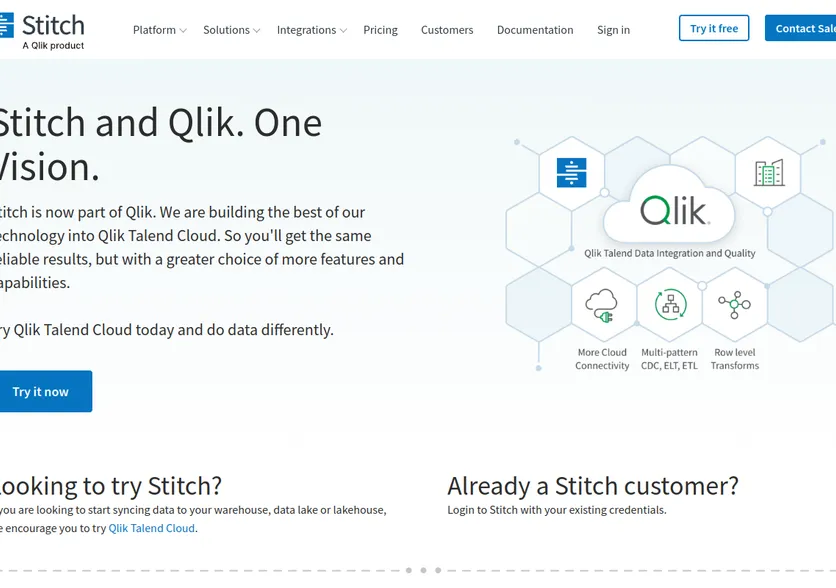
 Stitch | Hotels that want simple replication from reservation and finance databases | $100/month | No free plan; 14-day free trial | Visit |
The data integration software for hotels, compared
1. Zapier
Best for: Hotels that need quick links between booking, messaging and finance apps
Paid tool Starting price: $19.99/month · Nineteen dollars and ninety-nine cents a month billed annually for the Starter plan, or twenty-nine dollars and ninety-nine cents monthly, for seven hundred and fifty tasks a month; Professional costs forty-nine dollars and Team costs sixty-nine dollars a month billed annually
Free plan: Free plan with 100 tasks a month
Zapier links a hotel booking engine to the tools the front desk already uses, so new reservations reach every system without retyping. This Zapier Starter plan costs nineteen dollars and ninety-nine cents a month billed annually, or twenty-nine dollars and ninety-nine cents monthly, for seven hundred and fifty tasks a month. A hotel that needs quick links between its booking and messaging tools gets automation running in an afternoon without code.

What we like
- Thousands of app connections with no code
- Workflows that start running the same afternoon
- Free plan that covers light automation
Watch out for
- Task limits mean a busy season can stop workflows mid-month
- It moves records between apps, it does not replace a warehouse
How to try it
- Open the Zapier site and start the free plan
- Build a workflow that copies new reservations to your messaging tool
- Test the workflow on a few bookings, then switch it on
2. Make
Best for: Hotels that want richer booking workflows with branches and filters
Paid tool Starting price: $9/month · Nine dollars a month billed annually for the Core plan, or ten dollars and fifty-nine cents monthly, for ten thousand credits a month; Pro costs sixteen dollars and Teams costs twenty-nine dollars a month billed annually
Free plan: Free plan with 1,000 credits a month
Make builds visual workflows that move booking and guest data between a hotel property system and the rest of the stack. This Make Core plan costs nine dollars a month billed annually, or ten dollars and fifty-nine cents monthly, for ten thousand credits a month. A hotel that wants richer workflows than simple triggers gets a visual builder that handles branches and filters.

What we like
- Visual builder that shows the whole workflow at a glance
- Branches and filters for real booking logic
- Cheapest paid plan in this comparison
Watch out for
- Credit costs rise when workflows check for new bookings often
- Complex scenarios take longer to build than simple triggers
How to try it
- Open the Make site and start the free plan
- Draw a workflow from your booking engine to the finance tool
- Add a filter for cancelled bookings, then switch the scenario on
3. n8n
Best for: Hotels with technical staff that want full control over automation and data
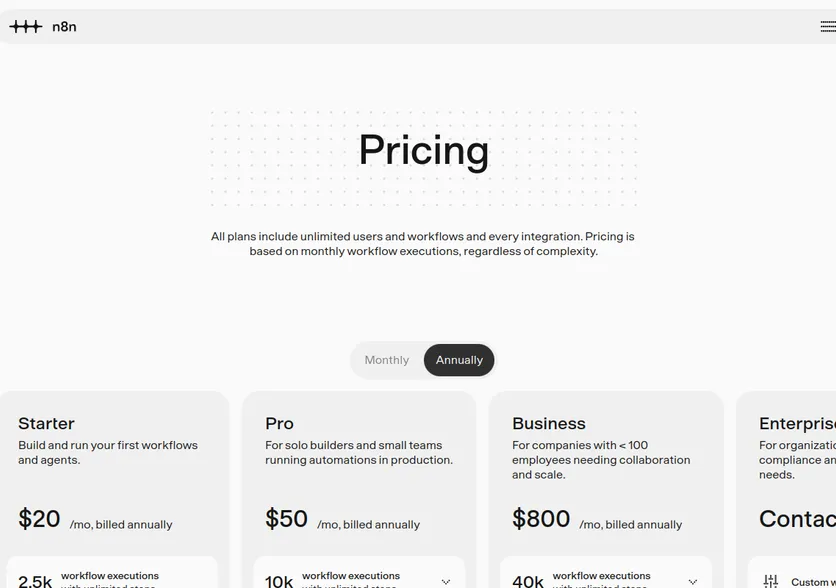
Paid tool Starting price: €20/month · Twenty euros a month billed annually for the Cloud Starter plan, or twenty-four euros monthly, for two thousand five hundred executions; Pro costs fifty euros and Business costs six hundred sixty-seven euros a month billed annually (eight hundred euros on monthly billing)
Free plan: Free self-hosted Community edition
n8n gives a hotel team a self-hosted automation builder for booking, housekeeping and guest messaging workflows. This n8n Cloud Starter plan costs twenty euros a month billed annually, or twenty-four euros monthly, for two thousand five hundred executions. A hotel with technical staff gets full control over its workflows and data without a per-task meter on the self-hosted edition.
What we like
- Self-hosted edition with no per-task meter
- Full control over workflow logic and guest data
- Active community that shares workflow templates
Watch out for
- Self-hosted setup needs someone technical to maintain it
- The cloud execution meter can surprise teams in a busy season
How to try it
- Open the n8n site and try the free Community edition
- Build a workflow that alerts housekeeping when a room is vacated
- Test the workflow on a few rooms, then run it live
4. Coupler.io
Best for: Hotels that report occupancy and revenue in spreadsheets and dashboards
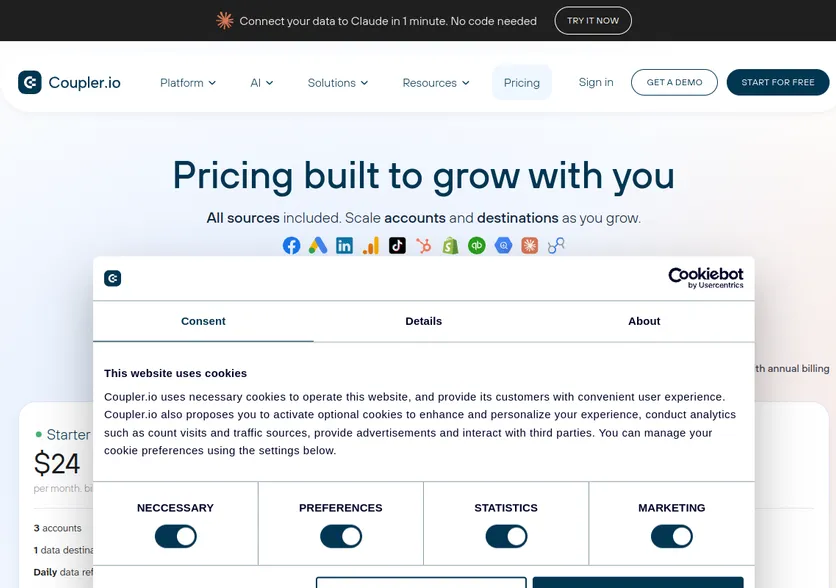
Paid tool Starting price: $24/month · Twenty-four dollars a month billed annually for the Starter plan, or thirty-two dollars monthly, for three accounts with daily refresh; Active costs ninety-nine dollars and Pro costs one hundred and ninety-nine dollars a month billed annually
Free plan: Free plan with 1 account and 100 rows per run
Coupler pulls booking and revenue figures from a hotel property system into spreadsheets and dashboards on a schedule. This Coupler Starter plan costs twenty-four dollars a month billed annually, or thirty-two dollars monthly, for three accounts with daily refresh. A hotel that reports occupancy and revenue in spreadsheets gets fresh numbers every morning without manual exports.
What we like
- Fresh spreadsheet data every morning without exports
- Simple setup that a revenue manager finishes in an hour
- Daily refresh that keeps occupancy reports current
Watch out for
- Starter refreshes daily only, so intraday numbers need a higher plan
- Three accounts on Starter may not cover a multi-property group
How to try it
- Open the Coupler site and start the free plan
- Connect your property system as a source
- Send the booking data to a spreadsheet and schedule a daily refresh
5. Airbyte
Best for: Hotel groups that want warehouse reporting on an open connector library
Paid tool Starting price: $20/month · Twenty dollars a month for the Cloud Standard plan with five credits included and five dollars per extra credit; the self-hosted Core edition is free and Plus starts at one hundred and eighty-nine dollars a month
Free plan: Free Core self-hosted edition
Airbyte moves hotel booking and finance data into the warehouse through an open connector library the team can extend. This Airbyte Cloud Standard plan costs twenty dollars a month with five credits included, and extra credits cost five dollars each, while the self-hosted Core edition is free. A hotel group that wants warehouse reporting on a budget can start on the free edition and move to the cloud plan when syncs grow.
What we like
- Large open connector library with community additions
- Free self-hosted edition for teams that run their own servers
- Simple credit model that scales with the syncs you run
Watch out for
- Credit costs climb when you sync large booking volumes
- Self-hosted Core needs someone to run and update it
How to try it
- Open the Airbyte site and try the free Core edition
- Add a source connector for your property system
- Set the destination to your warehouse and run the first sync
6. Skyvia
Best for: Hotels that want cloud integration with nothing installed on site
Paid tool Starting price: $79/month · Seventy-nine dollars a month billed annually for the Data Integration Basic plan, or ninety-nine dollars monthly, for five million records with daily runs; Standard costs one hundred and fifty-nine dollars and Professional costs three hundred and ninety-nine dollars a month billed annually
Free plan: Free plan with 10,000 records a month
Skyvia connects a hotel property system to the warehouse from a browser, with no agent installed on front-desk machines. This Skyvia Data Integration Basic plan costs seventy-nine dollars a month billed annually, or ninety-nine dollars monthly, for five million records with daily runs. A hotel that wants integration without touching its on-site computers gets a cloud tool that starts from a browser tab.
What we like
- Browser-based setup with nothing to install
- Free plan that covers small monthly volumes
- Daily runs that keep reporting data current
Watch out for
- Basic runs daily only, so same-day data needs a higher plan
- Record limits mean a busy season can force an upgrade
How to try it
- Open the Skyvia site and start the free plan
- Connect your cloud property system as a source
- Build the first package and schedule a daily run
7. Hevo Data
Best for: Hotel groups that want ready-made pipelines running within days
Paid tool Starting price: $265/month · Two hundred and sixty-five dollars a month billed annually for the Starter plan, or two hundred and ninety-nine dollars monthly, for five million events and up to ten users; Professional costs seven hundred and fifty dollars a month billed annually
Free plan: Free plan with 1 million events a month
Hevo Data pipelines booking, channel and finance records into the warehouse with templates that need no code. This Hevo Data Starter plan costs two hundred and sixty-five dollars a month billed annually, or two hundred and ninety-nine dollars monthly, for five million events and up to ten users. A hotel group that wants pipelines running this week gets a guided setup instead of a build project.
What we like
- Ready-made pipelines that start without code
- Guided setup that gets the first sync running fast
- Event-based pricing that fits steady monthly volumes
Watch out for
- The event meter means busy months cost more than quiet ones
- Advanced features need the Professional plan at a much higher price
How to try it
- Open the Hevo Data site and start the free plan
- Pick a pipeline template for your property system
- Map the fields to the warehouse and switch the pipeline on
8. Stitch
Best for: Hotels that want simple replication from reservation and finance databases
Paid tool Starting price: $100/month · One hundred dollars a month for the Standard plan covering five million rows, scaling to three hundred million rows; Advanced costs one thousand five hundred dollars a month and Premium costs three thousand dollars a month billed annually
Free plan: No free plan; 14-day free trial
Stitch replicates hotel reservation and finance databases into the warehouse on a fixed schedule with little setup. This Stitch Standard plan costs one hundred dollars a month for five million rows, while Advanced costs one thousand five hundred dollars a month. A hotel that needs a simple replication tool gets dependable syncs without a data engineering team.
What we like
- Simple replication setup with no pipeline code
- Fixed schedule that keeps the warehouse current
- Long track record as a dependable replication tool
Watch out for
- No free plan, so the trial is the only way to test it
- The jump to Advanced is steep once you outgrow Standard
How to try it
- Open the Stitch site and start the 14-day trial
- Connect the database that holds your reservation records
- Choose the tables to replicate and set the sync schedule
Prices above were checked on each vendor’s own website on Nov 27, 2026 and can change — the vendor’s page is the final word. Vendor links are editorial: nobody paid to be listed or ranked here. Vendors who want a featured listing can see how it works on our Get listed page.
What integration software costs a hotel
Hotel integration pricing follows the booking volume, not the room count, so a hotel should count its monthly reservations and syncs before it compares plans. The cheapest paid plan here costs nine dollars a month, while the most expensive costs two hundred and sixty-five dollars a month, and the gap comes from volume limits and workflow depth. A small inn with a few hundred bookings a month fits the low end, while a hotel group syncing reservations across many properties needs a plan priced for that volume.
Start with a trial on two tools and connect the three systems that matter most: the property management system, the booking engine and the finance tool. Run the syncs for two weeks, then check whether every reservation arrived and how long a full refresh takes. Pick the tool whose workflows finish on time and whose connector list covers the next system you plan to add, because a cheap plan that misses a connector costs more than the plan above it.
Before you buy
- Count the bookings and syncs you run each month, because a plan priced by tasks punishes a busy season.
- Check that your property system has a connector, because one missing link means manual retyping at the desk.
- Ask how the tool handles rate changes, because a stale rate can sell a room below cost.
- Confirm the sync speed your front desk needs, because daily syncs leave tonight's arrivals out of the system.
- Test the free plan on real booking data first, because a trial with sample rows hides the problems your data carries.
Official websites
Official websites of the products reviewed above. Features and prices were checked against these sites when this guide was written, and they can change, so confirm on the vendor site before you buy.
Frequently asked questions
Which data integration software is best for hotels in 2026?
Zapier is the best overall pick at nineteen dollars and ninety-nine cents a month, linking booking engines to messaging and finance tools with no code. Make is the best budget pick at nine dollars a month with a visual workflow builder. Coupler is the best pick for reporting, pulling booking and revenue figures into spreadsheets every morning without manual exports.
How much does data integration software cost for a hotel?
Prices in this list run from nine dollars a month for Make to two hundred and sixty-five dollars a month for Hevo Data, with most tools landing between twenty and one hundred dollars a month. Task-based and event-based plans charge by volume, so a hotel should count its monthly bookings before comparing headline prices. Add connector fees and storage costs to the subscription before you compare totals.
Do hotels need real-time sync, or is daily enough?
Daily syncs suit most hotel reporting, because occupancy and revenue figures are reviewed once a day. Real-time syncs matter for the front desk, where a new booking must reach housekeeping and the channel manager within minutes. A hotel should buy real-time syncs only for the handful of workflows where the delay changes a guest experience, and run the rest on a daily schedule.
Can a small hotel use these tools without an IT team?
Yes, and most of the tools here are built for that buyer. Zapier and Make need no code at all, and Coupler sends data to spreadsheets with a setup a revenue manager finishes in an hour. A small hotel should pick a tool with a free plan, connect two systems first, and only add the warehouse once the first syncs run cleanly.
What is the difference between an integration tool and a channel manager?
A channel manager pushes rates and availability to booking sites, while an integration tool moves data between the systems a hotel already runs. The two solve different problems and often work together, with the integration tool feeding channel data into reporting. A hotel that only needs rates on booking sites should buy a channel manager, while a hotel building reports needs an integration tool as well.
Need everyday business help too? Try Toolsvine's free business tools right in your browser.
Browse Business Tools tools