On this page
Gyms run on photos and video, from class clips and trainer headshots to member transformations, and those files pile up faster than anyone can sort them. The eight tools below were checked on the vendor sites on November 27, 2026, and the list runs from nine a month to one hundred a month. Filecamp is our first pick - one flat monthly price that covers the whole gym team.
How we researched this
We started with the DAM tools that publish a real price, then read each price on the vendor pricing page on November 27, 2026 and noted the trial each plan carries. We judged them for gyms that need to find any photo or video in seconds and share it without emailing files around. We dropped Bynder, Canto, Brandfolder, Frontify, MediaValet and Aprimo because none of them publishes a list price, so a buyer cannot compare them without a sales call.
Compare the tools
| Name | Best for | Starting price | Free plan | |
|---|---|---|---|---|
 Filecamp | Gyms that want one flat monthly price no matter how many people use the library | $29/month | No free plan; 30-day free trial | Visit |
 Stockpress | Gyms that want AI tagging and unlimited users at a flat monthly price | $99/month | Free plan with 3 GB of storage | Visit |
 ImageKit | Gyms that want cheap image storage with built-in optimisation and delivery | $9/month | Forever free plan | Visit |
 Sirv | Gyms that need fast image delivery with zoom and 360-degree spins | $19/month | Free plan | Visit |
 Cloudinary | Gyms with large media libraries that need transformations, video and delivery in one platform | $89/month | Free plan | Visit |
| Uploadcare | Gyms that collect uploads from customers and need storage plus delivery in one service | $66/month | Free plan for personal use | Visit |
| Filestack | Gyms that need uploads, transformations and delivery from one developer-friendly service | $69/month | Free plan | Visit |
 Air | Gyms that need a visual library with approvals and AI editing in one workspace | $100/month | Free plan | Visit |
The digital asset management software for gyms, compared
1. Filecamp
Best for: Gyms that want one flat monthly price no matter how many people use the library
Paid tool Starting price: $29/month · Twenty-nine dollars a month for the Basic plan with twenty gigabytes of storage and unlimited users; Advanced costs fifty-nine dollars a month and Professional costs eighty-nine dollars a month
Free plan: No free plan; 30-day free trial
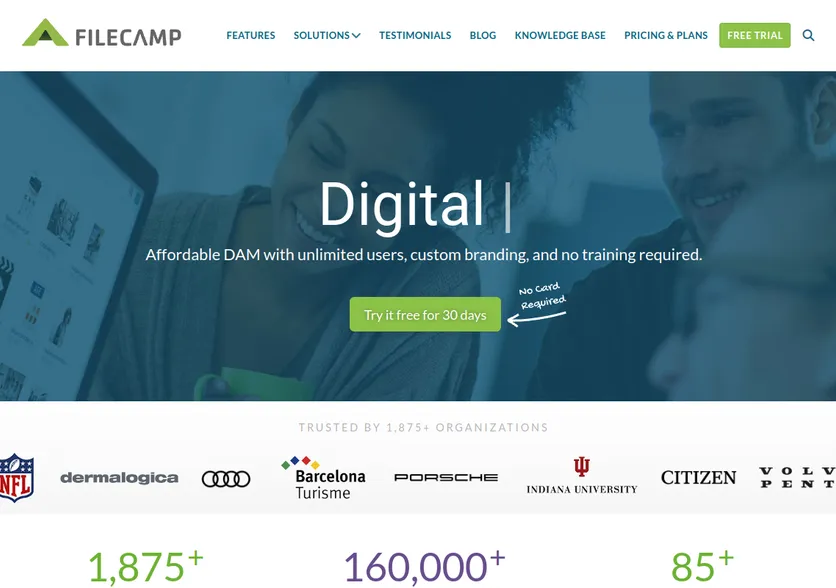
For gyms, Filecamp is the plain flat-rate library that stores, tags and shares brand files with unlimited users on every plan. The Basic plan costs twenty-nine dollars a month and covers twenty gigabytes of storage with unlimited users and free bandwidth. That flat rate suits gyms where everyone from the owner to the newest hire needs the same files.
What we like
- Unlimited users on every plan with no per-seat fees
- Simple folders, tags and share links that anyone can learn
- Branded portals for clients and partners on higher plans
Watch out for
- No free plan, so the thirty-day trial is the only test
- Basic storage stops at twenty gigabytes before paid add-ons start
How to try it
- Open the Filecamp site and start the thirty-day free trial
- Upload your files and set folder permissions for the team
- Share a branded link and check downloads from outside the team
2. Stockpress
Best for: Gyms that want AI tagging and unlimited users at a flat monthly price
Paid tool Starting price: $99/month · Ninety-nine dollars a month for the Essential plan with two hundred gigabytes of storage and unlimited users; Pro costs from one hundred and seventy-five dollars a month and Premium costs from two hundred and twenty-five dollars a month
Free plan: Free plan with 3 GB of storage
For gyms, Stockpress is the self-serve library with AI tagging on every plan and unlimited users from the free tier up. The Essential plan costs ninety-nine dollars a month and covers two hundred gigabytes of storage with unlimited users and facial recognition. That storage-based price suits gyms where the whole team needs access and the bill must not grow with headcount.
What we like
- AI tagging included from the free plan
- Unlimited users on every plan
- Clear storage-based pricing with no sales call
Watch out for
- Storage caps rise only by moving to a higher plan
- Single sign-on needs the Premium plan
How to try it
- Open the Stockpress site and start with the free plan
- Upload your files and let AI tagging organise them
- Set roles and share a branded portal with the team
3. ImageKit
Best for: Gyms that want cheap image storage with built-in optimisation and delivery
Paid tool Starting price: $9/month · Nine dollars a month for the Lite plan with three users, forty gigabytes of bandwidth and ten gigabytes of storage; Pro costs eighty-nine dollars a month with five users and two hundred and twenty-five gigabytes of bandwidth
Free plan: Forever free plan
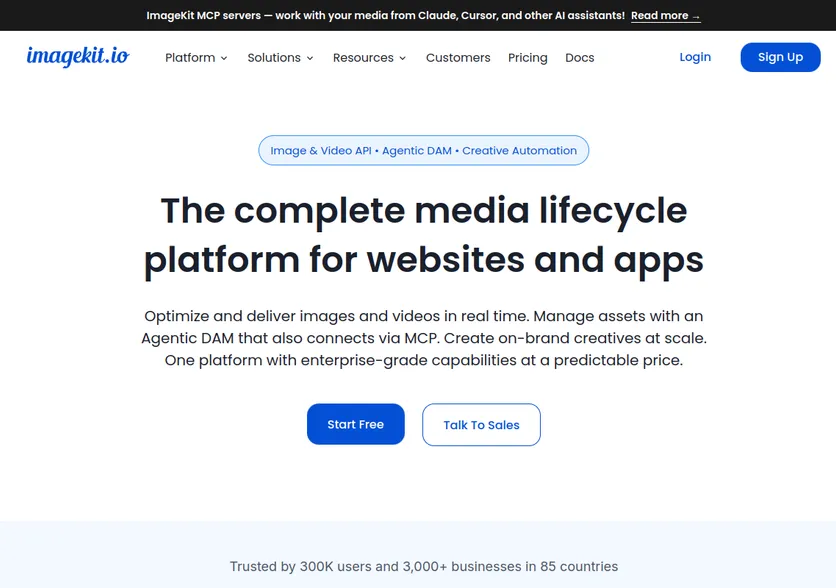
For gyms, ImageKit pairs a media library with image optimisation and delivery, so files leave the library ready for the web. The Lite plan costs nine dollars a month and covers three users with forty gigabytes of bandwidth and ten gigabytes of storage. That low entry price suits gyms that need proper asset storage without an enterprise contract.
What we like
- Cheapest paid plan in this comparison
- Image optimisation and delivery built into the library
- Free plan that covers small libraries at no cost
Watch out for
- Bandwidth overages add fifty cents per gigabyte on Lite
- Advanced DAM search needs the Pro plan at eighty-nine dollars a month
How to try it
- Open the ImageKit site and start with the free plan
- Upload your images and organise them into folders with tags
- Connect the delivery URL to your website and check load times
4. Sirv
Best for: Gyms that need fast image delivery with zoom and 360-degree spins
Paid tool Starting price: $19/month · Nineteen dollars a month for the Business plan with five gigabytes of storage and twenty gigabytes of transfer; the next tier costs thirty-nine dollars a month with twelve gigabytes of storage
Free plan: Free plan
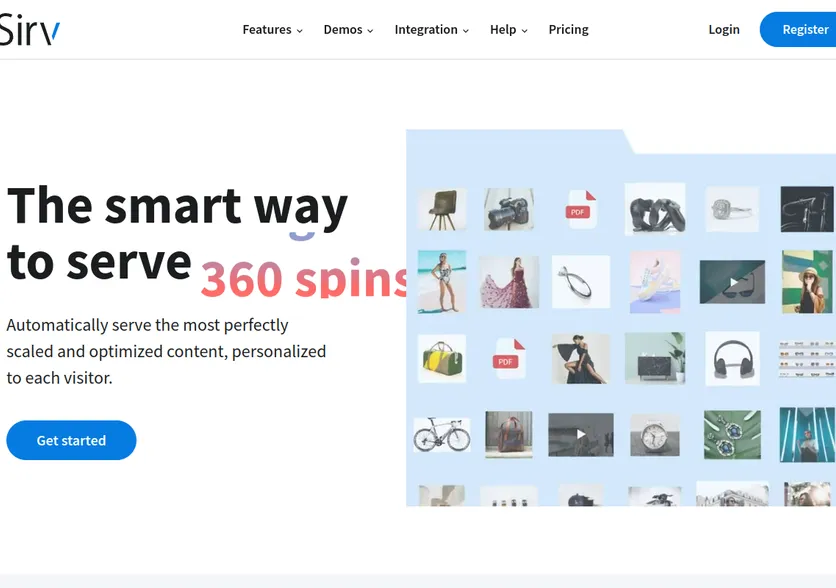
For gyms, Sirv stores product images, spins, zoom and video in one library and serves them fast through its own image network. The Business plan costs nineteen dollars a month and covers five gigabytes of storage with twenty gigabytes of transfer and twenty users. That fixed price suits gyms that show the same images to customers every day and need them to load fast.
What we like
- Fixed monthly price with no overage fees
- Built-in zoom and 360-degree spin viewers
- Free plan for testing the library before paying
Watch out for
- Storage and transfer caps rise only by moving up a tier
- Video and 3D features need larger storage tiers
How to try it
- Open the Sirv site and start with the free plan
- Upload product images and set up the zoom viewer
- Embed the gallery on your site and test it on a phone
5. Cloudinary
Best for: Gyms with large media libraries that need transformations, video and delivery in one platform
Paid tool Starting price: $89/month · Eighty-nine dollars a month billed annually for the Plus plan with two hundred and twenty-five monthly credits, or ninety-nine dollars a month billed monthly; Advanced costs two hundred and twenty-four dollars a month billed annually
Free plan: Free plan
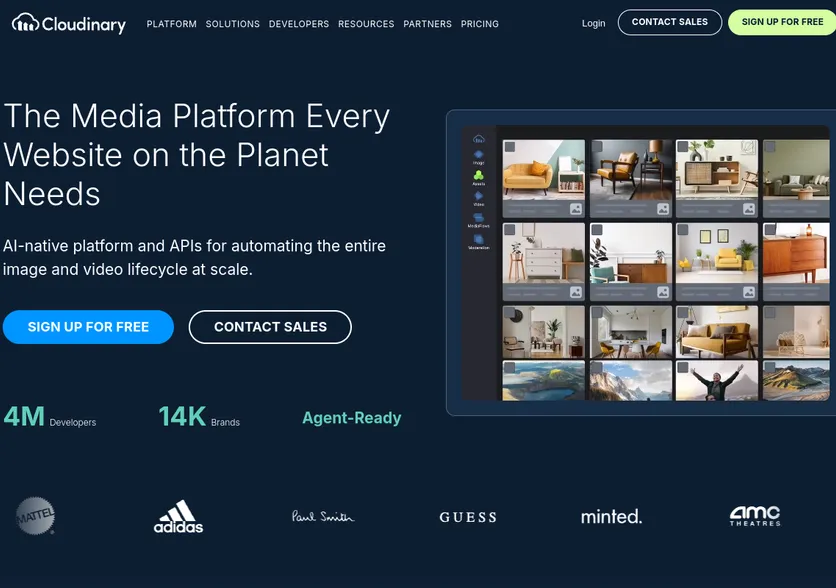
For gyms, Cloudinary is the heavyweight media platform that stores, transforms and delivers images and video at scale. The Plus plan costs eighty-nine dollars a month billed annually and covers two hundred and twenty-five monthly credits with three users. That credit pool suits gyms with large image libraries that also need video and automatic tagging.
What we like
- Automatic tagging and search across the whole library
- Image and video transformations on demand
- Free plan with twenty-five credits a month
Watch out for
- The credit model takes time to understand before the bill makes sense
- Plus is a big jump from the free plan with nothing between
How to try it
- Open the Cloudinary site and start with the free plan
- Upload your media and test the automatic tagging
- Set up transformations for the sizes your site needs
6. Uploadcare
Best for: Gyms that collect uploads from customers and need storage plus delivery in one service
Paid tool Starting price: $66/month · Sixty-six dollars a month billed annually for the Pro plan with five thousand operations, or seventy-nine dollars a month billed monthly; Business costs one hundred and sixty-six dollars a month billed annually
Free plan: Free plan for personal use
For gyms, Uploadcare handles uploads, storage and delivery in one place, so files arrive from any device and leave ready to use. The Pro plan costs sixty-six dollars a month billed annually and covers five thousand operations with twenty-five gigabytes of traffic and ten gigabytes of storage. That operations model suits gyms that collect files from customers and staff through forms and apps.
What we like
- Upload widget that works from any device or cloud drive
- Malware scanning and signed uploads included
- Free plan for testing uploads before paying
Watch out for
- Three separate meters make the real bill harder to model
- The free plan is for personal use only
How to try it
- Open the Uploadcare site and start with the free plan
- Add the upload widget to your form or site
- Check the stored files and test the delivery links
7. Filestack
Best for: Gyms that need uploads, transformations and delivery from one developer-friendly service
Paid tool Starting price: $69/month · Sixty-nine dollars a month for the Start plan with seventy-five gigabytes of bandwidth and fifty gigabytes of storage; Grow costs one hundred and ninety-nine dollars a month and Scale costs three hundred and seventy-nine dollars a month
Free plan: Free plan
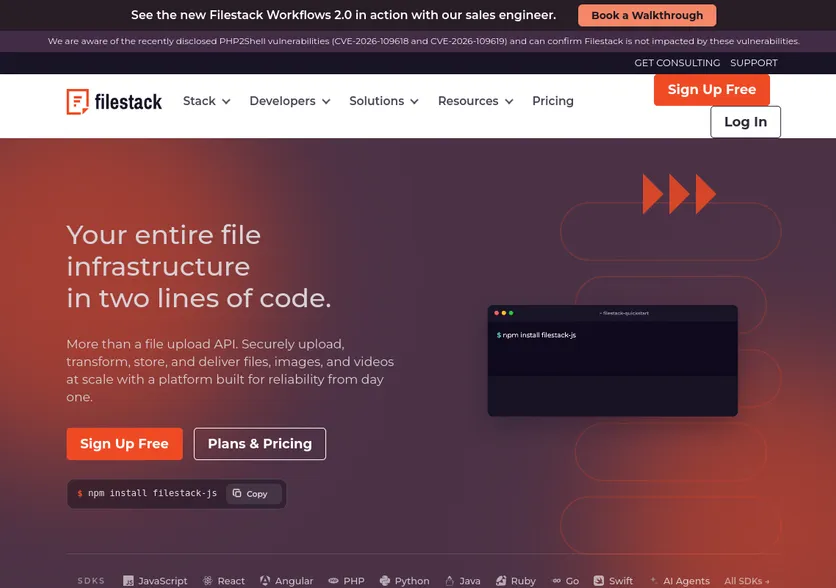
For gyms, Filestack is the file pipeline that takes uploads from any source, transforms them and delivers them through a content network. The Start plan costs sixty-nine dollars a month and covers seventy-five gigabytes of bandwidth with fifty gigabytes of storage and unlimited team members. That flat plan suits gyms that need reliable uploads and transformations without building the pipeline themselves.
What we like
- Uploads from device, camera and cloud drives in one widget
- Fifty thousand transformations a month on the Start plan
- Free plan for testing the pipeline before paying
Watch out for
- Overage charges apply once bandwidth or transformations run out
- The service is built for developers, not for casual users
How to try it
- Open the Filestack site and start with the free plan
- Add the file picker to your site or form
- Test an upload and check the transformed output
8. Air
Best for: Gyms that need a visual library with approvals and AI editing in one workspace
Paid tool Starting price: $100/month · One hundred dollars a month billed annually for the Starter plan with two hundred gigabytes of storage and five users, or one hundred and twenty-five dollars a month billed monthly; Business costs nine hundred dollars a month billed annually
Free plan: Free plan
For gyms, Air is the visual workspace where the library, approvals and AI editing live together in one searchable home. The Starter plan costs one hundred dollars a month billed annually and covers two hundred gigabytes of storage with five users and five hundred AI credits. That workspace suits gyms where photos and video need approval before anyone shares them.
What we like
- Visual search that finds assets by what is in them
- Approvals and comments built into the library
- Free plan with no time limit
Watch out for
- Starter stops at five users and two hundred gigabytes
- The jump to Business is nine hundred dollars a month
How to try it
- Open the Air site and start with the free plan
- Upload your photos and video into boards
- Send a board for approval and test the AI editing
Prices above were checked on each vendor’s own website on Nov 27, 2026 and can change — the vendor’s page is the final word. Vendor links are editorial: nobody paid to be listed or ranked here. Vendors who want a featured listing can see how it works on our Get listed page.
What DAM software costs for gyms in 2026
Gyms pay for DAM software by the month, and the cheapest honest price here is nine dollars a month. A gym library grows fast with class clips and trainer photos, so storage matters more than fancy features at first. Flat plans suit a gym because trainers, front desk staff and social media helpers all need the same files.
Start with a trial on two tools and load fifty real files into each one. Search for a photo by what is in it, share one folder with someone outside the team, and download a file in the size your site needs. Pick the tool whose search finds the file on the first try, because a library you cannot search is just a tidier shared drive.
Before you buy
- Check how much storage the entry plan includes, because gyms outgrow a small cap within months and pay for add-ons.
- Confirm who can see and download each folder, because a library that leaks unapproved photos costs more than the subscription.
- Test the search on your own file names, because a tool that only finds exact tags wastes the time it should save.
- Ask how files leave the tool, because a library that locks exports behind a fee traps your whole archive.
- Check the trial length before you sign, because fourteen days is enough to test a library but not to migrate one.
Official websites
Official websites of the products reviewed above. Features and prices were checked against these sites when this guide was written, and they can change, so confirm on the vendor site before you buy.
Frequently asked questions
Which DAM software is best for gyms in 2026?
Filecamp is the best overall pick for gyms at twenty-nine a month. Stockpress is the best pick for teams that need want AI tagging and unlimited users at a flat monthly price. ImageKit rounds out the top three at nine a month for gyms that want want cheap image storage with built-in optimisation and delivery.
How much does DAM software cost for gyms?
Prices in this list run from nine a month for ImageKit to one hundred a month for Air, with most tools landing between nineteen and ninety-nine a month. Flat monthly pricing suits gyms where everyone needs access, while per-user pricing suits small teams. Add storage overages and AI add-ons to the subscription before you compare totals.
Can a gym use a DAM tool for member photos and consent forms?
Yes, with care. A DAM can store member photos and consent forms in one place, but only staff with permission should see them. Filecamp and Stockpress both offer folder permissions, so member files stay separate from marketing shots. Always get written consent before using a member photo in any advert or post.
Can a small a gym use a DAM tool, or are they only for big teams?
Yes, and ImageKit at nine a month is built for exactly that buyer. The enterprise DAMs in this market charge by quote and need weeks of setup, but the tools here start with a trial and a library you fill yourself. A small a gym with a few hundred photos already has enough volume to justify proper search and sharing.
What is the difference between DAM software and cloud storage?
Cloud storage keeps files in folders and stops there, while DAM software tags every file, searches what is inside it and controls who can download or share it. A team that only needs backup can use cloud storage for less money. A team that needs to find the right photo in seconds, or prove which version is approved, needs the library that DAM adds.
Need everyday business help too? Try Toolsvine's free business tools right in your browser.
Browse Business Tools tools