
On this page
Freelancers collect thousands of images, logos and videos, and a folder called final-final-v2 is not a filing system. The eight tools below run from about five dollars a user a month to about a hundred and nine dollars a month, plus one tool you buy once, and every price was checked on the vendor site on November 26, 2026. Most offer a free plan or trial, so you can organise a real library before paying. Filecamp is our first pick, with unlimited users from twenty nine dollars a month.
How we researched this
We started with the asset tools freelancers actually buy, then read each price on the vendor pricing page on November 26, 2026 and noted the free plan or trial each one carries. We judged them for one person who stores brand assets, photos and videos for several clients and needs search, sharing and version control without an enterprise contract. We kept only tools with a published dollar price, and we dropped Bynder, Canto and Acquia because they all sell by quote only and Air because its credit pricing shows no dollar plan price.
Compare the tools
| Name | Best for | Starting price | Free plan | |
|---|---|---|---|---|
 Filecamp | Freelancers who want a simple DAM with unlimited users | $29/month | 30-day free trial, no permanent free plan | Visit |
 Cloudinary | Freelancers who deliver images and video through code | $89/month | Free plan with limited credits | Visit |
 Pics.io | Freelancers who keep assets in Google Drive or Amazon S3 | $100/month | 7-day free trial, no permanent free plan | Visit |
 Dash | Freelancers who serve ecommerce brands with product media | $109/month | 14-day free trial, no permanent free plan | Visit |
 Box | Freelancers who need governed file sharing outside Microsoft | $5/user/month | Free plan with 10 GB storage | Visit |
 Dropbox | Freelancers who want simple sync clients already know | $15/user/month | Free Basic plan with 2 GB storage | Visit |
 Google Workspace | Freelancers who want email, Drive and Docs in one subscription | $7/user/month | 14-day free trial, no permanent free plan | Visit |
 Eagle | Freelancers who want a local image library with no subscription | $34.95 one-time | 30-day free trial, no permanent free plan | Visit |
The digital asset management software, compared
1. Filecamp
Best for: Freelancers who want a simple DAM with unlimited users
Paid tool Starting price: $29/month · Basic plan, $29 a month with 20 GB storage and unlimited users
Free plan: 30-day free trial, no permanent free plan
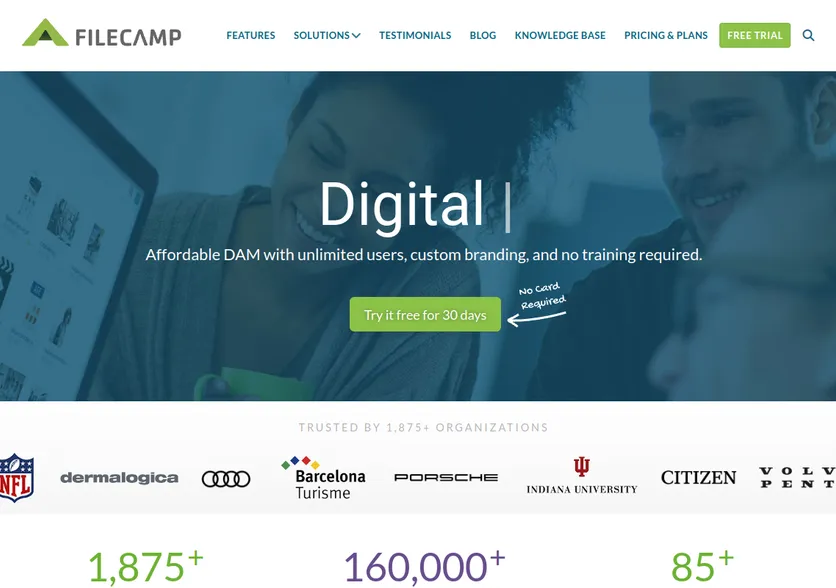
Unlimited users changes everything for a freelancer, because you can invite every client without watching the invoice grow. This Filecamp Basic plan stores, tags and shares brand assets for twenty nine dollars a month, with twenty gigabytes of storage and no per-seat charge. A freelancer can give each client their own branded library and stop emailing logo files.
What we like
- Unlimited users on every plan
- Branded portals for each client
- Simple pricing with no per-seat surprises
Watch out for
- Basic includes only twenty gigabytes of storage
- No public API or single sign-on yet
How to try it
- Open the Filecamp pricing page and start the free trial
- Upload one client library and tag the key assets
- Share the branded portal link with that client
2. Cloudinary
Best for: Freelancers who deliver images and video through code
Paid tool Starting price: $89/month · Plus plan, $89 a month billed annually or $99 billed monthly
Free plan: Free plan with limited credits
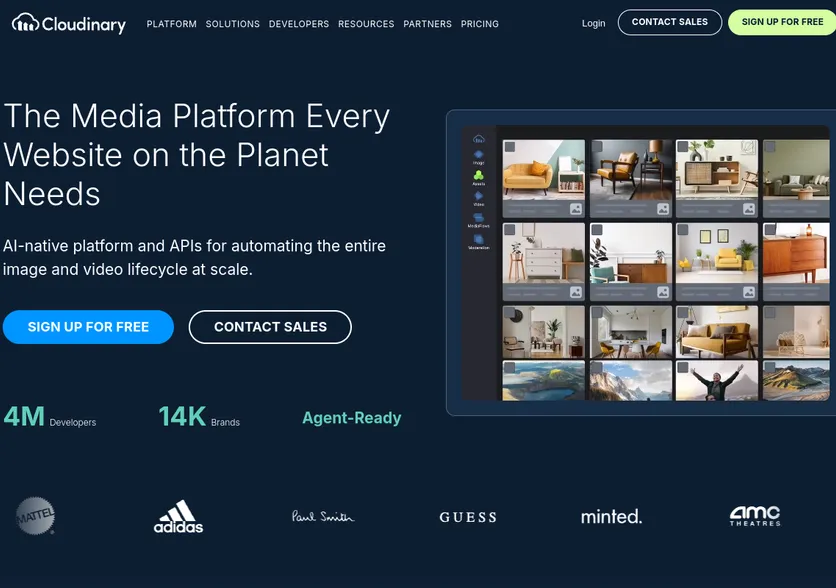
Developers think of images as data, and this is the tool that treats them that way. This Cloudinary Plus plan transforms, optimises and delivers images and video through an API, with automatic formats and responsive cropping built in. A freelancer can upload one original and serve the right size to every screen without making derivatives by hand.
What we like
- Automatic image and video transformation
- Free plan to learn the API
- Responsive delivery from one original
Watch out for
- Plus costs eighty nine dollars a month billed annually
- Plus caps at three users
How to try it
- Open the Cloudinary pricing page and start the free plan
- Upload an image and try an automatic transformation
- Deliver it through the API to your client site
3. Pics.io
Best for: Freelancers who keep assets in Google Drive or Amazon S3
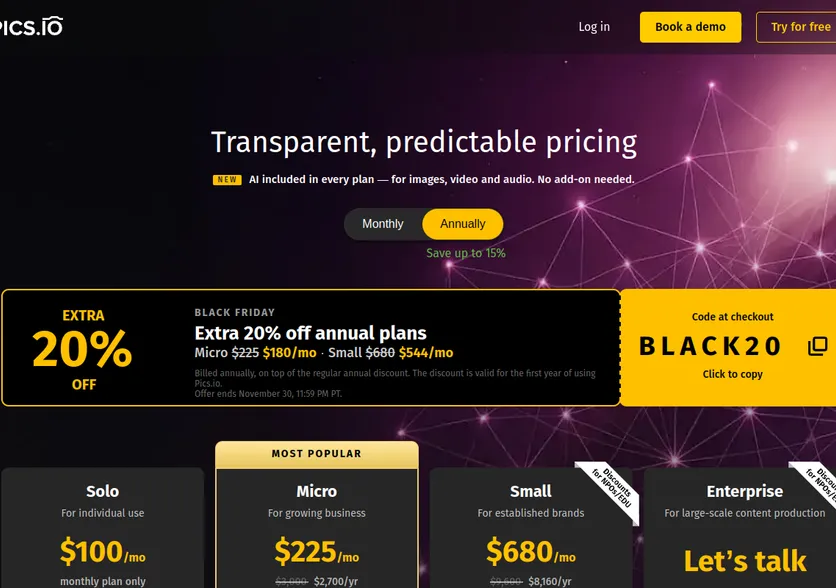
Paid tool Starting price: $100/month · Solo plan, $100 a month for 1 user and 100 GB storage
Free plan: 7-day free trial, no permanent free plan
Moving a whole library to a new system is the part freelancers dread, so a tool that layers on top of your existing storage wins. This Pics.io Solo plan adds metadata, search, versions and collaboration to the Google Drive or Amazon S3 folders you already use. A freelancer can keep every file where it is and still search it like a proper library.
What we like
- Works on top of Drive or S3, no migration
- Versions and permissions built in
- AI add-on available for large libraries
Watch out for
- Solo costs a hundred dollars a month for one user
- Only a seven-day trial, no free plan
How to try it
- Open the Pics.io pricing page and start the free trial
- Connect your Google Drive or Amazon S3 account
- Tag a folder of assets and test the search
4. Dash
Best for: Freelancers who serve ecommerce brands with product media
Paid tool Starting price: $109/month · Start Up plan, $109 a month with unlimited users
Free plan: 14-day free trial, no permanent free plan
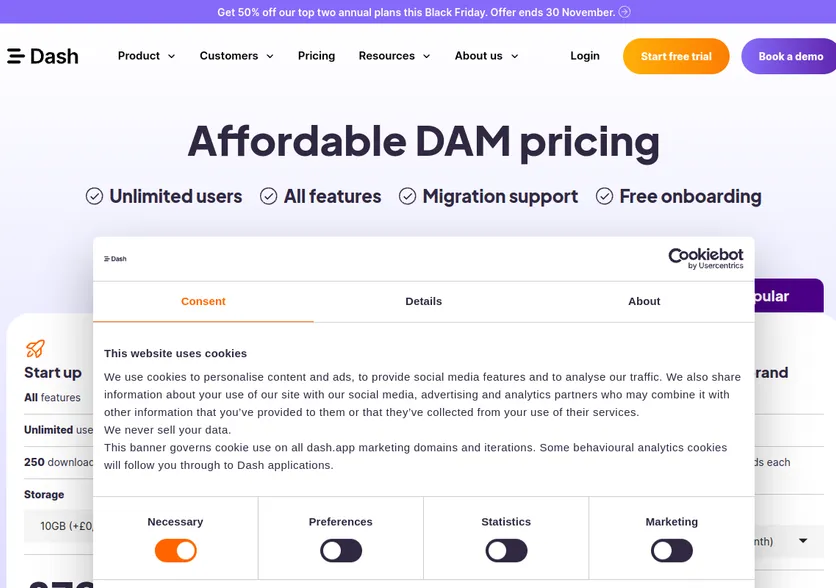
Ecommerce brands live and die by product photos, and their freelancers need a library that a store team can actually use. This Dash Start Up plan stores product images and videos with unlimited users, simple search and easy sharing for a hundred and nine dollars a month. A freelancer can hand a brand a tidy media library instead of a shared drive full of duplicates.
What we like
- Unlimited users on every plan
- Built for ecommerce product media
- Simple search a non-technical client can use
Watch out for
- Start Up costs a hundred and nine dollars a month
- Storage, not users, is what pushes the price up
How to try it
- Open the Dash pricing page and start the free trial
- Upload a product photo set and tag the collection
- Share the library link with your brand client
5. Box
Best for: Freelancers who need governed file sharing outside Microsoft
Paid tool Starting price: $5/user/month · Business Starter plan, $5 a user a month billed annually; Business is $15
Free plan: Free plan with 10 GB storage
Box is the file store freelancers pick when clients care about governance and audit trails, not just a shared folder. This Box Business Starter plan adds secure sharing, e-signing and admin controls to unlimited storage for five dollars a user a month. A freelancer can share sensitive client files with expiry dates and download controls instead of open links.
What we like
- Unlimited storage on business plans
- E-signing built into the file store
- Strong sharing controls and audit trails
Watch out for
- Business Starter is the cheapest paid tier
- Three-user minimum on business plans
How to try it
- Open the Box pricing page and start the free plan
- Upload a client folder and set an expiry on the share link
- Turn on e-signing for your next approval document
6. Dropbox
Best for: Freelancers who want simple sync clients already know
Paid tool Starting price: $15/user/month · Standard plan, $15 a user a month billed annually, 3-user minimum
Free plan: Free Basic plan with 2 GB storage
Dropbox is the file tool clients already have installed, which means nobody needs a tutorial to open your folder. This Dropbox Standard plan syncs files across every device, with five terabytes of shared storage, version history and e-signing. A freelancer can send a client a folder link knowing it will just work.
What we like
- Clients already know how to use it
- Five terabytes of storage on Standard
- Version history rescues overwritten files
Watch out for
- Standard costs fifteen dollars a user a month
- Three-user minimum on the Standard plan
How to try it
- Open the Dropbox plans page and compare tiers
- Create a shared folder for one client project
- Turn on file requests so clients can upload to you
7. Google Workspace
Best for: Freelancers who want email, Drive and Docs in one subscription
Paid tool Starting price: $7/user/month · Business Starter plan, $7 a user a month with a 1-year commitment
Free plan: 14-day free trial, no permanent free plan
Most freelancers already live in Gmail and Docs, so the asset library should live in the same place. This Google Workspace Business Starter plan bundles a custom email address, thirty gigabytes of Drive storage and the full Docs suite for seven dollars a user a month. A freelancer can store, share and edit client assets without leaving the apps they already open daily.

What we like
- Email, Drive and Docs in one subscription
- Clients already know the interface
- Strong search across every file type
Watch out for
- Starter includes only thirty gigabytes per user
- DAM features are basic compared with dedicated tools
How to try it
- Open the Google Workspace pricing page and compare plans
- Set up Drive folders for each client
- Share a folder with view-only access and an expiry
8. Eagle
Best for: Freelancers who want a local image library with no subscription
Paid tool Starting price: $34.95 one-time · One-time license, $34.95 for 2 devices with free updates for life
Free plan: 30-day free trial, no permanent free plan
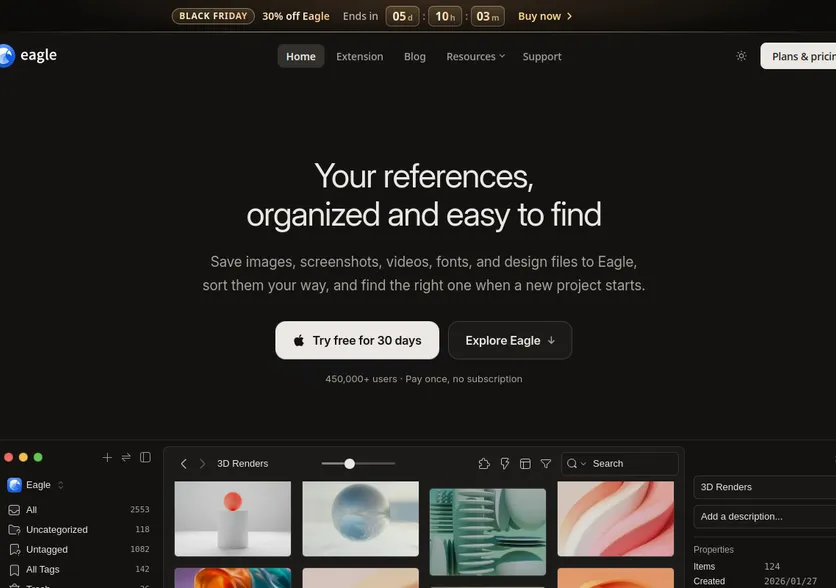
Some freelancers would rather own a tool than rent one, and this is the only option here with no monthly bill at all. This Eagle license costs about thirty five dollars once, covers two devices and includes free updates for life, with tags, smart folders and colour search. A designer can organise a lifetime of references on their own machine and never pay again.
What we like
- One-time payment, no subscription ever
- Colour search finds images by palette
- Works offline on your own machine
Watch out for
- Desktop only, no cloud sharing built in
- Two devices per license, more cost extra
How to try it
- Open the Eagle buy page and start the free trial
- Import a folder of design references
- Tag the best images and try the colour search
Prices above were checked on each vendor’s own website on Nov 26, 2026 and can change — the vendor’s page is the final word. Vendor links are editorial: nobody paid to be listed or ranked here. Vendors who want a featured listing can see how it works on our Get listed page.
What digital asset management costs a freelancer in 2026
Asset tools charge in two different ways, and a freelancer should pick the model that fits their clients. Hosted DAM tools like Filecamp and Dash charge a flat monthly fee with unlimited users, while storage tools like Box and Dropbox charge per user and Google Workspace bundles email in. Every figure here is the list price on the vendor pricing page, checked on November 26, 2026.
Start with the free plan on a storage tool and the trial on a dedicated DAM, then organise one real client library in each. Compare how fast you find a file a month later, because search is the feature you will use every day. A twenty nine dollar library you can search beats a hundred dollar one you cannot.
Before you buy
- Count your storage first, because a cheap plan with twenty gigabytes costs more once you pay for extra space.
- Check whether clients count as users, because unlimited-user plans let you invite every client for free.
- Test search on a real library first, because a demo with ten files never shows how tags and filters behave.
- Ask whether you need delivery or just storage, because Cloudinary serves images while Box only stores them.
- Add up the hours saved, because a searchable library buys a freelancer a day a month in hunting for files.
Official websites
Official websites of the products reviewed above. Features and prices were checked against these sites when this guide was written, and they can change, so confirm on the vendor site before you buy.
Frequently asked questions
Which digital asset management software is best for freelancers in 2026?
Filecamp Basic, at twenty nine dollars a month, is the safest default because unlimited users and branded portals suit a freelancer with several clients. Cloudinary Plus, at eighty nine dollars a month, is better for developers who deliver images through code. Eagle, at about thirty five dollars once, is the best buy for a designer who wants a local library with no subscription.
What is the cheapest digital asset management software for freelancers?
Box Business Starter, at five dollars a user a month billed annually, is the cheapest paid plan here, followed by Google Workspace at seven dollars a user a month with email included. Filecamp, at twenty nine dollars a month flat, is the cheapest dedicated DAM. Eagle costs about thirty five dollars once and never charges again.
Can I manage digital assets for free as a freelancer?
Yes, for a small library. Box gives ten gigabytes free, Dropbox gives two gigabytes free, and Cloudinary has a free plan with limited credits. Google Workspace and Filecamp offer trials of fourteen and thirty days. A freelancer with a few clients can often stay free until the library outgrows the storage cap.
What is the difference between a DAM and cloud storage?
Cloud storage like Dropbox and Box keeps files safe and synced, while a DAM like Filecamp or Pics.io adds metadata, tagging, versions, approvals and branded sharing on top. A freelancer with a handful of files can manage with storage alone. Once clients ask for the right logo version, a DAM pays for itself.
Should a freelancer buy Eagle or pay monthly for a DAM?
Buy Eagle if you work alone, organise references locally and hate subscriptions, because about thirty five dollars once covers two devices for life. Pay monthly for a hosted DAM if clients need to browse, download and approve assets themselves. Many freelancers use both: Eagle for their own library and Filecamp for client sharing.
Need everyday image help too? Try Toolsvine's free image tools for freelancers right in your browser.
Browse Image Tools tools


