On this page
Clay animation is slow magic, one frame at a time, and the wrong software turns it into a fight with the camera. The seven tools below cover that job for clay animators of every level, from a free browser tool for a classroom to the industry-standard capture software that shoots professional films. Dragonframe leads because it captures frames from a DSLR with onion skinning, live view and precise camera control for two hundred and ninety-five dollars one time, and the rest are ranked on how much animation power they give for the price.
How we researched this
We checked every price on the vendor pricing page or app store listing on November 29, 2026, and only included tools with a published US dollar list price. The quote-only and discontinued capture tools, including iStopMotion, publish no current price, so they are not in this list. Prices change, so confirm the current figure in your store before you buy.
Compare the tools
| Name | Best for | Starting price | Free plan | |
|---|---|---|---|---|
 Dragonframe | Professional clay animators | $295 one-time | No free plan; 30-day free trial | Visit |
 Stop Motion Studio Pro | Tablet animators shooting at home | $9.99 one-time | Free basic version | Visit |
 I Can Animate | Classrooms and young animators | $2.99 one-time | No free plan; one-time purchase | Visit |
 Life Lapse | iPhone animators making social video | $8.99/month | Free basic version; 7-day free trial | Visit |
 Clayframes | Android animators shooting on a phone | $2.99 one-time | Free version (Lite, ad-supported) | Visit |
 Hue Animation Studio | Schools and families starting out | $89.95 one-time | No free plan; hardware kit purchase | Visit |
 Cloud Stop Motion | Classrooms on Chromebooks | $4/user/year | Free plan | Visit |
The stop motion software for clay animators, compared
1. Dragonframe
Best for: Professional clay animators
Paid tool Starting price: $295 one-time · Two hundred and ninety-five dollars one time for the software only (three hundred and five dollars with the controller; two hundred and thirty-five dollars each for five or more licences; educational pricing is one hundred and thirty-five dollars); thirty-day trial; no free plan
Free plan: No free plan; 30-day free trial
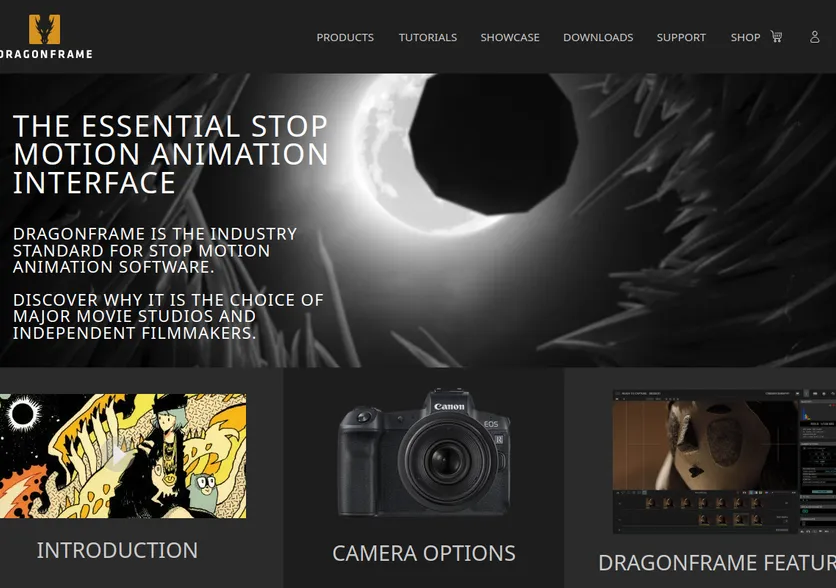
Clay animators who shoot professionally start with the industry standard, and this Dragonframe licence costs two hundred and ninety-five dollars one time for the software only. It captures frames from a DSLR, shows onion skinning and live view, and controls lights and camera moves with precision. It is the dearest tool here by far, and it fits animators who sell their work rather than animate for fun.
What we like
- Industry-standard capture used on professional films
- Onion skinning, live view and precise camera control
- Controls lights and camera moves from the software
Watch out for
- By far the dearest tool in this list
- Assumes a DSLR and a studio setup, not a phone
How to try it
- Connect the DSLR and set up the lights
- Frame the clay scene and check the live view
- Capture frames with onion skinning guiding each move
2. Stop Motion Studio Pro
Best for: Tablet animators shooting at home
Paid tool Starting price: $9.99 one-time · Nine dollars and ninety-nine cents one time on the App Store; the price rose from five dollars and ninety-nine cents, so confirm it in your store before buying; free basic version included; the Mac and Windows desktop Pro edition is custom-priced
Free plan: Free basic version
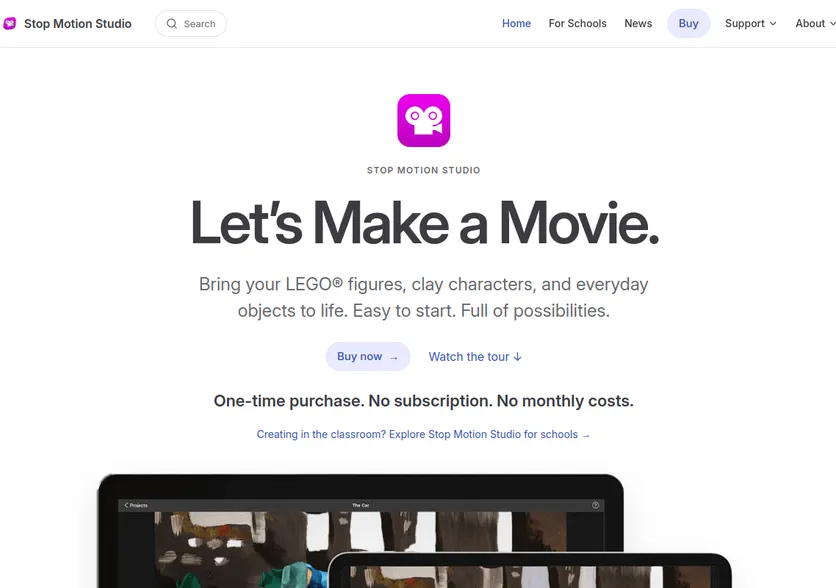
The most popular stop motion app on phones and tablets is this Stop Motion Studio Pro plan, which costs nine dollars and ninety-nine cents one time on the App Store. It captures frames, adds onion skinning and audio, and exports in high resolution, all from a device most animators already own. It suits clay animators who shoot on a tablet at the kitchen table.
What we like
- Captures frames with onion skinning and audio
- Exports in high resolution from a tablet
- One-time price with a free basic version
Watch out for
- The desktop Pro edition is custom-priced, not published
- No DSLR tethering like the professional tools
How to try it
- Set the tablet on a stand above the clay scene
- Capture frames and check the onion skin each time
- Add audio and export the finished clip
3. I Can Animate
Best for: Classrooms and young animators
Paid tool Starting price: $2.99 one-time · Two dollars and ninety-nine cents one time on the iOS App Store; the desktop version is twenty-nine pounds and ninety-five pence one time; the app was last updated in 2018, so check it runs on current devices before buying
Free plan: No free plan; one-time purchase
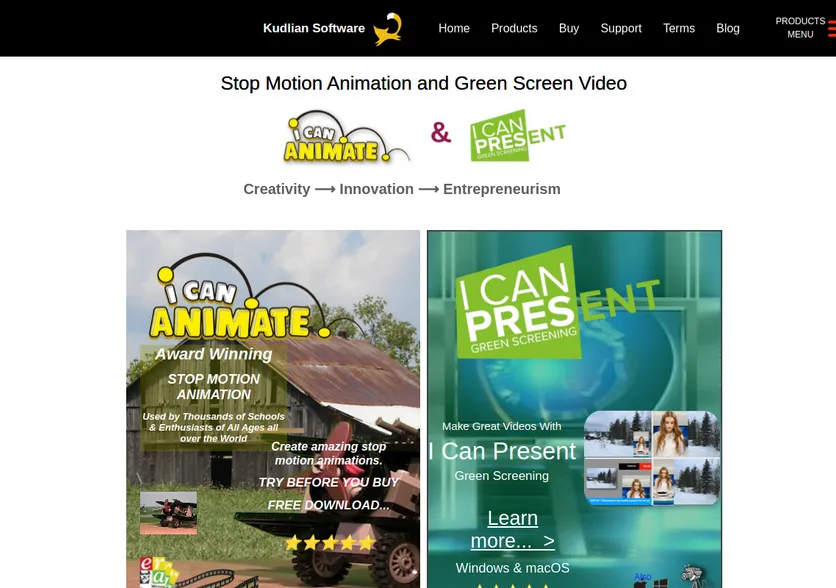
Classrooms that animate with tablets will find a simple start here, since this I Can Animate app costs two dollars and ninety-nine cents one time on the iOS App Store. It captures frames, plays them back at once and keeps the interface simple enough for young animators. Note the app was last updated in 2018, so check it runs on current devices before buying.
What we like
- Simple interface that young animators learn fast
- Instant playback after capturing frames
- Cheapest paid tool in this list
Watch out for
- Last updated in 2018, so test it on current devices
- Fewer features than the modern stop motion apps
How to try it
- Open the app and frame the clay scene
- Capture frames one move at a time
- Play the clip back and export it
4. Life Lapse
Best for: iPhone animators making social video
Paid tool Starting price: $8.99/month · Eight dollars and ninety-nine cents a month on Pro (six dollars and ninety-nine cents a week; annual plan is forty-nine dollars and ninety-nine cents; Lifetime is one hundred and twenty-nine dollars); free basic version; seven-day trial rolls into the annual plan unless cancelled; iPhone only
Free plan: Free basic version; 7-day free trial
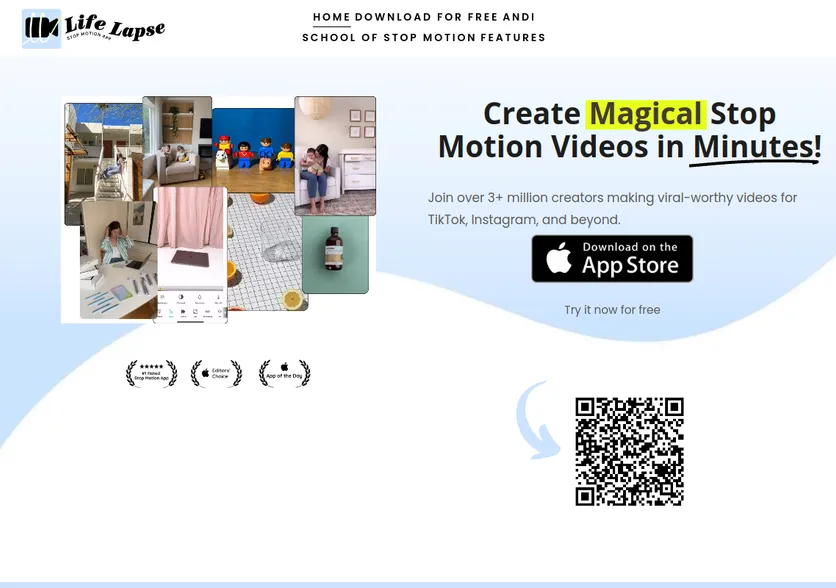
Animators who shoot on an iPhone and want timelapse as well as stop motion get both here, because this Life Lapse plan costs eight dollars and ninety-nine cents a month on Pro. It captures frames with onion skinning, speeds up the playback and exports ready for social video. The seven-day trial rolls into the annual plan unless cancelled, so set a reminder before the week ends.
What we like
- Stop motion and timelapse in one app
- Onion skinning with fast social-ready exports
- Free basic version for trying it out
Watch out for
- iPhone only, so Android animators need another tool
- The trial rolls into the annual plan unless cancelled
How to try it
- Frame the clay scene and set the capture speed
- Shoot frames with onion skinning guiding each move
- Export the clip ready for social video
5. Clayframes
Best for: Android animators shooting on a phone
Paid tool Starting price: $2.99 one-time · Two dollars and ninety-nine cents one time on Android, though listings conflict between two dollars and twenty-eight cents and five dollars and ninety-nine cents, and a 2026 roundup lists around five dollars and ninety-nine cents, so confirm the price in your store before buying; free Lite version is ad-supported
Free plan: Free version (Lite, ad-supported)
Android users who animate clay figures on a phone have a dedicated option here, as this Clayframes app costs two dollars and ninety-nine cents one time. It captures frames, adds onion skinning and sound, and exports the finished clip from the same app. Listings disagree on the exact price, so confirm it in the store before buying, and note the free Lite version carries ads.

What we like
- Dedicated stop motion capture for Android
- Onion skinning and sound in the same app
- Free Lite version for trying it out
Watch out for
- Listings disagree on the exact one-time price
- The app has not been updated in years
How to try it
- Set the phone on a stand above the scene
- Capture frames with onion skinning on screen
- Add sound and export the finished clip
6. Hue Animation Studio
Best for: Schools and families starting out
Paid tool Starting price: $89.95 one-time · Eighty-nine dollars and ninety-five cents one time for the high-definition kit on the vendor site; the standard-definition carry-case kit is sixty-nine dollars and ninety-five cents and the Pro kit is ninety-nine dollars and ninety-five cents; the kit includes an HD USB camera, the software, a sixty-four page book and a mini stage; retailer prices vary widely
Free plan: No free plan; hardware kit purchase
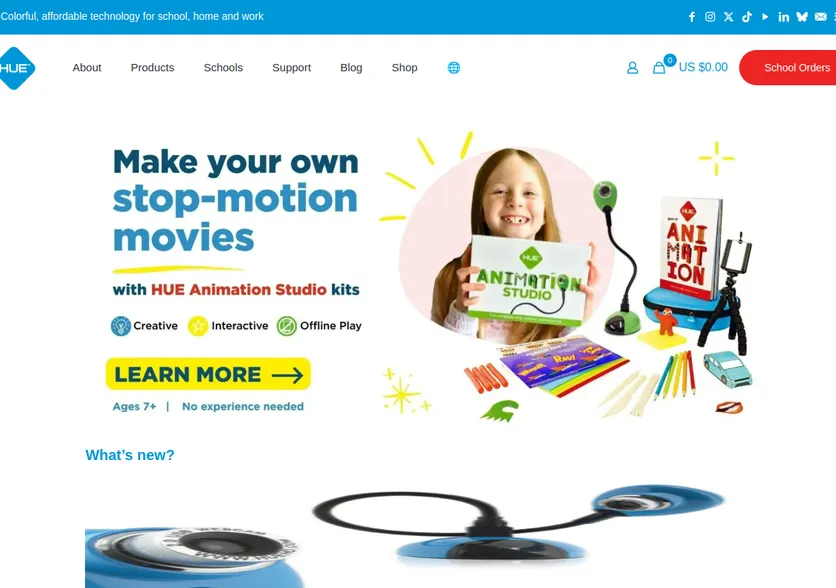
Schools and families that want the camera and the software in one box will like this Hue Animation Studio kit, which costs eighty-nine dollars and ninety-five cents one time for the high-definition kit. The box holds an HD USB camera, the animation software, a sixty-four page book and a mini stage, so a clay animator can start the same day. It is a kit, not just an app, which makes it the best gift pick in this list.
What we like
- Camera, software, book and mini stage in one box
- Ready to animate the same day it arrives
- Built for classrooms and young animators
Watch out for
- A kit, not just software, so the price is higher
- Retailer prices vary widely from the vendor list
How to try it
- Plug in the USB camera and open the software
- Set the clay scene on the mini stage
- Capture frames and play the film back
7. Cloud Stop Motion
Best for: Classrooms on Chromebooks
Paid tool Starting price: $4/user/year · Four dollars per user a year for the paid plan; the free plan covers genuine classroom work; browser-based, so it runs on Chromebooks with no install
Free plan: Free plan
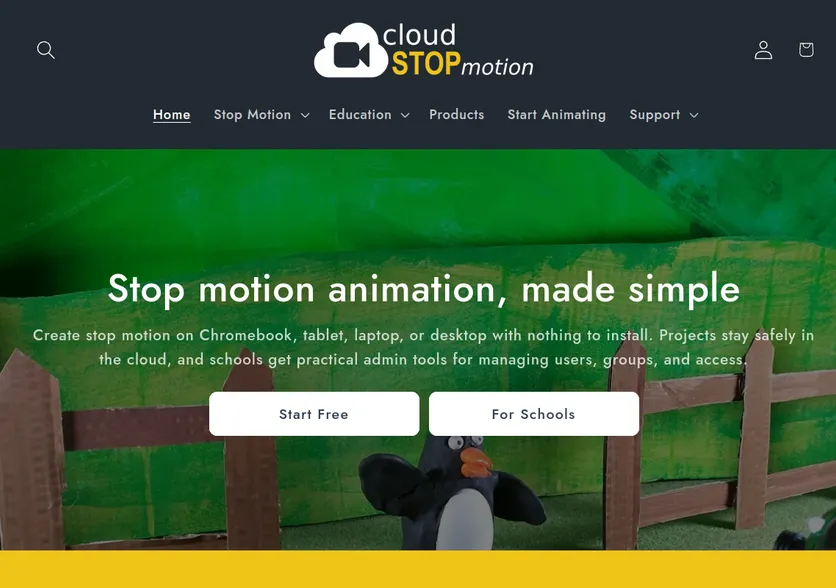
Classrooms on Chromebooks need a tool that runs in the browser, and this Cloud Stop Motion plan costs four dollars per user a year for the paid plan. Students capture frames with webcams, the teacher manages projects from one dashboard, and nothing needs installing. The free plan covers genuine classroom work, so a school can start without paying.
What we like
- Runs in the browser with no install needed
- Teacher dashboard manages every student project
- Free plan covers genuine classroom work
Watch out for
- Browser capture depends on webcam quality
- No DSLR tethering or professional lighting control
How to try it
- Open the browser and start a new project
- Capture frames with the webcam and onion skinning
- Export the finished film and share it
Prices above were checked on each vendor’s own website on Nov 29, 2026 and can change — the vendor’s page is the final word. Vendor links are editorial: nobody paid to be listed or ranked here. Vendors who want a featured listing can see how it works on our Get listed page.
How to shoot clay animation without the flicker
Lock the camera down and never touch it during a shot, because even a small bump shows up as a jump in the finished film. Keep the lights fixed and block the daylight, since a cloud passing the window changes the exposure between frames. Move the clay in tiny steps and shoot two frames per move for smoother motion, then check the onion skin before every new frame. Keep hands and tools out of the shot between frames, and wear gloves if the clay sticks to warm fingers. Finally, save the project after every scene, because a lost afternoon of frames is the one mistake no software can undo.
Before you buy
- Check the tool supports your camera, whether that is a phone, a webcam or a DSLR
- Make sure onion skinning shows the last frame clearly, because that is how smooth motion happens
- Confirm the export resolution matches where the film will be shown, from a phone screen to a cinema
- Ask whether the price is one time or a subscription, and whether updates cost extra
- Test the tool on a short scene with real clay before committing to a full film
Official websites
Official websites of the products reviewed above. Features and prices were checked against these sites when this guide was written, and they can change, so confirm on the vendor site before you buy.
Frequently asked questions
What is stop motion software for clay animators?
It is software that captures one frame at a time as you move a clay figure, then plays the frames back as a film. Good tools show onion skinning, which overlays the last frame on the live view so each move stays smooth, and they control the camera, the lights and the sound. For clay animators it replaces the manual process of shooting stills and stitching them together in a video editor.
How much does Dragonframe cost?
Dragonframe costs two hundred and ninety-five dollars one time for the software only, or three hundred and five dollars with the controller. Five or more licences cost two hundred and thirty-five dollars each, and educational pricing is one hundred and thirty-five dollars. A thirty-day trial is available, and there is no free plan.
Can I animate clay for free?
Yes, with Stop Motion Studio, Life Lapse, Clayframes and Cloud Stop Motion, which all offer genuine free versions rather than trials. Stop Motion Studio and Life Lapse cover basic capture for free, Clayframes offers an ad-supported Lite version, and Cloud Stop Motion covers genuine classroom work. A beginner can shoot a real film on any of them, and paid tiers add higher exports and extra features.
Which tool is best for a beginner clay animator?
Stop Motion Studio Pro is the best start for a beginner, at nine dollars and ninety-nine cents one time, with capture, onion skinning and audio on a tablet most people already own. Cloud Stop Motion suits a classroom on Chromebooks, at four dollars a user a year, because it runs in the browser with no install. Dragonframe is the better pick once the work turns professional and a DSLR enters the picture.
What camera do I need for clay animation?
A phone or tablet is enough to start, since Stop Motion Studio, Life Lapse and Clayframes all capture from the device camera. A webcam works for classroom tools such as Cloud Stop Motion, while Dragonframe needs a DSLR for professional results. Whatever the camera, lock it down on a stand and never touch it during a shot, because even a small bump shows up as a jump.
Compare the seven tools above, then start with a free plan or trial on the one that matches your camera and your skill level, and check the price in your app store before paying, since store prices vary by region.
Browse Video Tools tools