
On this page
Learning animation used to mean months of practice, but the tools below turn a script into a finished video in an afternoon. Each one is built for someone who has never opened animation software before, with templates, drag and drop scenes and ready-made characters doing the heavy lifting. Prices run from about twelve dollars a month to just under fifty, and most offer a free plan or trial so you can test before paying. Vyond is our first pick — guided templates that turn a script into a finished animation in an afternoon.
How we researched this
We started with the animation tools beginners actually buy, then read each price on the vendor pricing page on November 26, 2026 and noted the free plan or trial each one carries. We judged them for a first-time animator who needs templates and drag and drop scenes rather than a blank timeline, and we kept only tools with a published price.
Compare the tools
| Name | Best for | Starting price | Free plan | |
|---|---|---|---|---|
 Vyond | Beginners who want guided templates for explainer and training videos | $49/month | 14-day free trial, no free plan | Visit |
 Animaker | Beginners who want cartoon-style videos with drag and drop scenes | $45/month | Free plan with watermark | Visit |
 Powtoon | Beginners turning slides and presentations into animated videos | $15/month | Free plan with watermark | Visit |
 Toonly | Beginners who want simple cartoon explainer videos | $49/month | 14-day free trial, no free plan | Visit |
 Doodly | Beginners who want hand-drawn whiteboard explainer videos | $49/month | 14-day free trial, no free plan | Visit |
 VideoScribe | Beginners who want the cheapest paid whiteboard animation | $12.50/month | 7-day free trial, no card needed | Visit |
 Renderforest | Beginners who want animation plus intros and logos in one tool | $15/month | Free tier with watermark | Visit |
 Biteable | Beginners making short social and marketing videos | $15/month | 7-day free trial, no free plan | Visit |
The animation software for beginners, compared
1. Vyond
Best for: Beginners who want guided templates for explainer and training videos
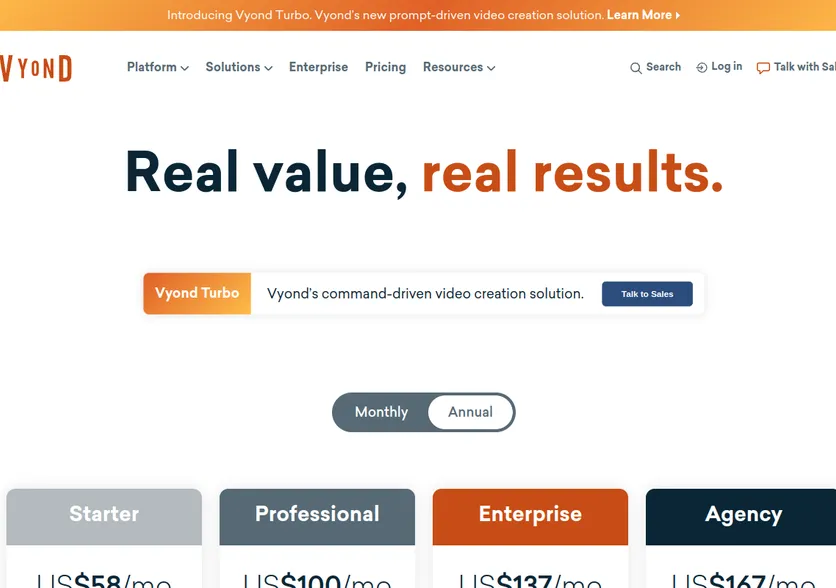
Paid tool Starting price: $49/month · Essential plan, $49 a month billed monthly; annual billing lowers the monthly rate to $25 a month
Free plan: 14-day free trial, no free plan
Vyond is the most guided way for a beginner to make a professional animation, because every scene starts from a template instead of a blank canvas. This Vyond Essential plan gives you animated characters, props and backgrounds that you arrange on a timeline and bring to life with one-click actions. A teacher or marketer can turn a written script into a polished explainer video in a single afternoon without drawing anything.
What we like
- Templates mean you never start from a blank canvas
- Characters and props cover most business and classroom scenes
- One-click actions animate a scene without keyframes
Watch out for
- Essential costs forty-nine dollars a month
- No free plan, only a trial
How to try it
- Open the Vyond pricing page and start the free trial
- Pick a template and type in your script
- Arrange the characters on the timeline and export the video
2. Animaker
Best for: Beginners who want cartoon-style videos with drag and drop scenes
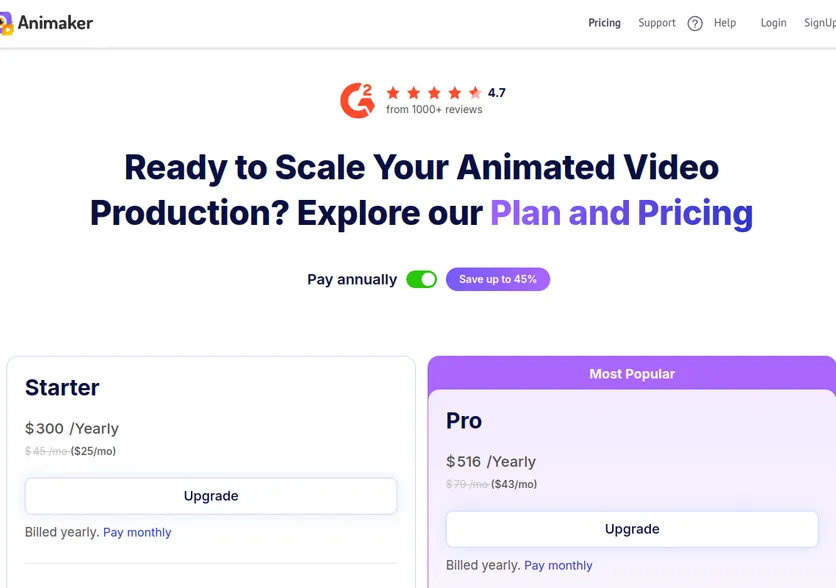
Paid tool Starting price: $45/month · Starter plan, $45 a month billed monthly or $25 a month billed yearly ($300 a year)
Free plan: Free plan with watermark
Animaker is built for people who want a cartoon-style video without learning animation at all, and its drag and drop editor keeps every step visual. This Animaker Starter plan adds animated characters, voiceovers and a library of scenes you can rearrange like building blocks. A small business owner can publish a product video the same day they sign up, with no drawing skill and no timeline to master.
What we like
- Free plan lets you publish watermarked videos
- Drag and drop scenes need no animation skill
- Built-in voiceover and character builder
Watch out for
- Starter costs forty-five dollars a month billed monthly
- Free videos carry a watermark
How to try it
- Open the Animaker pricing page and create a free account
- Choose a template and swap in your own text and images
- Add a voiceover and export the finished video
3. Powtoon
Best for: Beginners turning slides and presentations into animated videos
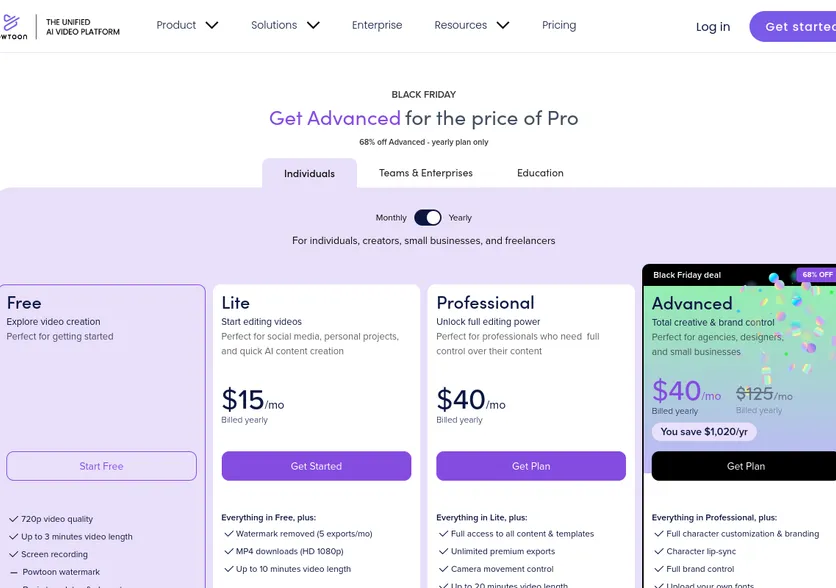
Paid tool Starting price: $15/month · Lite plan, $15 a month billed yearly or $49 a month billed monthly
Free plan: Free plan with watermark
Powtoon turns presentations into short animated videos, which makes it the easiest first step for anyone who already builds slides. This Powtoon Lite plan gives you animated characters, templates and a simple editor that feels more like a slide deck than a studio. A trainer can turn a dull slide deck into a lively video lesson in an hour, then share it with a link instead of a file.
What we like
- Feels like building slides, not learning animation
- Templates cover training, marketing and classroom videos
- Share finished videos with a simple link
Watch out for
- Lite costs fifteen dollars a month billed yearly
- Monthly billing jumps to forty-nine dollars
How to try it
- Open the Powtoon pricing page and start a trial
- Pick a template and replace the text and images
- Export the video or share it with a link
4. Toonly
Best for: Beginners who want simple cartoon explainer videos
Paid tool Starting price: $49/month · Standard plan, $49 a month or $490 a year; Enterprise is $79 a month
Free plan: 14-day free trial, no free plan
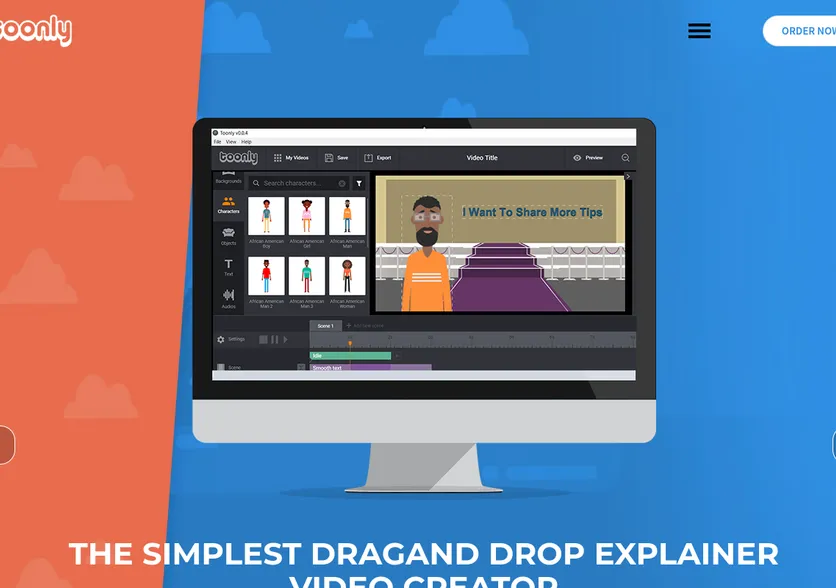
Toonly is a cartoon explainer maker that keeps the whole process to three steps: pick a character, pick a background, and add your words. This Toonly Standard plan unlocks the full character library, custom voiceovers and the ability to export without limits. A coach or course creator can record a friendly explainer video in an evening and post it straight to a sales page.
What we like
- Three-step workflow with no timeline to learn
- Large library of cartoon characters and scenes
- Custom voiceovers make videos feel personal
Watch out for
- Standard costs forty-nine dollars a month
- No free plan, only a trial
How to try it
- Open the Toonly site and start the free trial
- Choose a character and a background scene
- Add your script as a voiceover and export the video
5. Doodly
Best for: Beginners who want hand-drawn whiteboard explainer videos
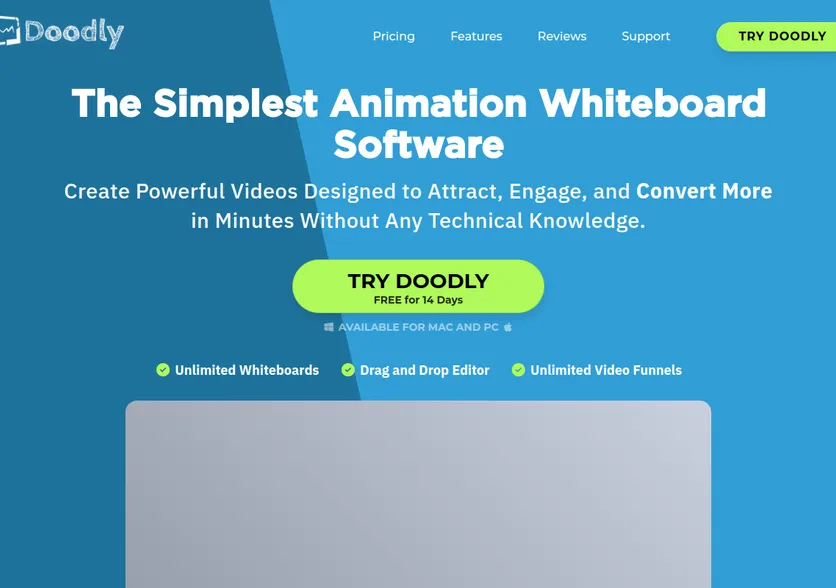
Paid tool Starting price: $49/month · Standard plan, $49 a month or $490 a year; Enterprise is $79 a month
Free plan: 14-day free trial, no free plan
Doodly makes whiteboard videos, the hand-drawn style where a pen sketches your message on screen while a voice explains it. This Doodly Standard plan gives you the full doodle library, custom drawings and a simple drag and drop board. A teacher can sketch out a tricky idea in a few minutes and end up with a video students actually watch to the end.
What we like
- Whiteboard style explains tricky ideas clearly
- Drag and drop board needs no drawing skill
- Custom drawings let you sketch your own images
Watch out for
- Standard costs forty-nine dollars a month
- Whiteboard style is the only look it does
How to try it
- Open the Doodly site and start the free trial
- Drag doodle images onto the whiteboard canvas
- Record a voiceover and export the finished video
6. VideoScribe
Best for: Beginners who want the cheapest paid whiteboard animation
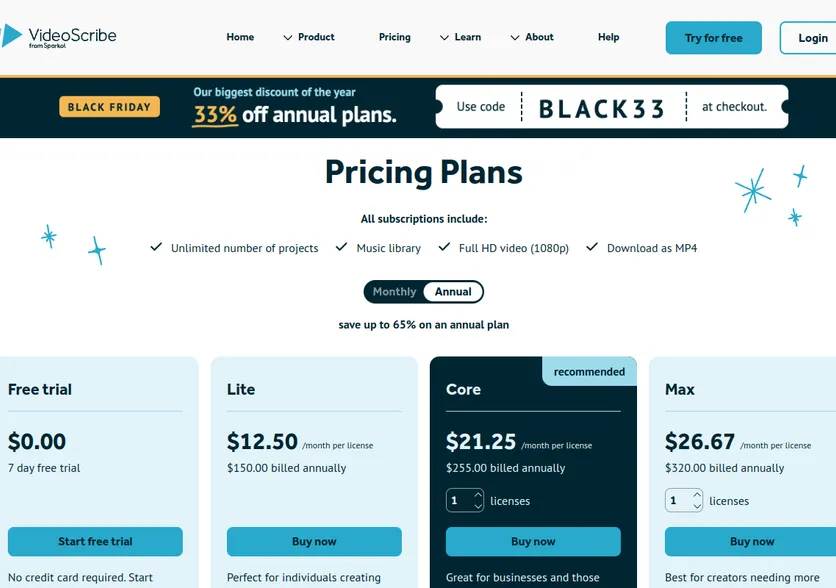
Paid tool Starting price: $12.50/month · Lite plan, $12.50 a license a month billed annually ($150 a year); $35 a month billed monthly
Free plan: 7-day free trial, no card needed
VideoScribe is the cheapest paid animation tool here, and it focuses on one style done well: whiteboard videos with a hand that draws as you talk. This VideoScribe Lite plan gives you the drawing hand, a library of images and music, and exports without a watermark. A trainer on a tight budget can make a clean explainer video for the price of a few coffees a month.
What we like
- Cheapest paid plan in this list
- Seven-day trial needs no card
- Clean whiteboard style suits training videos
Watch out for
- Lite costs twelve dollars fifty a month billed annually
- Monthly billing costs thirty-five dollars
How to try it
- Open the VideoScribe pricing page and start the trial
- Add images and text to the whiteboard timeline
- Choose music and export the finished video
7. Renderforest
Best for: Beginners who want animation plus intros and logos in one tool
Paid tool Starting price: $15/month · Lite plan, $15 a month billed monthly or $9 a month billed annually
Free plan: Free tier with watermark
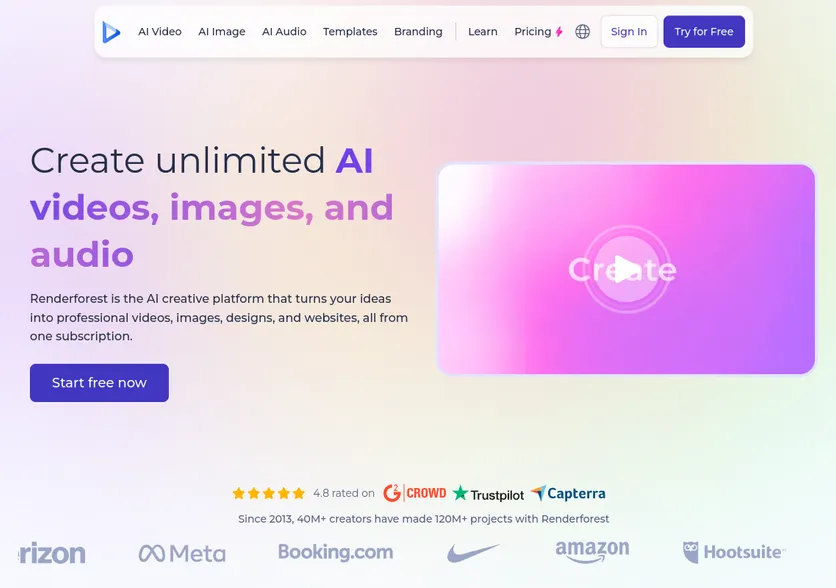
Renderforest is an all-in-one studio that covers animation, intros, slideshows and even logos from one dashboard. This Renderforest Lite plan unlocks high-definition exports, the full template library and the ability to remove the watermark. A freelancer can make a logo animation, a product video and a social clip in one sitting without switching tools.
What we like
- One dashboard for animation, intros and logos
- Free tier lets you test templates first
- High-definition exports on the Lite plan
Watch out for
- Lite costs fifteen dollars a month billed monthly
- Free exports carry a watermark
How to try it
- Open the Renderforest pricing page and create a free account
- Pick an animation template and add your text
- Export in high definition and download the video
8. Biteable
Best for: Beginners making short social and marketing videos
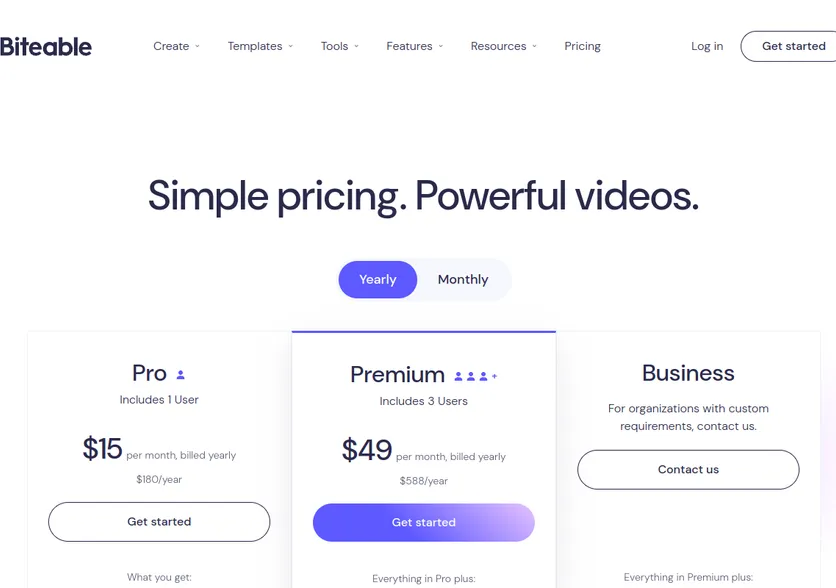
Paid tool Starting price: $15/month · Pro plan, $15 a month billed yearly or $29 a month billed monthly
Free plan: 7-day free trial, no free plan
Biteable is built for short social and marketing videos, with templates that are ready to post in minutes rather than hours. This Biteable Pro plan adds stock footage, premium templates and the ability to export without a watermark. A small team can turn a product photo into a polished ad the same afternoon, then reuse the template for the next campaign.
What we like
- Templates are ready to post in minutes
- Stock footage library saves filming time
- Simple editor suits a whole small team
Watch out for
- Pro costs fifteen dollars a month billed yearly
- Monthly billing costs twenty-nine dollars
How to try it
- Open the Biteable pricing page and start the free trial
- Choose a template and add your photos or clips
- Export the video and post it to your channel
Prices above were checked on each vendor’s own website on Nov 26, 2026 and can change — the vendor’s page is the final word. Vendor links are editorial: nobody paid to be listed or ranked here. Vendors who want a featured listing can see how it works on our Get listed page.
What animation software costs in 2026
Prices here run from about twelve dollars a month for VideoScribe to just under fifty for Vyond, Toonly and Doodly, and the cheapest plan is not always the cheapest deal. Monthly billing can double the price on some tools, so check the yearly rate before you commit, and remember that a free plan with a watermark is fine for practice but not for client work. The headline plan each vendor shows on its own pricing page is the number in the table above, checked on November 26, 2026.
Start with the free plan or trial on two tools and make the same short video through both. Compare how long each one takes and how the finished video looks, then pick the tool you will actually open every week. A fifteen-dollar tool you use daily beats a forty-nine-dollar tool that sits unused.
Before you buy
- Count the seats first, because most plans here charge per account and a second editor doubles the bill.
- Check the export limits on the plan you like, because a cheap plan with a watermark is no good for client work.
- Test the tool on your own script first, because a demo template never shows how it handles your words.
- Ask whether the tool fits your style: Vyond guides explainer videos, Doodly draws whiteboard scenes, and Biteable makes short social clips.
- Add up the yearly cost, because monthly billing on some tools here costs almost twice the yearly rate.
Official websites
Official websites of the products reviewed above. Features and prices were checked against these sites when this guide was written, and they can change, so confirm on the vendor site before you buy.
Frequently asked questions
Which animation software is best for a complete beginner in 2026?
Vyond, at forty-nine dollars a month, is the safest default because its guided templates turn a script into a polished video without any drawing skill. Animaker is better when you want a free plan to start, since it lets you publish watermarked videos for nothing. VideoScribe wins on price, at about twelve dollars a month billed yearly, for clean whiteboard videos.
What is the cheapest animation software for beginners?
VideoScribe Lite, at about twelve dollars a month billed yearly, is the cheapest paid plan in this list and covers whiteboard videos well. Renderforest Lite and Biteable Pro both cost fifteen dollars a month on yearly billing, while Powtoon Lite is fifteen dollars a month billed yearly too. Animaker and Renderforest also offer free plans, though exports carry a watermark.
Can I make animation videos for free?
Yes, Animaker and Renderforest both offer free plans that let you build and publish videos without paying, though exports carry a watermark. Powtoon has a free plan too, and most paid tools here offer a seven-day or fourteen-day trial. Use the free plan to learn the editor, then pay only when you need clean exports for clients or a classroom.
Do I need drawing skills to use animation software?
No, that is the point of this list. Vyond, Animaker, Toonly and Doodly all work with ready-made characters, props and scenes that you arrange by dragging and dropping. VideoScribe draws the images for you with its animated hand, and Biteable builds videos from templates and stock footage. You bring the script and the ideas, and the tool handles the drawing.
Which animation software is best for explainer videos?
Vyond is the strongest pick for explainer videos, because its guided templates and business characters are built for training and marketing scripts. Toonly is a good second choice when you want a friendlier cartoon look, and Doodly suits explainers that work better as a hand-drawn whiteboard sketch. All three offer trials, so test the same script through each one before you pay.
Need free video help too? Try Toolsvine's free video tools for quick edits right in your browser.
Browse Video Tools tools


