On this page
A storyboard is the film before the film, and a weak one means a shoot that discovers its problems on the day. The seven tools below cover that job for filmmakers of every kind, from a free whiteboard for a short film to a full production suite that plans the entire shoot. Boords leads because it turns a script into frames with AI images, builds a timed animatic and collects client sign-off for twenty-six dollars a month billed yearly on Solo, and the rest are ranked on how much boarding power they give for the price.
How we researched this
We checked every price on the vendor pricing page on November 29, 2026, and only included tools with a published US dollar list price. The quote-only storyboard and production platforms that sell by sales call publish no prices, so they are not in this list. Prices change, so confirm the current figure on the vendor site before you buy.
Compare the tools
| Name | Best for | Starting price | Free plan | |
|---|---|---|---|---|
 Boords | Directors selling the vision before the shoot | $26/month | Free plan (5 active storyboards) | Visit |
 StudioBinder | Filmmakers planning the entire shoot | $25/month | Free plan (1 project) | Visit |
 Plottr | Writers and directors planning story structure | $60/year | No free plan; 30-day free trial | Visit |
 Miro | Crews boarding together live | $8/user/month | Free plan (3 editable boards) | Visit |
 Canva Pro | Directors who need a pitch board fast | $120/year | Free plan | Visit |
 StoryboardHero | Directors and agencies pitching with boards | $19/month | No free plan; 7-day free trial | Visit |
 MakeStoryboard | Crews that already have the artwork | $12/month | Free plan | Visit |
The storyboard software for filmmakers, compared
1. Boords
Best for: Directors selling the vision before the shoot
Paid tool Starting price: $26/month · Twenty-six dollars a month on Solo billed yearly (thirty-nine dollars billed monthly); Pro is fifty dollars billed yearly and Team is eighty-five dollars; Agency is one hundred and sixty-five dollars billed yearly; free plan covers five active storyboards; one listing claims no free plan, but most vendor reads confirm the free tier
Free plan: Free plan (5 active storyboards)
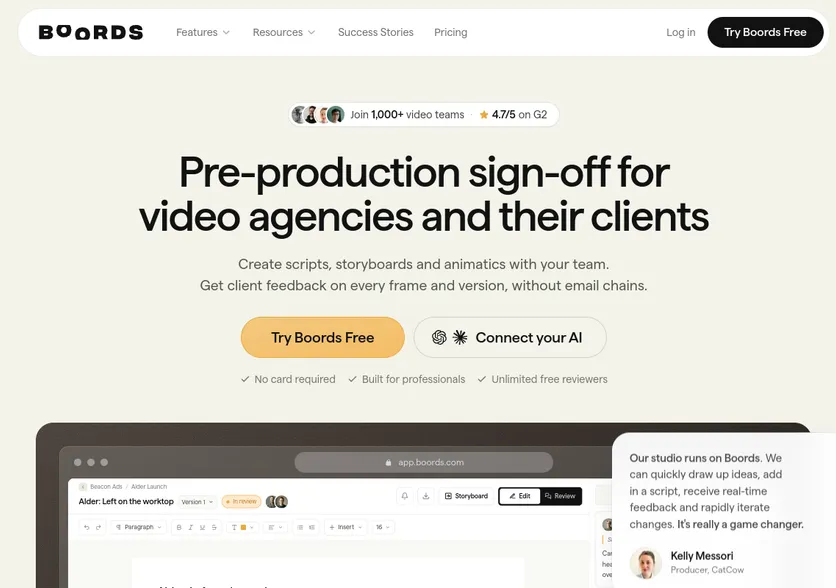
Directors who need a client to approve the board before the shoot starts here, and this Boords plan costs twenty-six dollars a month billed yearly on Solo. It turns a script into frames with AI images, builds a timed animatic and collects client comments on each frame. It suits filmmakers who sell the vision before a single camera rolls.
What we like
- Script to frames with AI images in one flow
- Timed animatic with client comments per frame
- Free plan covers five active storyboards
Watch out for
- Solo covers one user, so teams pay more per seat
- One listing claims there is no free plan at all
How to try it
- Write or import the script into Boords
- Generate frames and arrange them into scenes
- Share the animatic and collect client sign-off
2. StudioBinder
Best for: Filmmakers planning the entire shoot
Paid tool Starting price: $25/month · Twenty-five dollars a month on Starter billed annually (twenty-nine dollars billed monthly); Indie is forty-two dollars billed annually and Professional is eighty-four dollars; free plan covers one project; the vendor pricing page only renders inside the logged-in app, so figures come from the vendor help centre; older reviews still list forty-two, eighty-five and one hundred and twenty-seven dollars, which appear stale
Free plan: Free plan (1 project)
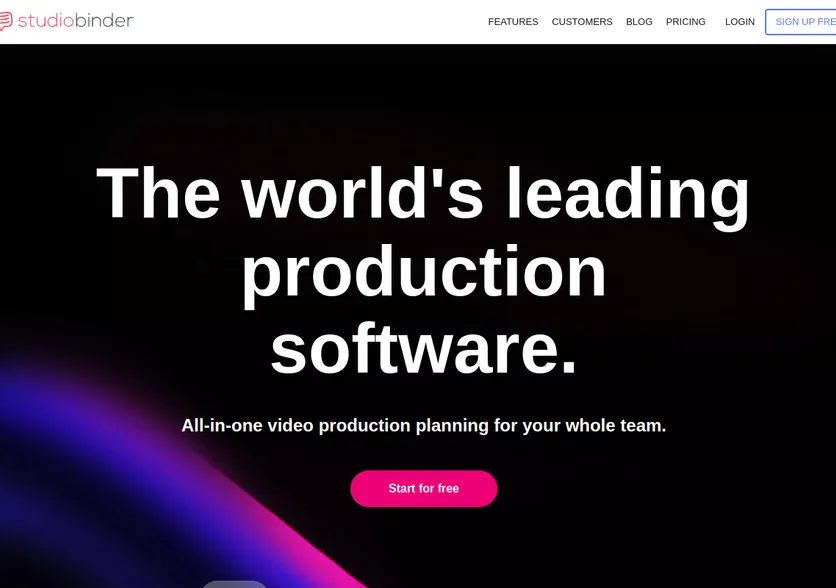
A production that needs storyboards inside the whole shoot plan will find it here, since this StudioBinder plan costs twenty-five dollars a month billed annually on Starter. It links boards to shot lists, call sheets, schedules and scripts, so a change in the board flows through the whole production. It is the best pick for a filmmaker who plans the entire shoot in one system.
What we like
- Boards linked to shot lists, call sheets and schedules
- Scripts, breakdowns and calendars in one system
- Free plan covers one full project
Watch out for
- The pricing page only renders inside the logged-in app
- Older reviews still show higher, stale prices
How to try it
- Create the project and import the script
- Build boards and link them to the shot list
- Generate call sheets and share them with the crew
3. Plottr
Best for: Writers and directors planning story structure
Paid tool Starting price: $60/year · Sixty dollars a year on the base desktop plan, or one hundred and fifty dollars one time for a lifetime licence; Pro is nine dollars and ninety-nine cents a month, ninety-nine dollars a year or five hundred and ninety-nine dollars one time; no free plan, thirty-day free trial
Free plan: No free plan; 30-day free trial
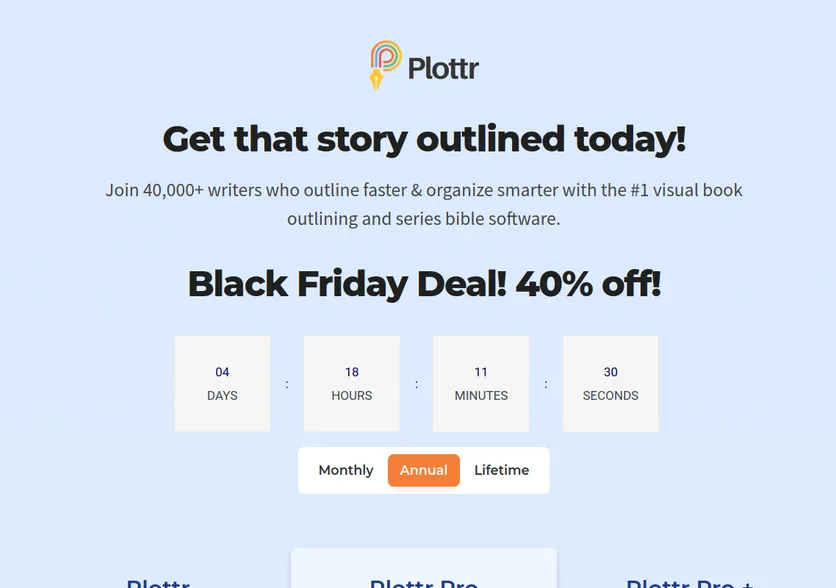
Filmmakers who plan the story before they draw a single frame get a visual timeline here, because this Plottr plan costs sixty dollars a year on the base desktop plan. It lays out scenes, plotlines and character arcs on a board that shows the whole film at a glance. It suits writers and directors who think in story structure rather than in pictures.
What we like
- Visual timeline showing the whole film at a glance
- Plotlines, scenes and character arcs in one board
- One-time lifetime licence available
Watch out for
- Built for story structure, not for drawing frames
- No free plan, so testing needs the thirty-day trial
How to try it
- Create the project and add the plotlines
- Lay out scenes and character arcs on the timeline
- Export the outline and start boarding the scenes
4. Miro
Best for: Crews boarding together live
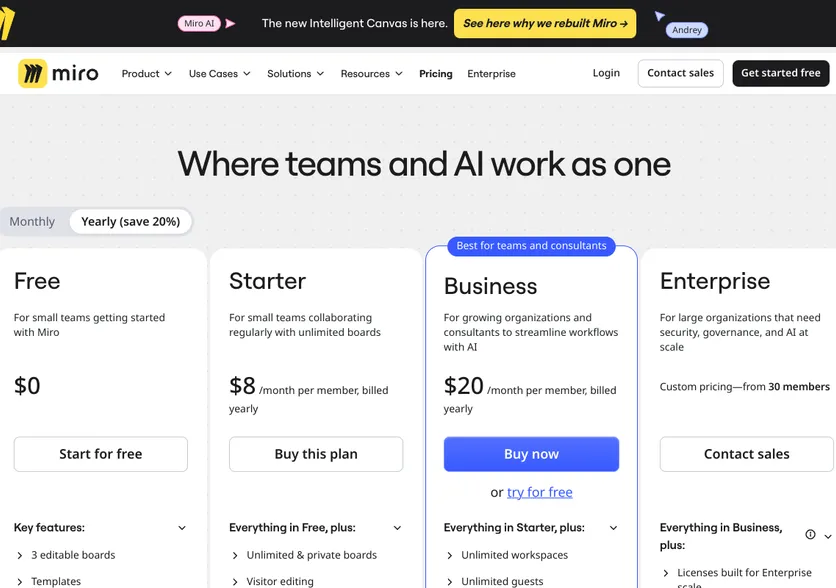
Paid tool Starting price: $8/user/month · Eight dollars per member a month on Starter billed annually (ten dollars billed monthly); Business is twenty dollars billed annually (twenty-five dollars billed monthly); free plan covers three editable boards; Enterprise is custom from thirty members
Free plan: Free plan (3 editable boards)
A team that boards together on a shared canvas will like this Miro plan, which costs eight dollars per member a month billed annually on Starter. It offers an infinite whiteboard with frames, sticky notes and templates, so a director and a crew can sketch the film together live. The free plan covers three editable boards, which is enough to test a short film.
What we like
- Infinite whiteboard with frames and templates
- Live collaboration for the whole crew
- Free plan covers three editable boards
Watch out for
- Not a dedicated storyboard tool, so shot data is manual
- Every member on a paid plan is a paid seat
How to try it
- Start a board and add the storyboard template
- Sketch frames and add notes with the crew live
- Export the board and share it with the production
5. Canva Pro
Best for: Directors who need a pitch board fast
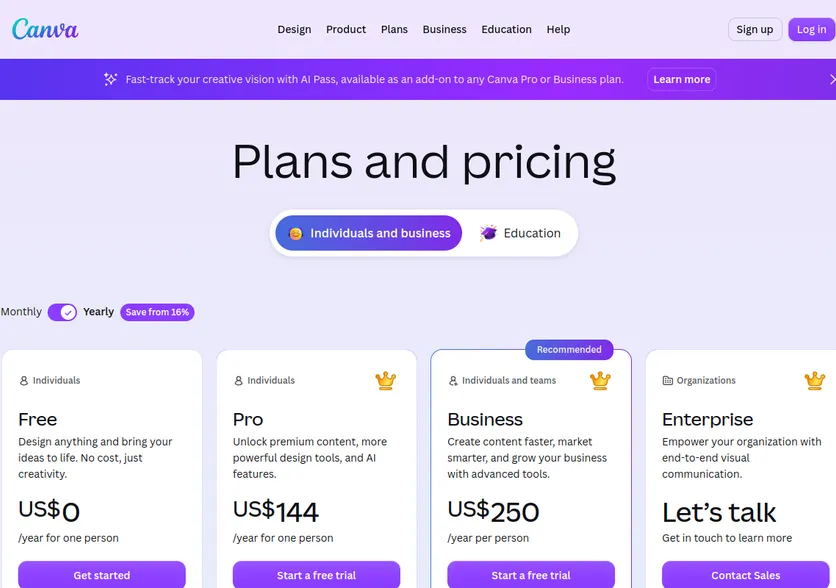
Paid tool Starting price: $120/year · One hundred and twenty dollars a year on Pro billed annually, about ten dollars a month; monthly billing is fifteen dollars a month, or one hundred and eighty dollars a year; Teams is ten dollars per person a month billed annually with a two-person minimum; free plan included; thirty-day Pro trial
Free plan: Free plan
Filmmakers who need boards fast and have no illustrator on the team get a shortcut here, as this Canva Pro plan costs one hundred and twenty dollars a year billed annually. It turns templates, stock photos and AI images into presentable boards in minutes, with brand kits that keep every frame on style. It suits a director who needs a pitch board by Thursday, not a drawing lesson.
What we like
- Templates, stock photos and AI images in minutes
- Brand kits keep every frame on style
- Free plan is genuinely usable for simple boards
Watch out for
- Not a dedicated storyboard tool, so shot data is manual
- Teams pricing needs a two-person minimum
How to try it
- Pick a storyboard template and set the brand kit
- Drop in stock photos or AI images for each frame
- Export the board as a PDF and pitch it
6. StoryboardHero
Best for: Directors and agencies pitching with boards
Paid tool Starting price: $19/month · Nineteen dollars a month on Solo for one seat; Starter is fifty-nine dollars for five seats and Advanced is one hundred and ninety-nine dollars for ten seats; no free plan, seven-day free trial with no card and a seven-day money-back guarantee on Solo; older listings show Starter at forty-nine dollars, which appears stale
Free plan: No free plan; 7-day free trial
A filmmaker who pitches with boards needs them to look like a finished product, and this StoryboardHero plan costs nineteen dollars a month on Solo. It writes the concept and script from a brief, generates the frames with AI and exports a white-label PDF or MP4 animatic. It is built for agencies and directors who sell ideas with boards.
What we like
- Concept and script written from a brief
- White-label PDF and MP4 animatic exports
- Unlimited standard AI images on every plan
Watch out for
- No free plan, so testing needs the seven-day trial
- Built for pitches, not for full production planning
How to try it
- Write the brief and let AI draft the concept
- Generate frames and arrange them into scenes
- Export the white-label board and pitch it
7. MakeStoryboard
Best for: Crews that already have the artwork
Paid tool Starting price: $12/month · Twelve dollars a month on Individual billed annually (fourteen dollars billed monthly); Team is forty-eight dollars billed annually and includes ten seats, with extra seats at six dollars and sixty-four cents each; free sign-up available; older listings show a Team price of thirty-six dollars, which appears stale
Free plan: Free plan
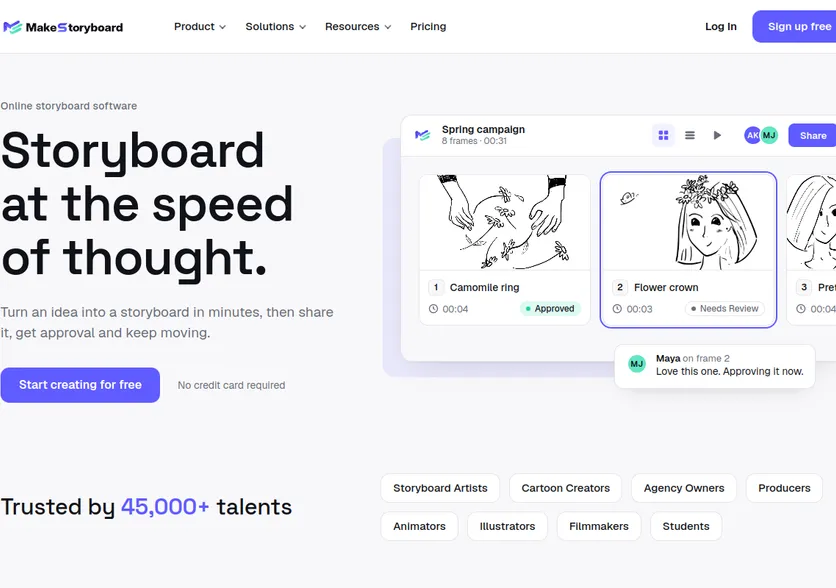
Teams that want the cheapest fixed price for sharing boards will find it here, because this MakeStoryboard plan costs twelve dollars a month billed annually on Individual. It sequences uploaded frames, adds custom fields and subtitle timing, and shares the board by secure link with comments and versioning. It suits a crew that already has the artwork and just needs to share it well.
What we like
- Cheapest fixed price in this list
- Custom fields and subtitle timing on every board
- Secure link sharing with comments and versioning
Watch out for
- Upload only, so frames must be drawn elsewhere
- No AI image generation built in
How to try it
- Upload the finished frames in order
- Add custom fields and subtitle timing
- Share the secure link and collect comments
Prices above were checked on each vendor’s own website on Nov 29, 2026 and can change — the vendor’s page is the final word. Vendor links are editorial: nobody paid to be listed or ranked here. Vendors who want a featured listing can see how it works on our Get listed page.
How to board a film that shoots on schedule
Board the film before you budget it, because a board shows the shots the script only hints at. Keep one frame per shot, not per moment, so the board reads like the film will cut. Add the camera move, the lens and the light to every frame, since a board without camera notes is just a comic strip. Share the board with the whole crew and collect comments on the frames, not in a separate document. Finally, update the board when the shoot changes, because a board that no longer matches the plan is worse than no board at all.
Before you buy
- Check the tool exports a PDF or animatic your clients can open without creating an account
- Make sure frames carry camera, lens and lighting notes, not just the picture
- Confirm the board links to shot lists and schedules, or whether that lives in another app
- Ask whether AI images are included or metered, and what happens when the quota runs out
- Test the tool on one real scene before boarding a whole film, including the client review step
Official websites
Official websites of the products reviewed above. Features and prices were checked against these sites when this guide was written, and they can change, so confirm on the vendor site before you buy.
Frequently asked questions
What is storyboard software for filmmakers?
It is software that turns a script into a sequence of frames showing each shot, with camera moves, lighting notes and dialogue attached. Good tools build timed animatics, link boards to shot lists and call sheets, and let clients comment on frames before the shoot. For filmmakers it replaces the paper boards and photocopies that used to plan a production.
How much does Boords cost?
Boords costs twenty-six dollars a month on Solo billed yearly, or thirty-nine dollars billed monthly. Pro is fifty dollars billed yearly for up to five users, Team is eighty-five dollars for up to ten, and Agency is one hundred and sixty-five dollars for up to thirty. The free plan covers five active storyboards, with a limit on AI images.
Can I storyboard for free?
Yes, with Boords, StudioBinder, Miro, Canva Pro and MakeStoryboard, which all offer genuine free plans rather than trials. Boords covers five active storyboards, StudioBinder covers one project, Miro covers three editable boards, Canva covers basic design, and MakeStoryboard offers a free sign-up. A filmmaker can board a short film on any of them, and paid tiers add more boards and AI images.
Which tool is best for a first short film?
Boords is the best start for a first short film, at twenty-six dollars a month billed yearly, because it turns a script into frames, builds a timed animatic and collects client sign-off in one place. MakeStoryboard is the cheapest step up, at twelve dollars a month, for crews that already have artwork. StudioBinder suits a filmmaker who wants the boards linked to the whole production plan.
Do I need to draw to use storyboard software?
No, since Boords and StoryboardHero generate frames with AI from a script or a brief, Canva Pro builds boards from templates and stock photos, and Miro lets a crew sketch roughly on a shared canvas. Only Plottr and MakeStoryboard assume you bring your own artwork or focus on structure. A director who cannot draw can still board a film, though hand-drawn frames suit a project where the look is the point.
Compare the seven tools above, then start with a free plan or trial on the one that matches how your crew actually plans a shoot, and check the monthly price and any image quota before paying for a full year.
Browse Video Tools tools