
On this page
Remote video teams need a storyboard everyone can see, comment on and approve without a meeting in a shared office. The seven tools below run from eight dollars per user a month to forty-two dollars a month, and every price was checked on the vendor site on November 27, 2026. Some are built for storyboards and some are whiteboards with a storyboard mode, so match the tool to the way your team works. Boords is our first pick — the storyboard tool built for remote teams.
How we researched this
We started with the storyboard tools remote teams actually use, then read each price on the vendor pricing page on November 27, 2026 and noted the free plan or trial each one carries. We judged them for a remote team that needs AI-generated frames, comments and approvals in one shared workspace, and we kept only tools with a published price. We dropped Storyboarder because it is a free open-source tool with no paid price, and we dropped Canva because its US dollar price cannot be verified on the vendor site.
Compare the tools
| Name | Best for | Starting price | Free plan | |
|---|---|---|---|---|
 Boords | Remote teams that want a storyboard tool built for boards, animatics and approvals | $39/month | Free plan, 5 active storyboards and up to 5 team members | Visit |
| StoryboardHero | Small teams that want AI to turn a script into storyboard frames in minutes | $19/month | No free plan; 7-day free trial, no card required | Visit |
| MakeStoryboard | Small teams that want the cheapest flat storyboard price with a simple editor | $12/month | Free Starter plan, 1 storyboard and up to 10 frames | Visit |
 Miro | Remote teams that already use a whiteboard and want a storyboard mode inside it | $8/user/month | Free plan available | Visit |
| StudioBinder | Film and video teams that want storyboards with shot lists, call sheets and scheduling | $42/month | Free plan, one project and up to 10 storyboards | Visit |
| LTX Studio | Remote teams that want AI storyboards with consistent characters and a commercial licence | $28/month | Free plan, 800 one-time credits | Visit |
| Krock | Remote teams that review client video and want storyboards in the same approval workflow | $10/user/month | Free plan, 2 projects and unlimited reviewers | Visit |
The AI storyboard generators for remote teams, compared
1. Boords
Best for: Remote teams that want a storyboard tool built for boards, animatics and approvals
Paid tool Starting price: $39/month · Solo plan, thirty-nine dollars a month; Pro costs seventy-five dollars and Team one hundred twenty-five dollars a month
Free plan: Free plan, 5 active storyboards and up to 5 team members
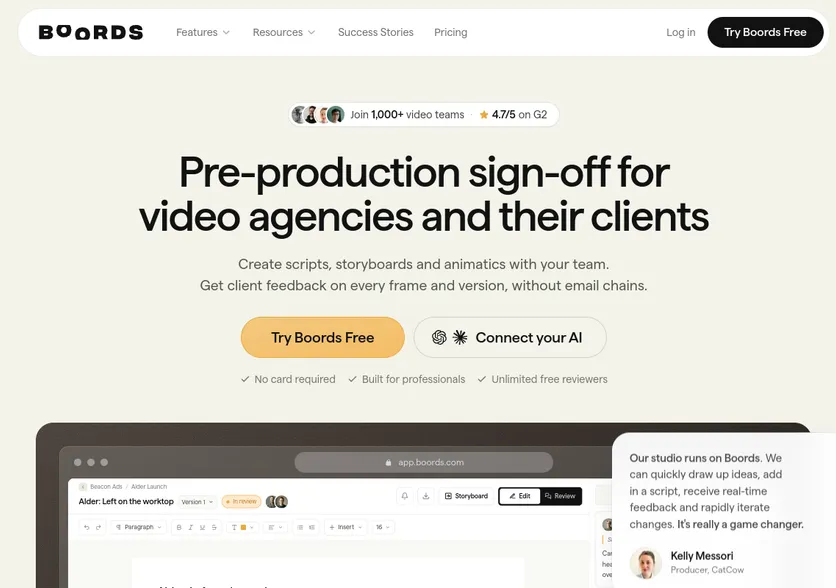
Boords is a storyboard tool built for remote teams, with boards, animatics, scripts and approvals in one shared workspace. This Boords Solo plan costs thirty-nine dollars a month, and the Pro plan costs seventy-five dollars a month for more boards and features. A remote team can draw frames, add dialogue and get client sign-off without a single meeting in a shared office.
What we like
- Built for storyboards, not adapted from a whiteboard
- Animatics, scripts and approvals in one workspace
- Free plan with five active storyboards
Watch out for
- The Team plan costs one hundred twenty-five dollars a month for larger teams
- The Agency plan costs two hundred fifty dollars a month for client work
How to try it
- Open the Boords pricing page and claim the free plan
- Create a storyboard and add frames and dialogue
- Share it with your team and collect approvals online
2. StoryboardHero
Best for: Small teams that want AI to turn a script into storyboard frames in minutes
Paid tool Starting price: $19/month · Solo plan, nineteen dollars a month for one seat and one hundred premium AI images; monthly billing only, no annual price
Free plan: No free plan; 7-day free trial, no card required
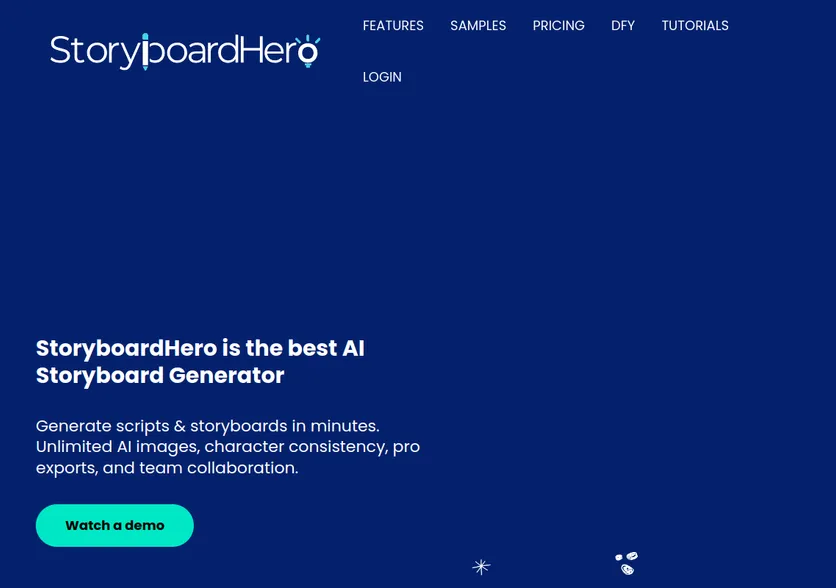
StoryboardHero generates storyboard frames with AI, so a remote team can turn a script into a visual board in minutes. This StoryboardHero Solo plan costs nineteen dollars a month for one seat and one hundred premium AI images, with monthly billing only. A small team can draft a whole board from a script, then adjust the frames before the shoot.
What we like
- AI generates frames from a script in minutes
- Seven-day free trial with no card required
- One hundred premium AI images a month on Solo
Watch out for
- Monthly billing only, with no annual price
- The Solo plan covers one seat only
How to try it
- Open the StoryboardHero pricing page and start the seven-day trial
- Paste your script and let the AI generate frames
- Adjust the frames and share the board with your team
3. MakeStoryboard
Best for: Small teams that want the cheapest flat storyboard price with a simple editor
Paid tool Starting price: $12/month · Individual plan, twelve dollars a month on the yearly plan; Team costs forty-eight dollars a month yearly
Free plan: Free Starter plan, 1 storyboard and up to 10 frames
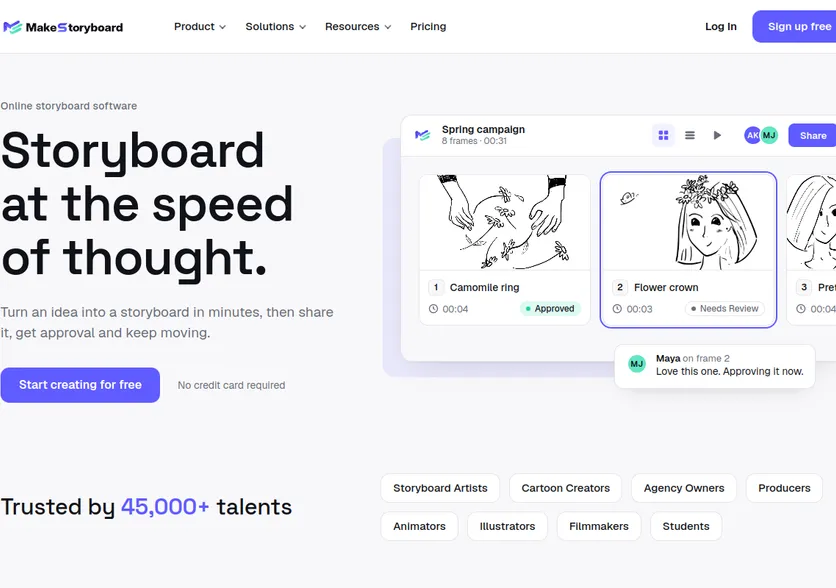
MakeStoryboard is a simple storyboard tool for small teams, with boards, frames and comments in a clean online editor. This MakeStoryboard Individual plan costs twelve dollars a month on the yearly plan, and the Team plan costs forty-eight dollars a month yearly. A remote team can build a board, share it with a client and collect feedback without learning a complex tool.
What we like
- Cheapest flat price in this comparison
- Free Starter plan with one storyboard
- Simple editor a remote team learns in an afternoon
Watch out for
- The Individual plan covers one user only
- The Team plan costs forty-eight dollars a month for the whole team
How to try it
- Open the MakeStoryboard pricing page and claim the free Starter plan
- Create a storyboard and add frames
- Share the board and collect comments from your team
4. Miro
Best for: Remote teams that already use a whiteboard and want a storyboard mode inside it
Paid tool Starting price: $8/user/month · Starter plan, eight dollars per user a month billed yearly
Free plan: Free plan available
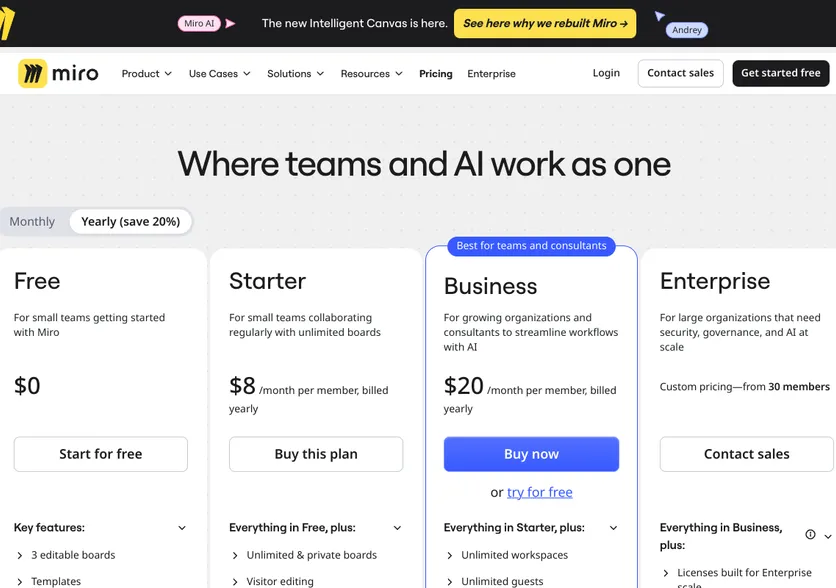
Miro is the online whiteboard most remote teams already use, with a storyboard mode for planning video shots and scenes. This Miro Starter plan costs eight dollars per user a month billed yearly, which is the cheapest per-seat price in this list. A remote team can plan a video on the same board it uses for meetings, though Miro is a whiteboard first and a storyboard tool second.
What we like
- Cheapest per-seat price in this comparison
- Whiteboard your team already knows, with a storyboard mode
- Free plan available for small teams
Watch out for
- Starter now has a two-seat minimum for solo users
- A whiteboard first, so storyboard features are lighter than Boords
How to try it
- Open the Miro pricing page and claim the free plan
- Start a board and switch to storyboard mode
- Add frames and invite your team to comment
5. StudioBinder
Best for: Film and video teams that want storyboards with shot lists, call sheets and scheduling
Paid tool Starting price: $42/month · Annual billing, forty-two dollars a month; extra seats cost twenty-five dollars per user a month
Free plan: Free plan, one project and up to 10 storyboards
StudioBinder is a production platform for film and video teams, with storyboards, shot lists, call sheets and scheduling in one place. This StudioBinder plan costs forty-two dollars a month on annual billing, and extra seats cost twenty-five dollars per user a month. A remote team that shoots video regularly gets the full production workflow, though the price is the highest in this list.
What we like
- Full production workflow with shot lists and call sheets
- Free plan with one project and ten storyboards
- Built for film and video teams, not generic whiteboards
Watch out for
- The highest price in this comparison
- Extra seats cost twenty-five dollars per user a month
How to try it
- Open the StudioBinder pricing page and claim the free plan
- Create a project and build your first storyboard
- Add a shot list and share it with the crew
6. LTX Studio
Best for: Remote teams that want AI storyboards with consistent characters and a commercial licence
Paid tool Starting price: $28/month · Standard plan, twenty-eight dollars a month billed yearly at three hundred thirty-six dollars a year; monthly billing costs thirty-five dollars a month
Free plan: Free plan, 800 one-time credits
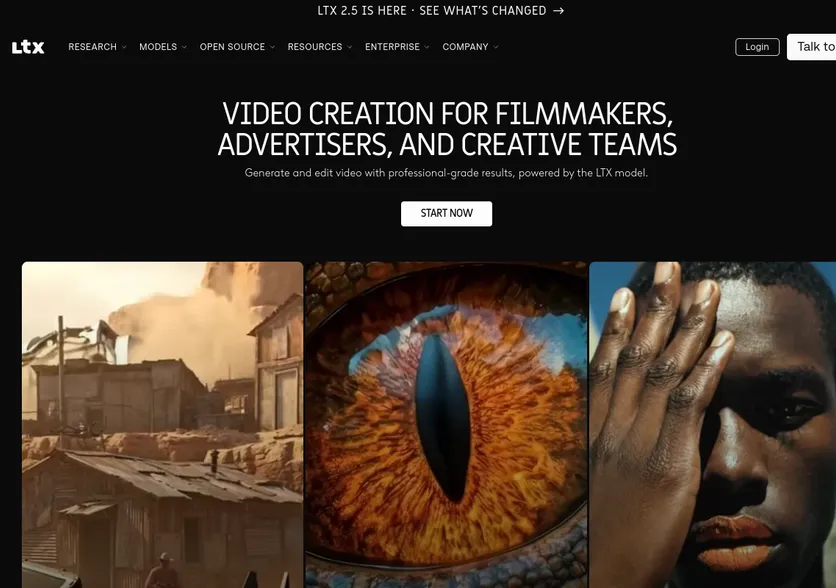
LTX Studio is an AI video platform that generates storyboards, shots and scenes from a script with consistent characters. This LTX Studio Standard plan costs twenty-eight dollars a month billed yearly, and monthly billing costs thirty-five dollars a month. A remote team can generate a whole board with matching characters, though the commercial licence starts at Standard and Lite is personal use only.
What we like
- AI generates storyboards with consistent characters
- Commercial licence included on the Standard plan
- Free plan with eight hundred one-time credits
Watch out for
- Lite is personal use only, so commercial work needs Standard
- The Pro plan costs one hundred dollars a month billed yearly
How to try it
- Open the LTX Studio pricing page and claim the free plan
- Paste your script and generate the storyboard frames
- Check the characters match, then share the board
7. Krock
Best for: Remote teams that review client video and want storyboards in the same approval workflow
Paid tool Starting price: $10/user/month · Pro plan, ten dollars per user a month; Unlimited costs four hundred dollars a month flat
Free plan: Free plan, 2 projects and unlimited reviewers
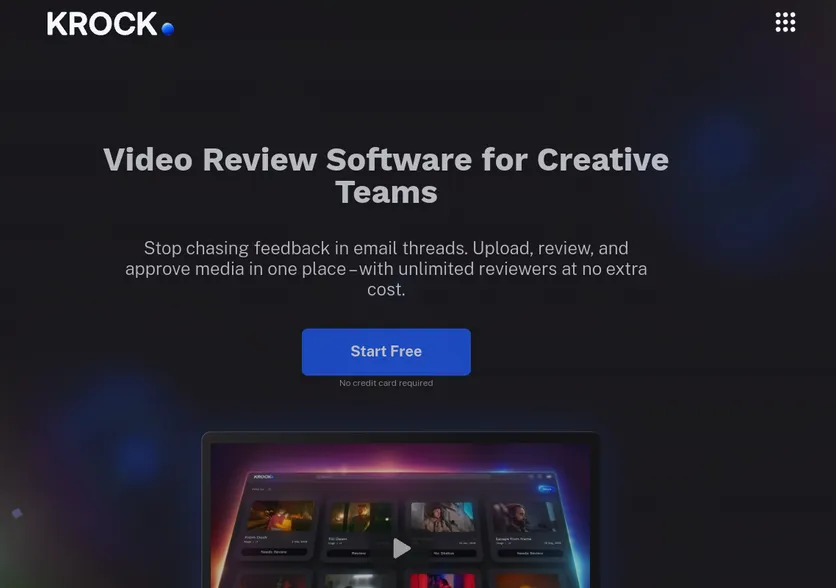
Krock is a video review platform with a built-in storyboard tool, so a remote team can plan shots and review cuts in one place. This Krock Pro plan costs ten dollars per user a month, and the free plan covers two projects with unlimited reviewers. A team that reviews client video will like the approval workflow, though Krock is review-first and storyboard-second.
What we like
- Storyboard and video review in one platform
- Free plan with unlimited reviewers
- Approval workflow built for client video
Watch out for
- Review-first, so storyboard features are lighter than Boords
- The Unlimited plan costs four hundred dollars a month flat
How to try it
- Open the Krock pricing page and claim the free plan
- Create a project and build your storyboard
- Share it with reviewers and collect approvals
Prices above were checked on each vendor’s own website on Nov 27, 2026 and can change — the vendor’s page is the final word. Vendor links are editorial: nobody paid to be listed or ranked here. Vendors who want a featured listing can see how it works on our Get listed page.
What storyboard software costs in 2026
Storyboard pricing runs from eight dollars per user a month to forty-two dollars a month, and the cheapest tool depends on your team size. A solo creator pays twelve dollars a month for MakeStoryboard or nineteen dollars a month for StoryboardHero, while a team of five pays forty dollars a month on Miro Starter or fifty dollars a month on Krock Pro. Yearly billing cuts the price on most tools here, though StoryboardHero charges monthly only with no annual price.
Start with the free plan on two tools and build one real storyboard from a script you already have. Compare how fast the AI generates frames, how easy comments and approvals are, and whether the export fits your edit. Pick the tool whose boards your team actually reads, because a storyboard nobody opens is money wasted.
Before you buy
- Check the AI image limit, because StoryboardHero includes one hundred premium AI images a month on the Solo plan.
- Count your seats before you buy, because Miro charges eight dollars per user a month and Krock charges ten dollars per user a month.
- Confirm the commercial licence, because LTX Studio needs the Standard plan for commercial use while Lite is personal use only.
- Test the free plan first, because Boords, MakeStoryboard, Miro and StudioBinder all offer free plans with real storyboards.
- Check the seat minimum, because Miro Starter now has a two-seat minimum for solo users.
Official websites
Official websites of the products reviewed above. Features and prices were checked against these sites when this guide was written, and they can change, so confirm on the vendor site before you buy.
Frequently asked questions
Which storyboard generator is best for remote teams in 2026?
Boords is the best overall pick at thirty-nine dollars a month, with storyboards, animatics and approvals built for remote teams. LTX Studio is the best AI storyboard tool at twenty-eight dollars a month billed yearly, with AI-generated frames and a commercial licence on Standard. Miro is the cheapest per seat at eight dollars per user a month, with a storyboard mode inside a whiteboard every team already knows.
How much does storyboard software cost?
Storyboard software in this list runs from eight dollars per user a month to forty-two dollars a month, with flat plans from ten to forty-two dollars a month. A solo creator can start at twelve dollars a month, while a team of five pays forty to fifty dollars a month on the per-seat tools. Most tools have free plans, and StoryboardHero offers a seven-day free trial with no card required.
Is there a free storyboard generator?
Boords has a free plan with five active storyboards and up to five team members. MakeStoryboard has a free Starter plan with one storyboard and up to ten frames, and Miro and StudioBinder both have free plans. Krock has a free plan with two projects and unlimited reviewers, and LTX Studio has a free plan with eight hundred one-time credits.
Can AI generate a whole storyboard?
Yes, LTX Studio and StoryboardHero both generate storyboard frames from a script or prompt, with styles, characters and shots you can adjust. The AI drafts the frames fast, but a human still needs to check the story flow, the continuity and the shot list before the shoot. The best results come from a team that treats the AI frames as a first draft, not a finished board.
What should I look for in storyboard software for remote teams?
Look for shared boards your whole team can comment on, AI frame generation that saves hours of drawing, and approvals that keep the shoot on schedule. Check the seat price and the AI image limit, because a cheap plan with a tiny credit pool costs more than a pricier plan with room to work. The best storyboard tool is the one your team actually opens, not the one with the longest feature list.
Need everyday video help too? Try Toolsvine's free video tools right in your browser.
Browse Video Tools tools


