
On this page
Starting 2D animation means choosing between drawing every frame by hand and rigging a character once and posing it forever, and the wrong tool can stall a beginner for months. The eight tools below cover hand-drawn, rigged and template animation, from ten dollars a month to a hundred and forty nine dollars once, and every price was checked on the vendor site on November 26, 2026. Most offer a free plan or trial, so you can finish a first short before paying. Toon Boom Harmony is our first pick — the studio standard from thirty one dollars a month.
How we researched this
We started with the 2D animation tools beginners actually buy, then read each price on the vendor pricing page on November 26, 2026 and checked the cost for one person. We judged them for a beginner who wants to finish a first short film or explainer without a studio budget. We kept only tools with a published price, and we dropped free-only tools such as OpenToonz, Pencil2D and Synfig because this list compares paid tools.
Compare the tools
| Name | Best for | Starting price | Free plan | |
|---|---|---|---|---|
 Toon Boom Harmony | Beginners who want the studio standard from day one | $31/month | 14-day free trial | Visit |
 Moho | Beginners who want rigged characters without a subscription | $59.99 one-time | 30-day free trial | Visit |
 Animaker | Beginners who want template cartoons in the browser | $10/month | Free plan with 3 downloads a month | Visit |
 Adobe Animate | Beginners who want vector animation for the web | $22.99/month | 7-day free trial | Visit |
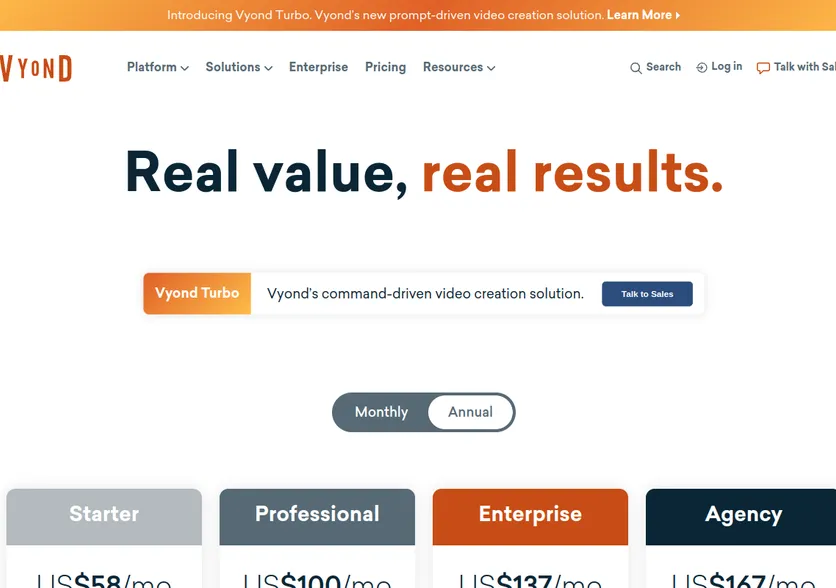
 Vyond | Beginners who want business explainers with talking characters | $99/month | 14-day free trial | Visit |
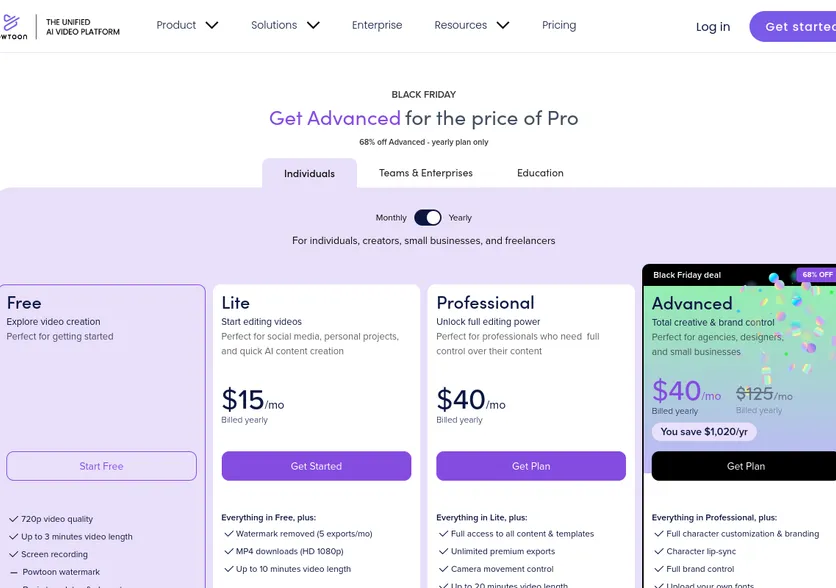
 Powtoon | Beginners who want quick explainer videos from templates | $15/month | Free plan with 3-minute videos | Visit |
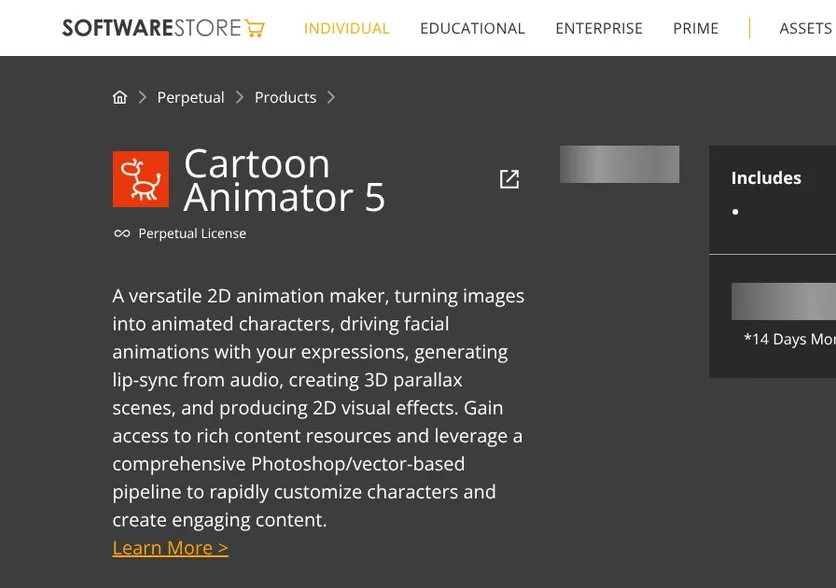
 Cartoon Animator | Beginners who want talking characters from their own art | $149 one-time | 30-day free trial | Visit |
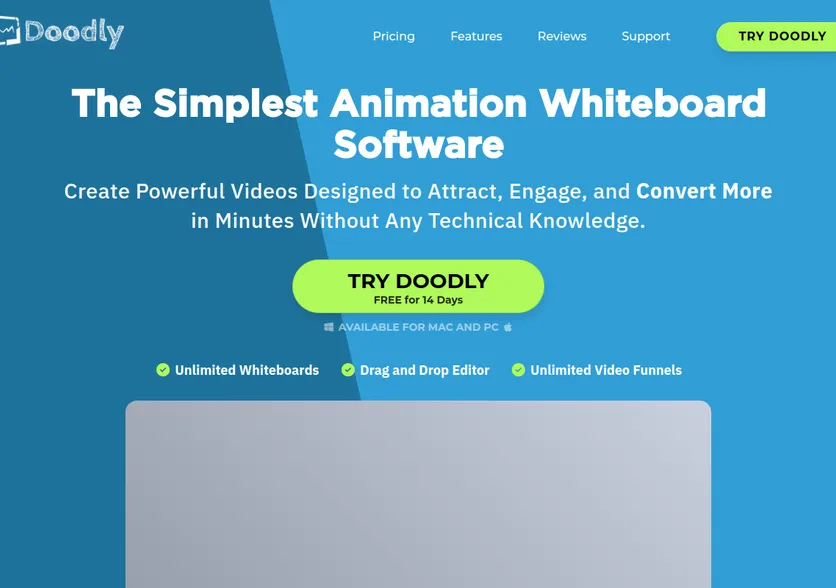
 Doodly | Beginners who want whiteboard sketch videos | $49/month | 14-day free trial | Visit |
The 2D animation software for beginners, compared
1. Toon Boom Harmony
Best for: Beginners who want the studio standard from day one
Paid tool Starting price: $31/month · Essentials plan, $31 a month billed monthly or $259 a year billed annually; Advanced $79 and Premium $143 sit above it
Free plan: 14-day free trial
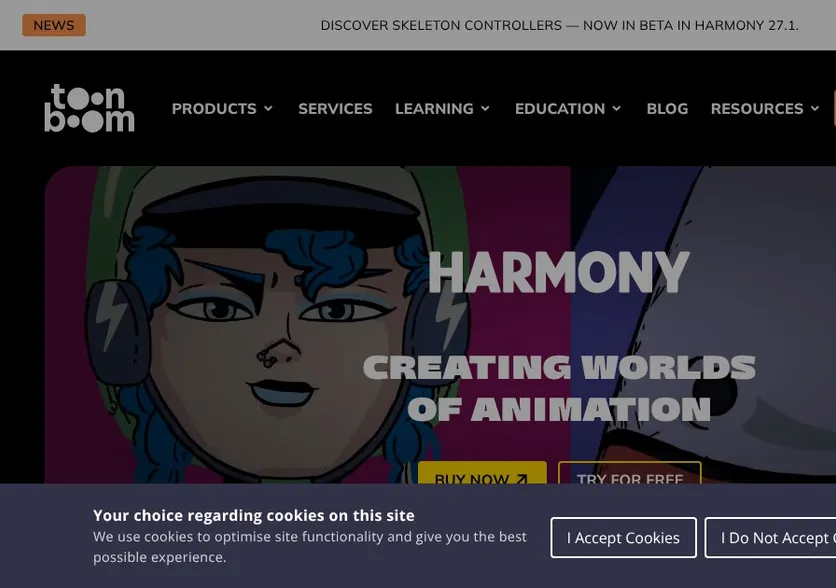
Toon Boom Harmony is the 2D production standard for television and streaming animation, and learning it puts a beginner on the same tool studios hire for. This Toon Boom Harmony Essentials plan covers hand-drawn and cut-out animation with deformers, effects and a full compositing network. A beginner who wants animation as a career will find the steep learning curve worth it, because studios recognize the skill.
What we like
- The tool television studios actually use
- Hand-drawn and cut-out workflows in one program
- Full compositing and effects built in
Watch out for
- Essentials costs thirty one dollars a month billed monthly
- Steep learning curve for a first-timer
How to try it
- Open the Toon Boom pricing page and start the free trial
- Draw a short scene with the vector tools
- Add a simple rig and export your first clip
2. Moho
Best for: Beginners who want rigged characters without a subscription
Paid tool Starting price: $59.99 one-time · Moho Debut 14, $59.99 one-time; Moho Pro 14 is $399.99 one-time; 30-day free trial
Free plan: 30-day free trial
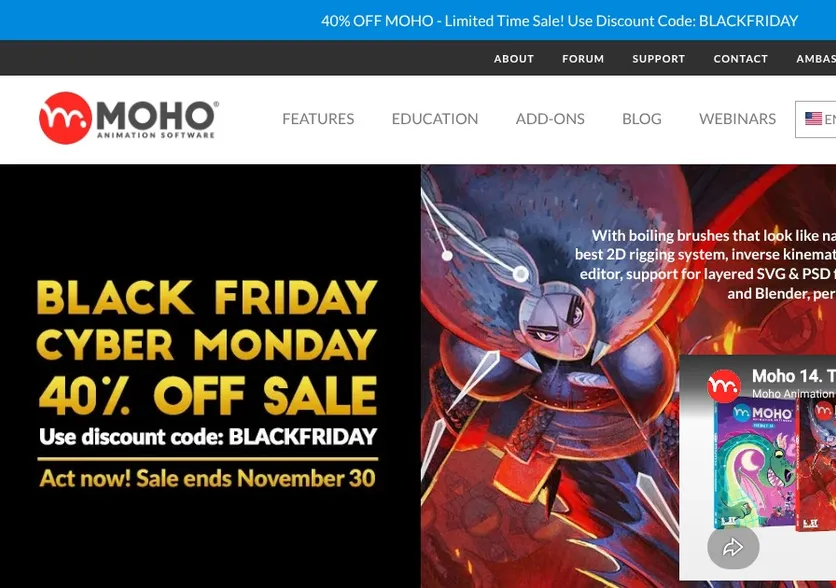
Moho is the buy-once route into rigged 2D animation, where you build a character once and pose it with bones instead of redrawing every frame. This Moho Debut plan covers bone rigging, Smart Bones and lip sync for beginners and hobbyists. A beginner who hates subscriptions will like paying once and keeping the tool forever.
What we like
- One-time price, no subscription
- Bone rigging makes animation fast
- Smart Bones add expressive movement
Watch out for
- Debut costs fifty nine dollars and ninety nine cents once
- Pro costs three hundred and ninety nine dollars and ninety nine cents once
How to try it
- Open the Moho site and start the free trial
- Build a character from parts and add bones
- Pose the character and export a short walk cycle
3. Animaker
Best for: Beginners who want template cartoons in the browser
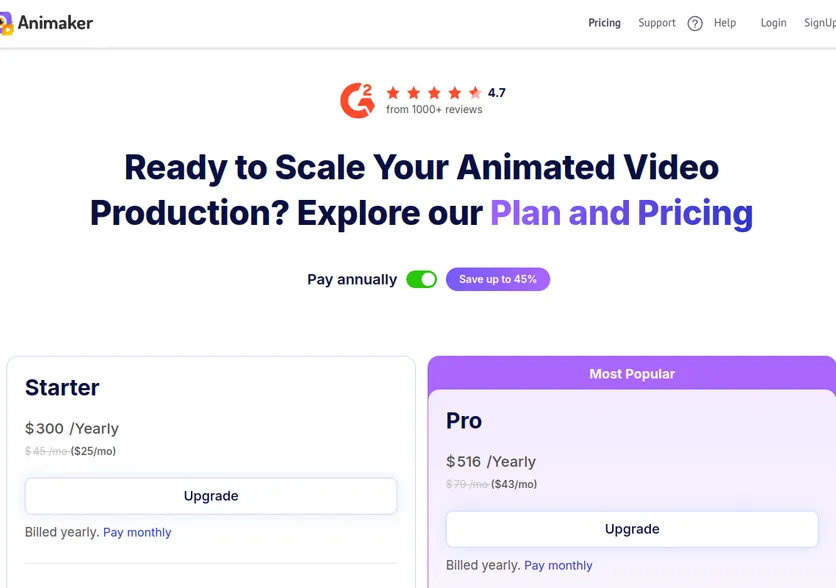
Paid tool Starting price: $10/month · Basic plan, $10 a month; Starter $19 and Pro $49 sit above it on yearly billing; free plan with 3 downloads a month
Free plan: Free plan with 3 downloads a month
Animaker builds cartoon videos from templates in the browser, so a beginner can finish an explainer without drawing a single frame. This Animaker Basic plan covers character builders, templates and stock assets with five premium exports a month. A beginner who wants a finished video this afternoon will find the templates the fastest route.
What we like
- Fastest route to a finished video
- Templates and characters included
- Runs in the browser, nothing to install
Watch out for
- Basic costs ten dollars a month
- Five premium exports a month is a tight cap
How to try it
- Open the Animaker pricing page and start the free plan
- Pick a template and build a character
- Add scenes and export your first video
4. Adobe Animate
Best for: Beginners who want vector animation for the web
Paid tool Starting price: $22.99/month · Single-app plan, $22.99 a month on the annual plan billed monthly; 7-day free trial; in maintenance mode with no new features planned
Free plan: 7-day free trial
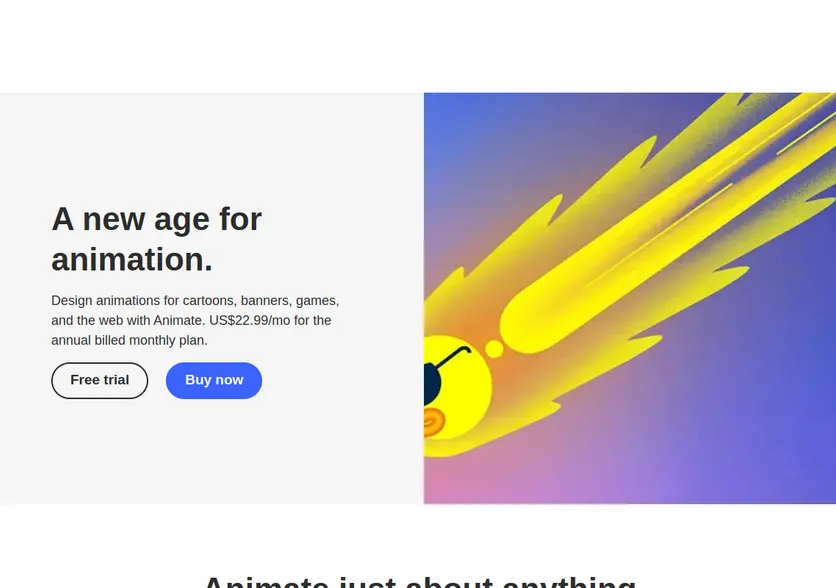
Adobe Animate is the descendant of Flash, and it remains the practical choice for vector animation, banner ads and web series. This Adobe Animate single-app plan covers timeline animation, bone tools and HTML5 canvas export. A beginner who already uses Creative Cloud will like the smooth links to Photoshop and Illustrator, but Adobe has put the app in maintenance mode with no new features planned.
What we like
- Vector animation with a long track record
- HTML5 canvas export for web work
- Works smoothly with Photoshop and Illustrator
Watch out for
- Twenty two dollars and ninety nine cents a month
- In maintenance mode with no new features planned
How to try it
- Open the Adobe pricing page and start the free trial
- Draw a character with the vector tools
- Animate a short scene and export it for the web
5. Vyond
Best for: Beginners who want business explainers with talking characters
Paid tool Starting price: $99/month · Starter plan, $99 a month billed monthly or $699 a year; Professional $1,199 a year; single user
Free plan: 14-day free trial
Vyond makes animated explainer videos with talking characters and templates, aimed at training and business videos rather than cartoons. This Vyond Starter plan covers animated characters, voices and screen recording for one user. A beginner making training videos will like the templates, but the price is the highest on this list.
What we like
- Talking characters with hundreds of voices
- Templates for training and business videos
- Screen recording built in
Watch out for
- Starter costs ninety nine dollars a month billed monthly
- Priciest tool on this list for a beginner
How to try it
- Open the Vyond pricing page and start the free trial
- Pick a template and a character
- Add a voiceover and export the video
6. Powtoon
Best for: Beginners who want quick explainer videos from templates
Paid tool Starting price: $15/month · Lite plan, $15 a month billed annually or $49 billed monthly; Professional $40 a month billed annually; free plan with 3-minute videos
Free plan: Free plan with 3-minute videos
Powtoon builds explainer and presentation videos from templates and characters, so a beginner can publish without drawing skills. This Powtoon Lite plan removes the watermark, allows ten-minute videos and exports in high definition. A beginner who needs a video for work or school will find the templates the quickest path.
What we like
- Quickest path to a polished explainer
- Templates cover most business topics
- Free plan for short videos
Watch out for
- Lite costs fifteen dollars a month billed annually
- Monthly billing costs forty nine dollars a month
How to try it
- Open the Powtoon pricing page and start the free plan
- Pick a template and add your script
- Export the video in high definition
7. Cartoon Animator
Best for: Beginners who want talking characters from their own art
Paid tool Starting price: $149 one-time · Cartoon Animator 5 perpetual licence, $149 one-time list; sale prices often lower; 365 subscription from $4.92 a month also available
Free plan: 30-day free trial
Cartoon Animator turns your own artwork into animated characters with ready-made rigs, motion templates and automatic lip sync. This Cartoon Animator licence covers rigged puppets, spring physics and four-K video export in one purchase. A beginner who can draw but cannot animate will like making a talking character video in an afternoon.
What we like
- Your own art becomes a talking character
- Automatic lip sync from audio
- One-time price, no subscription
Watch out for
- A hundred and forty nine dollars once
- Facial capture plugins cost extra
How to try it
- Open the Reallusion store page and start the free trial
- Import your artwork and build a rigged character
- Add audio and let lip sync do the talking
8. Doodly
Best for: Beginners who want whiteboard sketch videos
Paid tool Starting price: $49/month · Standard plan, $49 a month or $490 a year; Enterprise $79 a month; sold with a Voomly Cloud subscription; 14-day free trial
Free plan: 14-day free trial
Doodly makes whiteboard videos where a hand sketches each picture while a voiceover explains it, a style that suits lessons and explainers. This Doodly Standard plan covers whiteboard, blackboard and glass board videos with a library of drawn images. A beginner teaching a topic will like how the sketching hand holds attention better than slides.
What we like
- Whiteboard style holds attention
- Large library of drawn images
- Desktop app with no learning curve
Watch out for
- Standard costs forty nine dollars a month
- Sold as part of a Voomly Cloud bundle
How to try it
- Open the Doodly site and start the free trial
- Drop images onto the whiteboard canvas
- Record a voiceover and export the video
Prices above were checked on each vendor’s own website on Nov 26, 2026 and can change — the vendor’s page is the final word. Vendor links are editorial: nobody paid to be listed or ranked here. Vendors who want a featured listing can see how it works on our Get listed page.
What 2D animation software for beginners costs in 2026
Animation software bills by subscription or by one-time purchase, so compare the two-year cost before choosing. This list runs from ten dollars a month to a hundred and forty nine dollars once, and a subscription that looks cheap can cost more than a one-time licence after a year of use. The headline plan each vendor shows on its own pricing page is the number in the table above, checked on November 26, 2026.
Start with the free plan or trial on two tools and finish a short clip in both. Compare the workflow, the export and the time it took, then pick the tool you will actually open every week. A tool that helps you finish a first short beats a powerful one that sits unused.
Before you buy
- Count the real cost first, because a cheap subscription can cost more than a one-time licence after a year.
- Check the export limits, because a plan that caps exports or watermarks videos will frustrate you fast.
- Test the tool on your own idea first, because a demo template never shows how it handles your art.
- Ask about the learning curve, because a studio tool can stall a beginner for months.
- Add up the yearly total, because a cheap monthly plan can cost more than a yearly plan over twelve months.
Official websites
Official websites of the products reviewed above. Features and prices were checked against these sites when this guide was written, and they can change, so confirm on the vendor site before you buy.
Frequently asked questions
Which 2D animation software is best for beginners in 2026?
Toon Boom Harmony Essentials, at thirty one dollars a month, is the safest default because it is the studio standard and its skills transfer to jobs in television animation. Moho is better when you want to buy once, at fifty nine dollars and ninety nine cents for Debut with bone rigging included. Animaker wins for speed, at ten dollars a month for template cartoons in the browser.
What is the cheapest 2D animation software for beginners?
Animaker Basic, at ten dollars a month, is the cheapest paid plan here with templates and character builders in the browser. Powtoon Lite, at fifteen dollars a month billed annually, is the next cheapest for explainer videos. Moho Debut, at fifty nine dollars and ninety nine cents once, is the cheapest route to rigged character animation with no subscription.
Can I learn 2D animation for free?
Yes, with limits. Animaker and Powtoon both offer free plans with watermarks and export limits, and Toon Boom Harmony, Moho, Adobe Animate, Vyond, Cartoon Animator and Doodly all offer free trials. Free-only tools such as OpenToonz, Pencil2D and Synfig cost nothing, but this list compares paid tools, so check those if your budget is zero.
Is Toon Boom Harmony or Adobe Animate better for a beginner?
Toon Boom Harmony wins when you want a career in animation, because television studios use it and its skills transfer to jobs. Adobe Animate wins when you want vector animation for the web, with HTML5 export and Creative Cloud links. Harmony costs thirty one dollars a month, Animate costs twenty two dollars and ninety nine cents, but Animate is in maintenance mode with no new features planned.
What is the difference between rigged and frame-by-frame animation?
Frame-by-frame animation means drawing every pose by hand, which gives full control but takes hours per second of footage. Rigged animation means building a character once with bones and posing it, which is faster for dialogue and walk cycles. Toon Boom Harmony covers both, Moho and Cartoon Animator focus on rigging, and Animaker and Powtoon skip drawing entirely with templates.
Making videos? Try Toolsvine's free video tools right in your browser.
Browse Video Tools tools


