On this page
A film crew that boards properly shoots faster, argues less on set and wastes fewer setups, so the board is worth real money. The eight tools below cover the whole job, from a browser board a client can approve to a desktop suite where an artist draws every panel. Boords leads because it turns a script into a reviewable board with client sign-off for twenty-six dollars a month billed annually, and the rest are ranked on how well they carry a crew from script to shoot.
How we researched this
We checked every price on the vendor pricing page on November 29, 2026, and only included tools with a published US dollar list price. Storyboarder is free and open source, so it has no paid price to compare, and the big production suites that sell by quote are not in this list. Prices change, so confirm the current figure on the vendor site before you buy.
Compare the tools
| Name | Best for | Starting price | Free plan | |
|---|---|---|---|---|
 Boords | Crews that need client approval on boards | $26/month | Free plan (5 storyboards) | Visit |
 StudioBinder | Crews that want boards plus scheduling in one app | $25/month | Free plan (1 project) | Visit |
 Toon Boom Storyboard Pro | Animation crews that draw every panel by hand | $90/month | 14-day free trial | Visit |
 FrameForge Studio | Directors planning exact camera moves and lenses | $12.99/month | Free trial | Visit |
 Milanote | Crews that plan the look before drawing panels | $9.99/month | Free plan (100 cards) | Visit |
 Celtx | Writer-producers running script and board together | $11.24/month | Free plan (1 project) | Visit |
 Plot | Beginners who need a simple web storyboard fast | $9.99/month | 14-day free trial | Visit |
 ShotPro | Indie crews blocking scenes in 3D on a budget | $9.99/month | No free plan; Standalone licence $35 one-time | Visit |
The storyboarding software for film crews, compared
1. Boords
Best for: Crews that need client approval on boards
Paid tool Starting price: $26/month · Twenty-six dollars a month billed annually ($312 a year) for Solo; $39 billed monthly; Pro is $50 a month billed annually for up to 5 users; Team $85; Agency $165
Free plan: Free plan (5 storyboards)
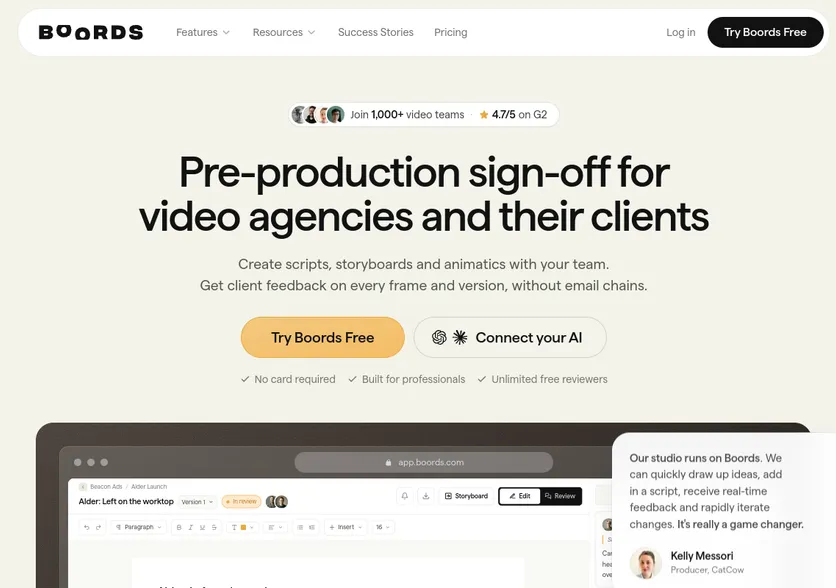
For a small crew that needs client sign-off on every frame, this Boords plan costs twenty-six dollars a month billed annually and turns a script into a board the client can approve without an account. Its animatic playback, frame comments and version history keep feedback attached to the exact panel it concerns, and AI images fill frames when nobody on the crew draws. It is the fastest route from a script to an approved board for a working film crew.
What we like
- Script to board with animatics in the browser
- Clients comment and approve without an account
- AI images fill frames when no artist is free
Watch out for
- No real drawing tools, so artists draw elsewhere
- Per-plan pricing means a bigger crew jumps tiers fast
How to try it
- Paste the script and let Boords split it into scenes
- Add frames, notes and AI images to each shot
- Share the review link and collect approvals per frame
2. StudioBinder
Best for: Crews that want boards plus scheduling in one app
Paid tool Starting price: $25/month · Twenty-five dollars a month billed annually for Starter; $29 billed monthly; Indie $42 billed annually; Professional $84; Agency $170; Studio $254; older reads show $42 a month monthly for Starter, but multiple November 2026 reads agree on $29 monthly
Free plan: Free plan (1 project)
When the board is only one part of a shoot, this StudioBinder plan costs twenty-five dollars a month billed annually and puts storyboards beside script breakdowns, schedules and call sheets in one app. The crew works from a single production database, so a change to the script flows into the board, the shot list and the call sheet together. It suits a crew that wants one login for the whole pre-production job rather than a board-only tool.
What we like
- Storyboards, breakdowns, schedules and call sheets in one place
- Shot lists and sides stay linked to the script
- Unlimited projects on the Professional plan
Watch out for
- Paid plans start at one seat, so a crew pays per head
- The pricing page only renders inside the app, which hides the figures
How to try it
- Import the screenplay and build the breakdown
- Draw or upload frames into the storyboard
- Generate the shot list and call sheets from the same data
3. Toon Boom Storyboard Pro
Best for: Animation crews that draw every panel by hand
Paid tool Starting price: $90/month · Ninety dollars a month, or $776 billed annually; a three-year plan is $2,212; older reads show $87 a month or $752 a year, but the $90 figure is the one November 2026 reads agree on
Free plan: 14-day free trial
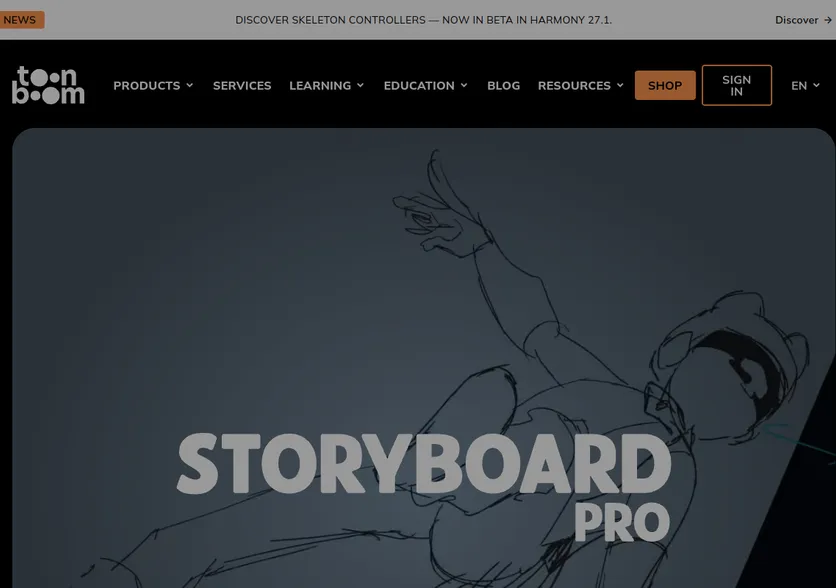
For a crew whose board artist draws every panel by hand, this Toon Boom Storyboard Pro plan costs ninety dollars a month and is the standard that animation studios and episodic productions ask for by name. Its bitmap and vector drawing tools, panel timing and camera moves turn drawings into a timed animatic, and the export hands off cleanly to Harmony for production. It is the deepest drawing craft in this list, and the most expensive per artist.
What we like
- Full drawing suite with bitmap and vector tools
- Panel timing and camera moves build real animatics
- The industry standard studios ask for by name
Watch out for
- Subscription only, with no perpetual licence to buy
- No real-time cloud collaboration for the crew
How to try it
- Sketch panels with the bitmap or vector brushes
- Set panel timing and camera moves on the timeline
- Export the animatic and hand it to the edit
4. FrameForge Studio
Best for: Directors planning exact camera moves and lenses
Paid tool Starting price: $12.99/month · Twelve dollars and ninety-nine cents a month billed annually ($155.88 a year) for Core; a one-time Core licence is $498.95; Pro is $799 one time or $24.99 a month
Free plan: Free trial
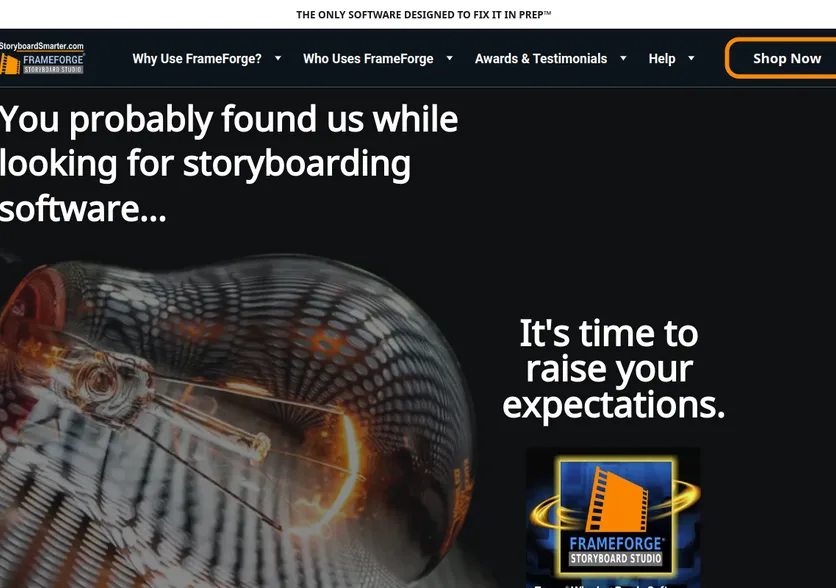
When a shot depends on the exact lens, height and dolly move, this FrameForge Studio plan costs twelve dollars and ninety-nine cents a month billed annually and builds the scene in three dimensions with optically accurate cameras. The director blocks actors and cameras on a virtual set, then exports boards stamped with focal length, camera position and height. It is the tool for a director of photography who plans complex moves before the crew arrives.
What we like
- Optically accurate virtual cameras with real lens data
- Every board carries focal length and camera height
- One-time licence available for the Core edition
Watch out for
- No major feature update since 2019, so the interface feels dated
- No review or scheduling tools for the wider crew
How to try it
- Build the location and place the actors on the set
- Choose the lens and set the camera height
- Export boards with the camera data printed on them
5. Milanote
Best for: Crews that plan the look before drawing panels
Paid tool Starting price: $9.99/month · Nine dollars and ninety-nine cents per person a month billed annually; $12.50 billed monthly; Team is $49 a month for up to 10 people billed annually
Free plan: Free plan (100 cards)
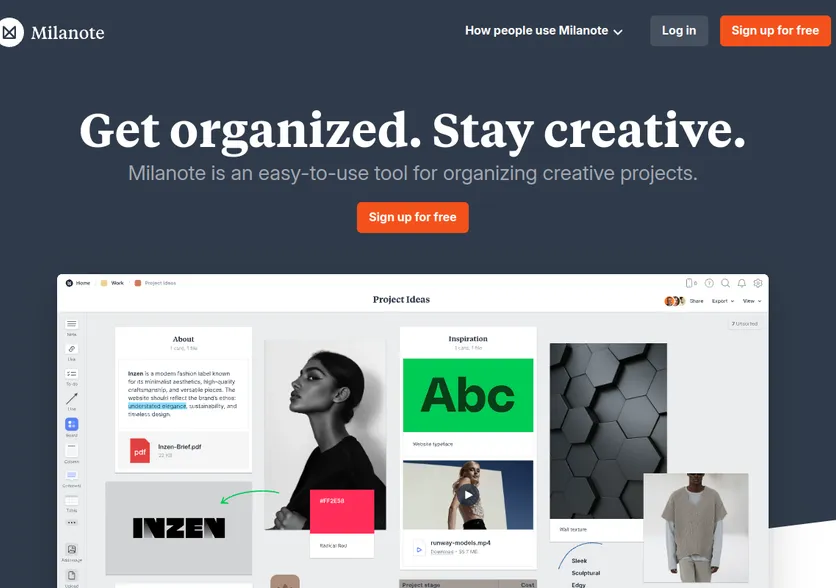
For a crew that thinks in moodboards and references before it draws, this Milanote plan costs nine dollars and ninety-nine cents per person a month billed annually and gives the whole team an infinite visual board. Frames, location photos, script notes and links sit side by side, so the look of a scene is agreed before a single panel is drawn. It is the cheapest way to get a whole crew looking at the same visual plan.
What we like
- Infinite boards mix frames, photos and notes freely
- Cheap per-person pricing for a whole crew
- Shared boards keep the visual plan in one place
Watch out for
- Not a storyboard tool, so panels and animatics are manual
- Team plans are billed annually only
How to try it
- Create a board for the scene and drop in references
- Arrange frames and notes in shooting order
- Share the board with the crew for comments
6. Celtx
Best for: Writer-producers running script and board together
Paid tool Starting price: $11.24/month · Eleven dollars and twenty-four cents a month billed annually ($134.88 a year) for Writer; $14.99 billed monthly; Writer Pro is $18.74 a month billed annually; Team is $44.99 a month billed annually for 3 members
Free plan: Free plan (1 project)
When the script and the board must stay in step, this Celtx plan costs eleven dollars and twenty-four cents a month billed annually and links the screenplay editor to storyboards, breakdowns and schedules. A rewrite flows into the board and the shot list, so the crew never works from a stale script. It suits a writer-producer who runs the whole pre-production job from one account.
What we like
- Script editor linked to boards, breakdowns and schedules
- Unlimited projects on Writer Pro
- Team plan adds production planning and approvals
Watch out for
- Breakdown and scheduling stay paid add-ons until Team
- The free plan stops at a single project
How to try it
- Write the script in the Celtx editor
- Build the storyboard from the script scenes
- Run the breakdown and schedule from the same file
7. Plot
Best for: Beginners who need a simple web storyboard fast
Paid tool Starting price: $9.99/month · Nine dollars and ninety-nine cents a month; higher plans add team and business features; a different screenwriting product also called Plot (Inkwell) starts at $19 a month, so confirm this is the storyboard creator at theplot.io
Free plan: 14-day free trial
For a crew that needs a simple board fast without drawing skill, this Plot plan costs nine dollars and ninety-nine cents a month and builds storyboards in the browser with drag-and-drop frames. Scenes stay in order, shot notes sit beside each frame, and the team can collaborate on the same board. It is the lightest tool here, and the right pick for short videos, ads and school projects.
What we like
- Drag-and-drop frames with no drawing skill needed
- Scenes, shot notes and collaboration in the browser
- Cheapest paid plan in this list
Watch out for
- No drawing tools or animatic playback
- Thin feature set for a full feature-film crew
How to try it
- Open a new board and add frames in scene order
- Write shot notes beside each frame
- Invite the team to review the board online
8. ShotPro
Best for: Indie crews blocking scenes in 3D on a budget
Paid tool Starting price: $9.99/month · Nine dollars and ninety-nine cents a month for ShotPro S; $79.99 a year; a one-time Standalone licence is $35; ShotPro HQ is included with the S subscription
Free plan: No free plan; Standalone licence $35 one-time
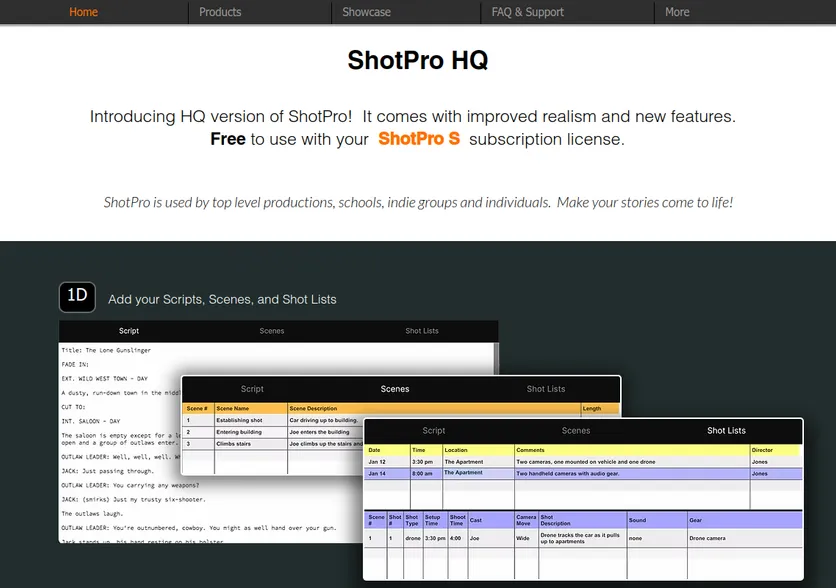
For an indie crew that blocks scenes in three dimensions on a tight budget, this ShotPro plan costs nine dollars and ninety-nine cents a month and gives posable characters, real camera settings and AR previews on mobile. The director rehearses the blocking on a phone before the crew sets a light, then exports the board or movie for the shoot. It is the cheapest three-dimensional previs in this list by a wide margin.
What we like
- Real camera settings with posable 3D characters
- AR preview on a phone before the shoot
- Cheapest 3D previs in this list
Watch out for
- One machine per Standalone licence
- The vendor site footer has not been updated in years
How to try it
- Block the scene with 3D characters and props
- Set the lens, aperture and focus for each shot
- Export the board or movie for the crew
Prices above were checked on each vendor’s own website on Nov 29, 2026 and can change — the vendor’s page is the final word. Vendor links are editorial: nobody paid to be listed or ranked here. Vendors who want a featured listing can see how it works on our Get listed page.
How to run a board meeting that actually approves the board
Start with the script locked, because a board built on a draft script gets redrawn the moment the writer changes a scene. Walk the board in shooting order, not story order, so the crew sees the day as it will actually play out, and settle the lens and camera height on the hard shots first. Give every frame a decision: approved, changed or cut, and write the change on the frame itself so nobody re-litigates it on set. Export the approved board as the shoot document, with shot numbers that match the call sheet, and freeze it the night before the shoot.
Before you buy
- Confirm the tool exports boards with shot numbers that match the call sheet and shot list
- Check whether clients can approve frames without creating an account or paying for a seat
- Ask if animatics carry real timing and sound, or only still frames in sequence
- Make sure the drawing or 3D tools match the skill the crew actually has, not the skill it wishes it had
- Test the tool on one real scene, including a complex camera move, before paying for the whole crew
Official websites
Official websites of the products reviewed above. Features and prices were checked against these sites when this guide was written, and they can change, so confirm on the vendor site before you buy.
Frequently asked questions
What is storyboarding software for film crews?
It is software that turns a script into a sequence of framed shots a crew can plan, approve and shoot from, with notes on lens, movement and dialogue beside each panel. Good tools add animatics with timing, client approval and exports that match the shot list and call sheet, so the board becomes the shoot document rather than a sketch the crew ignores on the day.
How much does Boords cost for a film crew?
Boords Solo costs twenty-six dollars a month billed annually, or thirty-nine dollars billed monthly, for one user with two hundred and fifty AI images a month. Pro is fifty dollars a month billed annually for up to five users, Team is eighty-five dollars and Agency is one hundred and sixty-five dollars, so a crew pays for the plan that fits its headcount rather than per seat.
Is Toon Boom Storyboard Pro worth ninety dollars a month?
It is worth it for an animation crew or a board artist who draws every panel, because it is the drawing standard studios ask for by name and its panel timing and camera tools build real animatics. It is overkill for a marketing crew or a short film that only needs a simple board, where Boords or Plot does the job for a tenth of the price.
Can a film crew storyboard for free?
Yes, with the free plans on Boords, StudioBinder, Milanote and Celtx, which all let a crew build real boards without paying. Boords gives five active storyboards, StudioBinder gives one project, Milanote gives one hundred cards and Celtx gives one project, so a small crew can board a short film free and only pay when the work grows.
Which tool is best for planning camera moves?
FrameForge Studio is the best pick for exact camera planning, because its virtual cameras use real lens data and every board carries focal length, camera position and height. ShotPro is the budget alternative for three-dimensional blocking with real camera settings, and Toon Boom suits a crew that draws the move rather than modelling it.
Compare the eight tools above, then start with the free plan or trial on the tool that matches how the crew already plans a shoot before paying for the whole team.
Browse Video Tools tools