On this page
Live content on a screen goes stale fast — a menu, scoreboard or lobby display that never updates is just wallpaper. The seven tools below push feeds, social posts and schedules to every screen you own, from one screen in a cafe to hundreds in a stadium. Some charge a few dollars per screen, others charge a flat monthly rate, and one of them offers a free plan for three screens. Every price was checked on the vendor site on November 27, 2026. Yodeck is our first pick — the cheapest paid plan with a free screen to start.
How we researched this
We started with the digital signage tools that handle live content without an enterprise sales call, then read each price on the vendor pricing page on November 27, 2026 and noted the free plan or trial each one carries. We judged them for a team that needs every screen to stay fresh all day, with live feeds, social posts and schedules that update on their own. We dropped the enterprise-only signage platforms because they publish no price a small team can compare.
Compare the tools
| Name | Best for | Starting price | Free plan | |
|---|---|---|---|---|
| Yodeck | Teams that want the cheapest paid signage with a free screen | $8/screen/month | Free plan with 1 screen; 30-day free trial up to 5 screens | Visit |
| ScreenCloud | Teams that want a polished signage platform with apps | $20/screen/month | No free plan; 14-day free trial | Visit |
| OptiSigns | Teams that want a free plan for three screens | $9/screen/month | Free plan with 3 screens (logo on screen, no scheduling); 14-day free trial | Visit |
| Rise Vision | Schools and businesses that want simple signage with a guarantee | $12/display/month | No free plan; 30-day money-back guarantee | Visit |
| TelemetryTV | Teams that want a cheap per-device plan with playlists | $8/device/month | No free plan; free trial available | Visit |
| NoviSign | Teams that want a full-featured signage platform with a long trial | $14/screen/month | No free plan; 30-day free trial | Visit |
| Kitcast | Teams that want the cheapest per-screen price here | $7/screen/month | No free plan; 14-day free trial, no credit card; 30-day money-back guarantee | Visit |
The digital signage software for live content, compared
1. Yodeck
Best for: Teams that want the cheapest paid signage with a free screen
Paid tool Starting price: $8/screen/month · Eight dollars per screen a month for the Basic plan on annual billing, with a free one-gigabyte Raspberry Pi player on annual plans; Premium costs twelve dollars and Enterprise costs sixteen dollars; Enterprise Plus is quote-based; a free plan covers one screen while the account has exactly one screen; a thirty-day trial covers up to five screens
Free plan: Free plan with 1 screen; 30-day free trial up to 5 screens
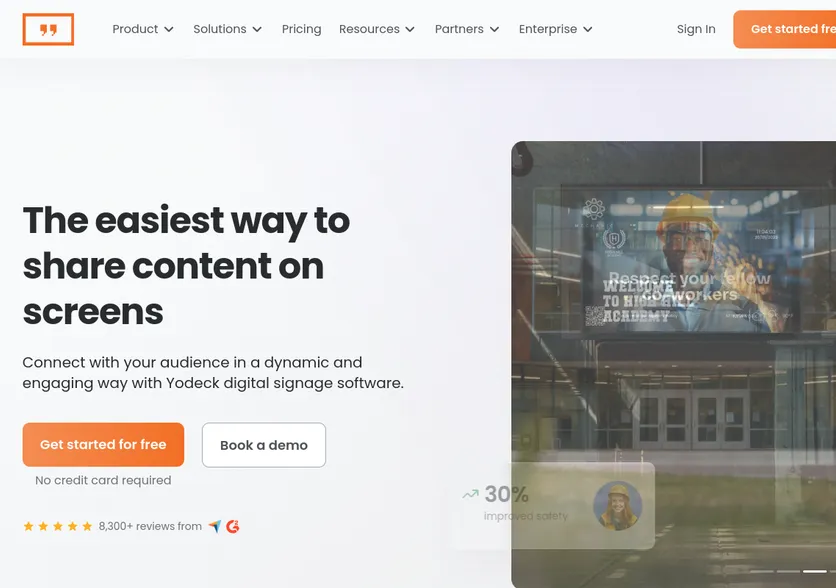
Yodeck is the signage tool that turns a cheap Raspberry Pi into a live-content player, pushing feeds, social posts and schedules to every screen you own. This Yodeck Basic plan costs eight dollars per screen a month on annual billing, with a free one-gigabyte Raspberry Pi player. A team gets the cheapest paid plan here, with a free screen to start and a thirty-day trial for up to five screens.
What we like
- Cheapest paid plan here at eight dollars per screen a month
- Free screen to start, with a free player on annual plans
- Thirty-day trial covers up to five screens
Watch out for
- Free plan covers only one screen
- Prices rose on April 1, 2026, so old reviews quote lower figures
How to try it
- Open the Yodeck site and create a free account
- Connect a Raspberry Pi player to your first screen
- Add a live feed and watch it update on the screen
2. ScreenCloud
Best for: Teams that want a polished signage platform with apps
Paid tool Starting price: $20/screen/month · Twenty dollars per screen a month for the Core plan, billed annually, as the software-only rate for new customers who opt out of the device bundle; monthly billing costs twenty-four dollars; Pro costs thirty dollars a month billed annually; Enterprise is custom with a twenty-five-screen minimum on annual billing; a fourteen-day trial is available
Free plan: No free plan; 14-day free trial
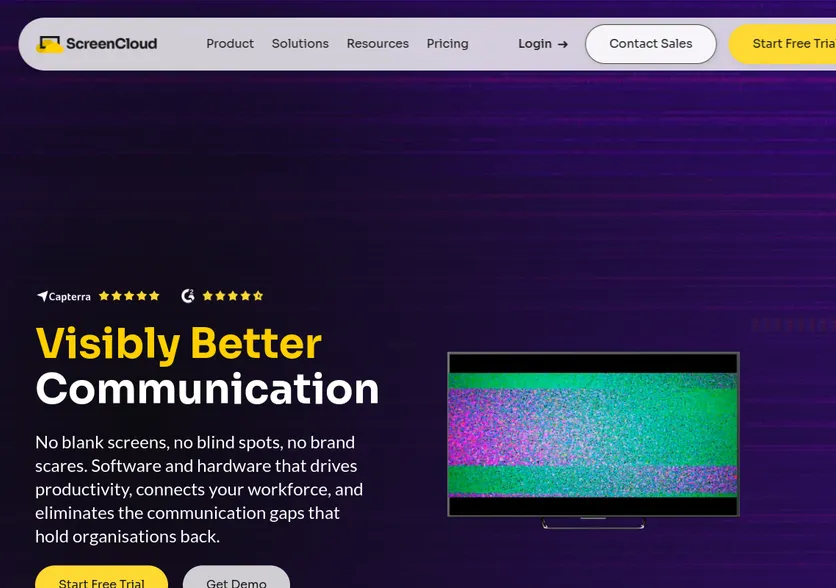
ScreenCloud is the polished signage platform that runs apps, feeds and schedules on any screen, with a large app store and remote management for a whole fleet. This ScreenCloud Core plan costs twenty dollars per screen a month billed annually, as the software-only rate. A team gets a mature platform with the biggest app store here, though the per-screen price is the highest in this list.
What we like
- Biggest app store in this list
- Remote management for a whole fleet of screens
- Polished interface that a team learns fast
Watch out for
- Highest per-screen price in this list
- Device bundle adds cost unless you opt out
How to try it
- Open the ScreenCloud site and start the 14-day trial
- Pick apps for your feeds, social posts and schedules
- Push the playlist to your screens and check the remote view
3. OptiSigns
Best for: Teams that want a free plan for three screens
Paid tool Starting price: $9/screen/month · Nine dollars per screen a month for the Standard plan, billed annually; monthly billing costs ten dollars; Pro costs eleven dollars and twenty-five cents, Pro Plus costs thirteen dollars and fifty cents, Engage costs twenty-seven dollars and Enterprise costs forty dollars and fifty cents with a twenty-five-screen minimum; a free plan covers three screens; a fourteen-day trial is available
Free plan: Free plan with 3 screens (logo on screen, no scheduling); 14-day free trial
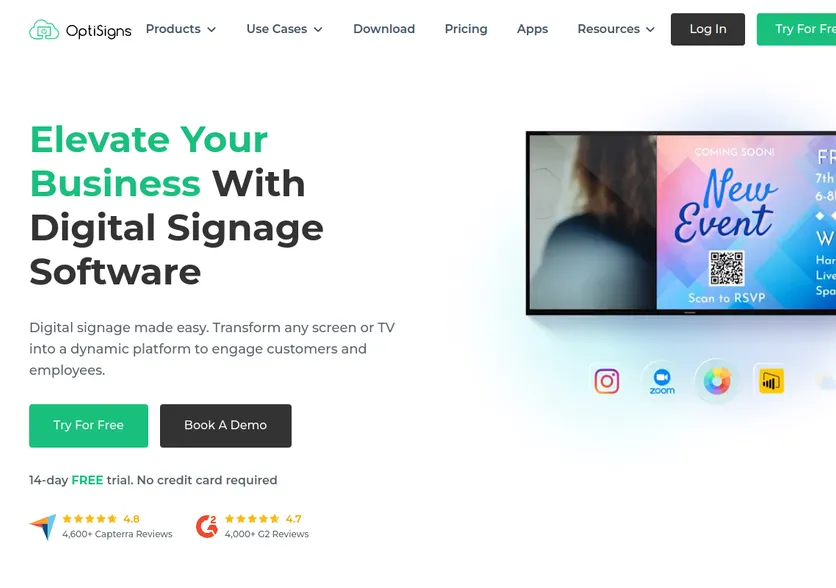
OptiSigns is the signage tool that covers small fleets well, with a free plan for three screens and a paid plan that adds scheduling and engagement tools. This OptiSigns Standard plan costs nine dollars per screen a month billed annually. A team gets the only free plan here that covers three screens, with a fourteen-day trial to test the paid features first.
What we like
- Only free plan here that covers three screens
- Low paid price at nine dollars per screen a month
- Scheduling and engagement tools on paid plans
Watch out for
- Free plan shows a logo on screen and has no scheduling
- Enterprise needs a twenty-five-screen minimum
How to try it
- Open the OptiSigns site and create a free account
- Connect your first three screens on the free plan
- Add a schedule and watch the content change on time
4. Rise Vision
Best for: Schools and businesses that want simple signage with a guarantee
Paid tool Starting price: $12/display/month · Twelve dollars per display a month for the Business Basic plan, or one hundred and thirty-two dollars a year; Advanced costs fourteen dollars a month or one hundred and fifty-six dollars a year; Enterprise costs one hundred and eighty dollars per display a year; K-12 Basic costs eleven dollars a month and K-12 Unlimited costs one thousand three hundred and ninety-nine dollars per school a year; a thirty-day money-back guarantee is offered
Free plan: No free plan; 30-day money-back guarantee
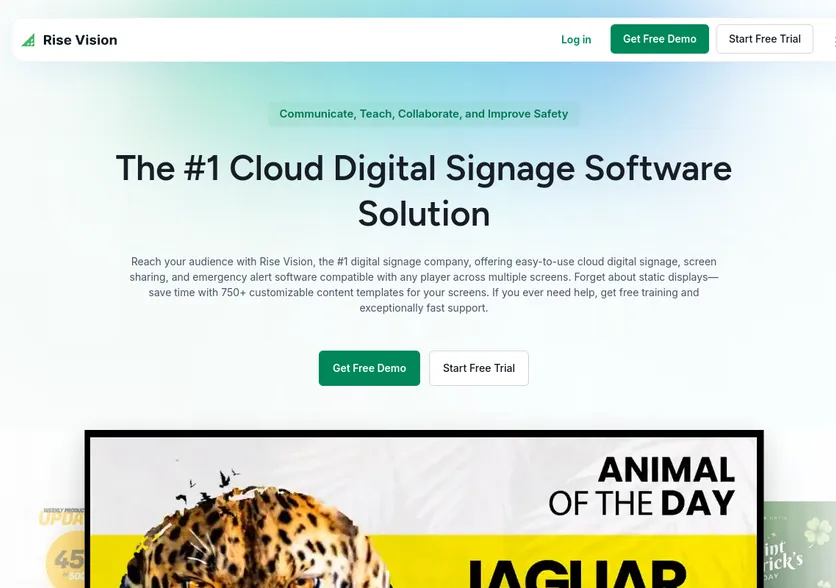
Rise Vision is the simple signage tool that schools and businesses use to push announcements, schedules and live feeds to every display they own. This Rise Vision Business Basic plan costs twelve dollars per display a month, or one hundred and thirty-two dollars a year. A team gets a straightforward platform with a thirty-day money-back guarantee, though there is no free plan to test it first.
What we like
- Simple platform that a school can run without training
- Thirty-day money-back guarantee
- K-12 pricing for schools
Watch out for
- No free plan or trial to test before paying
- Fewer live-feed apps than ScreenCloud
How to try it
- Open the Rise Vision site and pick a plan
- Connect your displays and add your first playlist
- Push the playlist live and check the displays
5. TelemetryTV
Best for: Teams that want a cheap per-device plan with playlists
Paid tool Starting price: $8/device/month · Eight dollars per device a month for the Entry plan, billed annually, with one device licence, five users and ten playlists; monthly billing costs nine dollars; Core costs thirteen dollars, Elite costs sixteen dollars with a ten-device minimum on annual billing, Enterprise costs thirty-five dollars and Network costs nine dollars with a five-hundred-device minimum; a free trial is available
Free plan: No free plan; free trial available
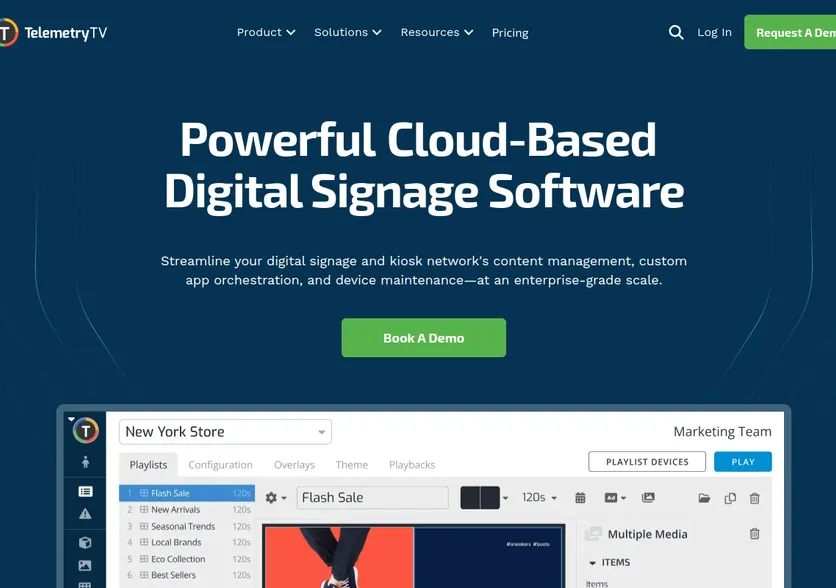
TelemetryTV is the signage platform that manages playlists, feeds and schedules from one dashboard, with a cheap entry plan for a team that starts small. This TelemetryTV Entry plan costs eight dollars per device a month billed annually, with one device licence, five users and ten playlists. A team gets a capable platform for the same price as Yodeck, with playlists that keep every screen in sync.
What we like
- Cheap entry plan at eight dollars per device a month
- Playlists keep every screen in sync
- Five users included on the Entry plan
Watch out for
- Entry covers only one device licence
- Trial length varies across sources, so confirm at signup
How to try it
- Open the TelemetryTV site and start the free trial
- Build a playlist with your feeds and schedules
- Push the playlist to your first device
6. NoviSign
Best for: Teams that want a full-featured signage platform with a long trial
Paid tool Starting price: $14/screen/month · Fourteen dollars per screen a month for the Business plan, billed annually; monthly billing costs sixteen dollars; Business Plus costs seventeen dollars and Premium costs twenty-five dollars; Partners is quote-based; a thirty-day free trial is available; prices were cut in 2026 from eighteen, twenty-six and forty-four dollars billed annually
Free plan: No free plan; 30-day free trial
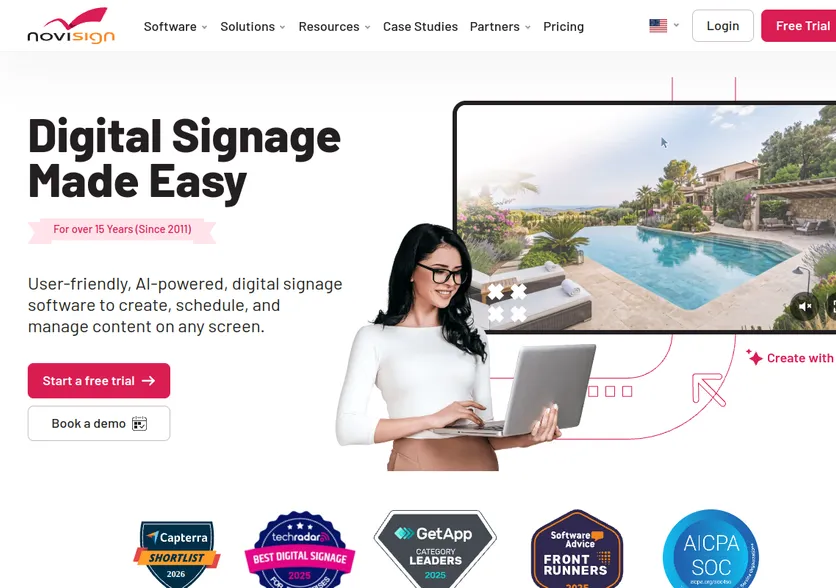
NoviSign is the full-featured signage platform that runs live feeds, social walls and schedules on any screen, with a thirty-day trial that gives a team time to test it properly. This NoviSign Business plan costs fourteen dollars per screen a month billed annually. A team gets a mature platform with the longest trial here, though the price sits above the cheapest options in this list.
What we like
- Longest trial here at thirty days
- Full-featured platform with live feeds and social walls
- Prices were cut in 2026
Watch out for
- No free plan, so the trial is the only test
- Fourteen dollars per screen is above the cheapest plans
How to try it
- Open the NoviSign site and start the 30-day trial
- Add a live feed and a social wall to your playlist
- Push the playlist to your screens and check the live view
7. Kitcast
Best for: Teams that want the cheapest per-screen price here
Paid tool Starting price: $7/screen/month · Seven dollars per screen a month for the Starter plan, billed annually; monthly billing costs nine dollars; the Pro plan costs ten dollars a month billed annually or fourteen dollars monthly; Enterprise is custom; a fourteen-day trial needs no credit card; a thirty-day money-back guarantee is offered
Free plan: No free plan; 14-day free trial, no credit card; 30-day money-back guarantee
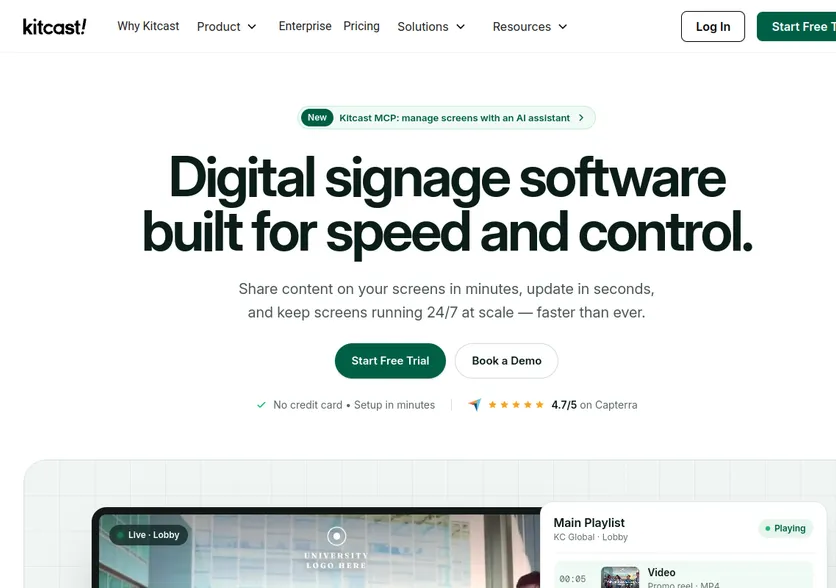
Kitcast is the cheapest signage tool here, pushing live feeds and schedules to every screen for seven dollars a month with a trial that needs no credit card. This Kitcast Starter plan costs seven dollars per screen a month billed annually. A team gets the lowest per-screen price in this list, with a thirty-day money-back guarantee behind it.
What we like
- Cheapest per-screen price in this list at seven dollars a month
- Trial needs no credit card
- Thirty-day money-back guarantee
Watch out for
- No free plan, so the trial is the only test
- Smaller app library than ScreenCloud
How to try it
- Open the Kitcast site and start the 14-day trial
- Connect your first screen and add a live feed
- Push the feed live and check the screen
Prices above were checked on each vendor’s own website on Nov 27, 2026 and can change — the vendor’s page is the final word. Vendor links are editorial: nobody paid to be listed or ranked here. Vendors who want a featured listing can see how it works on our Get listed page.
What a team pays for digital signage with live content in 2026
Digital signage charges per screen or per device, and the unit decides the real cost for a team with many displays. A tool that charges seven dollars a screen can cost less than a tool that charges twenty dollars a screen, even when the dearer tool looks simpler. The cheapest paid plan here costs seven dollars per screen a month, while the most expensive entry plan costs twenty dollars per screen a month.
Start with the free plan or trial on two tools and push the same live feed to one screen each. Compare the setup time, the feed freshness and the remote management, then check which tool your hardware already supports. Pick the tool whose screens stay fresh without daily babysitting, because a stale screen is worse than no screen at all.
Before you buy
- Check whether the price is per screen or per device, because a device licence may cover more than one screen.
- Confirm the free plan limit, because a free plan that covers only one screen may not fit your fleet.
- Test the live feed on your own hardware, because a feed that lags on your player wastes the display.
- Ask what happens when the trial ends, because some tools lock the screens until you pay.
- Check the player hardware before you buy, because some tools need their own player box.
Official websites
Official websites of the products reviewed above. Features and prices were checked against these sites when this guide was written, and they can change, so confirm on the vendor site before you buy.
Frequently asked questions
Which digital signage software is best for live content in 2026?
Yodeck is the best overall pick at eight dollars per screen a month billed annually, with a free screen to start. Kitcast is the cheapest at seven dollars per screen a month, and OptiSigns is the best pick for a free plan, covering three screens. All seven prices were checked on the vendor site on November 27, 2026.
How much does digital signage software cost for live content?
Prices in this list run from seven dollars per screen a month for Kitcast Starter to twenty dollars per screen a month for ScreenCloud Core, with most entry plans landing between eight and fourteen dollars per screen a month billed annually. Two tools offer a free plan, so a team can light up its first screens before spending anything.
What is a digital signage player, and do I need one?
A player is the small computer that connects a screen to the signage software and shows the content. Yodeck offers a free Raspberry Pi player on annual plans, while other tools run on a smart TV, a stick or a box you already own. Check which hardware each tool supports before you buy, since a tool that needs its own player adds cost.
Can a small team run digital signage for free?
Yes, and Yodeck offers a free plan for one screen, while OptiSigns offers a free plan for three screens with a logo on screen and no scheduling. A free plan suits a cafe or a small office with a few screens, while a team with many screens will need a paid plan.
What should a team test during a free trial?
Push the same live feed to one screen on each trial tool and compare the setup time, the feed freshness and the remote management. Test the feed at full screen size, because lag only shows up on a big display. Check the scheduling too, since a tool that cannot change content on time wastes the whole point of live signage.
Need free video help too? Try Toolsvine's free video tools right in your browser.
Browse Video Tools tools