On this page
Live events forgive nothing. A guest drops out, the Wi-Fi stutters, or the stream cuts out mid-sentence, and there is no second take. The right broadcasting software fits your show: a desktop switcher for multi-camera productions, a browser studio for remote guests, or a multistreaming tool that sends one show everywhere at once. Below are the nine paid broadcasting tools event teams buy, compared on price, guests, multistreaming and free trials, with every price checked on the vendor site. vMix is our first pick — the only one-time license here, broadcast power without a monthly bill.
How we researched this
We started from the broadcasting tools event teams actually buy, then checked each price on the vendor pricing page on November 25, 2026 and noted the free trial or free plan each one offers. We judged them for a normal buyer, someone who runs live shows every week but earns a living doing something else, and we weighed guest handling, multistreaming and reliability ahead of raw feature counts.
Compare the tools
| Name | Best for | Starting price | Free plan | |
|---|---|---|---|---|
 vMix | Windows teams running multi-camera live shows with replay and remote guests | $60 one-time | 60-day free trial | Visit |
 StreamYard | Hosts who want guests on screen fast with nothing to install | $18.99/month | Free plan | Visit |
 Wirecast | Mac and Windows teams producing polished multi-camera shows | $34/month | Free trial | Visit |
 Restream | Creators who multistream one show to many platforms at once | $19/month | Free plan | Visit |
 Zoom Webinars | Businesses running branded webinars and virtual events at scale | $83.33/user/month | None — paid only | Visit |
 Riverside | Remote panels and live shows that need separate studio-quality tracks | $24/month | 14-day free trial | Visit |
 Ecamm Live | Mac hosts who want a friendly studio for interviews and live shows | $16/month | 14-day free trial | Visit |
 XSplit Broadcaster | Windows streamers who want scenes, multistreaming and commercial use | $14.99/month | Free plan | Visit |
 Lightstream | Console gamers streaming from Xbox or PlayStation in the cloud | $12/month | Free plan | Visit |
The broadcasting tools, compared
1. vMix
Best for: Windows teams running multi-camera live shows with replay and remote guests
Paid tool Starting price: $60 one-time · Basic HD lifetime license; HD $350, 4K $700 and Pro $1200 one-time; MAX $50 per month; 60-day free trial
Free plan: 60-day free trial
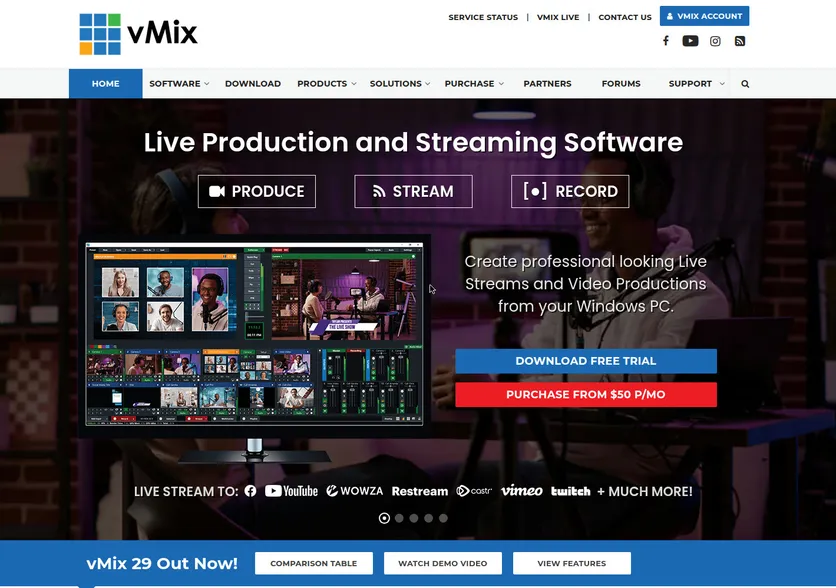
vMix is the Windows switcher that turns one computer into a full live production desk, with camera switching, overlays, replay and remote guests. This vMix license is a one-time purchase, and the entry edition starts at about sixty dollars for a simple four-input show. It suits sports, churches and event teams that want broadcast control without a monthly bill.
What we like
- One-time license, no monthly bill
- Replay and remote guests built in
- Up to a thousand inputs on higher editions
Watch out for
- Windows only, no Mac version
- Higher editions cost hundreds up front
How to try it
- Download the vMix trial and install it on Windows
- Build a scene with cameras, titles and replay
- Run a rehearsal stream to a private destination
2. StreamYard
Best for: Hosts who want guests on screen fast with nothing to install
Paid tool Starting price: $18.99/month · Essential, billed monthly; $14.99 per month billed yearly; Core $44.99 per month; 7-day free trial; free plan
Free plan: Free plan
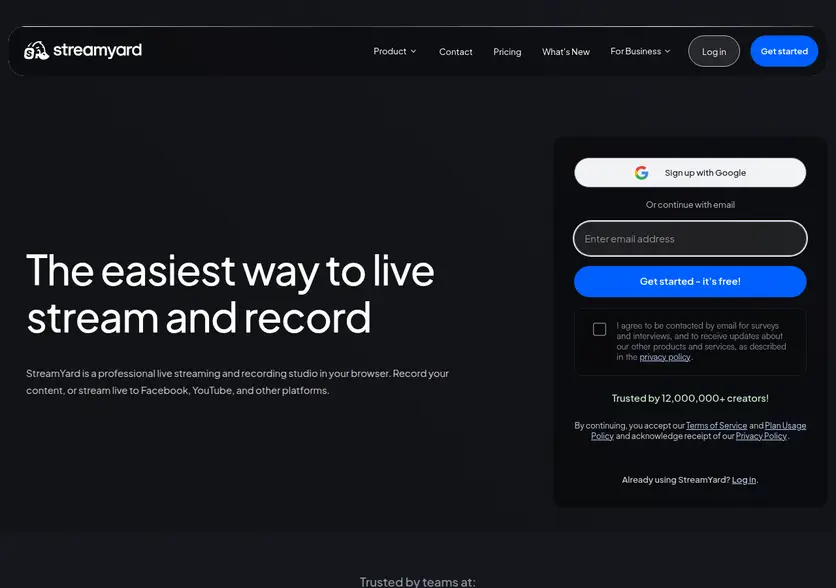
StreamYard runs your whole show in the browser, so guests join from a link and you arrange them on branded layouts without installing anything. This StreamYard plan starts at about nineteen dollars a month for unlimited streaming to two destinations in full high definition, with a seven-day free trial. It is the easiest tool here for talk shows and interviews, though the individual plans are licensed for personal use only.
What we like
- Guests join from a browser link
- Nothing to install or update
- Clean layouts and branding built in
Watch out for
- Paid plans are for personal use only
- Business use needs the unpriced Business plan
How to try it
- Open StreamYard and create a browser studio
- Invite guests with a link and arrange them
- Stream live, then download the recording
3. Wirecast
Best for: Mac and Windows teams producing polished multi-camera shows
Paid tool Starting price: $34/month · Studio, billed annually; $59 per month month-to-month; Pro $42 per month billed annually; free trial
Free plan: Free trial
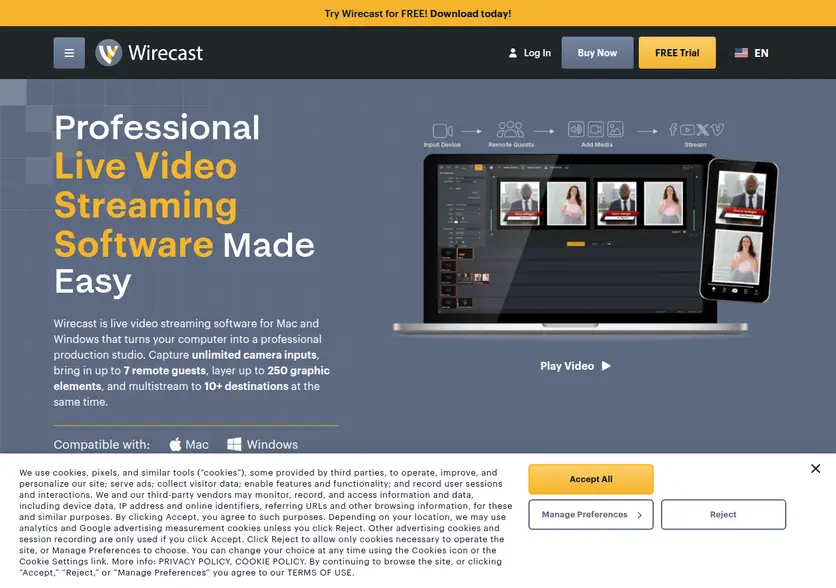
Wirecast is the desktop production tool for teams that want a broadcast desk on Mac or Windows, with unlimited camera sources, screen capture and remote guests. This Wirecast subscription starts at about thirty-four dollars a month on annual billing for Studio, and Pro adds cloud multistreaming, isolated recording and seven remote guests. It is the steady choice for producers who want vendor support and a familiar desktop workflow.
What we like
- Runs on both Mac and Windows
- Unlimited live camera sources
- Stock media library included
Watch out for
- Cloud multistreaming needs Pro
- Annual billing holds the real saving
How to try it
- Download Wirecast and start the free trial
- Add cameras, screen captures and remote guests
- Stream live and record a local copy
4. Restream
Best for: Creators who multistream one show to many platforms at once
Paid tool Starting price: $19/month · Standard, billed monthly; $16 per month billed yearly; Professional $49 per month; 7-day money-back guarantee; free plan
Free plan: Free plan
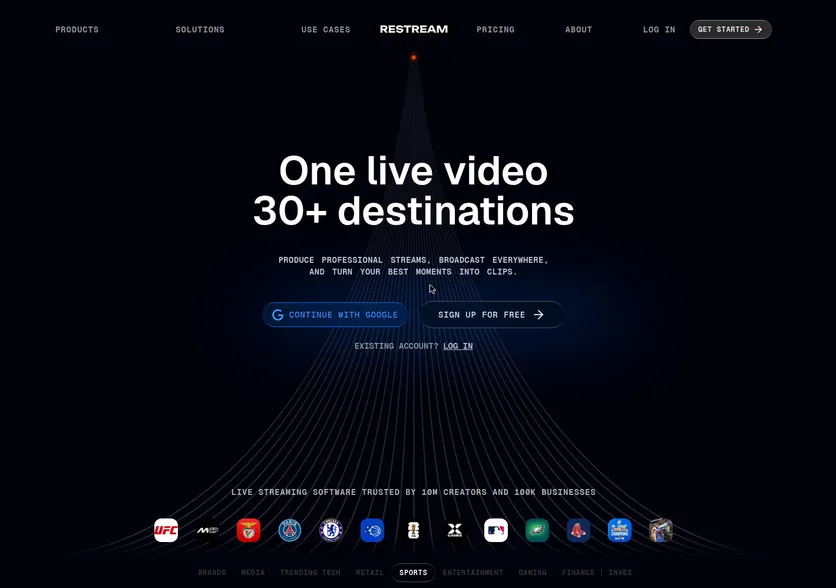
Restream is built around one job, sending a single live show to many platforms at the same time while chat from every channel lands in one place. This Restream plan starts at about nineteen dollars a month for three channels with no branding, and higher plans add more channels and team seats. It is the pick when reach matters more than switching, and it pairs well with a desktop switcher or a browser studio.
What we like
- One show reaches many platforms
- Chat from every channel in one place
- Browser studio, nothing to install
Watch out for
- Deep switching needs a separate tool
- Channel counts climb the price ladder
How to try it
- Create an account and connect your channels
- Set up scenes, overlays and guests in Studio
- Go live once and read all chat in one feed
5. Zoom Webinars
Best for: Businesses running branded webinars and virtual events at scale
Paid tool Starting price: $83.33/user/month · Webinars plan, billed annually, up to 500 attendees; $129 per user per month billed monthly; Webinars Plus from $290.83 per user per month billed annually
Free plan: None — paid only
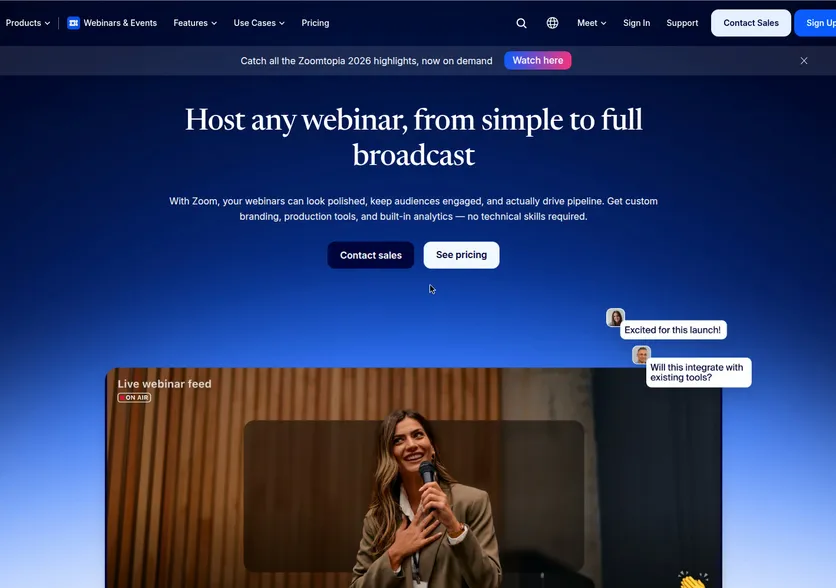
Zoom Webinars turns the meeting tool everyone already knows into a one-to-many broadcast stage with registration, polls, questions and analytics. This Zoom Webinars plan starts at about eighty-three dollars per user a month on annual billing for webinars up to five hundred attendees. It is the pick for marketing teams and trainers who already run their company on Zoom and want reliable delivery without learning a new platform.
What we like
- Audiences already know Zoom
- Registration, polls and analytics built in
- Scales to huge virtual events
Watch out for
- Priced per user, so hosts add cost
- Best production tools sit on Plus
How to try it
- Add a Webinars license to your Zoom account
- Build a registration page and invite your audience
- Run the webinar, then send the recording and report
6. Riverside
Best for: Remote panels and live shows that need separate studio-quality tracks
Paid tool Starting price: $24/month · Pro, billed annually; $29 per month month-to-month; Grow $34 per month billed annually; Webinar $79 per month billed annually; 14-day free trial
Free plan: 14-day free trial
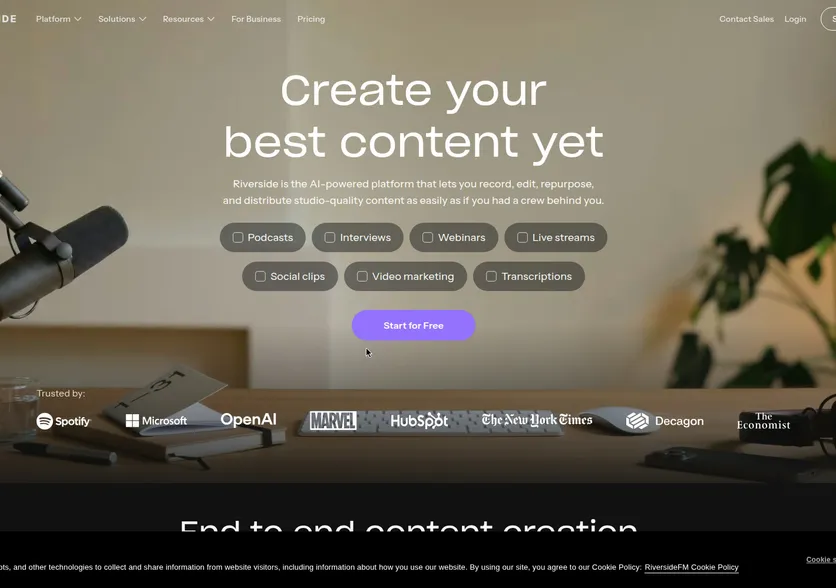
Riverside records every guest locally on their own device, so the final show stays sharp even when someone has a weak connection. This Riverside plan starts at about twenty-four dollars a month on annual billing for one studio with separate track downloads, and the Webinar plan adds registration and audience tools. It is the pick for panels and interviews where the recording matters as much as the stream itself.
What we like
- Local recording keeps guests sharp
- Separate tracks for easy editing
- Transcript editing and AI clips built in
Watch out for
- Track downloads are capped each month
- Webinar plan is a big price step
How to try it
- Create a studio and invite guests by link
- Record with separate tracks for every guest
- Edit the transcript, cut clips and publish
7. Ecamm Live
Best for: Mac hosts who want a friendly studio for interviews and live shows
Paid tool Starting price: $16/month · Standard, billed annually as $192 per year; $20 per month month-to-month; Pro $32 per month billed annually; 14-day free trial, no card required
Free plan: 14-day free trial
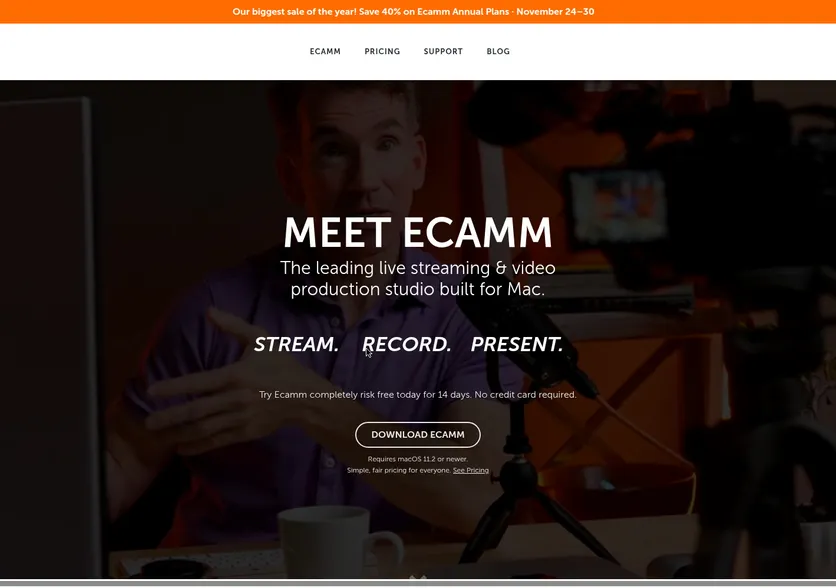
Ecamm Live is the Mac studio for hosts who want scenes, guests, overlays and screen sharing in a window that behaves like a proper Mac app. This Ecamm Live subscription starts at about sixteen dollars a month on annual billing, with multistreaming to ten destinations and no watermark. It is the pick for Mac creators and churches that want a polished show without a steep learning curve, though Windows users cannot run it at all.
What we like
- Feels like a native Mac app
- Interview mode brings guests in cleanly
- Multistreaming to ten destinations
Watch out for
- Mac only, no Windows version
- Four-K and Zoom tools need Pro
How to try it
- Download Ecamm Live on your Mac
- Build scenes with camera, overlays and guests
- Stream live and save a local recording
8. XSplit Broadcaster
Best for: Windows streamers who want scenes, multistreaming and commercial use
Paid tool Starting price: $14.99/month · Premium, billed monthly; $59.99 per year, about $5 per month; Lifetime $199.99 one-time; free plan
Free plan: Free plan
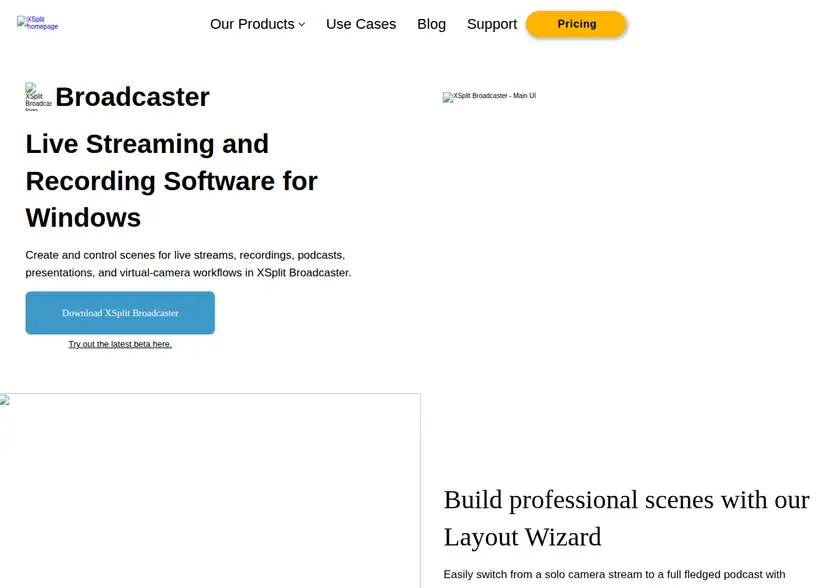
XSplit Broadcaster is a Windows scene studio that has powered live streams for years, with scene switching, virtual camera output and simultaneous broadcasting. This XSplit Broadcaster subscription starts at about fifteen dollars a month for Premium, or about five dollars a month when you pay for the year, and a lifetime license is also available. It is the pick for Windows streamers who want a proven desktop tool with vendor support, though the free edition caps scenes and resolution.
What we like
- Long-running Windows streaming tool
- Lifetime license for one payment
- Virtual camera output for calls
Watch out for
- Windows only, no Mac version
- Free edition caps scenes at four
How to try it
- Download XSplit Broadcaster on Windows
- Build scenes from game, camera and media
- Upgrade to Premium for multistreaming
9. Lightstream
Best for: Console gamers streaming from Xbox or PlayStation in the cloud
Paid tool Starting price: $12/month · Premium, billed monthly; $9 per month on an annual subscription; free plan
Free plan: Free plan
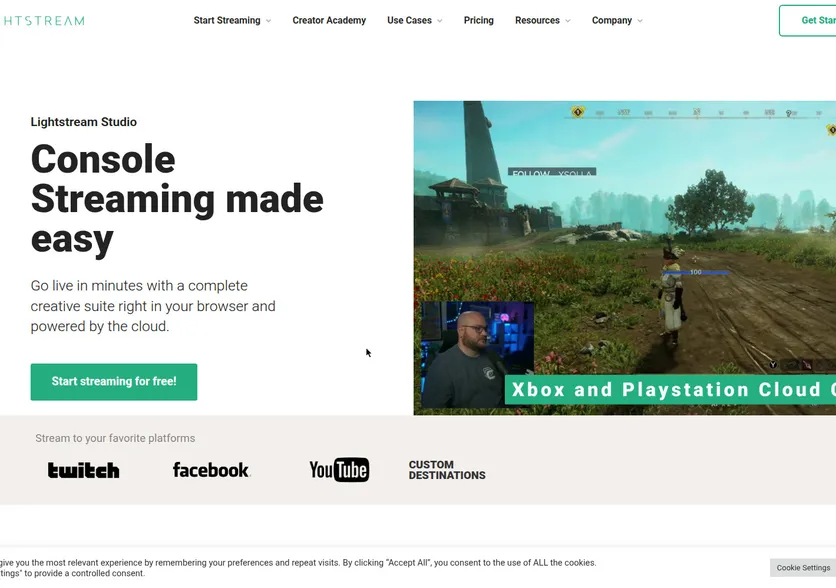
Lightstream Studio runs in the browser and captures console gameplay in the cloud, so you can add overlays, alerts and guests without a capture card. This Lightstream subscription costs about twelve dollars a month for Premium, or about nine dollars a month on an annual plan, and it removes the logo while adding guests and full high-definition output. It is the pick for console streamers who want a polished show from a browser, though desktop producers will find it light on switching depth.
What we like
- Console capture, no capture card
- Runs fully in the browser
- Guests and overlays for multiplayer shows
Watch out for
- Built for console, not desktop production
- Full high definition needs Premium
How to try it
- Open Lightstream Studio in your browser
- Connect your console and add overlays
- Invite guests and simulcast to five destinations
Prices above were checked on each vendor’s own website on Nov 25, 2026 and can change — the vendor’s page is the final word. Vendor links are editorial: nobody paid to be listed or ranked here. Vendors who want a featured listing can see how it works on our Get listed page.
What broadcasting software costs in 2026
The cheapest subscription here costs about twelve dollars a month, the most expensive starts above eighty dollars per user a month, and one tool skips subscriptions with a one-time license. The table below uses the headline price each vendor shows on its own pricing page, checked on November 25, 2026.
Watch two things before you pay. First, annual billing cuts the price on most tools here, so compare the yearly total. Second, test the tool on a real rehearsal before show day, with the same guests and venue connection.
Before you buy
- Count guests and destinations first, then pick the plan that covers them.
- Check whether the plan removes branding, because the cheapest tier often keeps a logo on your stream.
- Confirm recording quality and download limits before you buy, since Riverside caps track downloads each month.
- Compare annual billing, because Wirecast costs $59 a month monthly but $34 a month billed annually.
- Run a full rehearsal on the free trial or free plan, with the same guests and venue connection as show day.
Official websites
Official websites of the products reviewed above. Features and prices were checked against these sites when this guide was written, and they can change, so confirm on the vendor site before you buy.
Frequently asked questions
Which broadcasting software is best for live events in 2026?
For most event teams, vMix, because a one-time license buys a full production desk with replay and remote guests. StreamYard is the better pick when guests and speed matter more than switching depth, since everyone joins from a browser link. Restream wins when the goal is reach, because one show goes to many platforms at once.
Do I need a desktop switcher or a browser studio?
A desktop switcher suits multi-camera shows, sports and venues where you control the hardware and want replay and deep scene control. A browser studio suits talk shows and remote panels where guests join from anywhere and speed matters more than switching. Many teams use both, with a browser studio for guests and a desktop switcher for the final feed.
What does broadcasting software cost per month?
Entry prices here run from about twelve dollars a month for Lightstream Premium to about eighty-three dollars per user a month for Zoom Webinars, with vMix starting at a sixty-dollar one-time license instead of a subscription. Most creators land between fifteen and fifty dollars a month, and annual billing cuts ten to twenty percent. Buy the plan that removes branding, since the cheapest tier often keeps a logo on screen.
Can I try these broadcasting tools before paying?
Seven of the nine tools here offer a free trial or a free plan, so you can test before you pay. StreamYard, Restream, XSplit and Lightstream all have a free plan, while vMix, Wirecast, Riverside and Ecamm Live offer trials from fourteen to sixty days. Use the trial to run a full rehearsal show and check the recording quality before you commit.
What internet speed do I need to stream a live event?
For a stable full high-definition stream, plan on at least ten megabits per second of upload speed, plus headroom for guests and chat. A wired ethernet connection beats Wi-Fi for live events, and a backup connection is worth having for paid shows. Test your upload speed at the venue a day early, since hotel Wi-Fi rarely matches the speed on the brochure.
Only need the everyday video jobs? Convert and compress clips free on Toolsvine, right in your browser.
Browse Video Tools tools