On this page
Good video editing once needed a studio budget; now it needs a laptop and the right app. The best editors pair a timeline you can learn in a day with room to grow, and export cleanly for every platform. The seven tools below run from the professional standard to the beginner favorite. Every price was checked on the vendor site on November 25, 2026, and every tool offers a free trial or a free plan to test before you pay. Adobe Premiere Pro is our first pick — the professional standard, and the right pick when video is client work.
How we researched this
We started with the video editors people actually pay for, then read each price on the vendor pricing page on November 25, 2026 and noted the free trial or free plan each one carries. We judged them for someone who edits video every week, from short social clips to full tutorials, and needs reliable exports. We kept the list to tools with a published price, and we dropped any tool whose price we could not verify.
Compare the tools
| Name | Best for | Starting price | Free plan | |
|---|---|---|---|---|
 Adobe Premiere Pro | Professional editors and teams cutting client work | $22.99/month | 7-day free trial | Visit |
 DaVinci Resolve Studio | Colorists and editors who want a one-time purchase | $295 one-time | Free plan | Visit |
 Final Cut Pro | Mac editors who want speed and a one-time purchase | $299.99 one-time | 90-day free trial | Visit |
 Wondershare Filmora | Beginners and YouTubers who want results fast | $49.99/year | Free plan | Visit |
 CapCut Pro | Short-form video for TikTok, Reels and Shorts | $19.99/month | 7-day free trial | Visit |
 CyberLink PowerDirector 365 | Hobbyists and prosumers who want the most features per dollar | $79.99/year | Free plan | Visit |
 Camtasia | Teachers and trainers who record tutorials and demos | $179.88/year | Free trial | Visit |
The video editors, compared
1. Adobe Premiere Pro
Best for: Professional editors and teams cutting client work
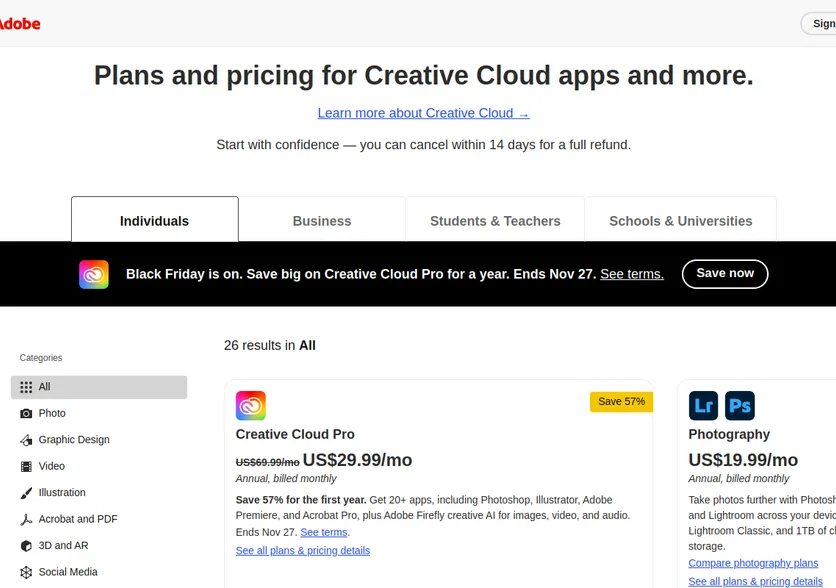
Paid tool Starting price: $22.99/month · Single-app plan, annual billed monthly ($275.88 a year); about $34.49 a month month-to-month; Adobe marks $22.99 as first-year pricing for new subscribers; 7-day free trial
Free plan: 7-day free trial
Premiere Pro is the editor most professional video teams cut on, and its ecosystem is the reason. This Adobe Premiere Pro plan covers multi-track editing, color, audio, captions and direct links to After Effects and Audition. It is the right pick when your videos go to clients and the timeline has to open anywhere.
What we like
- The professional standard for video teams
- Deep links to After Effects and Audition
- Works on Windows and Mac
Watch out for
- First-year price may rise at renewal
- Needs a powerful computer for 4K
How to try it
- Open the Adobe Premiere Pro page and start the 7-day trial
- Import your clips and cut a rough timeline
- Add captions and export the finished video
2. DaVinci Resolve Studio
Best for: Colorists and editors who want a one-time purchase
Paid tool Starting price: $295 one-time · Studio license, one-time perpetual payment with free updates; free version exists with most editing features
Free plan: Free plan
DaVinci Resolve Studio is the color-grading benchmark that Hollywood uses, and the Studio license buys it outright. This DaVinci Resolve Studio plan covers editing, color, visual effects and audio in one app, with free updates for life. It is the best pick for an editor who refuses subscriptions and wants the best color tools anywhere.
What we like
- Best color grading on this list
- Pay once, free updates for life
- Free version covers most editing
Watch out for
- Steep learning curve for beginners
- Demanding on hardware for 4K work
How to try it
- Open the Blackmagic DaVinci Resolve page and download the free version
- Edit a project and grade it with the color tools
- Buy Studio when you need the extra effects and formats
3. Final Cut Pro
Best for: Mac editors who want speed and a one-time purchase
Paid tool Starting price: $299.99 one-time · One-time purchase on the Mac App Store; also in Apple Creator Studio at $12.99 a month or $129 a year; 90-day free trial
Free plan: 90-day free trial
Final Cut Pro is the Mac editor for speed, with a magnetic timeline that makes rough cuts feel effortless. This Final Cut Pro one-time purchase covers editing, color, titles and 360-degree video, all tuned for Apple Silicon. It is the best pick for a Mac owner who edits video every week and hates waiting on renders.
What we like
- Very fast on Apple Silicon Macs
- One-time purchase, no subscription
- 90-day free trial
Watch out for
- Mac only, no Windows version
- Smaller plugin library than Premiere
How to try it
- Open the Apple Final Cut Pro page and start the 90-day trial
- Import clips and cut them on the magnetic timeline
- Export the finished video in 4K
4. Wondershare Filmora
Best for: Beginners and YouTubers who want results fast
Paid tool Starting price: $49.99/year · Basic plan, annual; Advanced $59.99 a year with 1,000 AI credits a month; Perpetual $79.99 one-time for Filmora 16 only; free plan exports with watermark
Free plan: Free plan
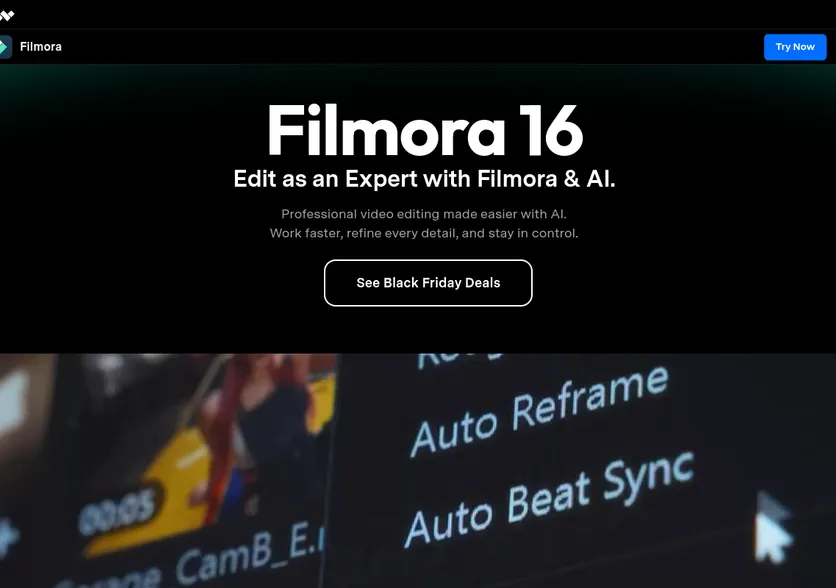
Filmora is the beginner-friendly editor that grows with you, and its template library is the reason people stay. This Wondershare Filmora Basic plan covers multi-track editing, effects, titles, captions and AI tools at a price beginners can defend. It is the best pick for a new YouTuber or a small business making its own videos.
What we like
- Easiest full editor here
- Huge template and effects library
- Cheap yearly price for beginners
Watch out for
- AI features run on credits beyond Basic
- Perpetual license covers Filmora 16 only
How to try it
- Open the Filmora store page and pick the Basic yearly plan
- Import your clips and pick a template
- Add captions and export the finished video
5. CapCut Pro
Best for: Short-form video for TikTok, Reels and Shorts
Paid tool Starting price: $19.99/month · Pro plan, $179.99 a year on annual billing; Standard $9.99 a month mobile-only; Ultra $79 a month; Teams $12.49 a seat a month; 7-day free trial
Free plan: 7-day free trial
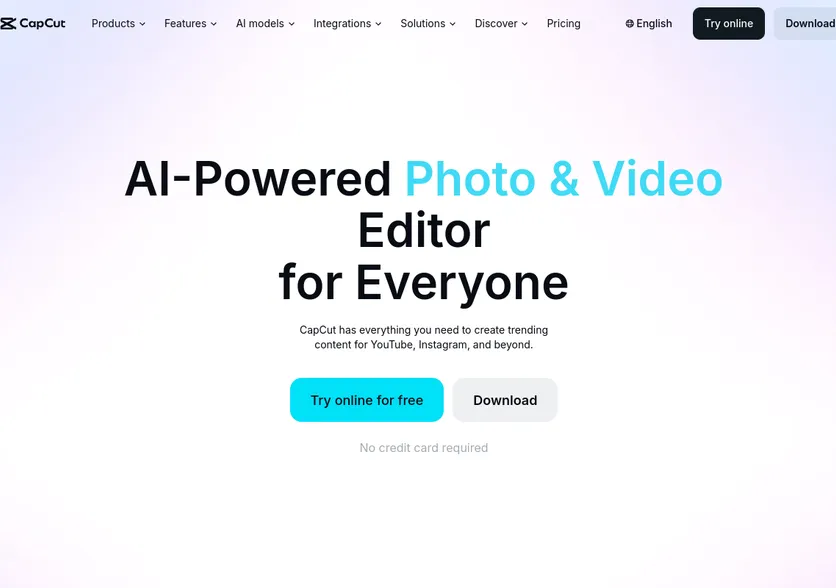
CapCut Pro is the short-form video editor that took over social, and its template library is the reason. This CapCut Pro plan covers auto captions, templates, effects, cloud storage and commercial use across desktop, web and mobile. It is the best pick for a creator who publishes vertical video every day.
What we like
- Best short-form templates here
- Auto captions in one click
- Works on desktop, web and mobile
Watch out for
- Desktop app is weaker than the mobile app
- Pro repriced in 2026 from $9.99 a month
How to try it
- Open the CapCut pricing page and start the Pro trial
- Import a clip and apply auto captions
- Export it vertical for TikTok or Reels
6. CyberLink PowerDirector 365
Best for: Hobbyists and prosumers who want the most features per dollar
Paid tool Starting price: $79.99/year · 365 annual plan, list price; promos run $59.99 to $69.99 a year; $24.99 a month on monthly billing; free Essential version available
Free plan: Free plan
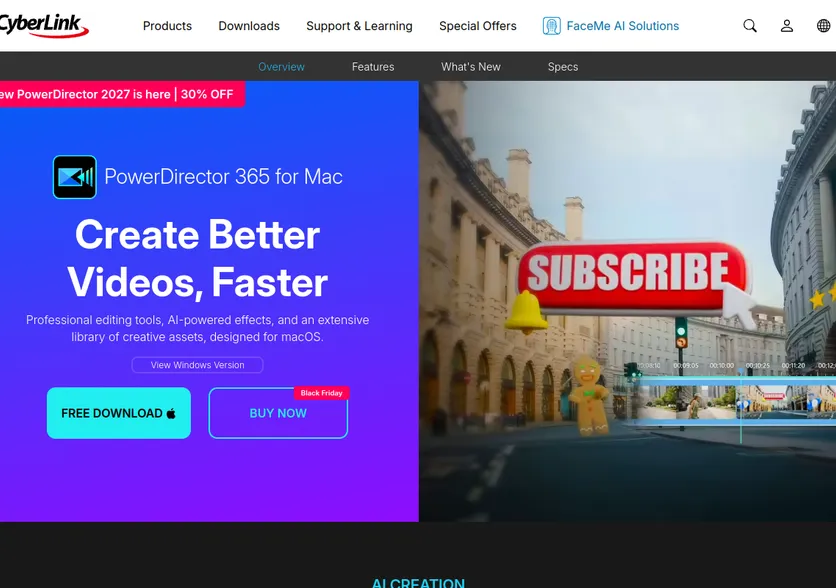
PowerDirector 365 packs an almost absurd amount of capability into a yearly plan, from AI captions to motion tracking. This CyberLink PowerDirector 365 plan covers multi-track editing, stock media, cloud storage and monthly AI credits. It is the best pick for a hobbyist who wants pro features without the pro price.
What we like
- Most features per dollar here
- AI captions and motion tracking included
- Stock media and cloud storage bundled
Watch out for
- Busy interface takes learning
- AI features need monthly credits
How to try it
- Open the CyberLink PowerDirector page and start the trial
- Import your clips and add AI captions
- Export the finished video in 4K
7. Camtasia
Best for: Teachers and trainers who record tutorials and demos
Paid tool Starting price: $179.88/year · Essentials plan, per user billed yearly; Starter $39 a year with watermarked exports; Create $249 a year and Pro $599 a year; free trial
Free plan: Free trial
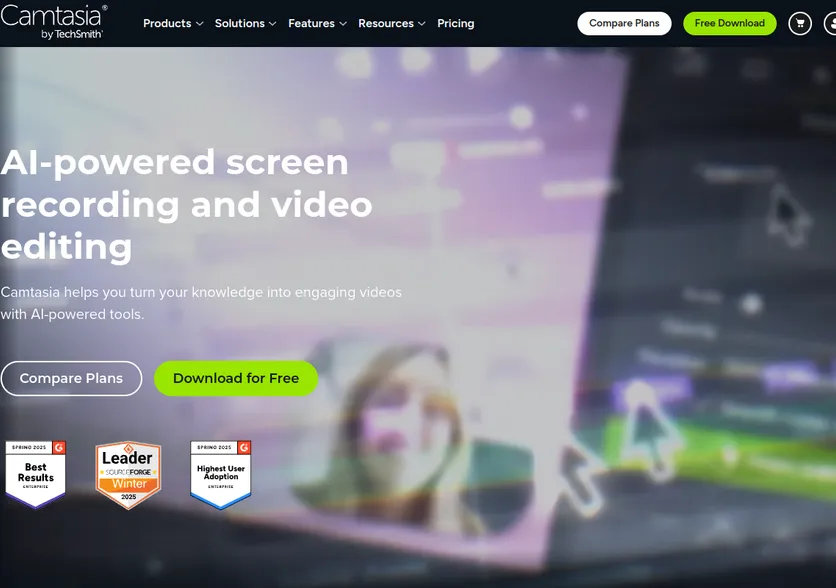
Camtasia is the screen-recording editor for tutorials and training, and nothing else on this list does that job as well. This Camtasia Essentials plan covers screen and webcam recording, text-based editing, quizzes and SCORM export for training courses. It is the best pick for a teacher or trainer who records lessons every week.
What we like
- Best screen recording here
- Text-based editing saves hours
- Quizzes and SCORM for training
Watch out for
- Not a general film editor
- Annual billing only, no monthly option
How to try it
- Open the TechSmith Camtasia pricing page and pick Essentials
- Record your screen and webcam together
- Edit the transcript, add a quiz and export the lesson
Prices above were checked on each vendor’s own website on Nov 14, 2026 and can change — the vendor’s page is the final word. Vendor links are editorial: nobody paid to be listed or ranked here. Vendors who want a featured listing can see how it works on our Get listed page.
What video editing software costs in 2026
Video editing prices run from about $50 a year to about $300 once, and the right pick depends on what you edit. Subscriptions suit short projects, while a one-time license pays off fast for an editor who works every week. The table below uses the headline plan each vendor shows on its own pricing page, checked on November 25, 2026.
Before you buy
- Try the free version or trial on a real project before you pay, because the interface matters more than the feature list.
- Check your computer first, because 4K editing needs a fast processor, 16 GB of memory and a good graphics card.
- Count the seats, because a per-user price doubles when a second editor joins the team.
- Compare one-time against subscription: DaVinci Resolve Studio costs $295 once with free updates, while Filmora Basic costs $49.99 a year.
- Start free where you can: DaVinci Resolve has a generous free version covering most editing, and many editors never pay for Studio.
Official websites
Official websites of the products reviewed above. Features and prices were checked against these sites when this guide was written, and they can change, so confirm on the vendor site before you buy.
Frequently asked questions
What is the best video editing software for beginners?
Filmora is the easiest full editor here, at about $50 a year, with templates that do most of the work. CapCut Pro is the best pick for short-form social video, at about $20 a month. PowerDirector 365 is the best value for a hobbyist at about $80 a year. Start with a free trial on one of the three, and move to Premiere Pro only when client work demands it.
What is the cheapest video editing software?
Filmora Basic, at about $50 a year, is the cheapest full editor here. DaVinci Resolve has a generous free version, and its Studio license costs $295 once with no renewal. CapCut Pro costs about $20 a month, and PowerDirector 365 about $80 a year. For most beginners, Filmora or the free version of DaVinci Resolve covers the job.
Do I need a powerful computer to edit video?
It depends on the footage. HD editing runs fine on a modern laptop, but 4K needs a fast processor, 16 GB of memory and a good graphics card. Premiere Pro and DaVinci Resolve are the most demanding, while Filmora and CapCut run lighter. If your computer struggles, edit with proxy files or drop to HD until you upgrade.
Can I edit videos for free?
Yes. DaVinci Resolve, CapCut, Filmora and PowerDirector all have free versions or free plans, and Premiere Pro, Final Cut Pro and Camtasia offer free trials from 7 to 90 days. Free versions usually add a watermark or limit exports, so a paid plan pays for itself once you publish every week.
Is DaVinci Resolve really free?
Yes, mostly. The free version of DaVinci Resolve covers editing, color, effects and audio, and many editors never pay for Studio. Studio adds extra effects, higher resolutions, HDR tools and collaboration, for $295 once. Try the free version first, and buy Studio only when you hit a feature it locks.
See every video tool on Toolsvine.
Browse Video Tools tools