On this page
A video is only useful in the right format, and the tools below convert between them without losing quality. They cover MP3 audio, MP4 video, GIF animation and hundreds of other formats. Prices run from nine dollars a month to a one-time fifty dollars, and most offer a free plan or a free trial. We compared seven video converters on price, formats, speed and free access, with every price checked on the vendor's own site on November 25, 2026. CloudConvert is our first pick — the cheapest subscription here, at nine dollars a month for a thousand credits.
How we researched this
We started with the video converters people actually pay for, then read each price on the vendor's own site on November 25, 2026 and noted the free plan or trial each one offers. We judged them for someone converting videos for a phone, a website or a social post, and we kept the list to tools with a published price and a free way to start.
Compare the tools
| Name | Best for | Starting price | Free plan | |
|---|---|---|---|---|
 Wondershare UniConverter | Anyone who wants the most complete video toolbox | $49.99/year | Free trial | Visit |
 Movavi Video Converter | Quick conversions on Windows or Mac without learning a new app | $49.95/year | 7-day free trial | Visit |
 VideoProc Converter AI | Fast desktop conversion with AI upscaling at a low price | $25.95/year | Free trial | Visit |
 CloudConvert | Occasional conversions in the browser with no install | $9/month | Free plan | Visit |
 Convertio Light | The simplest converter, right in the browser | $9.99/month | Free plan | Visit |
 Any Video Converter Ultimate | Anyone who wants to pay once and convert forever | $49.95 one-time | Free plan | Visit |
 HitPaw Video Converter | AI-enhanced conversions on a budget | $39.95/year | Free trial | Visit |
The video converters, compared
1. Wondershare UniConverter
Best for: Anyone who wants the most complete video toolbox
Paid tool Starting price: $49.99/year · Yearly Plan for 1 PC, $49.99/year (list $59.99 on the standard store); Perpetual $79.99 one-time; 2-year plan $69.99; AI tools renew at $19.99/month after a 7-day trial
Free plan: Free trial
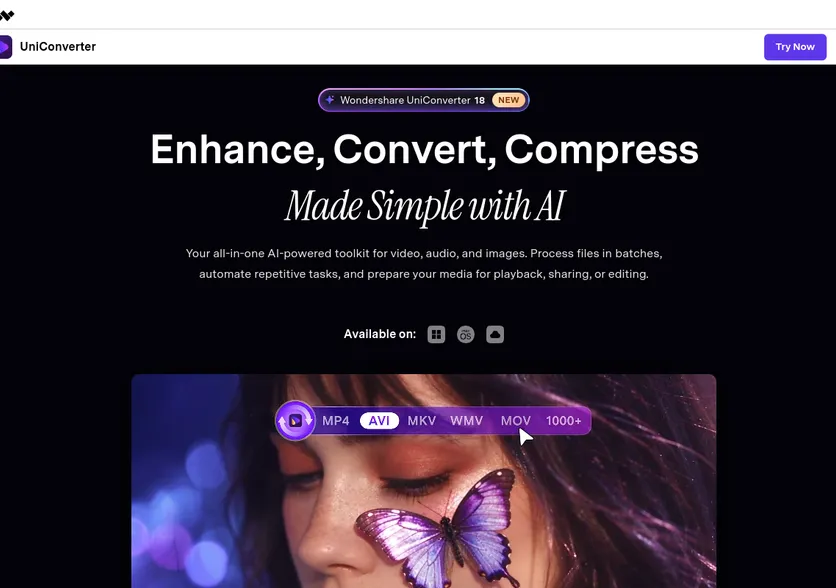
Wondershare UniConverter is the all-in-one video toolbox, converting between a thousand formats and adding compression, editing and downloading in the same app. This Wondershare UniConverter Yearly Plan covers one PC for forty-nine dollars ninety-nine a year, with a perpetual licence for seventy-nine dollars ninety-nine. It is the most complete converter here, though the store shows different prices on different pages, so check the standard store before you buy.
What we like
- The most complete video toolbox here
- Converts between a thousand formats
- Compression, editing and downloading included
Watch out for
- Store shows different prices on different pages
- AI tools renew at $19.99 a month after the trial
How to try it
- Open videoconverter.wondershare.com and download the trial
- Add a video and pick the format you need
- Buy the Yearly Plan for forty-nine dollars ninety-nine a year
2. Movavi Video Converter
Best for: Quick conversions on Windows or Mac without learning a new app
Paid tool Starting price: $49.95/year · 1-year plan, $49.95/year (list $71.95 outside the current offer ending Nov 22, 2026); monthly $19.95; lifetime option mentioned on buy page without a price; 7-day trial with watermark
Free plan: 7-day free trial
Movavi Video Converter is the fast, friendly converter for people who want a video in a new format without learning a new app. This Movavi Video Converter one-year plan costs forty-nine dollars ninety-five a year, with a 7-day trial that watermarks the output. It is the best pick here for quick conversions on a Windows or Mac machine.
What we like
- Fast and friendly, no learning curve
- Works on Windows and Mac
- Batch conversion for whole folders
Watch out for
- Trial watermarks the output
- Offer price may have ended, check the buy page
How to try it
- Open movavi.com and download the 7-day trial
- Add a video and pick the output format
- Buy the one-year plan for forty-nine dollars ninety-five
3. VideoProc Converter AI
Best for: Fast desktop conversion with AI upscaling at a low price
Paid tool Starting price: $25.95/year · Premium 365 for 3 PCs, $25.95/year (list $38.90); Lifetime $45.95 one-time for 1 PC (list $78.90); Family $57.95 one-time for 3-5 PCs; free trial
Free plan: Free trial
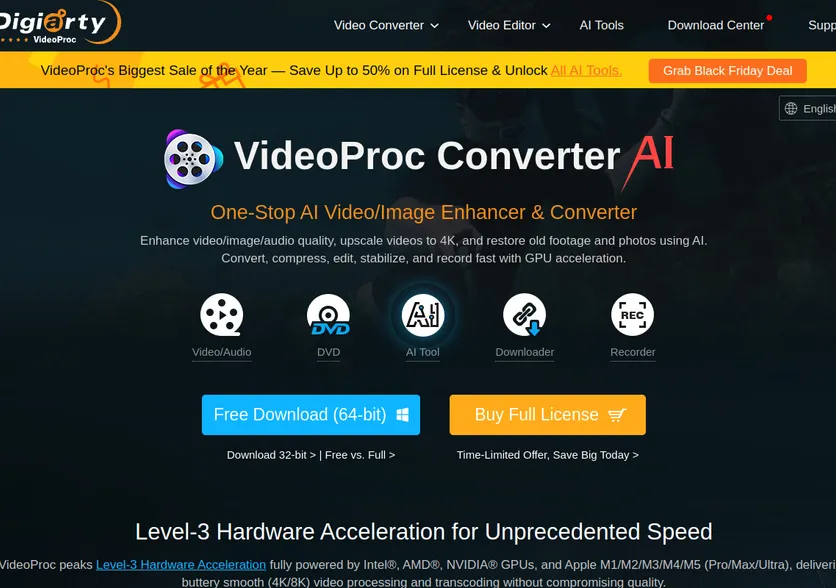
VideoProc Converter AI is the converter that uses your graphics card to convert videos fast, with AI upscaling and enhancement built in. This VideoProc Converter AI Premium 365 plan covers three PCs for twenty-five dollars ninety-five a year, with a lifetime licence for forty-five dollars ninety-five. It is the best value desktop converter here, and the only one with AI enhancement at this price.
What we like
- The best value desktop converter here
- AI upscaling and enhancement included
- Covers three PCs on one plan
Watch out for
- AI enhancement needs a decent graphics card
- Lifetime licence covers one PC only
How to try it
- Open videoproc.com and download the free trial
- Add a video and pick a format with GPU acceleration
- Buy Premium 365 for twenty-five dollars ninety-five a year
4. CloudConvert
Best for: Occasional conversions in the browser with no install
Paid tool Starting price: $9/month · Subscription, $9/month (1,000 conversion credits a month, unused credits do not roll over); one-time Package $17 for 1,000 credits (never expire); free plan 10 credits a day
Free plan: Free plan
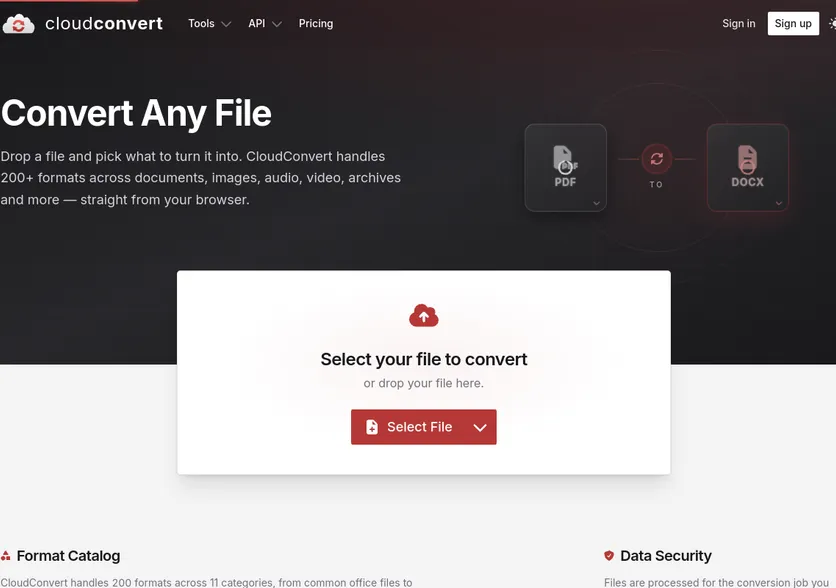
CloudConvert is the browser converter that handles more than two hundred formats without installing anything. This CloudConvert subscription costs nine dollars a month for a thousand conversion credits, with a one-time package of a thousand credits for seventeen dollars that never expires. It is the cheapest subscription here, and the best pick when you convert files only sometimes.
What we like
- The cheapest subscription here
- More than two hundred formats, no install
- One-time credits never expire
Watch out for
- Monthly credits do not roll over
- Uploads go to the cloud, not ideal for sensitive files
How to try it
- Open cloudconvert.com and drop in a file
- Pick the output format and convert it
- Buy the one-time credit package if you convert rarely
5. Convertio Light
Best for: The simplest converter, right in the browser
Paid tool Starting price: $9.99/month · Light, $9.99/month (500 MB files, 25 concurrent conversions); Basic $14.99/month; Unlimited $25.99/month; free plan 10 conversions a day, 100 MB
Free plan: Free plan
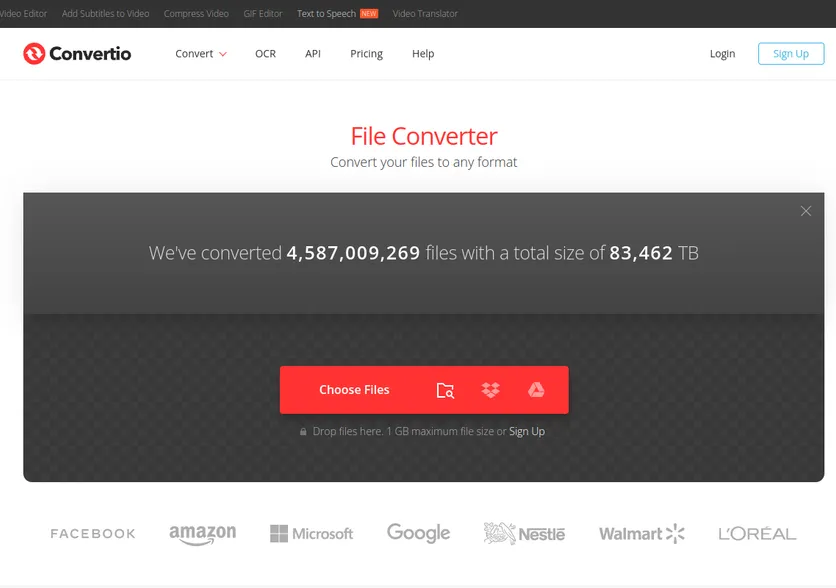
Convertio is the simplest converter here: drop a file in the browser, pick a format, and download the result. This Convertio Light plan costs nine dollars ninety-nine a month for five hundred megabyte files and twenty-five concurrent conversions. It is the easiest converter to use, and the free plan covers ten conversions a day.
What we like
- The simplest converter here
- No install, works in the browser
- Free plan covers ten conversions a day
Watch out for
- Free plan caps files at 100 MB
- Uploads go to the cloud, not ideal for sensitive files
How to try it
- Open convertio.co and drop in a file
- Pick the output format and convert it
- Upgrade to Light for bigger files and more conversions
6. Any Video Converter Ultimate
Best for: Anyone who wants to pay once and convert forever
Paid tool Starting price: $49.95 one-time · Ultimate, $49.95 one-time (list $59.95), lifetime activation; free version available
Free plan: Free plan
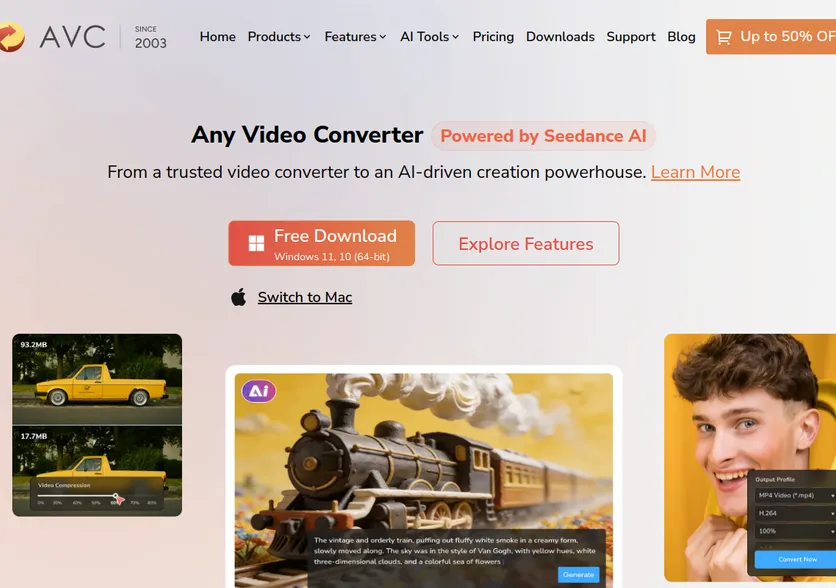
Any Video Converter Ultimate is the one-time converter for people who hate subscriptions, with a lifetime licence and a free version for basic jobs. This Any Video Converter Ultimate licence costs forty-nine dollars ninety-five once, with lifetime activation and no renewal. It is the best pick here when you want to pay once and convert forever.
What we like
- Pay once, convert forever
- Lifetime activation, no renewal
- Free version for basic jobs
Watch out for
- Interface looks dated next to the newer tools
- Fewer AI features than VideoProc or HitPaw
How to try it
- Open any-video-converter.com and download the free version
- Convert a video to test the speed and quality
- Buy Ultimate for forty-nine dollars ninety-five once
7. HitPaw Video Converter
Best for: AI-enhanced conversions on a budget
Paid tool Starting price: $39.95/year · 1 PC, $39.95/year (list $79.90); monthly $19.95; perpetual $79.95 one-time (list $159.90)
Free plan: Free trial
HitPaw Video Converter, now called HitPaw Univd, converts video, audio and images with AI enhancement in one app. This HitPaw Video Converter yearly plan costs thirty-nine dollars ninety-five a year for one PC, with a perpetual licence for seventy-nine dollars ninety-five. It is the best pick here for AI-enhanced conversions on a budget.

What we like
- AI enhancement for video, audio and images
- Perpetual licence for seventy-nine dollars ninety-five
- Fast conversion with GPU support
Watch out for
- Rebranded to HitPaw Univd, the old name is going away
- Yearly price is a sale price, check the list price
How to try it
- Open hitpaw.com and download the free trial
- Add a video and pick a format with AI enhancement
- Buy the yearly plan for thirty-nine dollars ninety-five
Prices above were checked on each vendor’s own website on Nov 14, 2026 and can change — the vendor’s page is the final word. Vendor links are editorial: nobody paid to be listed or ranked here. Vendors who want a featured listing can see how it works on our Get listed page.
What video converters cost in 2026
Price is the first filter, and the range is narrow. The cheapest subscription here costs nine dollars a month, the most expensive yearly plan costs about fifty dollars a year, and two tools sell one-time licences instead. The table below uses the headline price each vendor shows on its own pricing page, checked on November 25, 2026. One-time licences pay for themselves fast, because a $49.95 converter beats a $9 a month subscription after six months. CloudConvert costs $9 a month for a thousand credits, while VideoProc Converter AI costs $25.95 a year and covers three PCs.
Before you buy
- Check the store page before paying, because UniConverter shows different prices on different store pages.
- Count the credits, because CloudConvert and Convertio cap conversions per day on the free plan.
- Do the one-time math, because Any Video Converter Ultimate never bills again after its first payment.
- Check the file limits, because Convertio's free plan caps files at 100 MB while Light costs $9.99 a month.
- Think about privacy, because CloudConvert and Convertio upload files to the cloud, unlike desktop converters.
Official websites
Official websites of the products reviewed above. Features and prices were checked against these sites when this guide was written, and they can change, so confirm on the vendor site before you buy.
Frequently asked questions
Which video converter is best in 2026?
CloudConvert, at $9 a month for a thousand credits, is the cheapest subscription here, and the one-time package of a thousand credits for $17 never expires. VideoProc Converter AI costs $25.95 a year and covers three PCs, which is the best value desktop converter. Any Video Converter Ultimate costs $49.95 once and never bills again.
What is the cheapest video converter software?
CloudConvert, at $9 a month, is the cheapest subscription here. Convertio Light costs $9.99 a month. VideoProc Converter AI costs $25.95 a year, which works out to about $2.16 a month. Any Video Converter Ultimate costs $49.95 once, which beats every subscription after six months.
Can I convert videos for free?
Yes, most of them. CloudConvert and Convertio both offer free plans, Any Video Converter has a free version, and UniConverter, Movavi, VideoProc and HitPaw all offer free trials. The free plans cap file size or conversions per day, so start free and pay only when a limit gets in your way.
Which format should I convert to?
MP4 for video, because it plays on every phone, browser and social network. MP3 for audio, because it is the standard for music and podcasts. GIF for short animations, because it loops anywhere without a player. All seven tools here handle all three formats, plus hundreds more.
Are desktop converters faster than online ones?
A desktop converter, because it uses your graphics card and does not upload your files anywhere. VideoProc Converter AI is the fastest here, with GPU acceleration and AI enhancement. A browser converter like CloudConvert or Convertio is better when you convert rarely, because there is nothing to install.
See every video converter on Toolsvine.
Browse Video Converters tools