On this page
Good audio is half of every video, podcast and song, and the tools below are the ones creators pay for to get it. They cover recording, editing, transcription and mastering, from free to two hundred dollars once. Prices run from about eleven dollars a month to two hundred dollars once, and most offer a free plan or trial. We compared eight audio tools on price, recording and editing, with every price checked on the vendor's own site on November 25, 2026. REAPER is our first pick, the best value DAW here at sixty dollars once with free updates for years.
How we researched this
We started with the audio tools creators actually pay for, then read each price on the vendor's own site on November 25, 2026 and noted the free plan or trial each one offers. We judged them for a beginner who records podcasts, videos or music at home, and we kept the list to tools with a published price and a free way to start.
Compare the tools
| Name | Best for | Starting price | Free plan | |
|---|---|---|---|---|
 Adobe Audition | Podcasters and video creators who want a professional audio workstation | $22.99/month | 7-day free trial | Visit |
 Descript Hobbyist | Beginners who want to edit audio by editing words | $12/month | Free plan | Visit |
 Riverside Standard | Remote podcasts that need studio-quality recording | $15/month | Free plan | Visit |
 REAPER | Anyone who wants a full DAW for sixty dollars once | $60 one-time | 60-day free evaluation | Visit |
 Logic Pro | Anyone making music on a Mac | $199.99 one-time | No free plan | Visit |
 FL Studio Fruity | Beat makers and electronic music producers | $99 one-time | Free trial | Visit |
 Hindenburg PRO | Radio and podcast producers who want spoken-word audio to sound right | $99/year | 30-day free trial | Visit |
 Auphonic S | Podcasters who hate editing and want one-click mastering | $11/month | Free plan | Visit |
The audio tools, compared
1. Adobe Audition
Best for: Podcasters and video creators who want a professional audio workstation
Paid tool Starting price: $22.99/month · Single app, $22.99/month annual billed monthly ($275.88/year); 7-day free trial; included in Creative Cloud Pro $69.99/month
Free plan: 7-day free trial
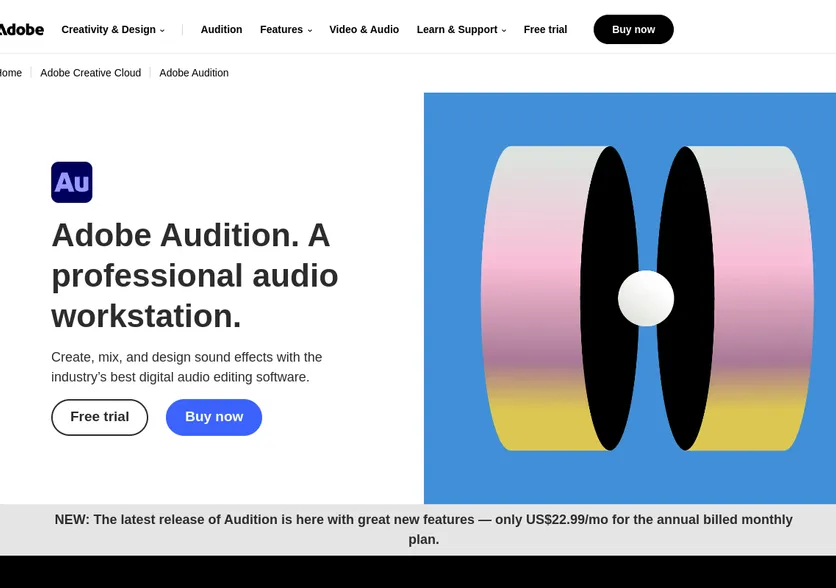
Adobe Audition is the professional audio workstation for podcasts, videos and broadcast, with multitrack editing, noise reduction and loudness tools. This Adobe Audition single-app plan costs twenty-two dollars ninety-nine a month billed annually, with a 7-day free trial. It is the most expensive subscription here, but it is also the deepest editor, and it comes with Creative Cloud Pro.
What we like
- The deepest audio editor here
- Multitrack editing, noise reduction and loudness tools
- Included in Creative Cloud Pro
Watch out for
- The most expensive subscription here
- Steep learning curve for beginners
How to try it
- Open adobe.com/products/audition and start the 7-day free trial
- Record a podcast or import audio into the multitrack editor
- Upgrade to the single-app plan for ongoing access
2. Descript Hobbyist
Best for: Beginners who want to edit audio by editing words
Paid tool Starting price: $12/month · Hobbyist, $12/month billed annually ($144/year); $24 month-to-month; Creator $24/month billed annually; free plan with 1 hour of transcription a month
Free plan: Free plan
Descript turns audio editing into word processing: edit the transcript and the audio follows. This Descript Hobbyist plan adds more transcription hours, Studio Sound and publishing tools, so a podcaster can record, edit and publish from one app. It is the easiest editor here for beginners, and the free plan covers an hour of transcription a month.

What we like
- Edit audio by editing the transcript
- Studio Sound makes a cheap mic sound expensive
- Record, edit and publish from one app
Watch out for
- Free plan covers only one hour of transcription a month
- One source lists $16 a month, verify on the vendor site
How to try it
- Open descript.com and start the free plan
- Record or import audio and edit the transcript
- Upgrade to Hobbyist for more hours and Studio Sound
3. Riverside Standard
Best for: Remote podcasts that need studio-quality recording
Paid tool Starting price: $15/month · Standard, $15/month billed annually ($180/year); $19 month-to-month; Pro $24/month annual; free plan with 2 hours of recording a month
Free plan: Free plan
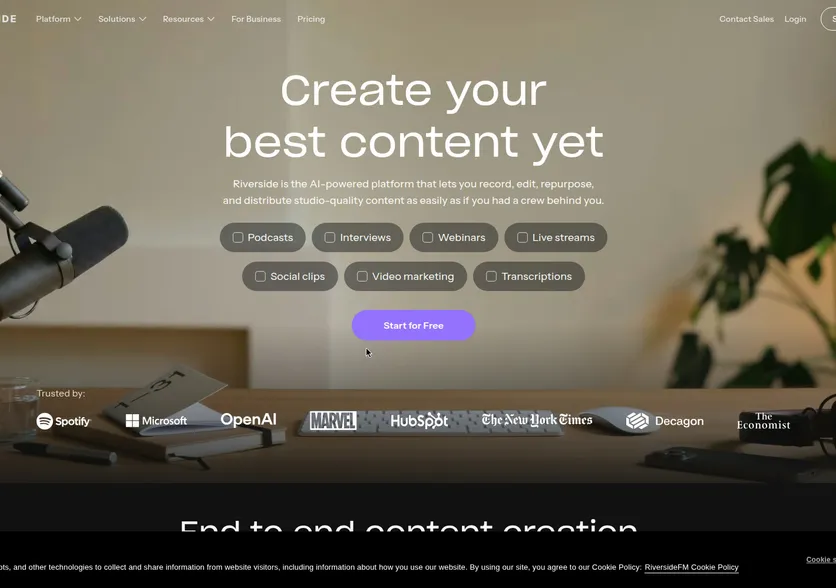
Riverside records studio-quality audio and video in the browser, with separate tracks for every guest. This Riverside Standard plan adds more recording hours, 4K video and AI editing, so a remote podcast sounds like everyone is in the same room. It is the best pick here for remote recording, and the free plan covers two hours a month.
What we like
- Studio-quality audio and video in the browser
- Separate tracks for every guest
- AI editing and 4K video on Standard
Watch out for
- Free plan may have changed to a trial in late 2026, verify on the vendor site
- Recording hours run out fast on long shows
How to try it
- Open riverside.fm and start the free plan
- Invite a guest and record a test episode
- Upgrade to Standard for more hours and 4K video
4. REAPER
Best for: Anyone who wants a full DAW for sixty dollars once
Paid tool Starting price: $60 one-time · Discounted license, $60 one-time (personal use or businesses under $20,000 yearly revenue); commercial license $225 one-time; 60-day full evaluation; free updates through version 8.99
Free plan: 60-day free evaluation
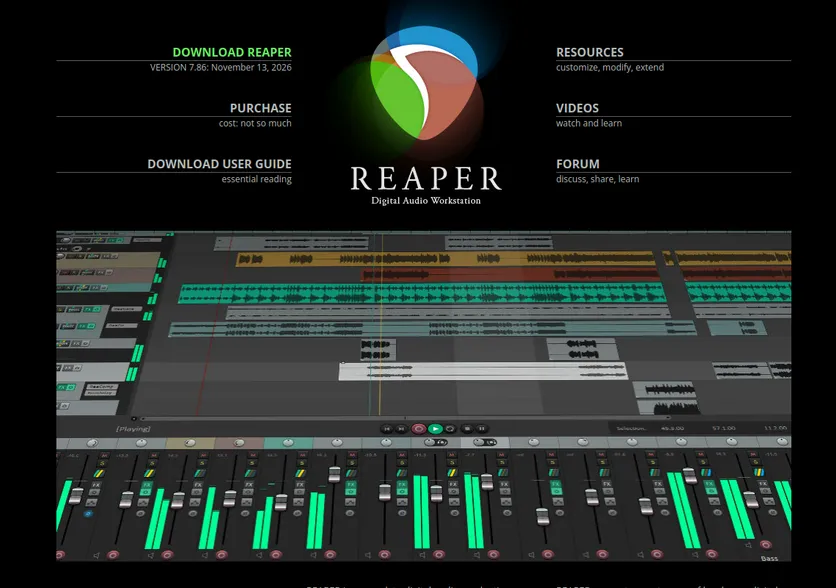
REAPER is the digital audio workstation that professionals use and beginners can afford, with full multitrack recording, mixing and effects. This REAPER discounted licence costs sixty dollars once for personal use, with free updates through version 8.99 and a 60-day full evaluation. It is the best value here by far, and the only DAW with no subscription at all.
What we like
- The best value DAW here, sixty dollars once
- No subscription, free updates for years
- Full multitrack recording, mixing and effects
Watch out for
- Plain interface, less friendly than Logic or FL Studio
- No built-in sounds or loops included
How to try it
- Download REAPER from reaper.fm and start the 60-day evaluation
- Record a track and try the mixing tools
- Buy the discounted licence for sixty dollars once
5. Logic Pro
Best for: Anyone making music on a Mac
Paid tool Starting price: $199.99 one-time · Mac App Store, $199.99 one-time, free updates; also in Apple Creator Studio $12.99/month or $129/year; Mac only (Apple silicon, macOS 15.6+ for v12.3.1; Logic Pro 12 launched Jan 28, 2026; v13.0 released Nov 5, 2026)
Free plan: No free plan
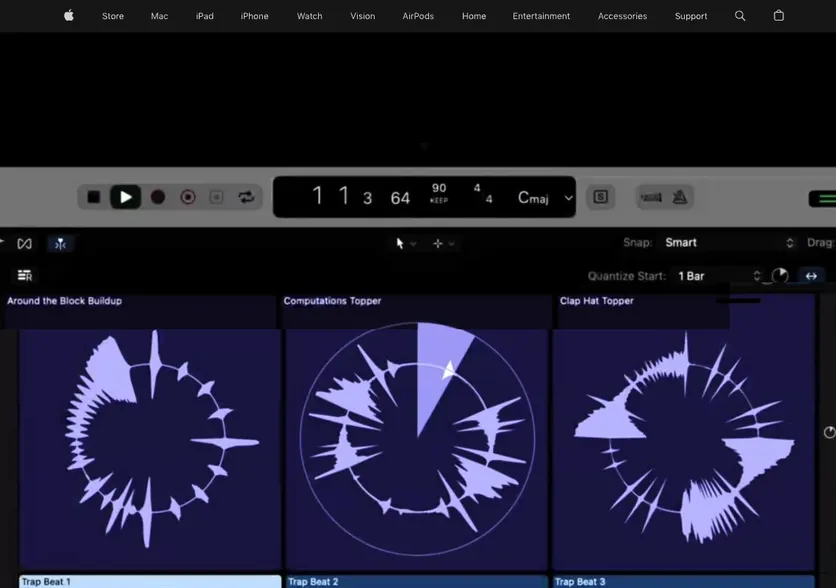
Logic Pro is Apple's professional music studio, with thousands of sounds, loops and instruments built in. This Logic Pro app costs one hundred ninety-nine dollars ninety-nine once on the Mac App Store, with free updates and a version in Apple Creator Studio. It is Mac only, and the best pick here for anyone making music on a Mac.
What we like
- Thousands of sounds, loops and instruments included
- Free updates after the one-time purchase
- The best music studio on the Mac
Watch out for
- Mac only, no Windows version
- The most expensive tool here up front
How to try it
- Open apple.com/logic-pro and read the feature list
- Buy Logic Pro on the Mac App Store
- Download the sounds and loops and start a project
6. FL Studio Fruity
Best for: Beat makers and electronic music producers
Paid tool Starting price: $99 one-time · Fruity Edition, $99 one-time (lifetime free updates); Producer Edition $179 one-time adds audio recording and stem separation; Signature $269; All Plugins $449; trial won't reopen saved projects until purchase
Free plan: Free trial
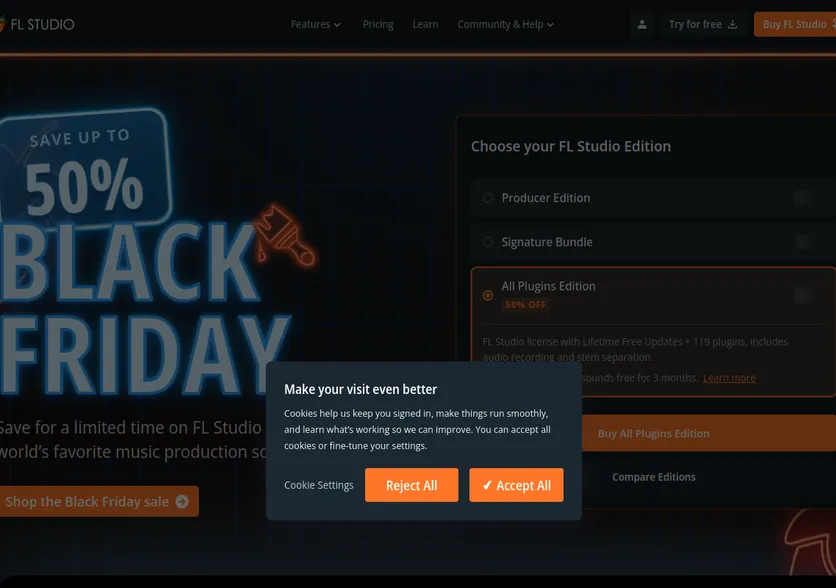
FL Studio is the beat-making workstation behind half the songs on the radio, with a lifetime of free updates included in the price. This FL Studio Fruity Edition costs ninety-nine dollars once, with the Producer Edition adding audio recording and stem separation for one hundred seventy-nine dollars. It is the best pick here for beats and electronic music, and the trial lets you try everything first.
What we like
- Lifetime free updates included
- The best beat-making workflow here
- Trial lets you try everything first
Watch out for
- Fruity Edition cannot record audio
- Trial projects stay locked until you buy
How to try it
- Download the FL Studio trial from image-line.com
- Make a beat and try every feature
- Buy the Fruity Edition for ninety-nine dollars once
7. Hindenburg PRO
Best for: Radio and podcast producers who want spoken-word audio to sound right
Paid tool Starting price: $99/year · PRO, $99/year ($8.25/month billed annually); $12/month billed monthly; Plus $15/month, Premium $30/month; perpetual license $399; 30-day free trial
Free plan: 30-day free trial
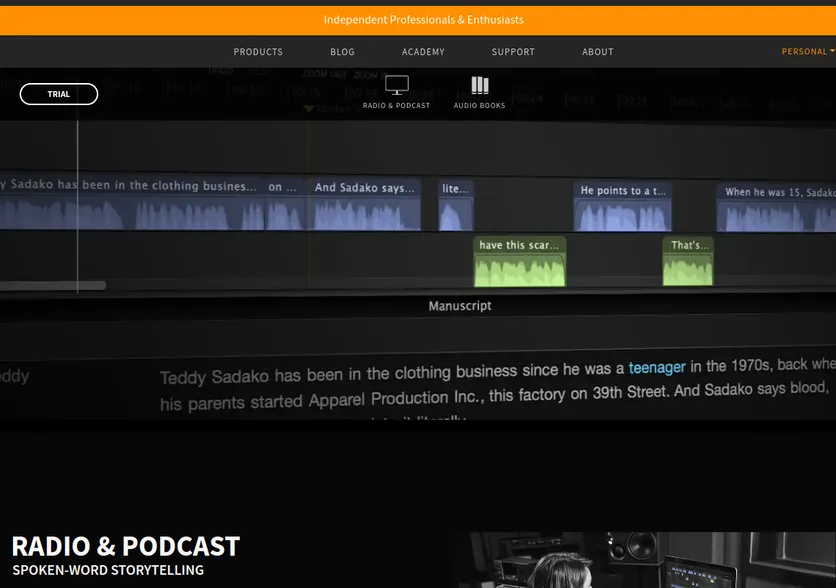
Hindenburg PRO is the audio editor built for radio and podcasts, with automatic loudness, voice profiles and a simple layout that never gets in the way. This Hindenburg PRO plan costs ninety-nine dollars a year, with a 30-day free trial and a perpetual licence for three hundred ninety-nine dollars. It is the best pick here for spoken-word audio, and the easiest pro editor to learn.
What we like
- Built for radio and podcasts
- Automatic loudness and voice profiles
- The easiest pro editor to learn
Watch out for
- Built for speech, not music production
- Perpetual licence costs four times the annual plan
How to try it
- Open hindenburg.com and start the 30-day free trial
- Import an interview and try the automatic loudness
- Upgrade to PRO for ninety-nine dollars a year
8. Auphonic S
Best for: Podcasters who hate editing and want one-click mastering
Paid tool Starting price: $11/month · S, $11/month billed annually ($132/year); $13 billed monthly; M $25/month billed annually; free plan with 2 hours of processed audio a month (with jingle); one-time credits from $12/5 hrs, never expire
Free plan: Free plan
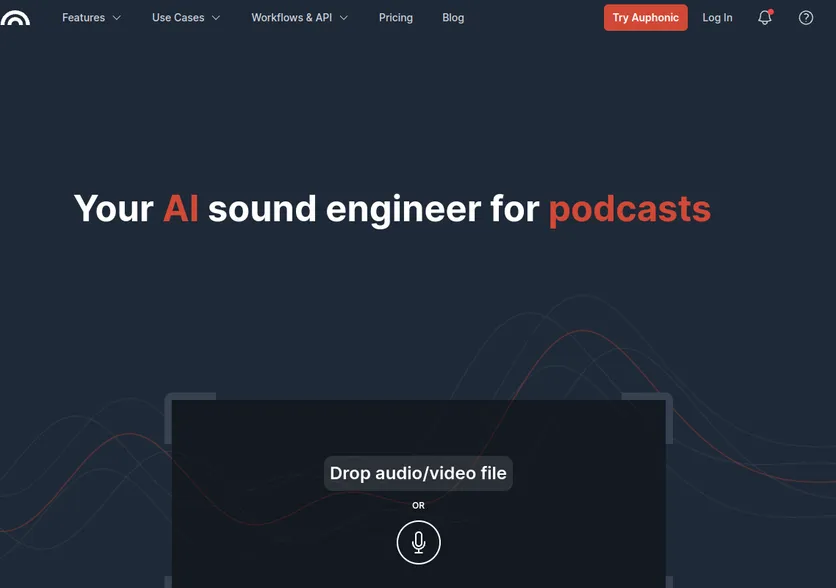
Auphonic is the automatic audio post-production service that levels, denoises and masters your podcast with one click. This Auphonic S plan adds more processing hours a month, with a free plan that covers two hours and one-time credits that never expire. It is the cheapest subscription here, and the best pick for a podcaster who hates editing.
What we like
- One-click levelling, denoising and mastering
- The cheapest subscription here
- One-time credits never expire
Watch out for
- Free plan adds a jingle to your audio
- No editing tools, it only masters what you upload
How to try it
- Open auphonic.com and start the free plan
- Upload an episode and let it master the audio
- Upgrade to S for more hours or buy credits that never expire
Prices above were checked on each vendor’s own website on Nov 14, 2026 and can change — the vendor’s page is the final word. Vendor links are editorial: nobody paid to be listed or ranked here. Vendors who want a featured listing can see how it works on our Get listed page.
What audio editing software costs in 2026
Price is the first filter, and the range is wide. The cheapest subscription here costs eleven dollars a month, the most expensive costs about twenty-three dollars a month, and three tools sell one-time licences instead. The table below uses the headline price each vendor shows on its own pricing page, checked on November 25, 2026. One-time licences pay for themselves fast, because a $60 DAW beats a $12 a month subscription after five months. REAPER costs $60 once and never bills again, while Logic Pro costs $199.99 once and works on Mac only.
Before you buy
- Check the licence, because REAPER's $60 price is for personal use or small businesses only.
- Count the hours, because Descript and Riverside cap free transcription and recording time each month.
- Do the one-time math, because REAPER beats a $12 a month subscription after five months and never bills again.
- Match the tool to the work, because Hindenburg is built for speech while Logic Pro and FL Studio are built for music.
- Try before you pay, because Logic Pro is the only tool here with no free plan or trial at all.
Official websites
Official websites of the products reviewed above. Features and prices were checked against these sites when this guide was written, and they can change, so confirm on the vendor site before you buy.
Frequently asked questions
Which audio editing software is best for beginners in 2026?
REAPER, because it costs sixty dollars once, has no subscription, and includes free updates for years. Descript is the easiest editor for beginners, because you edit the transcript and the audio follows. Auphonic is the cheapest subscription at eleven dollars a month, and it masters your podcast with one click.
What is the cheapest audio editing software?
Auphonic S, at $11 a month billed annually, is the cheapest subscription here. Descript Hobbyist costs $12 a month billed annually, and Riverside Standard costs $15 a month billed annually. REAPER costs $60 once and never bills again, which beats every subscription after five months.
Can I try these audio tools for free?
Yes, most of them. Descript, Riverside and Auphonic all offer free plans, REAPER offers a 60-day full evaluation, and FL Studio offers a free trial. Adobe Audition offers a 7-day free trial, Hindenburg offers a 30-day free trial, and Logic Pro is the only tool here with no free plan at all.
Which tool is best for podcasting?
Descript, because it turns editing into word processing and the free plan covers an hour of transcription a month. Riverside is the best pick for remote recording, with separate tracks for every guest. Auphonic is the best pick for finishing, because it levels and masters an episode with one click.
Which tool is best for making music?
REAPER for a full DAW at sixty dollars once, or Logic Pro for a Mac music studio at one hundred ninety-nine dollars ninety-nine once. FL Studio is the best pick for beats and electronic music, with lifetime free updates. Hindenburg is built for speech, not music, so skip it if you make songs.
See every audio tool on Toolsvine.
Browse Audio Tools tools