On this page
When a hospital server goes down, patient records, imaging and scheduling go with it, so recovery speed is a clinical issue, not just an IT metric. The eight tools below back up virtual machines, physical servers, endpoints and Microsoft 365, and every one of them restores fast enough to matter during an outage. NAKIVO Backup & Replication is our first pick, the cheapest per-workload backup here with a useful free edition. Prices run from a few dollars a workload a month to several hundred a server a year, so clinics and hospital networks will land on different tools.
How we researched this
We started with backup vendors that publish a real dollar price and support the mix a health system runs: virtual machines, physical servers, endpoints and Microsoft 365. We read each price on the vendor site or a corroborating listing on November 26, 2026 and checked for a free edition or trial, fast restore options and ransomware protection. We kept only tools a clinic can buy without a sales call, and dropped eleven well-known names, including Rubrik, Cohesity and Druva, because none of them publishes a price.
Compare the tools
| Name | Best for | Starting price | Free plan | |
|---|---|---|---|---|
 NAKIVO Backup & Replication | Hospitals that want fast VM backup with a free edition to test first | $2.45/workload/month | Free Edition (10 workloads, 1 year) | Visit |
 MSP360 Backup | Clinics that back up Windows servers to their own cloud storage | $109.99/year | 15-day free trial | Visit |
| BDRSuite | Small hospitals that need VM, endpoint and Microsoft 365 backup in one console | $48/workload/year | Free edition (10 workloads) | Visit |
| Veeam Data Cloud for Microsoft 365 | Health systems standardised on Microsoft 365 that need fast mailbox restore | $3.50/user/month | 30-day free trial | Visit |
| Hornetsecurity VM Backup | Clinics running Hyper-V or VMware that want simple per-VM pricing | $59.80/VM/year | 30-day free trial | Visit |
| Zmanda Pro | IT teams that want one agent covering servers, endpoints and cloud apps | $5.99/workload/month | 14-day free trial | Visit |
| Acronis Cyber Protect | Hospitals that want backup plus anti-ransomware in a single agent | $85/workload/year | 30-day free trial | Visit |
| IDrive Business | Small clinics that need unlimited-device backup on one flat bill | $99.50/year | No free Business plan — 10 GB free tier is personal only | Visit |
The disaster recovery tools, compared
1. NAKIVO Backup & Replication
Best for: Hospitals that want fast VM backup with a free edition to test first
Paid tool Starting price: $2.45/workload/month · Pro Essentials, 1-year term, billed annually; Enterprise Essentials is $3.20 per workload per month
Free plan: Free Edition (10 workloads, 1 year)
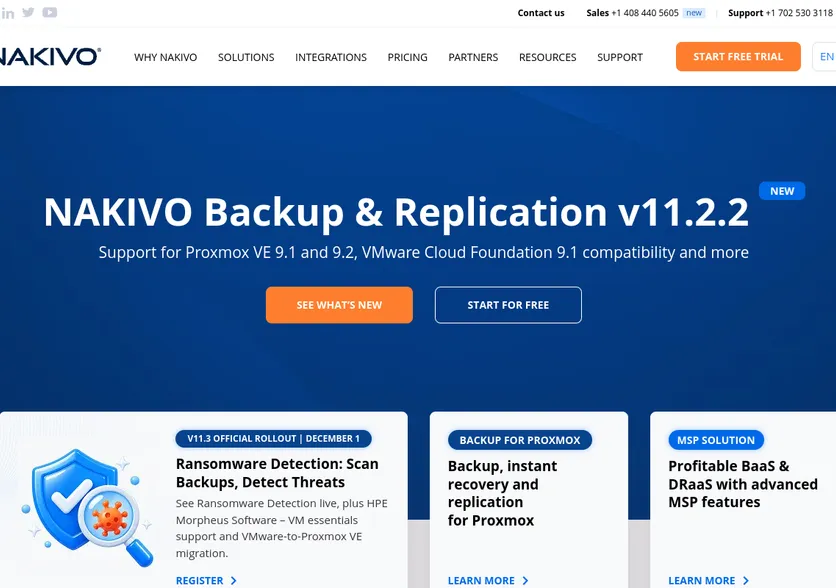
NAKIVO Backup & Replication covers VMware, Hyper-V, Nutanix, physical machines and Microsoft 365 from one console, which is the mix a hospital IT team juggles daily. This NAKIVO Backup & Replication plan adds instant VM recovery, backup copy to a second site and immutable storage that ransomware cannot rewrite. The free edition protects ten workloads for a year, enough for a small clinic to prove restores before paying.
What we like
- Cheapest per-workload price on this list
- Instant VM recovery gets systems back in minutes
- Free edition covers ten workloads for a year
Watch out for
- Pricing page is JavaScript-rendered, so confirm the quote in writing
- Perpetual licences cost far more than the subscription
How to try it
- Install NAKIVO on a Windows or Linux host and add your hypervisor
- Create a backup job for each VM and set the retention policy
- Test an instant recovery to prove the restore works before an outage
2. MSP360 Backup
Best for: Clinics that back up Windows servers to their own cloud storage
Paid tool Starting price: $109.99/year · Server edition per computer, billed yearly; Desktop is $29.99 a year and cloud storage is billed separately
Free plan: 15-day free trial
MSP360 Backup turns a Windows server into a managed backup client that writes to Amazon S3, Wasabi, Backblaze or any storage account you already own. This MSP360 Backup Server plan includes image-based backup, bare-metal restore and backup for Microsoft 365 mailboxes, so one licence covers the whole clinic server room. Because storage is separate, a clinic that already pays for cloud space avoids paying twice for the same gigabytes.
What we like
- Works with the storage you already pay for
- Bare-metal restore rebuilds a dead server fast
- One console manages every server and mailbox
Watch out for
- Storage costs sit outside the licence price
- No free plan, only a 15-day trial
How to try it
- Connect your existing cloud storage account to the MSP360 console
- Install the agent on each server and pick image-based backup
- Schedule nightly jobs and test a bare-metal restore once a quarter
3. BDRSuite
Best for: Small hospitals that need VM, endpoint and Microsoft 365 backup in one console
Paid tool Starting price: $48/workload/year · Backup for VMs, servers and cloud workloads; endpoints are $12 a year and SaaS backup is $12 per user a year
Free plan: Free edition (10 workloads)
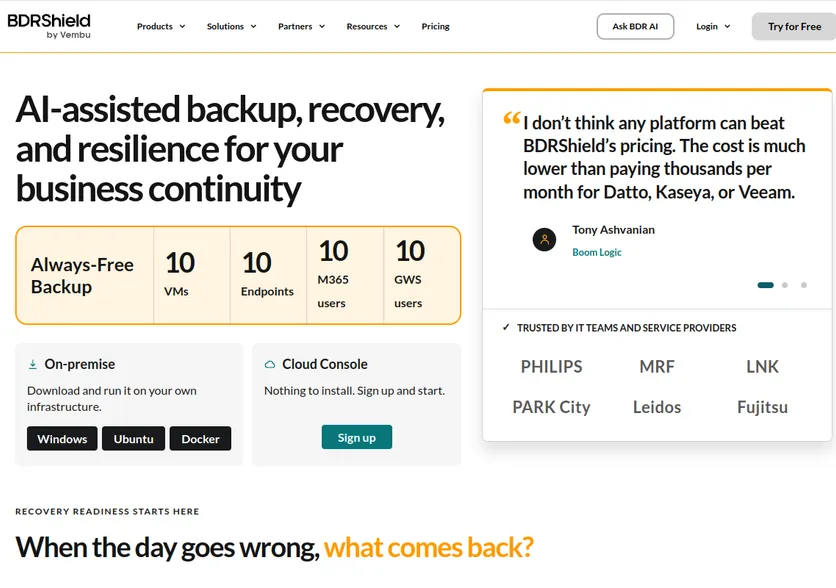
BDRSuite covers the whole stack a small hospital runs: VMware and Hyper-V virtual machines, Windows and Linux servers, endpoints and Microsoft 365. This BDRSuite plan adds instant VM recovery, offsite backup copy and flexible retention, so a ransomware attack or a failed host does not become a lost-records event. The free edition protects ten workloads, which lets a clinic run real backups for months before committing to a paid tier.
What we like
- One console for VMs, servers, endpoints and cloud apps
- Free edition covers ten workloads with no time limit
- Per-workload pricing stays simple as you grow
Watch out for
- Support quality varies by tier, so check the plan details
- Advanced reporting needs the higher editions
How to try it
- Install the BDRSuite backup server on a dedicated machine
- Add your hypervisor hosts and Microsoft 365 tenant
- Set an offsite copy rule so one copy always lives elsewhere
4. Veeam Data Cloud for Microsoft 365
Best for: Health systems standardised on Microsoft 365 that need fast mailbox restore
Paid tool Starting price: $3.50/user/month · Foundation plan for 10 to 50 users; Premium is $7.00 per user and adds disaster recovery
Free plan: 30-day free trial
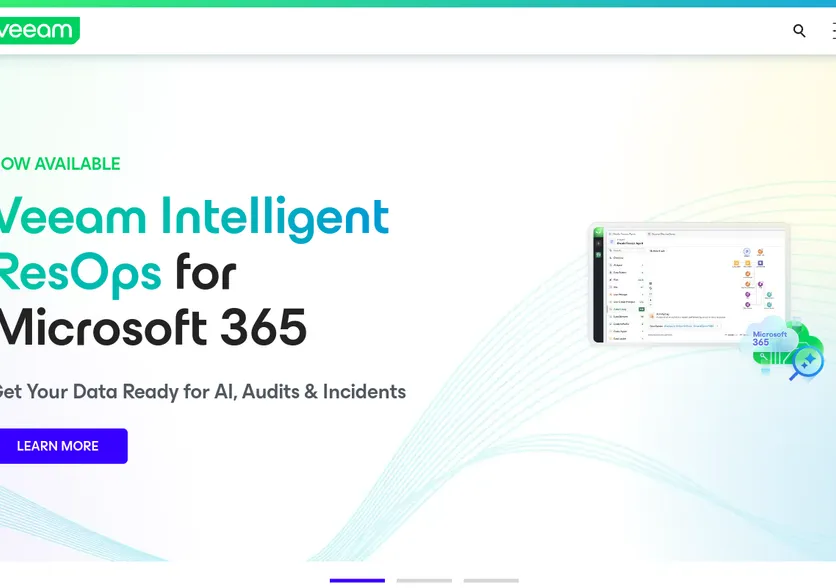
Veeam Data Cloud for Microsoft 365 backs up Exchange mailboxes, SharePoint, OneDrive and Teams to Veeam-managed storage, so a deleted mailbox or a ransomware-encrypted tenant is recoverable without touching your servers. This Veeam Data Cloud for Microsoft 365 Foundation plan includes unlimited retention and fast search, and the Premium tier adds full disaster recovery for the whole tenant. For a clinic that lives in Outlook and Teams, this is the shortest path from lost data to restored data.
What we like
- Restores a single mailbox or the whole tenant
- Unlimited retention on every paid plan
- No backup servers to run or patch yourself
Watch out for
- Foundation lacks the Premium disaster recovery features
- Per-user price climbs with headcount, not data volume
How to try it
- Connect your Microsoft 365 tenant to the Veeam console
- Pick the mailboxes, sites and Teams to protect
- Run a test restore of one mailbox to confirm the workflow
5. Hornetsecurity VM Backup
Best for: Clinics running Hyper-V or VMware that want simple per-VM pricing
Paid tool Starting price: $59.80/VM/year · Standard subscription per virtual machine per year; perpetual licences start at $595 per host
Free plan: 30-day free trial
Hornetsecurity VM Backup, formerly Altaro, is the straightforward choice for a clinic with a handful of virtual machines and no dedicated backup specialist. This Hornetsecurity VM Backup subscription covers Hyper-V and VMware with instant boot from backup, offsite copy and deduplication that keeps storage bills low. Pricing is per virtual machine, so the bill tracks the machines you actually protect and nothing else.
What we like
- Simple per-VM pricing with no seat fees
- Instant boot runs a VM straight from backup
- Deduplication keeps storage costs down
Watch out for
- No physical server backup on the Standard tier
- Enterprise features need the higher Unlimited plans
How to try it
- Install the console on a management machine in the clinic
- Add your Hyper-V or VMware hosts and select the VMs
- Enable offsite copy so a second copy leaves the building
6. Zmanda Pro
Best for: IT teams that want one agent covering servers, endpoints and cloud apps
Paid tool Starting price: $5.99/workload/month · Business plan per workload per month; Business Plus is $6.99 and Microsoft 365 backup is $1.99 per user per month
Free plan: 14-day free trial
Zmanda Pro is an open-source-rooted backup platform that covers servers, endpoints, databases and Microsoft 365 from a single policy engine. This Zmanda Pro Business plan includes immutable backups, air-gapped copies and central management, which are the controls auditors ask about first after a ransomware incident. The per-workload price makes it easy to budget, and the same agent protects a file server, a nurse workstation and a cloud mailbox.
What we like
- One agent covers servers, endpoints and cloud apps
- Immutable backups resist ransomware encryption
- Open-source roots mean no vendor lock-in on formats
Watch out for
- Interface feels dated next to newer rivals
- Business Plus is needed for the full feature set
How to try it
- Deploy the Zmanda server and register each workload
- Create one backup policy per workload type
- Turn on immutability so backups cannot be altered or deleted
7. Acronis Cyber Protect
Best for: Hospitals that want backup plus anti-ransomware in a single agent
Paid tool Starting price: $85/workload/year · Standard plan per workload per year; server workloads are $595 a year and Advanced is $129 per workload
Free plan: 30-day free trial
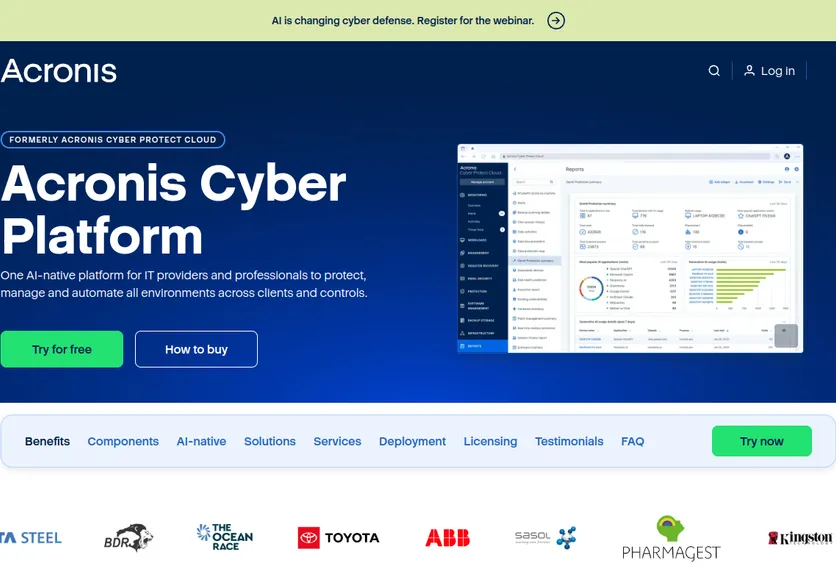
Acronis Cyber Protect pairs backup with active anti-ransomware, patch management and vulnerability assessment, so one agent does the job of two or three tools on a hospital workstation. This Acronis Cyber Protect Standard plan includes full-image backup, instant restore and AI-based malware detection that stops encryption before it spreads. For a clinic with no security team, the combined agent is the practical way to cover both backup and endpoint protection.
What we like
- Backup and anti-ransomware in one agent
- Full-image backup restores a machine exactly
- Patch management closes holes attackers use
Watch out for
- Server workloads cost far more than workstations
- Agent can feel heavy on older clinic hardware
How to try it
- Install the Acronis agent on every workstation and server
- Turn on active protection alongside the backup schedule
- Run a full-image restore test on one machine each month
8. IDrive Business
Best for: Small clinics that need unlimited-device backup on one flat bill
Paid tool Starting price: $99.50/year · 250 GB pooled storage for unlimited users, devices and servers; first year is $69.65
Free plan: No free Business plan — 10 GB free tier is personal only
IDrive Business gives a clinic 250 GB of pooled storage shared across unlimited users, devices and servers, which fits a practice where every workstation and the front-desk server need cover. This IDrive Business plan includes continuous backup, server and database backup, and bare-metal restore, plus compliance support for regulated data. The flat yearly price is the lowest entry point on this list for a clinic that counts every device it owns.
What we like
- Unlimited users and devices on one flat price
- Continuous backup catches changes as they happen
- Lowest yearly entry price on this list
Watch out for
- 250 GB fills fast once imaging data is included
- No free Business plan, only a paid start
How to try it
- Create the Business account and invite every staff member
- Install the client on each workstation and server
- Turn on continuous backup so files save as they change
Prices above were checked on each vendor’s own website on Nov 26, 2026 and can change — the vendor’s page is the final word. Vendor links are editorial: nobody paid to be listed or ranked here. Vendors who want a featured listing can see how it works on our Get listed page.
What disaster recovery costs a hospital in 2026
Start with the recovery target, not the price tag. A clinic that can tolerate a day offline can buy the cheapest per-workload plan and keep one copy offsite, while a hospital that must restore patient records in under an hour needs instant VM recovery and a tested runbook. Count every workload honestly: virtual machines, physical servers, endpoints and cloud mailboxes all need a licence or a seat, and the cheapest headline price usually covers only one of them. Test a restore every quarter, because a backup you have never restored is a hope, not a plan.
Before you buy
- Confirm the plan covers every workload type you run, including virtual machines, physical servers and Microsoft 365 mailboxes
- Check that restores are tested, not just scheduled, and that instant VM recovery is included on your tier
- Verify immutable or air-gapped copies exist so ransomware cannot encrypt your only backup
- Ask whether the quoted price includes storage, or whether cloud storage is billed separately on top
- Read the support hours and response times, because an outage at 2 a.m. needs a real engineer
Official websites
Official websites of the products reviewed above. Features and prices were checked against these sites when this guide was written, and they can change, so confirm on the vendor site before you buy.
Frequently asked questions
What is the cheapest disaster recovery software for a small clinic?
NAKIVO Backup and Replication is the cheapest per-workload pick here at $2.45 a workload a month on the Pro Essentials plan, and its free edition protects ten workloads for a year. IDrive Business is the cheapest flat bill at $99.50 a year for 250 GB shared across unlimited users and devices. A clinic with under ten machines can run NAKIVO free and pay nothing until it grows.
How fast can a hospital restore patient records after ransomware?
With instant VM recovery, a failed server can boot from backup in minutes, and a single mailbox restores in under an hour on most tools here. The real delay is usually detection and decision-making, not the restore itself. Hospitals that test restores quarterly recover far faster than those that only schedule backups, because the team already knows the exact steps.
Do these tools help with HIPAA compliance?
Backup tools support HIPAA compliance by encrypting data in transit and at rest, keeping immutable copies and logging every access, but no backup tool alone makes a hospital compliant. You still need a business associate agreement with the vendor, access controls on who can restore data, and a documented incident response plan. Ask each vendor for its agreement before you buy.
Should a clinic back up Microsoft 365 separately?
Yes. Microsoft keeps your data available but does not guarantee recovery of deleted mailboxes, files or Teams messages beyond its short retention windows. A dedicated backup such as Veeam Data Cloud for Microsoft 365 keeps its own copies with unlimited retention, so an accidental deletion or a compromised account does not mean permanent loss.
Is offsite backup still necessary with cloud storage?
Yes, because the point of offsite backup is surviving the loss of the building, not just the loss of a disk. A fire, flood or ransomware attack that reaches your local network can destroy every copy stored on site. Keep at least one copy in a different location or cloud account, and verify that the offsite copy restores cleanly at least once a quarter.
Protect every patient record with the right backup plan — browse the full set of health tools, free and running on your device.
Browse Health & Fitness Calculators tools