On this page
Startups create documents every day, from launch posts and pitch decks to proposals and investor updates, and they cannot afford a designer for each one. The eight tools below turn templates and brand kits into finished documents in minutes. Every price was checked on the vendor site on November 27, 2026, and the list runs from seven dollars a month to twenty-four dollars and seventy-five cents a month. Canva is our first pick — the design tool a startup reaches for first, at ten dollars a month.
How we researched this
We started with the document tools startups actually create in, then read each price on the vendor pricing page on November 27, 2026 and noted the trial each plan carries. We judged them for a startup that needs social posts, decks and proposals from one subscription and cannot afford a designer. We dropped Crello, DesignCap and Snappa because Crello is now VistaCreate with no published paid plan, and DesignCap and Snappa publish no list price.
Compare the tools
| Name | Best for | Starting price | Free plan | |
|---|---|---|---|---|
 Canva | Startups that need social posts, decks and docs from one design tool | $10/month | Free plan with templates and 5 GB storage | Visit |
 Adobe Express | Startups that need quick graphics and AI editing without a learning curve | $9.99/month | Free plan with basic templates and 25 GB storage | Visit |
 Google Workspace | Startups that draft, comment and meet in Google Docs | $7/user/month | No free plan; 14-day free trial | Visit |
 Microsoft 365 | Startups that write in Word and meet in Teams | $7/user/month | No free plan; 30-day free trial | Visit |
 Notion | Startups that want docs, wikis and project tracking in one flexible workspace | $10/user/month | Free plan for individuals and small teams | Visit |
 PandaDoc | Startups that want proposals, contracts and signatures in one flow | $19/user/month | Free eSign plan | Visit |
 Visme | Startups that need infographics, reports and presentations with brand control | $24.75/user/month | Free plan with limited templates and 100 MB storage | Visit |
| Piktochart | Startups that need quick infographics and presentations on a tight budget | $10/month | Free plan with limited templates and downloads | Visit |
The document creation software for startups, compared
1. Canva
Best for: Startups that need social posts, decks and docs from one design tool
Paid tool Starting price: $10/month · Pro costs ten dollars a month billed annually, or one hundred and twenty dollars a year; monthly billing costs fifteen dollars a month
Free plan: Free plan with templates and 5 GB storage
Canva is the design tool a startup reaches for first, with templates for social posts, decks, documents and video in one editor. This Canva Pro plan costs ten dollars a month billed annually and adds premium templates, brand kits and one terabyte of storage. A startup that needs a launch post, a pitch deck and a one-pager gets all three from the same login.

What we like
- Templates for every format a startup needs
- Brand kits keep designs consistent
- One terabyte of storage on the Pro plan
Watch out for
- The free plan caps storage at five gigabytes
- Premium templates sit behind the Pro paywall
How to try it
- Open the Canva site and start with the free plan
- Pick a template for your launch post or pitch deck
- Set up a brand kit and export the finished design
2. Adobe Express
Best for: Startups that need quick graphics and AI editing without a learning curve
Paid tool Starting price: $9.99/month · Premium costs nine dollars and ninety-nine cents a month with no annual price published; Firefly Pro costs nineteen dollars and ninety-nine cents a month
Free plan: Free plan with basic templates and 25 GB storage
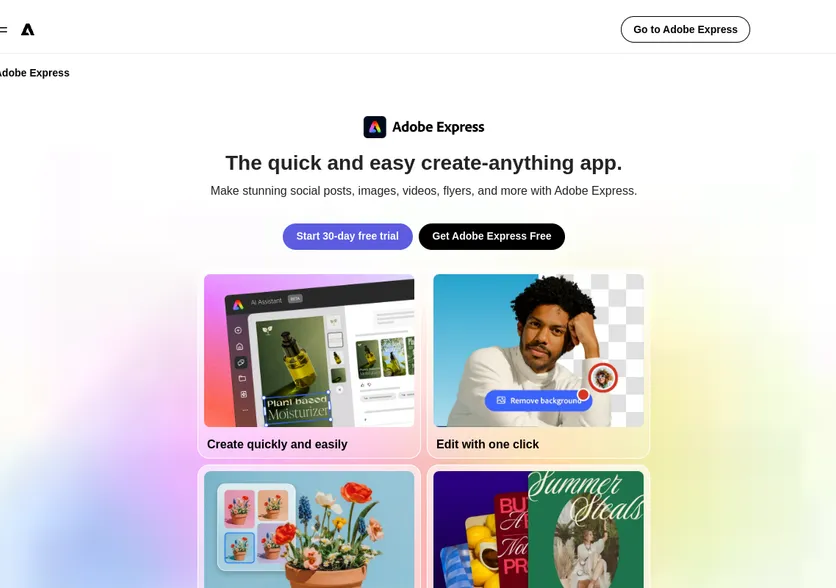
Adobe Express turns a blank page into a finished graphic in minutes, with templates, stock photos and AI editing built into the editor. This Adobe Express Premium plan costs nine dollars and ninety-nine cents a month and adds premium templates, brand kits and one hundred gigabytes of storage. A startup that needs a social post before lunch gets a polished design without hiring a designer.
What we like
- Fast editor with AI tools built in
- Stock photos and premium templates included
- Brand kits keep every post on-brand
Watch out for
- No annual price is published, so the monthly rate is the only option
- The free plan caps storage at twenty-five gigabytes
How to try it
- Open the Adobe Express site and start with the free plan
- Pick a template and swap in your brand colours
- Export the finished graphic and schedule the post
3. Google Workspace
Best for: Startups that draft, comment and meet in Google Docs
Paid tool Starting price: $7/user/month · Business Starter costs seven dollars per user a month billed annually, or eight dollars and forty cents billed monthly, with thirty gigabytes of pooled storage per user
Free plan: No free plan; 14-day free trial
Google Workspace gives a startup Docs for writing, Drive for files and Meet for calls in one subscription. This Google Workspace Business Starter plan costs seven dollars per user a month billed annually and covers Docs with real-time comments and suggestions. A startup that writes proposals in Docs gets simultaneous editing, version history and thirty gigabytes of pooled storage per user.

What we like
- Real-time co-editing in Docs with suggestions
- Drive storage for files and decks
- Meet calls built into the same plan
Watch out for
- No free plan for custom-domain email
- Docs is weaker than a design tool for visual documents
How to try it
- Open the Google Workspace site and start the 14-day free trial
- Draft your proposal in Docs and share it with the team
- Use suggesting mode and review edits in version history
4. Microsoft 365
Best for: Startups that write in Word and meet in Teams
Paid tool Starting price: $7/user/month · Business Basic costs seven dollars per user a month billed annually after the July 2026 price rise from six dollars; the version without Teams costs five dollars and forty cents
Free plan: No free plan; 30-day free trial
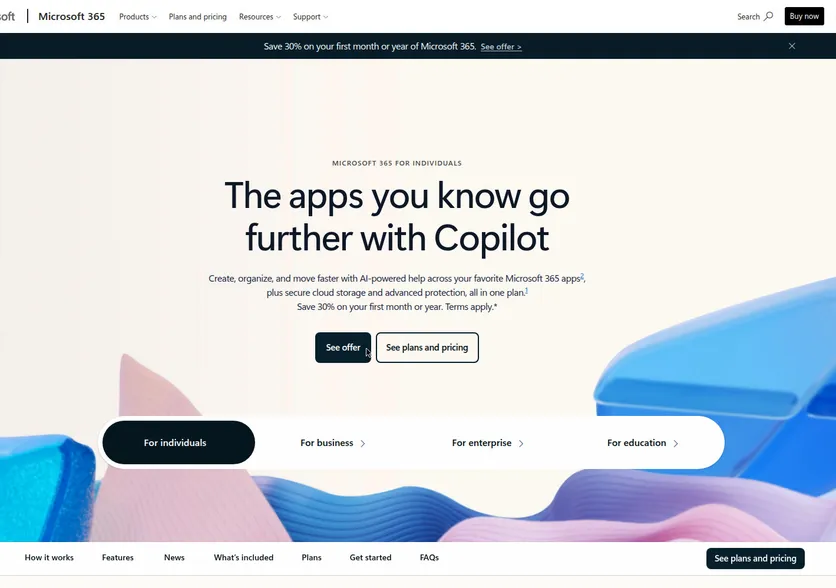
Microsoft 365 Business Basic pairs web and mobile Word with Teams, so a startup can draft, comment and meet without leaving the suite. This Microsoft 365 Business Basic plan costs seven dollars per user a month billed annually after the July 2026 price rise. A team on Outlook gets co-authoring in Word, one terabyte of OneDrive storage and Teams calls in one subscription.
What we like
- Co-authoring in Word with OneDrive storage
- One terabyte of storage per user
- Teams meetings built into the same plan
Watch out for
- Web and mobile apps only, with no desktop Outlook
- The price rose from six dollars in July 2026
How to try it
- Open the Microsoft 365 site and start the 30-day free trial
- Save your proposal to OneDrive and share it with the team
- Co-author in Word and discuss edits in Teams
5. Notion
Best for: Startups that want docs, wikis and project tracking in one flexible workspace
Paid tool Starting price: $10/user/month · Plus costs ten dollars per user a month billed annually, or twelve dollars billed monthly; Business costs twenty dollars per user a month billed annually
Free plan: Free plan for individuals and small teams
Notion holds a startup together, with docs, wikis, tasks and roadmaps sharing one searchable workspace. This Notion Plus plan costs ten dollars per user a month billed annually and adds unlimited file uploads, thirty-day page history and up to one hundred guests. A team that outgrows plain documents gets a workspace where specs, investor updates and wikis share one search box.

What we like
- Docs, wikis and tasks in one workspace
- Up to one hundred guests on the Plus plan
- One search box across docs, wikis and tasks
Watch out for
- Flexible pages sprawl without strong conventions
- No native design tools for visual documents
How to try it
- Open the Notion site and start with the free plan
- Build a wiki for your product and investor updates
- Share pages with advisors and contractors as guests
6. PandaDoc
Best for: Startups that want proposals, contracts and signatures in one flow
Paid tool Starting price: $19/user/month · Nineteen dollars per user a month billed annually for the Starter plan, or thirty-five dollars per user a month billed monthly; Business costs forty-nine dollars per user a month and a free eSign plan is available
Free plan: Free eSign plan
PandaDoc is the proposal and contract tool a startup can run its whole sales flow on, from the first quote to the final signature in one place.. This PandaDoc Starter plan costs nineteen dollars per user a month billed annually and covers unlimited documents and templates. A startup that quotes in PandaDoc gets contract automation without adding another vendor to the stack.

What we like
- Proposals, contracts and signatures in one flow
- Unlimited documents and templates on Starter
- Free eSign plan for teams that only need signatures
Watch out for
- Contract automation features sit behind the paid plans
- Monthly billing costs nearly double the annual rate
How to try it
- Open the PandaDoc site and start with the free eSign plan
- Build a proposal template from your standard terms
- Send a test proposal for signature and track it to completion
7. Visme
Best for: Startups that need infographics, reports and presentations with brand control
Paid tool Starting price: $24.75/user/month · Business costs twenty-four dollars and seventy-five cents per user a month billed annually, or fifty-nine dollars billed monthly; Starter costs twelve dollars and twenty-five cents a month billed annually but is licensed for personal use only
Free plan: Free plan with limited templates and 100 MB storage
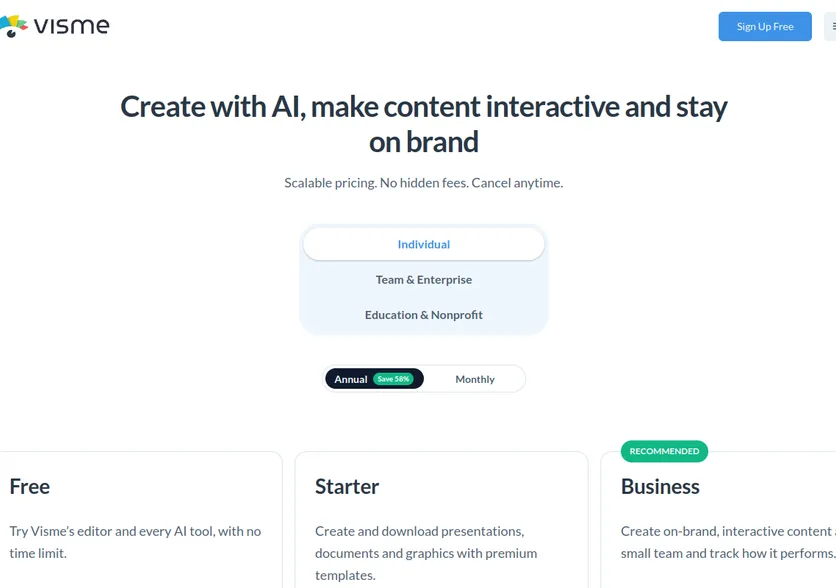
Visme turns data into infographics, reports and presentations, with brand kits and analytics built into the editor. This Visme Business plan costs twenty-four dollars and seventy-five cents per user a month billed annually and adds brand kits, analytics and priority support. A startup that publishes data-heavy content gets charts, maps and interactive documents without a designer.
What we like
- Infographics, reports and presentations in one editor
- Brand kits and analytics on the Business plan
- Charts and maps built into the templates
Watch out for
- The Starter plan is licensed for personal use only
- The free plan caps storage at one hundred megabytes
How to try it
- Open the Visme site and start with the free plan
- Pick an infographic template and load your data
- Set up a brand kit and publish the finished report
8. Piktochart
Best for: Startups that need quick infographics and presentations on a tight budget
Paid tool Starting price: $10/month · Pro costs ten dollars a month billed annually, or fifteen dollars billed monthly; Team and Enterprise plans add seats and controls
Free plan: Free plan with limited templates and downloads
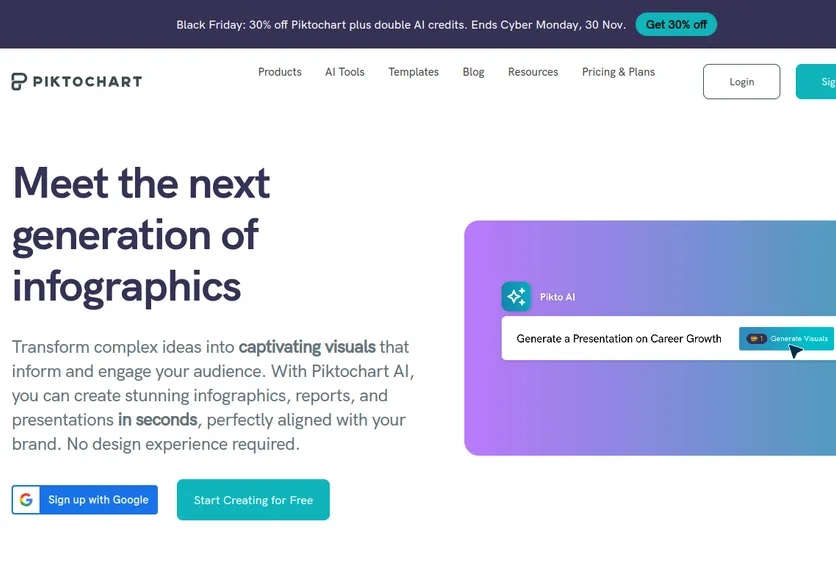
Piktochart makes infographics, presentations and reports from templates, with charts and AI tools that turn data into visuals fast. This Piktochart Pro plan costs ten dollars a month billed annually and adds premium templates, brand kits and higher export quality. A startup that needs a launch infographic before lunch gets a polished visual without hiring a designer.
What we like
- Fast infographic editor with AI tools
- Brand kits keep every visual on-brand
- Low monthly price for a single user
Watch out for
- No free trial is offered on paid plans
- The free plan caps downloads and templates
How to try it
- Open the Piktochart site and start with the free plan
- Pick an infographic template and load your data
- Set up a brand kit and export the finished visual
Prices above were checked on each vendor’s own website on Nov 27, 2026 and can change — the vendor’s page is the final word. Vendor links are editorial: nobody paid to be listed or ranked here. Vendors who want a featured listing can see how it works on our Get listed page.
What document creation costs in 2026
Document creation charges in one of two ways, per user or flat for the whole team, and the unit decides the bill. Per-user pricing suits a small startup, while a flat monthly fee suits a team where many people only view documents. The cheapest plan here costs seven dollars per user a month, while the most expensive costs twenty-four dollars and seventy-five cents per user a month.
Start with a free plan on two tools and build a real launch post and a pitch deck in each one. Check the brand kit, the export quality and the template library on your own content. Pick the tool whose templates survive your messiest brief, because a design tool that only handles the easy posts saves nothing.
Before you buy
- Check how many brand kits the plan allows, because a startup with two brands breaks a one-kit plan fast.
- Confirm the export quality on the entry plan, because low-resolution exports ruin every social post.
- Test the template library on your own content, because a library of ten thousand templates hides the five you will actually use.
- Ask who owns the fonts and stock photos, because a licence that expires when you cancel costs more later.
- Check the seat price before you sign, because a per-user fee for every contractor quietly triples the bill.
Official websites
Official websites of the products reviewed above. Features and prices were checked against these sites when this guide was written, and they can change, so confirm on the vendor site before you buy.
Frequently asked questions
Which document creation software is best for startups in 2026?
Canva is the best overall pick at ten dollars a month, because templates, brand kits and one terabyte of storage cover every format a startup needs. Adobe Express is the best budget pick at nine dollars and ninety-nine cents a month for quick graphics with AI editing. Google Workspace is the best pick for teams that draft in Docs, at seven dollars per user a month.
How much does document creation software cost for a startup?
Prices in this list run from seven dollars per user a month for Google Workspace and Microsoft 365 to twenty-four dollars and seventy-five cents per user a month for Visme, with most tools landing between ten and nineteen dollars a month. Per-user pricing suits a small team, while a flat monthly fee suits a startup where many people only view documents. Add the cost of stock photos and fonts where a tool charges for them.
Can a startup create documents for free?
Yes, because Canva has a free plan with templates and five gigabytes of storage, Adobe Express has a free plan with basic templates, and Notion has a free plan for small teams. A startup can design and publish for months before paying anything. The moment the team needs brand kits, premium templates or more storage, budget for the paid tier.
What is the difference between a design tool and a document editor?
A design tool builds visual documents like social posts, decks and infographics, while a document editor builds text documents like proposals and contracts. A startup needs the design tool when the document must look good, and the editor when the words matter most. Many startups use both, drafting in Docs and designing in Canva.
Can document creation tools keep a startup on brand?
Yes, because Canva Pro, Adobe Express Premium and Visme Business all include brand kits that lock in your logo, colours and fonts. A startup that skips the brand kit ends up with a different look on every post. Set the kit up once, and every template inherits it automatically.
Need everyday business help too? Try Toolsvine's free business tools right in your browser.
Browse Business Tools tools