On this page
Event planning runs on signed paperwork: venue agreements, vendor contracts, client agreements, catering orders and payment terms. A contract that sits unsigned for a week can cost a planner the venue, so the signing tool has to be fast for the client and cheap for the team. SignNow leads this list with one flat eight-dollar monthly price for the whole planning team, and the other seven tools are ranked on the same test: what a planner actually pays each month, and how quickly a client can sign from a phone.
How we researched this
We checked every price on the vendor pricing page on November 27, 2026, and only included tools with a published US dollar list price and a free trial or free plan. We ranked each tool on what an event planner pays in practice, including envelope limits, template counts, mobile signing for clients, and whether the plan bills per user or per account. Tools with quote-only pricing were left out, so every price below can be verified on the vendor site.
Compare the tools
| Name | Best for | Starting price | Free plan | |
|---|---|---|---|---|
 SignNow | Event planners who want one flat price for the whole team | $8/mo | Seven-day free trial, no free plan | Visit |
| BoldSign | Event planners who want the lowest per-user price | $5/user/mo | Free Essential plan with 25 envelopes a month | Visit |
 DocuSign eSignature | Event planners who need the most recognised signing brand | $25/user/mo | Thirty-day free trial, no free plan | Visit |
 Jotform Sign | Event planners who need contracts plus client intake forms | $34/mo | Free Starter plan with 10 signed documents a month | Visit |
 PandaDoc | Event planners who send proposals and quotes | $19/seat/mo | Free plan with 5 documents a month | Visit |
 Dropbox Sign | Solo event planners who need a simple low-cost plan | $15/mo | Free plan with 3 signature requests a month | Visit |
 Signeasy | Event planners who need unlimited envelopes on a budget | $10/user/mo | Fourteen-day free trial, no free plan | Visit |
| DottedSign | Event planners who want a low-cost plan with unlimited documents | $8/user/mo | Free trial, free plan available | Visit |
The e signature software for event planners, compared
1. SignNow
Best for: Event planners who want one flat price for the whole team
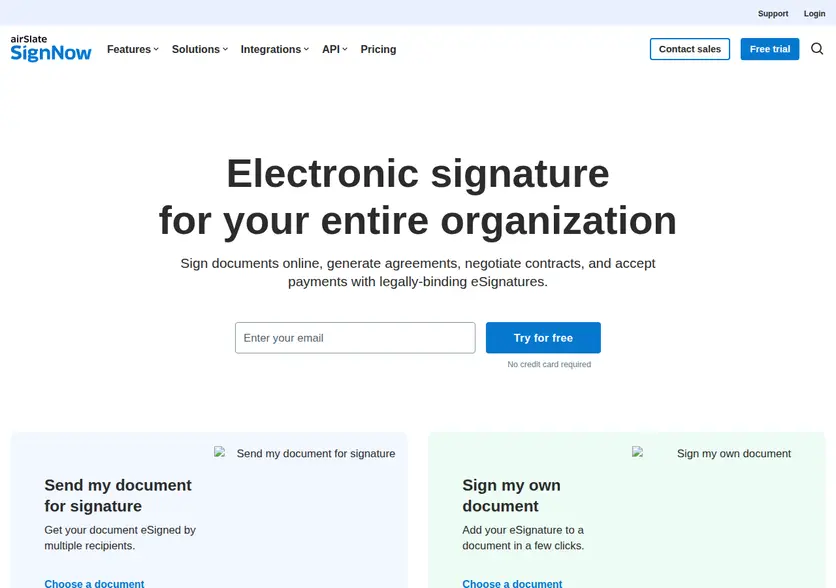
Paid tool Starting price: $8/mo · Eight dollars a month billed annually on the Business plan, with unlimited users and one hundred signature invites a year; Business Premium is twenty dollars a month and Enterprise is thirty dollars a month on annual billing, and monthly billing is twenty, thirty and fifty dollars
Free plan: Seven-day free trial, no free plan
For an event planning team, SignNow Business is the cheapest flat option at eight dollars a month billed annually, with unlimited users on one account. Planners, coordinators and assistants all share the same plan and the same yearly allowance of one hundred signature invites, which suits a team that sends venue agreements and vendor contracts all season. Clients sign from a link with no account, so a bride or a corporate contact can sign from a phone in seconds.
What we like
- Flat pricing covers the whole planning team
- Clients sign on a phone with no account
- Templates speed up repeat venue agreements
Watch out for
- One hundred invites a year can run short in peak season
- Full API access needs the per-invite Site License plan
How to try it
- Upload the venue agreement or vendor contract
- Add signature fields for each party and set the order
- Send it and track the signing status from the dashboard
2. BoldSign
Best for: Event planners who want the lowest per-user price
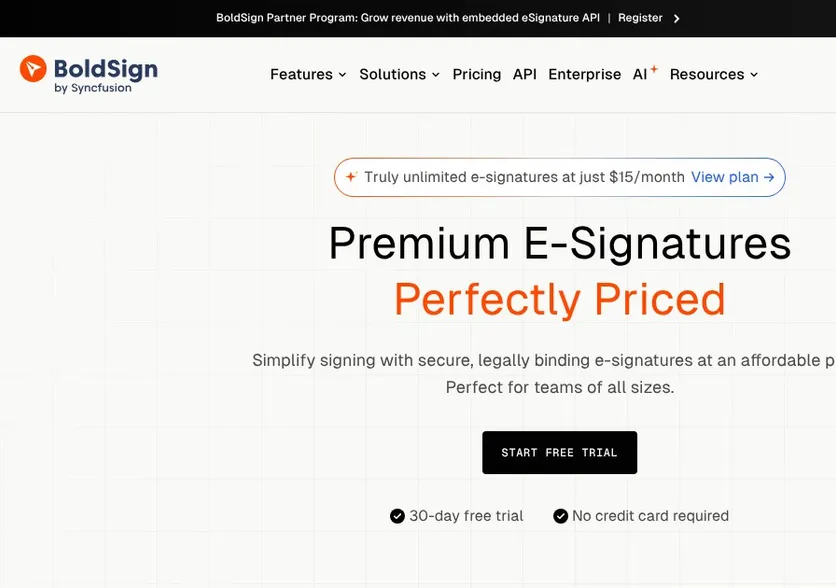
Paid tool Starting price: $5/user/mo · Five dollars per user a month billed annually on the Growth plan, with fifty envelopes a month; the Essential plan is free with twenty-five envelopes a month, Business is fifteen dollars a user a month with unlimited envelopes, and Premium is ninety-nine dollars a month for unlimited users
Free plan: Free Essential plan with 25 envelopes a month
BoldSign Growth costs five dollars per user a month billed annually, which is the lowest per-user price an event planner will find here. It includes fifty envelopes a month, ten templates, in-person signing and team management, so a small planning team gets real collaboration tools at the entry price. In-person signing is a genuine plus for planners, because clients can sign a contract at a venue walkthrough on a tablet.
What we like
- Lowest per-user price in this comparison
- In-person signing suits venue walkthroughs
- Free plan with twenty-five envelopes a month
Watch out for
- Fifty envelopes a month can run short in peak season
- Single sign-on needs the fifteen-dollar Business plan
How to try it
- Create a free account and upload the event contract
- Place signature fields with automatic field detection
- Send the envelope and follow its status in the dashboard
3. DocuSign eSignature
Best for: Event planners who need the most recognised signing brand
Paid tool Starting price: $25/user/mo · Twenty-five dollars per user a month billed annually upfront on the Standard plan, or three hundred dollars per user a year; Personal is ten dollars a month with five envelopes a month, Business Pro is forty dollars a user a month, and monthly billing is fifteen, forty-five and sixty-five dollars
Free plan: Thirty-day free trial, no free plan
DocuSign eSignature Standard costs twenty-five dollars per user a month billed annually, and it gives an event planner the signing brand corporate clients already trust. Shared templates cover repeat venue and vendor agreements, custom branding puts the planning business on every signing page, and comments let the team discuss a contract before it goes out. The one hundred envelope annual cap per user is the limit to watch during a busy season.

What we like
- Corporate clients recognise and trust the brand
- Shared templates cover repeat agreements
- Comments help the team review a contract first
Watch out for
- One hundred envelopes a user a year can run short
- Business Pro costs forty dollars a user for bulk send
How to try it
- Upload the contract and place signature and date fields
- Add clients and vendors in signing order
- Download the completed agreement with its certificate of completion
4. Jotform Sign
Best for: Event planners who need contracts plus client intake forms
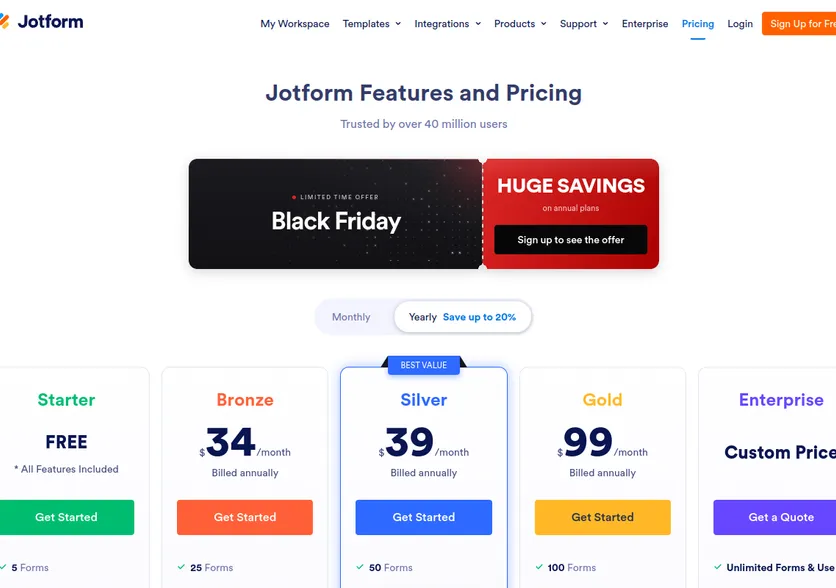
Paid tool Starting price: $34/mo · Thirty-four dollars a month billed annually on the Bronze plan, with one hundred signed documents a month; Silver is thirty-nine dollars and Gold is ninety-nine dollars a month, the Starter plan is free with ten signed documents a month, and a Black Friday promotion is live on the page, so use the list prices shown here
Free plan: Free Starter plan with 10 signed documents a month
Jotform Sign Bronze costs thirty-four dollars a month billed annually, and it suits an event planner who needs client intake forms as well as contracts. The same subscription covers one hundred signed documents a month plus the form builder, so a planner can collect guest counts, dietary needs and design preferences in the same tool that signs the agreement. The free Starter plan covers ten signed documents a month, which is enough for a planner testing the workflow.
What we like
- Forms and signatures in one subscription
- One hundred signed documents a month on Bronze
- Templates for intake forms and questionnaires
Watch out for
- Bronze allows only one user on the plan
- Higher tiers are needed for large guest lists
How to try it
- Build the client intake form and the contract in Jotform
- Send the signing link to the client by email
- Collect the signed contract and the form answers together
5. PandaDoc
Best for: Event planners who send proposals and quotes
Paid tool Starting price: $19/seat/mo · Nineteen dollars per seat a month billed annually on the Starter plan; Business is forty-nine dollars per seat a month, monthly billing is thirty-five and sixty-five dollars, and the free plan includes five documents a month
Free plan: Free plan with 5 documents a month
PandaDoc Starter costs nineteen dollars per seat a month billed annually, and it fits an event planner who sends proposals and quotes before any contract is signed. The editor turns a proposal into a polished document with package pricing, payment collection and a signature field in one place, which helps clients accept a proposal faster. Document tracking shows when a client opens the proposal, so the planner knows when to follow up.

What we like
- Proposals, pricing and signing in one document
- Document tracking shows when clients open files
- Payment collection built into the document
Watch out for
- Business plan costs forty-nine dollars a seat for advanced features
- API documents use separate usage credits on seat plans
How to try it
- Build the event proposal with package pricing in the editor
- Add a signature field and a payment option
- Send it and follow up when the tracking shows it was opened
6. Dropbox Sign
Best for: Solo event planners who need a simple low-cost plan
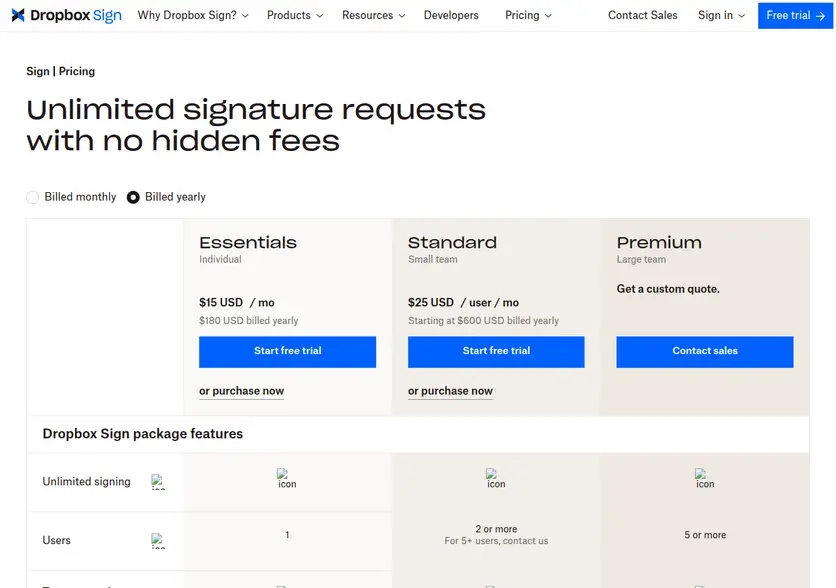
Paid tool Starting price: $15/mo · Fifteen dollars a month billed annually on the Essentials plan for one user, with unlimited signature requests and five templates; Standard is twenty-five dollars per user a month with a two-user minimum and a six-hundred-dollar yearly minimum, Premium is custom quoted, and monthly billing is twenty and thirty dollars
Free plan: Free plan with 3 signature requests a month
Dropbox Sign Essentials costs fifteen dollars a month billed annually for one user, and it suits a solo event planner who sends a steady stream of contracts. It includes unlimited signature requests and five reusable templates, which covers the standard venue and vendor agreements without any per-document worry. The free plan covers three signature requests a month, so a planner with very light volume can start without paying.
What we like
- Unlimited signature requests on paid plans
- Five templates cover standard agreements
- Clean signing experience for clients
Watch out for
- Essentials allows only one user on the plan
- First-year discount rates are not the list price
How to try it
- Upload the contract from Dropbox or Google Drive
- Add signer fields and choose the signing order
- Send the request and store the signed copy automatically
7. Signeasy
Best for: Event planners who need unlimited envelopes on a budget
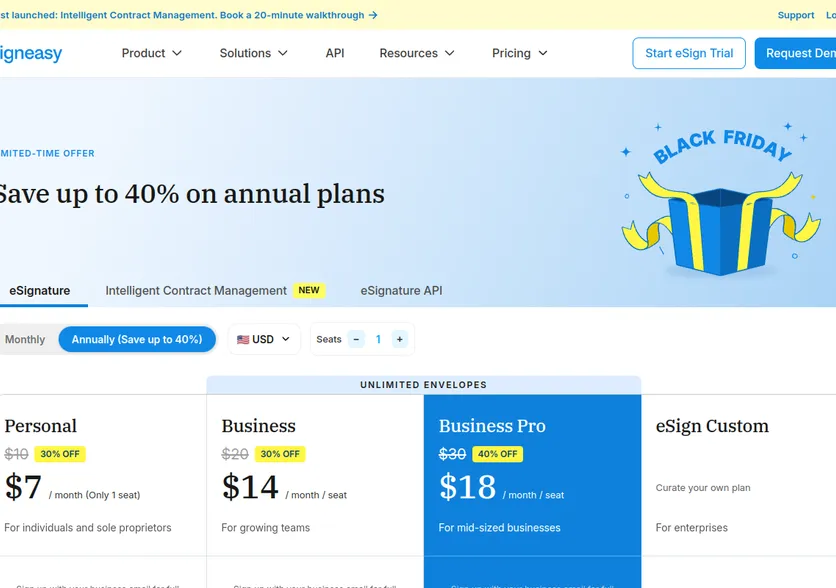
Paid tool Starting price: $10/user/mo · Ten dollars a month billed annually on the Personal plan for one seat; Business is twenty dollars a user a month and Business Pro is thirty dollars a user a month, and a limited-time discount currently shows seven dollars for Personal, which is not the list price
Free plan: Fourteen-day free trial, no free plan
Signeasy Personal costs ten dollars a month billed annually for one seat, and it gives a solo event planner unlimited envelopes with a simple signing workflow. It covers five envelopes a month on the sending side, with signing on the go from mobile apps and inside Google Workspace and Microsoft apps, which suits a planner who works from a phone at venues. The Business plan adds team features when the planning business grows past one person.
What we like
- Unlimited envelopes at ten dollars a month
- Signs from mobile apps at venues
- Works inside Google Workspace and Microsoft apps
Watch out for
- Personal allows only one seat and five envelopes a month
- Team features need the twenty-dollar Business plan
How to try it
- Upload the contract from your email or drive
- Add signature fields and set an expiry date
- Send it and let auto-reminders chase the client
8. DottedSign
Best for: Event planners who want a low-cost plan with unlimited documents
Paid tool Starting price: $8/user/mo · Eight dollars per user a month billed annually on the Pro plan, with unlimited documents; monthly billing is fifteen dollars a user a month, the Business plan is custom quoted and billed annually by signature tasks, and a free trial is available
Free plan: Free trial, free plan available
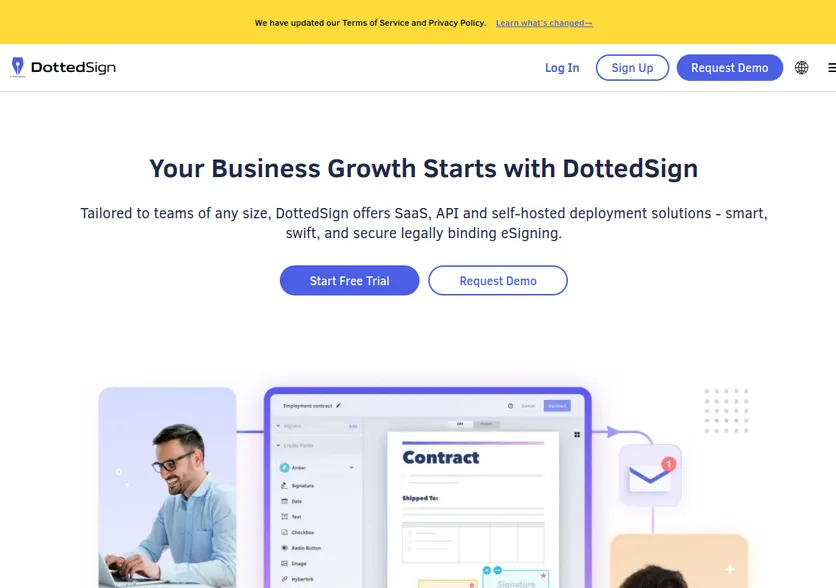
DottedSign Pro costs eight dollars per user a month billed annually, and it gives an event planner unlimited documents with a free trial to test the full workflow. The plan suits a planner who sends many contracts during a season, because there is no per-document cap to worry about once the subscription is paid. The Business plan adds unlimited team members with no extra charges, which helps when the planning team grows for a big event.
What we like
- Unlimited documents at eight dollars a user
- Free trial covers the full Pro experience
- Business plan adds unlimited team members
Watch out for
- Business pricing is custom quoted by task volume
- Monthly billing nearly doubles the price to fifteen dollars
How to try it
- Upload the event contract and add signature fields
- Send it to the client and vendors in order
- Track the signing status and download the completed contract
Prices above were checked on each vendor’s own website on Nov 27, 2026 and can change — the vendor’s page is the final word. Vendor links are editorial: nobody paid to be listed or ranked here. Vendors who want a featured listing can see how it works on our Get listed page.
How an event planner should pick an e-signature tool
Start with the contracts you send most often, then check each tool against that list. Venue agreements and vendor contracts need templates, while client agreements need a signing flow that works on a phone without an app download. Count the monthly documents honestly, because a one hundred envelope annual cap runs out fast in a busy season. Check whether the plan charges per user or per account: flat account pricing wins once a team passes two planners. Finally, test the tool with a real client contract before the next season, because the signing experience decides whether contracts come back in hours or in days.
Before you buy
- Count your monthly events and contracts, because envelope caps decide the real cost for a busy planner
- Check that clients can sign on a phone with no account, since most event clients sign from mobile
- Look for templates for the contracts you send most, such as venue agreements and vendor contracts
- Confirm the plan includes reminders, because unsigned contracts are the biggest delay in event planning
- Test the tool with a real client contract before the next event season starts
Official websites
Official websites of the products reviewed above. Features and prices were checked against these sites when this guide was written, and they can change, so confirm on the vendor site before you buy.
Frequently asked questions
What is the cheapest e-signature software for event planners?
SignNow is the cheapest for a team at eight dollars a month, because that flat price covers unlimited users. BoldSign is the cheapest per user at five dollars a user a month, and DottedSign is eight dollars a user a month with unlimited documents. A two-person planning team pays eight dollars on SignNow against ten dollars on BoldSign, so the flat plan wins once a second planner joins.
Can event clients sign contracts on their phone?
Yes, and it is the fastest way to close an event contract. Clients get a signing link by email or text, open it in a phone browser, and sign without creating an account or downloading an app. BoldSign also supports in-person signing on a tablet, which suits a venue walkthrough where the client is standing next to you. The signed contract and its audit trail arrive in your inbox within minutes.
What is an envelope limit and why does it matter for events?
An envelope is one document sent for signature, and most vendors cap how many you can send on each plan. DocuSign allows one hundred envelopes per user a year on Standard, SignNow allows one hundred signature invites a year on its eight-dollar plan, and BoldSign allows fifty envelopes a month on Growth. DottedSign and Xodo Sign have no per-document cap on paid plans, which matters during a busy event season when contracts arrive in bursts.
Can an event planner switch from DocuSign to a cheaper tool?
Yes, most tools in this list import documents and templates from DocuSign, and several offer free migration help. Signeasy migrates templates for free with white-glove support, and SignWell offers a one-click DocuSign import. The main work is recreating automated reminders and re-training the team, which usually takes a day. Keep the old account active until the first month on the new tool is complete.
Which features matter most for event planning contracts?
Look for templates, because an event planner sends the same venue agreements, vendor contracts and client agreements again and again. SignNow, DocuSign and BoldSign all offer reusable templates, and Jotform adds intake form templates for guest counts and dietary needs. Check the template limit on the plan you would actually buy, since five templates is enough for one repeat contract but not for a planner with ten standard documents.
Compare the eight tools above, then trial the one that fits your event workflow with a real client contract before the next season.
Browse Document & File Converters tools