On this page
A small law firm signs paperwork all day: engagement letters, retainer agreements, settlement documents, court filings and client consent forms. A slow signing process delays cases and frustrates clients, while the right tool lets a client sign an engagement letter from a phone within minutes. DocuSign eSignature leads this list on its Business Pro plan, which adds the bulk send and conditional recipients a small firm needs, and the other seven tools are ranked on the same test: what a firm actually pays each month, and how well each tool handles legal documents.
How we researched this
We checked every price on the vendor pricing page on November 27, 2026, and only included tools with a published US dollar list price and a free trial or free plan. We ranked each tool on what a small law firm pays in practice, including envelope limits, template counts, bulk send for packets and filings, and whether the plan bills per user or per account. Tools with quote-only pricing were left out, so every price below can be verified on the vendor site.
Compare the tools
| Name | Best for | Starting price | Free plan | |
|---|---|---|---|---|
 DocuSign eSignature | Small law firms that want the most recognised signing brand | $40/user/mo | Thirty-day free trial, no free plan | Visit |
 Adobe Acrobat Sign | Small law firms that need PDF tools with their signatures | $16.99/user/mo | Seven-day free trial, no free plan | Visit |
 PandaDoc | Small law firms that send engagement letters and proposals | $19/seat/mo | Free plan with 5 documents a month | Visit |
 SignNow | Small law firms that want one flat price for the whole firm | $8/mo | Seven-day free trial, no free plan | Visit |
 Zoho Sign | Small law firms already using Zoho apps | $10/user/mo | Free plan with 5 envelopes a month | Visit |
| SignWell | Small law firms that want simple signing at a low price | $10/mo | Free plan with 3 documents a month | Visit |
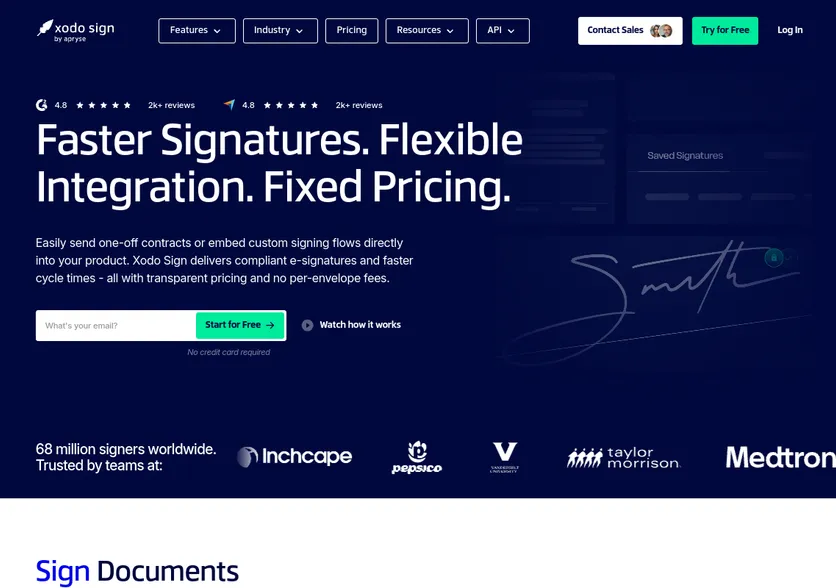
| Xodo Sign | Small law firms that send high document volumes | $10/user/mo | Free plan with 5 documents a month | Visit |
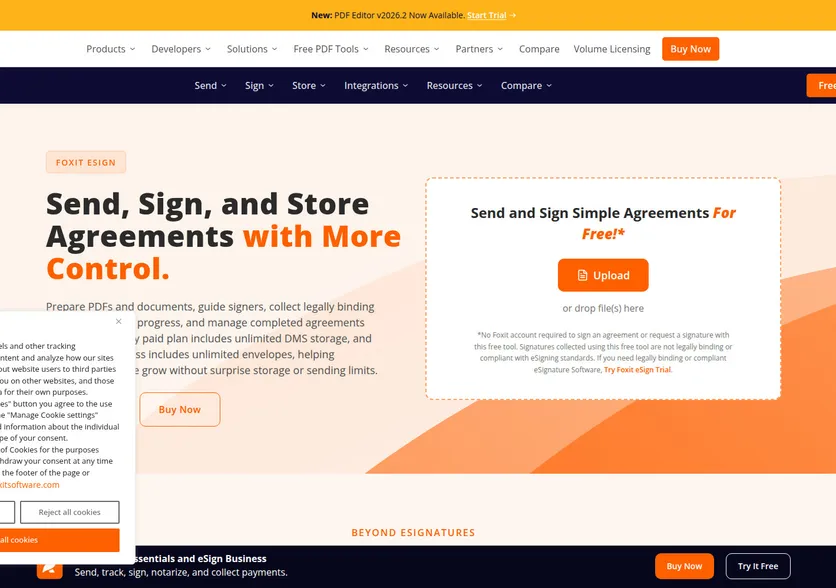
 Foxit eSign | Small law firms that already use Foxit PDF tools | $10/user/mo | Free trial, plus a free signing tool for simple agreements | Visit |
The e signature software for small law firms, compared
1. DocuSign eSignature
Best for: Small law firms that want the most recognised signing brand
Paid tool Starting price: $40/user/mo · Forty dollars per user a month billed annually upfront on the Business Pro plan, or four hundred eighty dollars per user a year; Personal is ten dollars a month with five envelopes a month, Standard is twenty-five dollars a user a month, and monthly billing is fifteen, forty-five and sixty-five dollars
Free plan: Thirty-day free trial, no free plan
DocuSign eSignature Business Pro costs forty dollars per user a month billed annually, and it is the plan a small law firm should start with. It includes one hundred envelopes per user a year plus bulk send, conditional recipients and custom branding, which covers client engagement letters and settlement documents sent in batches. The brand is the one courts, opposing counsel and clients already recognise, so a client never asks what the signing link is.

What we like
- Most recognised signing brand for clients
- Bulk send covers packets and filings
- Conditional recipients handle multi-party documents
Watch out for
- One hundred envelopes a user a year can run short
- Standard lacks bulk send and conditional recipients
How to try it
- Upload the engagement letter and place signature fields
- Add the client and the attorney in signing order
- File the completed letter with its certificate of completion
2. Adobe Acrobat Sign
Best for: Small law firms that need PDF tools with their signatures
Paid tool Starting price: $16.99/user/mo · Sixteen dollars and ninety-nine cents per user a month billed annually on Acrobat Standard for teams, with one hundred fifty signature transactions per user a year; Acrobat Pro for teams is twenty-three dollars and ninety-nine cents and Studio is twenty-nine dollars and ninety-nine cents, and standalone Acrobat Sign Solutions is quoted by sales
Free plan: Seven-day free trial, no free plan
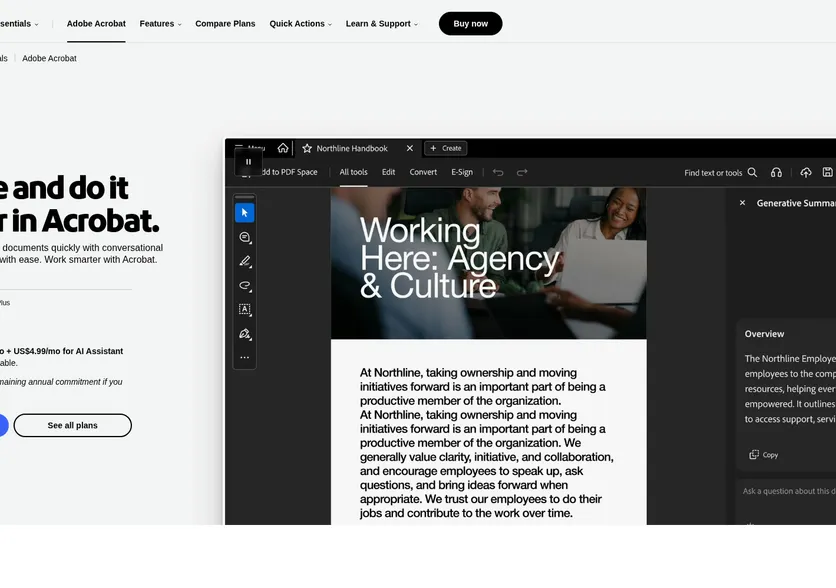
A law firm that lives in PDFs gets signing plus full PDF editing from Adobe Acrobat Sign, which comes through Acrobat Standard for teams at sixteen dollars and ninety-nine cents per user a month billed annually. A law firm can redact a document, fill in a form, request signatures and track responses without leaving Acrobat, which suits a practice that lives in PDFs. Each user gets one hundred fifty signature transactions a year, so a firm should count its monthly documents before choosing.
What we like
- Signing plus full PDF editing in one subscription
- One hundred fifty signature transactions per user a year
- Strong branding and template options on Pro
Watch out for
- Signature transactions are capped per user each year
- Standalone Acrobat Sign is quote-only for enterprises
How to try it
- Open the agreement in Acrobat and add signature fields
- Send it to the client and track responses from Acrobat
- Save the signed document back into the case file
3. PandaDoc
Best for: Small law firms that send engagement letters and proposals
Paid tool Starting price: $19/seat/mo · Nineteen dollars per seat a month billed annually on the Starter plan; Business is forty-nine dollars per seat a month, monthly billing is thirty-five and sixty-five dollars, and the free plan includes five documents a month
Free plan: Free plan with 5 documents a month
PandaDoc Starter costs nineteen dollars per seat a month billed annually, and it suits a law firm that sends engagement letters with fee tables and scope details. The editor turns an engagement letter into a polished document with a quote table and a signature field in one place, and document tracking shows when a client opens it. The free plan covers five documents a month, so a small firm can test the workflow before paying.

What we like
- Engagement letters, pricing and signing in one document
- Document tracking shows when clients open files
- Payment collection built into the document
Watch out for
- Business plan costs forty-nine dollars a seat for advanced features
- API documents use separate usage credits on seat plans
How to try it
- Build the engagement letter with fee tables in the editor
- Add signature fields for the client and the attorney
- Send it and follow up when the tracking shows it was opened
4. SignNow
Best for: Small law firms that want one flat price for the whole firm
Paid tool Starting price: $8/mo · Eight dollars a month billed annually on the Business plan, with unlimited users and one hundred signature invites a year; Business Premium is twenty dollars a month and Enterprise is thirty dollars a month on annual billing, and monthly billing is twenty, thirty and fifty dollars
Free plan: Seven-day free trial, no free plan
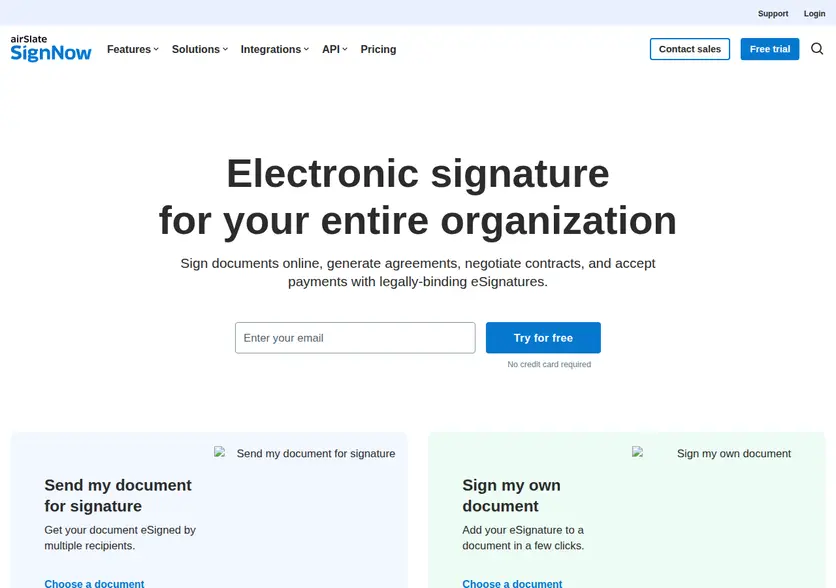
SignNow Business costs eight dollars a month billed annually for the whole firm, because the price is flat per account rather than per user. Attorneys, paralegals and support staff all share one account with one hundred signature invites a year, which suits a small firm that sends client agreements and court documents every week. Signers never need an account, so a client can sign an engagement letter from a phone within minutes of receiving it.
What we like
- Flat pricing covers the whole firm
- Clients sign on a phone with no account
- Templates speed up repeat client agreements
Watch out for
- One hundred invites a year can run short for busy firms
- Full API access needs the per-invite Site License plan
How to try it
- Upload the engagement letter or court document
- Add signature fields for the client and the attorney
- Send it and track the status until every document is complete
5. Zoho Sign
Best for: Small law firms already using Zoho apps
Paid tool Starting price: $10/user/mo · Ten dollars per user a month billed annually on the Standard plan, with twenty-five envelopes per user a month; Professional is sixteen dollars and Enterprise is twenty-two dollars a user a month, monthly billing is twelve, twenty and twenty-eight dollars, and the free plan allows five envelopes a month
Free plan: Free plan with 5 envelopes a month
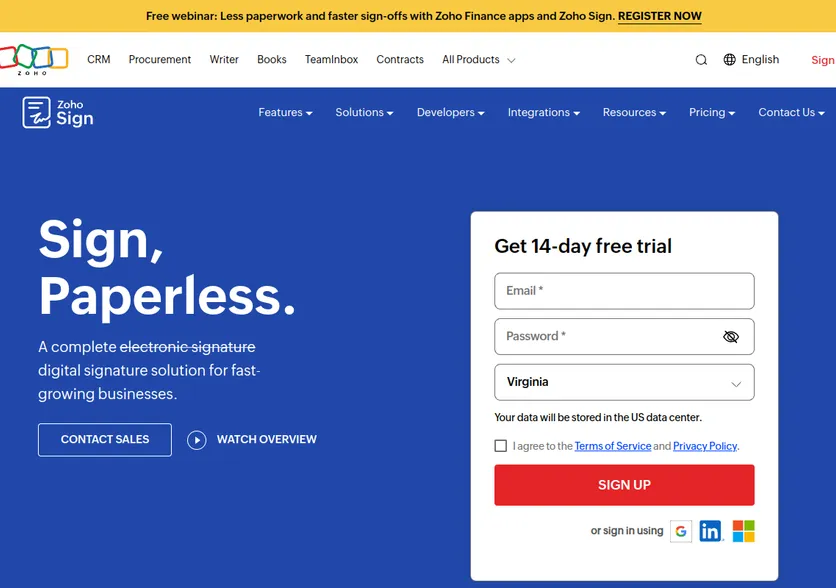
Zoho Sign Standard costs ten dollars per user a month billed annually, and it fits a firm already using Zoho CRM or Zoho Books. It includes approval workflows, so a document can pass from paralegal to attorney before it reaches the client, and it connects with the wider Zoho suite for client records. The twenty-five envelope monthly cap per user is the main limit, because a firm sending daily documents can reach it quickly.
What we like
- Approval workflows suit attorney sign-off chains
- Connects with Zoho CRM and Zoho Books
- Ten dollars a user is hard to beat
Watch out for
- Standard caps each user at twenty-five envelopes a month
- Some features consume paid Zoho Sign credits
How to try it
- Upload the agreement or pick a template
- Assign signer roles and set the approval order
- Send the envelope and check the audit trail when it completes
6. SignWell
Best for: Small law firms that want simple signing at a low price
Paid tool Starting price: $10/mo · Ten dollars a month billed annually on the Light plan, with one sender and unlimited documents; Business is thirty dollars a month with three senders, monthly billing is twelve and thirty-six dollars, and the free plan allows three documents a month
Free plan: Free plan with 3 documents a month
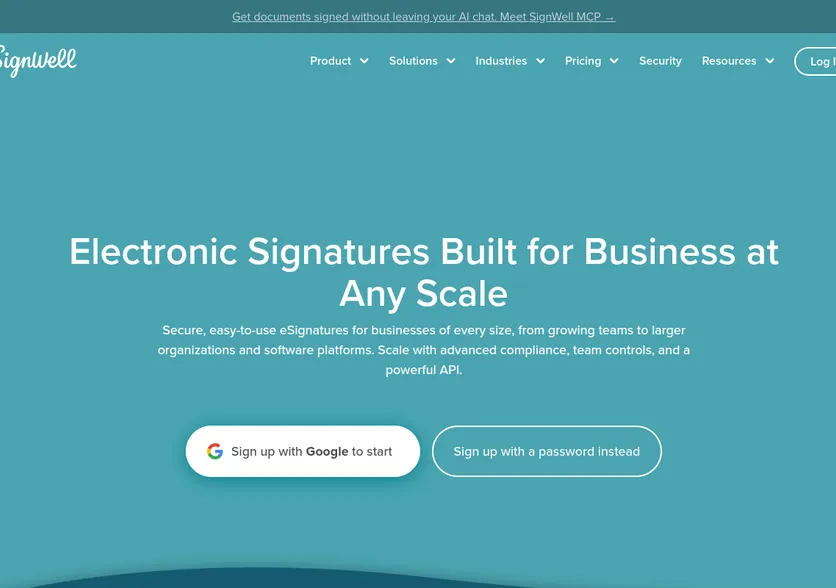
SignWell Light costs ten dollars a month billed annually, and it gives a law firm unlimited documents with one sender and five templates. The price covers the sender who handles most client agreements, and extra senders cost ten dollars a month each, so the cost grows only when more attorneys need to send. The free plan covers three documents a month, which is enough to test the signing experience with a real client.
What we like
- Unlimited documents at ten dollars a month
- Simple pricing that grows one sender at a time
- Free plan covers three documents a month
Watch out for
- Only one sender is included on the Light plan
- Advanced features sit on the Business plan
How to try it
- Create a template for the standard engagement letter
- Send it to the client with signature fields in place
- Download the signed letter with its audit trail
7. Xodo Sign
Best for: Small law firms that send high document volumes
Paid tool Starting price: $10/user/mo · Ten dollars per user a month billed annually on the Basic plan, or twenty dollars a month on monthly billing; Professional is sixteen dollars a user a month billed annually with PDF editing, the free plan allows five documents a month, and the API Light plan is fifty dollars a month
Free plan: Free plan with 5 documents a month
For a law firm that sends a lot of paperwork, Xodo Sign Basic costs ten dollars per user a month billed annually, and it includes unlimited documents with no per-envelope fees. That flat structure suits a law firm that sends a lot of paperwork, because the cost stays the same whether the firm sends ten documents or one hundred. The free plan covers five documents a month, and the seven-day Professional trial shows the PDF editing tools before a firm upgrades.
What we like
- Unlimited documents on paid plans
- No per-envelope fees at any tier
- PDF editing included on Professional
Watch out for
- Bulk sending needs the Professional plan
- Monthly billing doubles the Basic price to twenty dollars
How to try it
- Upload a PDF and edit the text before sending
- Add signature fields and set a signing order
- Send the document and track it from the dashboard
8. Foxit eSign
Best for: Small law firms that already use Foxit PDF tools
Paid tool Starting price: $10/user/mo · Ten dollars per user a month when billed as one hundred twenty dollars per user a year on the Essentials plan, with two hundred fifty envelopes a year and ten templates; Business is three hundred dollars per user a year with unlimited envelopes and a five-license minimum, and no monthly billing is published
Free plan: Free trial, plus a free signing tool for simple agreements
Foxit eSign Essentials gives a law firm that already uses Foxit PDF tools a signing plan at ten dollars per user a month when billed as one hundred twenty dollars per user a year. It includes two hundred fifty envelopes a year and ten reusable templates, which covers the standard engagement letters and retainer agreements for a small firm. The Business plan removes the envelope ceiling entirely, though it needs a five-license minimum.
What we like
- Pairs with Foxit PDF Editor for document preparation
- No per-envelope fees on either paid plan
- Unlimited document storage included
Watch out for
- Business needs five licenses, a fifteen-hundred-dollar minimum
- The free signing tool signatures are not legally binding
How to try it
- Prepare the agreement PDF with Foxit PDF Editor
- Add signature fields and send it to the client
- Store the signed agreement with unlimited included storage
Prices above were checked on each vendor’s own website on Nov 27, 2026 and can change — the vendor’s page is the final word. Vendor links are editorial: nobody paid to be listed or ranked here. Vendors who want a featured listing can see how it works on our Get listed page.
How a small law firm should pick an e-signature tool
Start with the documents your firm sends most often, then check each tool against that list. Engagement letters and retainer agreements need templates, while court filings and client packets need bulk send and a strong audit trail. Count the monthly documents honestly, because a one hundred envelope annual cap runs out fast in a busy firm. Check whether the plan supports conditional recipients, since multi-party documents need signers to sign in the right order. Finally, test the tool with a real client agreement before you switch the whole firm, because the signing experience decides whether clients sign on time.
Before you buy
- Count your monthly documents, because envelope caps decide the real cost for a small firm
- Check bulk send, because court filings and client packets often go out in batches
- Confirm the audit trail is strong enough for a court record and a client file
- Look for templates for the documents you send most, such as engagement letters
- Test the tool with a real client agreement before you switch the whole firm
Official websites
Official websites of the products reviewed above. Features and prices were checked against these sites when this guide was written, and they can change, so confirm on the vendor site before you buy.
Frequently asked questions
What is the cheapest e-signature software for small law firms?
SignNow is the cheapest for a firm at eight dollars a month, because that flat price covers unlimited users. Zoho Sign, Xodo Sign and SignWell are all ten dollars a month per user or per sender, while Foxit eSign is ten dollars a user a month with two hundred fifty envelopes a year. A firm with three or more senders pays least on SignNow, since the per-user tools charge for every sender.
What is an envelope limit and why does it matter for law firms?
An envelope is one document sent for signature, and most vendors cap how many you can send on each plan. DocuSign allows one hundred envelopes per user a year on Business Pro, SignNow allows one hundred signature invites a year on its eight-dollar plan, and Foxit eSign allows two hundred fifty envelopes a year on Essentials. Xodo Sign and SignWell have no per-document cap on paid plans, which matters for a firm where client packets arrive in bursts.
Can a small law firm switch from DocuSign to a cheaper tool?
Yes, most tools in this list import documents and templates from DocuSign, and several offer free migration help. Signeasy migrates templates for free with white-glove support, and SignWell offers a one-click DocuSign import. The main work is recreating approval chains and re-training the team, which usually takes a day. Keep the old account active until the first month on the new tool is complete.
Which features matter most for law firm signing?
Look for templates and bulk send, because a law firm sends the same engagement letters, retainer agreements and settlement documents again and again. DocuSign Business Pro adds bulk send and conditional recipients, while PandaDoc turns engagement letters into polished documents with fee tables. Check the template limit on the plan you would actually buy, since five templates is enough for one repeat agreement but not for a firm with ten standard documents.
Are electronic signatures legally binding for law firm documents?
Yes, electronic signatures are legally binding for most law firm documents in the US under the ESIGN Act and state UETA laws, including engagement letters, retainer agreements and settlement documents. The signature must show intent to sign, consent to do business electronically, and a tamper-evident record with an audit trail. Every tool in this comparison provides those records, so keep the completed audit trail with the case file.
Compare the eight tools above, then trial the one that fits your firm with a real client agreement before you switch the whole practice over.
Browse Document & File Converters tools