On this page
Regulated teams cannot treat email as disposable. Finance, healthcare and legal work all demand a tamper-proof record of every message, a retention policy that matches the law and a search that finds any message in seconds. The wrong tool leaves gaps an auditor will find. We compared seven tools on published price, retention control and audit search. Google Vault is our first pick, built into Workspace with retention and eDiscovery in one console.
How we researched this
We started with compliance tools that publish a real price and work for a whole organisation, not just one inbox. We read each price on the vendor site or, where the vendor sells by quote, on software directories that agree with each other, on November 27, 2026. We judged them for a regulated team that must keep mail for years, prove it was not altered and find any message fast during an audit, a legal request or a regulator visit.
Compare the tools
| Name | Best for | Starting price | Free plan | |
|---|---|---|---|---|
| Google Vault | Regulated teams already running Google Workspace | $5/user/month | No free plan; included in Workspace Business Plus | Visit |
| Exchange Online Archiving | Regulated teams already running Microsoft 365 and Outlook | $3/user/month | No free plan | Visit |
| MailStore Server | Regulated teams that want a one-time licence and on-site data | $259 | No free plan | Visit |
| ArcTitan | Regulated teams that want cheap cloud archiving with fast search | $3.94/user/month | No free plan | Visit |
| Vaultastic | Regulated teams with many mailboxes that want flat monthly pricing | $32.50/month | No free plan | Visit |
| Paubox | Healthcare teams that need HIPAA-compliant email | $32/month | No free plan; 14-day free trial | Visit |
| Jatheon Cloud | Small regulated teams that want the cheapest per-user archive | $2.50/user/month | No free plan | Visit |
The email compliance software for regulated industries, compared
1. Google Vault
Best for: Regulated teams already running Google Workspace
Paid tool Starting price: $5/user/month · Five dollars per user a month as an add-on billed annually, six dollars on flexible billing; included free inside Google Workspace Business Plus at twenty-two dollars per user a month
Free plan: No free plan; included in Workspace Business Plus
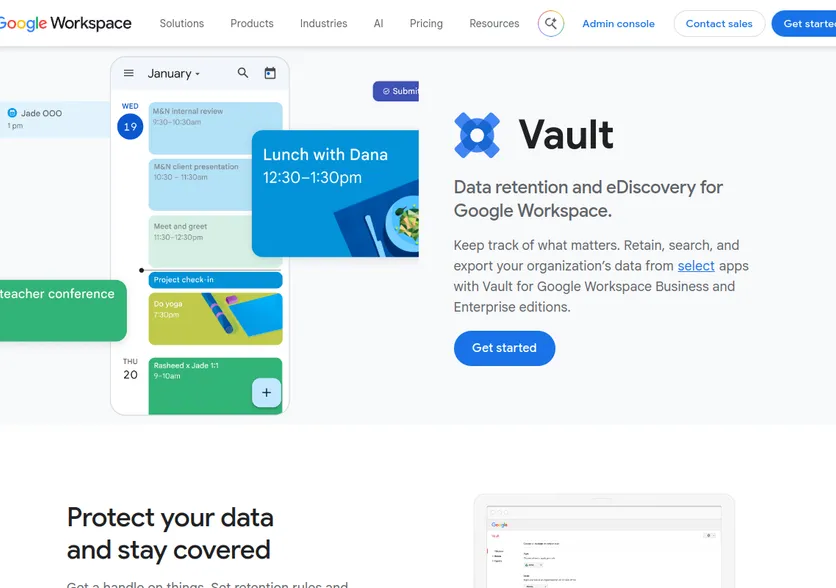
For a regulated team already on Gmail, this Google Vault add-on brings retention, holds and eDiscovery to Google Workspace mail, Drive and Chat from one console. It is the natural compliance tool for a team already on Gmail, because nothing new has to be installed and staff keep working in the same inbox. Vault is included free inside Business Plus, so many Workspace customers already have it without realising.
What we like
- Built into Workspace, so nothing new to install
- One console covers mail, Drive and Chat retention
- Included free inside the Business Plus plan
Watch out for
- Only an add-on for lower Business editions, not standalone
- Holds and exports need an admin who knows the console
How to try it
- Check whether your Workspace plan already includes Vault
- Turn on a retention rule for mail before you set any holds
- Run a test export on one user to learn the format
2. Exchange Online Archiving
Best for: Regulated teams already running Microsoft 365 and Outlook
Paid tool Starting price: $3/user/month · Three dollars per user a month paid yearly for the Exchange Online Archiving add-on
Free plan: No free plan
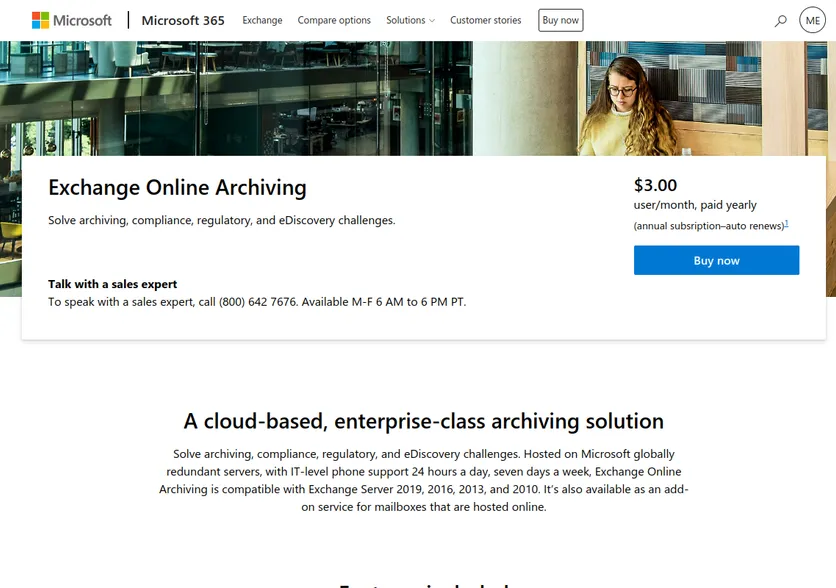
For a regulated team already on Microsoft 365, this Exchange Online Archiving add-on gives each Outlook user an unlimited archive mailbox that expands as mail arrives. It is the natural archive for a Microsoft 365 team, because it lives inside the same admin centre and the same compliance tools. Auto-expanding archiving keeps old mail out of the main mailbox without anyone having to file it by hand.
What we like
- Archive mailbox expands automatically as mail arrives
- Lives inside the same admin centre as your mail
- Unlimited archive storage on the add-on plan
Watch out for
- Only an add-on, so you still pay for the mailbox plan
- Search and holds need the wider compliance tools
How to try it
- Open the Exchange Online Archiving page and check your plan
- Add the add-on to the mailboxes that need archiving
- Turn on auto-expanding archiving before the first import
3. MailStore Server
Best for: Regulated teams that want a one-time licence and on-site data
Paid tool Starting price: $259 · Two hundred and fifty-nine dollars one time for the Starter Kit covering up to five users, including twelve months of Standard Update and Support
Free plan: No free plan
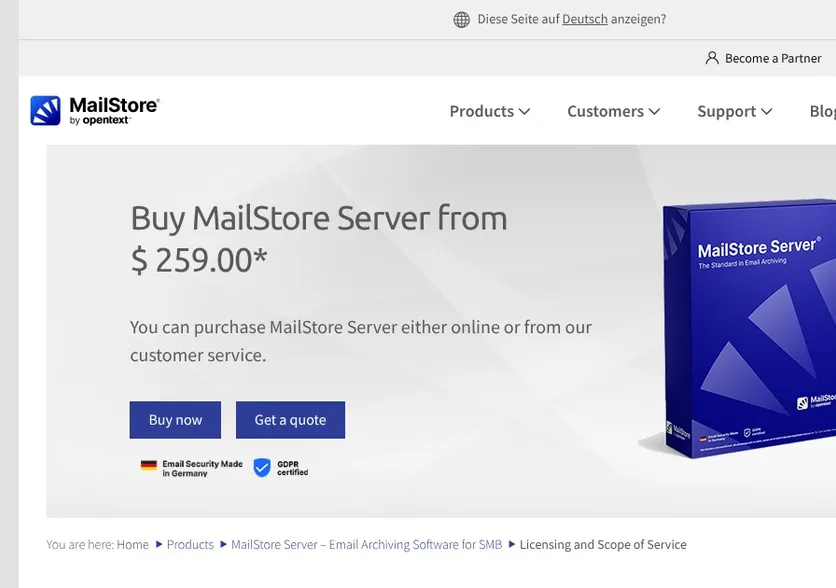
As the only one-time purchase in this comparison, this MailStore Server licence costs two hundred and fifty-nine dollars once for up to five users. The archive lives on your own server, which suits teams that must keep data inside their building. Every mailbox is archived centrally, and staff search the archive from Outlook or a web browser without touching the mail server.
What we like
- Only one-time licence here, no monthly bill per user
- Archive stays on your own server under your control
- Staff search from Outlook or a web browser
Watch out for
- You run the server, so hardware and updates are your job
- Starter Kit covers only five users before you upgrade
How to try it
- Open the MailStore how-to-buy page and pick the Starter Kit
- Install the server on a machine with room for years of mail
- Archive one mailbox end to end before you enrol the rest
4. ArcTitan
Best for: Regulated teams that want cheap cloud archiving with fast search
Paid tool Starting price: $3.94/user/month · Three dollars and ninety-four cents per user a month billed annually for cloud archiving; an older two dollars and eighty cents figure on the vendor comparison page is stale
Free plan: No free plan
At three dollars and ninety-four cents per user a month billed annually, this ArcTitan plan is the cheapest per-user cloud archiving in this comparison. It captures every message automatically, so nothing depends on staff remembering to file mail away. Search runs across the whole archive in seconds, and retention policies apply to the full mailbox instead of per-user folders.
What we like
- Cheapest per-user cloud archiving in this comparison
- Automatic capture means no message depends on staff filing
- Whole-archive search returns results in seconds
Watch out for
- No free tier, so you pay from the first user
- Storage limits are not published on the pricing page
How to try it
- Open the ArcTitan pricing page and count your active mailboxes
- Connect your mail server so capture starts automatically
- Set the retention policy before you import any old mail
5. Vaultastic
Best for: Regulated teams with many mailboxes that want flat monthly pricing
Paid tool Starting price: $32.50/month · Thirty-two dollars and fifty cents a month for the Assurance plan billed annually, three hundred and eighty dollars a year, with two hundred and fifty gigabytes of pooled storage
Free plan: No free plan
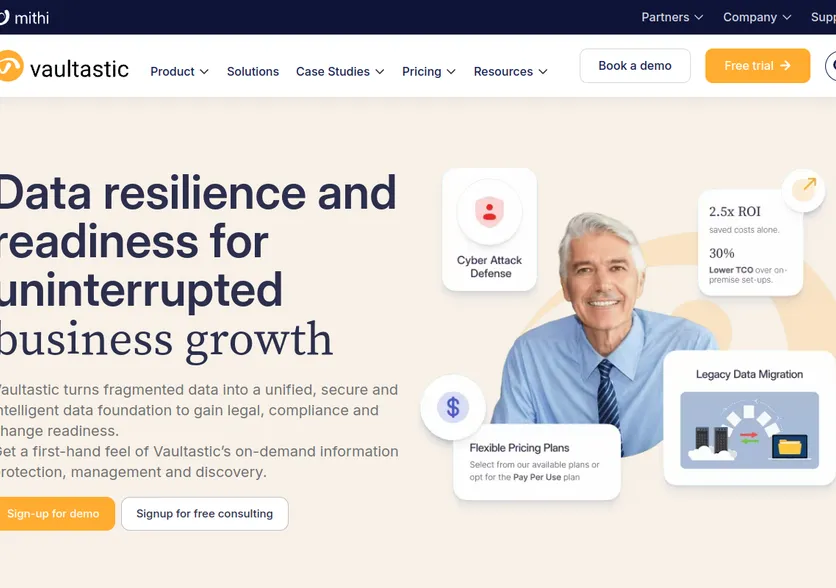
This Vaultastic plan charges a flat monthly rate instead of per user, which suits a regulated team with many mailboxes and a few heavy users. The Assurance plan includes two hundred and fifty gigabytes of pooled storage and eDiscovery search for audits. Archives are stored in a tamper-proof vault, and mail stays searchable even after the original mailbox is deleted.
What we like
- Flat monthly rate instead of a per-user charge
- Two hundred and fifty gigabytes of pooled storage included
- Deleted mailboxes stay searchable in the vault
Watch out for
- Flat rate can cost more than per-user pricing for a small team
- Storage over the pooled limit is charged separately
How to try it
- Open the Vaultastic plans page and check the Assurance tier
- Add up your total mailbox size against the pooled storage
- Run an eDiscovery search on a real audit case before you buy
6. Paubox
Best for: Healthcare teams that need HIPAA-compliant email
Paid tool Starting price: $32/month · Thirty-two dollars a month for the Standard plan covering up to five senders billed annually; forty-two dollars a month on monthly billing; the Plus plan costs sixty-five dollars a month and Premium costs seventy-five dollars a month
Free plan: No free plan; 14-day free trial
This Paubox plan costs thirty-two dollars a month for Standard, covering up to five senders billed annually. Paubox encrypts every message automatically, so staff send normal email and the encryption happens without a portal or a password. It is built for healthcare, with a business associate agreement available and a premium tier that adds archiving for seventy-five dollars a month.
What we like
- Encryption happens automatically, with no portal or password
- Built for healthcare with a business associate agreement
- Standard plan covers up to five senders
Watch out for
- Standard plan covers only five senders
- Archiving waits for the Premium tier
How to try it
- Open the Paubox pricing page and check the Standard tier
- Start the fourteen-day trial with one sender
- Ask Paubox for the business associate agreement before you buy
7. Jatheon Cloud
Best for: Small regulated teams that want the cheapest per-user archive
Paid tool Starting price: $2.50/user/month · Two dollars and fifty cents per user a month for the Small and Midsize plan billed annually, as listed by software directories; Jatheon sells by quote on its own site, so confirm the figure before you buy
Free plan: No free plan
At two dollars and fifty cents per user a month for small and midsize teams, this Jatheon Cloud plan is the cheapest per-user figure in this comparison. It archives mail from Exchange, Office 365 and Google Workspace into one searchable store with legal holds. The price comes from software directories rather than the vendor site, because Jatheon quotes enterprise deals directly.
What we like
- Cheapest per-user price in this comparison
- One archive covers Exchange, Office 365 and Google mail
- Legal holds are built into the plan
Watch out for
- Price comes from directories, since the vendor quotes directly
- Enterprise tiers are priced by quote with no published figure
How to try it
- Ask Jatheon for a written quote at the two dollars fifty rate
- Connect one mail source and archive a single mailbox first
- Test a legal hold and an export before you sign
Prices above were checked on each vendor’s own website on Nov 27, 2026 and can change — the vendor’s page is the final word. Vendor links are editorial: nobody paid to be listed or ranked here. Vendors who want a featured listing can see how it works on our Get listed page.
How a regulated team should set up email compliance
Start with the law, not the tool. Ask your regulator or your lawyer how long mail must be kept, whether a business associate agreement is needed and who is allowed to change the retention policy. Those three answers decide the plan before you look at a price. Put the legal and compliance team in charge of the retention rules, and let IT handle the connection to the mail server.
Test the audit search before you buy, using a real case from your own history, such as every message to one client in one month. If the search is slow or the export format is awkward, the tool will fail at the exact moment an auditor asks. Check whether the archive keeps a copy when a mailbox is deleted, and confirm that every policy change is logged.
Before you buy
- Match the retention period to your regulator, not the cheapest tier
- Confirm the tool signs a business associate agreement if you handle health data
- Test the audit search with a real case before you buy
- Check whether deleted mailboxes stay searchable after staff leave
- Ask who can change the retention policy and whether it is logged
Official websites
Official websites of the products reviewed above. Features and prices were checked against these sites when this guide was written, and they can change, so confirm on the vendor site before you buy.
Frequently asked questions
What does email compliance software do for a regulated business?
It captures a tamper-proof copy of every message, stores it under a retention policy you control and makes it searchable for audits and legal requests. Staff keep working in their normal inbox while the archive holds the legal record. When a regulator or a lawyer asks for old mail, you search the archive and export the exact messages instead of digging through live mailboxes or backups that may already be gone.
How much does email compliance software cost?
Compliance archiving in this comparison runs from two dollars and fifty cents to five dollars per user a month, with Jatheon cheapest at two dollars and fifty cents. A one-time server licence is a different shape: MailStore Server costs two hundred and fifty-nine dollars once for up to five users. Paubox, the healthcare pick, costs thirty-two dollars a month for up to five senders. The real cost is the retention period, since longer holds need more storage.
Do we need a business associate agreement for email?
If you handle patient health information in the United States, you need a vendor that will sign a business associate agreement, such as Paubox. That agreement is a legal requirement, not a nice extra, and a tool that will not sign one cannot be used for health data. Beyond healthcare, check whether your regulator demands a specific retention period, such as seven years for finance, and pick a tool whose retention policy matches it.
Can archived email be deleted by mistake?
A proper archive stores messages in a separate, tamper-proof store that ordinary users cannot edit or delete. Retention policies decide when mail is finally removed, and most tools log every policy change so an admin cannot quietly shorten retention. That is the whole point of compliance archiving: the copy in the archive outlives the copy in the mailbox, even after the mailbox itself is deleted.
Is archiving enough, or do we need encryption too?
Yes, because archiving and encryption solve different problems. Archiving keeps a searchable legal record of messages under a retention policy, while encryption stops outsiders reading mail in transit. A regulated business usually needs both: archiving to prove what was sent, and encryption to protect what is being sent. Paubox in this comparison covers encryption, while the other tools cover archiving.
Compare the seven tools above, then test the audit search with a real case from your own mail before you sign.
Browse Security & Privacy tools