On this page
A subscription app does not live on signups, it lives on renewals, and the emails between signup and renewal decide whether a trial becomes a paying customer. The eight tools below cover the whole lifecycle, from welcome flows and billing reminders to churn prevention and win-back, and every one of them publishes a price. Customer.io is our first pick, the event-based platform built for apps that run on trial-to-paid journeys. Prices run from $13 a month to $100 a month, so a young app and a scaling one will land on different tools.
How we researched this
We started with email tools that publish a real dollar price and handle the subscription lifecycle: onboarding, billing reminders, churn prevention and win-back. We read each price on the vendor site or a corroborating listing on November 26, 2026 and judged them for a subscription app that needs event-based automation and deliverability it can trust. We kept only tools a team can buy without a sales call, and dropped seven well-known names, including Iterable, Braze and CleverTap, because none of them publishes a price.
Compare the tools
| Name | Best for | Starting price | Free plan | |
|---|---|---|---|---|
 Customer.io | Subscription apps that need event-based email at scale | $100/month | 14-day free trial | Visit |
 Klaviyo | Subscription apps with a store or content library | $20/month | Free plan (250 active profiles) | Visit |
 Mailchimp | Small subscription apps that want a familiar email tool | $13/month | Free plan (250 contacts, 500 sends a month) | Visit |
 ActiveCampaign | Subscription apps that want email plus CRM in one place | $15/month | 14-day free trial | Visit |
| Omnisend | Subscription apps that want email and SMS in one flow | $16/month | Free plan (250 contacts, 500 emails a month) | Visit |
| Drip | Subscription apps that want one simple plan with unlimited sends | $39/month | 14-day free trial, no free plan | Visit |
| SendGrid | Subscription apps sending high volumes of transactional email | $19.95/month | 60-day trial (100 emails a day) | Visit |
| Postmark | Subscription apps that need fast, reliable transactional email | $15/month | Free Developer plan (100 emails a month) | Visit |
The email lifecycle tools, compared
1. Customer.io
Best for: Subscription apps that need event-based email at scale
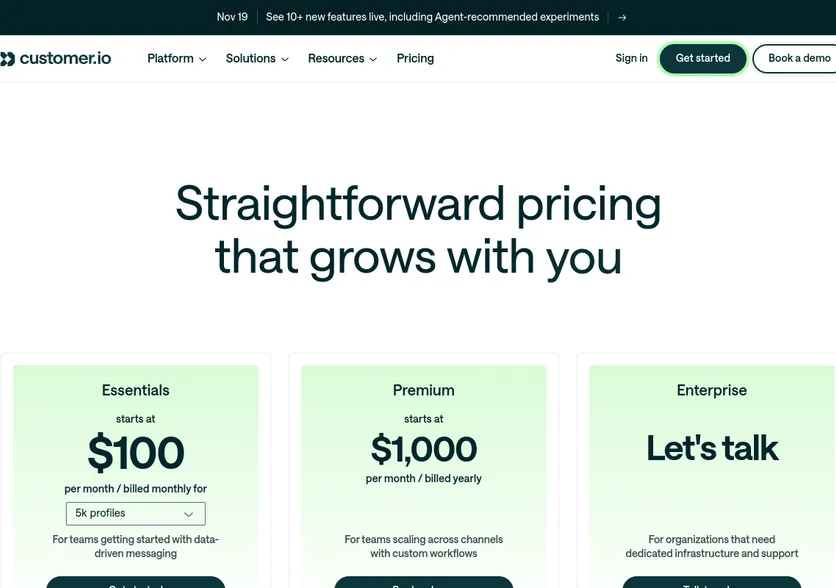
Paid tool Starting price: $100/month · Essentials plan billed monthly for 5,000 profiles and 1 million emails a month; Premium is $1,000 a month billed yearly
Free plan: 14-day free trial
Customer is built for apps that live or die by the trial-to-paid journey, with workflows triggered by the events your product already emits. This Customer.io Essentials plan covers five thousand profiles and a million emails a month, which is enough for a growing app to run onboarding, billing reminders and win-back flows from one place. The workflow builder handles branching logic without code, so the lifecycle team ships a new journey in an afternoon.
What we like
- Workflows trigger on real product events
- Branching logic needs no code
- Scales from thousands to millions of profiles
Watch out for
- Entry price is steep for a pre-revenue app
- SMS and push cost extra on top of email
How to try it
- Connect your app so trial and billing events flow in
- Build an onboarding workflow triggered by signup
- Add a payment-failure flow that retries before churn
2. Klaviyo
Best for: Subscription apps with a store or content library
Paid tool Starting price: $20/month · Email plan for 500 active profiles with 5,000 emails a month
Free plan: Free plan (250 active profiles)
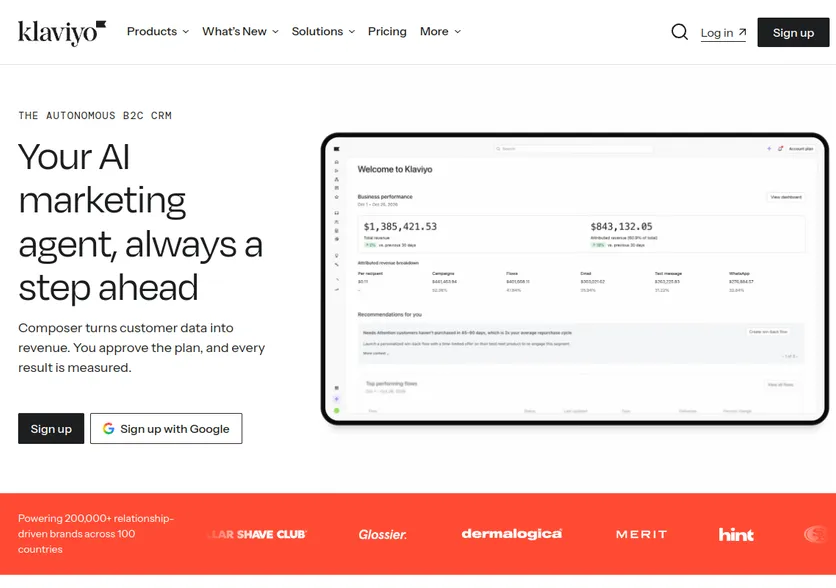
Klaviyo is the lifecycle platform for apps that sell content, courses or memberships, because it ties email to purchase and usage data in one profile. This Klaviyo Email plan starts at five hundred active profiles, which suits a young subscription app, and the flow builder covers welcome series, abandoned checkout and renewal reminders. The analytics show revenue per flow, so you can see which emails actually keep subscribers paying.
What we like
- Revenue reporting per email flow
- Strong flows for welcome and renewal
- Free plan covers the first 250 profiles
Watch out for
- Price rises fast as active profiles grow
- SMS is a separate paid add-on
How to try it
- Import your subscriber list and connect your store
- Build a welcome flow for new trial users
- Set up a renewal reminder flow before each billing date
3. Mailchimp
Best for: Small subscription apps that want a familiar email tool
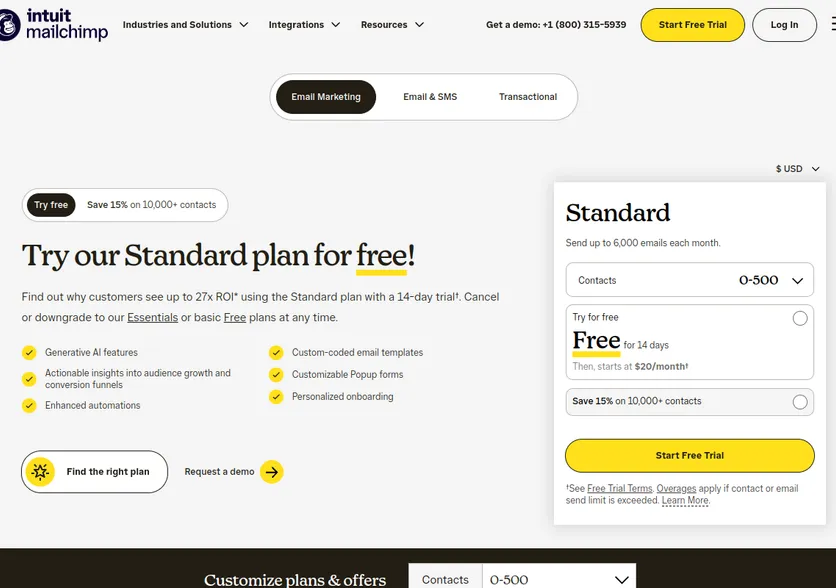
Paid tool Starting price: $13/month · Essentials plan for 500 contacts with a 10x send multiplier; Standard is $20 and Premium is $350 a month
Free plan: Free plan (250 contacts, 500 sends a month)
Mailchimp is the email tool most teams already know, and its automation covers the subscription lifecycle well enough for a small app: welcome emails, product updates and win-back campaigns. This Mailchimp Essentials plan covers five hundred contacts with a generous send multiplier, so a weekly newsletter plus lifecycle flows fits easily. The template builder and the free plan make it the lowest-friction start on this list, even if larger apps eventually outgrow it.
What we like
- Familiar interface every marketer knows
- Free plan is genuinely usable
- Templates make good emails fast
Watch out for
- Automation is basic next to lifecycle specialists
- Price climbs steeply with contact count
How to try it
- Import contacts and tag them by plan type
- Create a welcome automation for new signups
- Schedule a monthly product update for all subscribers
4. ActiveCampaign
Best for: Subscription apps that want email plus CRM in one place
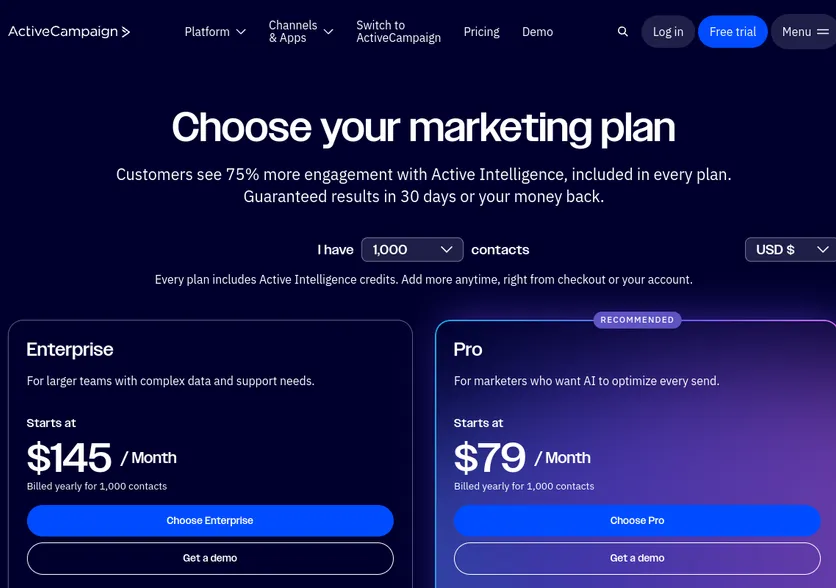
Paid tool Starting price: $15/month · Starter plan billed yearly for 1,000 contacts; month-to-month is $19, Plus is $49 and Pro is $79
Free plan: 14-day free trial
ActiveCampaign pairs email automation with a CRM, so a subscription app can track a trial user from signup through support tickets to renewal in one record. This ActiveCampaign Starter plan covers a thousand contacts and includes the automation builder, site tracking and basic CRM, which is enough to run onboarding and churn prevention for a young app. The automation recipes give you proven lifecycle flows to start from instead of a blank page.
What we like
- Email plus CRM in one record
- Automation recipes save setup time
- Site tracking shows what trial users actually do
Watch out for
- No free plan, only a 14-day trial
- Interface has a learning curve for beginners
How to try it
- Import contacts and connect your app with site tracking
- Pick an onboarding automation recipe and customise it
- Set up a deal pipeline for trials that need a sales touch
5. Omnisend
Best for: Subscription apps that want email and SMS in one flow
Paid tool Starting price: $16/month · Standard plan for 500 contacts with 6,000 emails a month; Pro is $59 a month for 2,500 contacts
Free plan: Free plan (250 contacts, 500 emails a month)
Omnisend is built for subscription businesses that reach customers by email and SMS together, with flows that switch channel when one does not convert. This Omnisend Standard plan covers five hundred contacts with six thousand emails a month, and the pre-built flows cover welcome, abandoned cart and renewal reminders. It is the simplest tool here for a team that wants lifecycle email running in a day without hiring a specialist.
What we like
- Email and SMS in one flow
- Pre-built flows work out of the box
- Free plan covers the first 250 contacts
Watch out for
- SMS removed from Standard for new accounts after May 2026
- Best suited to stores, less so to pure SaaS apps
How to try it
- Connect your store or app to sync contacts
- Turn on the pre-built welcome flow
- Add SMS to the renewal reminder for subscribers who ignore email
6. Drip
Best for: Subscription apps that want one simple plan with unlimited sends
Paid tool Starting price: $39/month · Single plan for up to 2,500 active people with unlimited sends
Free plan: 14-day free trial, no free plan
Drip keeps lifecycle email deliberately simple: one plan, unlimited sends, and automation built around the customer journey rather than a list. This Drip plan covers up to twenty-five hundred active people, which suits a subscription app in its first years, and the visual workflow builder makes it easy to map onboarding, upsell and win-back as one journey. There are no tiers to compare and no send caps to watch, which is a relief for a small team.
What we like
- One plan, unlimited sends, no tier confusion
- Visual builder maps the whole journey
- Good fit for ecommerce subscriptions
Watch out for
- No free plan, only a 14-day trial
- Price jumps when you pass 2,500 people
How to try it
- Import your active subscribers and tag them by plan
- Map the customer journey in the visual builder
- Turn on the win-back flow for cancelled subscribers
7. SendGrid
Best for: Subscription apps sending high volumes of transactional email
Paid tool Starting price: $19.95/month · Essentials plan for 50,000 emails a month; 100,000 emails is $34.95 a month
Free plan: 60-day trial (100 emails a day)
SendGrid is the workhorse for transactional email: receipts, password resets, billing notices and the lifecycle messages that must arrive every time. This SendGrid Essentials plan covers fifty thousand emails a month, which is enough for a growing app to send every transactional message plus a weekly newsletter. Deliverability tooling, dedicated IPs and detailed analytics are the reason large apps trust it with the emails that cannot fail.
What we like
- Built for transactional email that must arrive
- Detailed deliverability analytics
- Scales to millions of emails a month
Watch out for
- Free plan retired in May 2025, trial only now
- Marketing automation is thinner than rivals
How to try it
- Verify your sending domain with SPF and DKIM
- Set up templates for receipts and billing notices
- Monitor deliverability in the analytics dashboard
8. Postmark
Best for: Subscription apps that need fast, reliable transactional email
Paid tool Starting price: $15/month · Basic plan for 10,000 emails a month with $1.80 per 1,000 overage; Pro is $16.50 and Platform is $18
Free plan: Free Developer plan (100 emails a month)
Postmark is the specialist for transactional email that arrives in seconds: receipts, welcome messages, password resets and billing alerts. This Postmark Basic plan covers ten thousand emails a month, and the delivery speed and inbox placement are the best on this list for the messages subscribers actually wait for. The interface stays out of the way, the API is clean, and the free developer plan lets you test the whole setup before paying.
What we like
- Fastest delivery for transactional email
- Clean API and simple interface
- Free developer plan for testing
Watch out for
- Transactional focus, not a full marketing suite
- Overage charges add up on large volumes
How to try it
- Create a server and verify your sending domain
- Send a test receipt through the API
- Watch delivery times in the activity feed
Prices above were checked on each vendor’s own website on Nov 26, 2026 and can change — the vendor’s page is the final word. Vendor links are editorial: nobody paid to be listed or ranked here. Vendors who want a featured listing can see how it works on our Get listed page.
What email lifecycle software costs in 2026
Price the lifecycle by the events that matter, not by the size of the list. A tool that charges per active profile rewards you for cleaning the list, while one that charges per send rewards you for emailing less, and the right model depends on how often your subscribers hear from you. Check whether SMS and push are included, because a renewal reminder that switches channel can recover a subscriber email alone would lose. Start with the three flows that recover revenue, trial expiry, payment failure and inactivity, and measure each one by money recovered.
Before you buy
- Check the price at your real contact count, not the entry tier, because lifecycle tools scale with profiles
- Confirm the tool tracks subscription events such as trial start, payment failure and cancellation
- Verify deliverability features like dedicated IPs and authentication are included on your tier
- Ask whether SMS and push are included or billed separately on top of email
- Read the automation limits, because capped workflows force an upgrade just as you scale
Official websites
Official websites of the products reviewed above. Features and prices were checked against these sites when this guide was written, and they can change, so confirm on the vendor site before you buy.
Frequently asked questions
Which email lifecycle tool is best for a subscription app?
Customer.io is the best pick for a subscription app, because its workflows trigger on the events your product already emits, such as trial start and payment failure. Klaviyo is the pick when the app sells content or memberships and needs revenue reporting per flow. ActiveCampaign wins when the team also wants a CRM that tracks a trial user from signup to renewal.
What is the best tool for transactional email in a subscription app?
SendGrid and Postmark are the right tools for transactional email, because receipts, password resets and billing notices must arrive every time. SendGrid covers fifty thousand emails a month on its Essentials plan, while Postmark is faster for smaller volumes and has a free developer plan. Use a marketing tool for newsletters and a transactional tool for the messages that cannot fail.
How should a subscription app start with lifecycle email?
Start with the events that predict churn: trial expiry, payment failure, and seven days without a login. Build a flow for each one before you build anything else, because those three flows recover more revenue than any newsletter. Then add onboarding, upsell and win-back, and measure each flow by revenue recovered, not by open rate.
Is there a free email lifecycle tool for a new subscription app?
Yes, and most apps on this list include one. Mailchimp, Klaviyo, Omnisend and Postmark all have free plans, and the rest offer trials. The free tiers are enough to send welcome emails and renewal reminders to a few hundred subscribers, which is exactly the stage where a subscription app learns what its customers respond to.
How should a subscription app budget for lifecycle email?
Count active profiles, not total subscribers, because most tools bill on the profiles you actually email. Estimate sends per profile per month, add SMS if you plan to use it, and check the overage rate before you commit. The cheapest entry tier often doubles in price at the next profile band, so model the cost at twice your current size before you choose.
Turn trials into paying subscribers — browse the full set of marketing tools, free and running on your device.
Browse Marketing & Ads Calculators tools