On this page
Lifecycle campaigns live or die on timing: the welcome email that arrives in minutes, the onboarding nudge that lands on day three, and the win-back offer that reaches a quiet customer before they forget you. Generic blasts cannot do that work, so we compared eight personalization tools on published price, automation depth and how well they track each subscriber. Klaviyo is our first pick — its real-time segments and revenue reporting make it the strongest all-rounder for stores that live on repeat purchases.
How we researched this
We started with the email tools that personalise by behaviour rather than by first name alone, then read each price on the vendor site on November 27, 2026 and noted the trial or free plan each one carries. We judged them for lifecycle work that spans welcome, onboarding, post-purchase and win-back flows, and we dropped quote-only platforms and tools without a published price.
Compare the tools
| Name | Best for | Starting price | Free plan | |
|---|---|---|---|---|
 Klaviyo | Ecommerce brands running behaviour-based welcome, post-purchase and win-back flows | $20/month | Free plan: 250 active profiles and 500 emails a month | Visit |
 ActiveCampaign | Small teams that want email automation and a CRM in one subscription | $15/month | No free plan; 14-day free trial | Visit |
| Drip | Ecommerce stores that want every automation feature at one flat price | $39/month | No free plan; 14-day free trial | Visit |
 Omnisend | Stores that want email and SMS in the same lifecycle flows | $16/month | Free plan: 250 contacts and 500 emails a month | Visit |
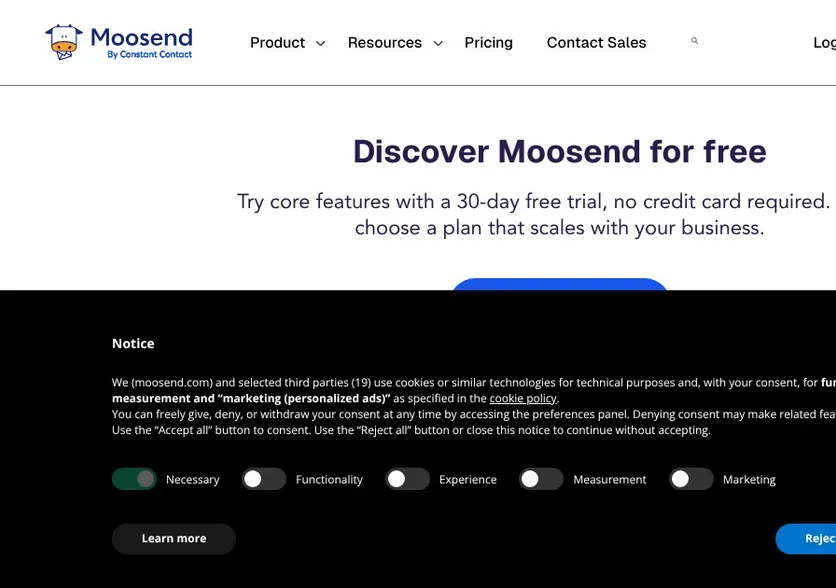
 Moosend | Small businesses that want unlimited sends at the lowest monthly price | $9/month | No free plan; 30-day free trial | Visit |
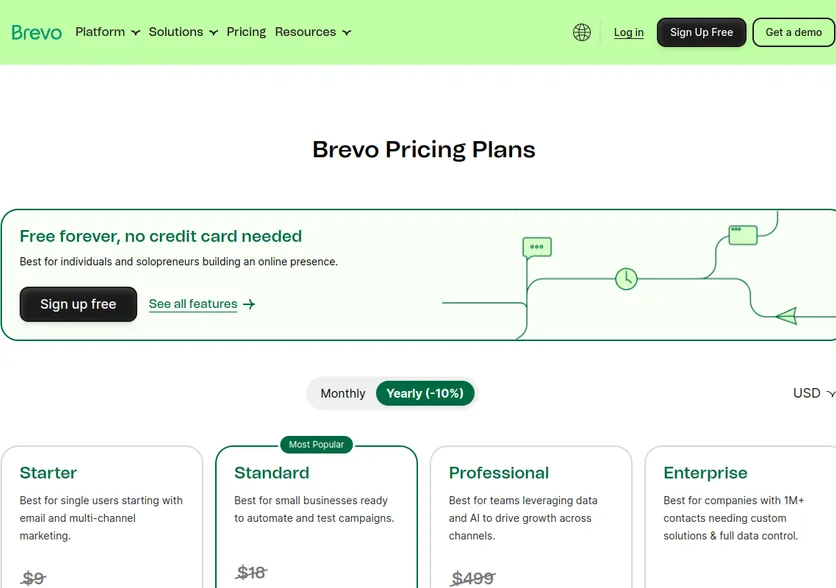
 Brevo | Budget-conscious teams that need marketing and transactional email in one place | $9/month | Free plan: 300 emails a day | Visit |
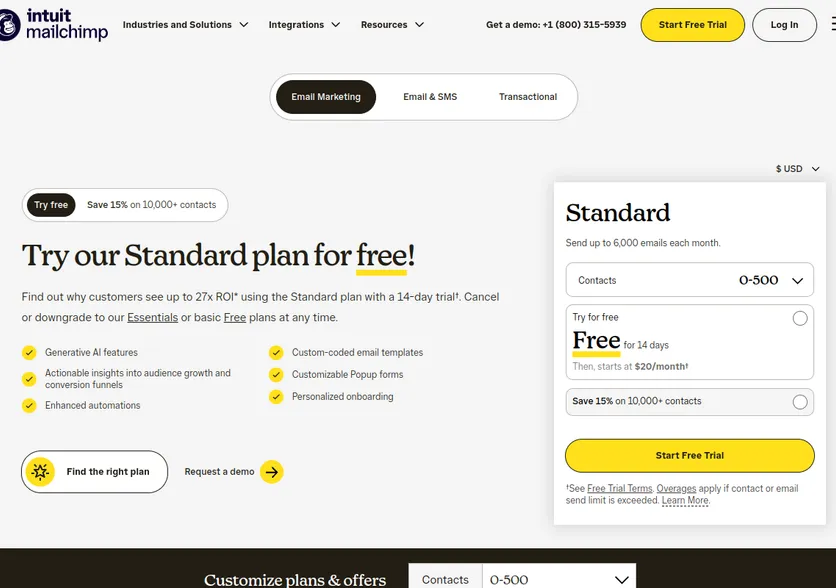
 Mailchimp | New businesses that want a familiar tool with a free starting tier | $13/month | Free plan: 250 contacts | Visit |
 Ortto | Teams that want a customer data platform behind their lifecycle flows | $199/month | No free plan; 14-day free trial | Visit |
The email personalization software for lifecycle campaigns, compared
1. Klaviyo
Best for: Ecommerce brands running behaviour-based welcome, post-purchase and win-back flows
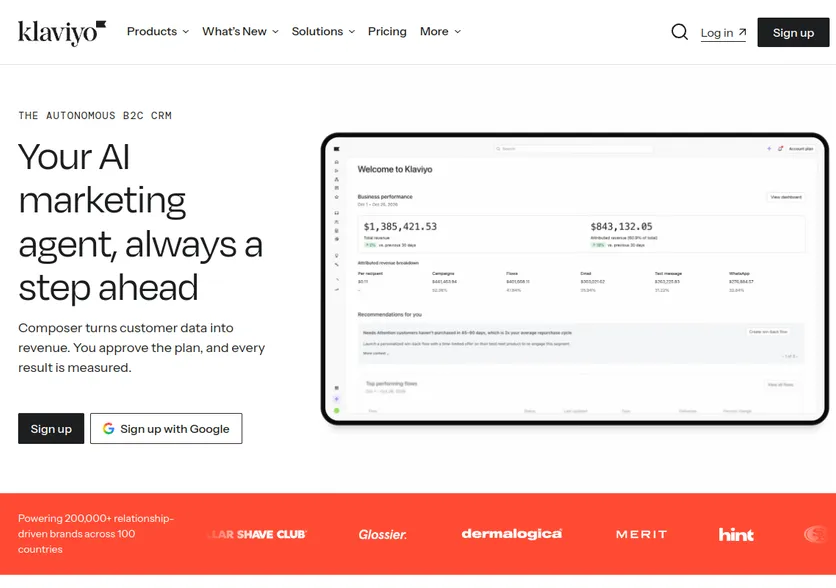
Paid tool Starting price: $20/month · Twenty dollars a month for the Email plan at five hundred active profiles, with five thousand emails a month; the Marketing plan costs twenty-five dollars a month for the first month as an introductory offer; a free plan covers two hundred and fifty profiles and five hundred emails
Free plan: Free plan: 250 active profiles and 500 emails a month
This Klaviyo plan is built for lifecycle campaigns that react to what each customer does, from the first welcome email to the win-back offer a year later. Its segments update in real time as people browse, buy or go quiet, so the same flow sends a different message to a first-time buyer and a lapsed subscriber. The visual flow builder keeps the logic readable even when a journey has a dozen branches.
What we like
- Real-time segments that update as customers browse, buy or go quiet
- Visual flow builder that stays readable with a dozen branches
- Revenue reporting per flow, not just opens and clicks
Watch out for
- Costs climb fast once your list passes a few thousand profiles
- The free plan caps at two hundred and fifty profiles
How to try it
- Connect your store and let Klaviyo sync order and browsing history
- Build one welcome flow with separate paths for buyers and browsers
- Check revenue per flow each week and prune the branches that earn nothing
2. ActiveCampaign
Best for: Small teams that want email automation and a CRM in one subscription
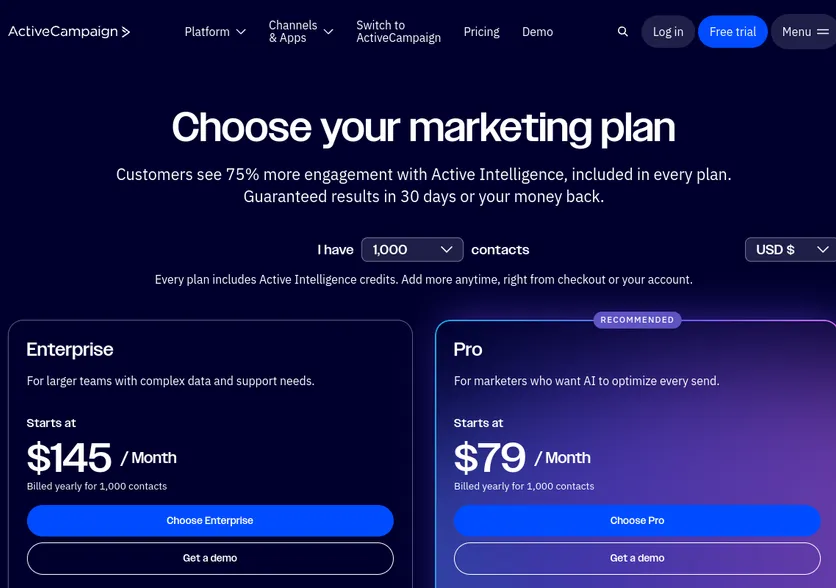
Paid tool Starting price: $15/month · Fifteen dollars a month for Starter billed annually at one thousand contacts, or nineteen dollars billed monthly; Plus costs forty-nine dollars a month and Pro seventy-nine dollars a month
Free plan: No free plan; 14-day free trial
This ActiveCampaign plan pairs email with a visual automation builder that handles multi-step lifecycle journeys without code. Its conditional logic can split a flow by purchase history, site behaviour or a custom score, so a subscriber sees a different path after each action. Built-in CRM tools keep sales notes and email history in one place, which helps small teams follow up without a second system.
What we like
- Visual automation builder with conditional splits and scoring
- CRM included, so sales notes sit next to email history
- Hundreds of ready-made automation recipes to start from
Watch out for
- No free plan, only a fourteen-day trial
- The interface has a learning curve for first-time automation builders
How to try it
- Start from a welcome-series recipe and edit the wait steps
- Add a purchase-history condition to split buyers from browsers
- Turn on the CRM and log the first sales follow-up inside the contact record
3. Drip
Best for: Ecommerce stores that want every automation feature at one flat price
Paid tool Starting price: $39/month · Thirty-nine dollars a month for up to two thousand five hundred people, with every feature included and unlimited sends; larger lists cost more per month
Free plan: No free plan; 14-day free trial
This Drip plan gives every account the full feature set, so a small store gets the same automation tools as a large one. Its visual workflows support branching by purchase, tag or on-site behaviour, and the built-in forms and popups feed new subscribers straight into the right journey. Revenue reporting ties each workflow to the orders it produced, which makes it easy to see which lifecycle stage earns its keep.
What we like
- Every feature included at every price, with unlimited sends
- Visual workflows with branching by purchase, tag or behaviour
- Forms and popups feed subscribers straight into journeys
Watch out for
- Priced by list size, so a growing list raises the bill
- No free plan, only a fourteen-day trial
How to try it
- Import your list and tag customers by first purchase date
- Build a post-purchase flow with a cross-sell branch
- Add an on-site popup that feeds new subscribers into the welcome flow
4. Omnisend
Best for: Stores that want email and SMS in the same lifecycle flows
Paid tool Starting price: $16/month · Sixteen dollars a month for the Standard plan at five hundred contacts, with six thousand emails a month; Pro costs fifty-nine dollars a month at two thousand five hundred contacts
Free plan: Free plan: 250 contacts and 500 emails a month
This Omnisend plan is made for stores that run email and text messages from the same flows. Its pre-built automation library covers welcome, abandoned cart, post-purchase and win-back journeys, so a new store can launch a full lifecycle in an afternoon. The editor shows the email and the text message side by side, which keeps the two channels telling the same story.
What we like
- Pre-built flows for welcome, cart recovery, post-purchase and win-back
- Email and SMS managed in the same automation
- Free plan covers two hundred and fifty contacts
Watch out for
- Advanced reporting and priority support wait for the Pro plan
- The cheapest plan limits you to six thousand emails a month
How to try it
- Pick the abandoned-cart flow from the automation library
- Add a text message step after the second email
- Test the welcome flow with your own address before you switch it on
5. Moosend
Best for: Small businesses that want unlimited sends at the lowest monthly price
Paid tool Starting price: $9/month · Nine dollars a month for the Pro plan at five hundred subscribers, with unlimited emails; a thirty-day free trial is included
Free plan: No free plan; 30-day free trial
This Moosend plan is the cheapest paid entry in this comparison, with unlimited emails from nine dollars a month. Its automation editor handles welcome, onboarding and re-engagement flows with a drag-and-drop canvas, and the template library covers the usual lifecycle emails. Weather-based and purchase-based triggers add a personal touch without any code.
What we like
- Lowest paid entry here, with unlimited emails included
- Drag-and-drop automation for welcome and re-engagement flows
- Weather and purchase triggers add personal touches without code
Watch out for
- No free plan, only a thirty-day trial
- Fewer native integrations than the bigger platforms here
How to try it
- Import your list and set up the welcome automation
- Add a re-engagement branch for subscribers who go quiet for sixty days
- Pick a template for each lifecycle stage and swap in your branding
6. Brevo
Best for: Budget-conscious teams that need marketing and transactional email in one place
Paid tool Starting price: $9/month · Nine dollars a month for the Starter plan billed annually, covering five thousand emails a month and up to five hundred contacts; Standard costs eighteen dollars a month
Free plan: Free plan: 300 emails a day
This Brevo plan is the budget pick for lifecycle email, starting at nine dollars a month with a free plan underneath it. Its automation builder covers welcome, birthday and re-engagement flows, and the same account can send transactional emails such as order confirmations. Contact scoring and send-time optimisation help small teams personalise without a data analyst.
What we like
- Free plan included, with paid plans starting at nine dollars a month
- Marketing and transactional email in the same account
- Send-time optimisation and contact scoring built in
Watch out for
- The Starter plan caps contacts at five hundred
- Template variety is thinner than the dedicated ecommerce tools here
How to try it
- Create a welcome automation from the template gallery
- Set up an order-confirmation email on the transactional side
- Turn on send-time optimisation for your weekly campaign
7. Mailchimp
Best for: New businesses that want a familiar tool with a free starting tier
Paid tool Starting price: $13/month · Thirteen dollars a month for the Essentials plan at five hundred contacts; Standard costs twenty dollars a month and Premium three hundred and fifty dollars a month; first-year promotional rates are lower and are not the list price
Free plan: Free plan: 250 contacts
This Mailchimp plan remains the most widely used starting point for lifecycle email, with customer journeys that trigger on purchases, tags and dates. Its template library and content optimiser make it easy to build a welcome series that looks polished on the first try. The free plan covers two hundred and fifty contacts, so a new business can test the flows before paying.
What we like
- Huge template library and a polished drag-and-drop editor
- Customer journeys trigger on purchases, tags and dates
- Free plan for up to two hundred and fifty contacts
Watch out for
- Costs rise steeply as the list grows past a few thousand
- Advanced segmentation sits on the higher plans
How to try it
- Build a three-email welcome journey from a template
- Tag customers by first purchase and split the flow
- Use the content optimiser to test two subject lines
8. Ortto
Best for: Teams that want a customer data platform behind their lifecycle flows
Paid tool Starting price: $199/month · One hundred and ninety-nine dollars a month for the Starter plan, with a fourteen-day free trial and savings of up to fifteen percent on annual billing; Enterprise pricing is custom
Free plan: No free plan; 14-day free trial
This Ortto plan is the premium pick here, built for teams that want customer data and journeys in one system. Its customer data platform merges behaviour from the website, the store and the inbox, so a flow can react to the full history of each person. The price is the highest in this comparison, so it suits teams that already run a serious lifecycle programme.
What we like
- Built-in customer data platform merges web, store and inbox behaviour
- Journeys react to the full history of each person
- Strong reporting on lifecycle revenue by segment
Watch out for
- The highest price in this comparison by a wide margin
- Overkill for a store that only needs a welcome series
How to try it
- Connect your store and website tracking first
- Build one audience from purchase history and browsing behaviour
- Launch a win-back journey for customers quiet for ninety days
Prices above were checked on each vendor’s own website on Nov 27, 2026 and can change — the vendor’s page is the final word. Vendor links are editorial: nobody paid to be listed or ranked here. Vendors who want a featured listing can see how it works on our Get listed page.
How to build a lifecycle programme that pays for itself
Start with the welcome flow, because it earns the highest open rates of any email you will ever send. Map the first week of a new subscriber on paper before you build anything: a welcome email on day zero, a story or bestseller email on day two, and a first-order offer on day four. Add the post-purchase flow next, since a customer who just bought is the most likely to buy again, then build the win-back flow for people who go quiet for sixty days.
Keep the personalisation honest: use purchase history and browsing behaviour, not guesses about what someone might like. Test one change at a time, such as the delay before the win-back email, and keep the version that earns more revenue per subscriber. Watch the bill as the list grows, because several tools in this comparison price by contact count, and a list that doubles can double the subscription.
Before you buy
- Check the contact limit on the cheapest plan before you import your list
- Make sure win-back and post-purchase flows are included, not locked away
- Confirm the price per contact at twice your current list size
- Test the welcome flow on your own inbox before you switch it on
- Pick a tool that reports revenue per flow, not just opens and clicks
Official websites
Official websites of the products reviewed above. Features and prices were checked against these sites when this guide was written, and they can change, so confirm on the vendor site before you buy.
Frequently asked questions
What is the cheapest email personalization tool for lifecycle campaigns?
Moosend and Brevo both start at nine dollars a month, the lowest paid entry in this comparison. Brevo also has a free plan with three hundred emails a day, and Moosend offers a thirty-day free trial with unlimited emails. Klaviyo and Omnisend have free plans too, but their paid plans start at twenty and sixteen dollars a month. For a small list, Brevo is the cheapest way to run real lifecycle flows.
What makes lifecycle personalization different from a normal newsletter?
A newsletter sends the same message to everyone on a schedule, while lifecycle personalization sends a different message based on where each person is in their journey. A new subscriber gets a welcome series, a recent buyer gets care and cross-sell emails, and a quiet subscriber gets a win-back offer. The content, timing and channel all change with behaviour, which is why these tools track purchases and browsing rather than just opens.
Do I need a customer data platform for lifecycle email?
No, most small teams do not. Klaviyo, ActiveCampaign and Drip track purchases and browsing well enough to run welcome, onboarding and win-back flows without a separate data platform. A customer data platform such as Ortto earns its price only when you combine data from many sources, such as a store, a website and a support desk. Start with the email tool, and add a data platform when your segments need data it cannot see.
How many emails should a welcome series have?
Three emails over four days is a reliable starting point: a welcome and brand story on day zero, a bestseller or social proof email on day two, and a first-order offer on day four. More than five emails before the first purchase usually annoys new subscribers, while a single email leaves money on the table. Watch the revenue per subscriber for each step, and add or remove emails based on what the numbers say.
Can these tools send text messages as well as email?
Omnisend is the strongest choice here, because it runs email and SMS in the same flows and shows both channels side by side. Klaviyo also supports SMS as an add-on, billed separately from the email plan. The other tools in this comparison are email-only, so a team that wants texting would need a second service. Keep the message the same across channels, and use SMS only for time-sensitive steps such as cart reminders.
Compare the eight tools above, then start with a free plan or trial and build your welcome flow before you touch anything else.
Browse Marketing & Ads Calculators tools